How we make this list: we compare pricing pages, product documentation and public user reviews. Ratings come from G2, Capterra or Trustpilot, with the date we checked them.
Key takeaways
- Wix is the safest all-round pick for most people, with a free plan, an AI builder, and business tools in one place, while Squarespace suits design-led sites and portfolios where visual polish matters most.
- Framer and Webflow give you far more design control than one-prompt builders, but both ask for more learning time, so they fit designers and marketing teams better than first-time site owners.
- Hostinger, Durable, Jimdo, and Dorik all start free or very cheap, which makes them strong picks for small businesses that need a professional site without a large monthly bill.
- AI drafts are starting points, not finished sites. Plan time to rewrite the copy in your own voice, replace stock-style images with real photos, and check every page on a phone before you publish.
- Watch the renewal price, not just the first-term price. Introductory rates on long prepay terms can double at renewal, and free plans usually mean branded subdomains and vendor branding on your pages.
Quick comparison
| Tool | Best for | Starting price | Free plan |
|---|
 Wix Wix | All-around AI website building | $17/month | Yes |
 Squarespace Squarespace | Design-led sites and portfolios | $19/month | Free trial |
 Framer Framer | Designers who want pixel control | $10/month | Yes |
 Webflow Webflow | Custom, high-end marketing sites | $15/month | Yes |
 Hostinger Hostinger | Budget AI sites with hosting included | $2.49/month | No |
 Durable Durable | Small service businesses that want a site fast | Free | Yes |
 10Web 10Web | WordPress sites built from a prompt | $10/month | Free trial |
 Jimdo Jimdo | Solopreneurs and tiny businesses | Free | Yes |
 Dorik Dorik | Affordable AI sites with CMS and Airtable | Free | Yes |
Is your product missing or out of date?
We review this list regularly. Vendors can request a listing, send updated pricing or ask about featured placement.
#1Wix
Best for: All-around AI website building4.2/5 on
G2 (1,888 reviews, checked Oct 2026)
Visit wix.com
Starting price$17/month
Free planYes
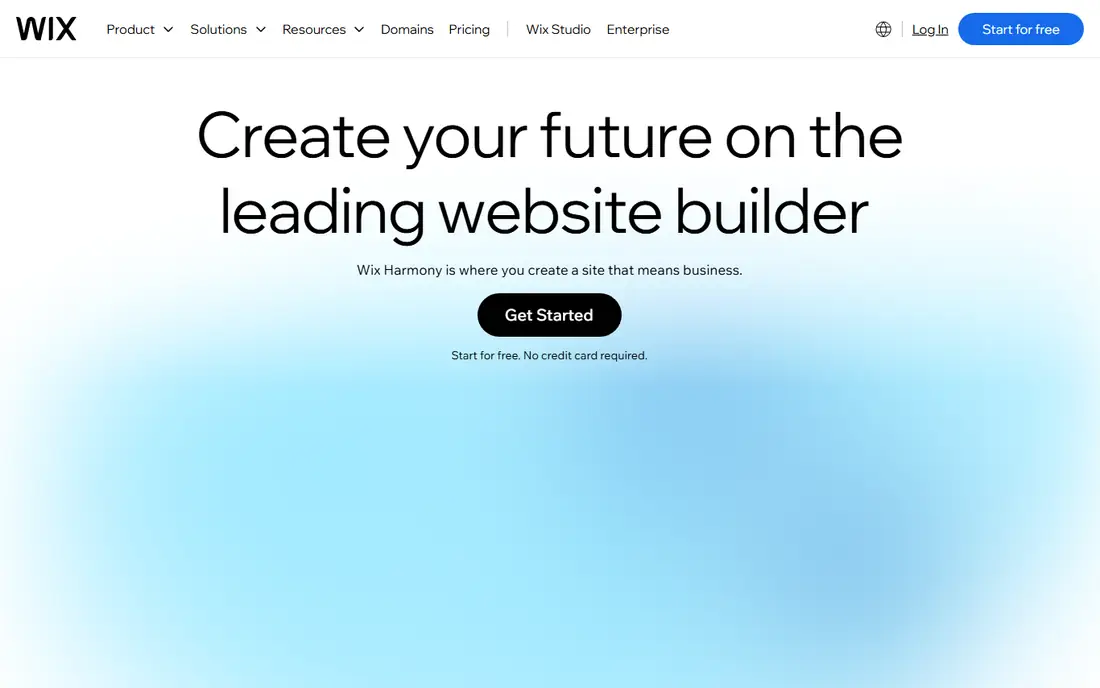
Wix is the biggest name on this list for a reason. Its AI builder, now called Wix Harmony, turns a short description of your business into a full site, and you can then refine it with drag-and-drop editing or conversational prompts. The platform also covers the parts of running a business that pure design tools skip, including bookings, payments, email marketing, and analytics, all from one dashboard.
The trade-offs are familiar. The free plan keeps your site on a Wix subdomain with Wix branding, so a custom domain needs a paid plan starting at $17 per month billed annually on the Light plan. Template choice also matters more here than elsewhere, since switching templates after you have built pages means rebuilding them. For most small businesses that want one tool to design, launch, and run a site, Wix remains the default choice.
What we like- AI builder plus full business tools
- More than 2,000 templates
- Free plan to start
Watch out for- Free plan shows Wix branding and uses a Wix subdomain
- Switching templates later means rebuilding pages
#2Squarespace
Best for: Design-led sites and portfolios4.4/5 on
G2 (1,133 reviews, checked Oct 2026)
Visit squarespace.com
Starting price$19/month
Free planFree trial
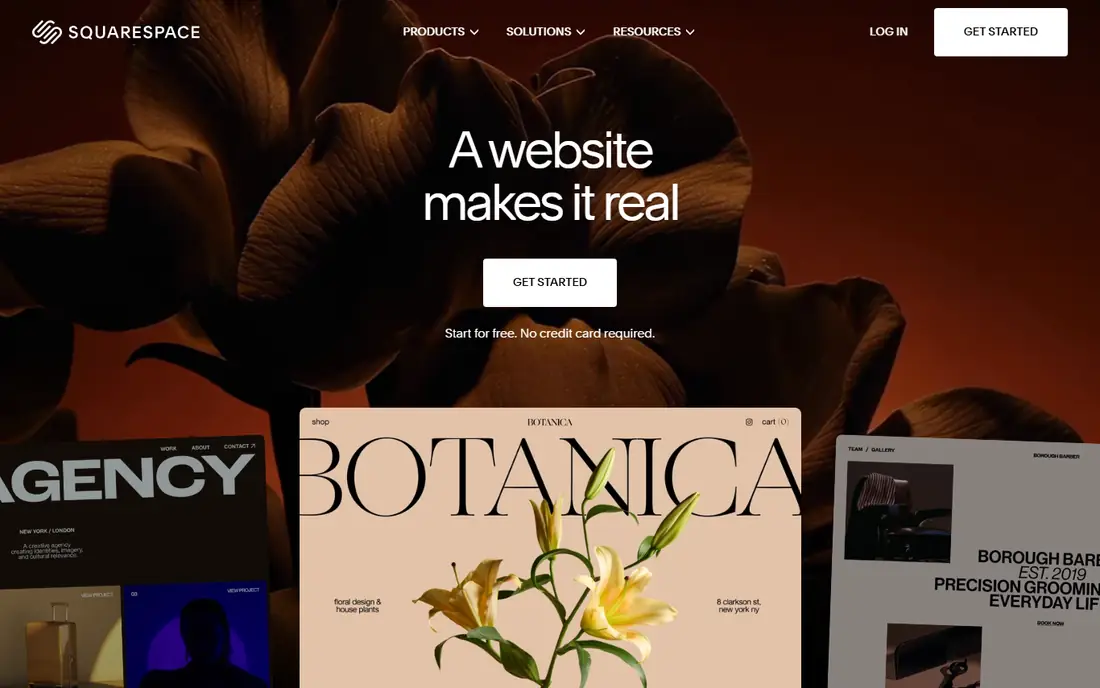
Squarespace has long been the pick for people who care how a site looks, and its Blueprint AI keeps that reputation intact. You answer questions about your business, and Blueprint generates a complete site with copy and images matched to your answers, which you then refine in the drag-and-drop editor. The same platform handles online stores, service bookings through Acuity Scheduling, invoicing, and marketing tools, so a portfolio or small shop can run end to end without extra software.
Pricing is straightforward but not cheap. After a free 14-day trial, plans start at $19 per month, and a custom domain costs extra unless you take an annual plan, which includes one free for the first year. Layout control is also more limited than Framer or Webflow, since Squarespace templates follow stricter grids. If visual polish matters more than pixel-level control, Squarespace is hard to beat.
What we like- Blueprint AI generates a full site from a few answers
- Polished templates
- Built-in selling and scheduling
Watch out for- No free plan, only a 14-day trial
- Less flexible layout control than Framer or Webflow
#3Framer
Best for: Designers who want pixel control4.5/5 on
G2 (144 reviews, checked Oct 2026)
Visit framer.com
Starting price$10/month
Free planYes
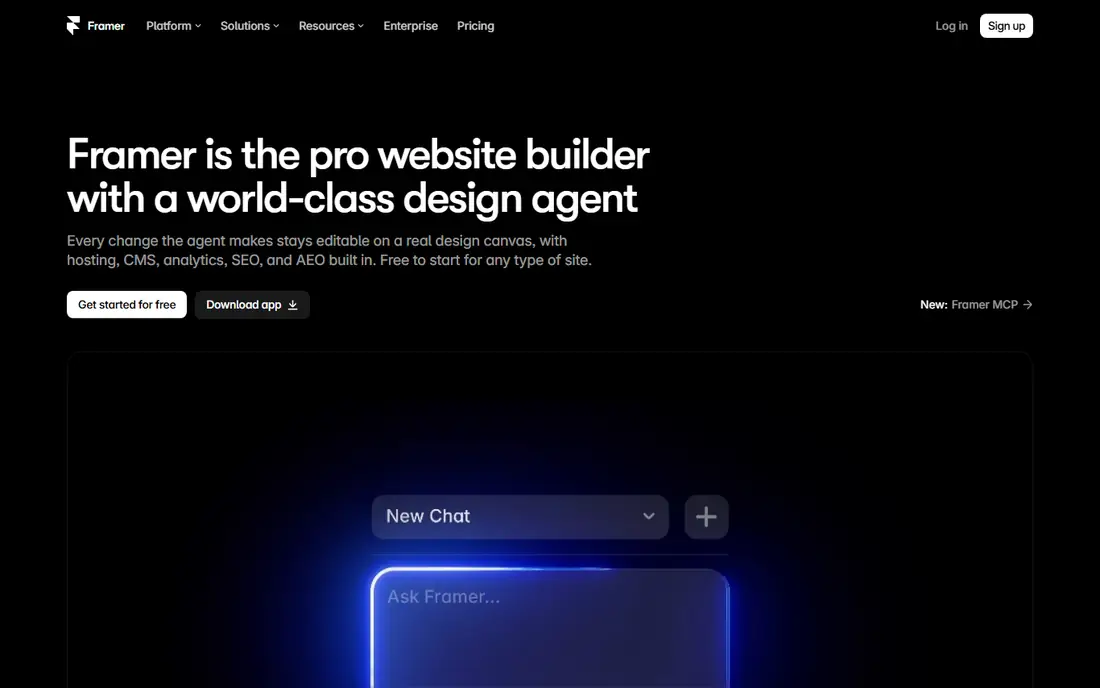
Framer started as a design tool, and that shows in how its AI works. Instead of a separate setup wizard, an AI design agent works directly on the canvas, generating and refining layouts in place, with every change visible and editable. A built-in CMS handles blogs and content collections, and the animation tools produce the kind of motion design that usually needs a developer. The free plan lets you try the full design experience before paying, and the Basic plan costs $10 per month billed annually.
The price of that control is a steeper learning curve. Framer assumes some design sense, and people who just want a quick business site may find Wix or Durable faster. E-commerce is also not Framer's strength, so shops with large catalogs will be better served elsewhere. For designers, startups, and marketing teams that want a distinctive site without writing code, Framer is the strongest design-led AI option here.
What we like- AI design agent works directly on the canvas
- Strong animation and CMS
- Free plan available
Watch out for- Learning curve for non-designers
- E-commerce is weaker than Wix or Squarespace
#4Webflow
Best for: Custom, high-end marketing sites4.4/5 on
G2 (995 reviews, checked Oct 2026)
Visit webflow.com
Starting price$15/month
Free planYes
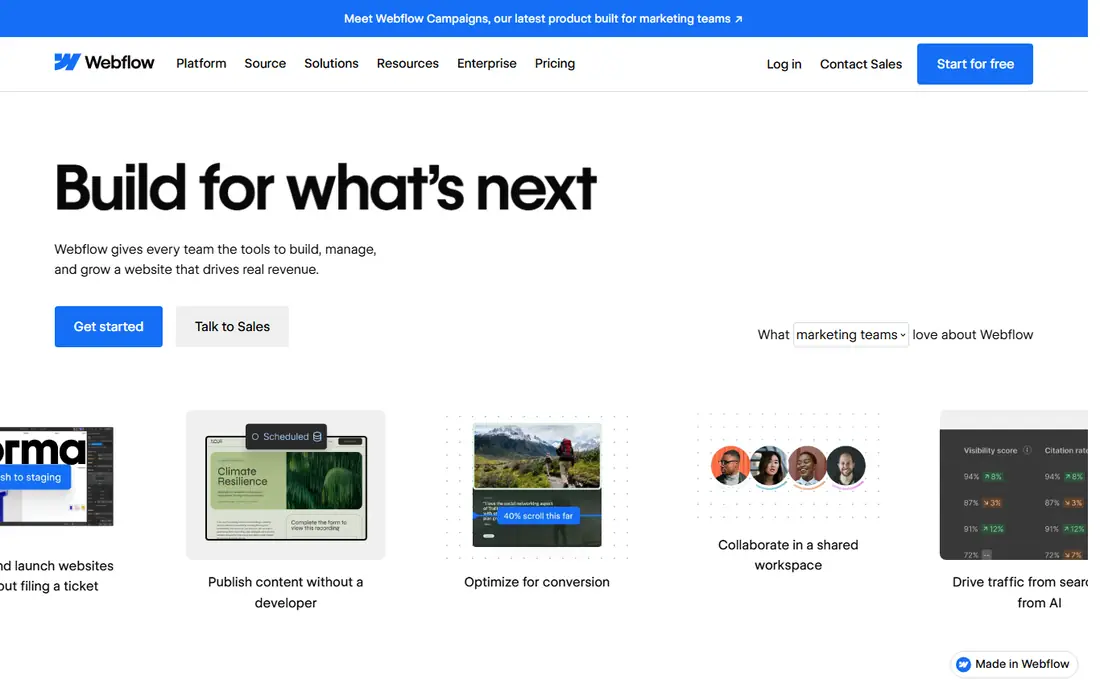
Webflow is the professional end of this list. It gives designers and marketing teams visual control close to hand-coded HTML and CSS, with a CMS, animations, A/B testing, and SEO controls built in, plus hosting that handles tens of billions of page views a month. AI features now help with content, code components, and personalization, but Webflow is still a design platform first and an AI builder second. You can start free and stage a site, with the Basic site plan at $15 per month billed annually for a custom domain.
That power comes with the steepest learning curve here. New users should expect days, not minutes, before they feel fluent, and agencies often run client sites on Webflow for exactly that reason. If you need a truly custom marketing site and have design skills or a designer on hand, Webflow repays the effort. If you need a simple site this week, pick Wix or Durable instead.
What we like- Precise visual control over layout and typography
- CMS, interactions, and SEO controls built in
Watch out for- Steepest learning curve on this list
- AI features sit inside a pro tool, not a one-prompt builder
#5Hostinger
Best for: Budget AI sites with hosting included4.4/5 on
G2 (834 reviews, checked Oct 2026)
Visit hostinger.com
Starting price$2.49/month
Free planNo
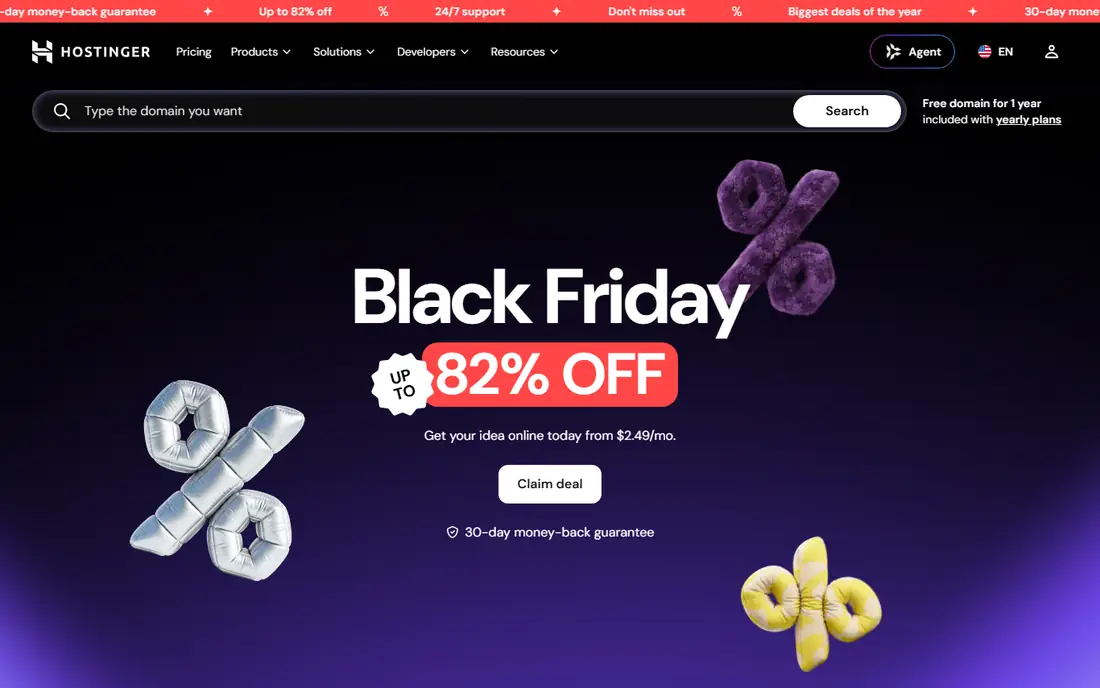
Hostinger has grown from a budget host into a full platform for building and running a business online. Its AI Builder turns a description into a website, online store, or app, which you then shape with AI chat or drag-and-drop editing, and the same account covers hosting, domains, business email, and marketing tools. Plans currently start from $2.49 per month on promotional long-term terms, with a 30-day money-back guarantee, which makes Hostinger the cheapest paid entry on this list.
The main gap is the lack of a free plan, so you pay before you can judge the result, though the money-back window softens that. AI drafts also tend to need more editing than the polished output from Wix or Squarespace, and the template range is smaller. For buyers who already need hosting and want the lowest monthly cost with AI building included, Hostinger is strong value.
What we like- Lowest paid starting price here
- AI Builder plus hosting, domain, and email in one account
- 30-day money-back guarantee
Watch out for- No free plan
- AI drafts need more editing than Wix or Squarespace for a polished result
#6Durable
Best for: Small service businesses that want a site fast4.5/5 on
G2 (2 reviews, checked Oct 2026)
Visit durable.co
Starting priceFree
Free planYes
Durable is built for speed. Tell it what your business does, and it generates a website in about 30 seconds, complete with copy and images, then adds the tools a service business needs to operate: a CRM for leads, invoicing, booking, and marketing help, all under one subscription. The company reports more than 11 million websites generated, and its Launch plan costs $25 per month, with a free plan to start.
The trade-off is flexibility. Durable sites look clean and professional, but you cannot reshape them as freely as a Framer or Webflow site, and content-heavy projects like large blogs or directories will feel cramped. For tradespeople, consultants, restaurants, and other service businesses that need to look credible online this week, Durable is the fastest path on this list.
What we like- Generates a site in about 30 seconds
- Built-in CRM, invoicing, and booking
- Free plan to start
Watch out for- Design flexibility is limited compared with Framer or Webflow
- Best for service businesses, less for content-heavy sites
#710Web
Best for: WordPress sites built from a prompt4.6/5 on
G2 (171 reviews, checked Oct 2026)
Visit 10web.io
Starting price$10/month
Free planFree trial
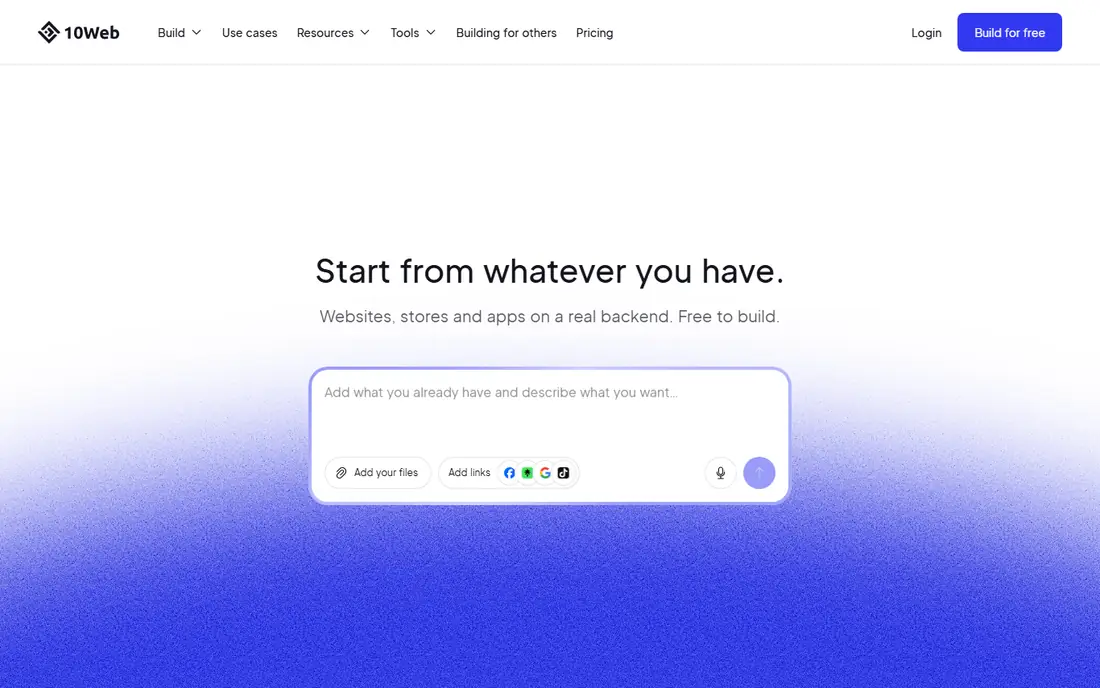
10Web is the only tool here that builds on WordPress, and that is its main selling point. One prompt produces a working site, store, or app with a real backend, including checkout, payments, bookings, and logins, hosted and managed on Google Cloud. Because the result is standard WordPress, any of the 60,000-plus WordPress plugins work with it, and you keep full access to the code. Building is free on a 10Web link, and the AI Starter plan costs $10 per month billed annually.
WordPress brings real advantages for growth, but also real complexity. Plugin updates, settings, and the WordPress dashboard itself can confuse beginners, and some generation features use credits that limit how much you can rebuild. For buyers who want AI speed today plus the freedom of WordPress tomorrow, 10Web is the best bridge between the two.
What we like- Real WordPress backend with access to 60,000-plus plugins
- Builds stores and apps, not just pages
- Managed Google Cloud hosting
Watch out for- WordPress complexity can surface for beginners
- Some generation is credit-based
#8Jimdo
Best for: Solopreneurs and tiny businesses3.7/5 on
G2 (19 reviews, checked Oct 2026)
Visit jimdo.com
Starting priceFree
Free planYes
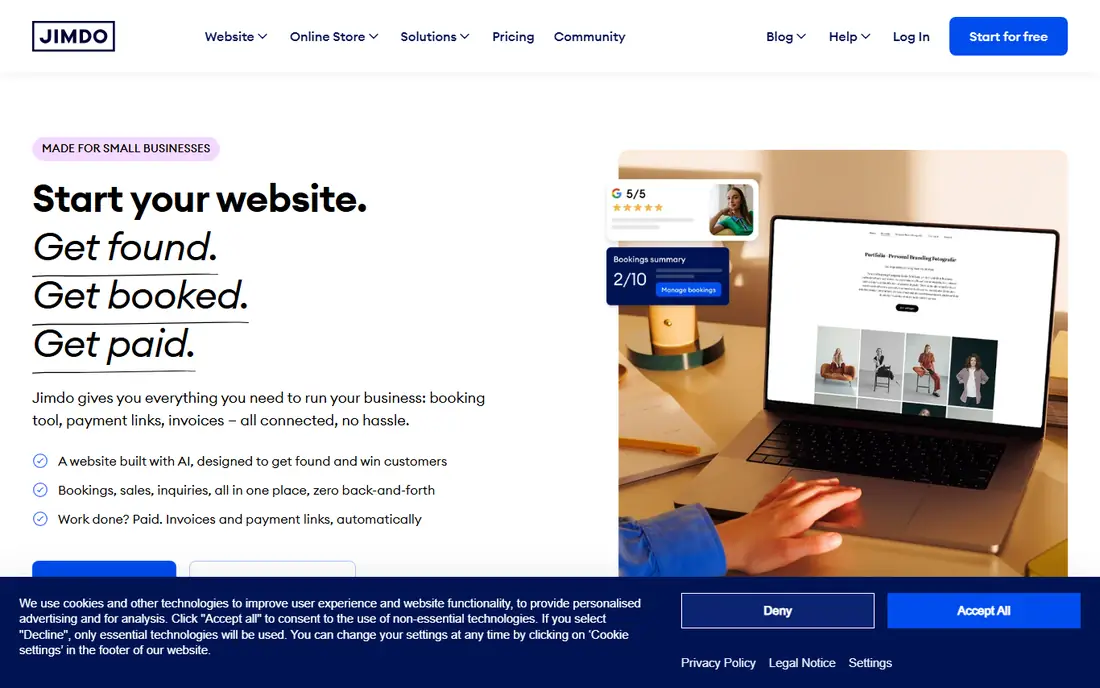
Jimdo is aimed squarely at one-person and very small businesses, and its pitch is refreshingly direct: no credit card, free to start, online in minutes. Its AI asks about your business and generates a site with structure, copy, images, and calls to action, tuned for search on Google and AI assistants. The same platform adds bookings, an online shop, payment links, and automatic invoices, with legal texts and GDPR compliance built in for European sellers.
The limits match the audience. The template and app range is smaller than Wix, and designers will miss the fine control of Framer or Webflow. Paid plans add custom domains and more features, but the free plan already covers a credible starter site. For a solo business that needs to get found, get booked, and get paid with minimal fuss, Jimdo is a strong, genuinely free starting point.
What we like- Free plan with no credit card required
- AI built for small businesses
- Bookings, payments, and invoices included
Watch out for- Smaller template and app ecosystem than Wix
- Advanced design control is limited
#9
Dorik
Best for: Affordable AI sites with CMS and Airtable
Visit dorik.com
Starting priceFree
Free planYes
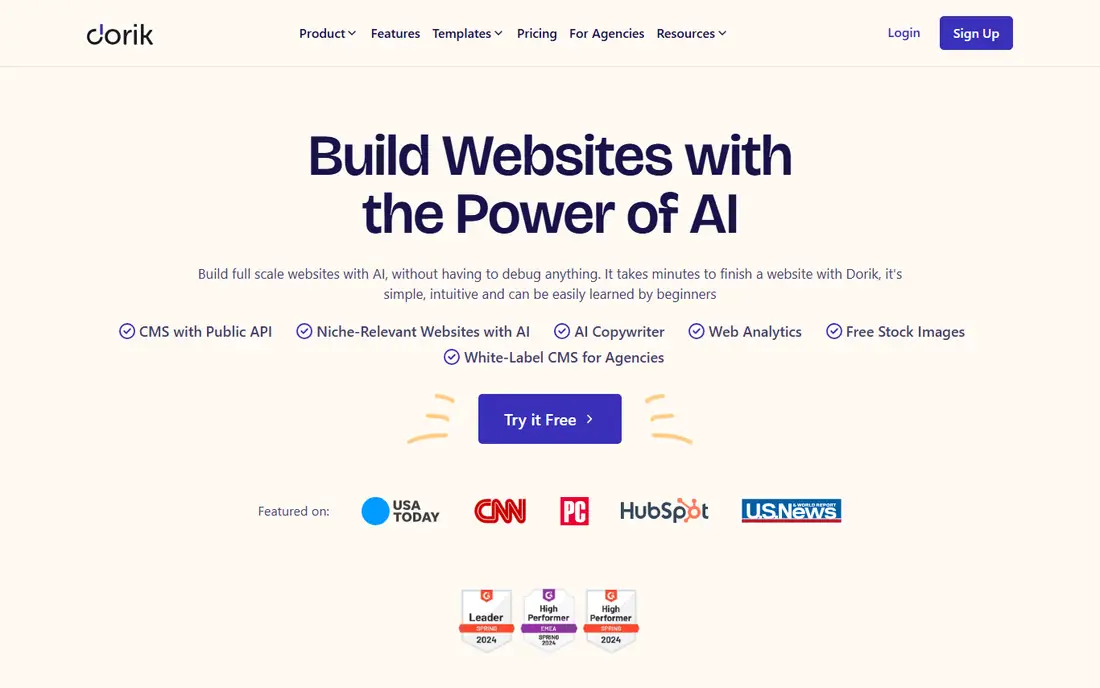
Dorik is a smaller builder with an unusually generous feature set for the price. Its AI website generator turns a prompt into a full site, and the no-code editor offers more than 250 UI blocks and 110 templates to reshape it. Standout features include a built-in blogging platform, native SEO tools, Airtable integration for data-driven sites like directories and job boards, and a white-label CMS that agencies can brand for clients. Building starts free, and paid plans with custom domains start at $20.75 per month.
The main drawback is scale of ecosystem. Dorik has fewer third-party integrations and fewer tutorials than Wix, Squarespace, or Webflow, so unusual requirements may need workarounds. For freelancers, agencies, and small teams that want an affordable AI builder with a real CMS and Airtable support, Dorik punches above its price.
What we like- Free start
- 250-plus UI blocks and 110-plus templates
- White-label CMS for agencies
- Unlimited storage and bandwidth on paid plans
Watch out for- Smaller ecosystem than the big three builders
- Custom domains need a paid plan from $20.75 per month
How we chose
We compared vendor pricing pages, current 2026 pricing guides, and each vendor's own homepage, opening all nine homepages to confirm they load and belong to the products named. Every tool here generates a real, publishable website from AI input and is available to US buyers in 2026. We favored tools with a free plan or trial, clear pricing, and a live product behind the marketing page, and we left out pure mockup generators and tools whose sites we could not verify.
What to decide before you buy
Start with how much control you want. If you want the fastest result with the least learning, shortlist Wix, Squarespace, and Durable, and pick based on budget and how much you care about design polish. If you have design skills or plan to hire a designer, Framer and Webflow will produce a more distinctive site, and the extra learning time pays off over the life of the site. If you want the lowest cost or a specific platform, Hostinger, Jimdo, Dorik, and 10Web cover budget, solo-business, agency, and WordPress needs in turn.
Next, check the costs that hide behind the headline price. A free plan usually means a branded subdomain and vendor branding, a custom domain often costs extra, and introductory prices on long prepay terms usually rise at renewal. Also confirm the features you actually need: online selling, bookings, a blog, or a CMS, since a builder that lacks one of these can force a rebuild later. Finally, generate a draft on your top two choices before paying, rewrite the AI copy in your own voice, and view the draft on a phone, since most visitors will meet your site there first.
Frequently asked questions
Do AI website builders replace web designers?
No, they replace the blank page, not the designer. AI builders produce a solid draft quickly, but a designer still adds judgment about layout, brand, imagery, and messaging. For a simple business site, an AI draft plus your own edits is often enough. For a brand-led or complex site, use the AI draft as a starting point for a designer, not as the finished product.
Can I use my own domain name with these tools?
Yes, on paid plans. Wix, Squarespace, Framer, Webflow, Hostinger, 10Web, Jimdo, and Dorik all support custom domains once you pay, and Squarespace includes a free domain for the first year on annual plans. Free plans normally publish on a branded subdomain instead, which is fine for testing but not ideal for a business.
Will an AI-built site rank on Google?
It can, but the builder alone does not guarantee rankings. All nine tools include basic SEO controls like page titles, meta descriptions, and mobile-friendly layouts. Rankings still depend on useful content, real business information, local listings, and links from other sites. Jimdo and Webflow put extra weight on search structure, while Wix and Squarespace add built-in SEO assistants to flag gaps.
How much should a small business pay for an AI website builder?
Most small businesses land between free and $25 per month. Jimdo, Dorik, Durable, and Framer all offer free starts, Hostinger starts near $2.49 per month on promotion, and Wix, Squarespace, and Webflow sit between $15 and $19 per month for a custom domain. Add domain registration, roughly $10 to $20 per year, and any paid apps or e-commerce features on top.
Can I move my site to another platform later?
Moving is possible but rarely clean. Content like text and images can be exported or copied, but layouts, templates, and builder-specific features do not transfer. 10Web is the exception here, since its WordPress output can move to any WordPress host. If you think you may outgrow a builder, favor WordPress-based 10Web or keep your domain name registered separately so you keep control of it.
Which AI website builder is best for a complete beginner?
Wix or Durable. Wix offers the widest safety net of templates, business tools, and help articles, while Durable produces a finished-looking site fastest. Squarespace is also beginner-friendly if design polish matters more than business tools. Try the free plan or trial on two of them, generate the same business idea on each, and pick the draft you would be happiest editing.
Sources we checked (10)
- https://www.wix.com/
- https://www.squarespace.com/
- https://www.framer.com/
- https://webflow.com/
- https://www.hostinger.com/
- https://durable.co/
- https://10web.io/
- https://www.jimdo.com/
- https://dorik.com/
- https://www.squarespace.com/pricing
Is your product missing or out of date?
We review this list regularly. Vendors can request a listing, send updated pricing or ask about featured placement.

Shihab Mia · Founder, Rankite
Shihab has 5+ years in B2B and SaaS SEO. He writes Rankite's software buying guides from pricing pages, documentation and public user reviews. More about Shihab.