How we make this list: we compare pricing pages, product documentation and public user reviews. Ratings come from G2, Capterra or Trustpilot, with the date we checked them.
Key takeaways
- Teal is the best all-round starting point because it combines a resume builder with a job tracker on a genuinely useful free plan.
- Jobscan and Rezi are the most focused ATS tools, and they suit a targeted application sprint better than a year-long subscription.
- Kickresume gives the best value for a polished resume and cover letter, with paid plans from $24 per month billed monthly and cheaper annual pricing.
- Final Round AI is the interview specialist in this list, but at $99 per month it only makes sense during an active interview round.
- Auto-apply tools save time, yet they can also send generic applications, so keep human review on every role you truly want.
Quick comparison
| Tool | Best for | Starting price | Free plan |
|---|
 Teal Teal | Organizing a full job search | $29 per user/month | Yes |
 Kickresume Kickresume | Polished resumes and cover letters | $24 per user/month | Yes |
 Rezi Rezi | ATS scoring and keyword targeting | $29 per user/month | Yes |
 Jobscan Jobscan | Matching a resume to one job post | $49.95 per user/month | Yes |
 Enhancv Enhancv | Design-led resumes for senior roles | $39 per user/month | Free trial (7 days) |
 Final Round AI Final Round AI | Interview practice and live support | $99 per user/month | Free trial |
 Huntr Huntr | Tracking applications and contacts | $40 per user/month | Yes |
 Careerflow Careerflow | LinkedIn-focused job hunting | See website | Yes |
 Simplify Simplify | Autofill and application tracking | See website | Yes |
Is your product missing or out of date?
We review this list regularly. Vendors can request a listing, send updated pricing or ask about featured placement.
Starting price$29 per user/month
Free planYes
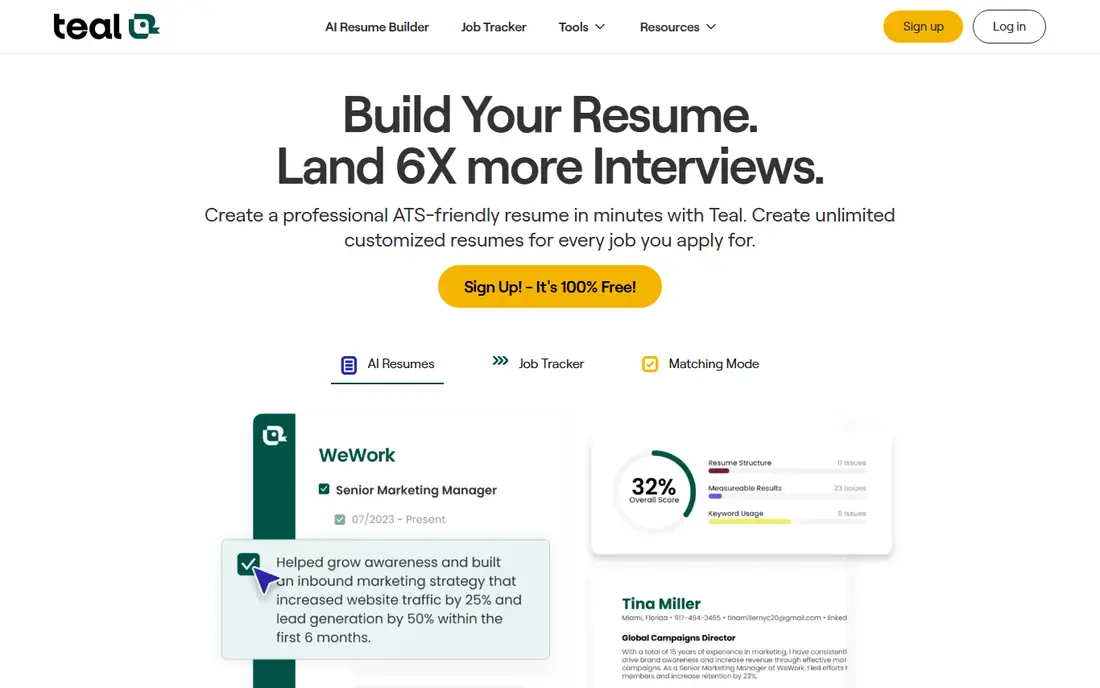
Teal treats the job search as a pipeline, not a single document. You save roles from LinkedIn, Indeed, and other boards with a Chrome extension, track each stage from applied to interview, and build tailored resumes from the same dashboard. That structure helps when you have twenty applications open at once and cannot remember which version went where.
The free plan is strong: unlimited resumes, unlimited tracking, and limited AI credits for bullets, summaries, and cover letters. Teal+ at $29 per month adds unlimited AI generation, full match scoring, and ATS readability checks. The AI output is useful as a draft, but it still needs your voice and real numbers added before sending. Teal fits a mid-career seeker juggling many roles better than someone who only needs one resume polished once.
What we like- Unlimited resumes and tracking on free plan
- Chrome extension saves jobs in one click
- Match score links resumes to job posts
Watch out for- AI writing needs editing
- Full AI features require Teal+
- No mock interview coaching
Starting price$24 per user/month
Free planYes
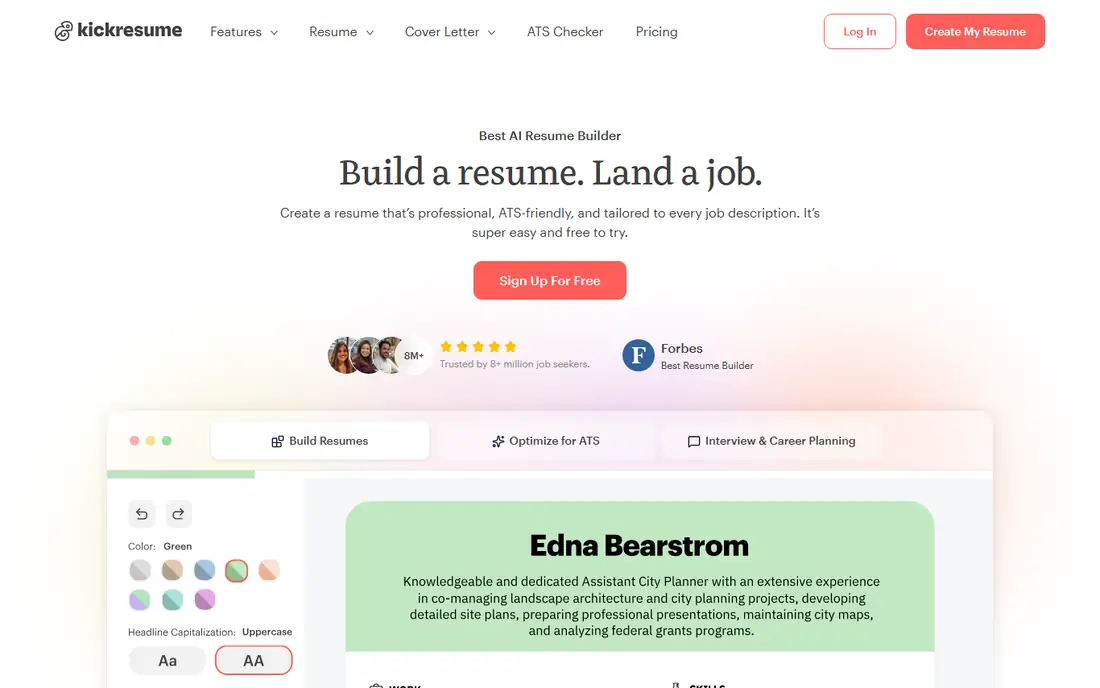
Kickresume is a design-first builder that makes a resume look finished without a designer. You pick a template, enter your history, and use the AI Writer to turn rough notes into achievement bullets. Cover letters follow the same flow, so a matched set for one role takes far less time than starting in a blank document.
Free users get basic templates with unlimited downloads, while Premium at $24 per month adds the AI Writer, the ATS checker, and the full template set. Annual billing lowers the effective monthly cost further. The weakness is generic phrasing: AI bullets often need specific metrics and context only you can supply. Kickresume suits a seeker who wants a clean, modern resume fast and is willing to edit the wording.
What we like- Many professional templates
- AI Writer for bullets and summaries
- ATS checker on Premium
Watch out for- Best templates need Premium
- AI drafts can sound generic
- No application tracker
Starting price$29 per user/month
Free planYes
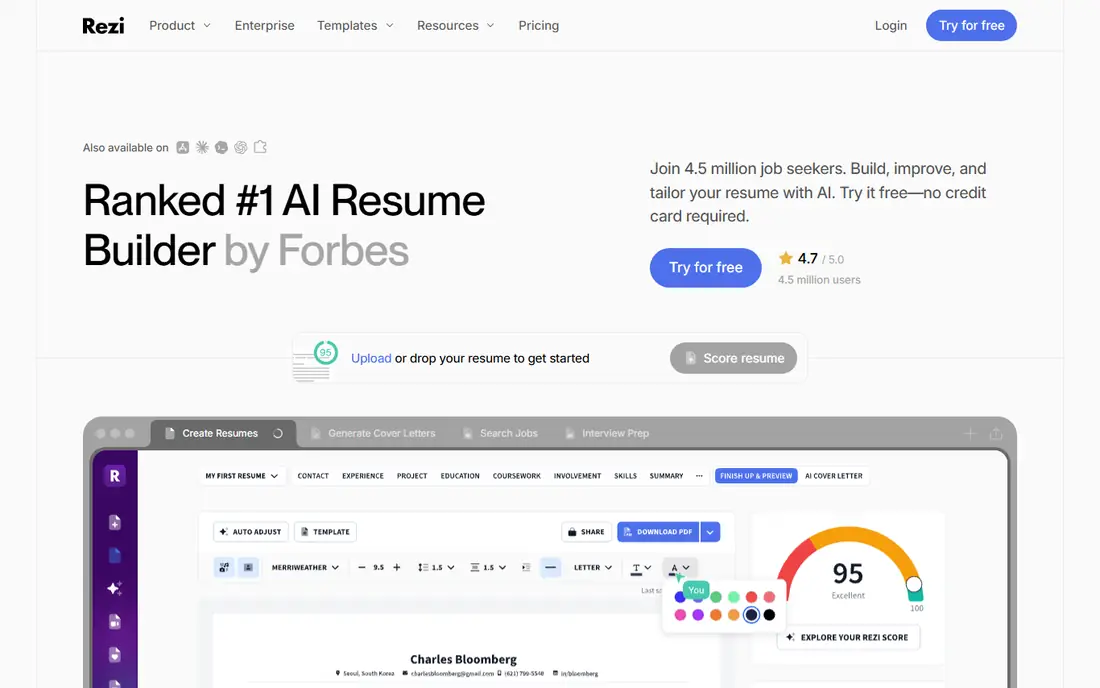
Rezi focuses on one outcome: getting past the applicant tracking system. As you edit, it scores your resume against ATS criteria and highlights missing keywords from a specific job description. That feedback loop is more useful than a generic template, because it ties every change to a real posting rather than a style preference.
The free plan covers one resume and three PDF downloads, which is enough to test the scoring. Pro at $29 per month provides unlimited resumes and full targeting, and a $149 lifetime option beats monthly billing if you expect a long or repeated search. Templates are plain by design, since complex layouts can confuse parsers. Choose Rezi when ATS rejection, not appearance, is your main problem.
What we like- Real-time ATS score as you edit
- Keyword targeting for each job post
- Lifetime plan option at $149
Watch out for- Design options are plain
- Free plan allows one resume
- Learning curve for first-time users
Starting price$49.95 per user/month
Free planYes
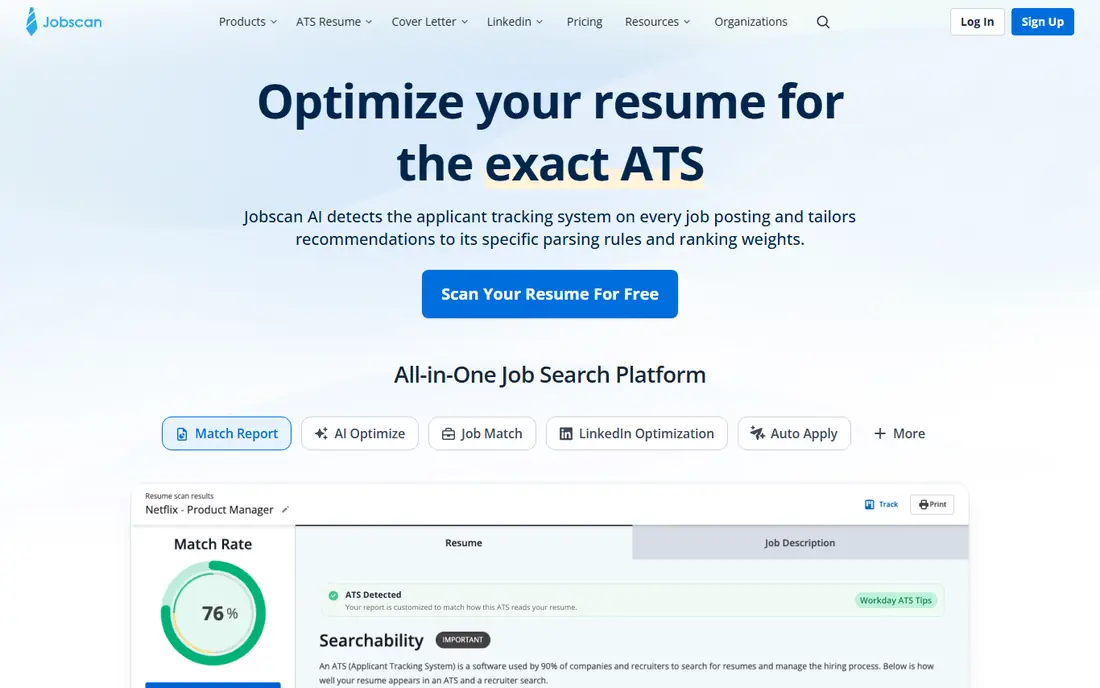
Jobscan compares your resume with a pasted job description and returns a match rate plus a list of missing skills and keywords. That specificity helps for a high-priority role where you want to tailor every bullet before applying. It also reviews LinkedIn profiles, which matters since recruiters often check a profile after a resume passes the first screen.
Pricing is the catch. Monthly billing is $49.95, and the cheaper quarterly plan at $89.95 per quarter still commits you for three months. Five free scans per month let you test it, but a broad search across many roles gets expensive fast. Use Jobscan in a focused sprint: pick your top roles, scan and tailor for those, then cancel when the sprint ends.
What we like- Clear match rate against a job description
- LinkedIn optimization tools
- Free resume builder
Watch out for- Highest monthly price in this group
- Quarterly plan locks you in for 90 days
- Best for single-role targeting
Starting price$39 per user/month
Free planFree trial (7 days)
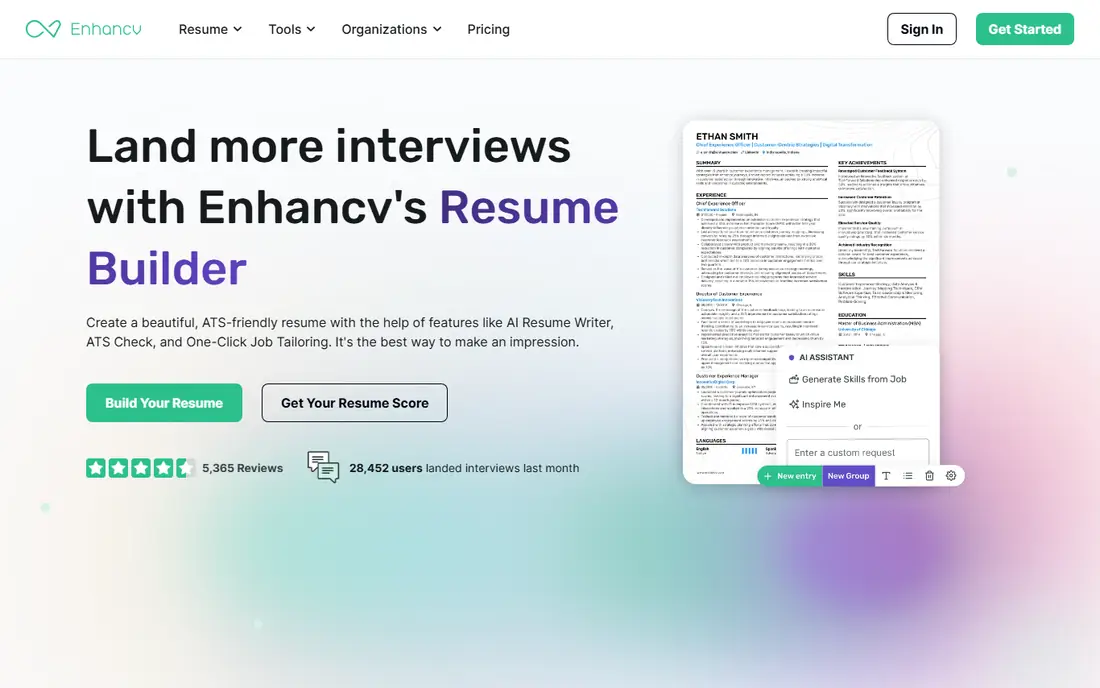
Enhancv is for a seeker whose resume needs to read like a career story, not a list of duties. Its templates include sections for projects, strengths, and timelines, and the editor makes it easy to highlight outcomes for senior or creative roles. The result looks more considered than a standard two-column template, which can help when a hiring manager reads the document directly.
That design strength is also a risk. Heavy visuals, icons, and nonstandard sections can confuse some ATS parsers, so keep a plain version for online applications and use the designed version for email or networking. There is no permanent free plan, only a trial, and monthly pricing reaches $39. Enhancv fits an executive or design-aware candidate applying through referrals and direct contacts, not mass ATS submissions alone.
What we like- Distinctive layouts and visual sections
- Good for storytelling around impact
- Cover letter builder included
Watch out for- No permanent free plan
- Visual elements can hurt ATS parsing
- Price is high for a single resume
Starting price$99 per user/month
Free planFree trial
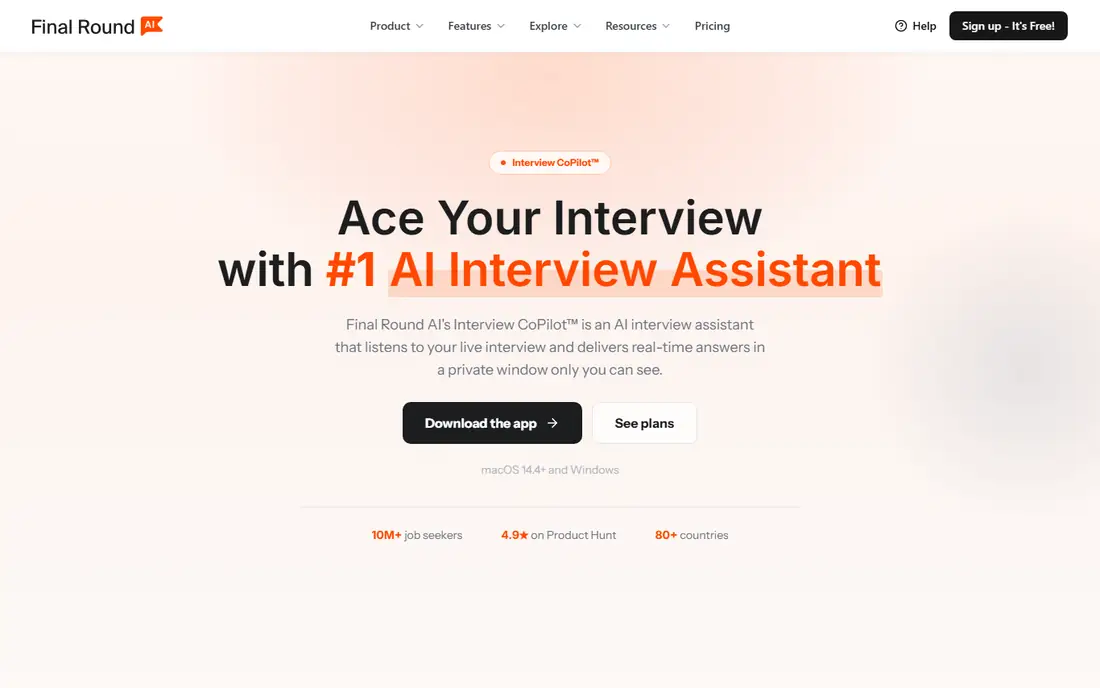
Final Round AI covers the stage most resume tools ignore: the interview itself. It runs mock interviews, gives feedback on answers, and offers a real-time copilot during live interviews on some plans. For a candidate facing panel interviews or technical rounds, structured practice can reduce rambling answers and improve pacing.
Cost and judgment both matter here. At $99 per month, it is a short-term investment for an active interview round, not a background subscription. Candidates should also think carefully about live assistance during a real interview: some employers view it as misrepresentation, and it can distract you at the worst moment. Use the mock practice heavily, and treat any live feature as a decision to weigh, not a default.
What we like- Mock interviews with AI feedback
- Interview copilot for live support
- Covers resume and role matching too
Watch out for- Expensive for casual use
- Live support raises fairness questions with employers
- Needs a quiet, stable setup
Starting price$40 per user/month
Free planYes
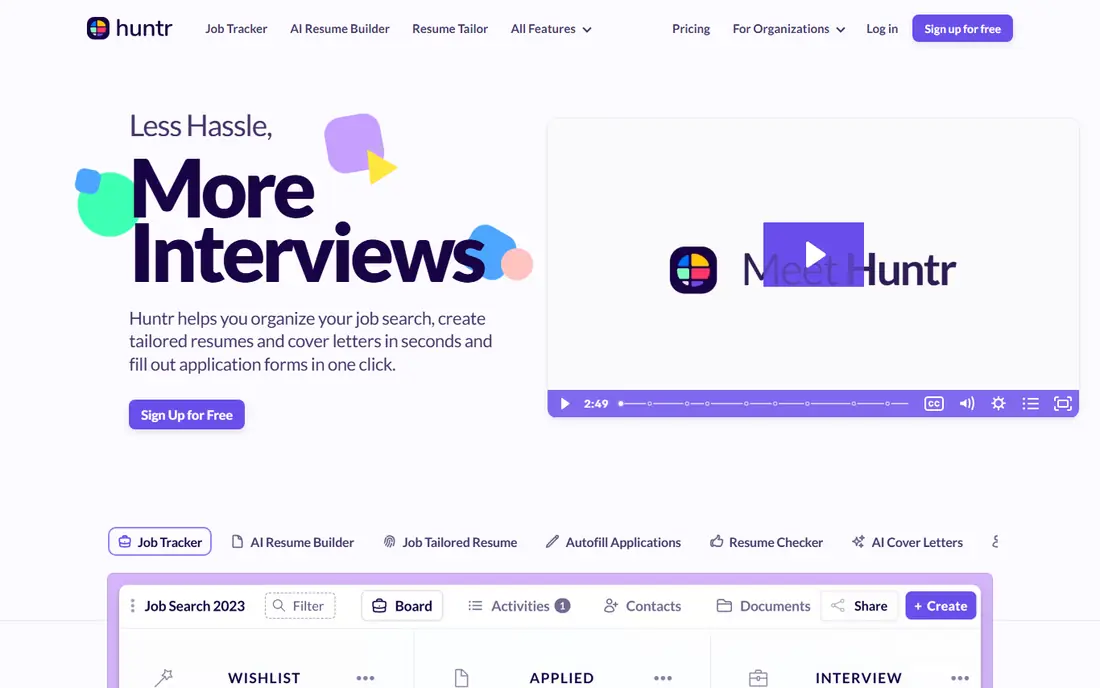
Huntr is a tracker first and an AI tool second. Its board view shows every application by stage, with contacts, notes, and follow-up dates attached to each role. That clarity helps a seeker who already has a good resume but loses track of referrals, recruiter names, and next steps across many boards.
The free plan covers basic tracking, while paid plans at $40 per month add AI assistance and higher limits. That price is hard to justify if you only need a spreadsheet-style tracker, since Teal covers similar ground for free. Huntr fits a seeker who prefers a simple visual board and wants contacts and documents in one place without a full resume suite.
What we like- Visual job board for applications
- Contact and note tracking
- Chrome extension for saving roles
Watch out for- AI features are lighter than rivals
- Paid plan is pricey for tracking alone
- Resume tools are basic
Starting priceSee website
Free planYes
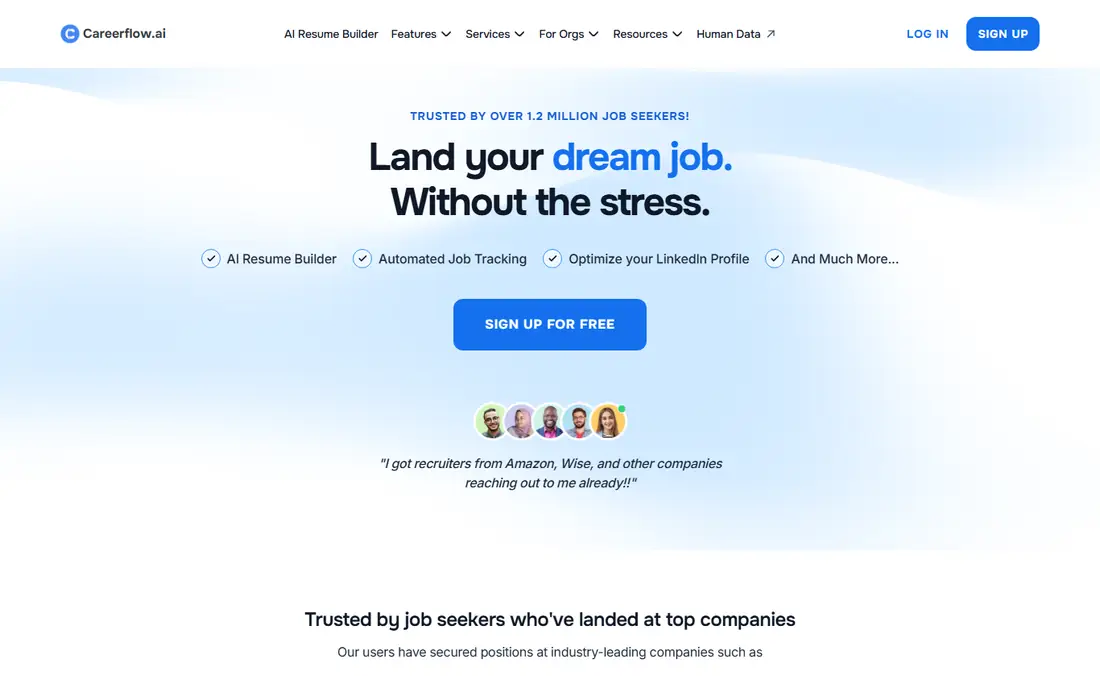
Careerflow centers on LinkedIn, where many recruiters start. It helps optimize a profile, tailor a resume, track applications, and draft outreach messages for networking. That combination suits a seeker whose search runs through LinkedIn connections, recruiter messages, and referrals rather than job board volume alone.
The free tier covers basic tracking and optimization, with paid features behind plans that buyers should confirm on the pricing page before committing. It is less strong as a pure ATS scanner than Jobscan or Rezi, and its value drops if your target industry hires mainly through company portals. For a LinkedIn-led search, it keeps profile, resume, and outreach in one workflow.
What we like- LinkedIn profile and resume optimization
- Job tracker included
- AI outreach drafts for networking
Watch out for- Pricing is not always clear upfront
- Depth varies by plan
- Best for LinkedIn-heavy searches
Starting priceSee website
Free planYes
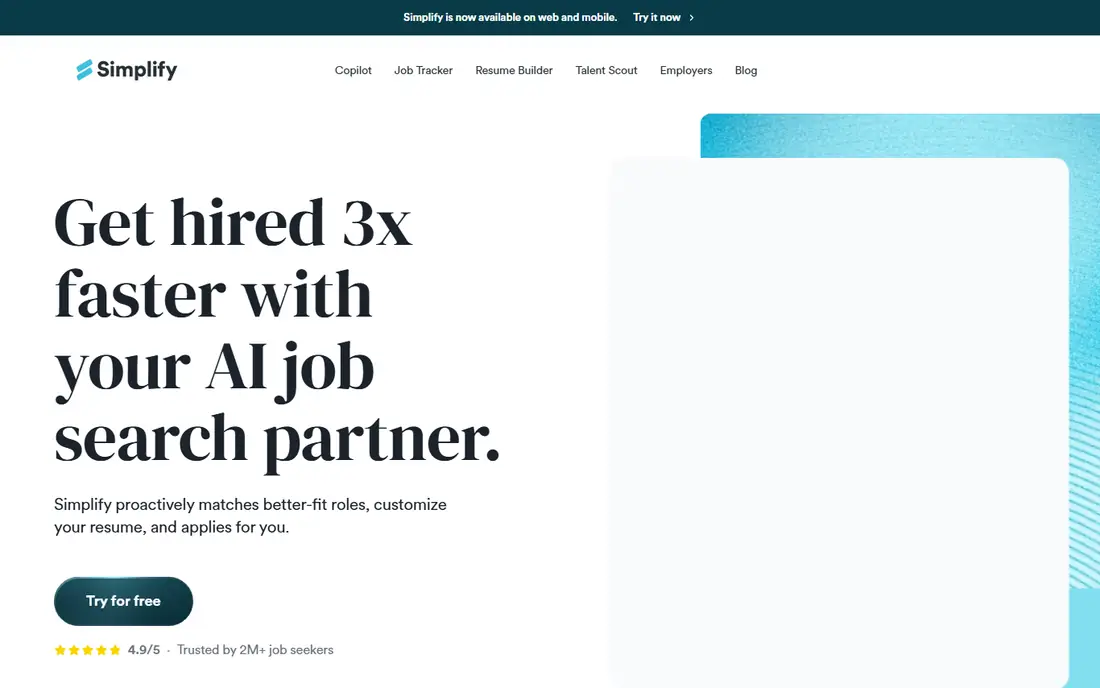
Simplify attacks the most tedious part of applying: retyping the same education and work history into every portal. Its Chrome extension fills common fields, and its tracker records where you applied and what stage each role reached. For a recent graduate applying to dozens of similar roles, that time saving is real.
Autofill is not auto-apply. Many forms still need a manual check, especially for screening questions, salary fields, and file uploads, and errors in an autofilled field can hurt an otherwise strong application. Paid options exist for higher-volume features, so check the current pricing page before relying on them. Simplify fits a volume search where speed matters, paired with a resume tool for the roles you care about most.
What we like- Chrome extension autofills many application forms
- Free tracker for applications
- Useful for high-volume applying
Watch out for- Autofill still needs review on each form
- Paid features are weekly-priced on some plans
- No deep resume scoring
How we chose
We reviewed vendor pricing pages, product documentation, and public reviews on G2, Capterra, and Reddit, and we kept only tools built for job seekers rather than recruiters. We weighed free plan usefulness, ATS features, tracking quality, interview support, and the total cost of a typical three-month search, not just the headline monthly price. We dropped tools that only promised volume without tailoring, and we flagged where a tool needs human editing or a careful decision, such as live interview support.
Building a stack that does not waste money
One tool rarely covers a whole search, but five subscriptions at once waste money fast. A practical stack has three parts: one resume builder, one tracker, and one specialist for your bottleneck.
Start free, then pay for a sprint
Build a base resume with Teal or Kickresume on a free plan, and track roles in the same tool. Pay for Rezi or Jobscan only when you have a shortlist of high-priority roles that need tailoring, and pay for Final Round AI only when interviews are scheduled. Cancel each paid plan when that sprint ends, and keep the free tracker running between sprints.
Keep a human check on every application
AI can draft bullets, find keywords, and fill forms, but it cannot know which project mattered most or what a hiring manager in your field values. Read every tailored resume before sending, fix generic phrasing, and add real numbers for scope, budget, or results. For auto-apply or autofill tools, review the final form preview, not just the draft in the tool.
Protect your accounts and reputation
Avoid tools that submit applications without your review on roles you care about, and avoid sharing login details with any service that asks for them. Some employers and platforms restrict automated applying, and a blocked account costs more than the time saved. Use automation for drafting and tracking, and keep the final send in your hands for priority roles.
Frequently asked questions
What is the best free AI tool for job seekers?
Teal has the strongest free plan in this list, with unlimited resumes and tracking plus limited AI credits. Kickresume also offers useful free templates with unlimited downloads. Start with one of those, and add a paid tool only for a specific gap such as ATS scoring or interview practice.
Do ATS tools guarantee an interview?
No. An ATS score shows how closely your resume matches a job description and how cleanly a parser can read it. It cannot measure your actual fit, references, or interview performance. A high score helps you reach a human reader, but the resume still needs real achievements and clear wording.
Should I tailor my resume for every job?
Tailor for roles you truly want, and use a strong base resume for the rest. Full tailoring for fifty roles burns time and leads to errors, while no tailoring at all wastes good applications. A practical split is deep tailoring for your top ten roles and light keyword tweaks for the rest.
Is it safe to use AI to write my resume?
It is safe if you edit the result and keep every claim true. Recruiters notice generic AI phrasing, and false achievements can end a candidacy if checked. Use AI for structure and wording, then replace vague lines with your own projects, metrics, and dates.
How much should a job search tool cost?
For most seekers, $0 to $29 per month during an active search is reasonable, with short paid sprints for ATS or interview tools. A three-month search on one $29 plan costs $87, which is a useful budget anchor. Avoid stacking several $30 to $50 subscriptions for a full year unless each one solves a distinct problem.
Can AI auto-apply tools get me banned?
Some job platforms restrict automated submissions, and employers may reject applications that look generic or duplicated. Read the terms of any platform you use, keep auto-apply to lower-priority roles if you use it at all, and review every submission for priority jobs. When in doubt, apply manually.
Sources we checked (9)
- https://www.tealhq.com/pricing
- https://www.kickresume.com/pricing
- https://www.rezi.ai/pricing
- https://www.jobscan.com/pricing
- https://enhancv.com/pricing
- https://www.finalroundai.com/pricing
- https://huntr.co/pricing
- https://www.careerflow.ai/pricing
- https://simplify.jobs/pricing
Is your product missing or out of date?
We review this list regularly. Vendors can request a listing, send updated pricing or ask about featured placement.

Shihab Mia · Founder, Rankite
Shihab has 5+ years in B2B and SaaS SEO. He writes Rankite's software buying guides from pricing pages, documentation and public user reviews. More about Shihab.