How we make this list: we compare pricing pages, product documentation and public user reviews. Ratings come from G2, Capterra or Trustpilot, with the date we checked them.

Key takeaways
- No coding presentation tools turn a prompt, outline, or document into a designed deck, so the skill that matters is writing a clear outline, not code or design training.
- Gamma is the best overall prompt to deck tool with the shortest route from outline to a presentable deck, while Beautiful.ai enforces design discipline automatically.
- Export needs decide this category more than AI quality: PPTX compatibility and watermarks on free plans matter most for corporate and classroom use.
- Tome is deliberately NOT listed: it shut down in April 2025, and decks were deleted, so any list still recommending it recycles stale copy.
- Free tiers are credit capped, with Gamma at 400 one time credits and Pitch at 100 one time credits, so paid plans start near 10 to 15 dollars a month.
Quick comparison
| Tool | Best for | Starting price | Free plan |
|---|
 Gamma Gamma | Fastest prompt to deck | $10 per month | Yes |
 Beautiful.ai Beautiful.ai | Design discipline enforced | $14.50 per month | No |
 Canva Canva | Templates plus AI features | $15 per month | Yes |
 SlidesAI SlidesAI | Text to slides in Google Slides | $10 per month | Yes |
 Plus AI Plus AI | AI inside PowerPoint and Slides | $10 per user | No |
 Pitch Pitch | Collaborative link first decks | See website | Yes |
 Decktopus Decktopus | Lead capture and narration | $14.99 per month | No |
 Prezi Prezi | Non linear zoomable decks | $7 per month | Yes |
Is your product missing or out of date?
We review this list regularly. Vendors can request a listing, send updated pricing or ask about featured placement.
#1Gamma
Best for: Fastest prompt to deck3.9/5 on
G2 (39 reviews, checked Oct 2026)
Visit gamma.app
Starting price$10 per month
Free planYes
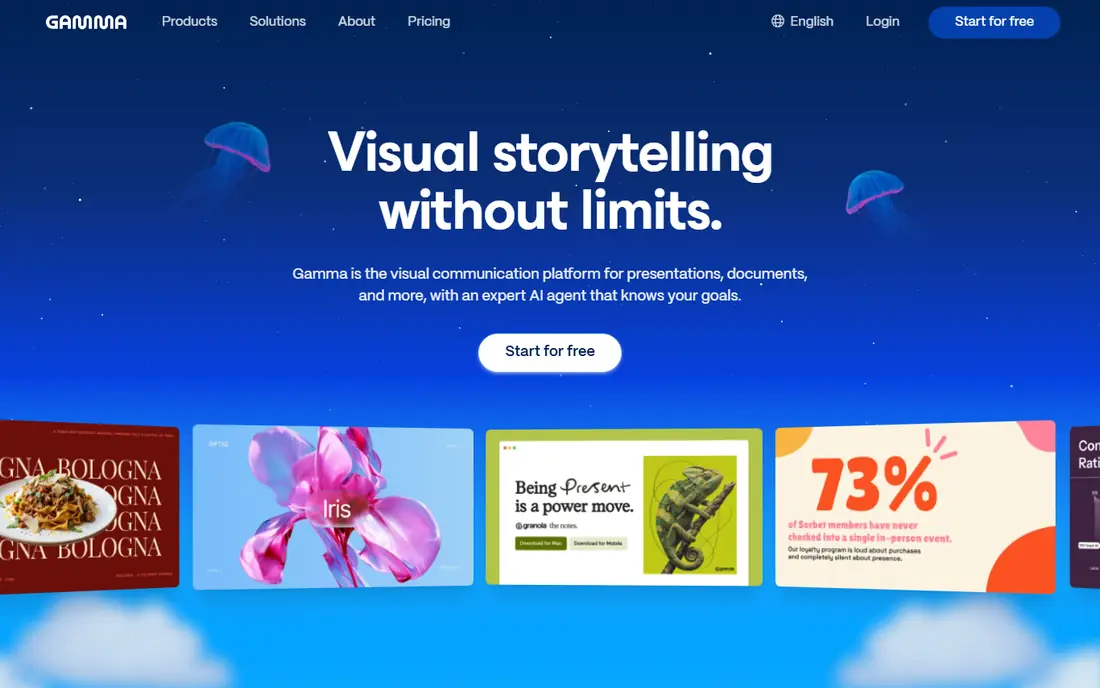
Gamma is the best overall AI presentation maker, with polished default design and the shortest route from outline to a presentable deck, plus web native sharing and slide by slide analytics. Plus pricing runs about 10 dollars a month, or 9 dollars billed annually, with 1,000 credits a month, while Pro at 18 dollars adds 4,000 credits. Gamma generates a structured outline you can edit before committing credits, then breaks arguments into visual columns, stat counters, and nested cards.
The trade off is credits and export gating. The free tier runs on 400 one time credits with no refill, PPTX export needs Plus and above, and free exports carry a Made with Gamma badge. Gamma fits founders, marketers, and consultants who want the fastest prompt to deck workflow with web sharing.
What we like- Polished default design
- Shortest route from outline to presentable deck
- Web native sharing
- Slide analytics
Watch out for- Free tier runs on 400 one time credits with no refill
- PPTX export needs Plus
- Free exports carry a Made with Gamma badge
#2Beautiful.ai
Best for: Design discipline enforced4.6/5 on
G2 (196 reviews, checked Oct 2026)
Visit beautiful.ai
Starting price$14.50 per month
Free planNo
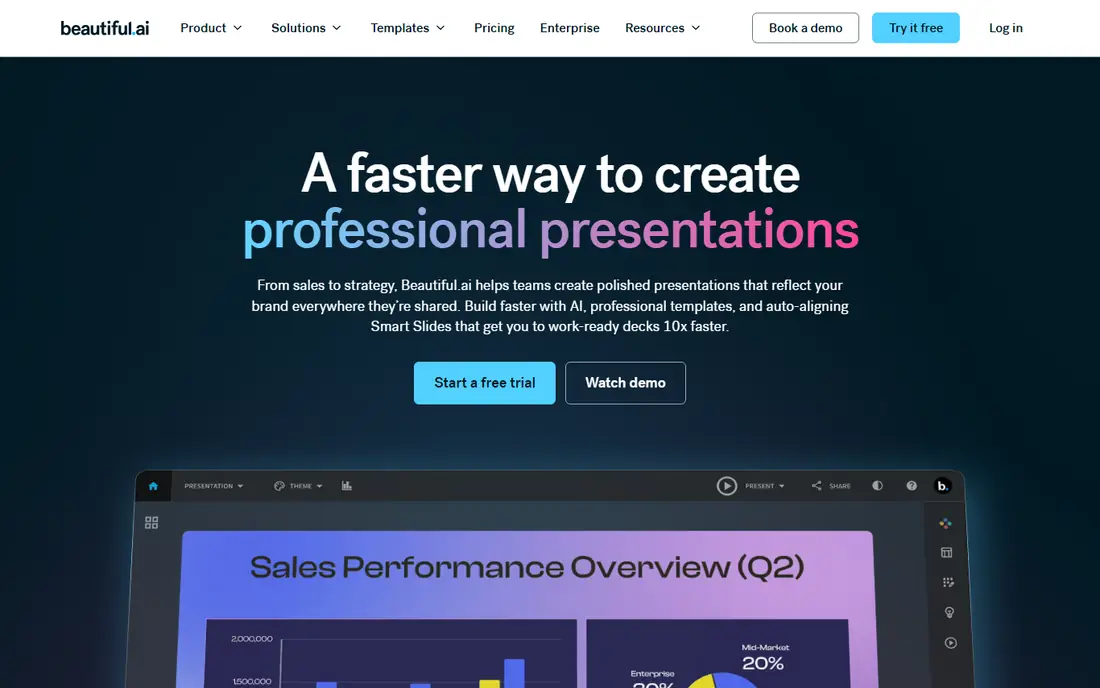
Beautiful.ai enforces design discipline automatically with Smart Slides that auto rebalance layout when you add a team member or a bullet point, preventing overlapping text and awkward whitespace in real time. Pro pricing runs 14.50 dollars a month billed annually, or 45 dollars monthly, with unlimited AI content generation on every seat, and Team at 40 dollars per user a month. For corporate teams that need consistent formatting without design review, Beautiful.ai's automation is the point.
The limits are free access and monthly price. There is no permanent free plan, only a 14 day trial with card required, and monthly billing jumps to 45 dollars. Beautiful.ai fits corporate and enterprise teams that need design discipline enforced automatically.
What we like- Smart Slides auto rebalance layout
- Unlimited AI content generation on every seat
- Clean PPTX exports
- Brand controls
Watch out for- No permanent free plan, 14 day trial with card required
- Pro at 14.50 dollars annual, 45 dollars monthly
- Team at 40 dollars per user
#3Canva
Best for: Templates plus AI features4.7/5 on
G2 (7,678 reviews, checked Oct 2026)
Visit canva.com
Starting price$15 per month
Free planYes
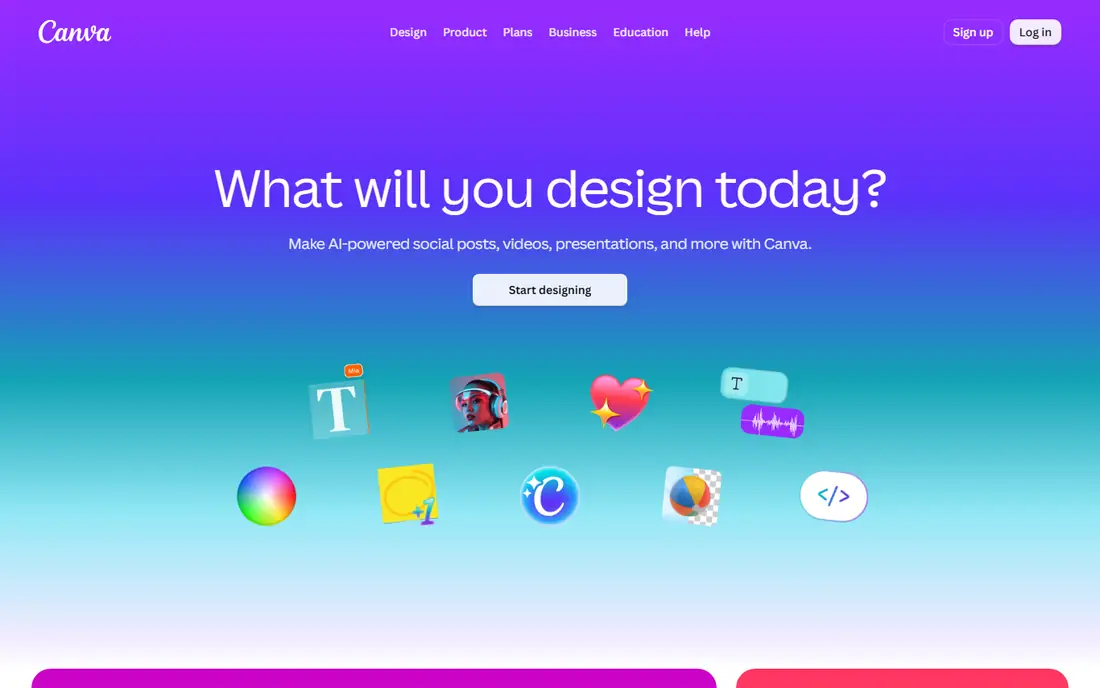
Canva combines a huge template universe with AI features such as Magic Design, plus brand kits and stock media, for presentations that must also become marketing assets. Pro pricing runs 15 dollars a month, or 144 dollars a year for one person, with Business at 250 dollars a year per person, and the free plan includes up to 20 AI uses. PPTX export works even on the free tier, which suits classrooms and small teams.
The trade off is manual layout work. Canva's workflow needs template selection, slide by slide customization, and manual resizing when content overflows, which adds overhead for teams producing many decks a month. Canva fits creators who already live in Canva and need presentations plus marketing assets in one tool.
What we like- Huge template universe
- PPTX export including free tier
- Brand kits
- Up to 20 AI uses on free plan
Watch out for- AI limits vary by plan
- Pro at 15 dollars monthly, 10 dollars annual in some listings
- Template workflow needs manual resizing
Starting price$10 per month
Free planYes
SlidesAI turns text into slides inside Google Slides, which suits teachers, students, and Google Workspace teams that need decks in Slides format without switching tools. Pro pricing runs 10 dollars a month billed annually, or 12 dollars monthly, with a free plan giving 12 presentations a year. For Google Slides users, SlidesAI is the simplest no coding path from text to deck.
The limits are platform and polish. SlidesAI works in Google Slides only, and design polish trails Gamma. SlidesAI fits Google Workspace users who want simple text to slides inside Slides.
What we like- Works inside Google Slides
- Free plan with 12 presentations a year
- Simple text to slides workflow
Watch out for- Google Slides only
- Pro at 10 dollars annual, 12 dollars monthly
- Design polish behind Gamma
#5Plus AI
Best for: AI inside PowerPoint and Slides3.2/5 on
G2 (5 reviews, checked Oct 2026)
Visit plusdocs.com
Starting price$10 per user
Free planNo
Plus AI generates and edits presentations directly inside PowerPoint and Google Slides, so deliverables stay in native files that teams already use, with text boxes and shapes fully editable. Basic pricing runs 10 dollars per user a month billed annually, or 15 dollars monthly, with a 7 day trial giving 1,000 credits. For corporate teams that must deliver real PPTX files, Plus AI keeps AI inside the tool they already pay for.
The limits are free access and tier gating. There is no permanent free plan, and the best features sit on higher tiers. Plus AI fits corporate teams that need AI generation inside PowerPoint or Slides without exporting to a web tool.
What we like- Works directly inside PowerPoint and Google Slides
- Native files stay editable
- 7 day trial with 1,000 credits
Watch out for- No permanent free plan
- Basic at 10 dollars per user annual, 15 dollars monthly
- Best features on higher tiers
#6Pitch
Best for: Collaborative link first decks4.4/5 on
G2 (67 reviews, checked Oct 2026)
Visit pitch.com
Starting priceSee website
Free planYes
Pitch is the collaborative, link first presentation tool for startup founders and sales teams, with link sharing and per slide analytics showing how investors or prospects engaged with each slide. The free tier covers 5 members with 100 AI credits one time and unlimited presentations, while Plus pricing is reported from 10 to 13 dollars a month depending on source, so check the current pricing page. For pitch decks shared by link, Pitch's analytics are the deciding feature.
The trade off is price spread and branding. Reported Plus prices vary, and free exports carry a Pitch logo. Pitch fits founders and sales teams that share decks by link and need engagement analytics.
What we like- Free tier with 5 members and 100 AI credits
- Link sharing with analytics
- Unlimited presentations on free tier
Watch out for- Pricing varies by source, Plus from 10 to 13 dollars a month
- Free exports carry Pitch logo
- AI credits cap monthly
#7Decktopus
Best for: Lead capture and narration4.3/5 on
G2 (79 reviews, checked Oct 2026)
Visit decktopus.com
Starting price$14.99 per month
Free planNo
Decktopus builds interactive presentations with lead capture forms and audio narrations, which suits sales and marketing teams that use decks to collect leads. Pro pricing runs 14.99 dollars a month, with PDF and web link exports. For teams that treat decks as lead generation pages rather than static slides, Decktopus adds forms and narration that rivals lack.
The limits are free access and ecosystem size. There is no permanent free plan in most listings, and the ecosystem is smaller than Gamma or Canva. Decktopus fits sales teams that need lead capture and narration inside presentations.
What we like- Interactive lead capture forms
- Audio narrations
- Web link sharing
- Template driven design
Watch out for- No permanent free plan in most listings
- Pro at 14.99 dollars a month
- Smaller ecosystem than Gamma or Canva
#8Prezi
Best for: Non linear zoomable decks4.2/5 on
G2 (5,725 reviews, checked Oct 2026)
Visit prezi.com
Starting price$7 per month
Free planYes
Prezi offers a non linear, zoomable presentation format that stands out in meetings and classrooms, with a Basic free tier giving credit capped AI and Standard at 7 dollars a month with 500 credits. Plus and above plans add unlimited AI, while Teams run 39 dollars per user a month. For presenters who want a distinctive, spatial deck rather than linear slides, Prezi is the alternative format pick.
The trade off is format compatibility. The non standard format complicates PPTX workflows, and unlimited AI needs higher tiers. Prezi fits presenters who want zoomable, non linear decks and can accept format trade offs.
What we like- Non linear zoomable format
- Basic free tier with credit capped AI
- Standard at 7 dollars a month with 500 credits
Watch out for- Non standard format complicates PPTX workflows
- Plus and above needed for unlimited AI
- Smaller template library than Canva
How we chose
We compared published pricing pages and third party presentation tool comparisons from September and October 2026, recording free tier credits and export rules rather than headline claims. We deliberately excluded Tome, since it shut down in April 2025, and we flagged where prices conflict across sources by writing See website. We weighed export needs, watermark rules, and credit caps heavily, since those limits decide whether a tool suits corporate, classroom, or founder use.
Start with export needs: corporate PPTX delivery suits Plus AI, Beautiful.ai, or Canva, while web sharing suits Gamma or Pitch. Next, check free tier credits, since Gamma gives 400 one time credits and Pitch gives 100, which cap testing. Then test one real deck during trial, checking layout quality, brand fit, and export fidelity, since AI quality varies by topic. Finally, confirm watermark rules on free exports, since a vendor badge on a client deck looks unprofessional. A tool that fits your export, brand, and budget needs will produce presentable decks without coding or design training.
Frequently asked questions
What is the best AI presentation tool with no coding?
Gamma suits most users with the fastest prompt to deck workflow, Beautiful.ai suits corporate teams needing design discipline, and Canva suits creators who already design there.
Can I make presentations without coding or design skills?
Yes. These tools turn a prompt, outline, or document into designed slides, so the skill that matters is writing a clear outline, not code or design training.
Is Tome still available for presentations?
No. Tome shut down in April 2025, and decks were deleted, so do not buy or rely on any list still recommending it.
Do free presentation tools add watermarks?
Many do: Gamma free exports carry a Made with Gamma badge, Pitch free exports carry a Pitch logo, and Canva free exports limit premium elements.
Which tool exports best to PowerPoint?
Plus AI and Beautiful.ai offer the cleanest PPTX exports with editable text and shapes, while Canva exports PPTX even on the free tier and Gamma needs Plus for PPTX.
How much do AI presentation tools cost?
Paid plans start near 7 dollars a month for Prezi Standard, 10 dollars for Gamma Plus and SlidesAI Pro, and 14.50 dollars for Beautiful.ai Pro billed annually.
Sources we checked (0)
Is your product missing or out of date?
We review this list regularly. Vendors can request a listing, send updated pricing or ask about featured placement.

Shihab Mia · Founder, Rankite
Shihab has 5+ years in B2B and SaaS SEO. He writes Rankite's software buying guides from pricing pages, documentation and public user reviews. More about Shihab.