How we make this list: we compare pricing pages, product documentation and public user reviews. Ratings come from G2, Capterra or Trustpilot, with the date we checked them.
Key takeaways
- No coding presentation tools turn a prompt or pasted text into a full deck in minutes, with layout, images, and formatting handled by the tool.
- Free tiers vary widely: Gamma credits are one time and never refresh, while Canva and SlidesAI offer genuinely usable free plans.
- Export format matters, since a web only deck can trap you if a client or boss needs PowerPoint or Google Slides files.
- Brand control separates corporate tools from consumer ones, with Beautiful.ai and Pitch enforcing templates that keep every deck on brand.
- Always review AI drafted facts and figures before presenting, since generated slides can state confident claims that no source supports.
Quick comparison
| Tool | Best for | Starting price | Free plan |
|---|
 Gamma Gamma | Fast AI native decks from prompts | $8 per month | Yes |
 Beautiful.ai Beautiful.ai | Corporate decks with brand guardrails | $12 per month | No |
 Canva Canva | Marketing teams with huge asset libraries | See website | Yes |
 SlidesAI SlidesAI | AI drafts inside Google Slides | $10 per month | Yes |
 Plus AI Plus AI | AI inside Google Slides and PowerPoint | $10 per user per month | No |
 Pitch Pitch | Collaborative team decks | See website | Yes |
 Decktopus Decktopus | Quick decks with auto layouts | $14.99 per month | No |
 Presentations.ai Presentations.ai | Branded business decks fast | See website | Yes |
Is your product missing or out of date?
We review this list regularly. Vendors can request a listing, send updated pricing or ask about featured placement.
#1Gamma
Best for: Fast AI native decks from prompts3.9/5 on
G2 (39 reviews, checked Oct 2026)
Visit gamma.app
Starting price$8 per month
Free planYes
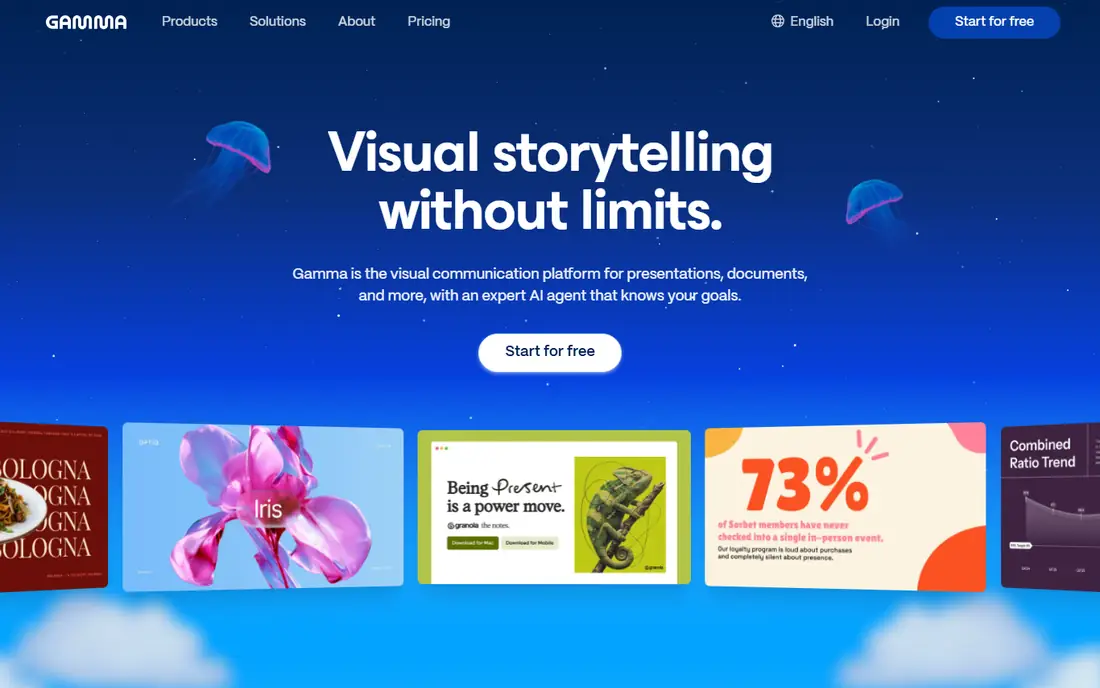
Gamma is the fastest pure slide tool on this list, turning a prompt or pasted document into a polished, web native deck in minutes. Its modern narrative design avoids the bullet list look of classic templates, and decks can include embeds, video, and interactive elements. Pricing starts near 8 to 10 dollars a month depending on billing term, with Plus and Pro tiers above, and the free tier offers 400 credits, enough for roughly five to eight decks.
The catch is that those free credits are one time and never refresh, so heavy free users hit a wall fast, and free exports carry branding. Gamma also produces web first decks, which export to PDF and PowerPoint but feel different from native slide files. Gamma is the top pick for anyone who values speed and modern design over classic slide formats.
What we like- Prompt to polished deck in under five minutes
- Web native interactive format
- Generous one time free credits
Watch out for- Free credits never refresh
- Branding on free exports
- Web format differs from classic slides
#2Beautiful.ai
Best for: Corporate decks with brand guardrails4.6/5 on
G2 (196 reviews, checked Oct 2026)
Visit beautiful.ai
Starting price$12 per month
Free planNo
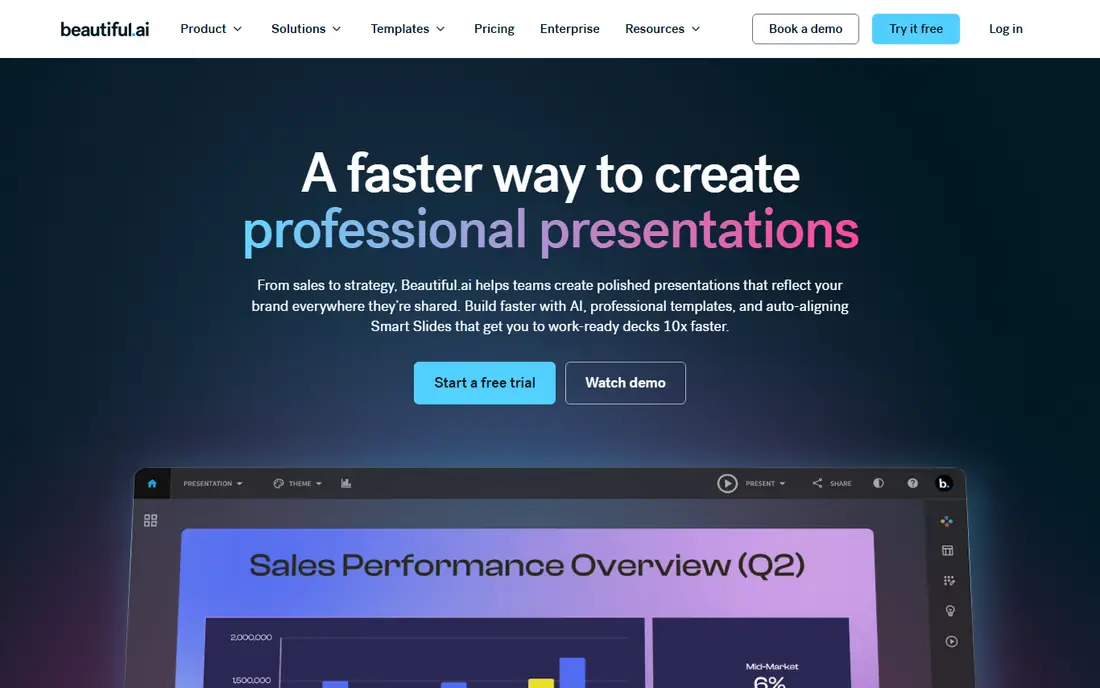
Beautiful.ai builds corporate presentations with smart templates that adjust layout automatically as you edit, so slides stay balanced without manual nudging. Team plans enforce brand guidelines, fonts, and colors across every deck, which suits consulting firms and mid market teams whose slides must look consistent. Pricing starts at 12 dollars a month for Pro, with Team near 40 dollars per user per month and Enterprise custom, though some comparisons list 14.50 dollars monthly equivalent on annual billing.
The limits are trial terms and price variation. There is no permanent free plan, only a 14 day trial, and reviewers warn that the trial can auto charge if not cancelled. Beautiful.ai is the pick for corporate teams that need polished, on brand decks and can commit to a paid plan.
What we like- Smart templates that stay balanced as you edit
- Brand enforcement on team plans
- Clean corporate look
Watch out for- No permanent free plan, trial only
- Trial can auto charge after 14 days
- Pro price varies by source
#3Canva
Best for: Marketing teams with huge asset libraries4.7/5 on
G2 (7,678 reviews, checked Oct 2026)
Visit canva.com
Starting priceSee website
Free planYes
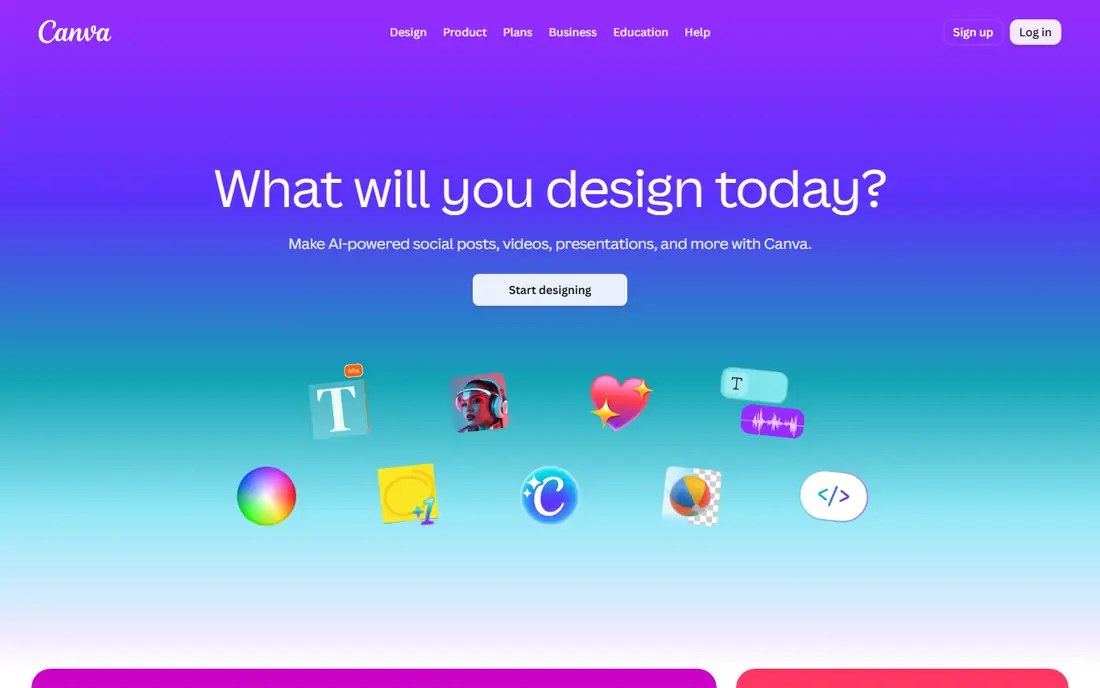
Canva brings AI presentation help through Magic Design inside a platform that already holds templates, photos, video, and brand kits. Marketing and content teams that already use Canva can generate decks, reuse brand assets, and repurpose slides into social posts without leaving the tool. The free plan is genuinely usable for basic decks, and Pro pricing is reported between 12 and 15 dollars a month depending on source and billing, so check the current pricing page before budgeting.
The trade off is focus. Canva AI limits vary by plan, and its decks are less structured than dedicated tools such as Gamma or Beautiful.ai for long narrative presentations. Canva fits marketing teams already on the platform that want AI assisted decks plus a huge asset library in one subscription.
What we like- Huge template and asset library
- Magic Design AI assistance
- Free plan is genuinely usable
Watch out for- AI limits vary by plan
- Pro price varies by source
- Less structured than dedicated deck tools
Starting price$10 per month
Free planYes
SlidesAI generates slide drafts directly inside Google Slides from pasted text, producing a structured deck in seconds without leaving the editor you already use. That native fit is its main advantage: no export step, no reformatting, and collaboration through Google sharing works as normal. Pricing runs from a free Basic tier covering 12 presentations a year to Pro near 10 dollars a month billed annually.
The limits are design depth and platform scope. SlidesAI drafts look simpler than Gamma or Beautiful.ai output, and it only serves Google Slides users, not PowerPoint natives. SlidesAI fits teachers, students, and Google Workspace teams that want budget AI drafts inside their existing slides.
What we like- Works directly in Google Slides
- Text parsing is fast
- Free Basic tier with 12 presentations a year
Watch out for- Design is simpler than Gamma
- Higher tiers needed for heavy use
- Google only
#5Plus AI
Best for: AI inside Google Slides and PowerPoint3.2/5 on
G2 (5 reviews, checked Oct 2026)
Visit plusdocs.com
Starting price$10 per user per month
Free planNo
Plus AI adds AI generation directly inside Google Slides and PowerPoint, so teams can draft, rewrite, and restyle decks without leaving their standard tool. That matters for companies with strict file standards, since output stays native and no export step can break formatting. Basic pricing starts near 10 dollars per user per month billed annually, with Pro near 20 dollars on annual billing or 25 dollars month to month.
The trade off is trial and tiering. Plus AI offers no permanent free plan, only a trial, and its best features sit on higher tiers. Plus AI fits teams that live in Google Slides or PowerPoint and want AI inside those tools rather than a separate deck app.
What we like- AI generation inside both Google Slides and PowerPoint
- No export headaches
- Team features
Watch out for- No free plan, trial only
- Best features on higher tiers
- Pro near 20 dollars on annual billing
#6Pitch
Best for: Collaborative team decks4.4/5 on
G2 (67 reviews, checked Oct 2026)
Visit pitch.com
Starting priceSee website
Free planYes
Pitch is built for teams that build decks together, with real time collaboration, shared templates, data connectors, and presentation analytics. Its free plan includes 100 one time AI credits, and Pro pricing is reported near 10 to 20 dollars per user per month depending on source, so buyers should confirm current plans. For sales and remote teams that co author decks daily, Pitch collaboration features matter more than raw generation speed.
The limits are pricing churn and AI depth. Plans change often, and its AI generation is less central than Gamma or SlidesAI. Pitch fits collaborative teams that need shared decks, templates, and analytics, with AI as a helper rather than the whole product.
What we like- Strong real time collaboration
- Data connectors
- Free plan with one time AI credits
Watch out for- Plans change often
- Pro price varies by source
- AI depth below Gamma
#7Decktopus
Best for: Quick decks with auto layouts4.3/5 on
G2 (79 reviews, checked Oct 2026)
Visit decktopus.com
Starting price$14.99 per month
Free planNo
Decktopus targets founders and product managers who want a quick AI generated deck with auto layouts and minimal manual work. You answer a few questions or paste content, and the tool builds a structured deck with design applied, ready to present or export. Pricing starts at 14.99 dollars a month, which sits in the middle of this list.
The trade off is ecosystem size. Decktopus offers fewer templates, integrations, and brand controls than Canva or Beautiful.ai, and there is no free plan to test it at length. Decktopus fits busy founders and PMs who want a decent deck fast and do not need deep brand governance.
What we like- Fast AI decks with auto layouts
- Minimal fiddling needed
- Good for founders and PMs
Watch out for- Smaller ecosystem than Canva
- Fewer brand controls than Beautiful.ai
- No free plan
#8Presentations.ai
Best for: Branded business decks fast4.2/5 on
G2 (9 reviews, checked Oct 2026)
Visit presentations.ai
Starting priceSee website
Free planYes
Presentations.ai automates business decks with brand voice settings and on brand visuals, aiming at brand and marketing teams that need many decks to look consistent. Generation is fast, templates cover common business formats, and a limited free tier lets teams test the output. Pro pricing is reported from about 12.49 to 20 dollars a month depending on source and billing term, with higher Gold tiers near 100 dollars a month, so confirm the current plan before budgeting.
The limits are ecosystem size and price spread. Presentations.ai has a smaller template and integration ecosystem than Canva or Pitch, and its pricing varies enough that the pricing page is the only reliable source. Presentations.ai fits brand focused teams that want fast, on brand business decks without enterprise cost.
What we like- Brand voice and on brand visuals
- Fast business deck automation
- Limited free tier
Watch out for- Custom pricing on some tiers
- Pro reported from 12.49 to 20 dollars
- Smaller ecosystem
How we chose
We compared published pricing pages and third party AI presentation comparisons from 2026 for tools that generate decks from prompts or documents without code. We favored tools with usable free tiers or trials, clear export formats, and brand controls where relevant, and we flagged where prices conflict across sources by writing See website. We excluded tools that shut down, since a dead product cannot be bought, and we treated vendor speed claims as typical for short decks rather than guaranteed for long ones.
Start with where your deck must live. Google Slides teams should shortlist SlidesAI and Plus AI, PowerPoint teams should look at Plus AI, and web first teams should try Gamma. Next, test the free tier on a real deck and check export quality to PDF and PowerPoint, since a pretty web deck that exports badly will frustrate clients. Then check brand control if your company has templates, since Beautiful.ai and Pitch enforce them while consumer tools do not. Finally, review every AI drafted fact before presenting, and keep a human pass on figures, quotes, and claims. A tool that passes those tests will save hours without embarrassing you on stage.
Frequently asked questions
Can AI presentation tools really build a deck from one prompt?
Yes, for short decks. Gamma, SlidesAI, and Presentations.ai turn a prompt or pasted text into a structured deck in minutes, though longer decks still need human editing for flow and accuracy.
Which AI presentation tool has the best free plan?
Canva and SlidesAI offer genuinely usable free plans, while Gamma free credits are one time and never refresh, and Beautiful.ai and Plus AI offer trials only.
Do AI presentation tools export to PowerPoint?
Most do, including Gamma, Beautiful.ai, Canva, Plus AI, and Pitch, which export to PDF and PowerPoint, while SlidesAI stays native in Google Slides.
Will AI generated slides contain errors?
They can. AI can invent figures, quotes, or claims with confidence, so review every fact, number, and citation before presenting, especially for investor or client decks.
Which tool is best for corporate brand consistency?
Beautiful.ai enforces brand guidelines on team plans, and Pitch offers shared templates and brand controls, while consumer tools give you more freedom and less consistency.
Do I need design skills to use these tools?
No. All eight tools on this list are built for users with no coding and no design training, with templates and auto layouts handling structure and styling.
Sources we checked (0)
Is your product missing or out of date?
We review this list regularly. Vendors can request a listing, send updated pricing or ask about featured placement.

Shihab Mia · Founder, Rankite
Shihab has 5+ years in B2B and SaaS SEO. He writes Rankite's software buying guides from pricing pages, documentation and public user reviews. More about Shihab.