How we make this list: we compare pricing pages, product documentation and public user reviews. Ratings come from G2, Capterra or Trustpilot, with the date we checked them.
Key takeaways
- MagicSchool AI is the most complete AI assistant for teachers, with dozens of tools for planning, grading and communication.
- Khanmigo brings AI tutoring to Khan Academy, with a tutor that guides students rather than giving answers.
- Brisk Teaching works inside Google Docs and the web, helping teachers give faster, better feedback.
- Curipod and Diffit excel at making lessons interactive and readable for different levels.
- AI tools save teachers time, but every AI output needs a teacher's review before it reaches students.
Quick comparison
Is your product missing or out of date?
We review this list regularly. Vendors can request a listing, send updated pricing or ask about featured placement.

#1MagicSchool AI
Best for: All-in-one teacher assistant4.7/5 on
G2 (7 reviews, checked Oct 2026)
Visit magicschool.ai
Starting priceFree
Free planYes
MagicSchool AI is the most popular AI platform built specifically for teachers, and its breadth is the reason. It offers dozens of tools covering lesson planning, unit plans, rubrics, worksheets, quiz questions, report card comments, parent emails, IEP goals and behaviour plans, all from short prompts. A teacher can draft a week's materials in an afternoon rather than a weekend.
The free tier gives teachers access to core tools, with a paid school or district plan adding more generations, admin controls and training. MagicSchool also includes student-facing tools with safeguards, letting teachers create AI experiences for classes without handing students an open chatbot.
Quality varies: a lesson plan draft is a starting point, not a finished product, and facts, reading levels and cultural sensitivity all need checking. But as a time-saving assistant for the repetitive parts of teaching, MagicSchool is the best all-round choice.
What we like- Dozens of teacher tools in one place
- Lesson plans, rubrics, emails and IEP support
- Free tier for teachers
Watch out for- Output quality varies by tool
- Needs teacher review before classroom use
Starting priceSee website
Free planNo
Khanmigo is Khan Academy's AI tutor, designed to help students learn rather than to hand them answers. When a student is stuck, Khanmigo asks guiding questions, breaks problems into steps, and encourages the student to think, much like a good human tutor. It also helps teachers with lesson planning and gives parents tools to support learning at home.
Because it sits inside Khan Academy, Khanmigo connects to trusted lessons, exercises and videos in maths, science, humanities and test preparation, so its guidance stays grounded in real curriculum. Teachers can monitor student chats and set guardrails, which addresses the safety concerns that come with student AI use.
Khanmigo is a paid add-on for most users, with free access for some teachers and districts, so check current pricing. Subject coverage is narrower than Khan Academy's full library. But for AI tutoring done responsibly, Khanmigo sets the standard.
What we like- Tutor guides rather than answers
- Built into Khan Academy's trusted content
- Supports teachers and parents
Watch out for- Paid for most users
- Limited subject coverage compared with full Khan Academy
Starting priceFree
Free planYes
Brisk Teaching is a browser extension that brings AI into the tools teachers already use. Inside Google Docs, it can inspect student writing, give targeted feedback, adjust reading levels, and create rubrics, all without leaving the document. On web pages, it can generate summaries, quizzes and lesson materials from articles and videos.
That workflow is the appeal: instead of copying text into a separate AI tool, teachers work where student work already lives. Feedback is specific, pointing to sentences and suggesting improvements, which students find more useful than generic comments. A free tier covers core features, with a school plan adding more.
Brisk works best for schools on Google Workspace, and its AI feedback, like all AI feedback, needs a teacher's eye before it reaches students. For faster, more specific feedback on writing, Brisk is the most practical tool available.
What we like- Works inside Google Docs and web pages
- Fast targeted feedback
- Reading level adjustment
Watch out for- Best for Google Classroom schools
- AI feedback needs teacher checking

#4Curipod
Best for: Interactive AI lessons4.5/5 on
G2 (2 reviews, checked Oct 2026)
Visit curipod.com
Starting priceFree
Free planYes
Curipod turns a topic into an interactive slide lesson in minutes. Type a subject, and it generates slides with polls, open questions, word clouds, drawing prompts and quizzes that students join from their devices. That interactivity keeps classes engaged in a way that static slides cannot, and teachers see responses in real time.
The free tier covers a limited number of lessons, with paid school plans adding more, plus sharing and admin features. Curipod works well for introductions, reviews and discussions across subjects, from science to history to language arts.
Curipod suits presentation-style lessons best; it is not a full curriculum or tutoring tool. But for a teacher who wants an engaging lesson ready in ten minutes, it is one of the fastest tools available.
What we like- Generates interactive slide lessons in minutes
- Polls, word clouds and drawing activities
- Student engagement data
Watch out for- Free tier limits lessons
- Best for presentation-style lessons
Starting priceFree
Free planYes
Diffit solves a daily teacher problem: one class, many reading levels. Paste a text, link an article or type a topic, and Diffit rewrites it at different reading levels, then generates a summary, key vocabulary, comprehension questions and a quiz. That lets every student access the same content at a level they can read.
Export to Google Docs, Slides or PDF is simple, and the interface is clean enough for a quick before-class prep. A free tier covers basic use, with a premium plan adding more generations and features.
Adapted texts can simplify or occasionally distort facts, so teachers should check key details, especially in science and history. But for differentiation, which is one of teaching's most time-consuming jobs, Diffit saves hours every week.
What we like- Adapts any text to reading levels
- Generates summaries, vocabulary and questions
- Easy export
Watch out for- Free tier has limits
- Adapted texts need fact-checking
Starting priceFree
Free planYes
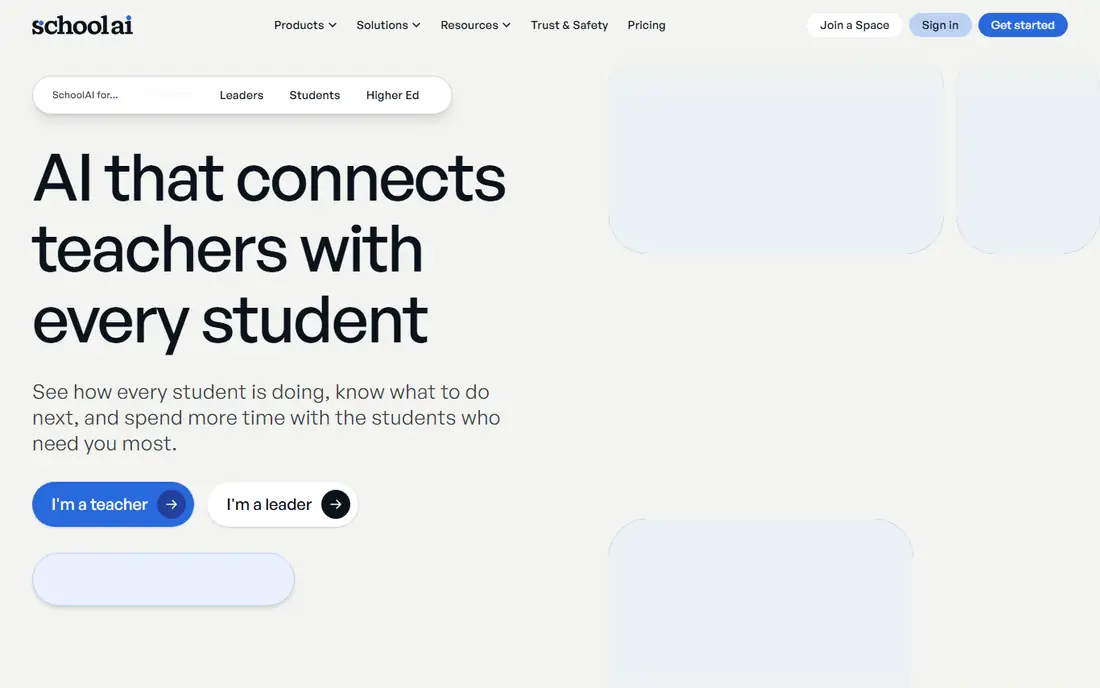
SchoolAI lets teachers create AI-powered spaces for class activities: a tutor for a topic, a debate partner, a writing coach or a historical figure students can question, all within teacher-set guardrails. Teachers control what the AI can discuss, monitor student conversations, and see insights into participation and understanding.
That structure addresses the main worry about students and AI: instead of an open chatbot, students use a purpose-built space the teacher designed. A free tier lets teachers try spaces with their classes, with school plans adding more capacity and admin features.
SchoolAI is newer than MagicSchool or Khan Academy, so its feature set and content library are still growing. But for teachers who want to use AI with students safely, its spaces model is one of the most thoughtful approaches available.
What we like- Spaces for AI-assisted class activities
- Teacher controls and monitoring
- Free tier for teachers
Watch out for- Newer platform
- Feature set still growing
Starting priceFree
Free planYes
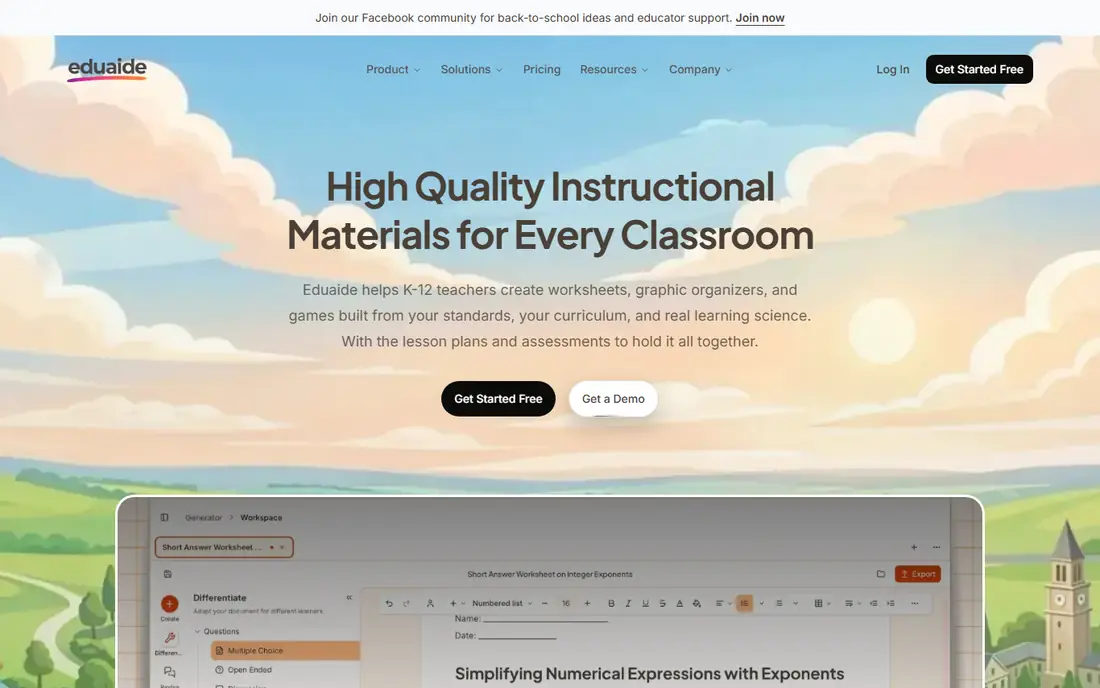
Eduaide.AI offers a large library of AI tools for teachers, covering lesson plans, unit outlines, assessments, worksheets, report comments, emails and feedback. The workspace organises resources by class and subject, which helps teachers build a reusable bank of materials over a term.
A free tier gives access to core tools, with paid plans adding more generations and collaboration features. The toolset is comparable to MagicSchool's, and some teachers prefer Eduaide's organisation or specific generators, such as its assessment builders.
The interface packs a lot in and can feel busy at first, and, as with every AI tool, outputs need checking for accuracy and appropriateness. For teachers who want a broad, free starting point for planning and resources, Eduaide is a strong alternative to MagicSchool.
What we like- Large library of teaching tools
- Lesson plans, assessments and feedback
- Free tier
Watch out for- Interface can feel busy
- Output needs review like all AI tools
Starting priceFree
Free planYes
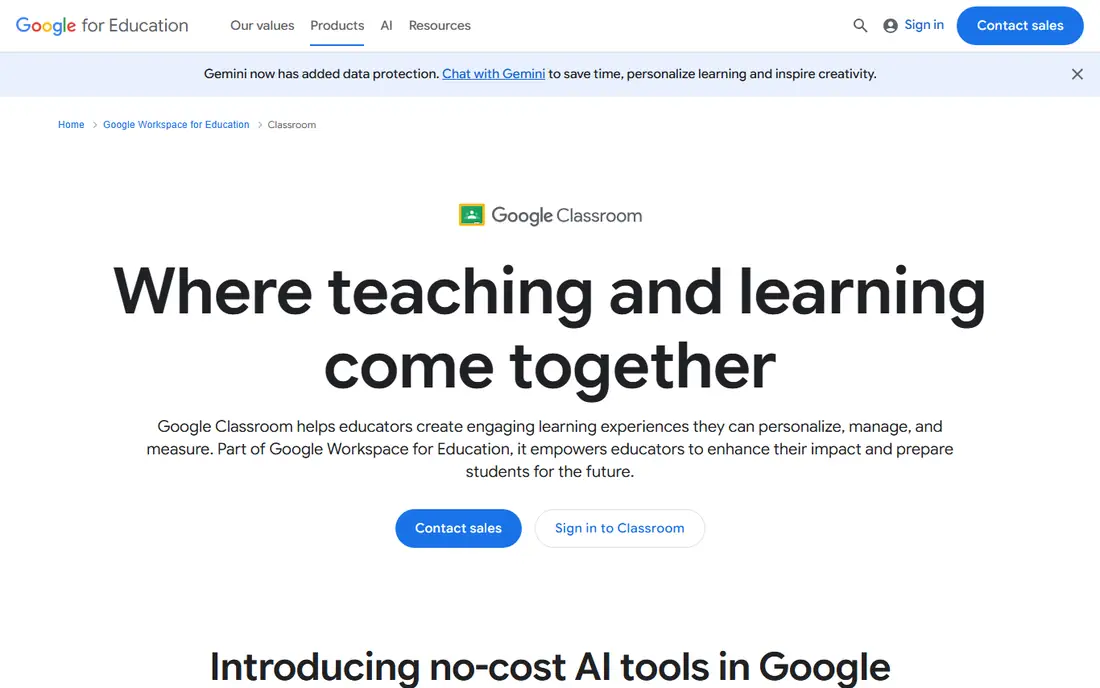
Google Classroom is the classroom hub most schools already use, and it now includes growing AI features through Gemini. Teachers can create assignments, distribute materials, grade work and communicate with students and parents, all inside Workspace. Gemini features help draft lesson materials, generate practice questions and summarise student work, depending on the school's Workspace edition.
The advantage is familiarity: students and teachers already know Classroom, so AI features arrive without a new login or learning curve. Integration with Docs, Slides, Drive and Meet keeps everything in one ecosystem.
Classroom is not a dedicated AI teaching platform like MagicSchool, so its AI toolset is narrower. But as the place where teaching happens, with AI increasingly built in, it is the foundation most schools will build on.
What we like- Free and widely used
- Assignments, grading and communication in one place
- Gemini AI features growing
Watch out for- Not a dedicated AI teaching platform
- AI features depend on Workspace edition
How we chose
We compared platforms on teacher time saved, student safety, subject coverage, ease of use and price. Free plan details were checked against vendor sites, and where pricing depends on school or district plans we say so. We also read public teacher reviews to confirm which tools actually get used week after week and which ones gather dust after a trial.
Using AI in teaching responsibly
AI should draft, suggest and differentiate, while teachers decide, check and teach. Always review AI-generated materials for factual errors, bias and reading level before sharing them with students. Be transparent with students about when AI helped create a resource, and teach them to question AI outputs rather than accept them. For student-facing AI, use tools with teacher controls and monitoring, and follow your school's policy on data and privacy.
Start with one job
Do not adopt five AI tools at once. Pick the job that eats most of your time, whether lesson planning, feedback or differentiation, and use one tool for it for a month. If it saves real time and improves quality, keep it and add another. If not, drop it and try a different tool for the same job.
Frequently asked questions
What is the best AI tool for teachers overall?
MagicSchool AI is the best all-round choice, with dozens of tools for planning, grading and communication. Khanmigo is best for AI tutoring, Brisk Teaching for feedback in Google Docs, and Diffit for differentiated reading materials.
Is it safe to let students use AI in class?
It can be, with the right tools and guardrails. Use student-facing platforms with teacher controls and monitoring, like Khanmigo or SchoolAI spaces, rather than open chatbots. Teach students to verify AI answers and follow your school's AI policy.
Can AI replace lesson planning?
No. AI can draft plans, resources and questions quickly, but teachers must check accuracy, adapt to their students and add the professional judgment that makes a lesson work. Treat AI as a planning assistant, not a replacement.
Are these AI teaching tools free?
Many offer free tiers for teachers, including MagicSchool AI, Brisk Teaching, Curipod, Diffit, SchoolAI, Eduaide.AI and Google Classroom. Paid school or district plans add more capacity, admin controls and training.
How do I check AI-generated lesson materials?
Read them fully, verify facts against trusted sources, check reading level and cultural sensitivity, and adapt examples to your students. Never hand AI output directly to a class without reviewing it first.
What subjects do AI teaching tools cover?
Most tools work across subjects, since they generate from your prompts and topics. Khanmigo is strongest in maths, science and humanities where Khan Academy has content, while tools like Diffit and Curipod adapt to any topic you enter.
Sources we checked (8)
- https://www.magicschool.ai
- https://www.khanacademy.org/khan-labs
- https://www.briskteaching.com
- https://curipod.com
- https://www.diffit.me
- https://schoolai.com
- https://www.eduaide.ai
- https://classroom.google.com
Is your product missing or out of date?
We review this list regularly. Vendors can request a listing, send updated pricing or ask about featured placement.

Shihab Mia · Founder, Rankite
Shihab has 5+ years in B2B and SaaS SEO. He writes Rankite's software buying guides from pricing pages, documentation and public user reviews. More about Shihab.
 Khanmigo
 Brisk Teaching
 Diffit
 SchoolAI
 Eduaide.AI
 Google Classroom