How we make this list: we compare pricing pages, product documentation and public user reviews. Ratings come from G2, Capterra or Trustpilot, with the date we checked them.
Key takeaways
- Most teams should shortlist Fireflies ($10/seat/month billed annually), Otter and Fathom: all three transcribe well, and the decision comes down to free plan limits and CRM needs.
- Fathom has the most generous free tier with unlimited recordings, while Otter caps free users at 300 transcription minutes a month.
- Sales teams that need coaching and deal insight, not just notes, should look at Avoma ($19/user/month billed annually) instead of a plain notetaker.
- If a bot joining client calls feels wrong, Granola records without one; that single design choice decides the category for many buyers.
Quick comparison
| Tool | Best for | Starting price | Free plan |
|---|
 Fireflies.ai Fireflies.ai | Multilingual teams and CRM-heavy workflows | $10/seat/month (billed annually) | Yes |
 Otter.ai Otter.ai | Real-time transcription and live collaboration | See website | Yes |
 Fathom Fathom | Individuals wanting unlimited free recordings | See website | Yes |
 tl;dv tl;dv | Sharing clips and async meeting follow-up | See website | Yes |
 Granola Granola | Bot-free notes for privacy-sensitive calls | See website | Yes |
 Avoma Avoma | Sales teams wanting notes plus coaching | $19/user/month (billed annually) | Free trial (14 days) |
 Read AI Read AI | Meeting analytics across email and chat | See website | Yes |
 MeetGeek MeetGeek | Template-driven notes for structured teams | See website | Yes |
Is your product missing or out of date?
We review this list regularly. Vendors can request a listing, send updated pricing or ask about featured placement.
The best AI meeting assistants software
Nobody hired you to take notes, yet notes eat half the meeting. An AI meeting assistant joins the call, transcribes it, and hands you a summary with action items before you have closed the tab. The category has split into plain notetakers, sales intelligence platforms and privacy-first tools, and picking from the wrong branch wastes months. Eight tools that actually fit different buyers.
Starting price$10/seat/month (billed annually)
Free planYes
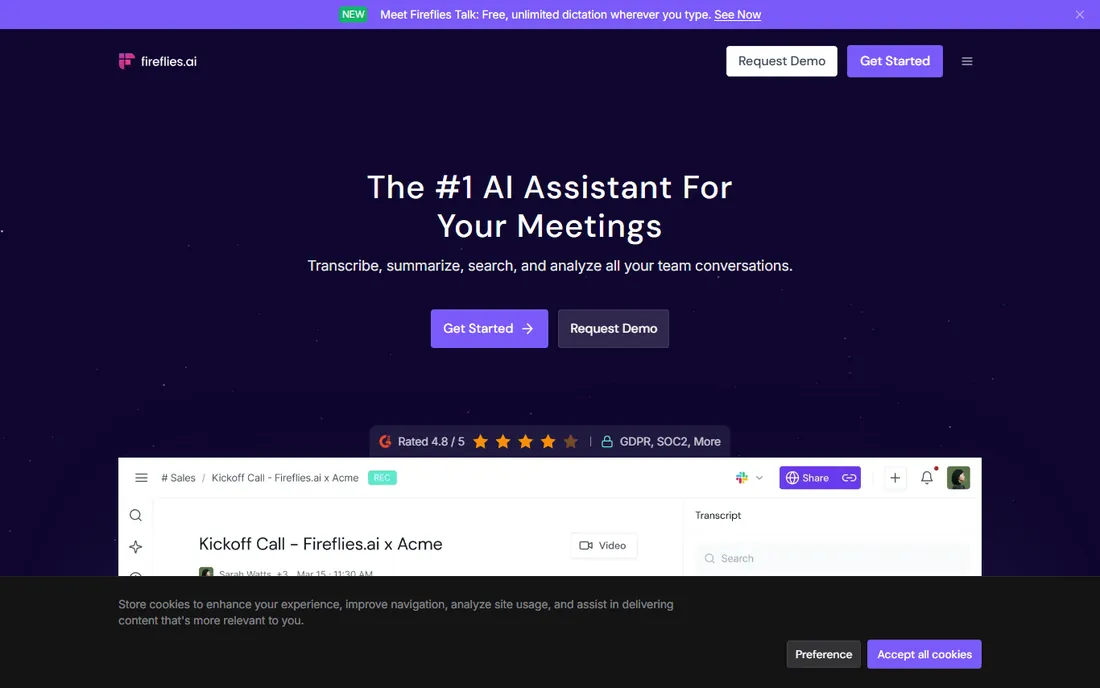
Fireflies is the workhorse of the category. It joins Zoom, Meet, Teams and Webex calls, transcribes in more than a hundred languages, and pushes notes into Salesforce, HubSpot, Asana, Slack and Notion without manual copy-paste. The searchable meeting archive is the real product: months later you can ask what a prospect said about pricing and get an answer. Conversation intelligence tracks talk ratios and topics for managers who coach on data.
The price is the headline: $10 per seat per month billed annually, per the company's own site, which undercuts most rivals. The trade-offs are a transcription delay on long calls and a breadth of features that can overwhelm a team that just wants summaries. Fireflies fits sales and customer teams that live in a CRM and want meeting data flowing into it automatically.
What we like- Transcription in over 100 languages
- Deep CRM and workflow integrations
- Conversation intelligence with topic tracking and sentiment
Watch out for- Transcription can lag several minutes behind live
- The feature set is wide enough that small teams pay for capacity they never touch
#2
Otter.ai
Best for: Real-time transcription and live collaboration
Visit otter.ai
Starting priceSee website
Free planYes
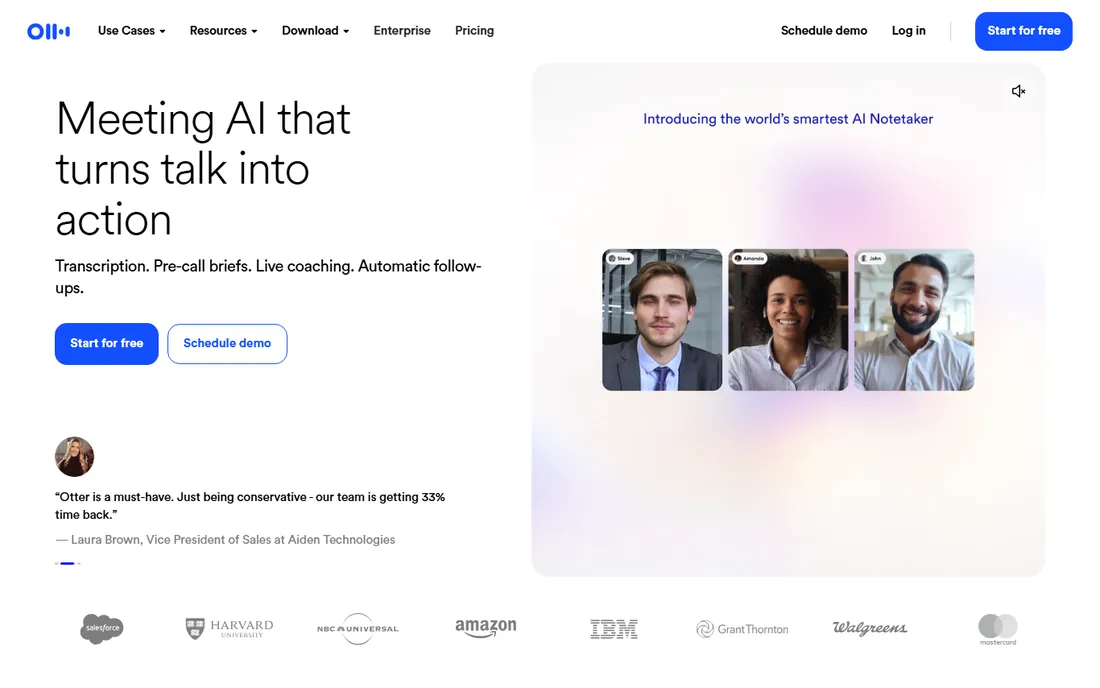
Otter pioneered this category and still leads on real-time transcription. Watching words appear live, with speaker labels, makes it the best pick for interviews, lectures and meetings where people co-edit notes as they go. OtterPilot auto-joins scheduled calls, and Otter AI Chat lets you query across every meeting you have ever recorded.
The free plan is the catch: 300 transcription minutes a month sounds fine until a sales rep burns through it in a week, and the 30-minute per-conversation cap breaks long workshops into pieces. Paid plans remove those limits. Otter suits English-speaking teams that value live transcription and collaborative editing over deep CRM plumbing.
What we like- Live word-by-word transcription during the call
- Collaborative notes with comments and highlights
- Otter AI Chat answers questions across your meeting history
Watch out for- Free plan caps at 300 minutes a month with a 30-minute limit per recording
- Accuracy drops in noisy rooms or with heavy accents
Starting priceSee website
Free planYes
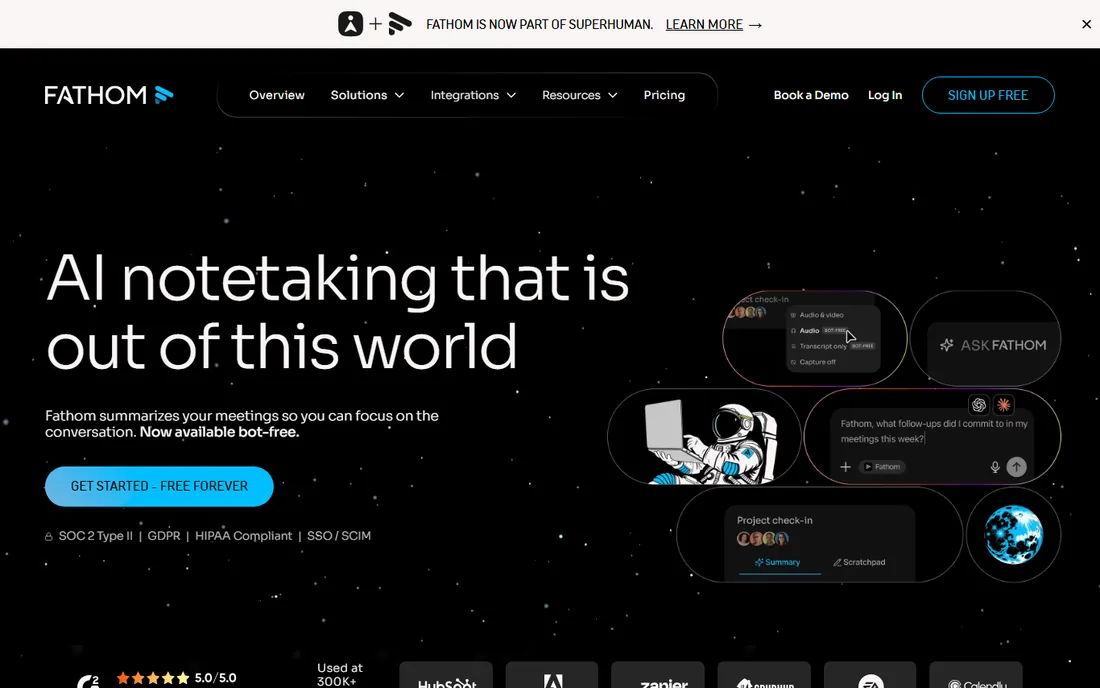
Fathom wins the free-tier contest outright: unlimited recordings, unlimited transcriptions, unlimited storage. For a solo consultant or a small team testing the category, there is no cheaper way to start. The one-click highlight button during calls is genuinely well designed, and summaries arrive fast enough to review before your next meeting.
The business model shows in the limits. Advanced AI summaries are capped monthly on free, and team workspaces, CRM integrations and deeper analytics need paid plans. Fathom fits individuals and tiny teams first; larger organizations should price the team tiers before standardizing. Check the current pricing page, since the paid lineup has shifted more than once.
What we like- Unlimited recordings and transcriptions on the free plan
- One-click highlights during the call
- Summaries land seconds after the meeting ends
Watch out for- Free AI summaries are limited each month
- Team features and CRM sync sit on paid tiers
#4
tl;dv
Best for: Sharing clips and async meeting follow-up
Visit tldv.io
Starting priceSee website
Free planYes
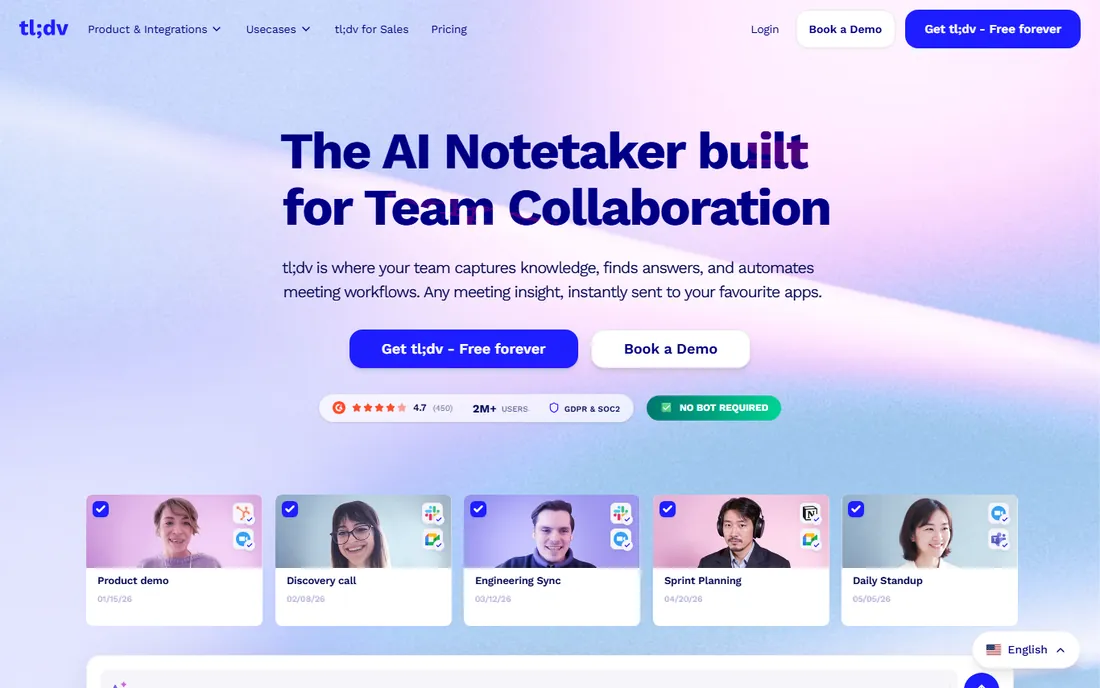
tl;dv is built for teams that would rather watch a two-minute clip than read a transcript. Its editor makes it easy to cut highlights and send them to Slack or Notion, and the multi-meeting reports answer questions like what every prospect said about a feature this month. Transcription covers dozens of languages with timestamped comments.
The limitation is history: free recordings are deleted after a few months, so it is not an archive unless you pay. Teams that treat meetings as content to distribute will get the most from it. If your workflow is "record, clip, share, move on," tl;dv beats the pure notetakers; if you want a permanent searchable record, compare the paid tiers carefully.
What we like- Clip creation turns meeting moments into shareable reels
- Multi-meeting AI reports spot trends across calls
- Strong free tier for async teams
Watch out for- Recordings on the free plan expire after a limited history window
- The interface favors sharing workflows over simple note-taking
Starting priceSee website
Free planYes
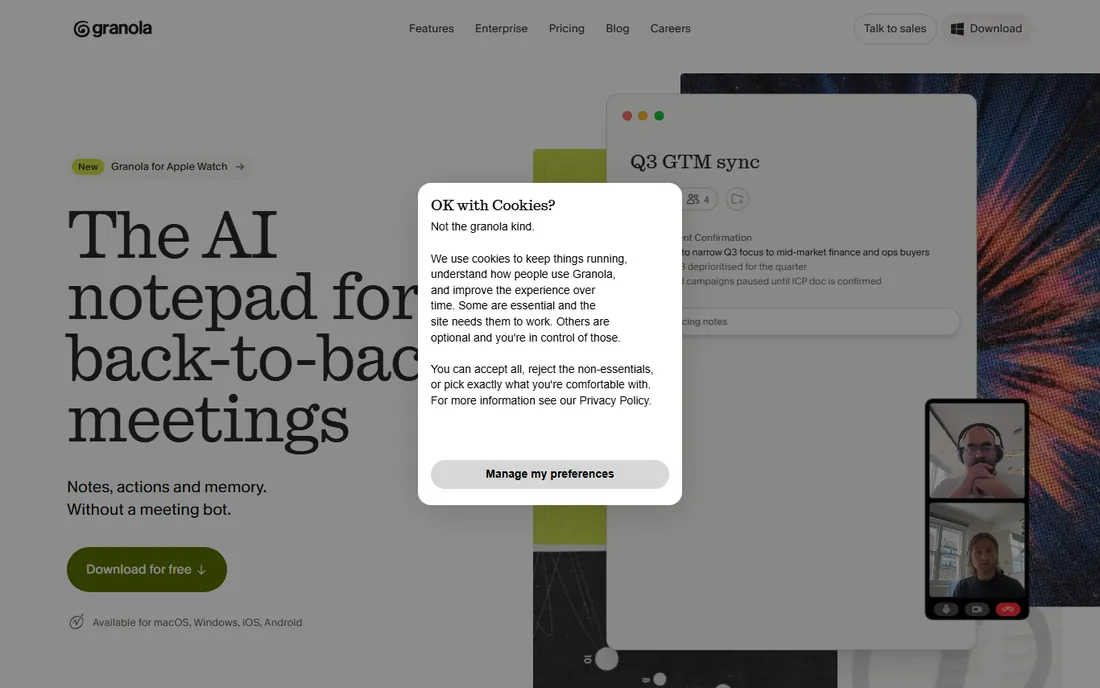
Granola takes the opposite approach to every bot-based tool: it captures audio on your device and never announces itself in the meeting. For client calls, board meetings and interviews where a "Fireflies.ai has joined" banner would be awkward, that design choice alone decides the purchase. You jot notes as usual and Granola merges them with the full transcript into polished summaries.
The trade is platform coverage and history. It is a desktop-first product, and the free plan limits how far back your notes go. Privacy-conscious buyers should also note that local capture still means audio processing happens somewhere; read the security docs. Granola suits founders, consultants and executives who take sensitive calls all day.
What we like- No bot ever joins the call, so clients never see an announcement
- Blends your typed notes with the transcript
- Clean, fast interface
Watch out for- Desktop-app model means it works best on Mac and Windows, not mobile
- Meeting history limits on the free plan push heavy users to paid
Starting price$19/user/month (billed annually)
Free planFree trial (14 days)
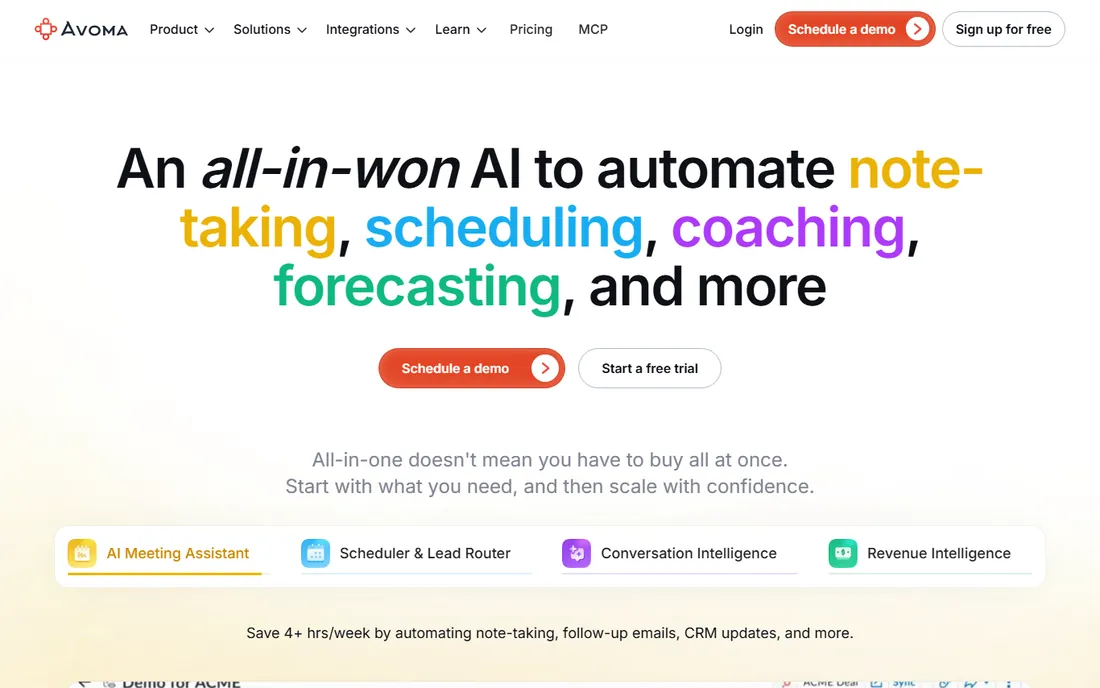
Avoma is not really a notetaker; it is a meeting lifecycle platform that happens to take notes. Beyond transcription it handles scheduling pages, scores calls against custom scorecards, tracks sales methodologies like MEDDIC, and surfaces deal risk from conversation patterns. The $19 per user per month annual price covers the AI meeting assistant, with conversation intelligence as a $29 add-on.
That packaging is the decision point. A team that only wants summaries is paying platform prices for a notetaker. A sales org that will actually use coaching dashboards, topic tracking and forecast signals gets three tools in one, and the free view-only seats keep stakeholders in the loop without extra licenses. Buy Avoma for the intelligence layers, not the transcript.
What we like- Notes, scheduling, conversation intelligence and revenue insights in one platform
- Call scoring and AI coaching for managers
- View-only seats are free
Watch out for- Priced per paid user with add-ons that stack
- Overkill for teams that only need transcription
#7
Read AI
Best for: Meeting analytics across email and chat
Visit read.ai
Starting priceSee website
Free planYes
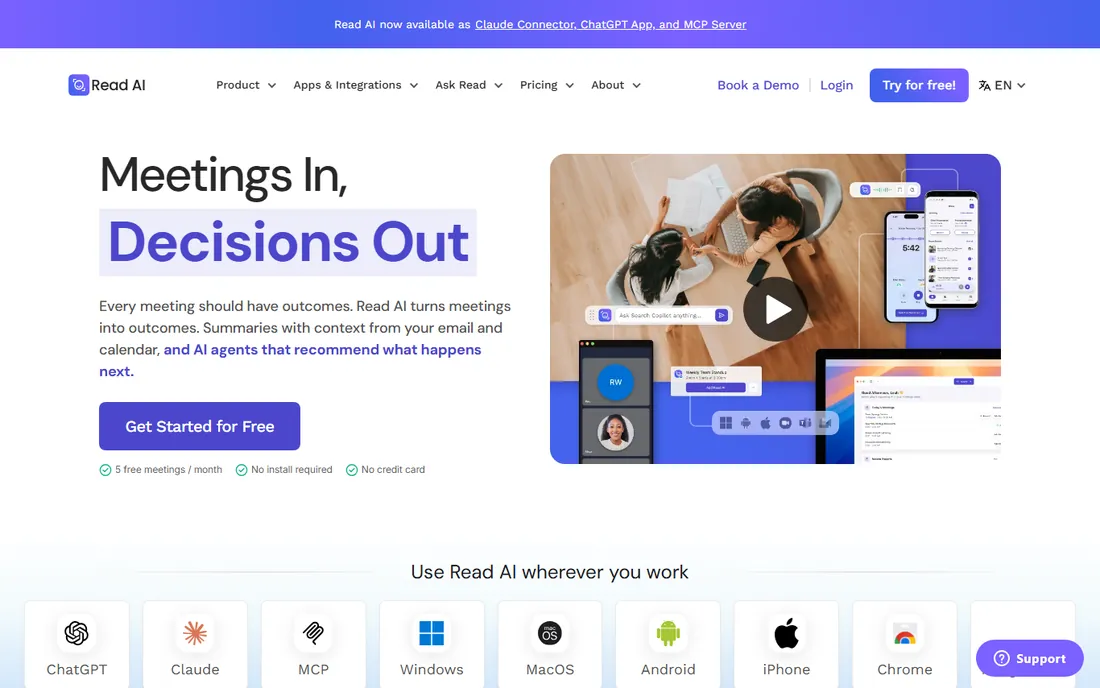
Read AI differentiates with measurement: it scores engagement, sentiment and meeting health, then connects those signals to email and chat for a cross-channel view. For managers who want to know which meetings drag and which reps engage, it offers something the pure notetakers do not. Summaries and action items are solid, and the free plan covers a handful of meetings a month.
The honest concern is cultural. Sentiment scores on your one-on-ones can feel like monitoring, so roll it out with clear norms. The analytics also work better on structured business calls than on freeform brainstorms. Read AI fits data-driven teams that will act on the metrics, not teams that just want notes filed away.
What we like- Engagement and sentiment scoring goes beyond transcription
- Searches across meetings, email and chat
- Coaching features for speakers
Watch out for- The analytics can feel like surveillance to some teams
- Accuracy of sentiment scoring varies by meeting type
Starting priceSee website
Free planYes
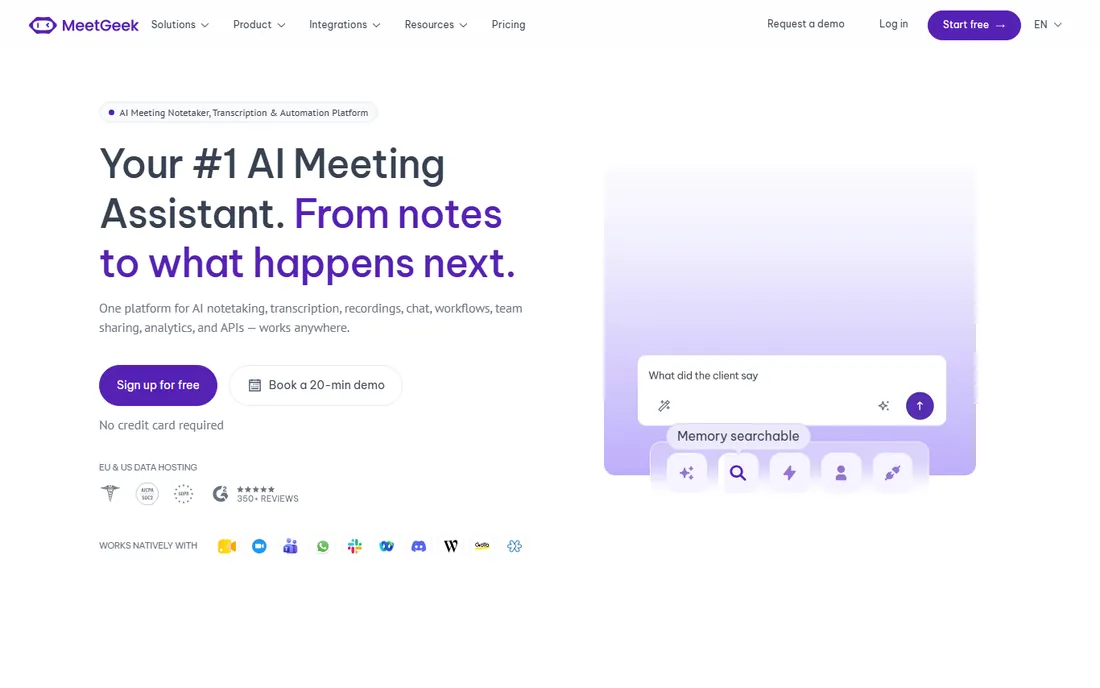
MeetGeek targets teams that run the same meeting types every week: standups, retros, discovery calls, interviews. Its templates force notes into consistent shapes, which pays off when anyone can open any past meeting and find the decision in the same place. The shared workspace turns individual notes into a team knowledge base, and automated follow-ups keep action items moving.
The smaller integration catalog is the gap; if your stack is unusual, check compatibility before committing. And teams that hate structure will fight the templates instead of using them. MeetGeek suits operations-minded teams that value consistency across dozens of recurring meetings.
What we like- Pre-built templates structure notes by meeting type
- Shared team workspace builds a meeting knowledge base
- Solid automation for follow-ups
Watch out for- Smaller ecosystem of integrations than Fireflies or Otter
- Template rigidity can frustrate freeform teams
What to check before you buy
Start with the free plan limits, because they decide the category more than features do. Count your monthly meeting minutes, check per-recording caps, and see how long recordings are kept. A "free" tool that deletes history after three months is not free for a team that needs an archive.
Then match the tool to the workflow. Sales teams should weight CRM integrations and coaching features; client-facing teams should weight the bot question; multilingual teams should test transcription in their actual languages during the trial. Check security posture too: SOC 2, GDPR and data retention policies matter once meeting content includes customer data. Finally, confirm who counts as a paid seat, since some tools charge per recorder while others charge per viewer.
How we chose
We compared tools with live products, public pricing or documented free tiers, and real user bases, using vendor pricing pages, documentation and public reviews. Prices shown come from the vendor's own site; where we could not verify a current price we wrote See website instead of guessing. We did not run accuracy lab tests, so treat transcription quality as something to verify on your own calls during a trial.
Frequently asked questions
Are AI meeting assistants accurate enough to replace manual notes?
For clear audio in supported languages, the best tools are good enough that most teams stop taking manual notes. Accuracy drops with crosstalk, accents and jargon, so always skim the summary before sharing it externally.
Do I have to tell participants a bot is recording?
In most cases yes, both for courtesy and for the law. Several US states require all-party consent for recording. Most tools announce the bot automatically; Granola's bot-free capture still requires you to inform participants yourself.
What is the difference between a notetaker and conversation intelligence?
A notetaker transcribes and summarizes. Conversation intelligence analyzes patterns across calls: talk ratios, topic trends, deal risk, coaching opportunities. Avoma and Read AI sell the second; Fireflies, Otter and Fathom lead with the first.
Can these tools work without a meeting bot?
Yes. Granola captures audio on your device, and Otter offers live transcription through its app. Bot-free options avoid the awkward join announcement but still require participant consent.
How much should a small team budget?
Expect $10 to $20 per user per month for paid plans, with generous free tiers covering light use. Sales intelligence add-ons can double that, so count which seats need the advanced layers before buying.
Do meeting assistants integrate with CRMs?
Fireflies and Avoma push notes and fields into Salesforce and HubSpot automatically. Fathom and tl;dv offer CRM sync on paid tiers. Check your specific CRM before committing, since depth varies.
Sources we checked (10)
- https://fireflies.ai
- https://fireflies.ai/blog/notta-alternatives
- https://otter.ai
- https://fathom.video
- https://tldv.io
- https://granola.ai
- https://www.avoma.com
- https://www.read.ai
- https://meetgeek.ai
- https://www.spotsaas.com/blog/best-ai-meeting-assistants
Is your product missing or out of date?
We review this list regularly. Vendors can request a listing, send updated pricing or ask about featured placement.

Shihab Mia · Founder, Rankite
Shihab has 5+ years in B2B and SaaS SEO. He writes Rankite's software buying guides from pricing pages, documentation and public user reviews. More about Shihab.