How we make this list: we compare pricing pages, product documentation and public user reviews. Ratings come from G2, Capterra or Trustpilot, with the date we checked them.
Key takeaways
- Superhuman suits people who live in email and want keyboard speed, while Spark Mail gives most people a strong free starting point.
- Shortwave stands out for Gmail search and thread summaries, but it does not support Outlook accounts in the same way.
- Shared inbox work changes the choice completely, and Missive and Front-style team tools beat solo clients for that job.
- Prices move often, so check the vendor pricing page before you pay, and test AI drafting on your own messages during a trial.
- A tool that only drafts replies is not the same as a tool that sorts, searches, and helps a team share an inbox.
Quick comparison
| Tool | Best for | Starting price | Free plan |
|---|
 Superhuman Superhuman | Fast keyboard triage | $30 per user/month | No |
 Shortwave Shortwave | Gmail search and summaries | See website | Yes |
 Spark Mail Spark Mail | Low cost multi-account email | $10 per user/month | Yes |
 Missive Missive | Shared team inboxes | See website | Free trial |
 SaneBox SaneBox | Cleaning an existing inbox | $9.49 per month | Free trial |
 Fyxer Fyxer | Drafts and meeting notes | See website | Yes |
 Canary Mail Canary Mail | Private email with AI help | See website | Yes |
 Gmail with Gemini Gmail with Gemini | Gmail users who want built-in AI | See website | Yes |
 Microsoft Copilot in Outlook Microsoft Copilot in Outlook | Microsoft 365 Outlook users | See website | No |
Is your product missing or out of date?
We review this list regularly. Vendors can request a listing, send updated pricing or ask about featured placement.
Starting price$30 per user/month
Free planNo
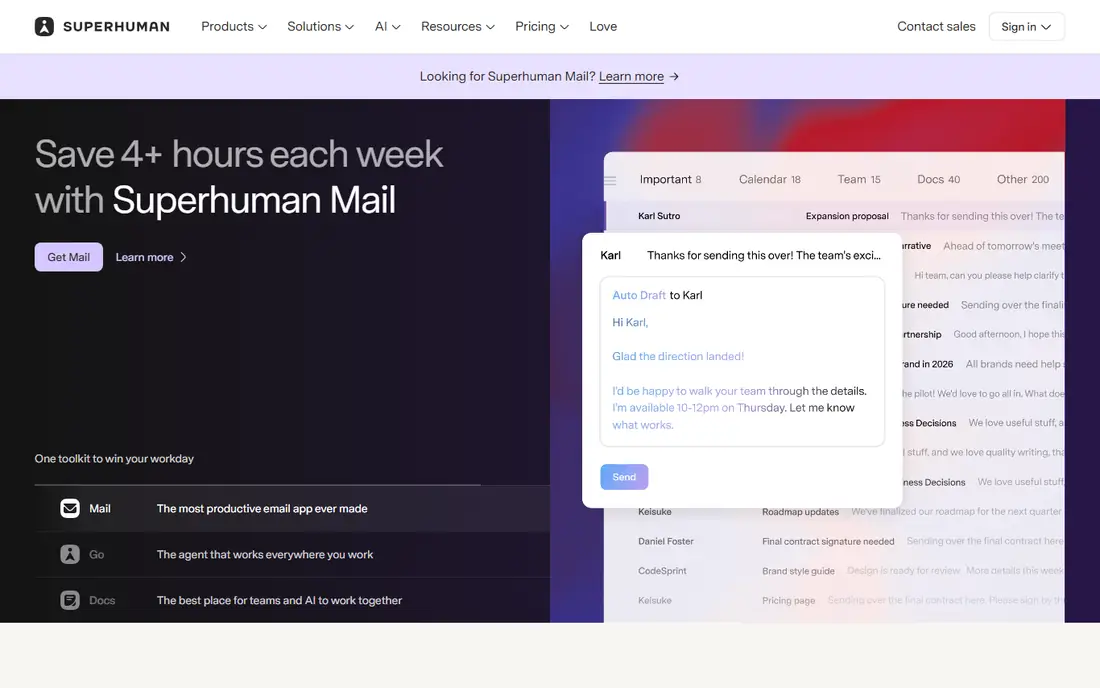
Speed is the reason people pay for Superhuman. The interface responds quickly, shortcuts handle most triage without a mouse, and split inboxes let you separate newsletters, clients, and internal mail. AI drafting and summaries sit inside that fast workflow, so a reply can start from a short prompt and stay close to your tone after editing.
The catch is scope and cost. Superhuman works with Gmail and Outlook, so users on other providers need a different client. At $30 per user per month, it makes sense when email takes a large part of the day, and less sense when you check mail only a few times daily. Use a trial to measure whether triage time actually falls, rather than judging it by how polished it feels.
What we like- Very fast interface
- Strong keyboard shortcuts
- AI drafting and auto labels
Watch out for- No free plan
- Gmail and Outlook only
- Price is high for light email users
Starting priceSee website
Free planYes
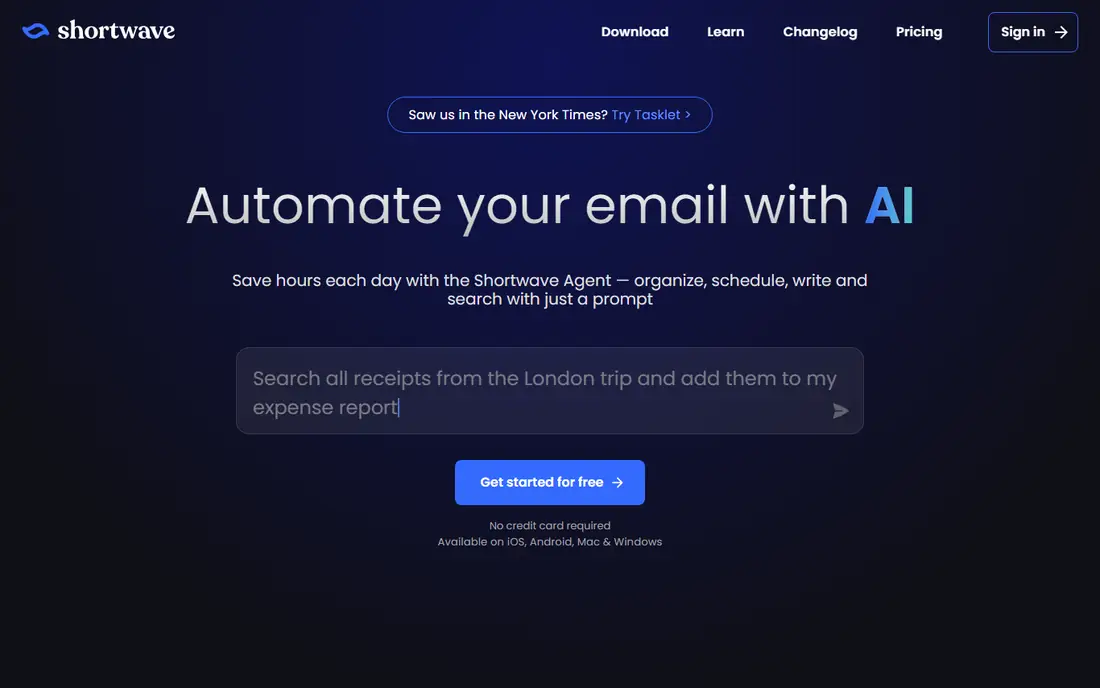
Shortwave treats old email as a searchable record, not just a pile to clear. You can ask for a thread, a document, or a decision buried in past messages, and the AI summary gives you the shape of a long conversation before you open every reply. Bundles group related messages, which helps when a project, a client, or a trip generates dozens of separate threads.
Gmail is the limit here. If your main account is Outlook or another provider, Shortwave is not a direct fit. The free plan is useful for trying search and summaries, but teams and heavy users should check which plan includes the AI features they need. For a Gmail user with a deep archive, it is one of the most useful options in this list.
What we like- Strong natural language search
- Thread summaries and bundles
- AI drafting with context from past mail
Watch out for- Gmail only
- Higher plans needed for full AI features
- Search history limits on lower plans
Starting price$10 per user/month
Free planYes
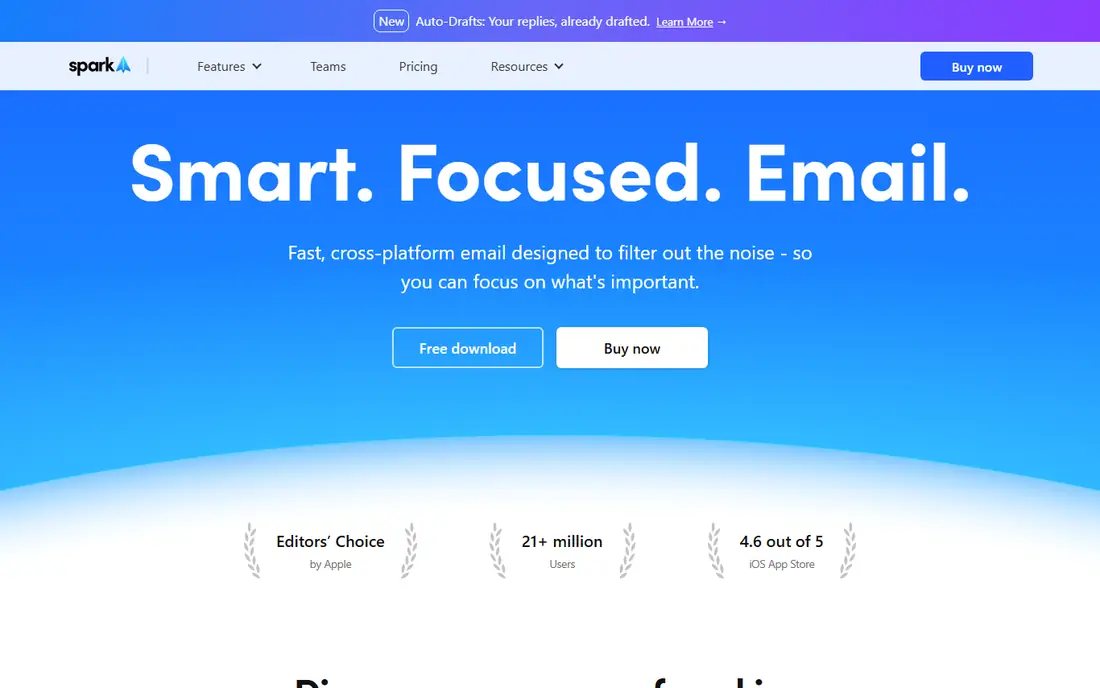
Spark Mail is the practical middle option for most readers. It brings several accounts into one inbox, sorts mail into personal, notification, and newsletter groups, and adds AI writing help and summaries on paid plans. The free plan is usable for daily mail, not just a short demo, which makes it a safe first step.
Paid plans add more AI use, templates, and team features such as shared drafts and comments. The main trade is depth. Spark does not match Shortwave for Gmail search or Superhuman for keyboard speed, but it covers more providers at a lower price. If you want one client for work and personal mail without a high monthly fee, start here.
What we like- Free plan covers core email
- Works across Gmail, Outlook, iCloud, and IMAP
- Smart inbox sorts mail into useful groups
Watch out for- AI features are limited on the free plan
- Some team features need the Pro plan
- Design choices may not suit every user
Starting priceSee website
Free planFree trial
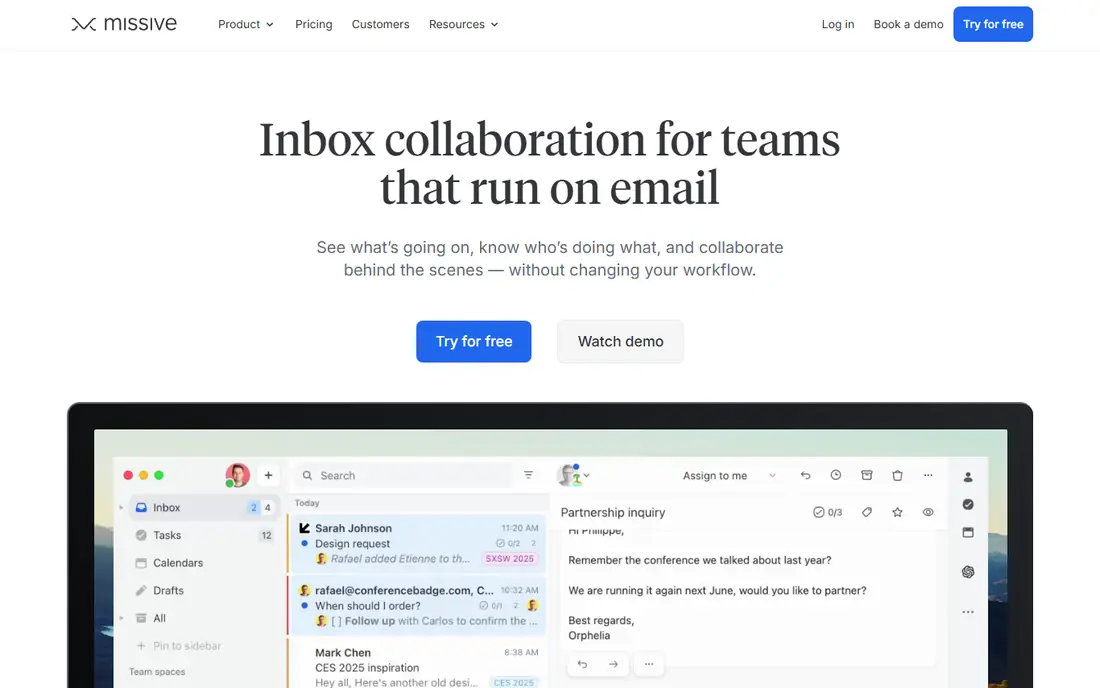
Missive answers a different question from the solo clients above. It is built for two or more people who answer the same inbox, such as support, sales, or operations teams. Messages can be assigned, discussed internally without forwarding, and tracked so two people do not reply to the same customer. That shared view is the core value, and AI prompts help with drafting and sorting inside it.
Solo users will find Missive heavier than they need, and the price reflects team use. Small teams should test assignment and internal comments on real shared mail before committing, because those workflows matter more than the AI draft quality alone. When a shared inbox is the problem, Missive belongs near the top of the shortlist.
What we like- Shared inboxes with internal chat
- Email, SMS, and social messages in one place
- Rules and assignments for team work
Watch out for- Priced for teams, not solo users
- Setup takes longer than a solo client
- AI features vary by plan
#5SaneBox
Best for: Cleaning an existing inbox4.8/5 on
G2 (243 reviews, checked Oct 2026)
Visit sanebox.com
Starting price$9.49 per month
Free planFree trial
SaneBox suits people who like their current email app and only want less noise. It sorts incoming mail on the server side into folders such as a later folder for low priority mail, so your main inbox holds messages that need attention. You do not need to learn a new client, switch providers, or move old mail.
That narrow focus is also the limit. SaneBox does not replace a client, and it does not write replies for you. It works best as a filter layer, often paired with Gmail, Outlook, or Apple Mail. If your main pain is volume rather than drafting or team sharing, SaneBox is a lower friction fix than changing clients entirely.
What we like- Works with your current email client
- Server side sorting needs no new app
- SaneLater and similar folders reduce noise
Watch out for- No full email client of its own
- No AI drafting in the same way as clients above
- Sorting needs training at first
Starting priceSee website
Free planYes
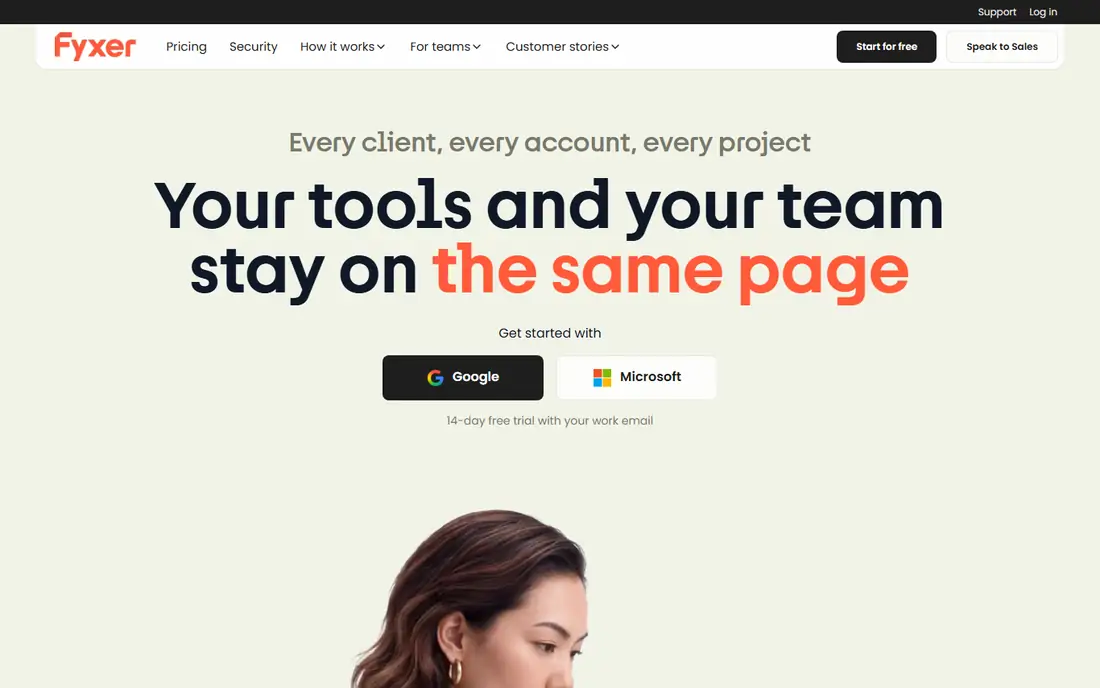
Fyxer takes a hands off approach to routine mail. It sorts incoming messages and prepares draft replies, so you can review, edit, and send rather than starting from a blank box. Meeting notes add value for people whose inbox and calendar are closely linked, since follow up actions often start in a meeting rather than a message.
Review remains part of the job. Drafts can miss tone, context, or a detail from an earlier thread, so sensitive replies need a careful read. Fyxer fits busy professionals who get many similar messages and want the first draft done for them, while keeping final control over what goes out.
What we like- Drafts replies in your voice before you open mail
- Meeting notes and scheduling help
- Works inside Gmail and Outlook
Watch out for- Draft quality still needs review
- Sorting depends on your labels and rules
- Higher plans needed for team use
#7Canary Mail
Best for: Private email with AI help4.5/5 on
G2 (53 reviews, checked Oct 2026)
Visit canarymail.io
Starting priceSee website
Free planYes
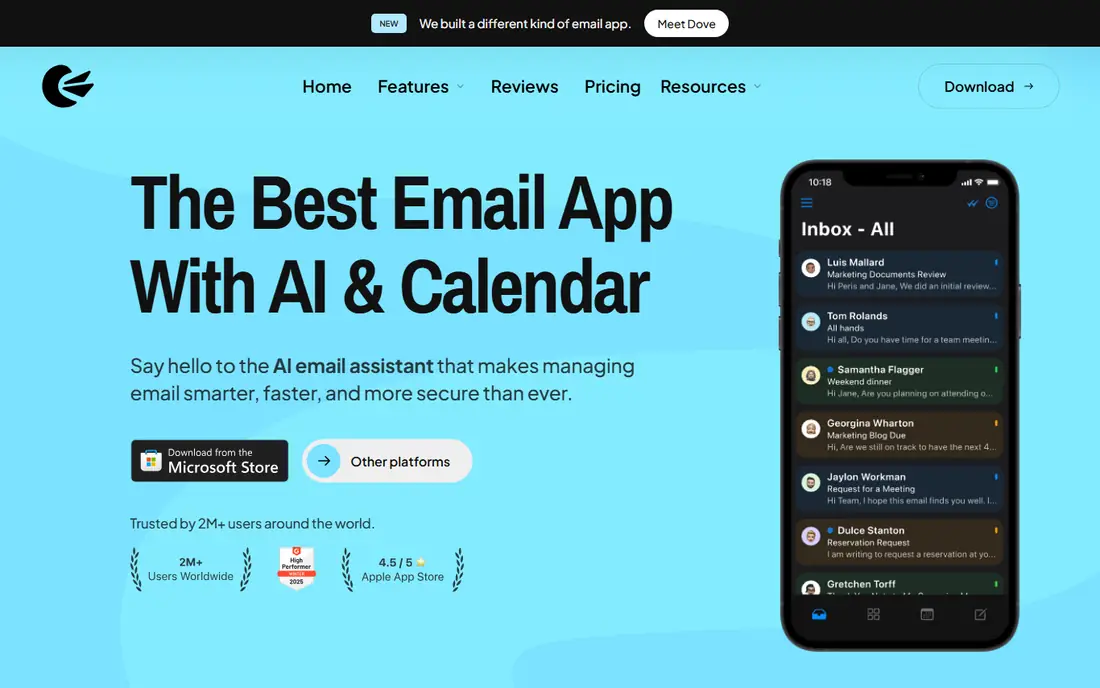
Canary Mail appeals to readers who care about privacy and price at the same time. It supports major providers and IMAP, includes AI summarization and writing help, and offers encryption features that matter for sensitive mail. The free plan lets you test the core client before paying.
The trade is polish and scale. Canary does not have the same large ecosystem as Spark or Superhuman, and some features sit behind paid tiers. For a single user who wants a capable, lower cost client with privacy features, it is a credible option. For a large team with strict admin controls, a team focused tool may fit better.
What we like- Works across Gmail, Outlook, and IMAP
- On device AI options and encryption features
- Lower price than premium clients
Watch out for- Smaller team and support base than large rivals
- Interface is less polished in places
- Some advanced features need paid plans
Starting priceSee website
Free planYes
Gmail with Gemini is the lowest friction choice for Gmail users. Summaries, drafting help, and search assistance appear inside the inbox you already use, with no new app to learn and no migration. For many people, that built in help covers the most common AI tasks, such as summarizing a long thread or drafting a short reply.
It does not solve the design complaints some users have about Gmail, and it does not help Outlook users. AI availability also depends on whether you use free Gmail or a paid Google plan, so check what your account includes. If you already live in Gmail and want AI help without switching, try Gemini features before paying for a separate client.
What we like- Already included for many Gmail users
- Summaries and drafting inside Gmail
- Search and calendar context across Google tools
Watch out for- Gmail only
- AI depth varies by Google plan
- Not a separate client for people who want a new inbox design
Starting priceSee website
Free planNo
Copilot in Outlook makes sense when work already runs on Microsoft 365. It drafts replies, summarizes long threads, and can draw on meetings and documents in the wider Microsoft system on eligible business plans. That context is useful for internal mail, where a reply often depends on a document or a meeting note.
The limit is ecosystem lock in. Copilot does not help Gmail users, and full features depend on the specific Microsoft plan. It also does not replace judgment on sensitive or external messages. For Outlook teams, it is often the simplest AI upgrade, because it adds help to the inbox staff already use.
What we like- Drafting and summaries inside Outlook
- Context from Teams, files, and calendar on business plans
- No new inbox to learn
Watch out for- Needs a Microsoft 365 plan for full features
- Outlook only
- AI suggestions still need human review
How we chose
We compared vendor pricing pages, product documentation, and public reviews on G2, Capterra, and Reddit, and we checked provider support, free plans, team features, and company size fit. A tool made this list only if it exists today, supports Gmail or Outlook or a clear multi provider setup, and offers AI help beyond basic spell checking. We did not count vendor marketing claims as proof, and we treated prices as a starting point to verify on the vendor site, since plans change often.
That method favors tools with clear pricing, a usable free plan or trial, and a specific job. A fast solo client, a shared inbox tool, and a filter layer solve different problems, so the ranking here reflects fit for a stated need rather than a single score. Readers should still run a short trial on their own mail, because draft quality and sorting accuracy depend heavily on message type, volume, and provider.
Start with your provider and your main pain. Gmail users have the widest choice, including Shortwave, Spark, and built in Gemini help. Outlook users should weigh Copilot against Superhuman and Spark, depending on whether they want built in help or a faster separate client. Users on iCloud or IMAP should filter first by provider support, since several AI clients here do not cover every provider.
Solo, team, or filter only
Solo users should choose by daily mail volume and drafting needs. A light user may get enough from a free plan, while a heavy user may justify Superhuman or Shortwave for speed and search. Teams with a shared inbox should test Missive first, because assignment and internal discussion matter more than solo speed. If you like your current client, SaneBox or an assistant layer such as Fyxer may fix the problem with less change.
What to check during a trial
Test AI drafting on three message types you actually send, such as a client update, a scheduling reply, and a sensitive follow up. Check how summaries handle long threads, and whether sorting puts important mail in the right place after a few days. Also check mobile apps, calendar handling, and how the tool treats attachments and signatures. A tool that looks good on a demo inbox can fail on messy, real mail.
Cost and privacy checks
Count seats, not just the headline price, and check whether AI features need a higher plan. Read the privacy page for how mail content is used for AI training or processing, and confirm whether data stays in your region if that matters for work. For business mail, check admin controls, single sign on, and data retention before rolling a tool out to a team.
Frequently asked questions
What is the best AI email assistant for Gmail?
Shortwave is a strong pick for Gmail search and summaries, Spark Mail is a good low cost multi account option, and Gmail with Gemini is the simplest built in choice. The best pick depends on whether search, price, or staying inside Gmail matters most. Try two options on your own mail for a week before paying.
What is the best AI email assistant for Outlook?
Microsoft Copilot in Outlook is the simplest option for Microsoft 365 users, since it works inside Outlook and can use calendar and document context. Superhuman and Spark Mail also support Outlook and suit users who want a faster or cheaper separate client. Check your Microsoft plan first, because Copilot features vary by plan.
Do AI email tools send mail without my approval?
Most tools in this list draft replies for review rather than sending on their own, but settings and automation rules can change that behavior. Check auto send, auto reply, and workflow settings before you connect a tool to a work inbox. Keep human approval on for external, legal, or sensitive messages.
Is a free AI email tool enough?
A free plan can be enough for light mail, basic sorting, and occasional drafting help. Heavy users often hit limits on AI use, search history, or team features, and then need a paid plan. Start free, track where you hit a limit, and upgrade only for the feature that actually blocks your work.
How much should I pay for an AI email assistant?
Solo users can start free or at about $10 per month, while premium speed and search tools run about $30 per month. Teams should budget per seat and check whether shared inbox, admin, and AI features sit on the same plan. Compare the monthly cost against time saved on triage and drafting, not against the feature list alone.
Can I keep my current email address with these tools?
Yes, in most cases. Superhuman, Shortwave, Spark, and similar clients connect to your existing Gmail or Outlook account rather than giving you a new address. SaneBox and Fyxer also work on top of an existing inbox. Confirm provider support before signing up, especially for iCloud, Exchange, or custom domain mail.
Sources we checked (9)
- https://www.superhuman.com/pricing
- https://www.shortwave.com/pricing
- https://sparkmailapp.com/pricing
- https://missiveapp.com/pricing
- https://www.sanebox.com/pricing
- https://www.fyxer.com/pricing
- https://canarymail.io/pricing
- https://mail.google.com
- https://www.microsoft.com/en-us/microsoft-365/outlook
Is your product missing or out of date?
We review this list regularly. Vendors can request a listing, send updated pricing or ask about featured placement.

Shihab Mia · Founder, Rankite
Shihab has 5+ years in B2B and SaaS SEO. He writes Rankite's software buying guides from pricing pages, documentation and public user reviews. More about Shihab.