How we make this list: we compare pricing pages, product documentation and public user reviews. Ratings come from G2, Capterra or Trustpilot, with the date we checked them.
Key takeaways
- ChatGPT Plus remains the safest single paid subscription for everyday chat, images, voice, and research in one app.
- Claude Pro suits long writing and document work, with a careful tone and strong handling of large files.
- Google AI Pro suits people who live in Gmail, Docs, and Drive, since Gemini works inside those apps.
- Perplexity is the best pick when answers need sources you can open and check, rather than a plain chat reply.
- Poe and Character.AI serve narrower needs: Poe for trying many models in one app, and Character.AI for chatting with fictional characters.
Quick comparison
| Tool | Best for | Starting price | Free plan |
|---|
 ChatGPT ChatGPT | Everyday all round chat | $20.00 per user/month | Yes |
 Claude Claude | Long writing and documents | $20.00 per user/month | Yes |
 Gemini Gemini | Google Workspace users | $19.99 per user/month | Yes |
 Microsoft Copilot Microsoft Copilot | Windows and Microsoft 365 users | See website | Yes |
 Grok Grok | Real time chat with X data | See website | Yes |
 Perplexity Perplexity | Research with sources | $20.00 per user/month | Yes |
 Poe Poe | Many models in one app | See website | Yes |
 Character.AI Character.AI | Chatting with characters | $9.99 per user/month | Yes |
Is your product missing or out of date?
We review this list regularly. Vendors can request a listing, send updated pricing or ask about featured placement.
The best ai chatting app
#1ChatGPT
Best for: Everyday all round chat4.6/5 on
G2 (3,089 reviews, checked Oct 2026)
Visit chatgpt.com
Starting price$20.00 per user/month
Free planYes
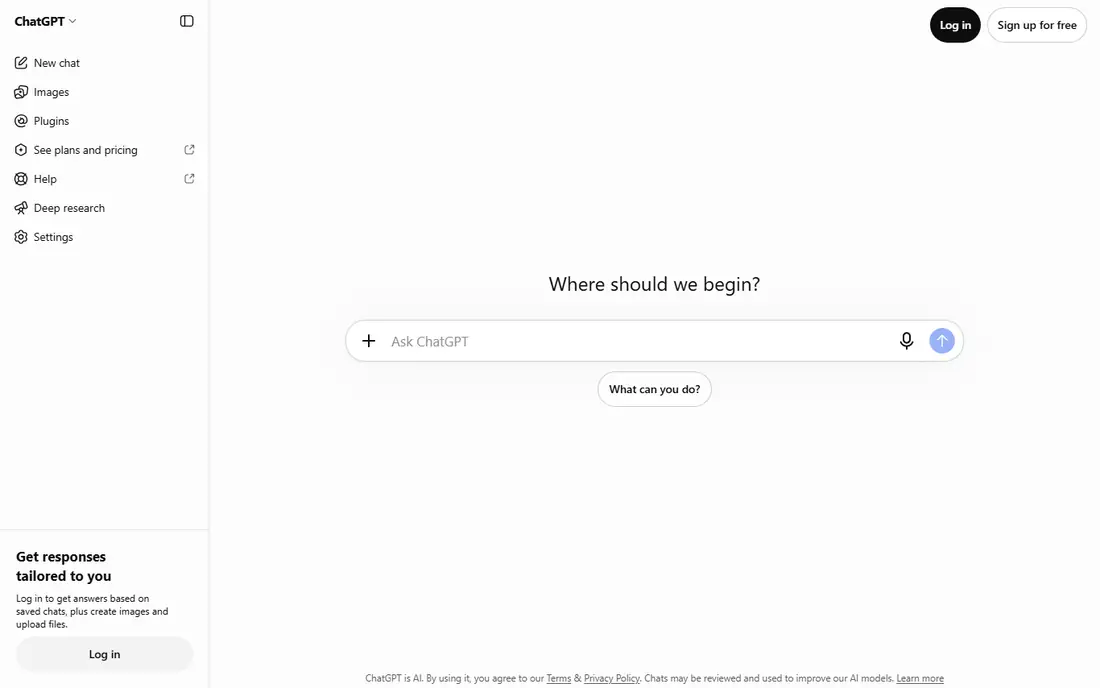
ChatGPT is the most versatile chat app on this list. It handles everyday questions, drafting, brainstorming, coding help, image generation, and voice conversation in one place, and Plus adds higher limits plus Deep Research runs each month. Custom GPTs let a user save instructions for a repeated task, such as formatting meeting notes or drafting product descriptions, without retyping the setup each time.
The free plan covers casual chat well, but image generation and file uploads are limited each day. Paid users should also check the data settings, since chat history is used for training by default unless changed. ChatGPT fits people who want one subscription that covers most chat needs, rather than a specialist tool for a single job.
What we like- Strong general chat, voice, and image generation
- Custom GPTs for repeated tasks
- Deep Research on Plus
- Large app and web ecosystem
Watch out for- Free plan has daily limits on images and uploads
- Answers can sound confident when wrong
- Privacy settings need a manual check
#2Claude
Best for: Long writing and documents4.6/5 on
G2 (488 reviews, checked Oct 2026)
Visit claude.ai
Starting price$20.00 per user/month
Free planYes
Claude stands out for writing and for work with long documents. Users can upload reports, contracts, or manuscripts and ask for summaries, edits, or analysis that respects the source text. Projects group files, chats, and custom instructions, which helps with ongoing work such as a book draft or a research file.
The limits are clear: Claude does not generate images, and paid plans still carry usage caps in five hour windows plus weekly limits on some tiers. Web search exists but is less fresh than a search first tool. Claude fits writers, editors, researchers, and developers who value tone and document handling over image or video features.
What we like- Careful, natural writing tone
- Strong with long documents and code
- Projects keep files and instructions together
- Clear usage windows on paid plans
Watch out for- No built in image generation
- Usage caps apply even on paid plans
- Web search freshness lags on fast moving news
Starting price$19.99 per user/month
Free planYes
Gemini is Google chat app, and its strength grows for people already using Google services. On the Google AI Pro plan, Gemini can draft in Docs, summarize email threads in Gmail, and work with files in Drive without copying text between apps. It also handles very long documents, which suits research summaries and contract review.
The free tier is generous for casual chat, while Pro costs $19.99 per user per month and bundles storage and media generation tools. People outside the Google ecosystem gain less from Pro, since much of the value sits in those integrations. Gemini fits Google Workspace users and anyone who regularly works with long documents.
What we like- Works inside Gmail, Docs, and Drive on Pro
- Very long context for large documents
- Image and video generation on paid tiers
- Generous free tier
Watch out for- Best value requires the Google ecosystem
- Some features vary by country
- Pro price is a bundle, not a chat only plan
Starting priceSee website
Free planYes
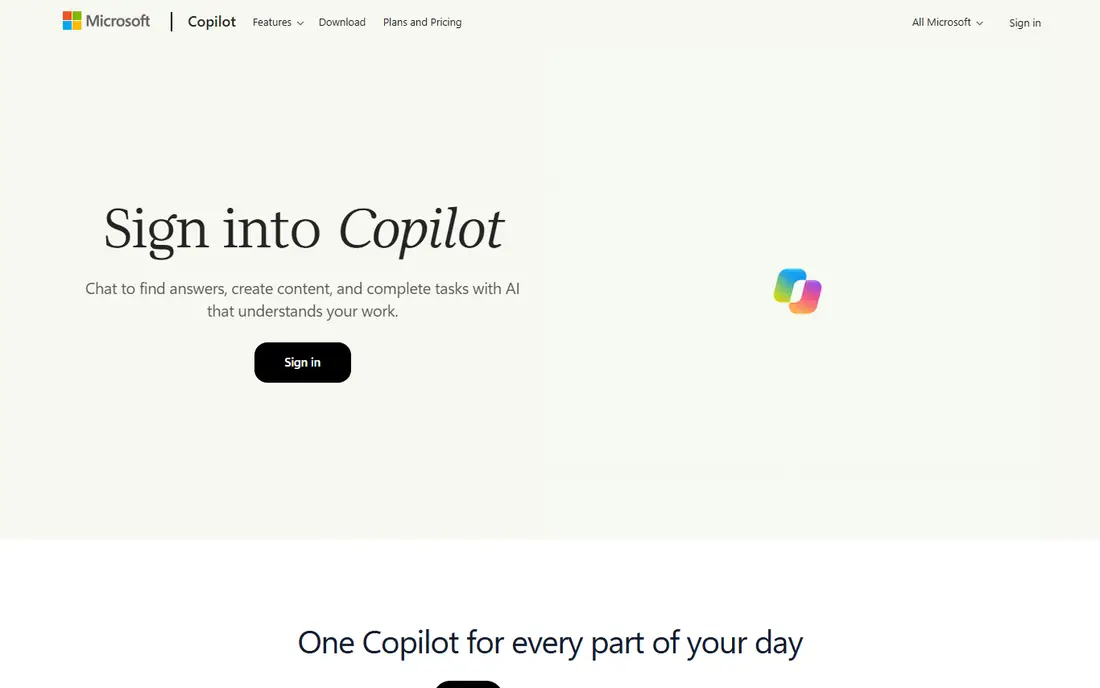
Microsoft Copilot gives Windows and Microsoft 365 users a chat assistant that can also work inside Office apps. The free version covers chat, web answers, voice, and image generation with daily limits. Paid Microsoft 365 plans add Copilot inside Word, Excel, Outlook, and Teams, where it can draft documents, summarize mail, and analyze spreadsheets.
Plan naming in this category has changed during 2026, so check the current Microsoft 365 offer before paying, since the old standalone Copilot Pro no longer appears as a separate purchase in some regions. Copilot fits people who already pay for Microsoft 365 and want chat inside the apps they use for work each day.
What we like- Free chat with web grounding
- Works in Word, Excel, Outlook, and Teams on paid plans
- Voice and image features included
- Built into Windows
Watch out for- Standalone Copilot Pro has been retired in favor of Microsoft 365 plans
- Best features need a Microsoft 365 subscription
- Plan names change often
Starting priceSee website
Free planYes
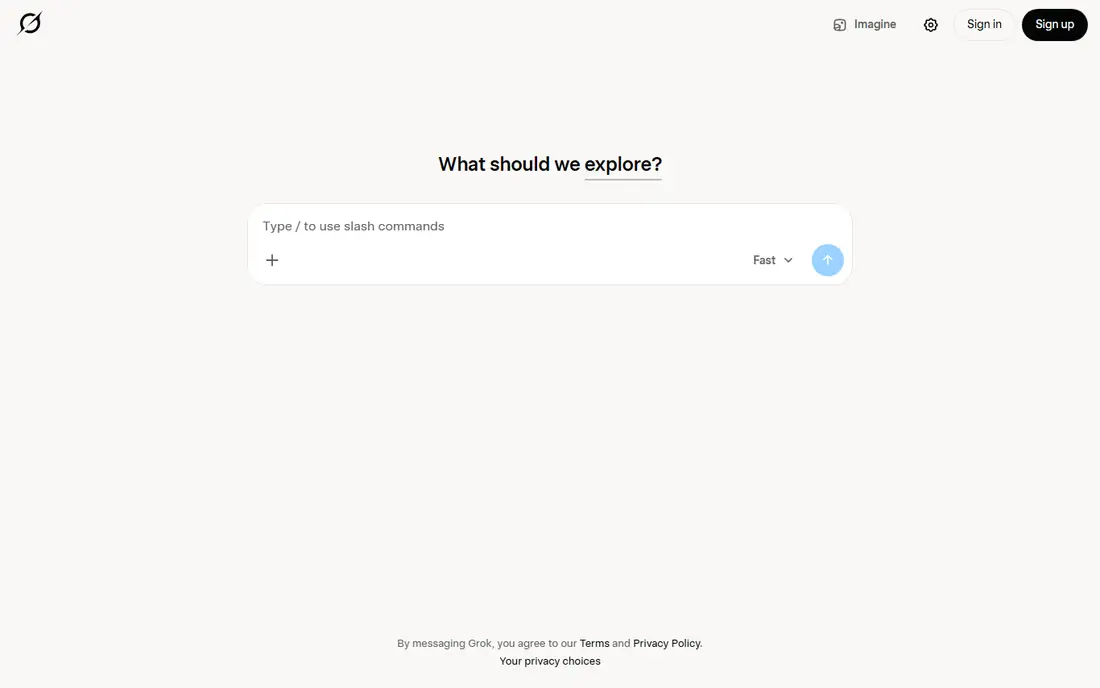
Grok is the chat assistant from xAI, available on the web, on mobile, and inside X. Its strength is recency: it draws on posts and discussion from X, which makes it useful for breaking news, live events, and social sentiment that slower search tools may miss. Image generation and voice chat are included, and the free tier covers casual questions.
The trade-off is rigor. Grok suits fast moving topics and playful conversation, but for facts that must be cited, Perplexity or a web search with primary sources is safer. Paid plans are shown on the vendor site and cost more than the standard 20 dollar plans of ChatGPT, Claude, and Perplexity. Grok fits people who follow news and social trends closely and want a chat app that keeps pace with them.
What we like- Strong on fast moving news and social trends
- Image and voice features included
- Available on web, mobile, and inside X
- Free tier for casual use
Watch out for- Answers on social topics can be looser than sourced research tools
- Paid tiers cost more than the 20 dollar plans of rivals
- Less suited to long document work
Starting price$20.00 per user/month
Free planYes
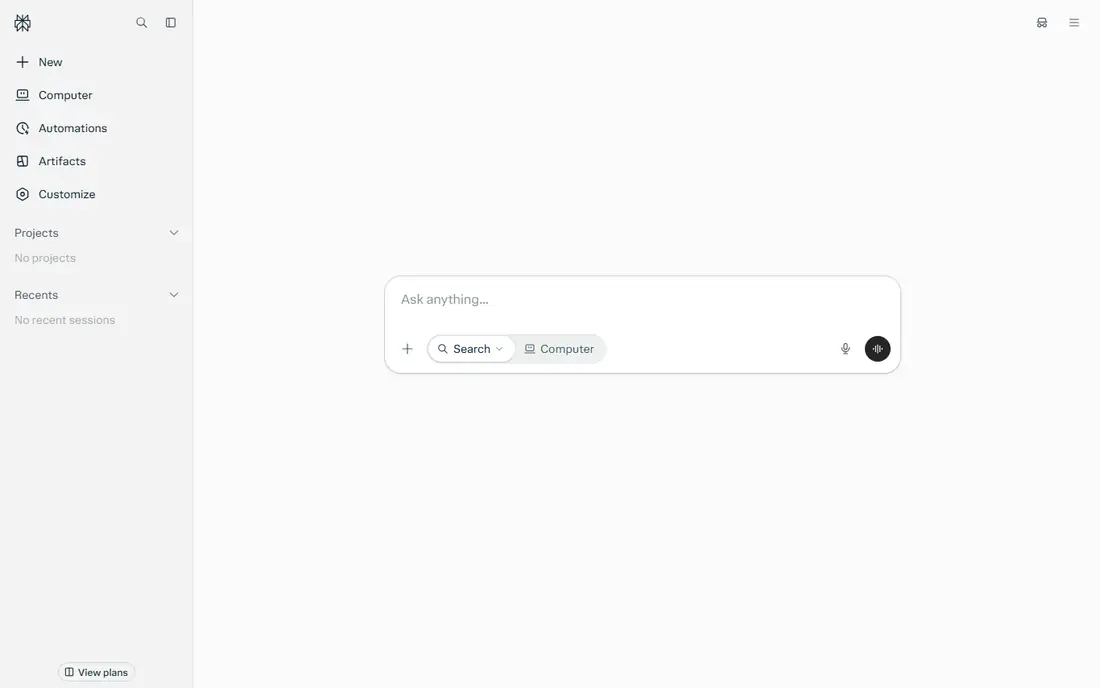
Perplexity works like a chat search engine. Ask a question, and it searches the web, then writes an answer with numbered sources that open in a click. That design makes it easy to check a claim, follow a citation, or compare what several sources say. Pro costs $20.00 per user per month and adds more Pro searches per day plus access to several model choices.
Perplexity is less suited to open ended creative writing or long document editing, where ChatGPT and Claude do better. It also inherits the limits of web sources: a paywalled article may appear as a citation without full text. Perplexity fits researchers, students, journalists, and anyone who wants an answer they can verify.
What we like- Every answer links to sources you can open
- Pro searches use stronger models
- Focus modes for academic, social, and video sources
- Clean, fast interface
Watch out for- Weaker for creative writing than ChatGPT or Claude
- Free Pro searches are limited each day
- Some sources need a subscription to read in full
Starting priceSee website
Free planYes
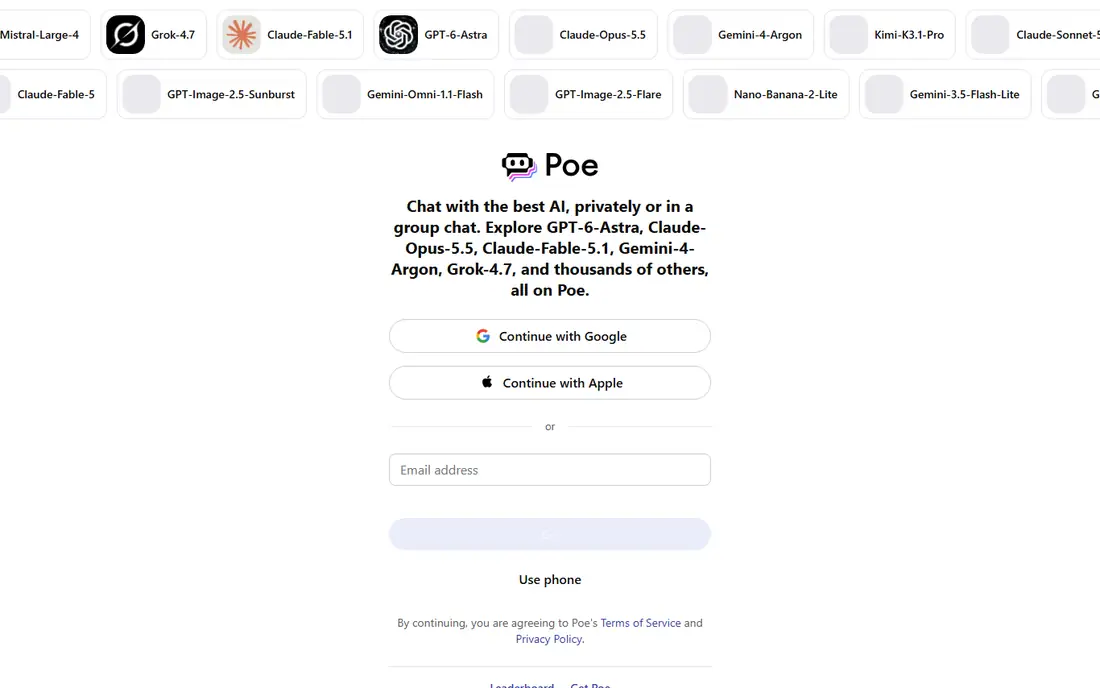
Poe, from Quora, gathers chat models from several providers in one app. A user can ask ChatGPT, Claude, Gemini, and other models from the same account, compare answers side by side, and switch models when one handles a task better. Bots built by other users cover specific jobs, such as image prompts or code help.
Usage is measured in points, with different models costing different amounts per message, so heavy users need to learn the system to avoid surprise limits. Entry pricing is shown on the vendor site and starts below the $20 plans of the big single model apps. Poe fits curious users who want to compare models, and people who use several models each week but do not want several subscriptions.
What we like- Access to many chat models in one subscription
- Compare answers from different models side by side
- Bots for specific tasks
- Lower entry price than some rivals
Watch out for- Usage runs on a points system that needs learning
- Latest model access varies by plan
- Less deep integration than native apps
Starting price$9.99 per user/month
Free planYes
Character.AI is a different kind of chat app. Instead of one general assistant, it offers thousands of characters created by users, from fictional figures to study helpers and language practice partners. Users can chat one to one, join group chats with several characters, or create a character of their own with a personality, backstory, and speaking style.
The paid plan, at $9.99 per user per month, removes waiting times and adds faster responses and early features. Character.AI is not a research tool: character replies are invented by design, and facts should be checked elsewhere. It fits creative writers, language learners, and fans who enjoy character conversation as entertainment or practice.
What we like- Huge library of user made characters
- Chat, voice, and group chats with characters
- Creative writing and roleplay focus
- Lower paid price than general assistants
Watch out for- Not built for factual research or work tasks
- Character answers can be inaccurate
- Free plan has waiting times at busy hours
How we chose
We compared vendor pricing pages, product documentation, and public reviews on G2, Capterra, and Reddit, and we checked each app for real chat use: everyday questions, writing, document work, research, and character chat. We favored apps with a free plan, clear pricing, and a distinct strength, rather than listing eight versions of the same general assistant. We also weighed the honest limit of each app, such as usage caps, platform lock in, or weak factual grounding, because that limit usually decides whether a subscription is worth keeping.
How to pick the right chat app
Most people need one general assistant and, at most, one specialist. Paying for three general chat subscriptions rarely adds value, since the models overlap heavily.
Start free and track your real use
Use the free tier of two apps for two weeks and note what you actually ask for: writing, coding, research, images, or casual chat. If one app covers 90 percent of those tasks, that is your pick. Upgrade only when you hit a limit that blocks real work, such as image caps or document size limits, not because a plan looks impressive.
Match the app to the job
Choose ChatGPT for all round use, Claude for long writing and documents, Gemini for Google Workspace work, Copilot for Microsoft 365 work, and Perplexity when sources matter. Use Poe when you want to compare models, Grok when you want fast moving news and social discussion, and Character.AI only for creative or character conversation, never for facts you must rely on.
Check facts before you act on them
Chat apps can state wrong facts with confidence, invent citations, and mix up dates and prices. For any answer that affects money, health, law, or work decisions, open the source, check the vendor page, or confirm with a second source. Perplexity makes this easier by linking sources, but even linked sources should be read, not just cited.
Review privacy settings on day one
Open the data and privacy settings in any chat app you use for work. Turn off training on your chats where the app allows it, avoid pasting passwords, private client data, or unpublished work into a free chat app, and delete chats that contain sensitive material. A chat app is convenient, but it is not a private notebook by default.
Frequently asked questions
What is the best AI chatting app for everyday use?
ChatGPT is the best all round choice for most people, since it covers chat, voice, images, and research in one app with a free tier and a $20 Plus plan. Claude is better for long writing, Gemini for Google users, and Perplexity for sourced research. Try the free tiers first and pick the app whose answers you trust most for your own tasks.
Is there a good free AI chatting app?
Yes. ChatGPT, Claude, Gemini, Copilot, Grok, and Perplexity all offer free tiers that cover casual chat. Grok is free for casual use inside X and on the web, while the others limit images, uploads, or advanced models on free plans. For most casual use, a free tier is enough, and a paid plan only matters when limits block real work.
Which AI chat app is best for research?
Perplexity is the best research pick, since it searches the web and links every claim to a source you can open. ChatGPT and Gemini also search the web on paid plans, and Claude handles long documents well. For research that must be cited, always open the source itself rather than trusting the chat summary alone.
Can AI chat apps replace a search engine?
For many questions, chat apps give a faster direct answer, but they are not a full replacement for search. Search shows many sources, dates, and viewpoints, while a chat answer shows one summary that may contain errors. Use chat for drafting and exploring, and use search when accuracy, recency, or a primary source matters.
Are AI chat conversations private?
Not by default. Many providers store chats and may use them for training unless you change a setting, and free apps in particular should be treated as non private. Avoid sharing passwords, financial details, medical records, or unpublished work in a chat app. Check the privacy settings and data controls in each app before using it for sensitive topics.
What is the difference between ChatGPT and Character.AI?
ChatGPT is a general assistant built for questions, writing, coding, and research, while Character.AI is built for chatting with fictional or user made characters for entertainment, roleplay, and creative practice. Character replies are invented for fun, so they should not be used as facts. Use ChatGPT for work and Character.AI for creative conversation.
Sources we checked (8)
- https://chatgpt.com
- https://claude.ai
- https://gemini.google.com
- https://copilot.microsoft.com
- https://grok.com
- https://www.perplexity.com
- https://poe.com
- https://character.ai
Is your product missing or out of date?
We review this list regularly. Vendors can request a listing, send updated pricing or ask about featured placement.

Shihab Mia · Founder, Rankite
Shihab has 5+ years in B2B and SaaS SEO. He writes Rankite's software buying guides from pricing pages, documentation and public user reviews. More about Shihab.