How we make this list: we compare pricing pages, product documentation and public user reviews. Ratings come from G2, Capterra or Trustpilot, with the date we checked them.
Key takeaways
- HeyGen leads on realism and translation for marketing and customer-facing video, while Synthesia leads on governance for large training programs.
- Minute and credit caps decide the real cost, so compare finished minutes per month rather than the headline monthly price alone.
- D-ID remains the cheapest entry point for turning a single photo into a talking video, though commercial use and watermark rules change by plan.
- Colossyan suits interactive training with quizzes and branching, while Hedra suits expressive character work from a photo and audio.
- Every reputable platform now asks for consent before cloning a real person, so plan a short verification step into any project that uses your own likeness.
Quick comparison
| Tool | Best for | Starting price | Free plan |
|---|
 HeyGen HeyGen | Realistic marketing video | $24 per user/month (billed annually) | Yes |
 Synthesia Synthesia | Enterprise training | $18 per user/month (billed annually) | Yes |
 Colossyan Colossyan | Interactive learning | $59 per user/month (billed annually) | Yes |
 D-ID D-ID | Budget photo avatars | $4.70 per user/month (billed annually) | Free trial (14 days) |
 Hedra Hedra | Expressive character video | See website | Yes |
 Elai Elai | Slide decks to video | $23 per user/month (billed annually) | Yes |
 Vidnoz Vidnoz | Low-cost talking avatars | See website | Yes |
 DeepBrain AI DeepBrain AI | Corporate presenter video | See website | Yes |
 VEED VEED | Avatars inside an editor | See website | Yes |
Is your product missing or out of date?
We review this list regularly. Vendors can request a listing, send updated pricing or ask about featured placement.
#1HeyGen
Best for: Realistic marketing video4.8/5 on
G2 (1,973 reviews, checked Oct 2026)
Visit heygen.com
Starting price$24 per user/month (billed annually)
Free planYes
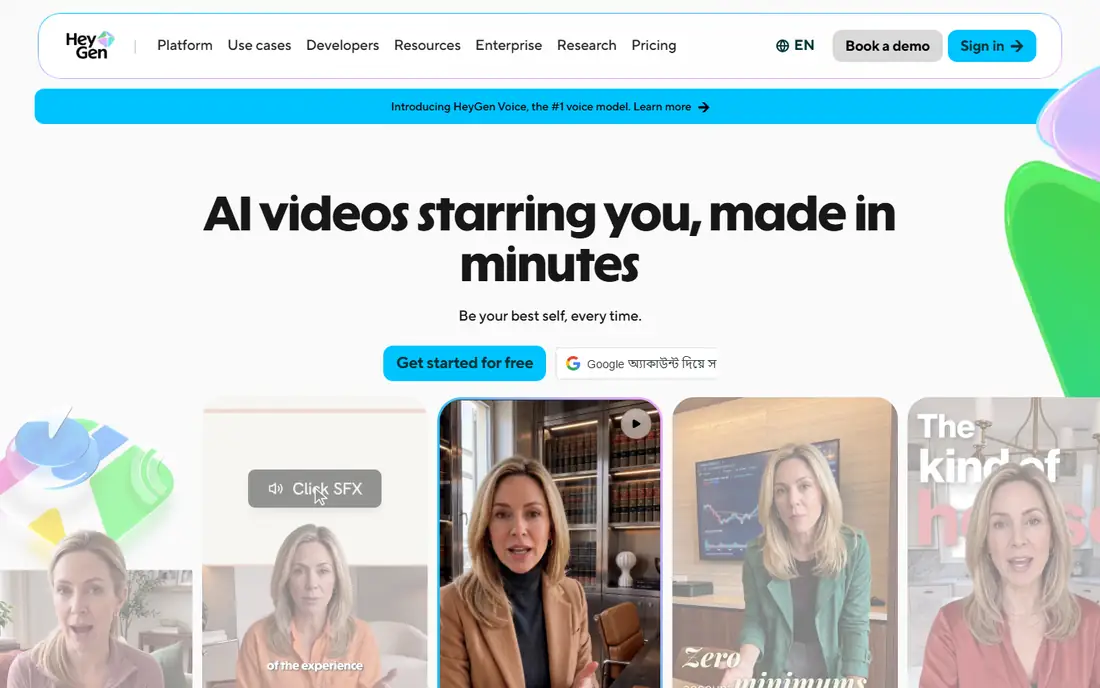
HeyGen is the first tool to try when the video has to look polished on a phone screen. Its newer avatar models add gestures and small facial expressions that older talking-head tools often missed, and the result reads less like a slideshow with a face pasted on top. Translation helps too, since one script can reach buyers in several languages without re-recording a presenter. For product explainers, onboarding welcomes, and short ads, that combination covers most of the work.
Pricing needs a careful read. Creator costs $29 per month, or $24 per month when billed annually, and includes 600 credits. Premium rendering consumes credits faster than standard rendering, so a plan that looks generous on paper can shrink when you choose the highest quality. The free plan allows three watermarked videos a month, which is enough to judge realism but not enough for a series. Start free, render a real script in your brand voice, and only then decide whether the credit math fits your monthly output.
What we like- Strong avatar realism and gestures
- Translation into many languages
- Large stock avatar library
Watch out for- Premium avatar rendering uses more credits
- Custom avatar setup takes time and verification
#2Synthesia
Best for: Enterprise training4.6/5 on
G2 (2,804 reviews, checked Oct 2026)
Visit synthesia.io
Starting price$18 per user/month (billed annually)
Free planYes
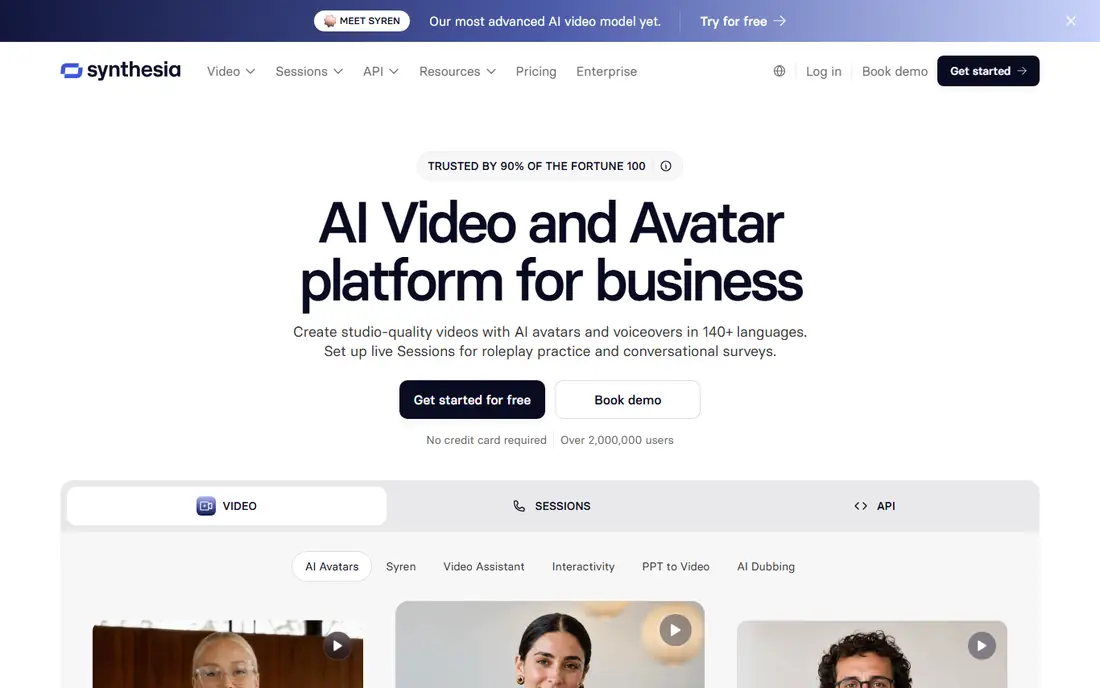
Large training teams pick Synthesia for reasons that have little to do with a single demo clip. Admin controls, review workflows, and security features matter when hundreds of employees watch the same module and the content must stay consistent. Language support also helps global teams avoid recording the same course many times. The avatars are polished and professional, which suits compliance, safety, and product training better than playful social formats.
Starter costs $29 per month, or $18 per month when billed annually, and the free Basic plan offers a small monthly allowance with a watermark and no download. That free tier is useful for testing script tone and pacing, but a real course library needs a paid plan. The main catch is gating: SCORM export and deeper enterprise controls sit higher up, so confirm those features before you buy if your learning system requires them. For a small team making a few videos a month, HeyGen or Colossyan may cost less for similar output.
What we like- Strong admin controls and compliance features
- Wide language support
- SCORM export on higher plans
Watch out for- SCORM sits on enterprise tiers
- Stock avatars can feel formal for casual social content
#3Colossyan
Best for: Interactive learning4.6/5 on
G2 (496 reviews, checked Oct 2026)
Visit colossyan.com
Starting price$59 per user/month (billed annually)
Free planYes
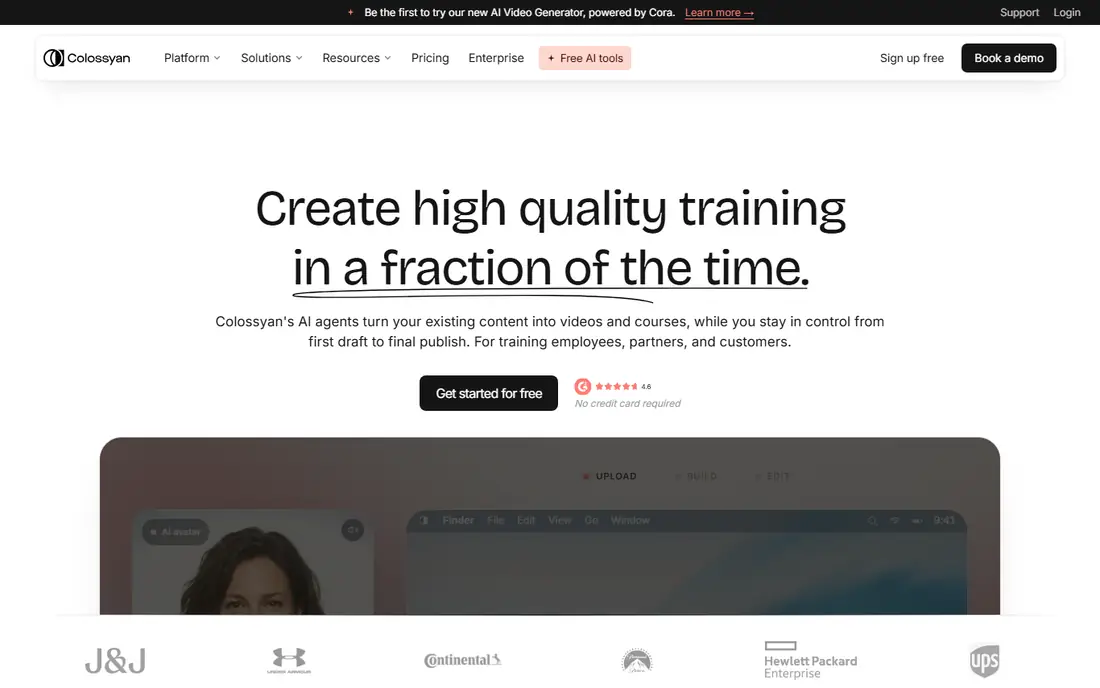
Colossyan was built around learning, and that focus shows in the editor. You can build branching scenarios, add quizzes, and guide a learner through a decision path instead of only playing a linear video. For onboarding, compliance refreshers, and sales enablement, interactivity keeps attention longer than a passive clip. SCORM export is available without an enterprise-only gate, which makes it easier for mid-size learning teams to plug finished courses into an existing system.
Professional pricing is $59 per month when billed annually, with extra editors adding cost, so a team with several authors should price the whole group, not one seat. The free Starter plan gives a limited monthly allowance with a watermark, enough to test a branching lesson. Avatar realism is good but not the most lifelike in this group, so teams that need near-human presenters for marketing should compare HeyGen first. For structured training, Colossyan often wins on workflow rather than on face quality alone.
What we like- Branching scenarios and quizzes
- SCORM export from lower tiers than some rivals
- Clear learning-focused editor
Watch out for- Avatar realism trails HeyGen
- Per-editor pricing adds up for larger authoring teams
#4D-ID
Best for: Budget photo avatars4.6/5 on
G2 (135 reviews, checked Oct 2026)
Visit d-id.com
Starting price$4.70 per user/month (billed annually)
Free planFree trial (14 days)
Budget buyers usually land on D-ID first, and the reason is simple. Lite costs $5.90 per month, or $4.70 per month when billed annually, which undercuts every other paid plan in this guide. It animates a still photo with speech, so you can create a spokesperson, a mascot, or a historical-style presenter without filming anyone. Developers also get an API, which helps when avatars need to appear inside another product or support flow.
The limits matter as much as the price. Lower plans carry a watermark and a personal-use license, so commercial projects need Pro or higher. Long presentations can also feel repetitive when the source is a single photo, since gestures and movement stay limited. Use D-ID for short explainers, greetings, and prototypes, and move to HeyGen or Synthesia when a video must carry a full training module or a paid campaign.
What we like- Lowest paid entry price here
- Turns any photo into a talking avatar
- API for developers
Watch out for- Watermark and license limits on lower plans
- Photo avatars suit short clips better than long presentations
Starting priceSee website
Free planYes
Hedra takes a different path from the corporate tools. You start with a character image and audio, and the tool focuses on expressive lip sync and movement that suit storytelling, social clips, and creative projects. Creators use it for characters that would be hard or costly to film, and the short-form workflow rewards quick tests. If a clip does not work, you can change the audio or image and try again without a full production setup.
That creative strength is also its boundary. Hedra lacks the compliance stack, SCORM workflow, and admin controls that large learning teams need, so it should not be bought as a training platform. Free credits are limited, and paid plans vary on resolution and allowance, so check the current pricing page before planning a series. For individual creators and small teams making character-led video, Hedra offers strong value per clip.
What we like- Strong lip sync from a photo and audio
- Good fit for creative characters
- Fast iteration for short clips
Watch out for- Less suited to formal corporate training
- Credit and resolution limits vary by plan
#6Elai
Best for: Slide decks to video4.5/5 on
G2 (165 reviews, checked Oct 2026)
Visit elai.io
Starting price$23 per user/month (billed annually)
Free planYes
Elai solves a common bottleneck: a good deck that never becomes a video because recording takes too long. You import slides, a PDF, or a URL, add a script, and generate a presenter-led version that a team can watch without a meeting. That workflow suits internal updates, course drafts, and product walkthroughs built from existing material. Creator pricing is $29 per month, or $23 per month when billed annually, with a monthly minute allowance.
The free plan offers a very small allowance, so treat it as a format test rather than a production tier. Extra minutes beyond the plan add cost, which matters if you publish weekly. Avatar quality is dependable for training and internal video, though marketing teams chasing the most lifelike face will still prefer HeyGen. If your source material already lives in decks, Elai removes the most tedious step.
What we like- Imports slides, PDFs, and URLs into video
- Straightforward script-to-video flow
- Competitive entry price
Watch out for- Avatar realism is solid rather than leading
- Extra minutes cost more beyond the plan allowance
#7Vidnoz
Best for: Low-cost talking avatars4.9/5 on
G2 (16 reviews, checked Oct 2026)
Visit vidnoz.com
Starting priceSee website
Free planYes
Vidnoz appeals to beginners and small creators who want to start without a subscription. The free tier allows real avatar video, not only a preview, which helps when you are learning script length, pacing, and voice choice. The avatar and voice libraries are broad, and the editor stays simple enough that a first video can be finished in one sitting. For social posts, short explainers, and personal projects, that low barrier matters.
Paid plans remove the watermark and raise resolution and allowances, but pricing and credit counts have shifted over time, so confirm the current page before an annual purchase. Vidnoz also suits volume less well than HeyGen or Synthesia when a team needs governance, review, and consistent branding across many videos. As a starting tool or a backup for short clips, it earns its place.
What we like- Meaningful free tier
- Large avatar and voice selection
- Simple editor for beginners
Watch out for- Free exports carry a watermark and lower resolution
- Paid plan details change often, so verify before buying
#8DeepBrain AI
Best for: Corporate presenter video4.3/5 on
G2 (1,060 reviews, checked Oct 2026)
Visit deepbrainai.io
Starting priceSee website
Free planYes
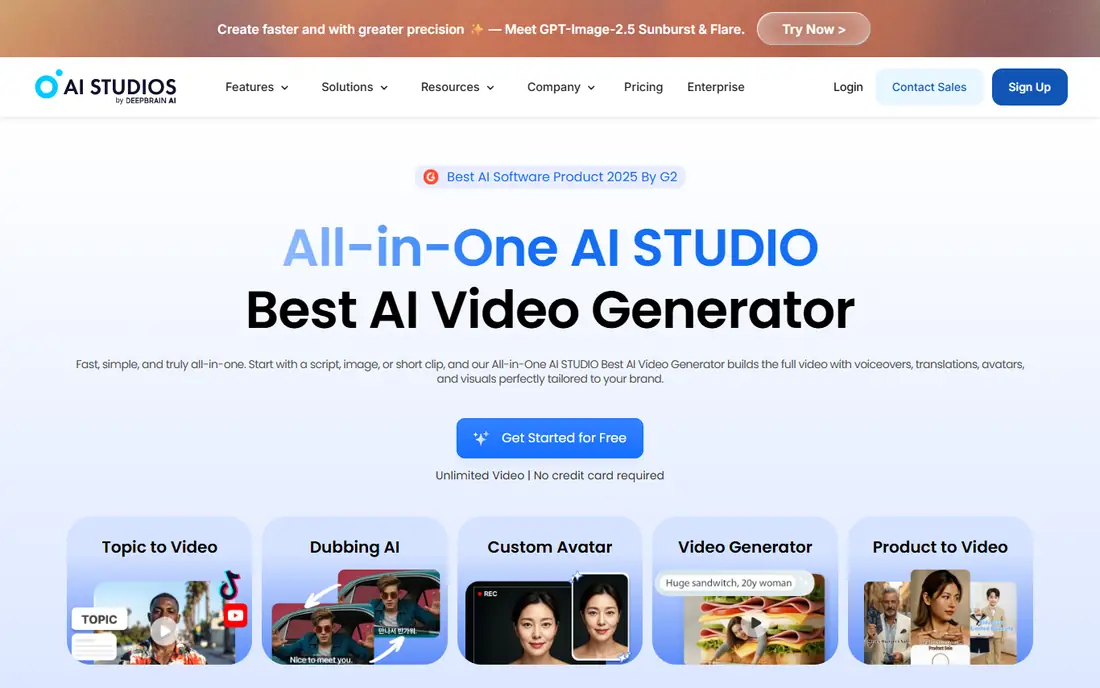
DeepBrain AI, also known as AI Studios, focuses on clean, studio-style presenter video for corporate and broadcast-style use. The presenters look composed and steady, which suits company updates, training intros, and news-style summaries better than casual social content. Teams that publish regular updates value the consistent look, since every video can match the same presenter style without booking a studio.
The trade-off is pricing clarity. Entry plans are published, but larger and enterprise use often requires a conversation with sales, and custom presenter creation can add cost. The free tier helps you judge presenter style and voice quality, but it will not carry a series. Compare the per-minute cost against Synthesia for training and HeyGen for marketing before committing, since the best fit depends on format more than on face quality alone.
What we like- Polished studio-style presenters
- Useful for news-style and corporate updates
- API and enterprise options
Watch out for- Pricing is less transparent for larger use
- Custom presenter work can add cost and lead time
#9VEED
Best for: Avatars inside an editor4.6/5 on
G2 (2,175 reviews, checked Oct 2026)
Visit veed.io
Starting priceSee website
Free planYes
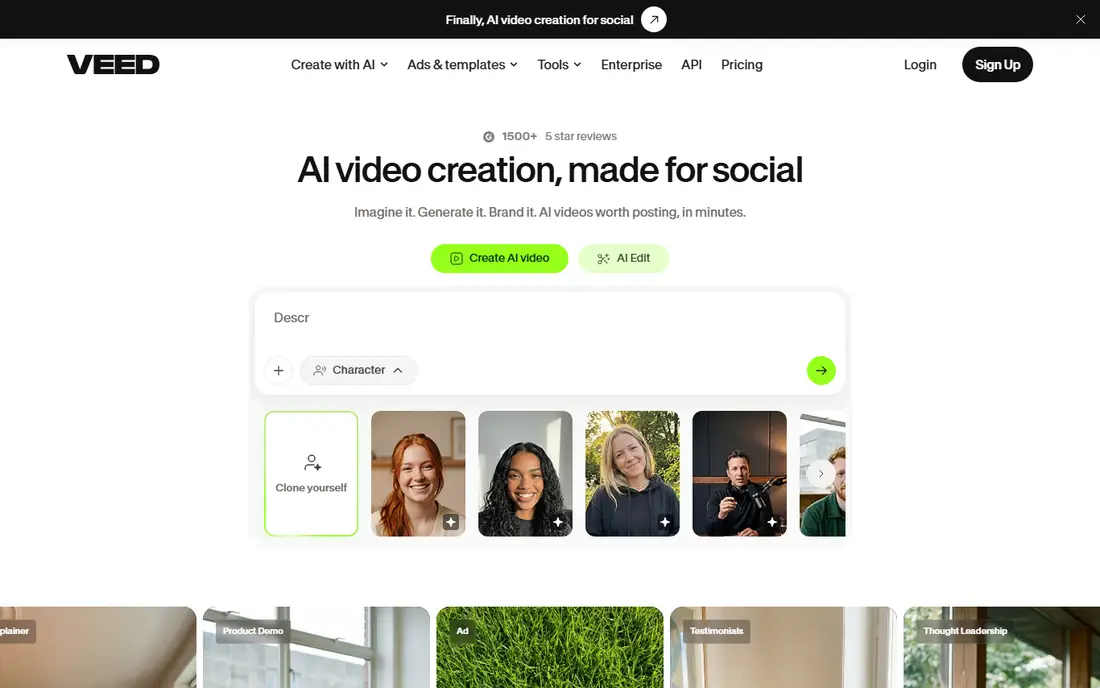
VEED makes sense when the avatar is only one part of the finished video. You can generate an avatar clip, then trim it, add subtitles, insert b-roll, and export for social channels without moving files between apps. That all-in-one flow saves time for marketing teams that publish short videos weekly and need captions and formatting as part of every post. The free plan includes watermarked exports, which is enough to test the workflow.
Specialist needs still point elsewhere. VEED does not match Synthesia on training governance or Colossyan on branching lessons, and avatar minute limits can bind a heavy user. If your team already edits in VEED, adding avatars there avoids a second subscription. If avatars are the core product, a specialist tool will give you more control over realism, voices, and long-form output.
What we like- Full video editor around the avatar
- Subtitles, captions, and trimming in one place
- Good for social teams
Watch out for- Avatar features are part of a broader editor, not a specialist training platform
- Minute and credit limits apply
How we chose
We compared vendor pricing pages, product documentation, and public reviews on G2, Capterra, and Reddit, with attention to credit systems, minute allowances, watermark rules, and license terms. A tool stayed on the list only if it creates a talking avatar from a script, a photo, or a recording today, and if its pricing could be checked on a public page or a recent vendor summary. We weighted realism, language coverage, training features, editing workflow, and company-size fit, rather than ranking on a single demo clip. Consent and disclosure rules also shaped the list, since cloning a real person now requires verification on reputable platforms.
Buying without regret
Avatar pricing looks simple until credits enter the picture. A plan may list minutes, credits, or both, and premium rendering can consume several times more credits than standard rendering. Before you pay annually, render two real scripts at the quality you plan to publish, then divide the plan price by the finished minutes you actually get. That number, not the monthly headline, tells you whether the plan fits your output.
Check the license before you publish
Free and low-cost plans often limit commercial use, add a watermark, or restrict paid promotion with stock avatars. If a video will run as an ad, on a sales page, or inside a paid course, confirm the license on that exact plan. Upgrading one tier is usually cheaper than remaking a video after it has already been published.
Plan for consent and disclosure
If the avatar looks like a real employee, founder, or customer, collect clear consent and keep a record of it. Label AI-presented video where your audience, platform, or region requires disclosure, and avoid using a likeness for claims the person never made. These steps protect the person in the video and the team publishing it, and they are now standard practice on major platforms.
Frequently asked questions
What is the best ai avatar creator tool for most people?
HeyGen fits most marketing and general video needs, thanks to realistic avatars and broad translation. Synthesia fits large training programs better, because of admin controls and compliance features. If budget is the main constraint, D-ID offers the lowest paid entry point for short photo-avatar videos.
Can I create an avatar of myself?
Yes, on most platforms, but you must complete a consent and verification step first. You usually record a short video or upload a photo, confirm your identity, and agree to the terms for that likeness. The process takes longer than using a stock avatar, so allow time for review before a launch date.
Do free plans allow commercial use?
Usually not without limits. Free plans commonly add a watermark, restrict downloads, or limit use to personal and evaluation purposes. Check the license for the exact plan you use, and move to a paid plan before publishing a video in an ad, a sales flow, or a paid course.
How many minutes do I really get each month?
It depends on credits, rendering quality, and avatar type. A plan may promise a set number of credits, while premium avatars consume more credits per finished minute. Render a typical script at your chosen quality, note the credit cost, and divide your monthly credits by that figure to estimate real output.
Are AI avatars good enough for training?
For most internal training, yes, especially when the script is clear and the visuals support the lesson. Learners tend to accept a polished avatar for routine updates, onboarding, and compliance refreshers. For sensitive topics, live discussion, or high-stakes coaching, a human presenter or a live session still works better.
What should I avoid when choosing a tool?
Avoid buying on headline price alone, and avoid annual billing before you test credit use on real scripts. Also avoid tools that skip consent checks for real likenesses, since that creates legal and reputational risk. A short paid trial month often reveals the true per-minute cost before a yearly commitment locks it in.
Sources we checked (9)
- https://www.heygen.com/pricing
- https://www.synthesia.io/pricing
- https://www.colossyan.com/pricing
- https://www.d-id.com/pricing
- https://www.hedra.com/pricing
- https://www.elai.io/pricing
- https://www.vidnoz.com/pricing
- https://www.deepbrainai.io/pricing
- https://www.veed.io/pricing
Is your product missing or out of date?
We review this list regularly. Vendors can request a listing, send updated pricing or ask about featured placement.

Shihab Mia · Founder, Rankite
Shihab has 5+ years in B2B and SaaS SEO. He writes Rankite's software buying guides from pricing pages, documentation and public user reviews. More about Shihab.