How we make this list: we compare pricing pages, product documentation and public user reviews. Ratings come from G2, Capterra or Trustpilot, with the date we checked them.
Key takeaways
- Data capture tools use OCR to read a photo or scan of a receipt, extracting vendor, date, amount, and tax, then categorizing it and syncing into accounting software.
- Dext is the most powerful capture for accountants and growing businesses, with 90 to 95 percent OCR accuracy in comparison reporting, while Hubdoc offers 85 to 90 percent and Xero built-in offers 80 to 85 percent.
- Hubdoc is free with a Xero subscription, Zoho Expense offers a free tier, and QuickBooks includes capture at no extra cost for existing subscribers.
- DocuClipper claims 99.9 percent field-level accuracy with full line-item capture, versus header-only extraction on most receipt apps.
- Money disclaimer: this guide is general information, not tax advice, and retention rules vary by jurisdiction, so confirm local requirements with a tax professional.
Quick comparison
| Tool | Best for | Starting price | Free plan |
|---|
 Dext Dext | Most powerful capture for accountants | $30 per month | No |
 Hubdoc Hubdoc | Low-cost fetcher for Xero firms | Free | Yes |
 QuickBooks QuickBooks | Best for existing QuickBooks users | See website | No |
 Xero Xero | Best for existing Xero users | $15 per month | No |
 Expensify Expensify | Best for employee expense reports | $5 per user per month | No |
 Zoho Expense Zoho Expense | Best value expense capture | Free | Yes |
 DocuClipper DocuClipper | Bulk line-item capture for accountants | $29 per month | No |
 AutoEntry AutoEntry | Credit-based volume processing | $24 per month | No |
Is your product missing or out of date?
We review this list regularly. Vendors can request a listing, send updated pricing or ask about featured placement.
The best accounting software for data capture
#1Dext
Best for: Most powerful capture for accountants4.6/5 on
G2 (411 reviews, checked Oct 2026)
Visit dext.com
Starting price$30 per month
Free planNo
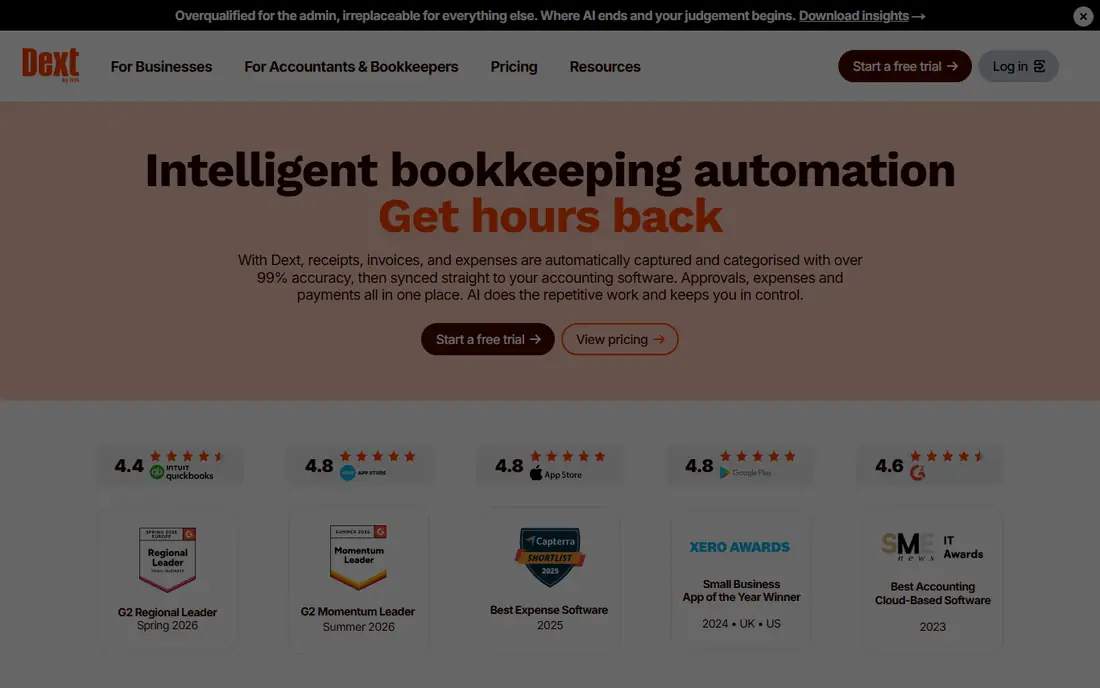
What we like- Dext, formerly Receipt Bank, is the most powerful capture for accountants and growing businesses, with multi-client organization, receipt capture mobile apps, and integration with QuickBooks, Xero, Sage, and NetSuite. OCR accuracy is reported at 90 to 95 percent, with header fields plus some line items, and bulk receipt upload for firms processing volume. Pricing is reported from around 25 to 30 dollars per month per client in some comparisons, though other sources list 50 dollars or more per user with volume fees, so confirm current terms.
Watch out for- Per-user or per-client pricing can become expensive for larger teams compared with entity-based alternatives. Line-item extraction is partial rather than full, unlike DocuClipper. The established Xero-first positioning suits Xero firms better than QuickBooks-only practices in some workflows.
#2Hubdoc
Best for: Low-cost fetcher for Xero firms4.3/5 on
G2 (88 reviews, checked Oct 2026)
Visit hubdoc.com
Starting priceFree
Free planYes
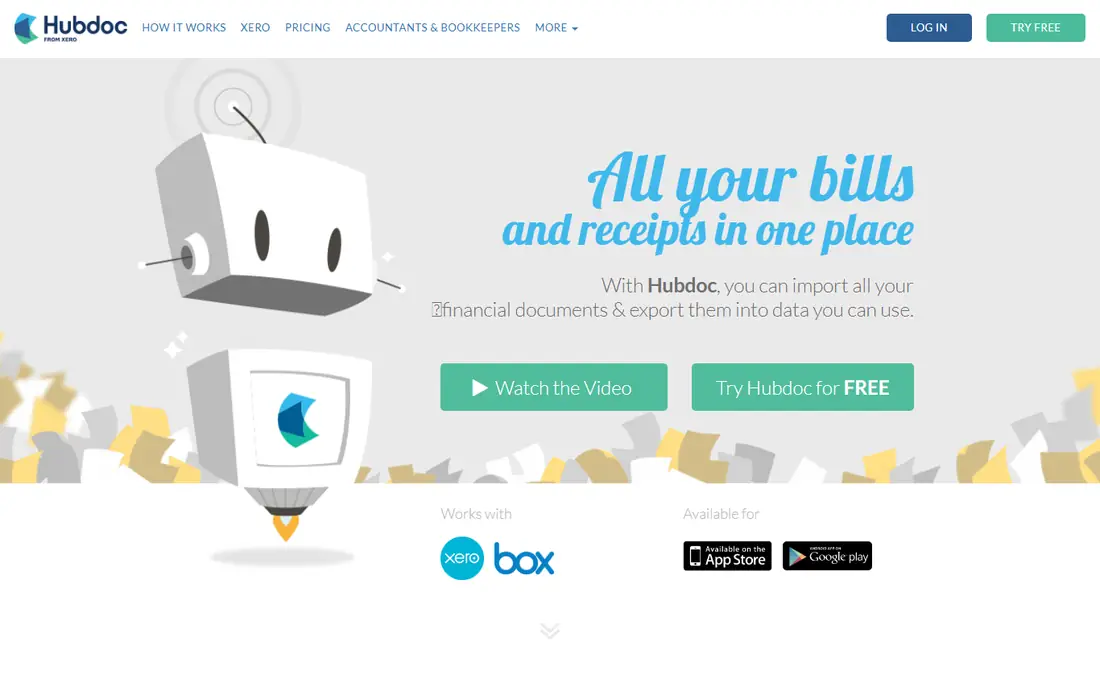
What we like- Hubdoc is the low-cost fetcher for light volume, free with a Xero subscription and reported at 12 dollars per month standalone in some comparisons. It offers bulk receipt upload, automatic categorization based on vendor recognition, and Xero-first sync, suiting Xero-only firms that want capture without a separate bill. It is the best free option for QuickBooks-focused practices in some comparisons as well, though Xero integration is deepest.
Watch out for- Extraction is header-level only, with basic accuracy reported at 85 to 90 percent, and limited language support. There is no native Excel export, and QuickBooks export is limited since the tool is Xero-first. Approval workflows are absent, so firms needing approvals should pair it with another tool.
Starting priceSee website
Free planNo
What we like- QuickBooks includes receipt capture at no extra cost for existing subscribers, with native OCR and sync into the ledger, eliminating the need for a separate tool for simple extraction requirements. It suits existing QuickBooks users best, with capture built into the subscription and direct posting as expenses or bills. Integration is native, so no sync setup is needed.
Watch out for- Built-in extraction is basic compared with specialists, with less sophisticated line-item detail and accuracy for diverse document types or international invoices. Organizations processing diverse documents or requiring line-item detail should evaluate specialized tools. Pricing varies by QuickBooks plan, so the price is listed as See website.
#4Xero
Best for: Best for existing Xero users4.4/5 on
G2 (1,832 reviews, checked Oct 2026)
Visit xero.com
Starting price$15 per month
Free planNo
What we like- Xero offers built-in receipt capture and invoice scanning as native functionality, with plans reported from 15 to 78 dollars per month, suiting simple receipt capture needs without a separate tool. It integrates natively with Hubdoc and Dext for deeper capture, and the platform covers invoicing, bank reconciliation, and reporting alongside capture. It suits Xero firms wanting one platform for accounting plus basic capture.
Watch out for- Built-in OCR accuracy is reported at 80 to 85 percent, below Dext and DocuClipper, with basic extraction compared with specialists. Diverse document types, international invoices, and line-item detail need a specialized tool. Capture is a feature inside accounting software, not a dedicated capture platform.
#5Expensify
Best for: Best for employee expense reports4.5/5 on
G2 (5,685 reviews, checked Oct 2026)
Visit expensify.com
Starting price$5 per user per month
Free planNo
What we like- Expensify is best for employee expense reports, with mobile capture, expense report workflows, approval chains, and sync to QuickBooks, Xero, Sage, and NetSuite. Pricing starts from around 5 dollars per user per month, and it suits companies where employees submit expenses for reimbursement rather than accountants processing client documents. CSV export covers platforms without native sync.
Watch out for- Capture is one-at-a-time mobile focused, with header fields only rather than full line items, so bulk accountant workflows suit DocuClipper better. Receipt to Excel export is CSV only, not native spreadsheet output. Per-user pricing adds up for large employee bases.
#6Zoho Expense
Best for: Best value expense capture4.5/5 on
G2 (1,579 reviews, checked Oct 2026)
Visit zoho.com
Starting priceFree
Free planYes
What we like- Zoho Expense offers the best value capture, with a free tier and paid plans from around 4 dollars per user per month, plus sync to QuickBooks, Xero, Sage, and NetSuite. It suits budget-conscious teams wanting expense capture with approval workflows at low cost, and the Zoho ecosystem adds CRM and books integration for Zoho users. The free tier covers small teams.
Watch out for- Extraction depth lags Dext and DocuClipper, with header-level capture for most receipts. Advanced features need paid tiers, and the tool suits expense reports better than bulk accountant document processing. Zoho ecosystem dependence grows as more Zoho apps are adopted.
#7DocuClipper
Best for: Bulk line-item capture for accountants4.7/5 on
G2 (124 reviews, checked Oct 2026)
Visit docuclipper.com
Starting price$29 per month
Free planNo
What we like- DocuClipper is built for accountants, bookkeepers, and finance teams scanning receipts in volume, with template-free AI OCR reading any vendor layout, full line-item capture at a claimed 99.9 percent field-level accuracy, built-in total and line-item math checks, and direct push to QuickBooks Online or Xero plus native Excel export. Pricing starts at 29 dollars per month firm-wide with unlimited users on a page-based model, and bulk drag-and-drop folder upload processes hundreds of invoices per batch.
Watch out for- The 99.9 percent accuracy claim is vendor-reported, so verify on your own document mix before relying on it. Approval workflows cover invoice approvals but are narrower than Expensify expense reporting. Page-based pricing suits volume firms better than occasional users, who may prefer free Hubdoc or Zoho tiers.
#8AutoEntry
Best for: Credit-based volume processing3.8/5 on
G2 (11 reviews, checked Oct 2026)
Visit autoentry.com
Starting price$24 per month
Free planNo
What we like- AutoEntry offers credit-based volume processing from 24 to 108 dollars per month, with 90 to 95 percent OCR accuracy in comparison reporting, automatic categorization, and sync to QuickBooks, Xero, Sage, and NetSuite. It suits firms with variable volume, since credits flex with document count rather than fixed per-user seats. The tool covers receipts, invoices, and bank statements in one workflow.
Watch out for- The credit system can be confusing, with usage tracking needed to avoid overage surprises. Pricing varies widely by credit tier, from 24 to 108 dollars per month, so budgeting needs volume forecasting. Extraction depth for line items lags DocuClipper full line-item capture.
How we chose
We ranked tools on OCR accuracy, line-item versus header extraction, bulk processing, accounting integration, and published pricing. Tools earned credit for full line-item capture, native QuickBooks and Xero sync, bulk upload, and free tiers. We excluded general OCR tools without accounting sync, since ledger posting defines this category. Figures come from published pricing and 2026 comparison reporting, and readers should confirm current terms directly, since Dext and Hubdoc pricing reports conflict across sources.
How to choose the right accounting software for data capture
Start with your accounting platform: Xero firms should start with Hubdoc free or Xero built-in, QuickBooks firms with QuickBooks built-in, and multi-platform firms with Dext or DocuClipper. Next, check extraction depth: header-only tools suit simple receipts, while full line-item tools suit invoices with many lines and bank statements needing detail. Then check volume honestly: bulk accountant workflows need DocuClipper folder upload or AutoEntry credits, while employee expenses need Expensify mobile capture. Then check the tax line: capturing the tax line accurately on each receipt saves real time at filing and during an audit, so test tax extraction on your own receipts before committing. Finally, remember OCR needs human validation before posting to the ledger, and retention rules vary by jurisdiction, so confirm local requirements with a tax professional, since this guide is general information, not tax advice.
Frequently asked questions
What is the best receipt scanning app in 2026?
It depends on need: Dext is the most powerful capture for accountants, Expensify is best for employee expense reports, Shoeboxed offers mail-in scanning, QuickBooks is best for existing users, and Zoho Expense is the best value.
How do receipt scanning apps work?
They use OCR to read a photo or scan of a receipt, extracting vendor, date, amount, and tax, then categorize it and sync the data into accounting software. This eliminates manual entry and creates searchable, audit-ready digital records.
Are scanned receipts accepted for taxes and audits?
Generally yes: tax authorities widely accept clear digital copies of receipts, and digitizing creates organized, searchable records that help at filing and during an audit. Retention rules vary by jurisdiction, so confirm local requirements with a tax professional.
Can OCR replace manual data entry completely?
For routine documents, OCR eliminates 80 to 90 percent of manual entry, but human review is still needed for complex documents, unusual formats, and verification before posting. The best approach is OCR extraction with human validation before posting to the ledger.
How much do receipt scanning apps cost?
Pricing ranges from free tiers for Zoho Expense and Hubdoc with Xero, to around 4 to 5 dollars per user per month for Zoho and Expensify, 23 dollars for Shoeboxed, 29 dollars for DocuClipper, and 30 dollars or more for Dext, with QuickBooks capture included for subscribers.
Do receipt scanning apps integrate with accounting software?
Yes, clean integration is the whole point. Dext, Expensify, and Zoho Expense sync with QuickBooks, Xero, Sage, and NetSuite, QuickBooks and Xero have capture built in, and DocuClipper pushes directly to QuickBooks Online and Xero or exports Excel and CSV.
Sources we checked (0)
Is your product missing or out of date?
We review this list regularly. Vendors can request a listing, send updated pricing or ask about featured placement.

Shihab Mia · Founder, Rankite
Shihab has 5+ years in B2B and SaaS SEO. He writes Rankite's software buying guides from pricing pages, documentation and public user reviews. More about Shihab.