How we make this list: we compare pricing pages, product documentation and public user reviews. Rankite is independent; if a vendor ever pays for a featured spot, that listing is clearly labeled Partner.
Key takeaways
- Aplos from $79 per month is the best cloud fund accounting software built specifically for churches and nonprofits.
- PowerChurch Plus is the one-time-purchase alternative at $445 desktop, with online plans from $47 per month.
- ChurchTrac at $29 to $119 per month is the budget pick for small churches that need accounting plus management.
- QuickBooks Online works for churches but needs fund accounting workarounds; purpose-built tools handle restricted funds natively.
Quick comparison
Is your product missing or out of date?
We review this list regularly. Vendors can request a listing, send updated pricing or ask about featured placement.
The best accounting software for churches
Starting price$79/month
Free planFree trial
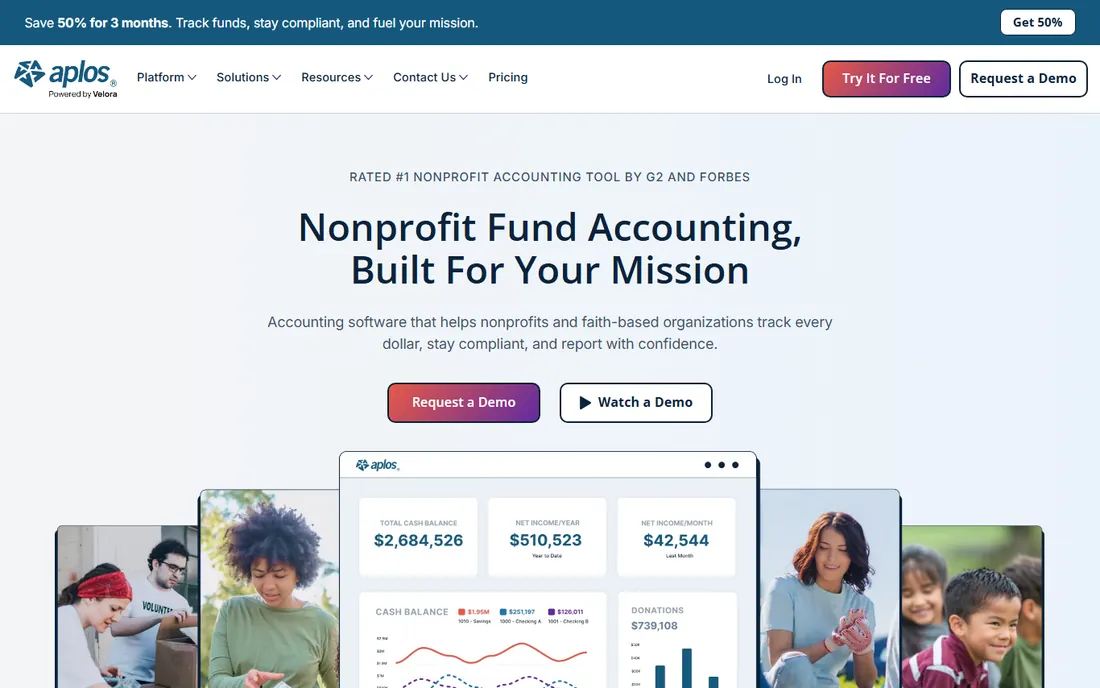
Aplos is fund accounting software designed for churches and nonprofits from the ground up. Restricted funds, contributions, donor management and financial statements work the way churches actually operate, without the workarounds general accounting tools require. More than 40,000 organizations use it, and the interface suits treasurers who are volunteers, not CPAs.
Plans run Lite $79, Core $129 and Advanced $229 per month, with fund budgeting on Advanced. Payroll runs through a Gusto partnership rather than natively. For a church that wants proper fund accounting in the cloud without hiring an accountant to run it, Aplos is the standard recommendation.
What we like- True fund accounting built in
- Donation tracking and statements
- User-friendly for non-accountants
Watch out for- Payroll through Gusto partnership
- Advanced budgeting needs higher tiers
Starting price$445 one-time
Free planNo
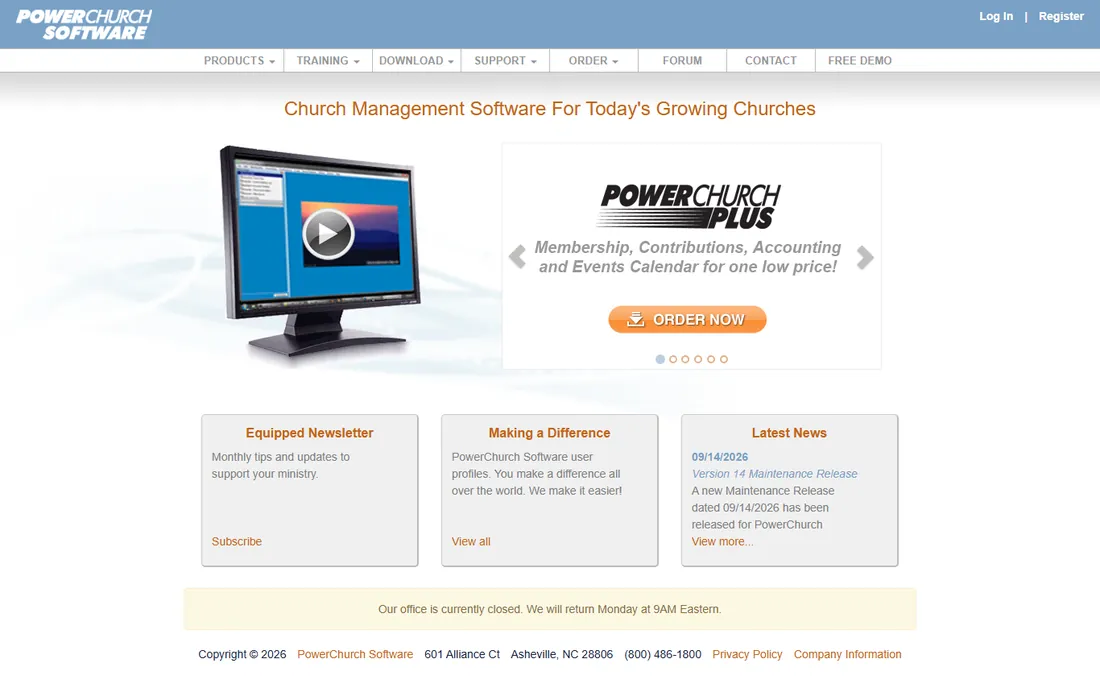
PowerChurch Plus has served churches for decades with an unbeatable value proposition: $445 one-time for the desktop version covering accounting, contributions, membership, attendance and more. The online version runs $47 per month or $499 per year for two concurrent users. Built-in payroll handles clergy-specific needs like housing allowance tracking.
The desktop software looks its age, and churches wanting modern cloud access pay the subscription anyway. For a small church with a volunteer treasurer and a tight budget, the one-time purchase remains compelling.
What we like- One-time desktop purchase
- Full church management included
- Built-in payroll with housing allowance
Watch out for- Desktop software feels dated
- Online version is subscription anyway
Starting price$29/month
Free planFree plan
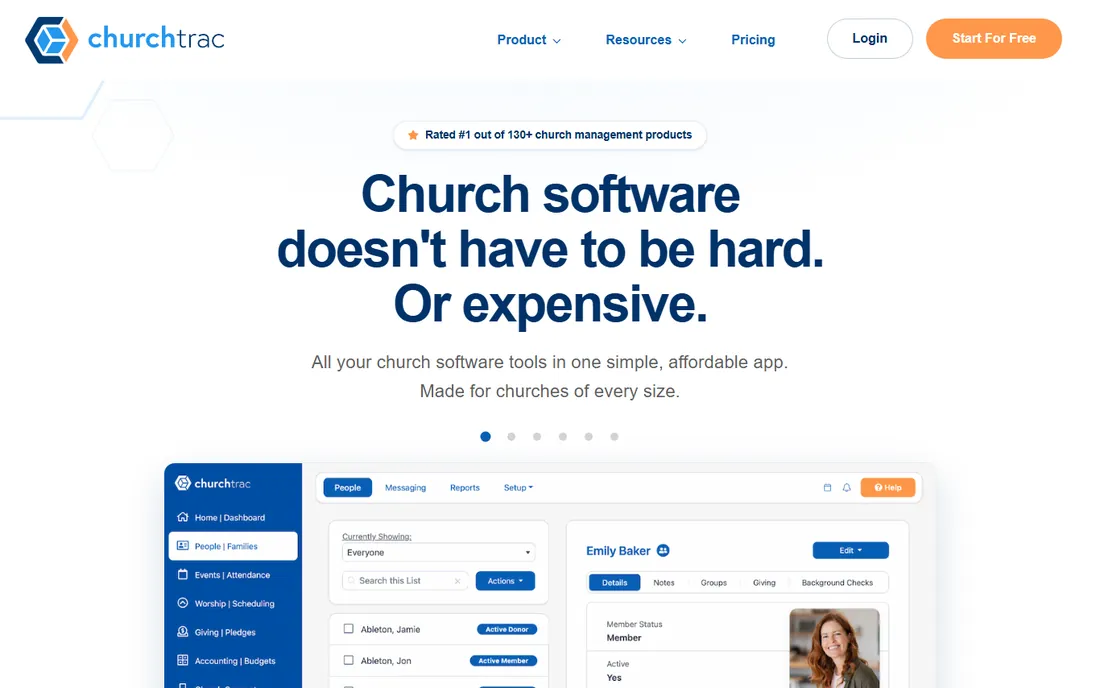
ChurchTrac bundles fund accounting with people management, contributions and attendance at $29 to $119 per month scaled by names, with a free tier for churches under 100 people. For a small church, one inexpensive subscription covers the books and the database.
Payroll is not built in; you track payroll entered from a separate system. The interface is dated. But the price-to-coverage ratio is unmatched: a 150-person church can run accounting and management for $29 a month.
What we like- Very affordable
- Accounting plus management
- Free tier for small churches
Watch out for- Payroll not built in
- Interface dated
Starting price$35/month
Free planFree trial
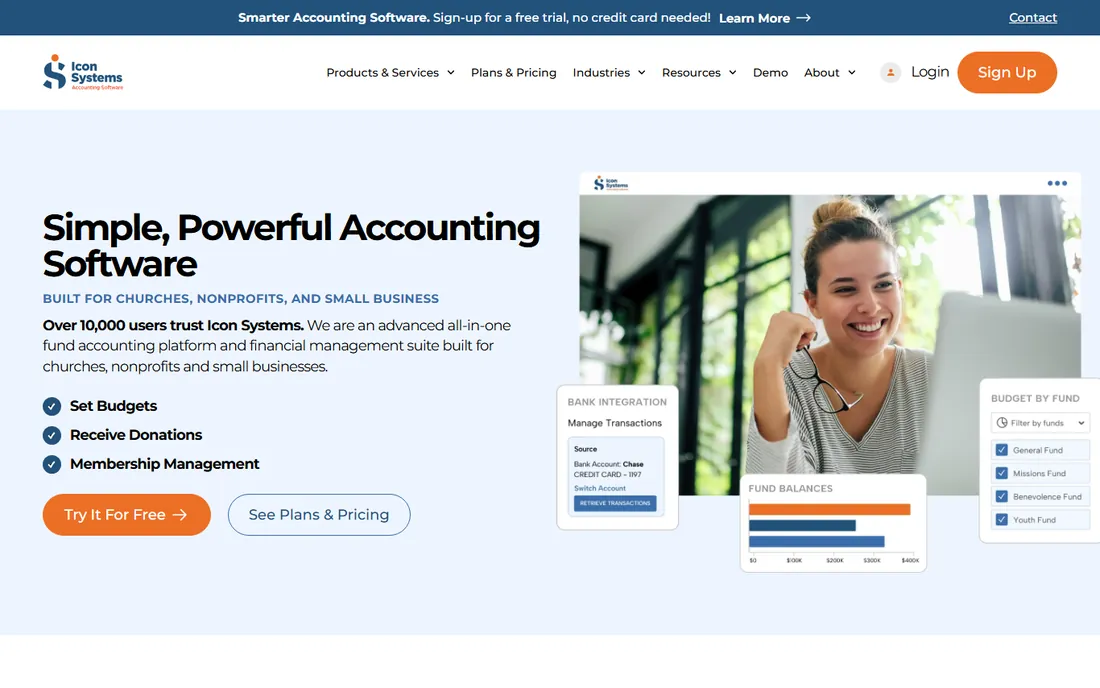
IconCMO (from Icon Systems) sells church software as separate packages: accounting at $35 or $45 per month, membership and donations at $50 to $125 per month, payroll from $40 per month. Churches buy only what they need instead of a bloated suite.
The modular pricing means costs stack as you add packages. The vendor is smaller than Aplos or ACS. For a church that wants accounting now and membership later, the buy-as-you-grow model controls spending.
What we like- Buy only the modules you need
- Affordable accounting package
- Payroll available
Watch out for- Modules add up
- Smaller vendor
Starting priceSee website
Free planNo
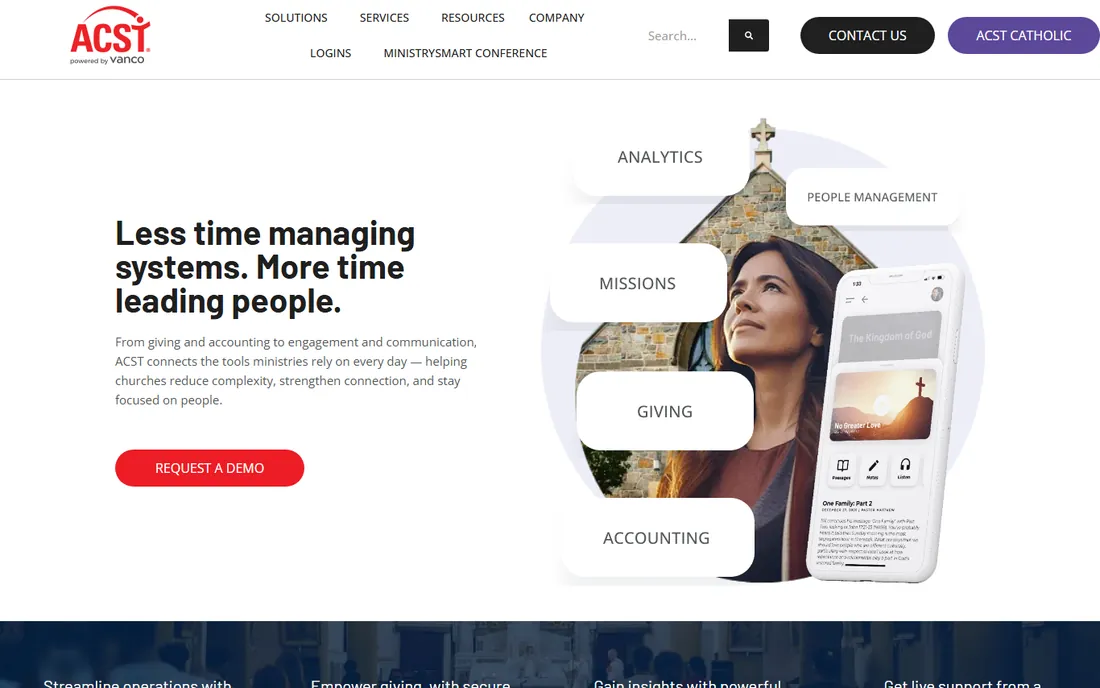
ACS Technologies (including Realm) serves mid-size to large churches with a complete ecosystem: fund accounting, contributions, membership, check-in, giving and more. Fund accounting and donor tax statements are built for church workflows at scale.
Pricing is not published; expect a sales process. Smaller churches will find it heavyweight. For a large church standardizing operations on one platform, ACS is the established enterprise choice.
What we like- Full church management ecosystem
- Realm integration
- Deep feature set
Watch out for- Pricing not published
- Geared toward larger churches
Starting priceSee website
Free planNo
Shelby Systems' ShelbyNext Financials targets mid to large churches with general ledger accounting, payroll with tax calculations, and the reporting depth bigger finance teams need. The Shelby name carries decades of church trust.
Pricing requires a conversation, and larger deployments need implementation effort. For a church with paid finance staff and complex reporting needs, ShelbyNext is the grown-up option.
What we like- Strong financials for larger churches
- Payroll with tax calculation
- Long track record
Watch out for- Pricing not published
- Implementation effort for larger deployments
Starting priceSee website
Free planFree trial
QuickBooks Online is the world's most common small business accounting software, which means every bookkeeper knows it and integrations abound. Churches use it widely for basic books, bill pay and payroll.
The catch is fund accounting: QuickBooks handles it through classes and workarounds, not natively. Restricted fund tracking, the core of church accounting, takes discipline to maintain. For a church with simple finances and a QuickBooks-savvy treasurer, it works. For true fund accounting, purpose-built tools are better.
What we like- Ubiquitous and well supported
- Huge accountant familiarity
- Strong integrations
Watch out for- No native fund accounting
- Church workflows need workarounds
Starting price$49/month
Free planFree trial
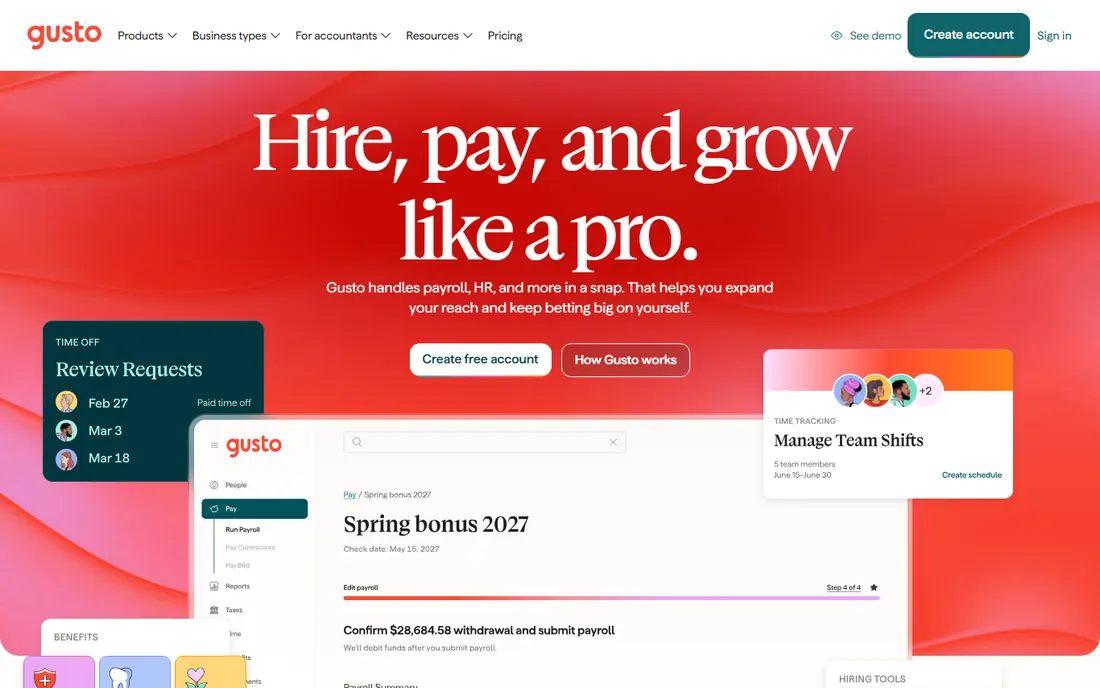
Gusto is payroll software, not church accounting, but it earns a place because clergy payroll is genuinely tricky. Minister's housing allowance has specific IRS treatment (excluded from federal income tax when rules are met, reported in W-2 box 14), and Gusto documents and handles it correctly. Plans run $49 per month plus $6 per person for Simple.
Pair it with Aplos or another accounting tool for the full picture. For any church with paid staff, especially clergy, Gusto solves the payroll piece properly.
What we like- Handles minister housing allowance correctly
- Easy payroll
- Good for small staffs
Watch out for- Payroll only, not church accounting
- Per-person fees add up
Starting priceSee website
Free planNo
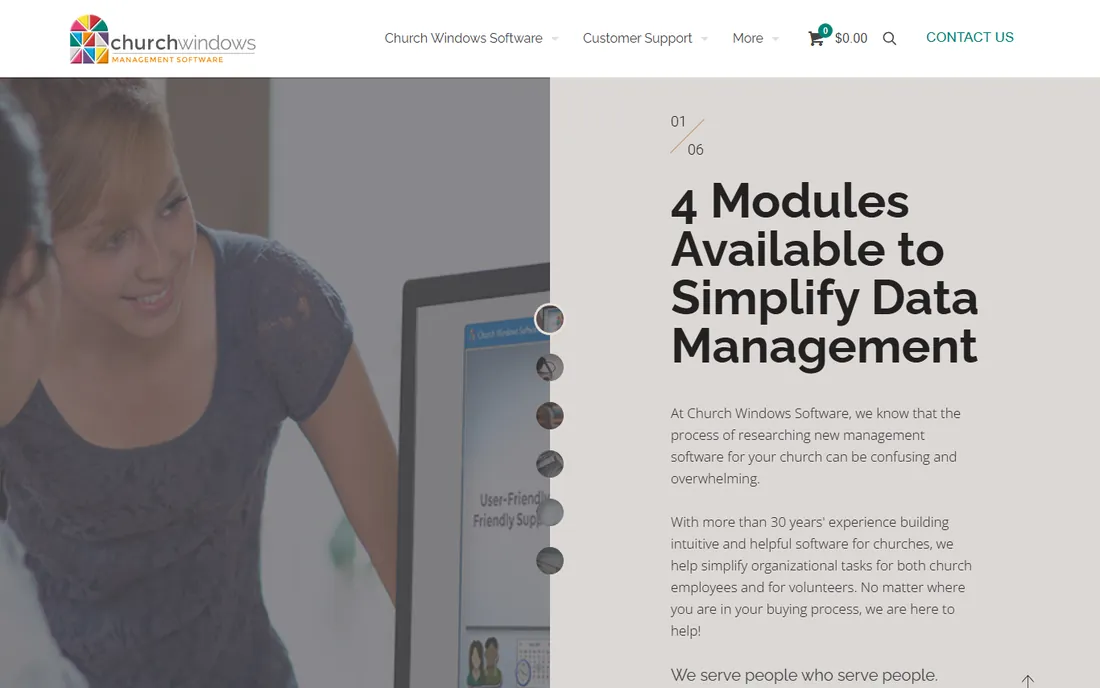
Church Windows has served churches since the DOS era, evolving into Windows-based accounting with contributions, membership and payroll modules. Longtime users value its stability and church-specific design.
The technology shows its age next to cloud competitors, and the feature set is narrower. For a church that has used it for years and sees no reason to change, it keeps working. New buyers should compare cloud options first.
What we like- Decades serving churches
- Accounting plus contributions and membership
- Stable product
Watch out for- Dated technology
- Smaller modern feature set
Why churches need fund accounting
Churches do not have profits; they have funds with restrictions. A donor's building fund gift cannot pay the electric bill, and the books must prove it. Fund accounting tracks each fund's income, expenses and balance separately. General accounting tools can approximate this, but purpose-built church software does it natively. If your church receives designated gifts, which nearly all do, fund accounting is not optional.
The treasurer test
Most church treasurers are volunteers. Before buying, have the actual treasurer run a month of real transactions in the trial: enter contributions, pay bills, reconcile the bank account, print the board report. The software that survives this test is the right one, regardless of feature lists. Complexity that a volunteer cannot sustain will produce messy books, which defeats the purpose.
Year-end giving statements that donors trust
January is the proving ground for church accounting. Donors need accurate annual giving statements for their tax returns, and the quality of those statements reflects directly on the church's financial credibility. The requirements are straightforward but unforgiving: every gift recorded with the correct date, amount, fund designation and donor; no duplicates; no missing gifts; statements generated and delivered before the end of January. Churches that nail this build donor confidence. Churches that send corrected statements in March erode it. The software either makes this easy or makes it a crisis; there is little middle ground.
Data hygiene during the year determines January sanity. The disciplines that matter: record gifts promptly (weekly, not quarterly), reconcile the giving records against bank deposits monthly, and resolve discrepancies immediately while memories are fresh. Duplicate donor records are the classic failure; "Jon Smith," "Jonathan Smith," and "J. Smith" must be one record before statements go out. Most church accounting tools have merge functions; schedule a deduplication pass every November. Also verify fund designations as gifts arrive. A Christmas Eve special offering misclassified into the general fund is a January correction and an embarrassed conversation. Catch it in December.
Statement format affects donor trust more than most treasurers realize. The statement should clearly show the church's name, address and tax ID, the donor's name and address, each gift with date and amount, subtotals by fund, and the required tax language about goods and services received. Pledges versus actual giving deserve separate presentation; donors want to see both. If your church uses pledge campaigns, the statement is also a gentle reminder of outstanding commitments. Generate a sample statement in October and review it critically. Awkward formatting, missing information or confusing layout discovered in January is too late to fix gracefully.
Delivery logistics need planning, not improvisation. Decide the delivery method by early December: email, postal mail, or portal download. Email is cheapest and fastest but requires current addresses and spam-filter awareness. Postal mail is reliable but costs real money at scale. Portal download works only if donors actually use the portal. Many churches do email primary with postal fallback for undeliverable addresses. Whatever the method, track delivery and follow up on bounces. A donor who never received their statement and discovers it at tax time will not blame the spam filter. Send statements by mid-January, well before the legal deadline, to leave buffer for corrections.
Handle corrections with grace and speed. Despite best efforts, some statements will need fixes: a missed gift, a wrong fund, a name misspelling. Have a correction process ready: verify the claim against source records, issue a corrected statement clearly marked as corrected, and keep both versions on file. Respond to correction requests within 48 hours; donors asking about their giving records are anxious, and slow responses amplify the anxiety. Track correction patterns: if the same error recurs, fix the underlying process. A church that handles corrections promptly and pleasantly actually builds more trust than one with perfect first drafts, because donors see accountability in action.
Frequently asked questions
What is the best free church accounting software?
ChurchTrac is free for churches under 100 people. Aplos and QuickBooks offer trials but not free tiers. For a very small church, ChurchTrac's free tier plus a spreadsheet for the rest can work temporarily.
Do churches need special accounting software?
Churches need fund accounting to track restricted donations properly, plus contribution statements for donors. General tools like QuickBooks can work with discipline, but purpose-built software handles church requirements natively.
How do we handle the pastor's housing allowance?
The housing allowance needs specific tax treatment. Gusto handles it correctly in payroll. In the books, track it as a designated expense. Consult a church tax specialist; this is one area where mistakes are costly.
Can we accept online donations with these tools?
Most integrate with giving platforms (Tithe.ly, Pushpay, Stripe). The accounting tool records the gifts; the giving platform collects them. Confirm the specific integration imports gifts with donor details intact.
What reports does our church board need?
Monthly: income statement by fund, balance sheet, budget vs actual, and contribution summaries. Annually: donor tax statements (due January 31) and the full financial review. Every tool here produces these; test the board report format in the trial.
Should we hire a bookkeeper or do it ourselves?
Churches under ~200 members usually manage with a volunteer treasurer and good software. Larger churches or those with complex payroll benefit from a part-time bookkeeper. Either way, an annual review by a CPA familiar with churches is wise.
How we chose
We compared the accounting tools churches actually use, from free small-church options to enterprise suites. Pricing comes from vendor pages checked in October 2026. We weighted true fund accounting, ease of use for volunteer treasurers, contribution management and honest pricing. No hands-on testing was performed; assessments rest on documentation and public reviews.
Sources we checked (10)
- https://www.aplos.com/
- https://www.powerchurch.com/
- https://www.churchtrac.com/
- https://www.iconsystemsinc.com/
- https://www.acstechnologies.com/
- https://www.shelbysystems.com/
- https://quickbooks.intuit.com/
- https://gusto.com/
- https://churchwindows.com/
- https://www.business-software.com/blog/church-fund-accounting-software/
Is your product missing or out of date?
We review this list regularly. Vendors can request a listing, send updated pricing or ask about featured placement.

Shihab Mia · Founder, Rankite
Shihab has spent more than a decade helping SaaS and e-commerce brands grow through search. He writes Rankite's software buying guides from pricing pages, documentation and public user reviews. More about Shihab.
 Aplos
Aplos PowerChurch Plus
 ChurchTrac
 IconCMO
 ACS Technologies
 ShelbyNext Financials
 QuickBooks Online
 Gusto
Gusto Church Windows