How we make this list: we compare pricing pages, product documentation and public user reviews. Ratings come from G2, Capterra or Trustpilot, with the date we checked them.
Key takeaways
- Feature-flag tools such as LaunchDarkly, Split, and GrowthBook fit app teams that test inside the codebase, while visual tools such as VWO, AB Tasty, and Kameleoon fit web and marketing tests.
- Firebase is the cheapest starting point for mobile teams already using Google services, with A/B testing included free on the Spark plan.
- Only Statsig, LaunchDarkly, and GrowthBook publish clear starting prices; Optimizely, VWO, AB Tasty, Kameleoon, and Split are quote-led.
- Warehouse-native options such as GrowthBook and Statsig let teams analyze results in their own data warehouse instead of only inside a vendor dashboard.
Quick comparison
| Tool | Best for | Starting price | Free plan |
|---|
 Optimizely Optimizely | Enterprise experimentation programs | See website | No |
 VWO VWO | Testing plus behavior analytics | See website | Free trial |
 Firebase A/B Testing Firebase A/B Testing | Mobile teams already on Firebase | Free | Yes |
 LaunchDarkly LaunchDarkly | Feature-flag driven experimentation | $8.33 per unit/month | Yes |
 Statsig Statsig | Data-driven product teams | $150 per month | Yes |
 Split by Harness Split by Harness | Server-side feature experiments | See website | Yes |
 GrowthBook GrowthBook | Warehouse-native open source testing | Free | Yes |
 AB Tasty AB Tasty | Personalization alongside testing | See website | No |
 Kameleoon Kameleoon | AI-assisted web experimentation | See website | No |
Is your product missing or out of date?
We review this list regularly. Vendors can request a listing, send updated pricing or ask about featured placement.
The best a/b testing software for app developers
Starting priceSee website
Free planNo
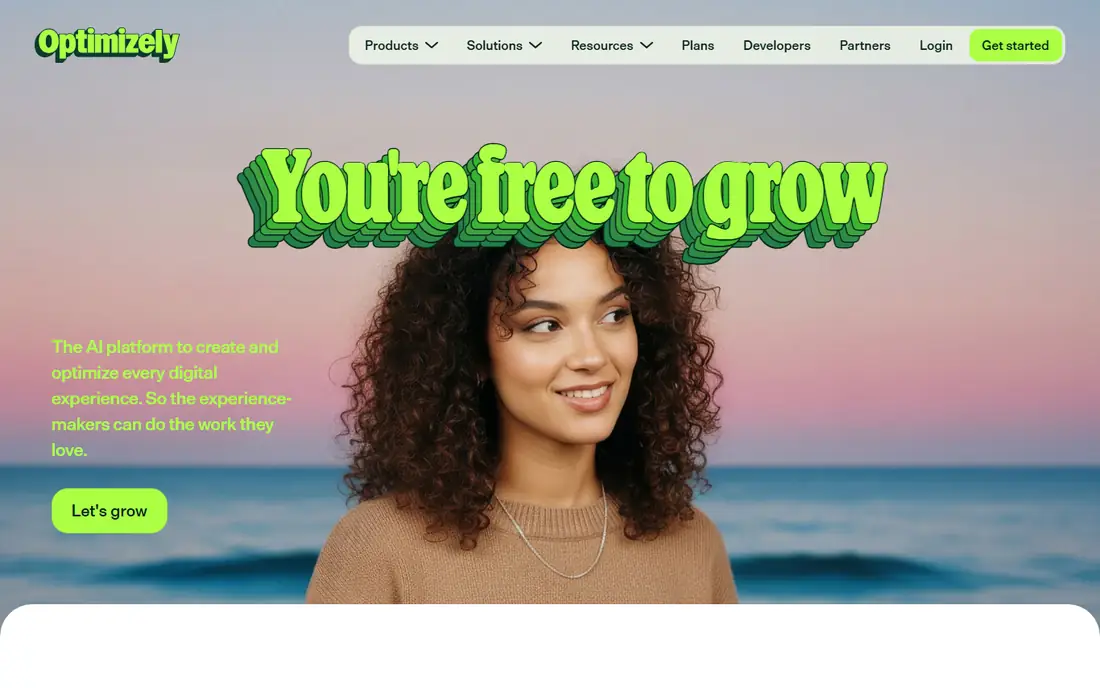
Optimizely is the enterprise standard for experimentation programs that run dozens of tests at once. It covers web experimentation with a visual editor and feature experimentation with server-side SDKs, so one platform can serve marketing pages and app code. Its stats engine supports sequential testing, which lets teams check results early without the usual false-positive penalty, and its governance tools control who can launch what.
The trade-off is cost and weight. Optimizely publishes no prices, and third-party reports put contracts well into five figures per year, so it fits companies with a dedicated experimentation team rather than a single app team. Smaller teams should start with a free tier elsewhere and move to Optimizely only when test volume, compliance needs, or cross-team governance demand it.
What we like- Mature stats engine with sequential testing
- Web and full-stack experimentation
- Governance and enterprise integrations
Watch out for- Quote-only pricing
- More program than most small teams need
#2VWO
Best for: Testing plus behavior analytics4.4/5 on
G2 (929 reviews, checked Oct 2026)
Visit vwo.com
Starting priceSee website
Free planFree trial
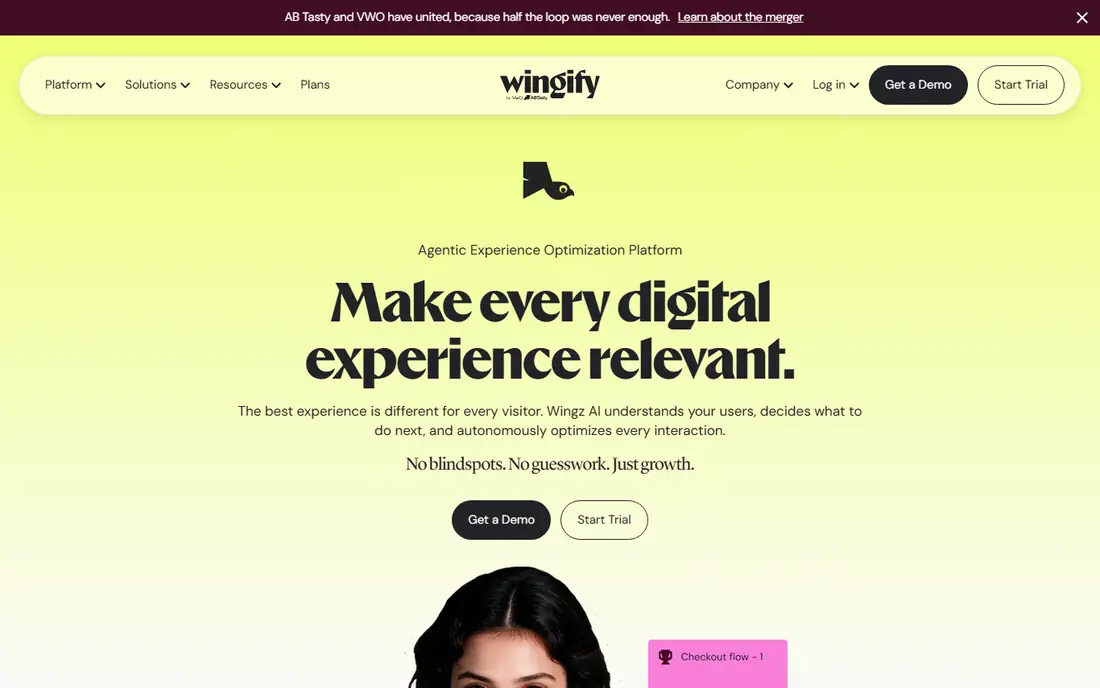
VWO combines testing with behavior analytics, which is useful when a test result needs an explanation. A team can run an A/B test, then open heatmaps and session recordings for the same pages to see why one variant won. The visual editor lets marketers change copy and layouts without code, while the server-side SDKs cover app and feature tests.
Pricing is the catch. VWO no longer maintains a clean public rate card, and third-party reports put entry tiers around $314 per month billed annually, with median contracts far higher. Note that VWO and AB Tasty have merged under Wingify, and vwo.com now loads as the Wingify homepage, so buyers should confirm which product bundle a quote covers before signing.
What we like- A/B, split URL, and multivariate tests plus heatmaps and recordings
- Visual editor for non-developers
- AI-assisted experiment ideas
Watch out for- No published price
- Costs rise quickly with traffic
Starting priceFree
Free planYes
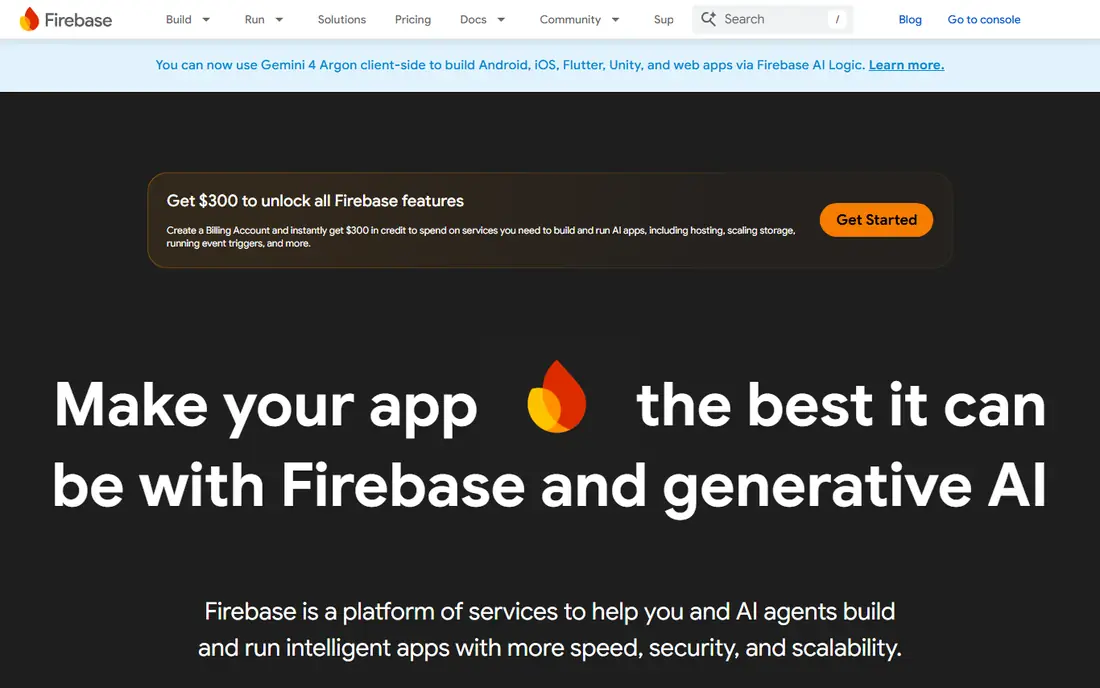
Firebase A/B Testing is the obvious first test tool for apps already built on Firebase. Tests run through Remote Config, so a team can change a value, a layout flag, or a paywall variant for a slice of users without shipping a new build. Results flow into Firebase Analytics, and Crashlytics data sits alongside, so a variant that crashes more shows up fast.
The limits are scope and depth. Firebase is built for mobile apps, and its stats options are simpler than a dedicated experimentation platform. Teams that need sequential testing, layered experiments, or warehouse analysis will outgrow it. For an early-stage app team, though, free testing inside a stack you already use is hard to beat.
What we like- Free on the Spark plan
- Tests tie directly to Remote Config
- Works with Firebase Analytics and Crashlytics
Watch out for- Mobile-app focused
- Weaker for web-only teams
#4LaunchDarkly
Best for: Feature-flag driven experimentation4.5/5 on
G2 (882 reviews, checked Oct 2026)
Visit launchdarkly.com
Starting price$8.33 per unit/month
Free planYes
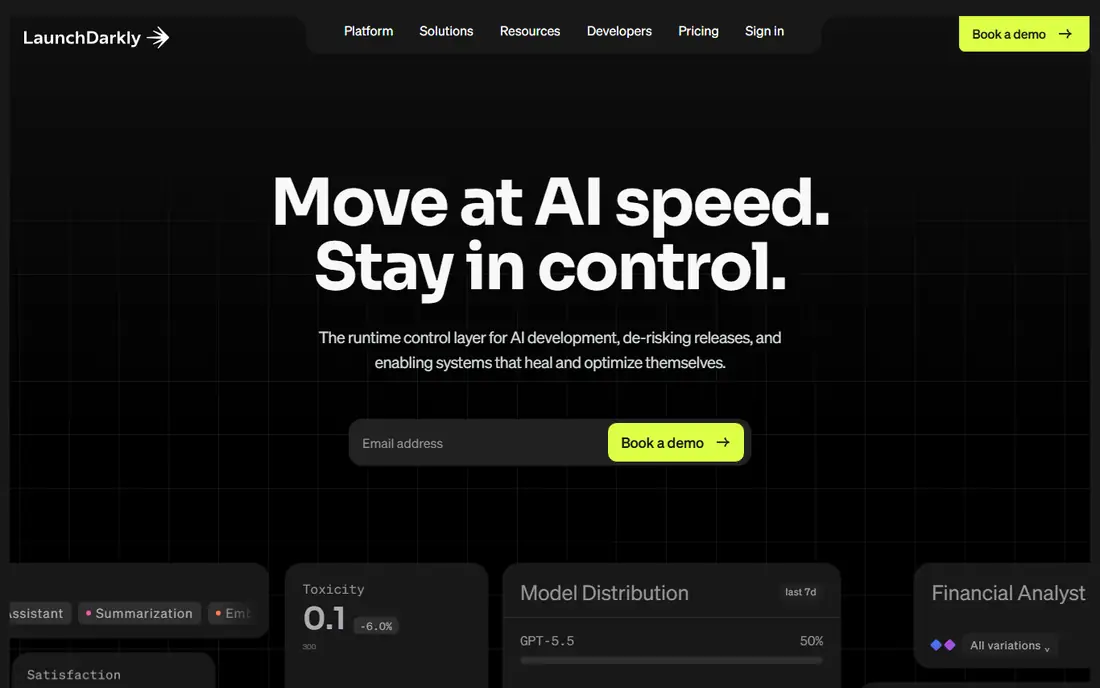
LaunchDarkly starts from feature flags and adds experimentation on top, which matches how most app teams actually ship. A feature goes out behind a flag to a small audience, the team watches metrics, then rolls it wider or kills it without a new release. Experimentation adds randomized splits, holdouts, and multi-armed bandits on the same flags.
Pricing needs a careful read. The published figure is $8.33 per unit per month, and a free Developer tier exists, but billing also meters service connections and client-side monthly active users, so a popular app can cost more than the headline rate suggests. Teams should model their own traffic before committing, and treat the free tier as a real way to test the workflow first.
What we like- Flags plus experimentation in one system
- Wide SDK coverage
- Safe rollouts with kill switches
Watch out for- Pricing meters service connections and monthly active users, which is easy to misjudge
- No visual editor
#5Statsig
Best for: Data-driven product teams4.7/5 on
G2 (348 reviews, checked Oct 2026)
Visit statsig.com
Starting price$150 per month
Free planYes
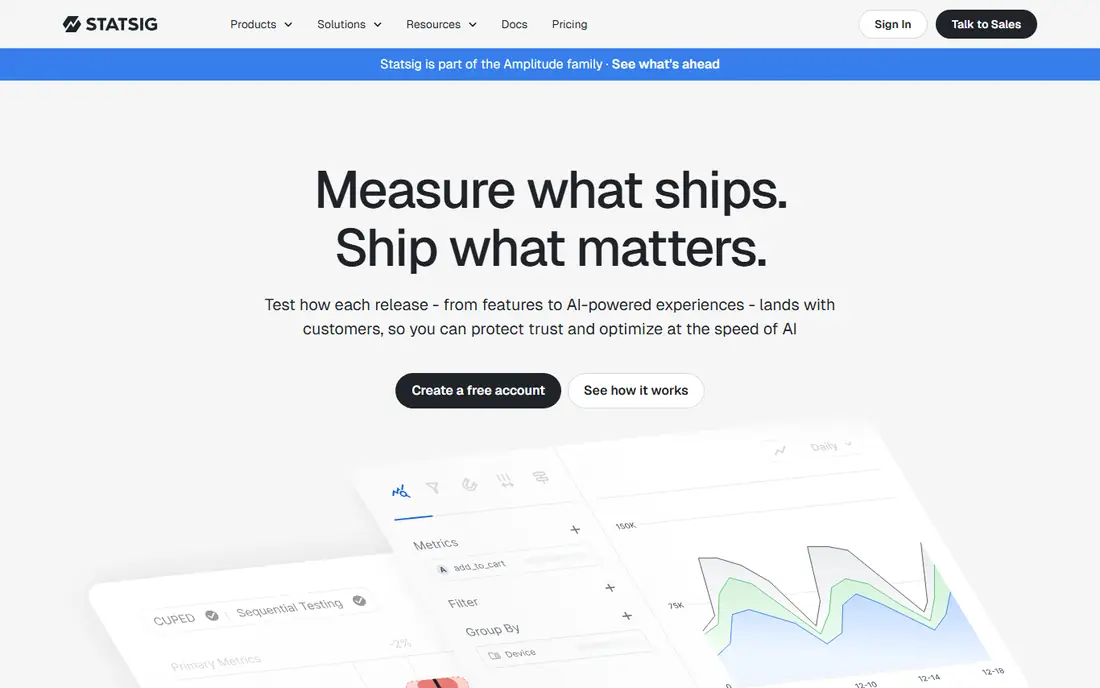
Statsig is built for product teams that want rigorous stats without an enterprise contract. It supports A/B/n, multivariate, sequential, switchback, and holdout tests, plus feature flags and product analytics in the same platform. Warehouse-native connections let teams run analysis against Snowflake or BigQuery, which matters when results must join with internal data.
The free tier covers development and small volumes, and Pro starts at $150 per month. At larger scale, pricing turns on events, so teams with heavy traffic should estimate event volume early. For a mid-size app team that cares about stats quality and already thinks in warehouses, Statsig is one of the strongest values in this list.
What we like- Free developer tier
- Warehouse-native analysis
- Strong stats options including sequential and switchback tests
Watch out for- Event-based pricing at scale
- Analytics depth can overwhelm small teams
#6
Split by Harness
Best for: Server-side feature experiments
Visit split.io
Starting priceSee website
Free planYes
Split, now part of Harness, treats experimentation as part of delivery rather than a separate marketing tool. Engineers define flags, set targeting rules by user attributes, and measure impact on product metrics, all from the same system that gates releases. That approach suits backend and mobile teams that test pricing logic, onboarding flows, and feature variants in code.
The open questions are price and scale. Split publishes no starting price, and its free tier is the practical way to judge fit. Teams already using Harness for delivery get the most value, since flags and pipelines share one workflow. Standalone buyers should compare GrowthBook first, because the open source route gives a similar flag-plus-test model with a published price.
What we like- Feature flags with experimentation and targeting rules
- Fits the Harness delivery ecosystem
- SDKs for major languages
Watch out for- Pricing is not published
- Enterprise lean makes small-team fit unclear
#7GrowthBook
Best for: Warehouse-native open source testing4.6/5 on
G2 (26 reviews, checked Oct 2026)
Visit growthbook.io
Starting priceFree
Free planYes
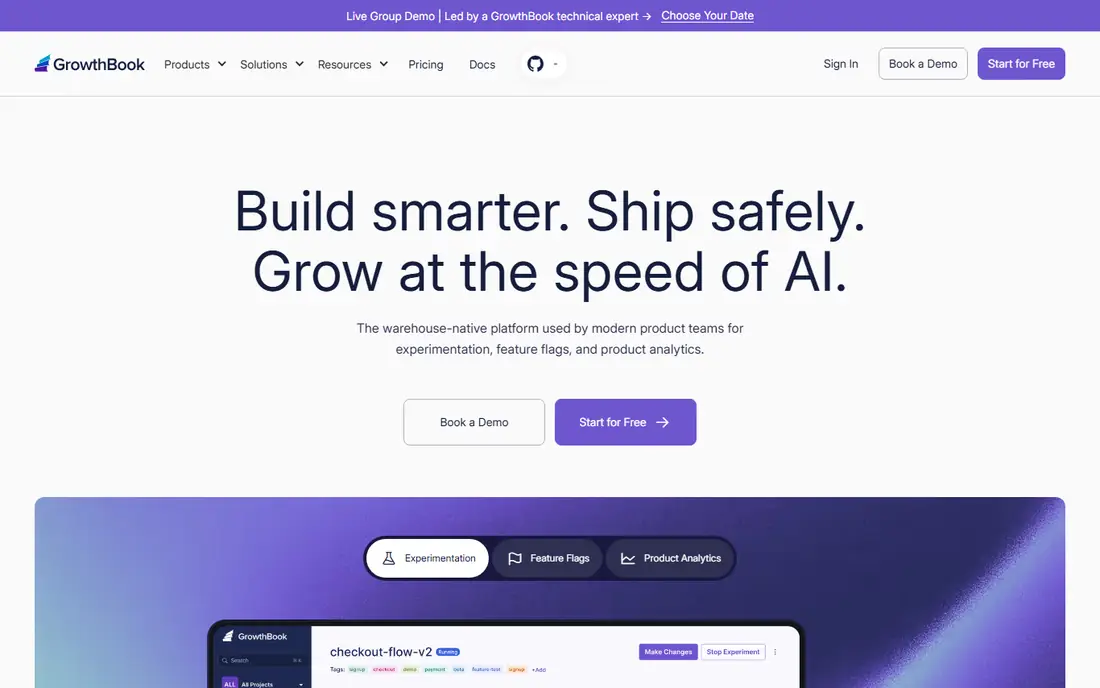
GrowthBook is the open source option in this list, and that changes the buying logic. Teams can self-host for free, keep experiment data in their own warehouse, and avoid per-event pricing entirely. Cloud plans exist for teams that prefer managed hosting, with Pro at $40 per seat per month in current third-party pricing summaries.
The cost is effort. Self-hosting means your team owns upgrades, security, and uptime, and GrowthBook has no visual editor for marketers to build web tests without code. For engineering-led app teams that already run a warehouse, those trade-offs are usually worth it. GrowthBook is also the safest fallback when a quote-led vendor prices you out: the free tier is real, not a trial.
What we like- Free self-hosted option
- Pro at $40 per seat per month
- Analysis runs against your own warehouse
Watch out for- Self-hosting needs engineering time
- No visual editor for web tests
#8AB Tasty
Best for: Personalization alongside testing4.4/5 on
G2 (422 reviews, checked Oct 2026)
Visit abtasty.com
Starting priceSee website
Free planNo
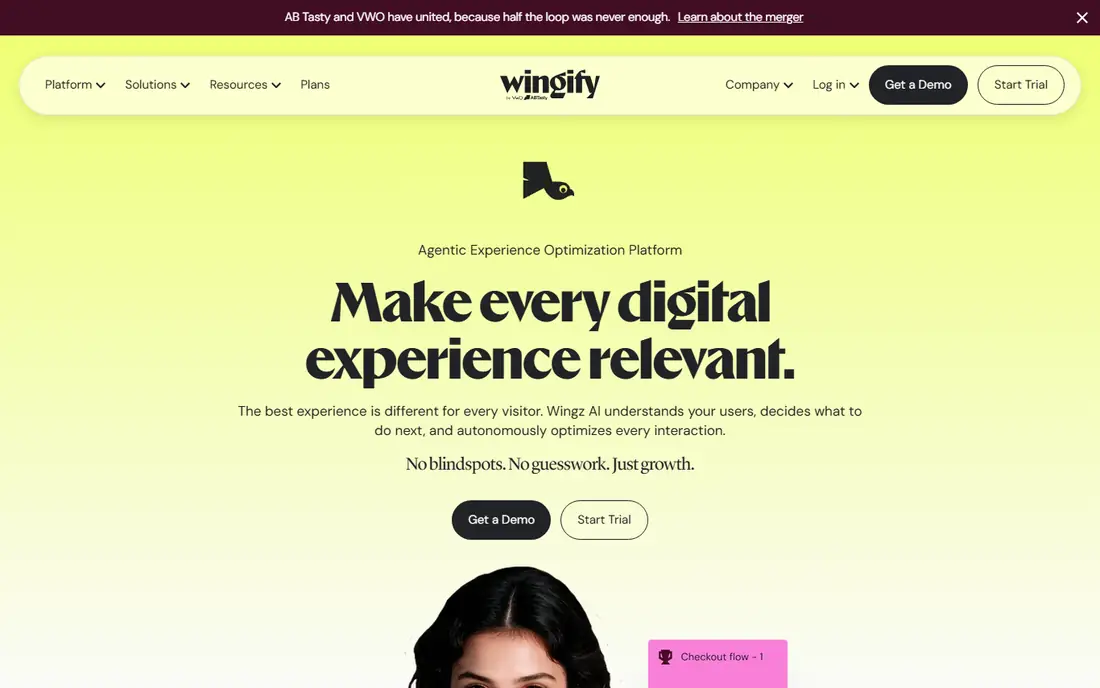
AB Tasty pairs experimentation with personalization, so a team can test a variant and then serve the winner to the right audience segment automatically. It covers web tests with a visual editor, feature tests with SDKs, and recommendations for commerce pages. AI features propose test ideas from site data, which helps teams that run out of hypotheses.
The buyer profile is enterprise. AB Tasty publishes no prices, and third-party reports put entry costs high, so small app teams will struggle to justify it. Note that AB Tasty and VWO have merged under Wingify, and abtasty.com now loads as the Wingify homepage, so confirm exactly which products and modules a quote includes. For a large brand that wants testing and personalization from one vendor, it remains a serious option.
What we like- Web and feature experimentation in one platform
- Personalization and recommendations
- AI-generated test ideas
Watch out for- Quote-only pricing
- Best suited to larger brands with bigger budgets
#9Kameleoon
Best for: AI-assisted web experimentation4.6/5 on
G2 (137 reviews, checked Oct 2026)
Visit kameleoon.com
Starting priceSee website
Free planNo
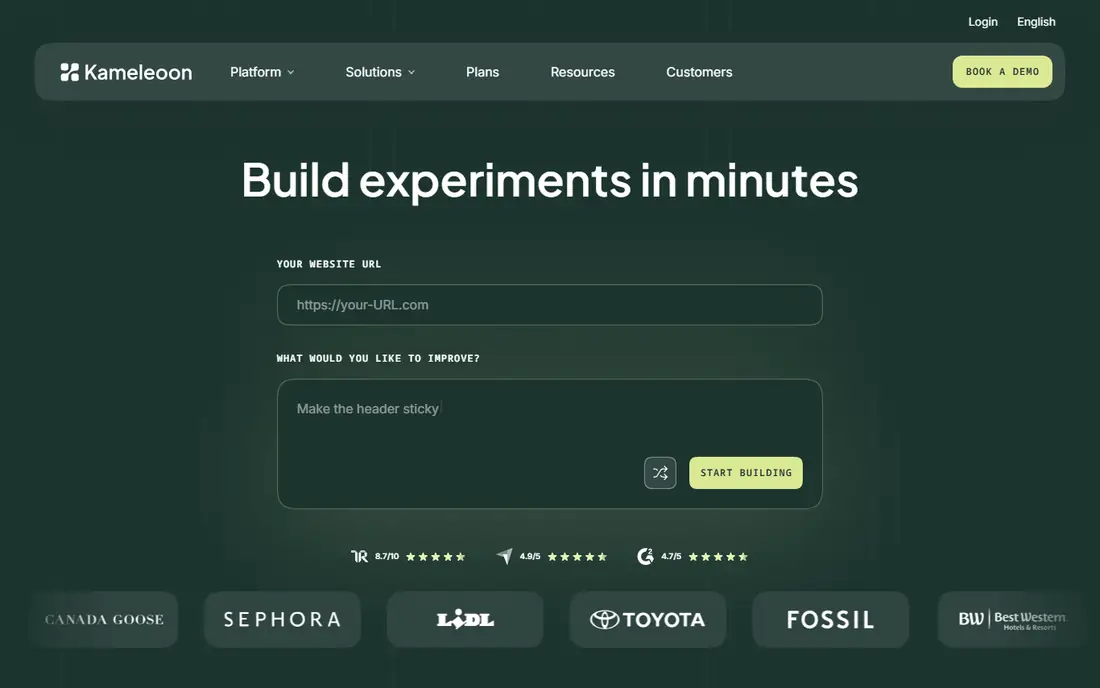
Kameleoon stands out for how fast it lets teams build tests. Its prompt-based experimentation turns a plain-language request into a working experiment, which shortens the gap between idea and launch. Under the hood it offers A/B, multivariate, and feature tests, plus sample ratio mismatch detection that flags broken tests before they mislead decisions.
The downside is access. Kameleoon is quote-led with no free tier, so evaluation means a sales conversation and a demo. Third-party summaries report entry pricing from $495 per month, but the vendor page itself asks for a quote, so treat that figure as indicative only. Teams that value AI-assisted test creation and real-time reporting should request a quote, while budget-conscious teams should start with GrowthBook or Statsig.
What we like- Prompt-based experiment building with AI
- Sample ratio mismatch detection
- Real-time reporting and results
Watch out for- Quote-led pricing
- No free tier for evaluation
How we chose
We reviewed vendor pricing pages, product documentation, and public reviews on G2, Capterra, and Reddit, alongside SDK coverage, stats methods, integrations, and company-size fit. Tools qualified only when they support controlled experiments for apps or app-driven products, with real randomization, targeting, and results analysis. Where prices differ by billing period, we used the annual or published monthly rate and marked quote-led tools as See website.
Start with where your tests will live, not with a feature list. A tool that fits your stack will get used; a tool that fights it will sit idle after the trial.
Start with where your tests live
If tests live in app code, pick a flag-based tool such as LaunchDarkly, Split, or GrowthBook. If tests live on marketing pages, pick a visual tool such as VWO, AB Tasty, or Kameleoon. Firebase covers the middle ground for mobile teams already on Google services. Mixing both kinds usually means two tools, so decide which side matters more first.
Check the stats engine
Ask how the tool handles peeking, sample ratio mismatch, and small samples. Sequential testing, mismatch detection, and guardrails against calling tests early separate serious platforms from thin wrappers. If your app has modest traffic, a tool with good small-sample handling matters more than a long feature list.
Watch the pricing meter
Some tools charge by seat, some by events, some by monthly active users, and some by tested traffic. Model your own numbers before signing, because the cheapest headline price can become the most expensive bill at scale. Free tiers from Firebase, Statsig, and GrowthBook are the safest way to learn your real usage.
Frequently asked questions
What is the difference between feature flags and A/B testing?
Feature flags control who sees a feature, while A/B testing measures which variant performs better. Most tools in this list combine both: a flag gates the release, and an experiment splits flagged users into groups and compares outcomes. Use flags alone for safe rollouts, and add experiments when you need evidence about which variant wins.
Can I run A/B tests for free?
Yes, within limits. Firebase A/B Testing is free on the Spark plan, Statsig and GrowthBook offer free tiers, and LaunchDarkly has a free Developer tier. Free tiers usually cap events, users, or seats, so they suit early apps and evaluation. Expect to pay once traffic grows or you need warehouse analysis and advanced stats.
Do I need an SDK for mobile A/B testing?
For app code tests, yes. An SDK in your app fetches flag values and assigns users to variants. Firebase, LaunchDarkly, Statsig, Split, and GrowthBook all provide mobile SDKs. Web-only tests can sometimes run through a snippet or visual editor instead, but app tests need the SDK installed and released through your normal build.
How long should an app A/B test run?
Long enough to reach a trustworthy sample, which depends on your traffic and the size of the change. Small apps may need weeks for a reliable read, while large apps can conclude in days. Avoid stopping a test the moment it looks positive; sequential testing methods and pre-set sample targets give cleaner answers than daily peeking.
What is sample ratio mismatch and why does it matter?
Sample ratio mismatch happens when traffic splits unevenly in a way the test design did not intend, for example 60/40 instead of 50/50. It usually signals a bug in targeting, a bot problem, or a caching issue, and results from a mismatched test cannot be trusted. Tools such as Kameleoon and Statsig flag mismatch automatically, which is one reason to prefer a dedicated platform over a hand-built split.
Sources we checked (13)
- https://www.optimizely.com
- https://www.vwo.com
- https://firebase.google.com
- https://launchdarkly.com
- https://www.statsig.com
- https://www.split.io
- https://www.growthbook.io
- https://www.abtasty.com
- https://www.kameleoon.com
- https://www.itechguides.com/best/ab-testing-tools/
- https://humblytics.com/blog/12-best-a-b-testing-tools-for-marketers-in-2025
- https://www.crazyegg.com/blog/best-ab-testing-tools/
- https://www.koji.so/blog/best-ab-testing-tools-2026
Is your product missing or out of date?
We review this list regularly. Vendors can request a listing, send updated pricing or ask about featured placement.

Shihab Mia · Founder, Rankite
Shihab has 5+ years in B2B and SaaS SEO. He writes Rankite's software buying guides from pricing pages, documentation and public user reviews. More about Shihab.