How we make this list: we compare pricing pages, product documentation and public user reviews. Ratings come from G2, Capterra or Trustpilot, with the date we checked them.

Key takeaways
- Gamma and Pitch are the closest AI-first replacements, with decks generated from a prompt and smart layouts that adjust as you edit.
- Canva suits teams that need presentations plus everything else, from social graphics to documents, in one subscription.
- Prezi stands out for non-linear, zooming presentations that break the slide-by-slide habit.
- Keynote and Google Slides are the best free or low-cost options, especially for teams already on Apple or Google.
- Visme and Slidebean cover infographics and investor decks, two cases where generic slide tools fall short.
Quick comparison
| Tool | Best for | Starting price | Free plan |
|---|
 Gamma Gamma | generating a full deck from a prompt | See website | Yes |
 Pitch Pitch | teams that build decks together fast | See website | Yes |
 Canva Canva | presentations plus all other design work | See website | Yes |
 Prezi Prezi | non-linear, zooming presentations | See website | Free trial |
 Keynote Keynote | Apple users who want polished decks free | See website | Yes |
 Google Slides Google Slides | free, collaborative slide building | See website | Yes |
 Visme Visme | infographics, reports, and visual documents | See website | Yes |
 Slidebean Slidebean | investor pitch decks | See website | Free trial |
Is your product missing or out of date?
We review this list regularly. Vendors can request a listing, send updated pricing or ask about featured placement.
The best beautiful ai alternatives
#1Gamma
Best for: generating a full deck from a prompt3.9/5 on
G2 (39 reviews, checked Oct 2026)
Visit gamma.app
Starting priceSee website
Free planYes
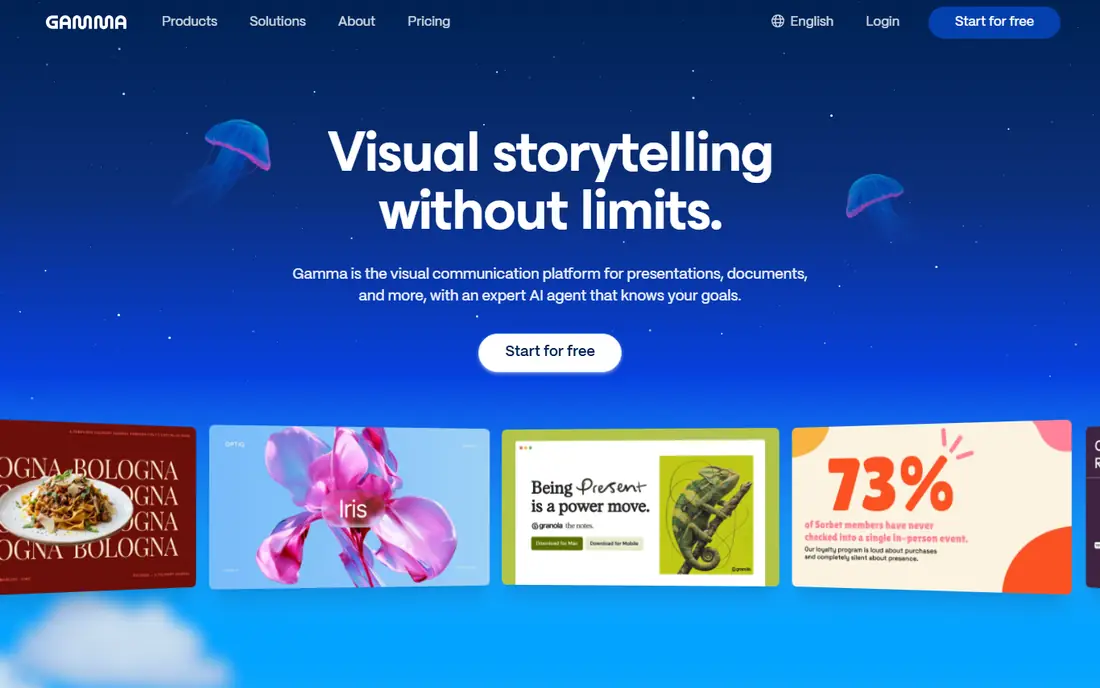
Gamma is the most direct AI-first replacement for Beautiful.ai. You type a prompt or paste an outline, and Gamma builds a deck with layouts that adjust as you add or remove content. That auto-layout behavior is the feature Beautiful.ai users miss most, and Gamma does it well across text, images, and cards.
The free plan lets you create decks and test the workflow, while paid plans add more AI credits, custom fonts, and analytics on views. Sharing works through links, and decks can be exported to common formats. The trade-off is control: if you want pixel-perfect placement of every element, a traditional tool like PowerPoint or Keynote gives more freedom. For speed from idea to presentable deck, Gamma is hard to beat.
What we like- Fast AI generation
- Layouts adjust automatically
- Good sharing options
Watch out for- Less fine control than PowerPoint
- AI text needs editing
#2Pitch
Best for: teams that build decks together fast4.4/5 on
G2 (67 reviews, checked Oct 2026)
Visit pitch.com
Starting priceSee website
Free planYes
Pitch combines smart templates with real-time collaboration, so a team can build a deck together without version chaos. Templates adapt as content changes, which keeps slides tidy even when several people edit at once. The interface is clean and fast, and it feels built for modern teams rather than adapted from desktop software.
Pitch also includes presentation analytics, so you can see who viewed a deck and for how long. The free plan covers basic use, while paid plans add advanced permissions and branding. The template library is smaller than Canva, and AI generation is less central than in Gamma. For a team that values collaboration speed over AI novelty, Pitch is a strong pick.
What we like- Real-time collaboration
- Smart templates
- Good analytics
Watch out for- Smaller template library than Canva
- Fewer AI features than Gamma
#3Canva
Best for: presentations plus all other design work4.7/5 on
G2 (7,678 reviews, checked Oct 2026)
Visit canva.com
Starting priceSee website
Free planYes
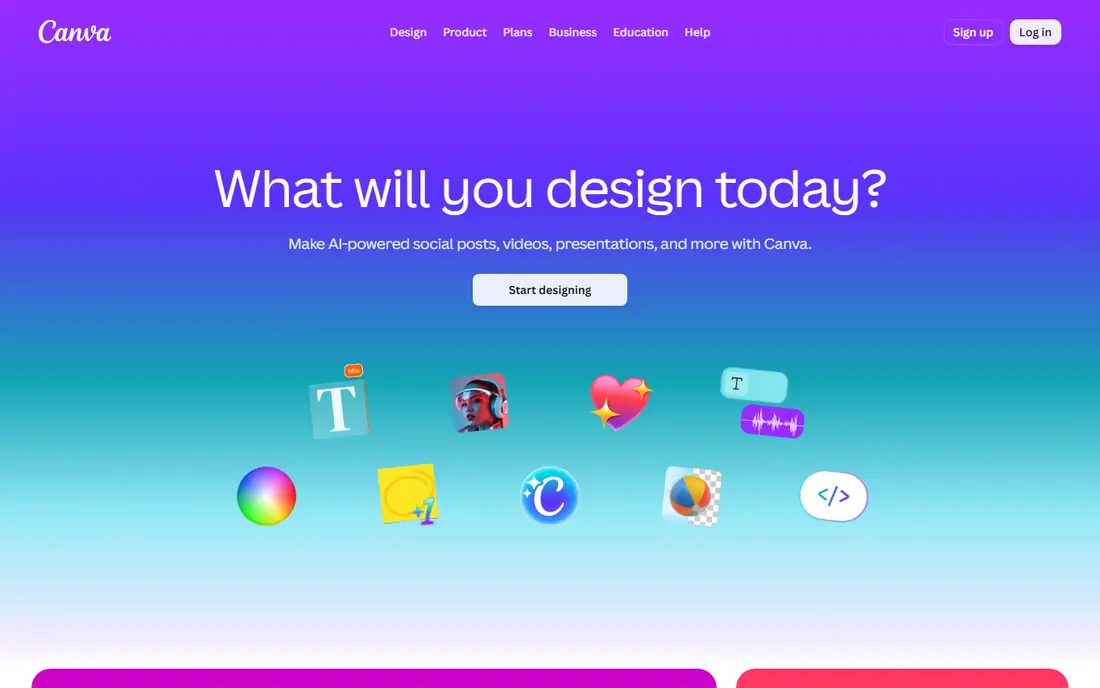
Canva is the all-round option. Its presentation tool offers thousands of templates, drag-and-drop editing, and a free plan that covers most basic needs. For a team that also makes social graphics, documents, and videos, one Canva subscription replaces several tools, which simplifies both cost and training.
Canva has added AI features for generating slides and rewriting text, but its layout automation is lighter than Beautiful.ai or Gamma: you still arrange elements by hand more often. Brand controls, background removal, and premium assets sit on paid plans. If presentations are one design job among many, Canva is the most practical choice here. If decks are your main job, Gamma or Pitch will feel more focused.
What we like- Huge template library
- Easy to learn
- Covers social, docs, and video
Watch out for- Design automation is lighter than Beautiful.ai
- Brand controls need paid plans
#4Prezi
Best for: non-linear, zooming presentations4.2/5 on
G2 (5,725 reviews, checked Oct 2026)
Visit prezi.com
Starting priceSee website
Free planFree trial
Prezi breaks the slide-by-slide format. Instead of a linear deck, you build a canvas and zoom between topics, which suits storytelling, teaching, and pitches where the big picture matters. Audiences remember Prezi talks more than standard decks, because the format itself signals that the talk will be different.
The presenter view, templates, and video integration support remote presenting, which has grown since hybrid work became normal. The learning curve is real: building a good Prezi takes more thought than filling a template, and dense data slides work better in a traditional tool. For a talk where story matters more than bullet points, Prezi is the most distinctive option on this list.
What we like- Distinctive zooming format
- Good for storytelling
- Strong presenter view
Watch out for- Learning curve for new users
- Not ideal for dense data slides
#5
Keynote
Best for: Apple users who want polished decks free
Visit apple.com
Starting priceSee website
Free planYes
Keynote comes free with Apple devices and offers some of the most polished templates of any presentation tool. Animations are smooth, typography is strong, and the interface stays simple. For a Mac or iPad user, Keynote needs no subscription and no learning curve beyond the basics.
The limits are platform and collaboration. Keynote is Apple-only, and while it exports to PowerPoint, round-tripping with Windows colleagues can break layouts. Real-time collaboration exists through iCloud but is less central than in Google Slides or Pitch. If you live on Apple hardware and present mostly from your own device, Keynote is the best free option here.
What we like- Free on Apple devices
- Beautiful templates
- Smooth animations
Watch out for- Apple-only
- Collaboration with Windows users is weaker
#6Google Slides
Best for: free, collaborative slide building4.6/5 on
Capterra (6,505 reviews, checked Oct 2026)
Visit google.com
Starting priceSee website
Free planYes
Google Slides is free with a Google account and remains the easiest way for a team to build a deck together. Several people can edit at once, comments and suggestions work like Google Docs, and sharing is a link. For classrooms, small teams, and quick decks, that simplicity is the whole appeal.
Design features are thinner than Canva or Gamma: fewer templates, less layout automation, and weaker animation options. Offline use is possible but less smooth than a desktop app. Google has added AI help through Gemini in Workspace plans, but the core tool stays simple. If collaboration and cost matter more than design automation, Google Slides is the obvious pick.
What we like- Free with a Google account
- Real-time collaboration
- Simple sharing
Watch out for- Fewer templates and design features
- Offline use is limited
#7Visme
Best for: infographics, reports, and visual documents4.5/5 on
G2 (512 reviews, checked Oct 2026)
Visit visme.co
Starting priceSee website
Free planYes
Visme covers presentations plus infographics, reports, and visual documents, which makes it useful when a deck is part of a larger visual package. Data widgets turn numbers into charts and diagrams without a separate tool, and the brand kit keeps colors and fonts consistent across a team.
The free plan covers basic use, while paid plans add more templates, analytics, and team features. Presentation-specific automation is lighter than Gamma or Beautiful.ai, since Visme spreads its effort across many document types. For a team that makes infographics and reports as often as decks, Visme is the most versatile visual tool here.
What we like- Strong infographic tools
- Data widgets
- Brand kit
Watch out for- Presentation features are secondary
- Learning curve for new users
Starting priceSee website
Free planFree trial
Slidebean is built for one job: investor pitch decks. Its templates follow the structure investors expect, from problem and solution to market, model, and team, and its AI builder drafts a deck from your answers to a questionnaire. That focus helps founders who know their business but not how to pitch it.
The platform also offers design services for teams that want a human designer to finish the deck. The narrow focus is the limit: Slidebean is not a general tool for weekly team decks or classroom talks. For a founder preparing a raise, it is the most targeted option here. For everyday decks, Gamma, Pitch, or Canva will serve better.
What we like- Pitch-focused templates
- AI deck building
- Founder-friendly flow
Watch out for- Narrow focus
- Not a general presentation tool
How we chose
We compared these tools on AI generation, layout automation, templates, collaboration, pricing, and free plans. We checked vendor pricing pages and public comparison guides, and where pricing was not published we wrote See website instead of guessing. We kept the list to tools a real user can sign up for today, and we left out tools that have shut down, including Tome, which closed in 2025.
Start with how you actually build decks. If you start from a blank page and hate layout work, an AI-first tool like Gamma will save the most time. If you start from a template and edit with a team, Pitch or Google Slides will feel better. If you present to investors, Slidebean's structure is worth more than any generic template library.
Next, check the export and sharing path. A deck that cannot export cleanly to PowerPoint or PDF will cause trouble when a client or a conference system needs a file. Test the export with a real deck during a trial, including fonts and images, before committing a team to a new tool.
Finally, weigh the subscription against the rest of your design work. Canva wins when presentations are one job among many, while a focused tool wins when decks are the main job. Pick the tool that fits the decks you build every week, not the one with the longest feature list.
Also check AI limits before paying. AI-first tools sell credits or monthly AI allowances, and a team that generates many decks can run through them faster than expected. Ask how many decks or AI actions each plan includes, whether unused credits roll over, and what happens when you hit the limit mid-project. A tool that looks cheap on the headline price can cost more once AI usage is counted.
Frequently asked questions
What is the best free Beautiful.ai alternative?
Gamma, Canva, Keynote, and Google Slides all offer free plans. Gamma is best for AI generation, Canva for templates, Keynote for Apple users, and Google Slides for collaboration. Test the free plan that matches your main need.
Is Gamma better than Beautiful.ai?
Gamma generates decks faster from a prompt and offers flexible sharing, while Beautiful.ai offers tighter slide design rules. Teams that want speed usually prefer Gamma, while teams that want strict design consistency may miss Beautiful.ai's template discipline.
Can these tools export to PowerPoint?
Most of them can export to PowerPoint or PDF, but fidelity varies, especially for animations and custom layouts. Test an export with a real deck before committing, since fonts and spacing can shift.
Which tool is best for team collaboration?
Pitch and Google Slides lead on real-time collaboration, with comments, suggestions, and shared editing built in. Canva also supports team editing, while Gamma and Prezi are more single-author focused.
Do AI presentation tools write good text?
AI drafts are a useful starting point, but they need editing for accuracy, tone, and specific facts. Never present AI-generated claims, numbers, or quotes without checking them against your own sources.
What happened to Tome?
Tome, an AI presentation tool, shut down in April 2025 and deleted user decks. If you still have Tome links in old materials, rebuild those decks in a current tool and update the links.
Sources we checked (8)
- https://gamma.app
- https://pitch.com
- https://www.canva.com
- https://prezi.com
- https://www.apple.com
- https://www.google.com
- https://www.visme.co
- https://slidebean.com
Is your product missing or out of date?
We review this list regularly. Vendors can request a listing, send updated pricing or ask about featured placement.

Shihab Mia · Founder, Rankite
Shihab has 5+ years in B2B and SaaS SEO. He writes Rankite's software buying guides from pricing pages, documentation and public user reviews. More about Shihab.