How we make this list: we compare pricing pages, product documentation and public user reviews. Ratings come from G2, Capterra or Trustpilot, with the date we checked them.
Key takeaways
- This is a practices list: each entry is one onboarding practice, with the platform most teams use to run it and the mistake it exists to prevent.
- The order matters: show the product's value before asking for an account, ask for permissions only when the user can see why, and personalise from one or two questions at most.
- Interactive steps beat tours: users remember what they did in the product, not what a carousel claimed it does.
- Onboarding is measured or it is decoration: define the activation action, instrument every step, and test changes like any other product surface.
Quick comparison
Is your product missing or out of date?
We review this list regularly. Vendors can request a listing, send updated pricing or ask about featured placement.
The best app onboarding practices

#1
Value before signup, measured in Mixpanel
Best for: Letting users reach the core action first
Visit mixpanel.com
Starting priceFree
Free planYes
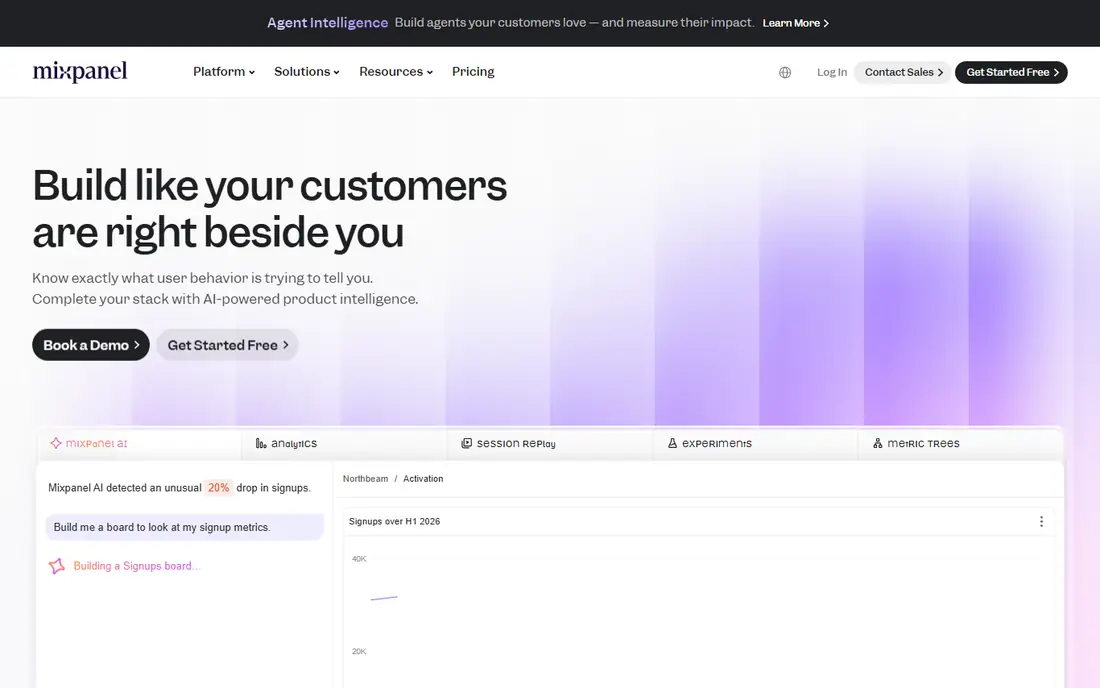
What we like- The first practice is subtraction: let a new user do the core thing, browse, create, play, calculate, before demanding an account, and ask for signup at the moment of saving, sharing, or syncing, when the account visibly buys something. Apps that wall the product behind registration convert a fraction of the curious into the annoyed. Mixpanel's free tier is the measuring instrument: funnel analysis shows the exact step where the wall costs you users, which turns the argument from opinion into a chart.
Watch out for- Some products cannot defer accounts, regulated finance, health, and anything where the value is your own stored data, and those apps must make the wall itself fast and justified instead. Deferred signup complicates attribution and can inflate empty account numbers later. The practice also demands engineering work on guest state and migration, which small teams must schedule honestly.

#2
Interactive guides with Pendo
Best for: Replacing static tours with in product steps
Visit pendo.io
Starting priceSee website
Free planNo
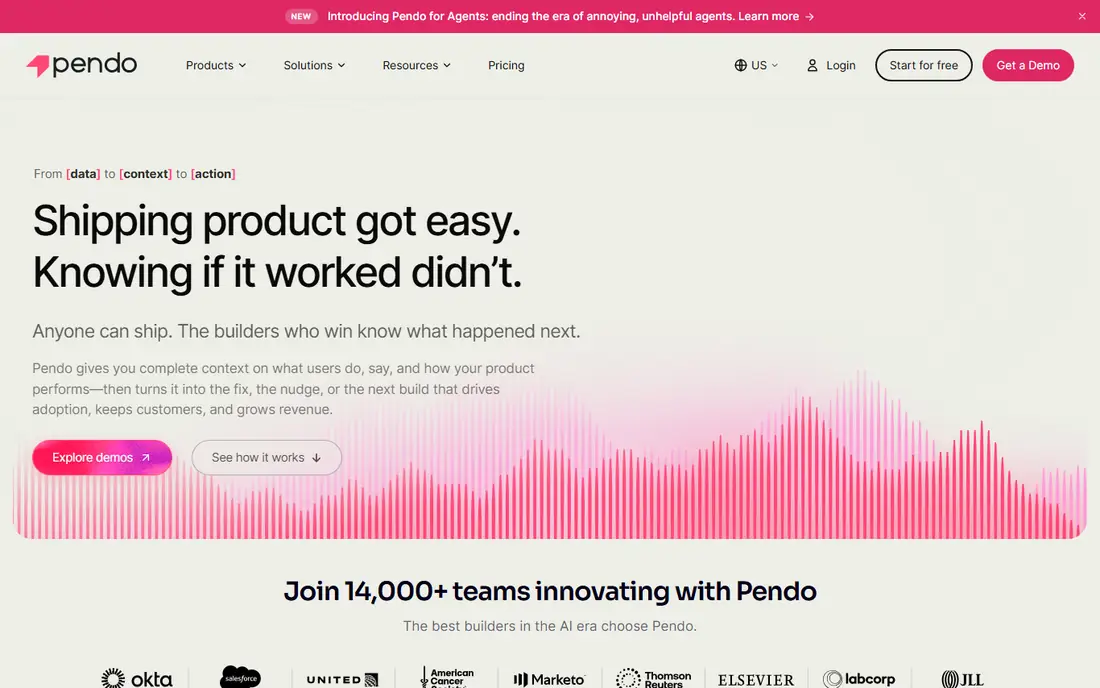
What we like- Nobody reads a five screen carousel, and the data on skipped tours is an open secret of product design. The working alternative is one or two guided actions inside the real product: highlight the button, let the user press it, celebrate the result. Pendo is the platform product teams use to build those in app guides, tooltips, and walkthroughs without engineering releases, and to see which steps users abandon. A guide that ends with the user having done the thing teaches more than any animation.
Watch out for- Pendo is enterprise priced by quote and aimed at product organisations, so early stage apps will hand roll guides or use lighter tools. Guides can become the new carousel if teams stack them, five tooltips deep, over every screen. The discipline is one guide per core action, dismissible in one tap, never blocking the exit.

#3
Permission priming with OneSignal
Best for: Asking for notifications at the right moment
Visit onesignal.com
Starting priceFree
Free planYes
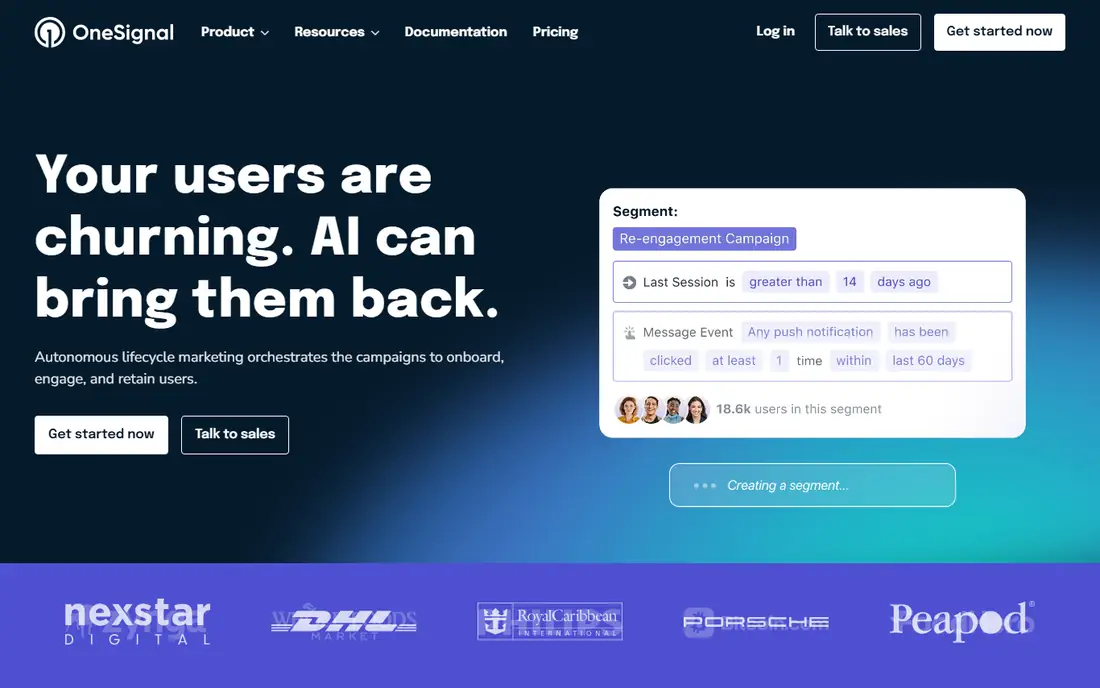
What we like- The system permission prompt is a one shot door: deny it and most users never return to settings. Priming is the practice of asking first in your own words, at the moment the value is obvious, after the first delivery is tracked, the first message arrives, the first workout is logged, and only then showing the system dialog. OneSignal, free to start, is the standard tool for the messaging side: prompts, segments, and the analytics that show opt in rate by timing. Moving the ask from minute one to the moment of value is routinely the largest single opt in gain available.
Watch out for- Priming cannot fix a notification strategy users do not want
- If your pushes are marketing noise, a polite ask earns a polite no and sometimes an uninstall. Platform rules also constrain the pattern, and both stores review manipulative permission flows. The practice depends on having a genuinely valuable first notification to point at.

#4
Personalisation with Appcues
Best for: Branching flows by user segment
Visit appcues.com
Starting priceSee website
Free planNo
What we like- One flow fits nobody: the practice is to ask one or two questions at most, what brought you here, what will you use this for, and branch the first run to the answer, the template gallery for creators, the import screen for switchers, the team invite for managers. Appcues is the no code platform teams use to build those segmented flows, modals, and checklists and to publish variants without an app release. Done well, personalisation shortens time to value because nobody wades through features meant for someone else.
Watch out for- Every question costs completion, so the branching must repay the tap immediately and visibly. Over segmentation produces a maintenance thicket of flows nobody owns. Appcues pricing is quote based and aimed at funded product teams
- Smaller apps often implement one branch in code and skip the platform.

#5
Checklists with Intercom
Best for: Giving new users a visible path to done
Visit intercom.com
Starting price$29 per seat per month
Free planNo
What we like- A short checklist converts an open ended first run into a finishable task: three to five steps, ordered by value, with progress shown and each step launching the real action rather than a description of it. Intercom's onboarding checklists and product tours are the common implementation, living inside the messenger many apps already run for support. Checklists work because they make incompleteness visible, and because the final step can carry the account creation or trial start that step one could not.
Watch out for- A checklist longer than five steps reads as homework and gets dismissed. Steps must be tracked by events, not by clicks on the checklist itself, or users learn to tick boxes instead of doing work. Intercom's per seat pricing and breadth make it a considered purchase for onboarding alone.

#6
Activation analytics with Amplitude
Best for: Finding the step where users drop
Visit amplitude.com
Starting priceFree
Free planYes
What we like- Every practice above is a hypothesis until the activation metric is defined: the one action, or small set, that separates users who stay from users who leave, found by comparing retained and churned cohorts. Amplitude's free tier gives product teams the funnel, retention, and cohort analysis to find that action and then watch onboarding changes move it. Teams that skip this step optimise for tour completion and tutorial applause while activation sits still.
Watch out for- Finding the activation action takes event data, instrumentation work, and the patience to let cohorts mature, none of which fits a launch week deadline. Correlation traps abound: power users do everything, so everything correlates with retention, and the analysis must control for it. Analytics also only find the leak
- The fix is still design and engineering time.
Starting priceFree
Free planYes
What we like- Onboarding opinions are endless, so the mature practice is experimentation: ship two first runs, split new users, and keep the one that activates better. Firebase gives mobile teams the machinery free: Remote Config to vary the flow without a release, and A/B testing tied to analytics events so results read in the same console. Testing also protects you from the redesign that everyone loved in the meeting and users hated in the wild.
Watch out for- Experiments need volume: an app with two hundred installs a week will wait months for a significant result, and small teams should test large differences or not at all. Remote config sprawl, dozens of flags nobody removes, is the known failure mode. A/B results also describe your current users, and a flow that wins for one acquisition channel can lose for another.

#8
Re-engagement with Customer.io
Best for: Winning back users who stalled
Visit customer.io
Starting price$100 per month
Free planNo
What we like- Some users will stall mid onboarding no matter how good the flow is, and the final practice is the rescue: a short, behaviour triggered sequence across push and email that returns to the exact step abandoned, with the value restated and the friction removed, sent inside the first day or two while intent survives. Customer.io, from 100 dollars a month, is the platform lifecycle teams use for those event driven journeys. A rescue that completes an activation is worth more than a fresh install, because the user already chose you once.
Watch out for- Re-engagement has a hard ethical and practical edge: message too often or too desperately and you earn the uninstall and the spam complaint, and both app stores and email providers punish it. Journeys need the event data from practice six to trigger on behaviour rather than on timers. It also cannot rescue users who left because the product was wrong for them, and should not try.
How we chose
We built the list from practitioner consensus across product and growth research: the practices that recur in the onboarding teardowns of high retention apps and in the documentation of the platforms named. Each practice is paired with the tool most associated with running it, and tools were judged on that job, not as general purchases. We excluded dark patterns explicitly: forced permission walls, disguised ads, fake progress bars, and obstructive signup flows may lift a metric for a week and are not practices any team should copy, because stores review for them and users review you for them.
How to choose the right onboarding practices
Implement in the order given, because the list is a sequence, not a menu. Remove friction first, value before signup and timed permissions, then guide and personalise, then instrument and experiment, then rescue the stalled. Most teams find their largest gain in the first two practices, because the average onboarding still asks for an account, a permission, and a tour before showing the product, and simply reversing that order is a redesign users can feel. Resist adding steps: every screen, question, and tooltip must pay rent in activation, measured, or be cut at the next review.
Set the review rhythm as part of the practice: a monthly look at the activation funnel by cohort and channel, one experiment running at all times once volume allows, and a standing rule that onboarding is a product surface with an owner, not a launch task that ended. Keep the ethical line visible in the same reviews, no priming that misleads, no rescue sequences that nag, no personalisation that uses data the user did not knowingly give you. Retention is the scoreboard and trust is the constraint, and the apps that keep users for years are visibly run on both. Tool prices are October 2026 published figures.
Frequently asked questions
How long should app onboarding take?
As short as the value allows: the target is the first meaningful result within the first session, ideally inside two minutes, with everything else deferred, deepened later, or taught in context. Long onboardings survive only where setup genuinely creates the value, a finance app linking an account, a fitness app building a plan, and even there each step must show why it exists. Measure time to activation, not screens shipped.
Should an app require signup before use?
By default, no: let the user reach the core action as a guest and ask when the account buys them something visible, saving, sync, or sharing. The exceptions are products whose value is impossible without identity, banking, health records, messaging, and those should make the wall fast, explain it in one line, and offer the major social sign in options. The Mixpanel funnel on your own app settles the argument with your own users' behaviour.
When should an app ask for notification permission?
After the user has seen a reason, never on first launch. Show your own priming screen at the moment a notification would have helped, the delivery is coming, the reply arrived, the streak is at risk, explain it in one sentence, and only then trigger the system prompt. OneSignal or your platform tooling will show the opt in rate by timing, and the difference between minute one and the moment of value is usually the largest number in the whole onboarding programme.
What is an activation metric and how do we find one?
The earliest action that predicts retention: users who do it in the first days stay, users who do not, leave. Find it by comparing the behaviour of retained and churned cohorts in an analytics tool such as Amplitude or Mixpanel, testing candidate actions for separation, and being aware of power user correlation, then design onboarding to deliver every new user to that action. Famous examples differ by product, a first project published, a first order tracked, a seventh day of a streak, which is why yours must be measured, not copied.
Do onboarding checklists really work?
When they are short, ordered by value, and wired to real actions, yes: they convert a vague first run into a finishable task and give returning users a place to resume. When they are long, cosmetic, or ticked by tapping rather than doing, users dismiss them and the metric they feed is fiction. Keep it to five steps at most, put the reward at the end, and let any step be skipped by simply using the app, which should tick it automatically.
Sources we checked (0)
Is your product missing or out of date?
We review this list regularly. Vendors can request a listing, send updated pricing or ask about featured placement.

Shihab Mia · Founder, Rankite
Shihab has 5+ years in B2B and SaaS SEO. He writes Rankite's software buying guides from pricing pages, documentation and public user reviews. More about Shihab.
 Flow experiments with Firebase