How we make this list: we compare pricing pages, product documentation and public user reviews. Ratings come from G2, Capterra or Trustpilot, with the date we checked them.
Airtable vs Google Sheets: which one should your team pick
Airtable and Google Sheets look alike at first glance. Both show a grid of rows and columns, and both are easy to open and start typing in. The difference is what sits under the grid. Airtable is a relational database, with linked records, rich field types and automations. Google Sheets is a spreadsheet, with formulas, charts and real time collaboration.
If the work is a simple list that a few people edit together, Sheets is enough, and it costs nothing. If the list has grown into linked tables, filtered views, approval flows and automations, Airtable is the better home.
Direct answer: Google Sheets is the top pick for simple shared lists because it is free, familiar and fast, with real time collaboration built in. Airtable suits teams whose lists have become systems, starting at $20 per user per month billed annually on Team, because its linked records and automations handle structured data far better. Smartsheet is the best alternative for spreadsheet teams that need Gantt charts and baselines, starting at $9 per member per month billed annually on Pro.
Key takeaways
- Google Sheets is free with a Google account, and Google Workspace Business Starter costs $7 per user per month billed annually.
- Airtable Team costs $20 per user per month billed annually ($24 monthly), and Business costs $45 ($54 monthly), with a free plan for small bases.
- Airtable charges per billable user with edit permission, and commenters are billable on Team but free on Business.
- Smartsheet Pro costs $9 per member per month billed annually, with no free plan for new signups and a 30 day trial instead.
- Microsoft Excel comes with Microsoft 365 Business Basic at $7 per user per month billed annually, with desktop apps from Business Standard at $14.
Airtable handles structured data better. Its bases are relational databases, so a record in one table links to records in another, and lookups and rollups pull values across those links. A content calendar can link to an asset library, and a campaign table can roll up spend from a budget table. Field types cover attachments, checkboxes, dates and formulas, so each column has real behaviour.
Google Sheets handles structured data with formulas, filters and pivot tables, which is enough for analysis and reporting. What it lacks is a real data model. A sheet is a flat grid, so linked data has to be copied or referenced with formulas such as VLOOKUP, and those links break when rows move. There are no record level permissions and no built in automations at the level of Airtable. Sheets is strong for calculating and charting. Airtable is strong for storing and relating.
How much do Airtable and Google Sheets cost in 2026
Google Sheets costs nothing on its own. Any Google account gets Sheets free, with 15 GB of shared storage across Google services. A business that wants custom email, admin controls and more storage buys Google Workspace. Business Starter costs $7 per user per month billed annually, Business Standard costs $14 and Business Plus costs $22. Monthly billing adds about 20 percent.
Airtable costs real money at the entry tier. The free plan covers small personal bases with up to 1,000 records per base. Team costs $20 per user per month billed annually, or $24 monthly, and includes 50,000 records per base, 20 GB of attachment storage and 25,000 automation runs a month. Business costs $45 billed annually, or $54 monthly, and raises the limits to 125,000 records, 100 GB of storage and 100,000 automation runs. Enterprise Scale is quoted by sales. For a 10 person team, Sheets costs $0, while Airtable Team costs $200 a month.
Google Sheets is better for live collaboration. Multiple people can edit the same sheet at once, see each others cursors, leave comments and suggestions, and roll back through version history. Sharing is a link or an email invite, and permissions are simple to set. The mobile apps are strong, and offline editing syncs when the connection returns.
Airtable collaboration is good, but it is built around records and views, not cells. Different roles can see different views of the same base, and forms let people submit records without seeing the whole base. Comments and mentions work at the record level. The trade off is that every editor is a paid seat on Team, which makes wide collaboration expensive. Sheets lets anyone with a link edit for free, so a team that shares widely should count the seats before committing.
How hard is it to switch from Google Sheets to Airtable, or the other way
Switching from Google Sheets to Airtable is easy at the data level and harder at the formula level. Airtable imports CSV and Excel files, so the rows arrive intact. The work is turning flat sheets into linked tables, recreating formulas as Airtable formulas, and rebuilding charts as Airtable views. Complex formulas with cross sheet references need the most care. Plan on a few days for a simple tracker and one to two weeks for a sheet with many linked tabs.
Switching from Airtable to Google Sheets is a step down in structure, so the data move is simple but the features do not come along. Bases export to CSV, and Sheets opens CSV files directly, so the rows arrive intact. What is lost is the relational model, the interfaces, the automations and the record level permissions. Move one workflow first, and only retire the base when the team is sure Sheets covers it.
Quick comparison
| Tool | Best for | Starting price | Free plan |
|---|
 Airtable | Teams that need a relational database with linked records and custom interfaces | Free $0; Team $20 per user per month billed annually ($24 monthly); Business $45 ($54 monthly); Enterprise Scale by quote | Yes, up to 1,000 records per base with limited automation runs |
 Google Sheets | Teams that need a free, familiar spreadsheet | Free $0 with a Google account; Google Workspace Business Starter $7 per user per month billed annually for custom email and admin controls | Yes, free with a Google account, with 15 GB of shared storage |
 Smartsheet | Project driven teams that need Gantt charts, dependencies and baselines | Pro $9 per member per month billed annually ($12 monthly); Business $19 ($24 monthly); Enterprise and Advanced Work Management by quote | No free plan for new signups since August 2024; 30 day free trial with no card required |
 Notion | Teams that want docs, wikis and databases in one place | Free $0; Plus $10 per user per month billed annually ($12 monthly); Business $20 ($24 monthly); Enterprise by quote | Yes, unlimited blocks for a single member, up to 10 guests |
 Microsoft Excel | Teams that need deep formulas, desktop apps and offline work | Business Basic $7 per user per month billed annually (web and mobile apps only); Business Standard $14 (desktop apps included); Business Premium $22; Copilot bundles raise Standard to $23.50 and Premium to $32 | No free business plan; free web version with a personal Microsoft account, with limited features |
 Coda | Teams that want docs with tables and automations that act like an app | Free $0; Pro $12 per Doc Maker per month billed annually ($15 monthly); Business $33 ($40 monthly); Enterprise by quote | Yes, with a 50 object limit per doc |
 ClickUp | Teams that want one tool for tasks, docs and goals | Free $0; Core $9 per user per month billed annually ($12 monthly); Business $17 ($25 monthly); Max $100; Enterprise by quote | Yes, Free Forever with unlimited members and 60 MB storage |
 monday Work Management | Teams that want visual boards and automations with little setup | Basic $9 per seat per month billed annually; Standard $12; Pro $19; Enterprise by quote | Yes, free plan for up to 2 seats |
Is your product missing or out of date?
We review this list regularly. Vendors can request a listing, send updated pricing or ask about featured placement.
These eight tools cover the full range of options for a buyer comparing Airtable and Google Sheets. Two are the head to head pair. The other six are the most common alternatives.
#1Airtable
Best for: Teams that need a relational database with linked records and custom interfaces4.6/5 on
G2 (3,300 reviews, checked Oct 2026)
Visit airtable.com
Starting priceFree $0; Team $20 per user per month billed annually ($24 monthly); Business $45 ($54 monthly); Enterprise Scale by quote
Free planYes, up to 1,000 records per base with limited automation runs
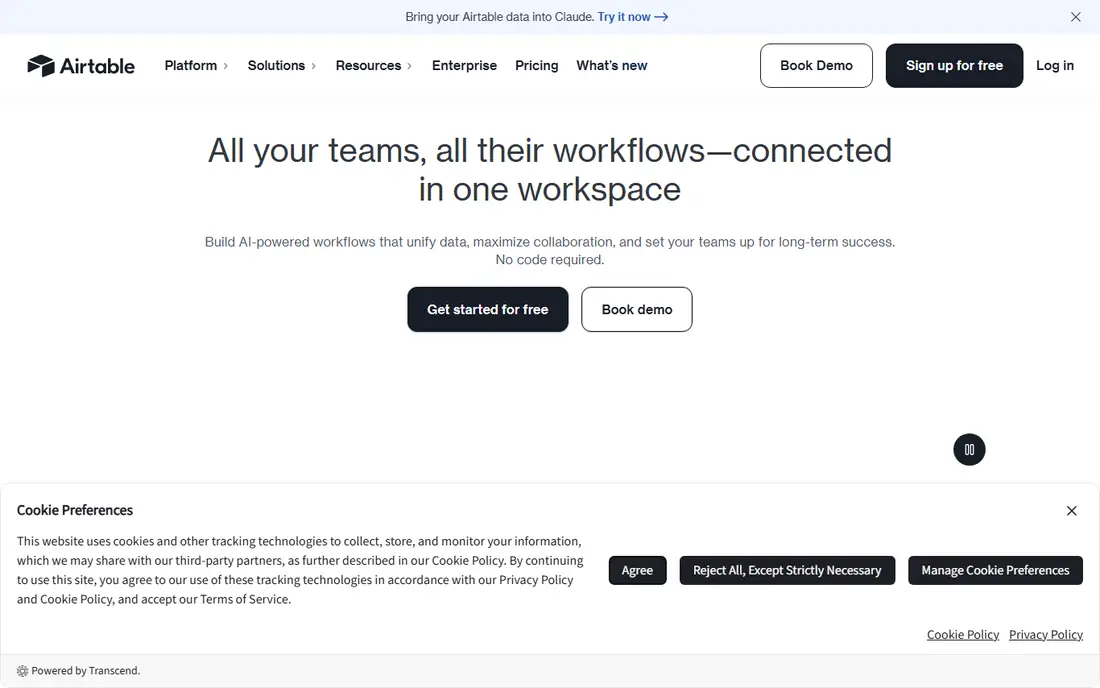
Airtable is the right buy when a spreadsheet has become a system. A product catalogue, a content pipeline or a hiring tracker all fit the base model, because records link to each other and views filter the same data for different roles. The interface builder turns a base into a small internal app. The cost is the seat model. Every editor is billed, and on Team even commenters count.
What we like- True relational model with linked records, lookups and rollups
- Strong field types
- Interfaces let teams build custom apps without code
Watch out for- Expensive per seat at $20 on Team and $45 on Business, and commenters are billable on Team
- Overkill for a simple shared list
#2Google Sheets
Best for: Teams that need a free, familiar spreadsheet4.7/5 on
Capterra (13,223 reviews, checked Oct 2026)
Visit google.com
Starting priceFree $0 with a Google account; Google Workspace Business Starter $7 per user per month billed annually for custom email and admin controls
Free planYes, free with a Google account, with 15 GB of shared storage
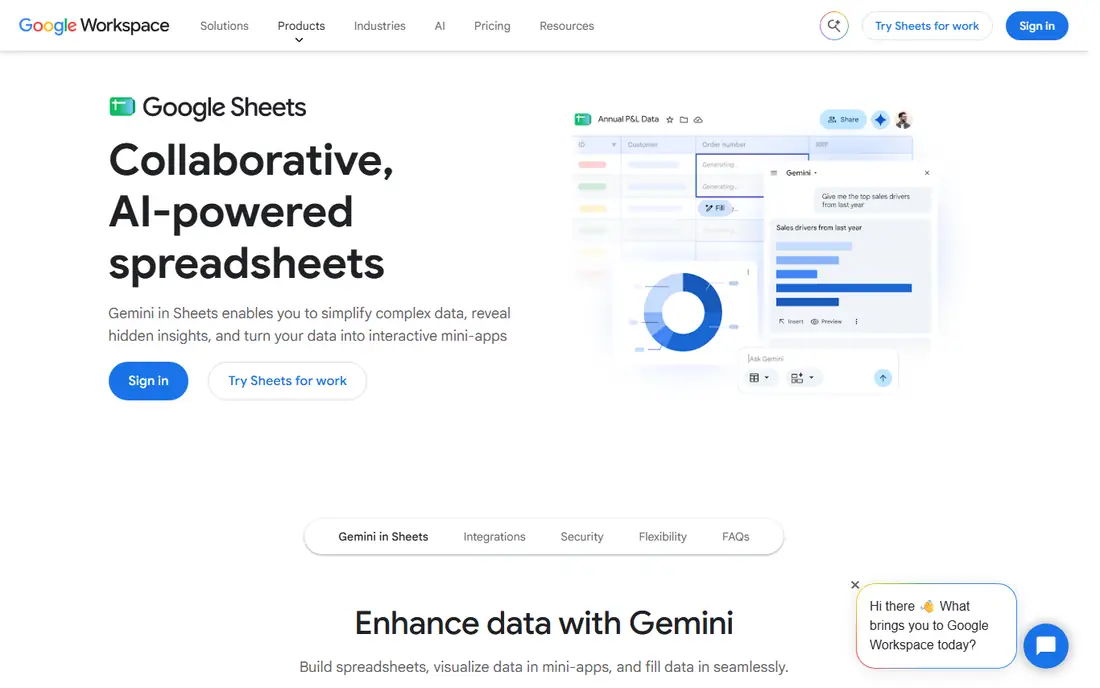
Google Sheets is the baseline every other tool in this list is measured against. It costs nothing, everyone knows how to use it, and real time collaboration works well, with comments, suggestions and version history. For a small team tracking a simple list, it is often enough. The limits appear as the work grows. There is no linked record model and no automation engine comparable to Airtable.
What we like- Free, familiar and fast, with real time collaboration
- Strong formulas, pivot tables and charts
Watch out for- No native relational model, no built in automations at the level of Airtable, and no Gantt views without add ons
#3Smartsheet
Best for: Project driven teams that need Gantt charts, dependencies and baselines4.4/5 on
G2 (22,767 reviews, checked Oct 2026)
Visit smartsheet.com
Starting pricePro $9 per member per month billed annually ($12 monthly); Business $19 ($24 monthly); Enterprise and Advanced Work Management by quote
Free planNo free plan for new signups since August 2024; 30 day free trial with no card required
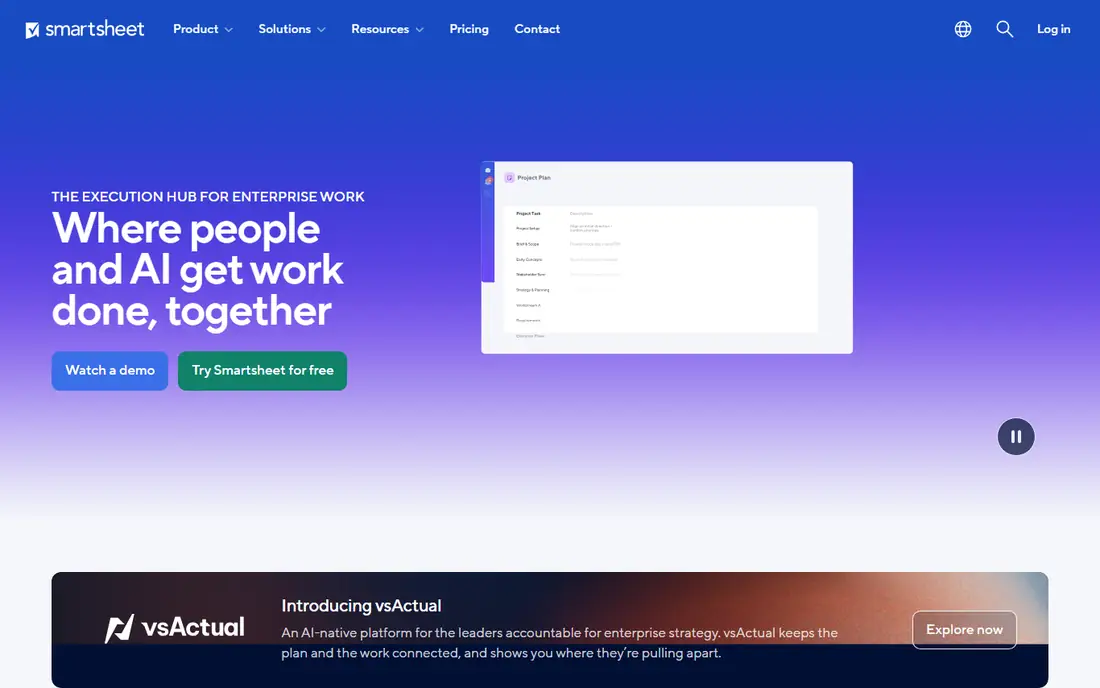
Smartsheet suits a spreadsheet team that needs project management. The grid feels familiar to anyone who has used Sheets, and the Gantt view, dependencies and baselines turn it into a real project plan. Contributors are free, so clients can view and comment without a paid seat. The trade off is the data model. Smartsheet is a grid with formulas, not a database.
What we like- Gantt, dependencies, baselines and critical path built in
- Unlimited free contributors
- Business adds unlimited automations, 1 TB storage and workload tracking
Watch out for- Pro caps at 10 members and 250 automation runs a month, forcing growing teams onto Business
- No true relational data model
#4Notion
Best for: Teams that want docs, wikis and databases in one place4.6/5 on
G2 (13,834 reviews, checked Oct 2026)
Visit notion.com
Starting priceFree $0; Plus $10 per user per month billed annually ($12 monthly); Business $20 ($24 monthly); Enterprise by quote
Free planYes, unlimited blocks for a single member, up to 10 guests
Notion is the best alternative when the team needs writing and structure together. A project page can hold the brief, the meeting notes and the task database together, which removes the hop between a docs tool and a tracker. The database views cover tables, boards, timelines and calendars. The weakness is depth. Linked databases and rollups exist, but they are not as strong as Airtable for complex relational work.
What we like- Docs and databases share one workspace
- Flexible page and database model
- Business includes full Notion AI and Enterprise Search
Watch out for- Databases are simpler than Airtable, with weaker relational rollups
- Full AI access needs Business at $20, double the Plus price
#5Microsoft Excel
Best for: Teams that need deep formulas, desktop apps and offline work4.7/5 on
G2 (3,183 reviews, checked Oct 2026)
Visit microsoft.com
Starting priceBusiness Basic $7 per user per month billed annually (web and mobile apps only); Business Standard $14 (desktop apps included); Business Premium $22; Copilot bundles raise Standard to $23.50 and Premium to $32
Free planNo free business plan; free web version with a personal Microsoft account, with limited features
Microsoft Excel is the spreadsheet for heavy analysis. Its formula engine, Power Query and pivot tables go far beyond Sheets, and the desktop apps work fully offline, which matters for finance and operations teams. Copilot is now bundled into Business Standard at $23.50 and Premium at $32, up from $14 and $22 without it, so buyers should check which version their quote includes. The weakness is collaboration. Co authoring works, but it is slower than Sheets.
What we like- The deepest formula and analysis engine of any spreadsheet, with Power Query and pivot tables
- Desktop apps work offline
- Huge template and add in ecosystem
Watch out for- Collaboration is weaker than Google Sheets, with slower co authoring and more sync conflicts
- Business Basic has no desktop apps, so the $7 tier is web only
#6
Coda
Best for: Teams that want docs with tables and automations that act like an app
Visit coda.io
Starting priceFree $0; Pro $12 per Doc Maker per month billed annually ($15 monthly); Business $33 ($40 monthly); Enterprise by quote
Free planYes, with a 50 object limit per doc
Coda is the doc first alternative. A Coda doc can hold prose, tables, buttons and automations in one place, so a meeting note can include a live task table and a button that assigns the next step. Maker billing is the pricing advantage. Only Doc Makers pay, so a 50 person company with 10 makers pays for 10 seats, not 50. The catch is the rename. Coda became Superhuman Docs in July 2026.
What we like- Maker billing means only people who create docs pay
- Tables, buttons and automations turn a doc into a working app
Watch out for- Coda was renamed Superhuman Docs in July 2026 and its pricing page now redirects
- Older guides list Pro at $10 and Team at $30, against the current $12 and $33
#7ClickUp
Best for: Teams that want one tool for tasks, docs and goals4.6/5 on
G2 (14,878 reviews, checked Oct 2026)
Visit clickup.com
Starting priceFree $0; Core $9 per user per month billed annually ($12 monthly); Business $17 ($25 monthly); Max $100; Enterprise by quote
Free planYes, Free Forever with unlimited members and 60 MB storage
ClickUp is the all in one option. It covers tasks, docs, whiteboards, goals, time tracking and chat in a single workspace, which suits teams that want to cut down the number of subscriptions. The free plan is unusually generous, with unlimited members, and Core at $9 a month is cheap for what it includes. The cost is complexity. There are many settings, so teams need time to agree on a structure before they scale.
What we like- Broad feature set covering tasks, docs, goals, chat and time tracking
- Low entry price at $9 on Core
- Free plan has no seat limit
Watch out for- The breadth makes setup and learning slower than a focused tool
- ClickUp also lists a legacy Unlimited plan at $7, so the price a new signup sees can differ
- AI features are paid add ons
#8
monday Work Management
Best for: Teams that want visual boards and automations with little setup
Visit monday.com
Starting priceBasic $9 per seat per month billed annually; Standard $12; Pro $19; Enterprise by quote
Free planYes, free plan for up to 2 seats
monday Work Management fits teams that want a visual workspace with minimal configuration. Boards, timelines, calendars and dashboards are ready out of the box, and the automation builder covers common rules such as moving an item when its status changes. Pricing is per seat with a 3 seat minimum, so a small team pays for at least 3 seats. The tool is weaker than Airtable for relational data, but it is easier to adopt.
What we like- Visual boards with many view types
- Strong no code automations
- Dashboards roll up work across boards
Watch out for- Per seat pricing with a 3 seat minimum, and the free plan is limited to 2 seats
- Costs rise as automation needs grow
Comparison table
| Tool |
Starting paid price (annual) |
Free plan |
Best for |
| Airtable |
Team $20 per user per month |
Yes |
Databases |
| Google Sheets |
Free, Workspace Starter $7 per user per month |
Yes |
Free spreadsheets |
| Smartsheet |
Pro $9 per member per month |
No, 30 day trial |
Gantt charts and baselines |
| Notion |
Plus $10 per user per month |
Yes |
Docs and databases in one place |
| Microsoft Excel |
Business Basic $7 per user per month |
No, free web version |
Deep formulas |
| Coda |
Pro $12 per Doc Maker per month |
Yes, 50 objects per doc |
Docs that act like apps |
| ClickUp |
Core $9 per user per month |
Yes, unlimited members |
Tasks, docs and goals |
| monday Work Management |
Basic $9 per seat per month |
Yes, up to 2 seats |
Visual boards |
Frequently asked questions
Is Airtable worth paying for if Google Sheets is free
Airtable is worth paying for when a sheet has become a system. If the work needs linked tables, filtered views for different roles, approval flows or automations, Airtable saves more time than it costs. If the work is a simple list that a few people edit together, Sheets is free and is the right answer.
Can Google Sheets do what Airtable does with add ons
Partly. Add ons can add Gantt charts, forms and simple automations to Sheets, and Apps Script can automate almost anything. What add ons cannot add is a real relational model, record level permissions or a proper interface builder. A team can stretch Sheets a long way, but the result is fragile. Airtable gives the same result as a supported feature rather than a workaround.
Which tool is better for formulas
Google Sheets and Microsoft Excel are both better than Airtable for pure formula work. Sheets has a large function library, pivot tables and charts, and Excel goes further with Power Query and advanced analysis. Airtable formulas are good for record level calculations, but they are not built for heavy analysis.
Does Airtable have a free plan
Yes. The Airtable free plan covers small personal bases with up to 1,000 records per base and limited automation runs. It is enough to test the tool and to run a small personal project. A team that needs more records, more automations or more storage must move to Team at $20 per user per month billed annually.
What is the main risk when buying either tool
The main risk with Airtable is seat creep, because every editor is billed and commenters are billable on Team. The main risk with Google Sheets is governance, because anyone with edit access can change any cell, and a large sheet with many editors becomes hard to control.
How we picked
We compared the two named tools head to head on data model, formulas, collaboration and seat pricing, then added the six alternatives buyers most often shortlist. Prices were checked against the vendors own pricing pages in Nov 2026. Last verified 18 Nov 2026.
Sources we checked (8)
- https://airtable.com/pricing
- https://workspace.google.com/pricing
- https://www.smartsheet.com/pricing
- https://www.notion.com/pricing
- https://www.microsoft.com/en-us/microsoft-365/business/pricing
- https://superhuman.com/plans/docs
- https://clickup.com/pricing
- https://monday.com/pricing
Is your product missing or out of date?
We review this list regularly. Vendors can request a listing, send updated pricing or ask about featured placement.

Shihab Mia · Founder, Rankite
Shihab has 5+ years in B2B and SaaS SEO. He writes Rankite's software buying guides from pricing pages, documentation and public user reviews. More about Shihab.