How we make this list: we compare pricing pages, product documentation and public user reviews. Ratings come from G2, Capterra or Trustpilot, with the date we checked them.
Key takeaways
- Free plans are genuinely usable here: Homebase Basic is free for up to 10 employees at one location, and Sling and 7shifts offer free tiers for small teams.
- Deputy and When I Work are the value leaders for scheduling plus time tracking, at $5 and $2.50 per user per month.
- 7shifts is the restaurant specialist with POS based forecasting, while Deputy leads on labor law compliance for multi location groups.
- Per location pricing suits single sites but gets expensive across many sites, while per user pricing suits growing teams.
- Tell staff what is tracked: GPS time clocks and location tracking raise privacy questions, and state law on tracking varies, so disclose tracking and get consent where required.
Quick comparison
| Tool | Best for | Starting price | Free plan |
|---|
 Homebase Homebase | Single location teams | Free | Yes |
 Deputy Deputy | Compliance heavy teams | $5 per user per month | No |
 When I Work When I Work | Simple small team scheduling | $2.50 per user per month | No |
 7shifts 7shifts | Restaurants | $39.99 per location per month | Yes |
 Sling Sling | Budget teams | $2 per user per month | Yes |
 Connecteam Connecteam | Frontline teams | $29 per month | Yes |
 ZoomShift ZoomShift | Plain low cost scheduling | $2 per user per month | Yes |
 Planday Planday | Growing teams with rules | $2.99 per user per month | No |
Is your product missing or out of date?
We review this list regularly. Vendors can request a listing, send updated pricing or ask about featured placement.
#1Homebase
Best for: Single location teams4.6/5 on
G2 (586 reviews, checked Oct 2026)
Visit homebase.com
Starting priceFree
Free planYes
Homebase is the small business scheduling tool that starts free and grows into payroll, with scheduling, time tracking, team messaging, hiring, and onboarding in one app. The Basic plan is free for one location with up to 10 employees, which covers a single cafe, shop, or salon in full. Paid plans are priced per location rather than per person, reported at $30 per location per month in one comparison and from about $24 per location per month in another, so confirm the current tier price.
The trade off is single site value against multi site cost. Homebase is the best free start for one location, but per location pricing adds up fast across many sites. Homebase fits single location teams that want to start free and add payroll later.
What we like- Basic plan free for up to 10 employees at one location
- Scheduling, time clock, and messaging included
- Hiring and onboarding tools
- Payroll add-on available
Watch out for- Free plan stops at 10 employees
- Per location pricing gets expensive across many sites
- Payroll features are US centric
- Advanced reporting needs paid tiers
#2Deputy
Best for: Compliance heavy teams4.6/5 on
G2 (666 reviews, checked Oct 2026)
Visit deputy.com
Starting price$5 per user per month
Free planNo
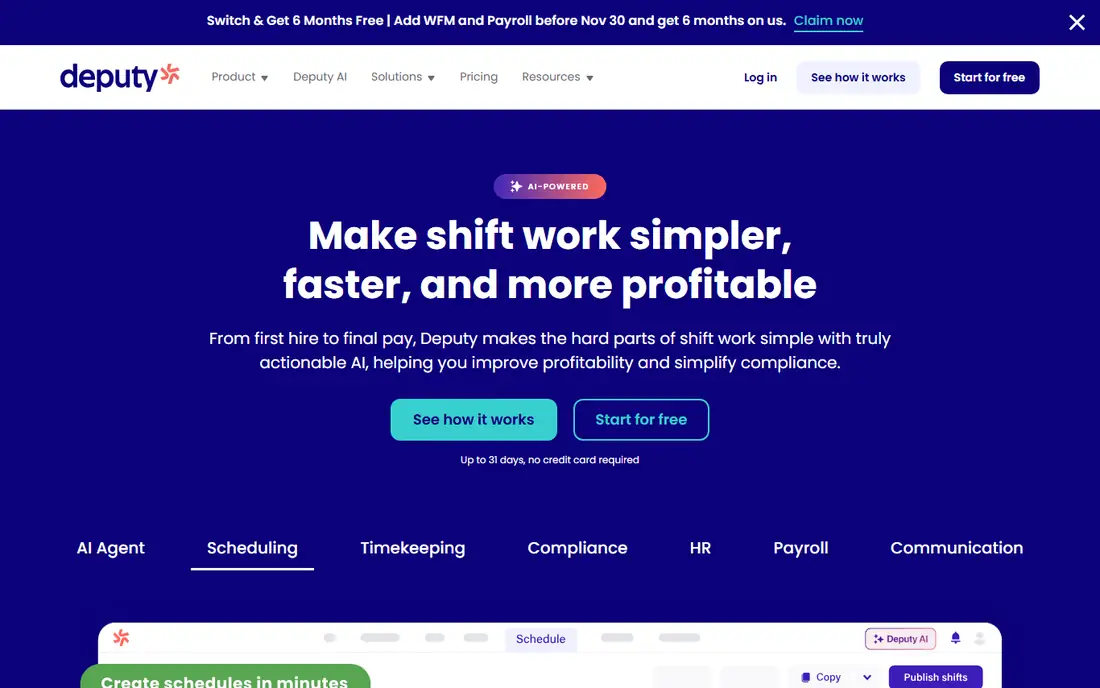
Deputy is the scheduling tool for growing hourly teams that need real compliance muscle, with break rules, overtime thresholds, and award interpretation built in rather than policed by hand. The Lite plan runs $5 per user per month with a time clock included, while Core runs about $6.50 per user per month with forecasting, and a minimum monthly spend of $30 per invoice applies on some plans. Deputy also handles fair workweek style rules that simple schedulers leave to managers.
The trade off is compliance depth against setup time. Deputy costs more and takes longer to configure, but it prevents the scheduling errors that create wage claims. Deputy fits multi location groups and regulated industries where compliance rules drive the roster.
What we like- Strong labor law compliance
- Break rules and overtime thresholds built in
- Demand forecasting on higher tiers
- Mature integrations
- Time clock included
Watch out for- No permanent free plan
- Costs more than simple schedulers
- Setup takes longer
- Minimum monthly spend applies on some plans
#3When I Work
Best for: Simple small team scheduling4.4/5 on
G2 (404 reviews, checked Oct 2026)
Visit wheniwork.com
Starting price$2.50 per user per month
Free planNo
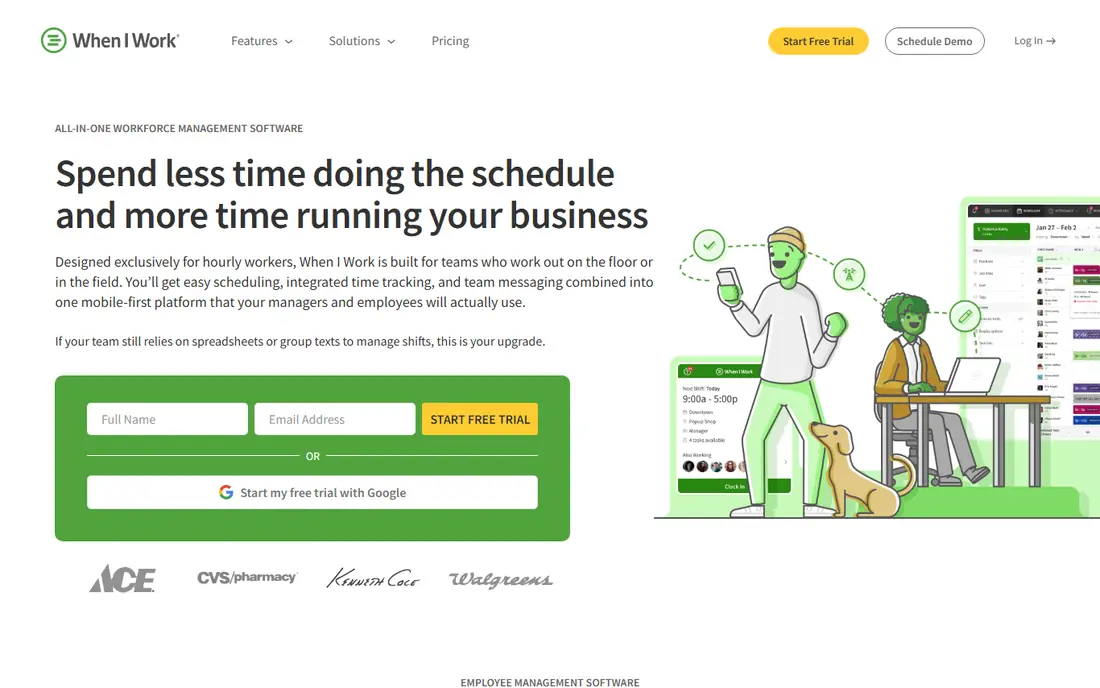
When I Work does scheduling, time tracking, and team messaging without asking you to adopt a whole HR platform, and at $2.50 per user per month for a single location it is the cheapest credible option here. Multi location pricing doubles to about $5 per user per month, and payroll runs through a partner rather than inside the product. The mobile app is strong for staff who check shifts and swap from their phones.
The trade off is simplicity against depth. When I Work is live the same afternoon, but reporting and forecasting stay basic compared with Deputy and 7shifts. When I Work fits small teams that want simple scheduling at the lowest per head cost.
What we like- Lowest per user price here
- Quick to roll out
- Good mobile app for staff
- Time tracking and messaging included
- Simple multi location support
Watch out for- No permanent free plan
- Multi location doubles the price
- Reporting is basic next to Deputy
- Forecasting is thin
Starting price$39.99 per location per month
Free planYes
7shifts is the only tool here built from the ground up for restaurants, connecting to POS systems such as Toast, Square, and Clover to pull sales data and forecast demand, so managers schedule to expected covers rather than gut feeling. The free Comp plan covers one location and up to 30 employees in one report, or 15 in another, with basic scheduling, a time clock, and team chat. Paid plans start at $39.99 per location per month, with another source listing $44.99, so confirm the current tier price, and payroll is a separate add-on at $39.99 per location plus $6 per employee.
The trade off is restaurant depth against price jumps. 7shifts is the benchmark for restaurant scheduling, but the tier with full labor compliance costs much more than entry. 7shifts fits restaurants that want scheduling driven by sales data.
What we like- Built only for restaurants
- POS integrations pull real sales data
- Demand forecasting
- Tip pooling and labor compliance on higher tiers
- Team chat included
Watch out for- Paid price reported at $44.99 per location in another source
- Payroll is a paid add-on
- Employee caps per tier
- Price jumps sharply between tiers
Starting price$2 per user per month
Free planYes
Sling is the budget pick for large hourly teams, with a free plan that covers scheduling essentials and team messaging for up to 30 users. Paid plans are reported at $2 per user per month, with other sources listing Premium at about $1.70 and Business at $3.40 per user per month, so confirm the current tier price. Sling suits teams that mainly need a clean roster and messaging without paying for HR features they will not use.
The trade off is free breadth against missing pieces. Sling gives free scheduling to 30 users, but the time clock needs Premium and there is no payroll. Sling fits budget teams that want free scheduling plus messaging.
What we like- Free plan covers up to 30 users
- Generous free scheduling essentials
- Team messaging included
- Very low paid price
- Simple interface
Watch out for- No free time clock, Premium only
- No payroll
- Reporting is basic
- Toast customers buy through the Toast Shop at different prices
Starting price$29 per month
Free planYes
Connecteam is the deskless team app that combines scheduling, communication, and HR in one place, with a GPS time clock and forms, checklists, and training tools for frontline crews. The free plan covers teams under 10 users, while paid plans are reported at $29 per month in one comparison and $35 for the first 30 users in another, so confirm the current structure. Connecteam suits field crews, retail, and hospitality teams whose staff rarely sit at desks.
The trade off is breadth against price clarity. Connecteam covers more than scheduling, but pricing structure varies by source and API access needs the Expert tier. Connecteam fits frontline teams that want scheduling plus operations in one app.
What we like- Free for teams under 10 users
- Scheduling plus communication and HR in one app
- GPS time clock included
- Good for deskless and field crews
Watch out for- Paid price conflicts across sources
- API and webhooks need the Expert tier
- Per user costs grow after 30 users
- Setup takes time for large crews
#7ZoomShift
Best for: Plain low cost scheduling4.8/5 on
G2 (46 reviews, checked Oct 2026)
Visit zoomshift.com
Starting price$2 per user per month
Free planYes
ZoomShift is the plain, low cost scheduler for small teams and seasonal rosters, with a free plan covering up to 20 users and paid plans reported at $2 to $2.50 per active member per month. The Starter plan includes a time clock, and there is no minimum contract and no cancellation fee, which suits seasonal businesses that scale up and down. The interface stays simple, with rosters, availability, and shift swaps as the core.
The trade off is price against limits. ZoomShift is cheap and simple, but the free plan caps forward scheduling at two weeks ahead, which binds teams that plan a month out. ZoomShift fits small teams and seasonal rosters that want plain scheduling at a low price.
What we like- Very low price
- Free plan covers up to 20 users
- Time clock on Starter
- Simple interface
- No minimum contract
- No cancellation fee
Watch out for- Free plan caps forward scheduling at two weeks
- Reporting is basic
- No payroll
- Integrations are thin
#8Planday
Best for: Growing teams with rules4.5/5 on
G2 (88 reviews, checked Oct 2026)
Visit planday.com
Starting price$2.99 per user per month
Free planNo
Planday is the growing team scheduler with strong rules and payroll ready reporting, popular with European retail, hospitality, and care teams. The Starter plan is reported at about $2.99 per user per month in euros, while Plus runs about $4.99 per user per month plus a monthly fee, and paid onboarding is available on request. Planday handles shift templates, rule based scheduling, and payroll reporting that finance teams can use directly.
The trade off is rules depth against cost extras. Planday gives growing teams the controls they need, but SMS charges and onboarding fees add up, and US payroll features are thinner than European ones. Planday fits growing teams that need rules and payroll reporting in the roster.
What we like- Strong scheduling rules
- Payroll ready reporting
- Good for European teams
- Shift templates
- Admin controls for growing teams
Watch out for- No permanent free plan
- Plus tier adds a monthly fee
- SMS charges apply
- Onboarding services cost extra
- US payroll features are thinner
How we chose
We compared published pricing pages and third party scheduling comparisons from 2026, recording free plan headcount caps and per user versus per location pricing separately, since the billing unit changes the real bill. We favored tools with distinct strengths, free single site value, compliance depth, simple low cost scheduling, restaurant forecasting, budget free tiers, frontline breadth, plain seasonal scheduling, and rules based growth, and we flagged where prices conflict across sources. We weighed time clock inclusion, forecasting, and payroll add-ons separately, since free plans are not equivalent on those points.
Start with team size and sites: single location teams under 10 staff should start with Homebase free, budget teams should test Sling free, and restaurants should test 7shifts free. Next, check compliance needs: Deputy leads where break rules, overtime, and fair workweek rules matter, while When I Work and ZoomShift suit teams with simple rules. Then price the full bundle: time clocks, payroll, and SMS charges are add-ons on several tools, so total the plan plus add-ons for your headcount. Finally, tell staff what is tracked before turning on GPS clocks, since tracking disclosure and consent rules vary by state. A tool that fits your headcount, your sites, and your compliance needs will hold up as the team grows.
Frequently asked questions
What is the best staff scheduling tool overall?
Homebase suits single location teams starting free, Deputy suits compliance heavy teams, When I Work suits simple small teams, and 7shifts suits restaurants, so the best pick depends on team type.
Is there a free staff scheduling tool?
Yes. Homebase Basic is free for up to 10 employees at one location, Sling is free up to 30 users, 7shifts offers a free tier, Connecteam is free under 10 users, and ZoomShift is free up to 20 users.
Does per location or per user pricing cost less?
Per location pricing suits single sites with many staff, while per user pricing suits small teams and grows with headcount, so total both for your real numbers.
Do I need to tell staff about GPS time clocks?
Yes. Disclose what is tracked, when tracking runs, and how data is used, and check state law on location tracking, since rules vary.
Which tool handles restaurant forecasting best?
7shifts leads here, pulling POS sales data from Toast, Square, and Clover to forecast demand and schedule to expected covers.
Is payroll included in scheduling tools?
Sometimes as an add-on: Homebase and 7shifts sell payroll separately, When I Work runs payroll through a partner, and Deputy offers payroll on higher plans, so check before assuming it is included.
Sources we checked (0)
Is your product missing or out of date?
We review this list regularly. Vendors can request a listing, send updated pricing or ask about featured placement.

Shihab Mia · Founder, Rankite
Shihab has 5+ years in B2B and SaaS SEO. He writes Rankite's software buying guides from pricing pages, documentation and public user reviews. More about Shihab.