How we make this list: we compare pricing pages, product documentation and public user reviews. Ratings come from G2, Capterra or Trustpilot, with the date we checked them.
Key takeaways
- BILL is the safest starting point for small and midsize businesses that want published pricing and a large vendor payment network.
- Ramp is the strongest free option, with corporate cards, bill pay, and expense automation in one system at no software cost.
- Tipalti fits companies paying suppliers or contractors in many countries, with tax form collection and global payouts built in.
- Stampli, Airbase, and AvidXchange are quote based, so expect a sales process and an implementation project rather than self serve signup.
- This guide covers automation platforms that sit on top of your accounting system. It is not accounting advice, and your accounting system stays the book of record.
Quick comparison
| Tool | Best for | Starting price | Free plan |
|---|
 BILL BILL | SMBs with real AP volume | $49 per user per month | No |
 Ramp Ramp | Teams that want AP and cards for free | Free | Yes |
 Tipalti Tipalti | Global supplier and contractor payments | $99 per month | No |
 Stampli Stampli | AP teams with many approvers | See website | No |
 Airbase Airbase | Mid market procure to pay control | See website | No |
 AvidXchange AvidXchange | Mid market AP on existing ERPs | See website | No |
 Melio Melio | Very small businesses paying a few vendors | Free | Yes |
 Vic.ai Vic.ai | High volume invoice processing | See website | No |
 Brex Brex | Startups that want spend controls early | Free | Yes |
Is your product missing or out of date?
We review this list regularly. Vendors can request a listing, send updated pricing or ask about featured placement.
#1BILL
Best for: SMBs with real AP volume4.4/5 on
G2 (1,805 reviews, checked Oct 2026)
Visit bill.com
Starting price$49 per user per month
Free planNo
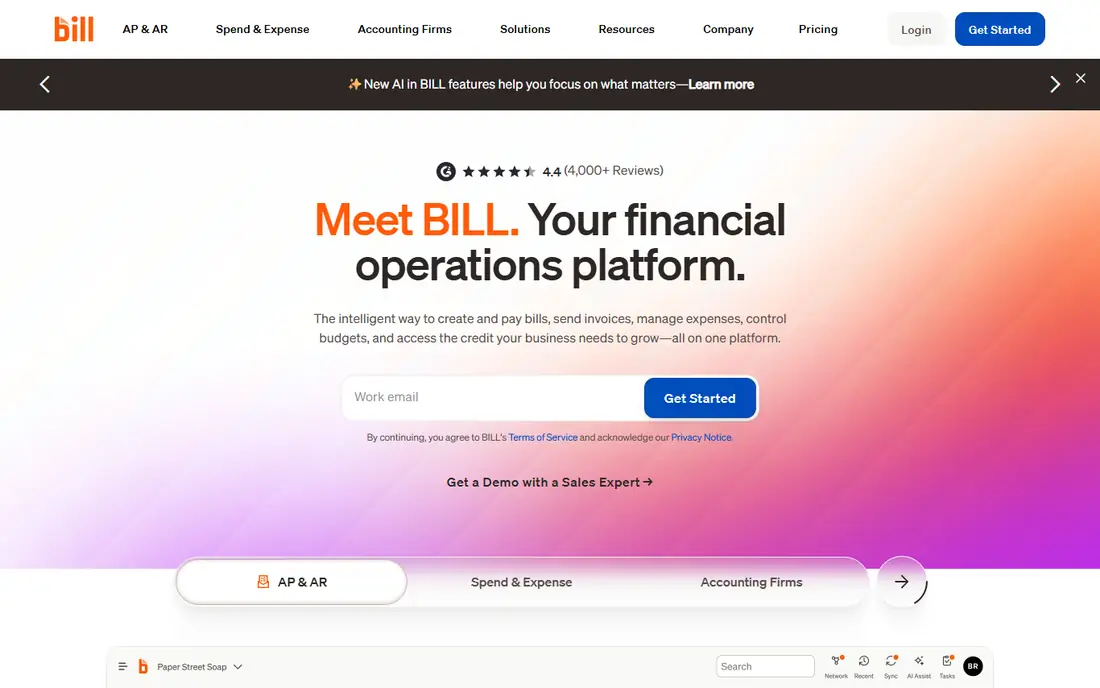
BILL is the best known payables platform for small and midsize businesses, and it earns that spot with published pricing and a payment network of millions of vendors. It captures invoices from an inbox, codes them with AI assistance, routes them through approval policies, and pays by ACH or check. The Essentials plan is reported at $49 per user per month, Team at $65, and Corporate at $89, with an Enterprise tier by quote.
The trade off is cost at scale against ease of start. Per user pricing is fair for a small finance team and gets expensive when dozens of managers need approval seats. BILL fits companies that want a proven AP system with clear pricing, strong accounting sync, and no implementation project.
What we like- Published per user pricing
- AP and AR in one system
- Large vendor payment network
- Syncs with QuickBooks, Xero, and Sage Intacct
Watch out for- Per user pricing adds up for large approver groups
- Advanced approvals sit on higher tiers
- Payment fees apply on top
#2Ramp
Best for: Teams that want AP and cards for free4.8/5 on
G2 (2,540 reviews, checked Oct 2026)
Visit ramp.com
Starting priceFree
Free planYes
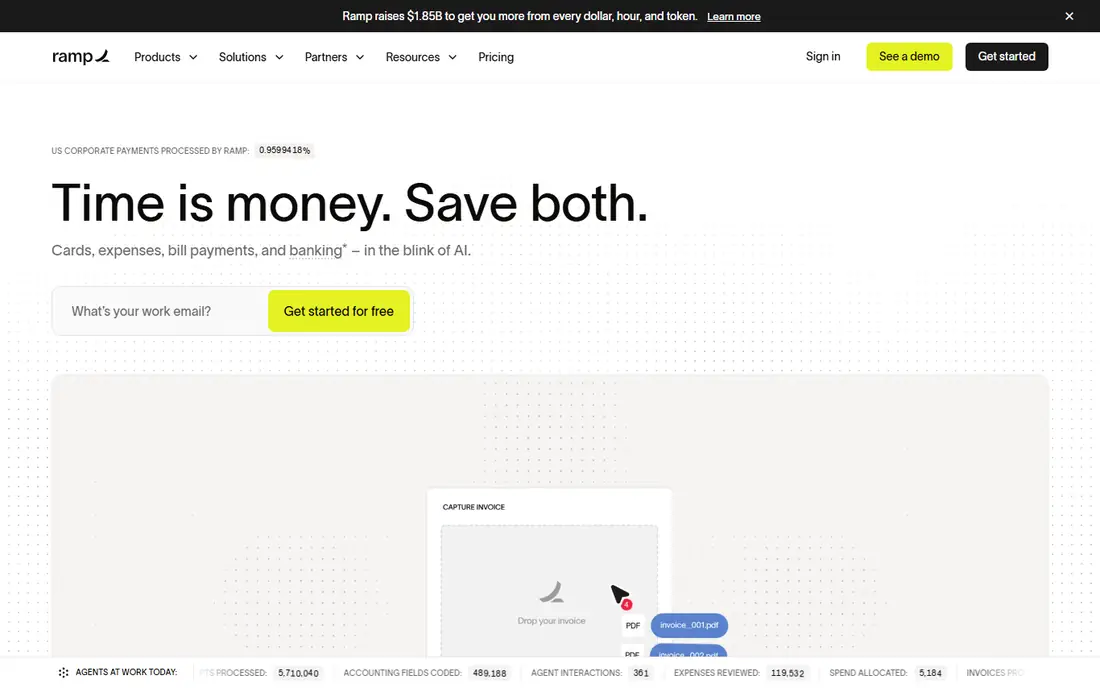
Ramp built its name on corporate cards and then added bill pay, expense automation, and an AI accounting agent that codes transactions as they post. The free tier is genuinely usable: invoice capture with line items, basic approval routing, and sync with QuickBooks and Xero cost nothing. The Plus tier is reported at $15 per user per month plus a platform fee and adds advanced routing and three way matching.
The trade off is breadth against focus. Ramp is a spend platform first, so very high volume AP teams with complex matching rules may still want a dedicated payables suite. Ramp fits startups and growing companies that want cards, expenses, and payables automated in one free to start system.
What we like- Free tier covers cards, bill pay, and expenses
- AI invoice capture on all plans
- Strong spend controls
- Fast setup
Watch out for- Plus tier adds a platform fee on top of per user pricing
- Best value if you also use Ramp cards
- Some ERP depth needs the paid tier
#3Tipalti
Best for: Global supplier and contractor payments4.5/5 on
G2 (419 reviews, checked Oct 2026)
Visit tipalti.com
Starting price$99 per month
Free planNo
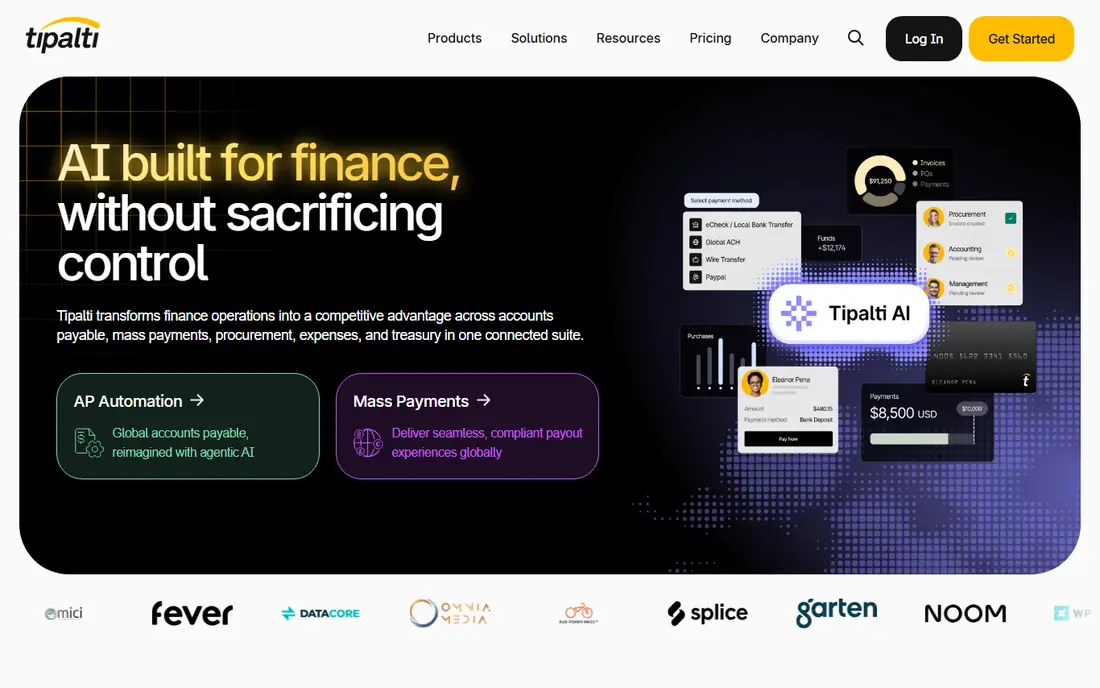
Tipalti is the platform companies pick when payables cross borders. It onboards suppliers through a self service portal, collects and validates tax forms, screens payments, and pays out in local currencies across roughly 200 countries. US pricing is reported from $99 per month for the payables plan with unlimited users, plus per payment fees, and higher tiers add more automation.
The trade off is global reach against simplicity. A business paying twenty domestic vendors does not need this machinery, and implementation is a real project. Tipalti fits marketplaces, media companies, and any business paying large numbers of international suppliers, affiliates, or contractors.
What we like- Payments to 200 countries in many currencies
- Supplier self service onboarding
- Tax form collection and validation
- Multi entity support
Watch out for- Transaction fees apply on top of the platform fee
- Setup takes longer than SMB tools
- Overkill for domestic only payables
#4Stampli
Best for: AP teams with many approvers4.6/5 on
G2 (2,069 reviews, checked Oct 2026)
Visit stampli.com
Starting priceSee website
Free planNo
Stampli organises AP around the invoice itself. Every question, approval, and document lives on the invoice record, so approvers stop hunting through email threads. Its AI assistant, Billy, learns coding patterns and suggests GL codes, and the platform connects to more than 70 ERP and accounting systems, including NetSuite, Sage Intacct, and SAP.
The trade off is collaboration depth against price transparency. Stampli publishes no pricing, so you budget after a sales call, and the quote is based on invoice volume. Stampli fits mid market AP teams where approvals stall because context is scattered, and where the existing ERP stays in place.
What we like- Invoice centered communication hub
- AI coding assistant
- Works with 70 plus ERPs
- Unlimited capture on paid plans
Watch out for- Quote based pricing only
- No published rates to budget against
- Strongest value appears at higher invoice volumes
Starting priceSee website
Free planNo
Airbase covers the full spend path: a purchase request starts in an intake form, gets approved, becomes a PO, and ends as a bill payment or a card charge, with every step logged. That procure to pay view is what separates it from pure AP tools. Pricing is quote based and usually tied to company size.
The trade off is control against setup work. Intake workflows take design time, and casual small business users will find it heavy. Airbase fits mid market companies that want purchasing discipline before the invoice arrives, not just faster payment after it lands.
What we like- Intake, approvals, cards, and AP in one workflow
- Strong audit trails
- Works with NetSuite, Sage Intacct, and QuickBooks
Watch out for- Quote based pricing
- Implementation effort for intake workflows
- Smaller vendor payment network than BILL or AvidXchange
Starting priceSee website
Free planNo
AvidXchange is one of the oldest names in AP automation for the mid market, with a supplier network built over two decades. It captures invoices, routes approvals, and executes payments from inside the accounting systems mid market companies already run, including Sage, NetSuite, and Microsoft Dynamics.
The trade off is network strength against buying friction. There is no public pricing and no self serve trial, so evaluation runs through a sales team. AvidXchange fits mid market finance teams that process paper heavy payables today and want a proven network and a managed rollout.
What we like- Large supplier payment network
- Built for mid market ERPs
- Invoice capture and approval automation
- Payment execution handled for you
Watch out for- Quote based pricing
- Sales led buying process
- Reporting depth varies by ERP pairing
#7Melio
Best for: Very small businesses paying a few vendors4.4/5 on
G2 (248 reviews, checked Oct 2026)
Visit meliopayments.com
Starting priceFree
Free planYes
Melio is the simplest tool on this list. It is built for owners who pay a handful of vendors each month and want approvals and scheduling without an AP department. The Go plan is free for one user with a small monthly quota of free ACH payments, and paid tiers are reported from $25 per month.
The trade off is simplicity against depth. There is no purchase order matching and no multi entity support, so growing teams will outgrow it. Melio fits very small businesses and solo operators who want tidy bill pay today and can move up when volume grows.
What we like- Free entry plan
- Pay vendors by card even when they take ACH only
- Simple batch payments
- Syncs with QuickBooks and Xero
Watch out for- Free tier is limited to one user and a small ACH quota
- Per payment fees on card payments
- No PO matching
#8
Vic.ai
Best for: High volume invoice processing
Visit vic.ai
Starting priceSee website
Free planNo
Vic.ai focuses on one job: reading invoices and coding them with as little human touch as possible. Its models were trained on a very large invoice dataset, and the vendor reports high straight through processing for teams handling a thousand or more invoices a month. It pairs with major ERPs and is sold to both large AP departments and accounting firms that process bills for many clients.
The trade off is automation depth against audience. A company with fifty invoices a month will never recover the cost. Vic.ai fits high volume AP operations where shaving minutes per invoice adds up to full time staff hours saved each week.
What we like- AI trained on more than a billion invoices
- High straight through processing rates
- Strong PO matching
- Built for accounting firms and large AP teams
Watch out for- Enterprise quote based pricing
- Value depends on invoice volume
- Implementation and training period needed
#9Brex
Best for: Startups that want spend controls early4.8/5 on
G2 (1,643 reviews, checked Oct 2026)
Visit brex.com
Starting priceFree
Free planYes
Brex combines corporate cards, expense management, bill pay, and travel in one account aimed at funded startups and growing companies. AI drafts bills with line items, approvals can run through multiple levels on every plan, and the Essentials tier costs nothing. Premium is reported at $12 per user per month.
The trade off is startup focus against general fit. Brex historically screens for venture backed companies, so a traditional small business may not qualify. Brex fits startups that want policy enforced at the point of spend and one login for cards, bills, and reimbursements.
What we like- Free Essentials tier for startups
- Cards, expenses, and bill pay together
- Multi level approvals on all plans
- Global card issuing
Watch out for- Eligibility leans toward funded startups
- Premium tier is per user
- Accounting depth depends on integrations
How we chose
We compared current pricing pages, vendor documentation, and 2026 roundups of AP and spend platforms, then kept the tools with distinct strengths: published SMB pricing, a real free tier, global payouts, approver collaboration, procure to pay control, a large payment network, simple small business bill pay, high volume AI processing, and startup spend control. This is buying guidance, not accounting advice. We recorded prices as reported and wrote See website where a vendor publishes no price, rather than guessing.
Start with your accounting system. Every platform here must sync cleanly with your general ledger, because the ledger stays the book of record and the automation tool is a workflow layer on top of it. Next, count your invoices and approvers. Per user pricing suits small teams, platform fees suit large approver groups, and per invoice pricing suits seasonal volume. Then check the gaps that cause manual work today: PO matching, tax form collection, international payments, and receipt capture are the four features that most often justify a paid tier. Finally, run a pilot on one entity or one vendor group before a full rollout, and keep your approval policy in writing so the software enforces a rule you actually chose. Talk to your accountant before changing how bills are coded, since category changes affect reporting and tax prep at year end.
Frequently asked questions
What is the best accounting automation platform for a small business?
BILL is the most common pick for small and midsize businesses because pricing is published and setup is light. Melio is simpler and cheaper for owners paying only a few vendors each month.
Is there a free accounting automation platform?
Yes. Ramp and Brex both offer free tiers that cover cards, expenses, and bill pay, and Melio has a free entry plan with a small ACH quota. Free tiers still charge payment or card related fees in some cases, so read the fee schedule.
Do these platforms replace QuickBooks or Xero?
No. They sit on top of your accounting system and automate the work around it: capture, coding, approvals, and payments. Your general ledger, chart of accounts, and financial statements stay in QuickBooks, Xero, NetSuite, or Sage.
How much does AP automation cost?
Published prices in this guide run from free to $99 per month plus per user or per payment fees. Quote based platforms such as Stampli, Airbase, and AvidXchange price by invoice volume and company size, so the only honest figure comes from a quote.
What should I check before automating payments?
Check approval controls, user permissions, and audit trails first, because automated payments move real money. Confirm who can add a vendor, who can change bank details, and how the system logs changes. Vendor bank detail changes are a common fraud target.
Can automation help with month end close?
Yes, indirectly. When invoices are captured and coded daily instead of in a month end pile, accruals and reconciliations get faster. Some teams pair an AP platform with a dedicated close tool later, once payables are under control.
Sources we checked (0)
Is your product missing or out of date?
We review this list regularly. Vendors can request a listing, send updated pricing or ask about featured placement.

Shihab Mia · Founder, Rankite
Shihab has 5+ years in B2B and SaaS SEO. He writes Rankite's software buying guides from pricing pages, documentation and public user reviews. More about Shihab.