How we make this list: we compare pricing pages, product documentation and public user reviews. Ratings come from G2, Capterra or Trustpilot, with the date we checked them.
Key takeaways
- Framer is the closest Webflow replacement for design-forward marketing sites, with visual control and animations.
- Wix Studio suits agencies and client projects, with design-forward templates and native ecommerce.
- Squarespace suits polished sites with zero learning curve, with curated templates and all-in-one tools.
- WordPress plus Elementor suits full ownership and a plugin ecosystem, with self-hosted control.
- Dorik suits budget-conscious builders who want simple, lightweight marketing sites.
- Carrd suits single-page sites, portfolios, and link-in-bio pages for a few dollars a year.
- Bubble suits web apps, portals, and marketplaces, with database and logic control.
- Wix suits small businesses that want the easiest drag-and-drop builder.
- Webflow itself is not listed here, since this article covers replacements for it. If you have a designer fluent in CSS and need precise interactions plus a real CMS, Webflow may still be worth its price. If you are paying for that power and not using it, one of the tools below will cost less and fight you less.
Quick comparison
| Tool | Best for | Starting price | Free plan |
|---|
 Framer Framer | Design-forward marketing sites | See website | Yes |
 Wix Studio Wix Studio | Agencies and client projects | $19 per month | Yes |
 Squarespace Squarespace | Polished all-in-one sites | See website | No |
 WordPress + Elementor WordPress + Elementor | Ownership and plugins | Free | Yes |
 Dorik Dorik | Budget marketing sites | See website | Yes |
 Carrd Carrd | Single-page sites | $9 per year | Yes |
 Bubble Bubble | Web apps and marketplaces | $29 per month | Yes |
 Wix Wix | Easiest drag-and-drop builder | See website | Yes |
Is your product missing or out of date?
We review this list regularly. Vendors can request a listing, send updated pricing or ask about featured placement.
The best Webflow alternatives
#1Framer
Best for: Design-forward marketing sites4.5/5 on
G2 (144 reviews, checked Oct 2026)
Visit framer.com
Starting priceSee website
Free planYes
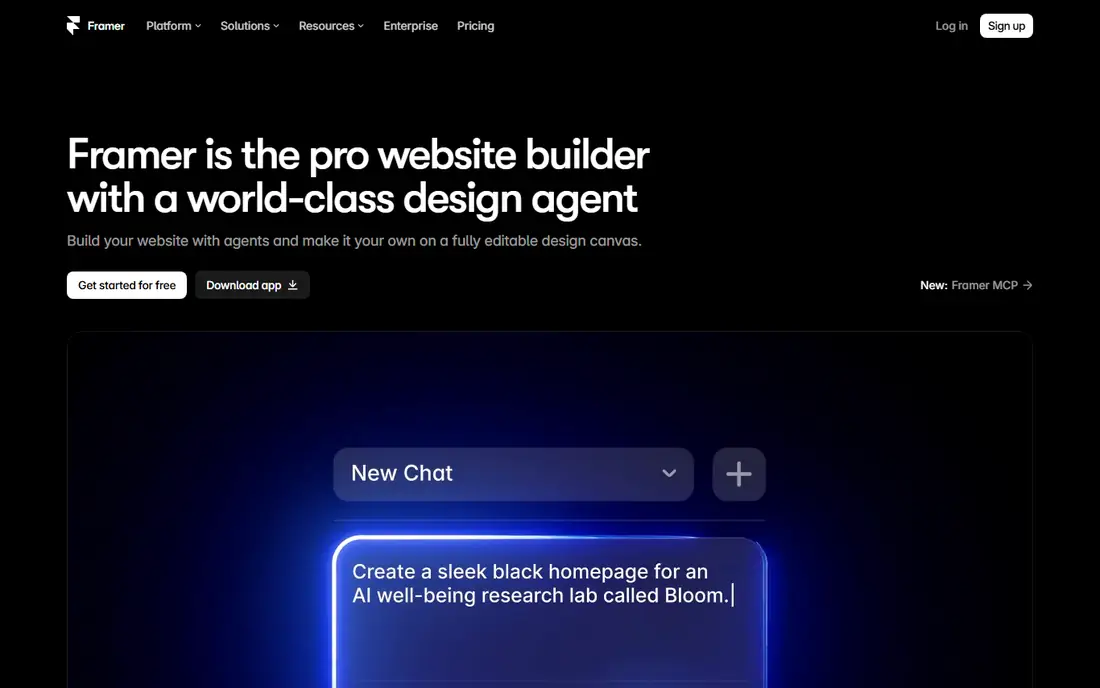
Framer is the closest Webflow replacement for design-forward marketing sites, with visual control, dynamic animations, and interactive components that go from Figma-style mockups to live websites without switching platforms. It suits UX and UI designers, early-stage startups, agencies, and product teams building landing pages and portfolios.
The trade off is CMS depth and pricing clarity. The CMS is basic versus Webflow, there is no full code export, and published starting prices conflict across sources, from $5 to $12 per month. For design-led landing pages, Framer is the best pick.
What we like- Closest Webflow replacement
- Visual control with animations
- Modern design-led templates
Watch out for- Published starting prices conflict across sources
- Basic CMS versus Webflow
- No full code export
#2Wix Studio
Best for: Agencies and client projects4.6/5 on
G2 (83 reviews, checked Oct 2026)
Visit wix.com
Starting price$19 per month
Free planYes
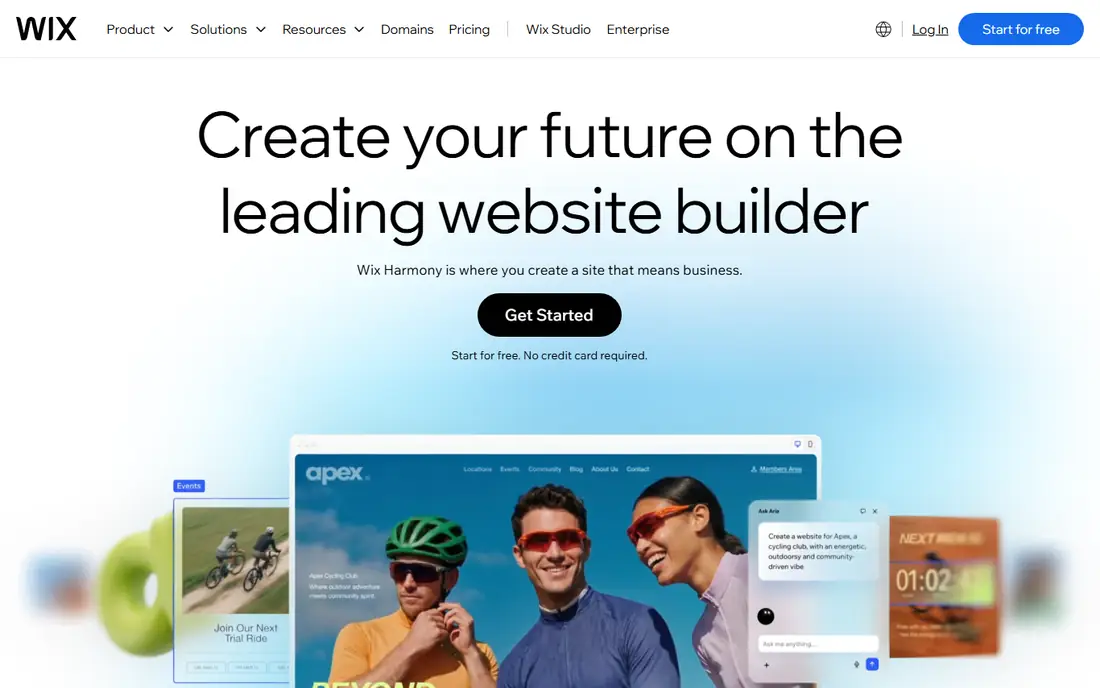
Wix Studio suits agencies and client projects, with flexible studio templates, native ecommerce, and workflows built for managing client sites. It is the design-forward tier of Wix, aimed at agencies that need more control than the standard Wix editor without Webflow complexity. Pricing starts at $19 per month.
The limits are export and learning curve. Code export is limited, and the learning curve is moderate versus standard Wix. For agencies on Wix that need design-forward client work, Wix Studio is the best choice.
What we like- Design-forward agency templates
- Native ecommerce
- Client project workflows
Watch out for- Limited code export
- Moderate learning curve
- $19 per month entry price
#3Squarespace
Best for: Polished all-in-one sites4.4/5 on
G2 (1,133 reviews, checked Oct 2026)
Visit squarespace.com
Starting priceSee website
Free planNo
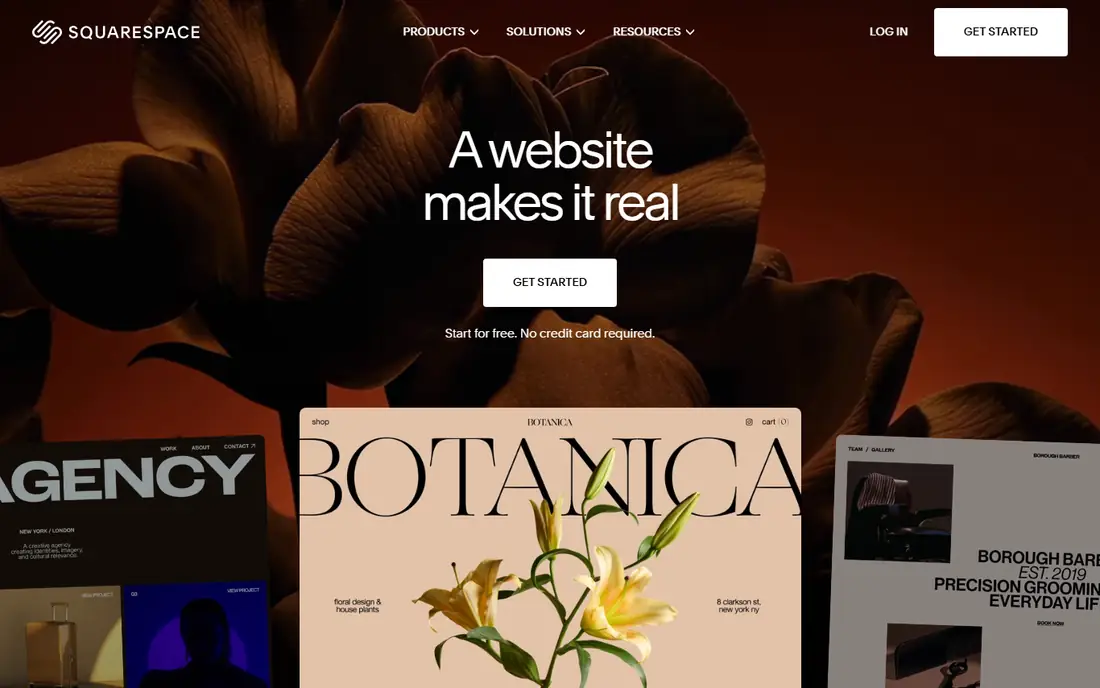
Squarespace suits polished sites with zero learning curve, with over 100 curated templates, built-in ecommerce, email marketing, and analytics in one dashboard. It is the tightest package here, with everything managed in one place and minimal configuration. For portfolios, small stores, and brand sites, Squarespace is the easiest polished option.
The trade off is customization and price clarity. Customization is limited versus Framer, there is no code export, and published prices conflict across sources, from $11 to $25 per month. For a polished site with no learning curve, Squarespace is the best pick.
What we like- Polished curated templates
- Ecommerce, email marketing, and analytics included
- Minimal configuration
Watch out for- Limited customization versus Framer
- No code export
- Published prices conflict across sources
Starting priceFree
Free planYes
WordPress plus Elementor suits full ownership and a plugin ecosystem. WordPress itself is free and open source, with hosting from about $4 per month, while Elementor adds a visual drag-and-drop builder with WooCommerce support and templates. Elementor Pro costs $59 per year, and the combination gives excellent SEO with plugins plus self-hosted code control.
The limits are effort and upkeep. Setup, maintenance, and plugin management fall on you, and hosting costs add up. For long-term scalability, blogging, and content-rich sites, WordPress plus Elementor is the best choice.
What we like- Full ownership and control
- Huge plugin ecosystem
- Excellent SEO with plugins
- Self-hosted code export
Watch out for- Requires setup, maintenance, and plugins
- Elementor Pro costs $59 per year
- Hosting costs extra
Starting priceSee website
Free planYes
Dorik suits budget-conscious builders who want simple, lightweight marketing sites. It offers a full CMS, multi-page support, a built-in blog, and over 200 templates, with an easy editor that suits freelancers and small businesses. For a simple marketing site on a budget, Dorik is the best value pick.
The trade off is animation depth and price clarity. Advanced animations and interactions are limited, and published prices conflict across sources, from $6 to $29 per month. For cheap, simple sites, Dorik is the best choice.
What we like- Simple lightweight builder
- Full CMS
- Multi-page support and built-in blog
- Affordable
Watch out for- Published prices conflict across sources
- Limited advanced animations
- Basic CMS versus Webflow
#6Carrd
Best for: Single-page sites4.5/5 on
G2 (34 reviews, checked Oct 2026)
Visit carrd.co
Starting price$9 per year
Free planYes
Carrd suits single-page sites, portfolios, and link-in-bio pages for a few dollars a year. Paid plans start at $9 per year, with the Pro Standard plan at $19 per year adding custom domains, forms, and analytics. It is very easy to use, with a minimalist builder that publishes landing pages in minutes.
The limits are scope. Carrd covers single pages only, with no CMS and limited SEO controls. For a one-pager or micro-campaign, Carrd is unmatched on price.
What we like- Cheapest tool here at $9 per year
- Very easy
- Fast minimalist builder for landing pages
Watch out for- Single-page only
- No CMS
- Limited SEO controls
#7Bubble
Best for: Web apps and marketplaces4.4/5 on
G2 (166 reviews, checked Oct 2026)
Visit bubble.io
Starting price$29 per month
Free planYes
Bubble suits web apps, portals, and marketplaces, with no-code database and logic control that marketing site builders cannot match. App templates speed MVPs, and the platform handles user accounts, workflows, and data without code. Pricing starts at $29 per month.
The trade off is fit and complexity. Bubble is not ideal for simple marketing websites, the learning curve is harder than Framer or Wix, and SEO is limited for apps. For a web app rather than a content site, Bubble is the best pick.
What we like- No-code web apps with database and logic
- App templates
- Full backend control without code
Watch out for- Not ideal for simple marketing websites
- Harder learning curve
- Limited SEO for apps
#8Wix
Best for: Easiest drag-and-drop builder4.2/5 on
G2 (1,888 reviews, checked Oct 2026)
Visit wix.com
Starting priceSee website
Free planYes
Wix suits small businesses that want the easiest drag-and-drop builder, with over 800 templates and an App Market that fills gaps for booking, chat, and payments. It covers a broader range of use cases out of the box than Framer or Squarespace, and it is very easy for beginners.
The limits are flexibility and price clarity. Complex layouts are harder than in Framer or Webflow, code export is limited, and published prices conflict across sources, from $10 to $17 per month. For DIY small business sites, Wix is the best choice.
What we like- Easiest drag-and-drop editing
- 800+ templates
- App Market for booking, chat, and payments
Watch out for- Published prices conflict across sources
- Limited code export
- Less design flexibility for complex layouts
How we chose
We compared ease of use, design control, CMS depth, SEO controls, export options, template breadth, and pricing. Tools that match a clear building job scored higher than tools that try to cover everything. We favored tools with free plans and noted where published prices conflict. We did not test any tool hands-on, and prices here reflect published list prices that vendors change often.
Buying guide: what to check before you pay
Start with what you are building. A design-forward marketing site suits Framer, a polished site with zero learning curve suits Squarespace or Dorik, full ownership suits WordPress plus Elementor, a single page suits Carrd, and a web app suits Bubble. Next, check CMS needs. Marketing sites with frequent content updates need a real CMS, which Framer, Dorik, and WordPress offer in varying depth, while Carrd offers none. Ask about export too, since Webflow offers static HTML and CSS export while Framer, Squarespace, and Wix offer limited or no export, which locks you into the platform. Check SEO controls as well, since per-page meta settings, CMS collections, and fast hosting matter for content sites. Finally, skip no-code builders when you need custom business logic, complex authentication, real-time data, or deep third-party integrations, since those need code. No-code is perfect for marketing sites, content sites, portfolios, small stores, and landing pages, which covers about 80 percent of what businesses need from the web, and that coverage is why these tools keep growing, year after year, for teams of every size, from solo founders to large agencies, across every industry and market, in every country, for every kind of site.
Frequently asked questions
What is the best Webflow alternative?
Framer is the closest Webflow replacement for design-forward marketing sites. Wix Studio is best for agencies, Squarespace is best for polished sites with no learning curve, and WordPress plus Elementor is best for full ownership.
Is there a free Webflow alternative?
Yes. Framer, Wix Studio, WordPress, Dorik, Carrd, Bubble, and Wix all offer free plans, though free plans limit features, domains, and branding. Squarespace offers a trial rather than a free plan.
Can I export my site from a Webflow alternative?
It depends. WordPress self-hosted gives full code control, Webflow itself offers static HTML and CSS export, and most no-code builders offer limited or no export. Check export options before you build, since switching platforms later can mean rebuilding.
Which alternative is cheapest?
Carrd is cheapest at $9 per year, followed by Dorik for budget marketing sites. Wix and Framer sit higher but offer more templates and features for the price.
Should I use a no-code builder or write code?
Use a no-code builder for marketing sites, content sites, portfolios, small stores, and landing pages. Write code for web applications with custom logic, complex authentication, real-time data, or deep integrations, since no-code platforms hit walls there.
Sources we checked (0)
Is your product missing or out of date?
We review this list regularly. Vendors can request a listing, send updated pricing or ask about featured placement.

Shihab Mia · Founder, Rankite
Shihab has 5+ years in B2B and SaaS SEO. He writes Rankite's software buying guides from pricing pages, documentation and public user reviews. More about Shihab.