How we make this list: we compare pricing pages, product documentation and public user reviews. Ratings come from G2, Capterra or Trustpilot, with the date we checked them.
Key takeaways
- Adobe Creative Cloud Pro is still the widest single subscription. It covers 20+ apps for photo, design, video, motion and PDF work, plus Firefly AI for images, video and audio.
- Two of the strongest options cost nothing to start. Affinity by Canva is a free all-in-one app for vector, photo and layout work, and DaVinci Resolve has a full-featured free edition.
- Canva Pro costs US$144 a year for one person, and Canva Business now bundles access to Affinity and Cavalry through Canva ProSuite.
- Descript is the most efficient pick for talking-head video and podcasts, with paid plans from $16 per person per month on annual billing.
- Watch the limits on lower tiers. Media hours, AI credits, export resolution and watermarks decide whether a cheap plan actually works for client output.
Quick comparison
| Tool | Best for | Starting price | Free plan |
|---|
 Adobe Creative Cloud Pro Adobe Creative Cloud Pro | Creators who need every format in one subscription | See website | Yes (free Creative Cloud membership with Adobe Express; desktop apps are paid) |
 Canva Canva | Fast social, marketing and brand content | $12 per person/month (billed yearly, US$144/year); US$18 month-to-month | Yes |
 Affinity by Canva Affinity by Canva | Pro photo, vector and layout work at zero cost | $0 | Yes (the full app is free) |
 DaVinci Resolve DaVinci Resolve | Serious video editing, color and audio post | See website (Studio is a one-time license) | Yes (DaVinci Resolve free edition) |
 Descript Descript | Podcasts and talking-head video | $16 per person/month (billed annually); $24 billed monthly | Yes |
 CapCut CapCut | Short-form vertical video | See website | Yes |
 Kapwing Kapwing | Browser-based team video editing | See website | Yes (with watermark and export limits) |
 Figma Figma | Interface, social graphics and slide design for teams | See website | Yes |
Is your product missing or out of date?
We review this list regularly. Vendors can request a listing, send updated pricing or ask about featured placement.
#1
Adobe Creative Cloud Pro
Best for: Creators who need every format in one subscription
Visit adobe.com
Starting priceSee website
Free planYes (free Creative Cloud membership with Adobe Express; desktop apps are paid)
Picture one person on your team who shoots photos on Monday, cuts a promo video on Tuesday and lays out a sales PDF on Wednesday. This is the one subscription that covers all of that without workarounds. Adobe describes Creative Cloud Pro as 20+ creative apps plus Firefly creative AI, and the lineup includes Photoshop, Illustrator, Premiere, After Effects, InDesign and Acrobat Pro.
The real advantage for a business is compatibility. Agencies, printers, freelancers and video houses all exchange PSD, AI and Premiere project files, so staying with Adobe removes a lot of friction when you hand work off. Adobe also offers single-app plans and a separate Photography plan, which helps if you only need Lightroom and Photoshop.
The catch is cost and commitment. Pricing changes often and promotional rates come and go, so check Adobe's plans page for the current figure. Read the cancellation terms on annual plans billed monthly too. For a team of five, the yearly bill adds up fast, which is why many small companies give Adobe seats only to their dedicated designers and put everyone else on something lighter.
What we like- 20+ apps including Photoshop, Illustrator, Premiere, After Effects, InDesign and Acrobat Pro
- Firefly AI for images, video and audio built into the plan
- Industry-standard file formats that clients and agencies expect
Watch out for- The most expensive option on this list over a year
- Annual plans paid monthly carry cancellation terms you should read before signing
#2Canva
Best for: Fast social, marketing and brand content4.7/5 on
G2 (7,678 reviews, checked Oct 2026)
Visit canva.com
Starting price$12 per person/month (billed yearly, US$144/year); US$18 month-to-month
Free planYes
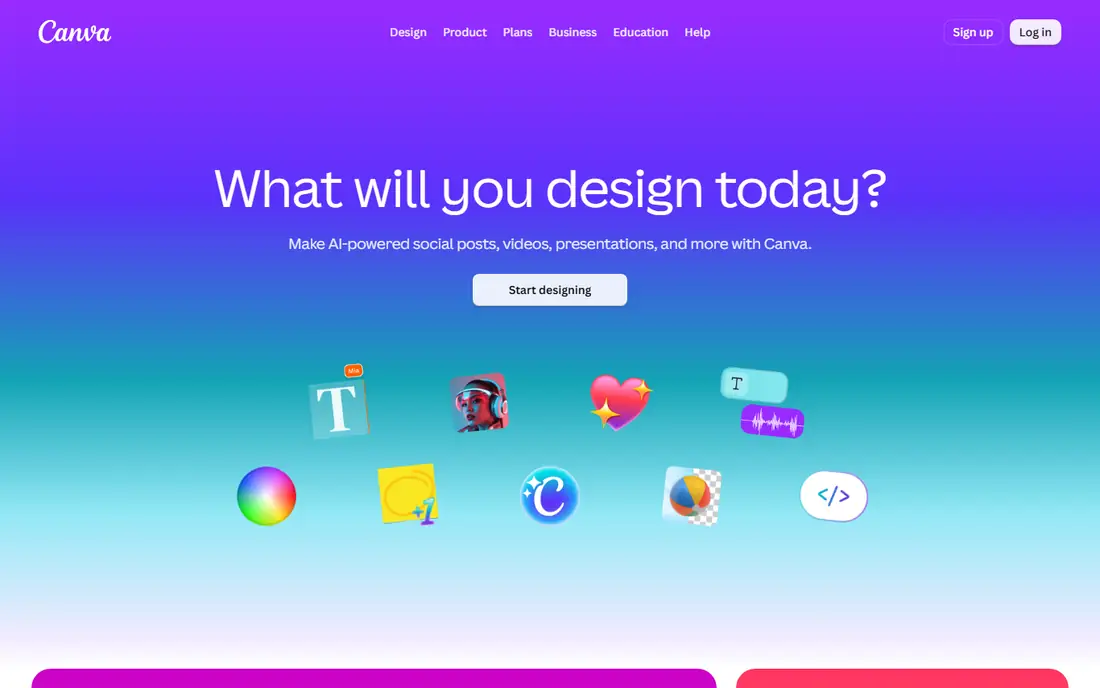
Canva is the tool most marketing teams already have open in a browser tab. A coordinator can turn one approved design into an Instagram post, a LinkedIn banner, a short video and a one-page flyer in under an hour. The brand kit keeps fonts and colors consistent across people who are not trained designers.
Canva's own pricing page lists Pro at US$144 a year for one person. It includes AI tools such as resize, translate and background removal, more than 3.6 million templates, and over 141 million premium photos, videos, graphics and audio files. Canva says plainly that only one person can use a Pro account, so a team of three needs Business. Canva Business now includes access to Affinity and Cavalry through its ProSuite bundle, which makes the upgrade more interesting for teams that also want pro-grade design and motion tools.
The honest weakness is depth. Canva's video editor handles social clips well, but long-form edits, detailed color work and complex print jobs still push you toward Affinity, DaVinci Resolve or Adobe. Treat Canva as the daily production layer, not the only tool.
What we like- Very short learning curve for non-designers
- Pro includes AI resize, translate and background removal plus millions of premium assets
- Business plan adds access to Affinity and Cavalry through Canva ProSuite
Watch out for- Canva Pro is for one person only, so teams need Business
- Less precise control than dedicated pro tools for print and complex video
#3Affinity by Canva
Best for: Pro photo, vector and layout work at zero cost4.5/5 on
G2 (452 reviews, checked Oct 2026)
Visit affinity.studio
Starting price$0
Free planYes (the full app is free)
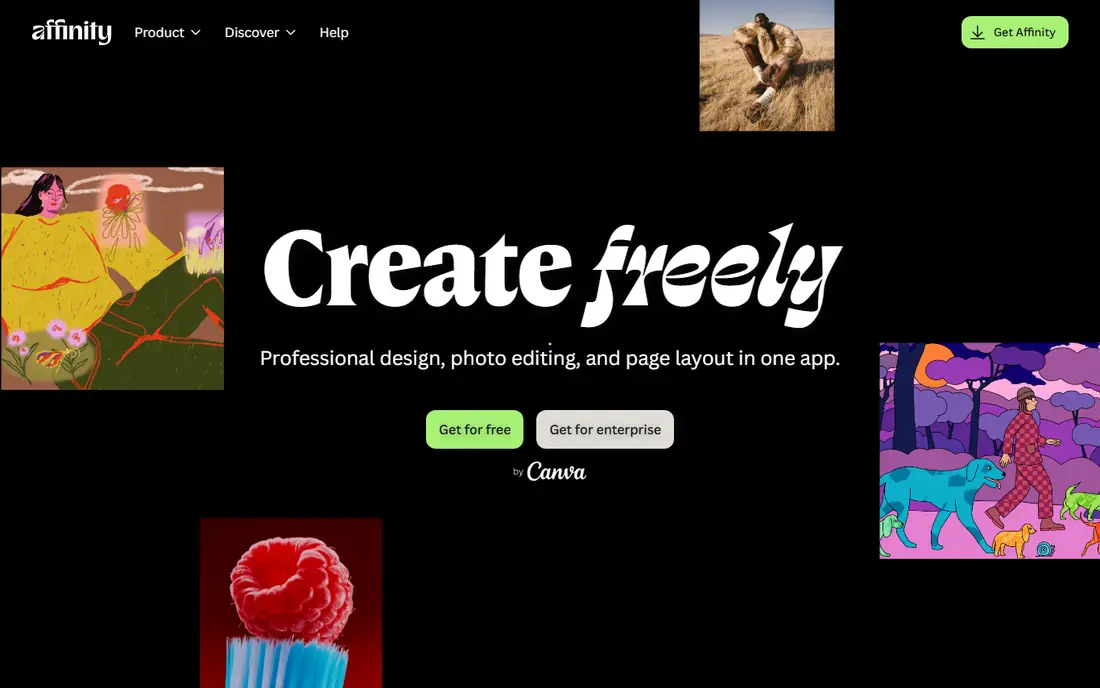
Affinity is the biggest change in this category over the past year. After buying Serif, Canva relaunched Affinity as one app that combines vector, pixel and layout work, and made it free on Mac and Windows. The download page describes it as pro-grade photo editing, vector design, illustration and layout in one app, at no cost.
For a small business, that means a designer can retouch product photos, build a logo in vector and lay out a multi-page brochure without paying anything. Users can mix tools from the different studios in one document and save custom workspaces. That saves time when the same person switches between jobs all day.
There are two catches. Affinity notes that older versions you may have bought will not get future updates, so plan to move to the new app. And while Affinity opens a range of file types, teams that trade layered files with Adobe-based agencies should test a few real projects before switching completely.
What we like- Photo editing, vector design and page layout in a single app
- No subscription and free updates
- Customizable workspaces that can be shared across a team
Watch out for- Built-in AI features rely on a Canva account
- Files and workflows differ from Adobe, so agency handoffs can take extra steps
#4DaVinci Resolve
Best for: Serious video editing, color and audio post4.7/5 on
G2 (221 reviews, checked Oct 2026)
Visit blackmagicdesign.com
Starting priceSee website (Studio is a one-time license)
Free planYes (DaVinci Resolve free edition)
Blackmagic Design's DaVinci Resolve is the pick for creators whose main output is video and who care about finish quality. It puts editing, color correction, Fusion visual effects and Fairlight audio in one program, so you do not need separate apps for color and sound.
The free version is unusually complete and is enough for many YouTube channels, brand films and course videos. The paid Studio version adds features such as higher resolutions, advanced noise reduction and more AI-based tools. It is sold as a perpetual license, which appeals to owners tired of monthly fees. Blackmagic runs occasional discounts, so check the current price on its site.
The trade-off is time. Resolve is built for professionals and the interface shows it. Expect a few weeks before a new editor is truly productive, and budget for hardware, because a weak laptop will struggle with 4K timelines.
What we like- Editing, color grading, visual effects and audio post in one application
- Generous free edition
- Studio is a one-time purchase rather than a subscription
Watch out for- Steep learning curve for beginners
- Needs a capable computer and GPU for smooth playback on high-resolution footage
#5Descript
Best for: Podcasts and talking-head video4.6/5 on
G2 (928 reviews, checked Oct 2026)
Visit descript.com
Starting price$16 per person/month (billed annually); $24 billed monthly
Free planYes
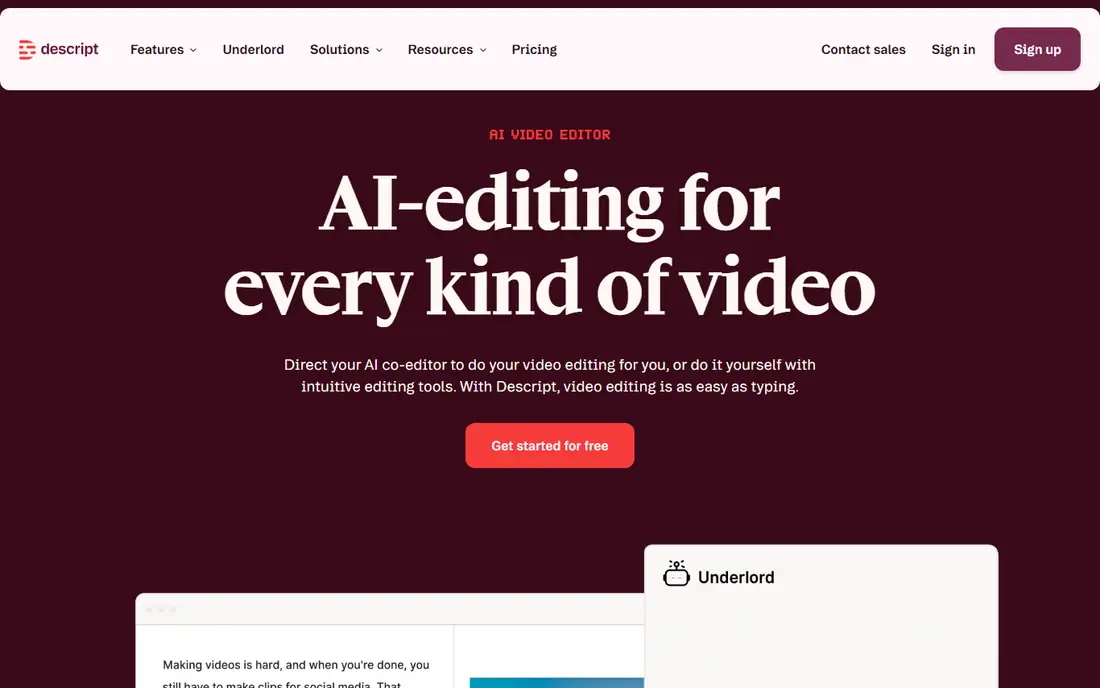
Descript changes how spoken content gets edited. Instead of scrubbing a timeline, you delete words from a transcript and the video follows. For a founder recording weekly updates or a marketing team running a podcast, that can cut editing time sharply.
According to Descript's pricing page, Hobbyist costs $16 per person per month billed annually (or $24 monthly). It includes 10 media hours, 400 AI credits and watermark-free 1080p export. Creator is $24 annually or $35 monthly. Business is $50 annually or $65 monthly, with 40 media hours and 1,500 AI credits per month.
The catch is the meter. Media hours and AI credits run out, and if you publish several long episodes a week you will move up tiers quickly. For motion graphics or heavily layered edits, pair Descript with Resolve or Premiere rather than forcing it.
What we like- Edit audio and video by editing the transcript
- AI tools such as Studio Sound, filler-word removal and clip creation
- Underlord AI co-editor included from the Hobbyist plan
Watch out for- Monthly media hours and AI credits cap heavy users
- Less suited to visually complex edits than a timeline editor
Starting priceSee website
Free planYes
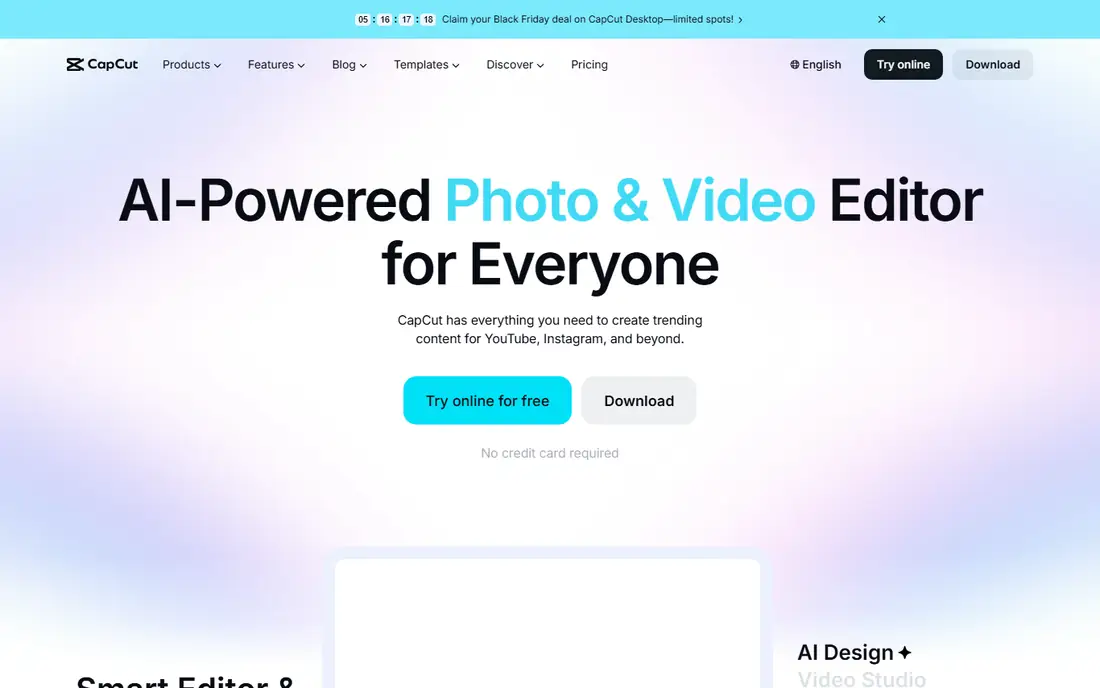
CapCut is the most practical tool here for social-first creators who shoot on a phone and post daily. Trending templates, automatic captions, beat sync and background removal make it quick to produce clips that look native to short-form platforms.
It runs on mobile, desktop and in a browser, so a creator can rough-cut on a phone and finish on a laptop. The free plan is enough to test whether it suits your workflow. Paid tiers mainly add higher export quality, more AI features and cloud storage. Pricing differs between the website and app stores, so check capcut.com before buying.
The weakness for businesses is governance. CapCut is a ByteDance product, and some companies limit its use on managed devices for data policy reasons. Ask IT before you build a team process around it, and keep a fallback editor in mind.
What we like- Fast templates, auto captions and effects tuned for TikTok, Reels and Shorts
- Works on phone, desktop and web
- Free plan covers a lot of everyday editing
Watch out for- Prices and features vary by platform and region
- Owned by ByteDance, which some companies restrict on work devices
#7Kapwing
Best for: Browser-based team video editing3.9/5 on
G2 (40 reviews, checked Oct 2026)
Visit kapwing.com
Starting priceSee website
Free planYes (with watermark and export limits)
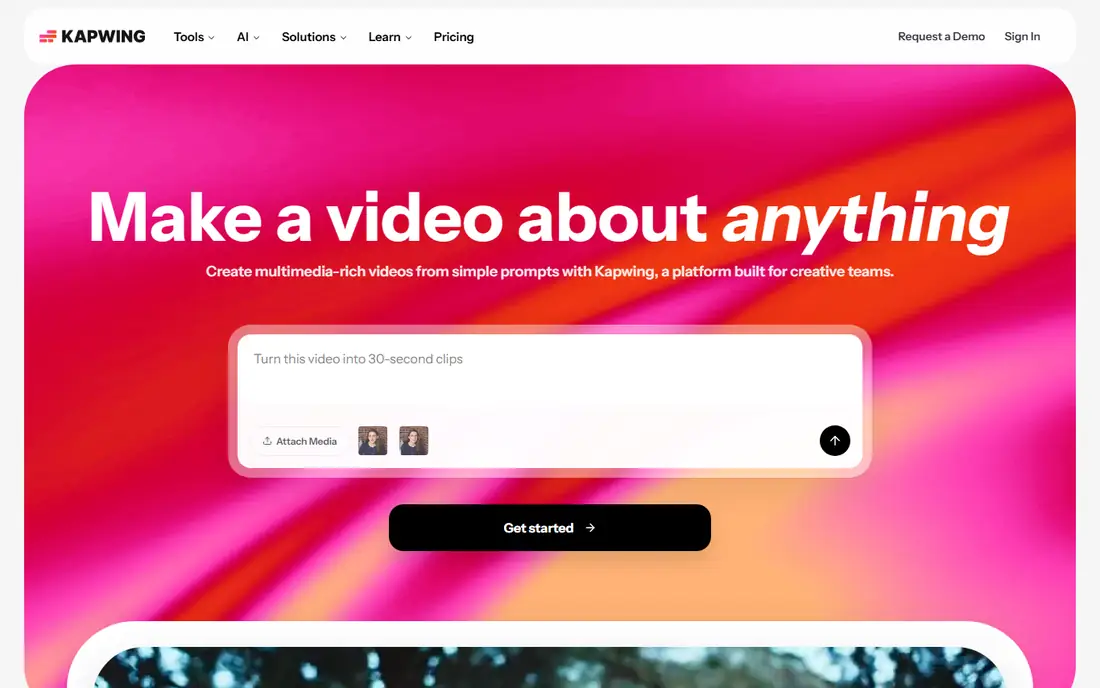
Kapwing suits small marketing teams that need several people to work on the same video without passing files around. Everything lives in the browser, so a social manager, a copywriter and a reviewer can work in the same project from any computer.
Its strength is repurposing. Subtitles, aspect-ratio changes and quick trims for different channels are fast, which matters when one webinar has to become ten clips. The free plan lets you try the editor, but exports carry a watermark and limits, so plan on a paid seat for client-facing work.
Pricing is per member, so costs rise directly with headcount. Long 4K projects also feel slower in a browser than in a desktop editor like Resolve. Kapwing works best as a collaboration and repurposing hub rather than a primary tool for long-form production.
What we like- Runs fully in the browser with no install
- Shared workspaces make review and collaboration simple
- Strong subtitle, resize and repurposing tools
Watch out for- Per-member pricing gets expensive for larger teams
- Browser editing is slower on long, high-resolution projects
#8Figma
Best for: Interface, social graphics and slide design for teams4.7/5 on
G2 (1,593 reviews, checked Oct 2026)
Visit figma.com
Starting priceSee website
Free planYes
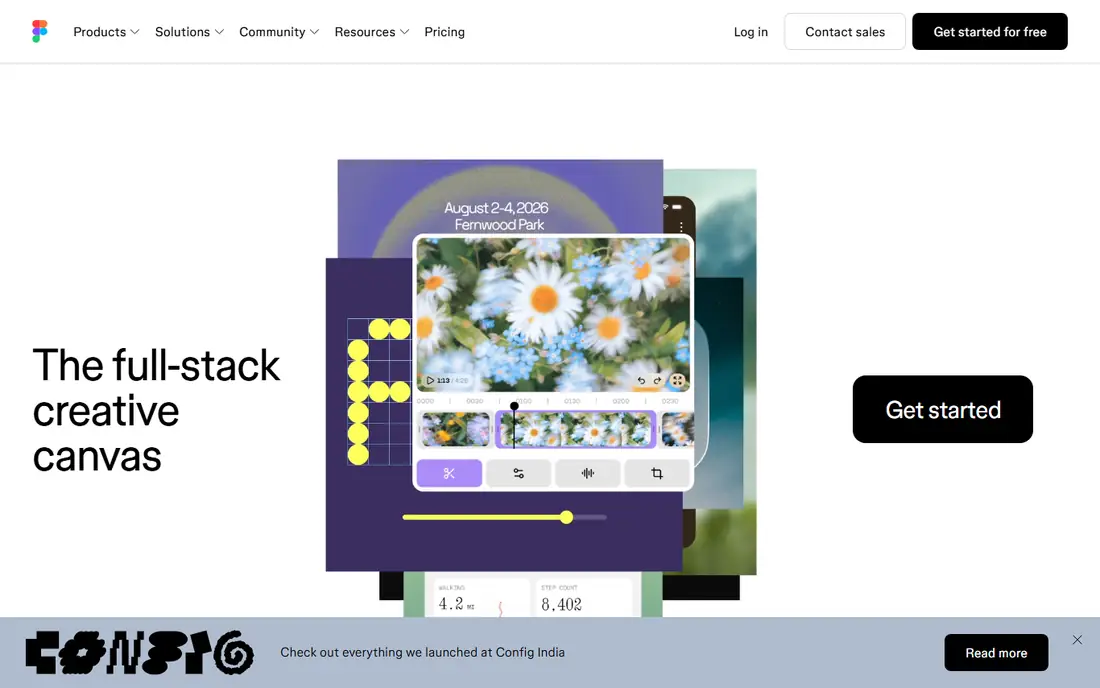
Figma earns a place for creators whose work spans web pages, app screens, social templates and presentations. It started as an interface design tool, but the same account now covers FigJam for brainstorming, Slides for decks and Dev Mode for handing designs to developers.
Its standout is collaboration. Several people can edit one file at the same time, comments sit on the design, and shared libraries keep components consistent across a brand. Figma's paid plans use different seat types (full, dev, collab and view), so you only pay full price for the people who actually design.
The limits are clear. Figma will not edit video and is not meant for heavy photo retouching, so pair it with Affinity, Adobe or Canva. Check the seat rules on Figma's pricing page before you invite the whole company, because upgrading people to full seats changes the bill.
What we like- Real-time collaboration in the browser
- Design, FigJam whiteboards, Slides and Dev Mode under one account
- Flexible seat types, including free view-only access
Watch out for- Not built for video editing or detailed photo retouching
- Seat-type pricing takes some planning to avoid surprise costs
How we chose
We started with tools that cover more than one media type or replace several single-purpose apps, since versatility was the point of this list. For each product we read the vendor's pricing page, plan comparison and documentation. Then we checked public reviews on G2, Capterra and Reddit for recurring complaints about limits, billing and support. Where we could not confirm a current price on the vendor's own site, we wrote See website instead of quoting a third-party figure.
We then weighed what matters to a small or mid-size business. That includes how fast a non-specialist can produce usable work, whether pricing is per seat or flat, contract terms, and export limits and watermarks on lower plans. We also looked at file compatibility with agencies and freelancers, and whether each tool runs on the hardware your team already owns. We mixed established leaders with free and newer options so teams with smaller budgets have real choices.
Picking the right mix for your team
Very few teams run on one tool. The better question is which two or three products cover most of your output with the least overlap.
Start from your output, not the feature list
List what you actually published in the last three months. If most of it is social posts and short clips, Canva plus CapCut or Kapwing will cover a lot. If it is long-form video, put DaVinci Resolve or Descript at the center. If it is print, packaging or detailed brand work, Affinity or Adobe belongs in the stack.
Count seats and meters
Per-seat tools (Canva Business, Descript, Kapwing, Figma) scale with headcount, so a cheap starting price can triple when the team grows. Also look for usage meters. Descript limits media hours and AI credits per month, and several video tools only allow 4K export or remove watermarks on paid tiers.
Check contracts and data export
Before committing, find out whether the plan is monthly or annual, what cancellation costs, and how you get your files out. Perpetual or free tools such as DaVinci Resolve and Affinity keep files on your own drives, which reduces lock-in. Browser-based tools are easier to share but make you depend on the vendor's export options.
Test with a real project
Every tool here has a free tier or free version. Give one person a live project for a week, time how long it takes, and check the exported file on the platforms you actually use. That tells you more than any feature grid.
Frequently asked questions
What is the most versatile software for digital media creators?
Adobe Creative Cloud Pro covers the widest range, with 20+ apps for photo, design, video, motion, layout and PDF. If budget is a concern, pairing the free Affinity app with the free edition of DaVinci Resolve covers photo, vector, layout and pro video at no cost.
Is there free software good enough for professional work?
Yes. Affinity by Canva is free with no subscription and handles photo editing, vector design and page layout. DaVinci Resolve's free edition is used for real client video work. Canva, Descript, CapCut, Kapwing and Figma all have free plans for testing.
Should a small business choose Canva or Adobe?
Choose Canva if most of your content is social posts, presentations and marketing collateral made by non-designers. Choose Adobe if you have trained designers or editors and exchange files with agencies. Many teams use both, with Adobe seats for specialists and Canva for everyone else.
Which tool is best for podcasts and talking-head videos?
Descript is the strongest fit because you edit by changing the transcript, and it includes audio cleanup and filler-word removal. Its paid plans start at $16 per person per month on annual billing, with monthly caps on media hours and AI credits.
Do these tools work on both Mac and Windows?
Adobe, Affinity, DaVinci Resolve and CapCut have desktop apps for Mac and Windows. Canva, Kapwing and Figma run in the browser, and Descript offers desktop and web access. Check system requirements before rolling any of them out to older machines.
Sources we checked (14)
- https://www.adobe.com/creativecloud/pro/plans.html
- https://canva.com/pricing/
- https://www.canva.com/learn/canva-pro-vs-canva-enterprise/
- https://www.canva.com/business/pro-suite/
- https://www.canva.com/newsroom/news/introducing-canva-business/
- https://www.affinity.studio/
- https://www.affinity.studio/download
- https://www.affinity.studio/get-affinity
- https://www.macrumors.com/2025/10/31/canva-relaunches-affinity-free-app/
- https://www.blackmagicdesign.com/
- https://www.descript.com/pricing
- https://www.capcut.com
- https://www.kapwing.com
- https://www.figma.com
Is your product missing or out of date?
We review this list regularly. Vendors can request a listing, send updated pricing or ask about featured placement.

Shihab Mia · Founder, Rankite
Shihab has 5+ years in B2B and SaaS SEO. He writes Rankite's software buying guides from pricing pages, documentation and public user reviews. More about Shihab.