How we make this list: we compare pricing pages, product documentation and public user reviews. Ratings come from G2, Capterra or Trustpilot, with the date we checked them.
Key takeaways
- The most common use cases are blocking malicious open source packages, prioritizing dependency vulnerabilities, hardening container images, producing SBOMs for customers or regulators, and vetting third-party binaries. Few tools cover all five well.
- Socket, Aikido and Snyk have free plans that a small team can actually use, so you can trial malicious-package detection and dependency scanning before spending anything.
- Pricing models vary widely: Socket and GitHub charge per developer or committer, Aikido uses flat monthly fees, JFrog bills on storage and transfer consumption, and Chainguard licenses its full image catalog by engineering headcount (from $19K for a team of 10).
- If your code already lives in GitHub, its Secret Protection ($19) and Code Security ($30) add-ons, priced per active committer per month, are the lowest-friction starting point.
- Companies that ship software to enterprise or government buyers should weigh SBOM and binary analysis tools (Anchore, ReversingLabs) more heavily than developer-first scanners.
Quick comparison
| Tool | Best for | Starting price | Free plan |
|---|
 Snyk Snyk | Fixing vulnerable dependencies inside developer workflows | See website | Yes |
 Socket Socket | Blocking malicious npm, PyPI and other packages | $25 per developer/month (20% less billed yearly) | Yes (1,000 scans/month) |
 Chainguard Chainguard | Hardened, low-CVE container images | Free for 5 images; Catalog from $19K for a team of 10 | Yes (up to 5 images) |
 Endor Labs Endor Labs | Reachability-based prioritization at scale | See website | Yes (Developer tool, no account required) |
 Sonatype Sonatype | Repository-level open source governance | See website | Free trial |
 JFrog JFrog | Artifact management plus package curation | $950/month (Enterprise X, security packages extra) | Free trial |
 GitHub Advanced Security GitHub Advanced Security | Secret leaks and code scanning in GitHub | $19 per active committer/month (Secret Protection) | No |
 Aikido Security Aikido Security | Small teams wanting one flat-fee platform | $0 for 2 users; paid tiers see website | Yes (2 users) |
 Anchore Anchore | SBOM management and compliance | See website | Free trial (Syft and Grype are free open source) |
 ReversingLabs Spectra Assure ReversingLabs Spectra Assure | Vetting third-party and release binaries | See website | Free trial (14 days) |
Is your product missing or out of date?
We review this list regularly. Vendors can request a listing, send updated pricing or ask about featured placement.
#1
Snyk
Best for: Fixing vulnerable dependencies inside developer workflows
Visit snyk.io
Starting priceSee website
Free planYes
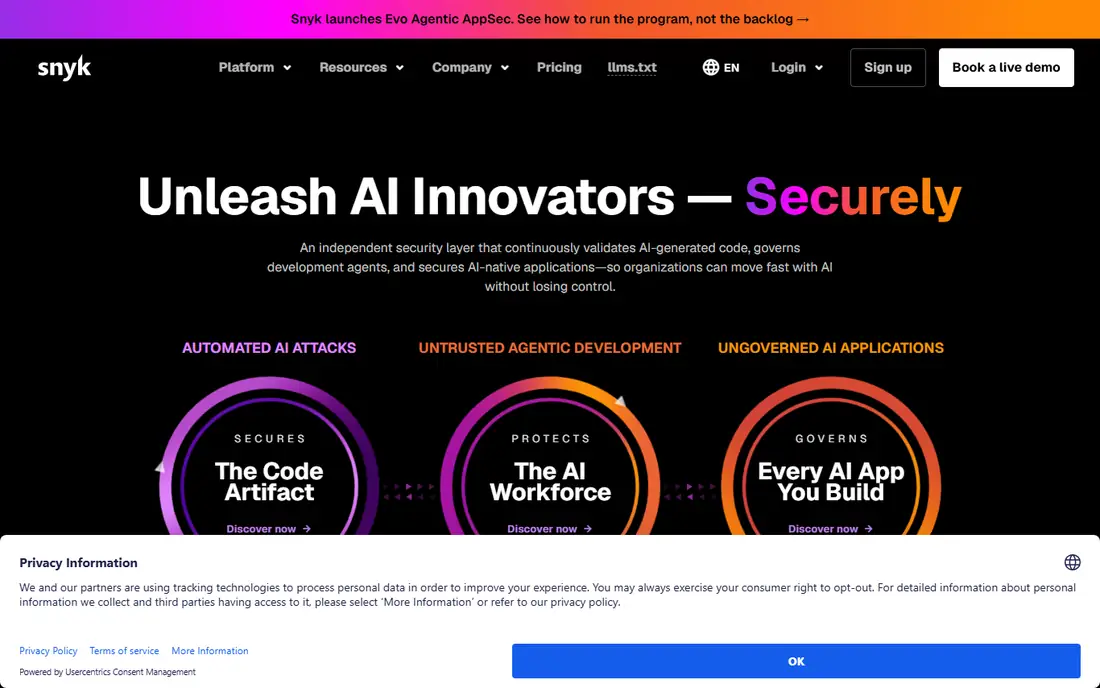
Snyk is the tool many engineering teams meet first when they want to find and fix known vulnerabilities in open source dependencies. It plugs into repositories, IDEs and CI pipelines, flags vulnerable packages, and opens pull requests that bump them to a safe version.
The appeal for a 10 to 50 person engineering team is that developers do most of the work without a separate security hire. Snyk prices by contributing developer, and the free plan is enough to scan a handful of projects and judge whether the alerts are useful.
The catch is noise and cost. Alert volume is a common complaint in public reviews, and the jump from the entry paid plan to the next tier is steep. Check the current plan limits on Snyk's own pricing page before you commit, because the tier boundaries are based on developer count.
What we like- Strong IDE, Git and CI integrations
- Fix pull requests developers can merge directly
- Covers open source, code, containers and infrastructure as code
Watch out for- Free plan has monthly test limits
- Costs rise quickly once you pass the small-team tier
#2
Socket
Best for: Blocking malicious npm, PyPI and other packages
Visit socket.dev
Starting price$25 per developer/month (20% less billed yearly)
Free planYes (1,000 scans/month)
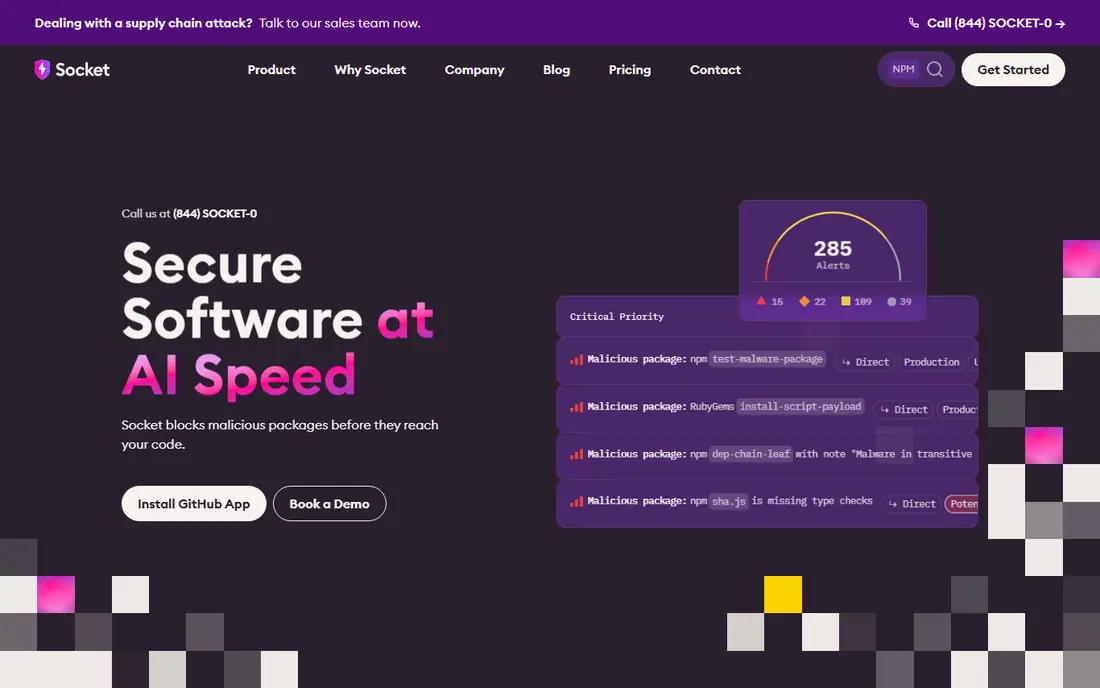
Malicious packages are the problem Socket was built for. Traditional scanners look up known CVEs, which does nothing against a freshly published package that steals credentials on install. Socket analyzes what a package actually does (network calls, install scripts, obfuscated code) and blocks the bad ones.
Its free plan is unusually generous: 1,000 scans a month, 500 API requests, and automatic blocking of malicious dependencies. The Team plan at $25 per developer seat adds precomputed reachability analysis, risk-based priority scoring and Slack alerts, while Business at $50 adds more automation for larger organizations.
Socket is a specialist. It will not replace a full application security platform, and teams that need static analysis of their own code or cloud scanning will pair it with something else. For a JavaScript or Python shop worried about the next poisoned package, it is the most direct fix on this list.
What we like- Detects 70+ risk types, including install scripts and typosquats
- Auto-blocks malicious dependencies on the free plan
- Clear per-seat pricing
Watch out for- Less depth on first-party code scanning
- Reachability analysis requires a paid plan
Starting priceFree for 5 images; Catalog from $19K for a team of 10
Free planYes (up to 5 images)
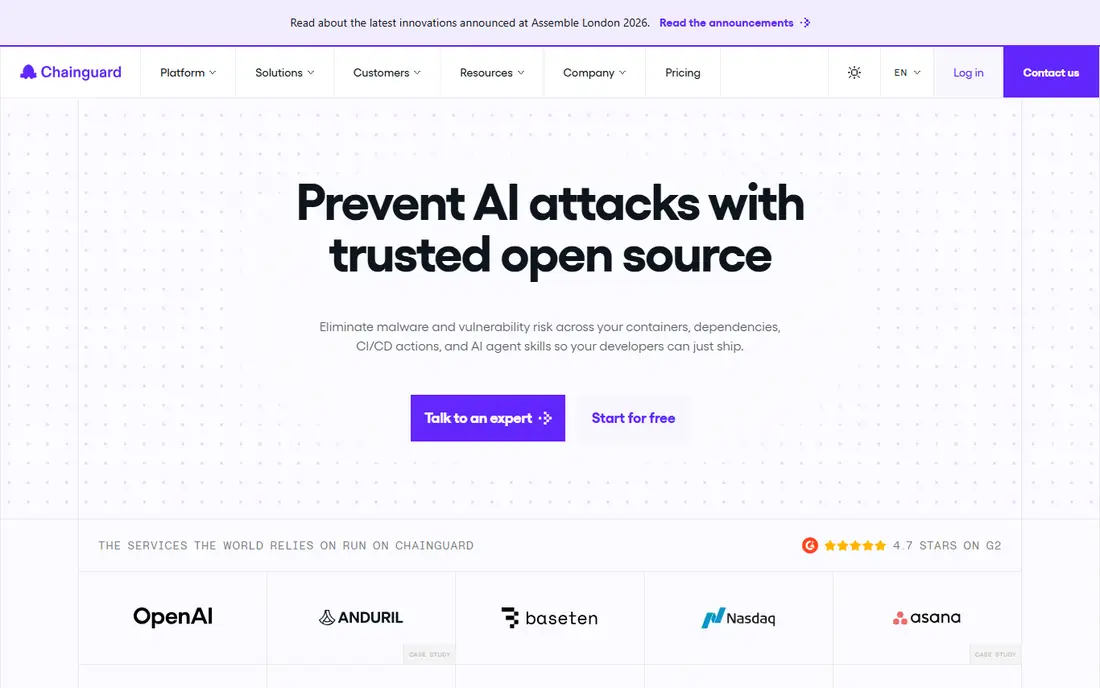
If your container scans keep returning hundreds of CVEs, Chainguard attacks the count at the source. Instead of scanning images and filing tickets, Chainguard replaces common base and application images with minimal, continuously rebuilt versions.
Pricing is published in more detail than most enterprise vendors. You get five images free, per-image licensing for scoped deployments, and a Catalog plan covering 3,000+ images that starts at $19K for a team of 10 engineers. Chainguard Libraries, a separate product, offers malware-resistant builds of Python, Java and JavaScript dependencies licensed per ecosystem.
The honest weakness is switching cost. Minimal images often lack shells and package managers that your Dockerfiles assume, so expect some rework. Teams running only a few services may find the free tier is enough.
What we like- Contractual CVE remediation SLA (7 days critical, 14 days others)
- Images built from source with signed SBOMs
- FIPS and STIG options on the Catalog plan
Watch out for- Catalog pricing is a real budget line for small teams
- Migrating base images takes engineering effort
Starting priceSee website
Free planYes (Developer tool, no account required)
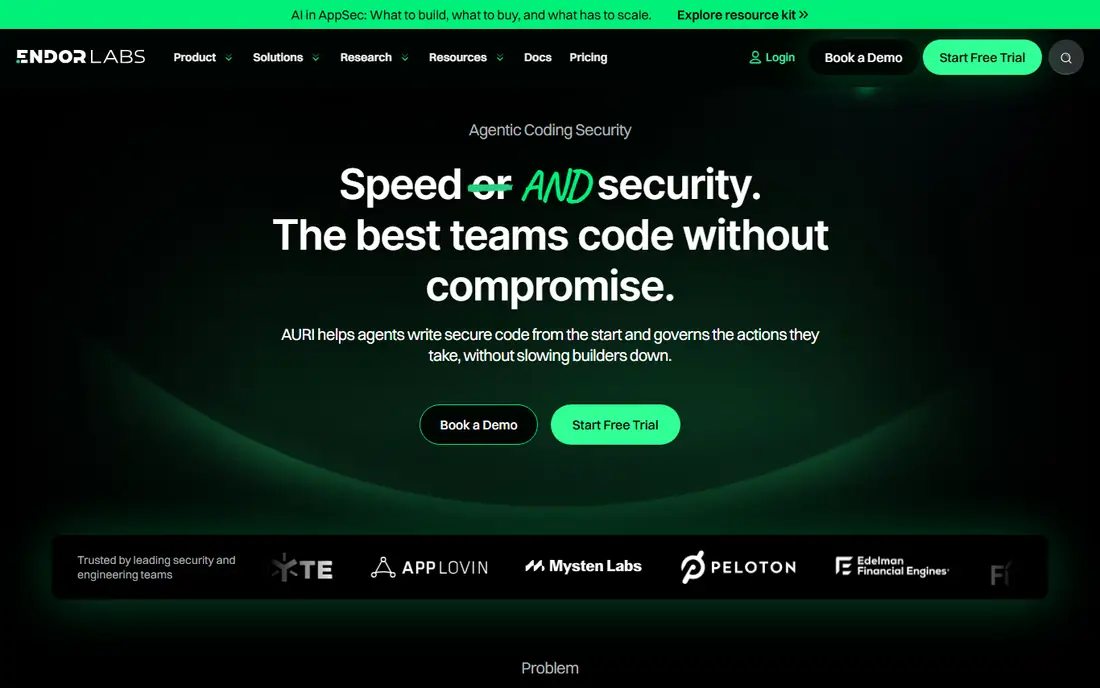
Too many alerts, too few fixes: that is the situation Endor Labs targets. It analyzes whether your code actually calls the vulnerable function in a dependency. For teams drowning in SCA alerts, that one filter can turn a backlog of hundreds into a short list.
The platform is sold as modules: Code, Open Source, AI Coding Agent Governance, Package Firewall, Patches (backported fixes for libraries you cannot upgrade yet) and SBOM Hub. Paid editions come in Core and Pro tiers.
It is built for mid-size and larger engineering organizations. The free Developer tool, which works with AI coding agents, is useful for individuals but gives managers nothing to report on. Expect a sales conversation and a quote for anything beyond that.
What we like- Reachability analysis cuts the number of findings worth fixing
- Modular products including Package Firewall, Patches and SBOM Hub
- Available through AWS, Azure and Google Cloud marketplaces
Watch out for- No public prices for paid tiers
- Free Developer tier has no UI, policies or scan history
Starting priceSee website
Free planFree trial
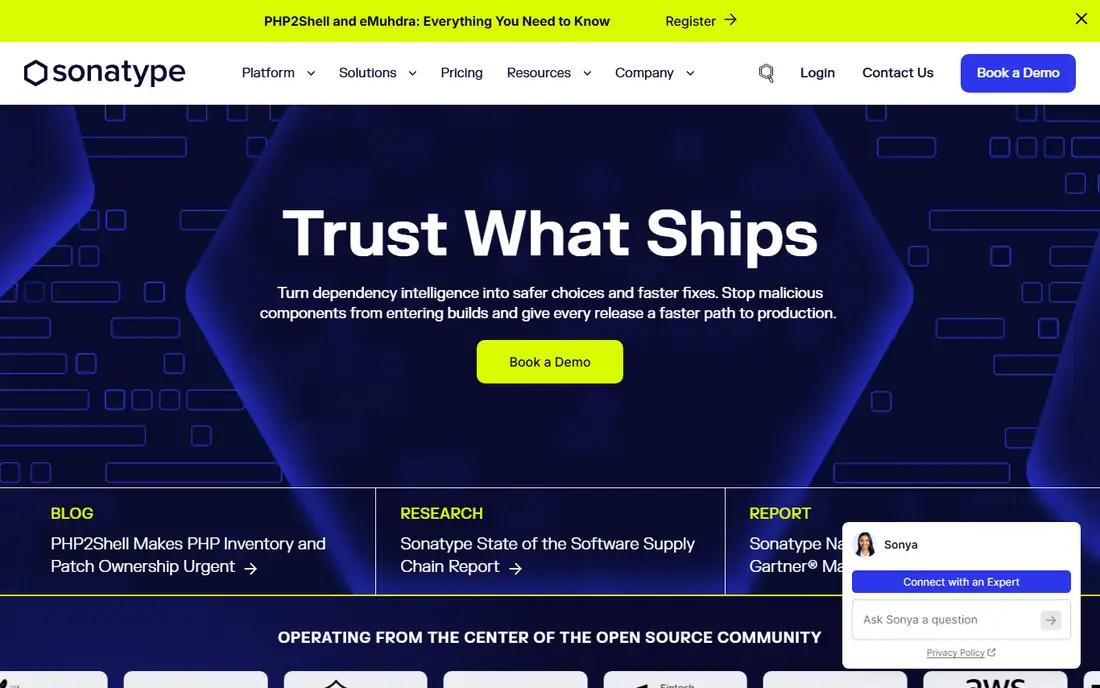
Some companies want to decide which open source components are allowed in at all. Sonatype's Repository Firewall sits in front of your package proxy and quarantines malicious or policy-violating components before they reach a build. Its SCA features, long sold as Lifecycle, now sit in Sonatype Guide.
This approach suits organizations that want central control rather than relying on each developer to read alerts. It works especially well for companies already running Nexus Repository, though Firewall also supports other repository managers. Some public reviews credit it with fewer false positives than competing tools.
The downside is complexity for small teams. Policy-driven governance takes time to configure, and you will need someone who owns the rules.
What we like- Repository Firewall blocks malicious components at the proxy layer
- Long track record in Java and Maven ecosystems
- Nexus Repository Community Edition is free
Watch out for- Product names and packaging have changed several times
- Enterprise tiers require a quote
#6JFrog
Best for: Artifact management plus package curation4.2/5 on
G2 (164 reviews, checked Oct 2026)
Visit jfrog.com
Starting price$950/month (Enterprise X, security packages extra)
Free planFree trial
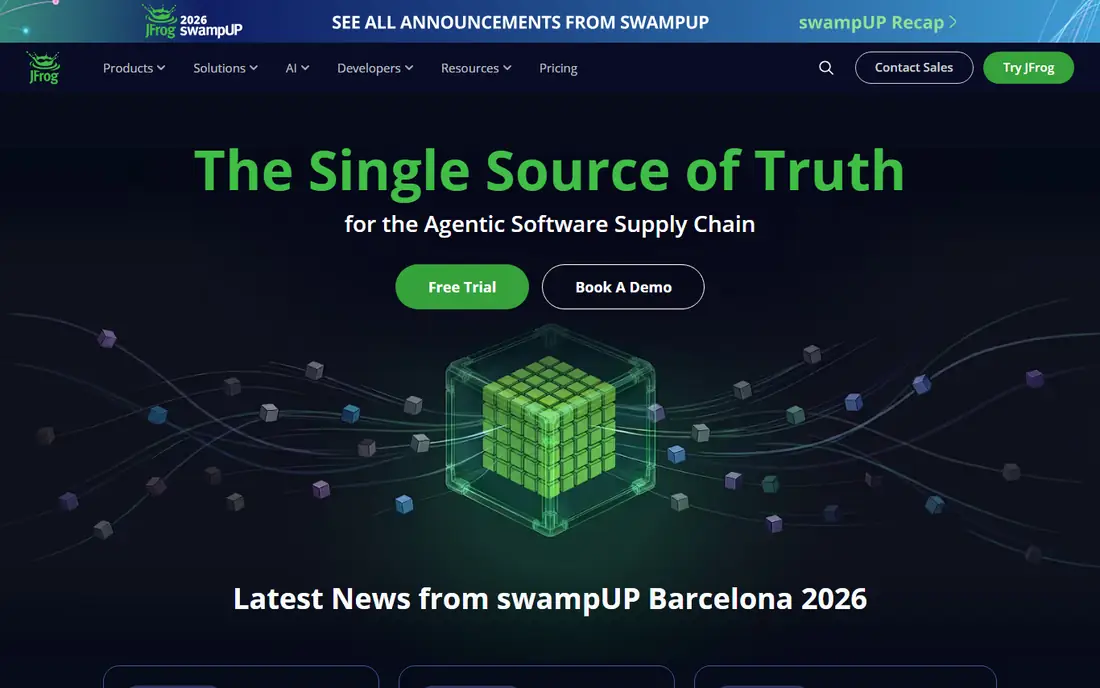
For teams that want one checkpoint for every binary moving from build to production, JFrog fits. Artifactory is the private registry for many large engineering teams, and adding Xray (SCA) and Curation turns it into a supply chain checkpoint. Curation acts as a gatekeeper for open source packages and, more recently, AI assets like models and MCP servers.
The pricing page lists Pro at $150 a month (with a limited-time $50 offer at the time of writing) but that tier is Artifactory only. Security sits in Enterprise X, starting at $950 a month with 125 GB of consumption included, with Unified or Ultimate Security packages layered on top. Overage is billed per GB.
JFrog makes the most sense if you already run Artifactory or plan to. Buying it only for scanning is expensive and adds an artifact platform you may not need.
What we like- Curation blocks risky packages, AI models, MCP servers and IDE extensions at the registry
- One platform for artifacts and scanning
- 99.9% uptime and 24/7 support on Enterprise X
Watch out for- Consumption-based billing (storage plus transfer) is hard to forecast
- Security features are not included in the $150 Pro plan
#7
GitHub Advanced Security
Best for: Secret leaks and code scanning in GitHub
Visit github.com
Starting price$19 per active committer/month (Secret Protection)
Free planNo
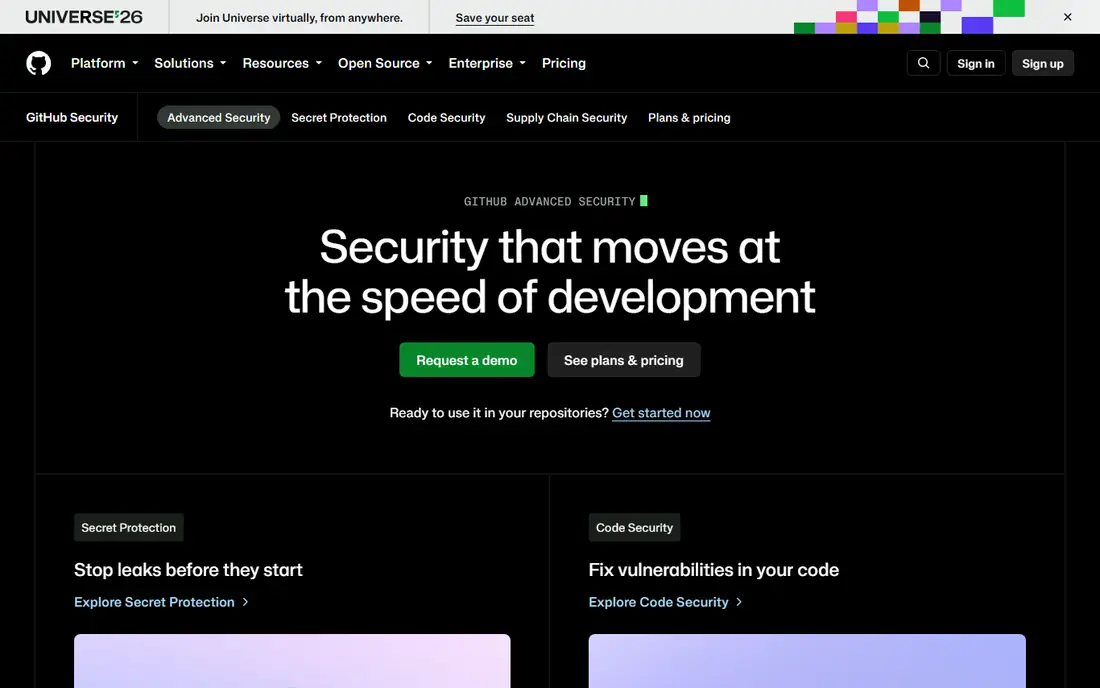
Leaked credentials remain one of the cheapest attacks to pull off, and GitHub's add-ons catch them where developers already work. GitHub split Advanced Security into two add-ons: Secret Protection at $19 and Code Security at $30, each per active committer per month. Since April 2025 both are available to GitHub Team organizations, not just Enterprise customers.
Secret Protection is one of the cheapest, highest-value controls a small company can buy. Code Security adds CodeQL scanning, dependency review and Copilot Autofix.
The limit is scope. GitHub sees your repositories, not your container registry, your third-party software or packages installed on developer laptops. Treat it as a base layer.
What we like- Push protection stops secrets before they land in the repo
- Copilot Autofix suggests fixes for code scanning alerts
- No new vendor or login for GitHub users
Watch out for- Only covers GitHub-hosted code
- Per-committer billing counts anyone who committed in the last 90 days
#8
Aikido Security
Best for: Small teams wanting one flat-fee platform
Visit aikido.dev
Starting price$0 for 2 users; paid tiers see website
Free planYes (2 users)
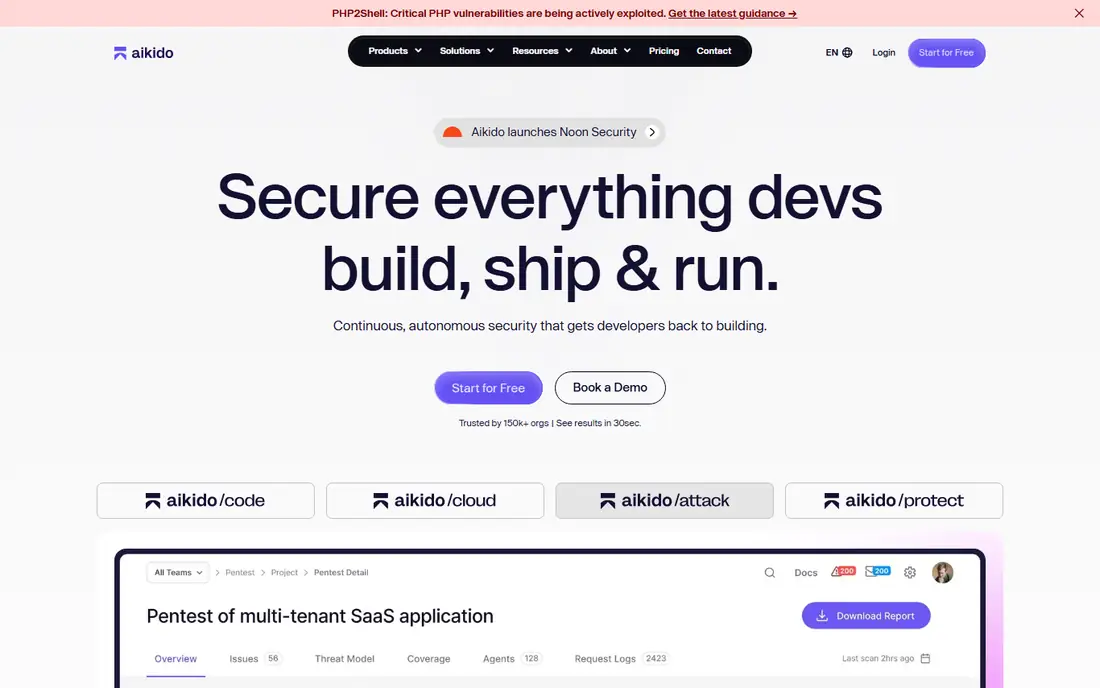
Startups that cannot justify five separate security tools are Aikido's core market. It bundles dependency scanning, license checks for SBOMs, secrets detection, code scanning and cloud posture into a single product aimed at startups and small SaaS teams.
The pricing model is the standout. The Developer plan is free forever for two users, and paid plans use flat monthly fees with a discount for annual billing, so adding an engineer does not change the bill. Aikido also sells penetration tests with PDF reports for SOC 2 and ISO 27001 audits, which small companies chasing compliance tend to need.
Specialists go deeper in their niches. For a team of under 20 developers that needs good-enough coverage and a clean audit trail, Aikido is easy to justify.
What we like- Flat monthly pricing instead of per-seat
- Covers SCA, secrets, SAST, containers and cloud in one dashboard
- Quick setup for startups
Watch out for- Breadth means less depth than specialists in any single area
- Paid tier prices are not shown without selecting options
Starting priceSee website
Free planFree trial (Syft and Grype are free open source)
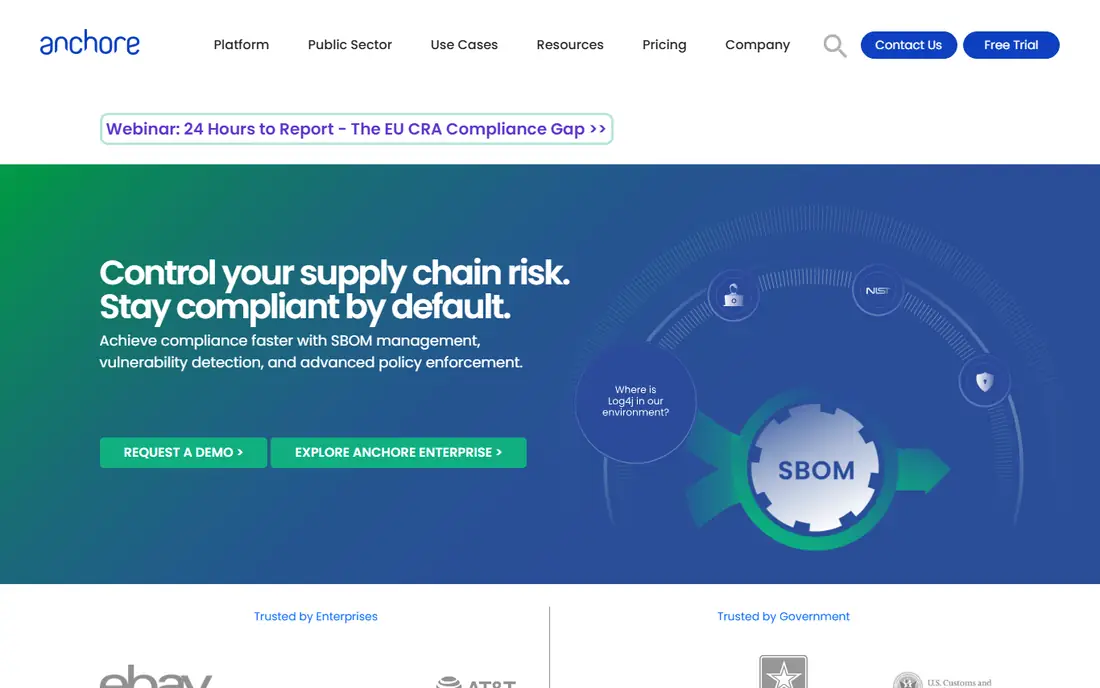
SBOM requests are where Anchore earns its place. If your customers or contracts now ask for a software bill of materials, Anchore is purpose-built for that request. Anchore Enterprise manages SBOMs for software you build and software you buy, then tracks new vulnerabilities against them over time.
A practical benefit is the free on-ramp. Syft (SBOM generation) and Grype (vulnerability scanning) are open source, so engineers can start in CI today and move to the commercial platform when they need central policy, reporting and history. Anchore leans into government and regulated buyers, including air-gapped deployments.
The tradeoff is operational. Anchore Enterprise is sold mainly for self-hosted deployment, which means someone runs it. Small teams without a platform engineer may be better served by a SaaS tool with basic SBOM export.
What we like- Built on the widely used open-source Syft and Grype tools
- Centralized storage of internal and supplier SBOMs
- Policy packs for compliance-heavy environments
Watch out for- Mostly self-hosted, so you need infrastructure and ops time
- No public pricing
Starting priceSee website
Free planFree trial (14 days)
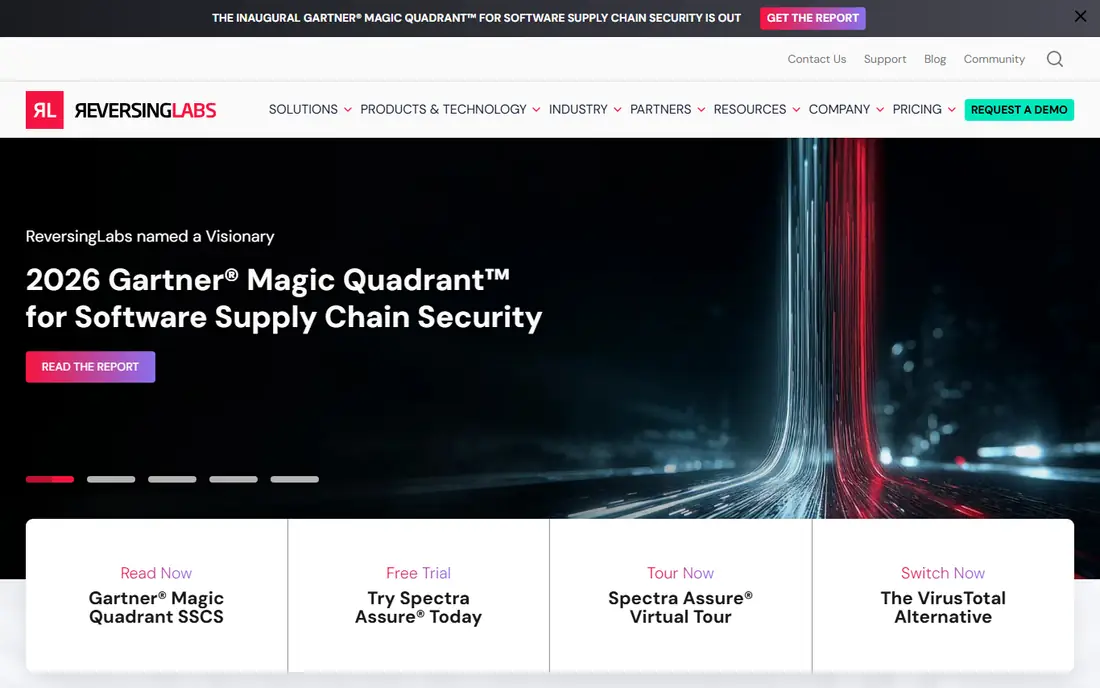
ReversingLabs takes a different angle from everything above: it checks the finished product, built in-house or bought. Spectra Assure inspects the final binary, which is where tampering attacks (like a compromised build server) actually show up.
That makes it relevant for two buyers. Software vendors can scan release packages before shipping and hand customers a detailed SBOM and risk report. Companies buying commercial software can vet it before it goes on their network, even without source access.
Most small businesses will not need this. If you sell software into enterprise, healthcare or government accounts and keep getting security questionnaires about build integrity, the 14-day trial is worth running against your own release.
What we like- Analyzes compiled software without needing source code
- Detects malware, tampering and exposed secrets
- Pricing based on analysis volume, not users
Watch out for- Overkill for teams that only need dependency scanning
- Enterprise-oriented sales process
How we chose
We started from the use cases buyers ask about most: malicious package blocking, dependency vulnerability management, container hardening, secrets protection, SBOM compliance and binary vetting. For each, we looked for products that exist today, are actively sold, and handle that job as a core function rather than a side feature.
We then checked each vendor's own pricing page and product documentation for plans, free tiers and limits, and read public reviews on G2, Capterra and Reddit for recurring complaints about noise, setup and support. We also weighed integrations (GitHub, GitLab, CI systems, registries), deployment options and fit for companies with roughly 5 to 500 developers. Where a vendor does not publish prices, we say so rather than estimate. No vendor paid for placement.
Start with the risk you can name
Most companies do not need every category. A useful first question is which incident would hurt most: a leaked API key, a poisoned npm package, a customer demanding an SBOM, or a container image full of critical CVEs. Each points to a different first purchase.
For leaked secrets, GitHub Secret Protection or Aikido covers it cheaply. For malicious packages, Socket, Sonatype Repository Firewall, JFrog Curation or Endor Labs Package Firewall all block at install time. For SBOM requests, Anchore or the SBOM features in Endor Labs and Snyk. For container CVEs, Chainguard attacks the cause rather than the symptom.
Read the pricing unit carefully
"Per developer" can mean every seat, every contributing developer, or every person who committed in the last 90 days. GitHub and Snyk count active contributors to monitored private repositories, which can include contractors. JFrog bills on storage and data transfer. Ask each vendor how the count is measured and what happens when you exceed it mid-contract.
Check what the lower plans leave out
Free and entry plans commonly cap monthly scans, skip SSO, limit API access, or drop policy enforcement. If you need SAML login or audit logs for SOC 2, those often sit one tier higher than the advertised starting price.
Plan for data export
SBOMs should export in standard formats (CycloneDX or SPDX) so you are not locked in. Confirm you can pull findings through an API or into Jira, and ask about contract length. Annual terms are standard.
Budget for setup time
Developer-first tools like Socket, Snyk and Aikido usually connect to GitHub in under an hour. Repository-level controls (Sonatype, JFrog) and self-hosted platforms (Anchore) take longer because someone has to set policies and maintain infrastructure. Image migration with Chainguard is a project, not a toggle.
Frequently asked questions
What are the top software supply chain security use cases?
The most common are blocking malicious open source packages, finding and fixing vulnerable dependencies, preventing secret leaks, hardening container images, generating and managing SBOMs, and verifying the integrity of binaries before release or purchase.
Is software composition analysis enough to secure the supply chain?
No. SCA finds known vulnerabilities in dependencies, but it usually misses brand-new malicious packages, tampered builds and leaked credentials. Most teams pair SCA with malicious package detection and secrets scanning at a minimum.
Which tool is best for a small team on a tight budget?
Start with free plans. Socket's free tier blocks malicious packages, Aikido is free for two users, Snyk has a free plan, and Chainguard gives you five hardened images at no cost. If you use GitHub, Secret Protection at $19 per active committer per month is an inexpensive paid step.
Do I need an SBOM tool?
You need one if customers, contracts or regulators ask for SBOMs, which is increasingly common in government, healthcare and enterprise software sales. Free tools like Syft can generate SBOMs, while platforms like Anchore add storage, policy and ongoing vulnerability tracking.
How long does setup usually take?
SaaS tools that connect to GitHub or GitLab can show first results the same day. Repository firewalls, self-hosted platforms and base image migrations typically take weeks because they involve policy decisions and pipeline changes.
Sources we checked (15)
- https://socket.dev/pricing
- https://www.chainguard.dev/pricing
- https://edu.chainguard.dev/chainguard/chainguard-images/overview/
- https://www.endorlabs.com/pricing
- https://www.aikido.dev/pricing
- https://github.com/security/plans
- https://github.blog/changelog/2025-04-01-github-advanced-security-is-here-for-github-team-organizations/
- https://www.cloudeagle.ai/blogs/github-pricing-guide
- https://jfrog.com/pricing/
- https://www.cloudrepo.io/articles/sonatype-nexus-repository-pricing-guide
- https://anchore.com/opensource/
- https://docs.anchore.com/current/docs/overview/capabilities/
- https://www.reversinglabs.com/products/spectra-assure
- https://www.gartner.com/reviews/market/application-security-testing/vendor/reversinglabs/product/spectra-assure
- https://toolradar.com/tools/snyk/pricing
Is your product missing or out of date?
We review this list regularly. Vendors can request a listing, send updated pricing or ask about featured placement.

Shihab Mia · Founder, Rankite
Shihab has 5+ years in B2B and SaaS SEO. He writes Rankite's software buying guides from pricing pages, documentation and public user reviews. More about Shihab.