How we make this list: we compare pricing pages, product documentation and public user reviews. Ratings come from G2, Capterra or Trustpilot, with the date we checked them.
Key takeaways
- Not one of the seven vendors here publishes a flat price on its own site that we could verify. Expect a custom quote, and ask for a written one that lists every module, interface and training fee.
- ModMed and NextGen have dedicated pain management pages and the deepest specialty positioning. AdvancedMD, eClinicalWorks, CureMD and Tebra are broader platforms with a pain management offering on top.
- Controlled substance workflow is the first thing to test: electronic prescribing of controlled substances (EPCS), state PDMP checks and opioid risk flags. eClinicalWorks and PracticeSuite both describe these on their pain pages.
- Practice size matters more than feature lists. NextGen splits its product at 10 providers, and Tebra aims at independent practices, so a solo clinic and a 15-physician group should not shop the same shortlist.
- Ask about data export before you sign. Switching later is painful if your charts, fee schedules and claim history are locked in.
Quick comparison
| Tool | Best for | Starting price | Free plan |
|---|
 ModMed Pain Management ModMed Pain Management | Specialty-built EHR, practice management and billing in one suite | See website | No |
 NextGen Healthcare NextGen Healthcare | Practices that expect to grow past 10 providers | See website | No |
 AdvancedMD AdvancedMD | Cloud suite buyers who want direct access to their own data | See website | No |
 eClinicalWorks eClinicalWorks | Controlled substance workflow and outside record lookup | See website | No |
 CureMD CureMD | Clinics that want pain-specific charting aids | See website | No |
 Tebra Tebra | Small independent practices that also want patient marketing | See website | No |
 PracticeSuite PracticeSuite | Clinics that want practice management, billing and EHR under one login | See website | No |
Is your product missing or out of date?
We review this list regularly. Vendors can request a listing, send updated pricing or ask about featured placement.
The best pain management practice management software
#1
ModMed Pain Management
Best for: Specialty-built EHR, practice management and billing in one suite
Visit modmed.com
Starting priceSee website
Free planNo
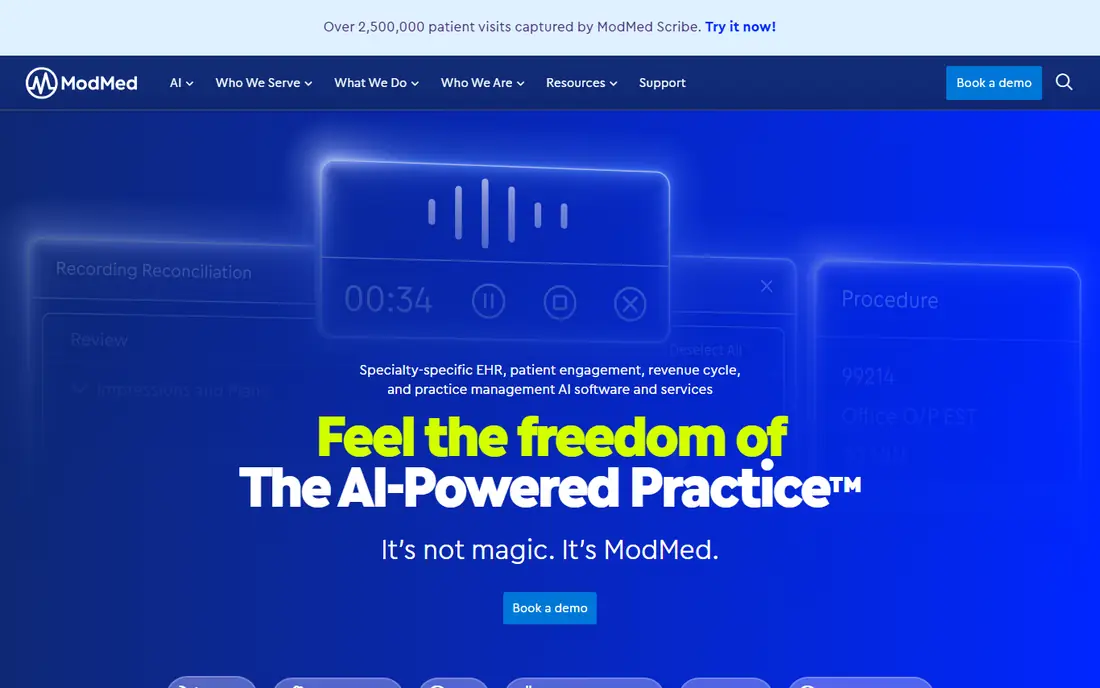
ModMed is the vendor most often associated with specialty-specific workflows. It sells EHR, practice management and revenue cycle tools across 11 medical specialties, and pain management is one of them. If you want one company to own scheduling, charting and billing, this is the cleanest version of that pitch on the list.
The details that stand out for a pain clinic are on the specialty page. ModMed Scribe is described as an AI tool built into the pain management EHR that turns the provider and patient conversation into suggested visit notes and billing codes, which you review before they post. ModMed also offers a cloud-based PACS through Efferent's eVue, so staff can view patient images from inside the EHR rather than a second login.
The catch is price and fit. ModMed does not publish rates, and Software Advice lists pricing as available on request, with cost among the most common complaints in user reviews. It also makes the most sense for practices ready to adopt the whole suite, so a clinic that only wants a billing layer on top of an existing chart may be paying for more than it needs.
What we like- Dedicated pain management product
- EHR, PM and revenue cycle in one vendor
- Built-in AI scribe and cloud imaging option
Watch out for- Pricing is quote-only
- Reviewers on Software Advice point to cost as a common complaint
#2NextGen Healthcare
Best for: Practices that expect to grow past 10 providers3.7/5 on
G2 (175 reviews, checked Oct 2026)
Visit nextgen.com
Starting priceSee website
Free planNo

NextGen is the safest pick for a group that does not want to replatform in three years. The company sells NextGen Office for practices with fewer than 10 providers and NextGen Enterprise for those with 10 or more. A four-physician interventional clinic can start on one and has a defined path to the other.
NextGen publishes a pain management page for its EHR and practice management products, and it sells billing help separately, including collections and A/R management and revenue cycle services. That matters if your biggest problem is denials and days in A/R rather than charting speed. The company also owns Mirth Connect, an integration engine for HL7, which is useful if you need to connect an ASC, an imaging center or a hospital system.
The honest weakness is clarity. Because there are two product lines and add-on services, the quote you get depends heavily on which pieces you pick. Make the sales team name the exact product, the module list and the implementation timeline in writing.
What we like- Two products split by practice size
- Dedicated pain management page
- RCM and collections services available
Watch out for- Pricing is quote-only
- Two product lines can confuse first-time buyers
#3AdvancedMD
Best for: Cloud suite buyers who want direct access to their own data3.6/5 on
G2 (63 reviews, checked Oct 2026)
Visit advancedmd.com
Starting priceSee website
Free planNo
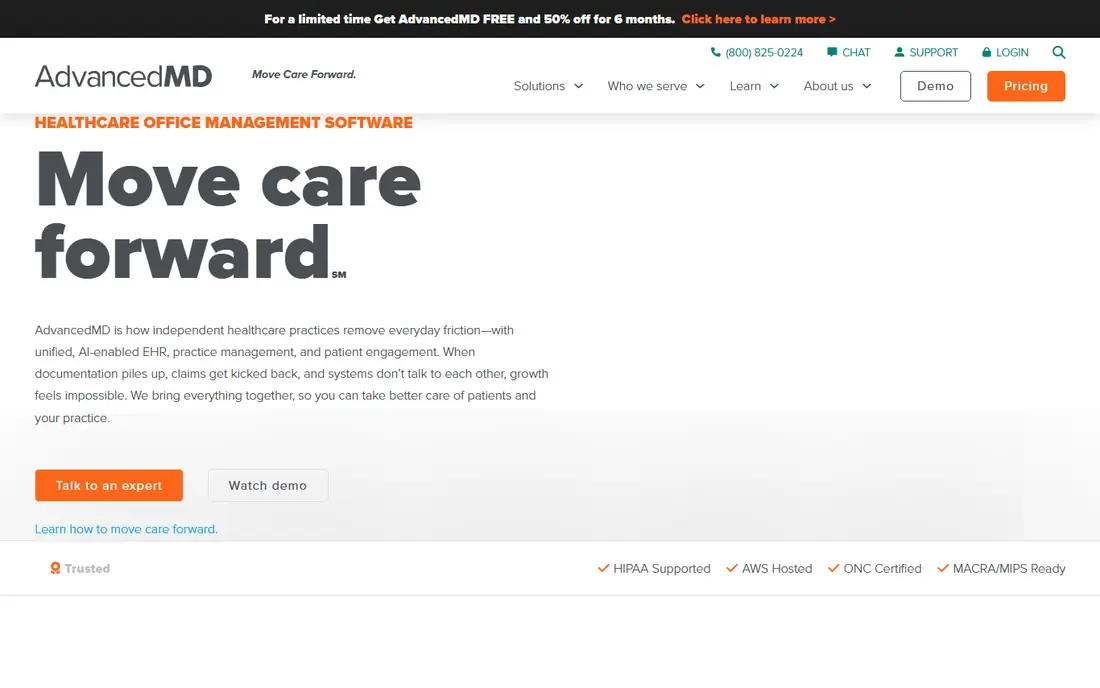
AdvancedMD works well for clinics that care about owning their data. Its site describes an open database connectivity interface that gives read-only access to your data at any time. For a practice manager who builds their own reports in Excel or a BI tool, that is a practical advantage that many vendors do not mention up front.
The company has a pain management page and positions its cloud suite as a way to connect the clinical and business sides of the practice. On billing, it says its platform tracks changing codes and updates them without downloads on your end. That is a real convenience for a specialty with heavy procedure coding.
Where it is weaker is specialty depth. AdvancedMD is a broad platform that serves many specialties, so you should ask to see how procedure notes, injection templates and recurring treatment plans are handled in a live demo, not a slide deck. Pricing is also unpublished.
What we like- Full cloud suite with scheduling, billing and EHR
- Open database connectivity for read-only data access
- Billing codes updated in the platform
Watch out for- Pricing is quote-only
- Broad platform means pain-specific workflow depends on setup
#4eClinicalWorks
Best for: Controlled substance workflow and outside record lookup3.7/5 on
G2 (158 reviews, checked Oct 2026)
Visit eclinicalworks.com
Starting priceSee website
Free planNo
eClinicalWorks speaks most directly to the compliance side of pain care. Its pain management page says the EHR integrates with Prescription Drug Monitoring Programs across the country and offers both token-based and app-based options for electronic prescribing of controlled substances. For a clinic that is audited or watched closely on opioid prescribing, those details belong at the top of your checklist.
It also offers PRISMA, a search tool that lets staff look up patient information from primary care offices, specialists, urgent care and hospitals regardless of which EHR those sites use. Pain patients often arrive with scattered records, so that can save front desk time. The suite adds healow TeleVisits, a speech-to-text scribe for progress notes, contactless check-in and a patient portal.
The drawback is breadth. eClinicalWorks is a large platform with many modules, which means the final bill and the training load can grow quickly. Check which pieces are included in your quote and which are add-ons, and confirm PDMP coverage for every state you prescribe in.
What we like- PDMP integration
- EPCS with token or app options
- PRISMA search across outside records
Watch out for- Pricing is quote-only
- Large platform with many add-on products
#5CureMD
Best for: Clinics that want pain-specific charting aids3.1/5 on
G2 (28 reviews, checked Oct 2026)
Visit curemd.com
Starting priceSee website
Free planNo
CureMD is a mid-market option that covers more than 30 specialties and has a dedicated pain management EMR page. Its feature list includes pain assessment graphs that show pain levels over time and clinical decision support with evidence-based suggestions for treatment plans. Those are small things, but they are the type of thing a physician notices in the first week of use.
The vendor says it offers training for providers and staff, and its homepage offers a 20-minute walkthrough of EHR, billing and AI working as one system. That is a reasonable first step for a clinic that wants to see the whole workflow before talking numbers.
Treat it as one to price against the bigger names rather than a default choice. Like the rest of this list, CureMD does not post rates, so you will need a quote, and you should ask for references from pain practices of your size rather than general ones.
What we like- Pain assessment graphs
- Clinical decision support
- Offers training for providers and staff
Watch out for- Pricing is quote-only
- Less visible among large groups than the biggest vendors
#6Tebra
Best for: Small independent practices that also want patient marketing4.1/5 on
G2 (263 reviews, checked Oct 2026)
Visit tebra.com
Starting priceSee website
Free planNo
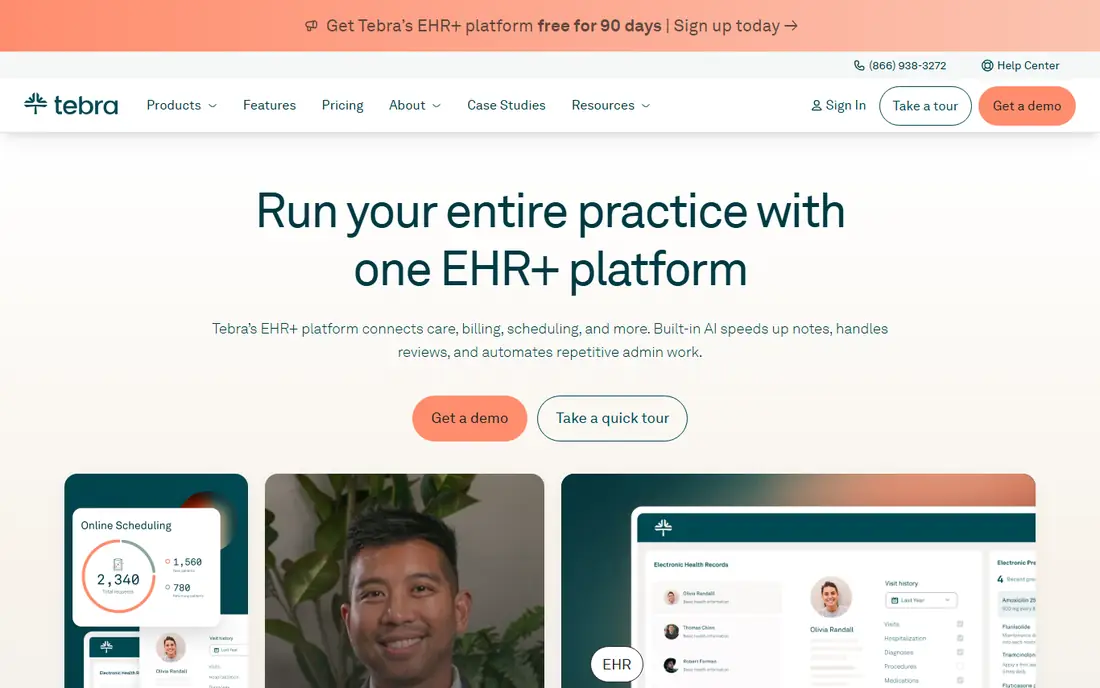
Tebra is the platform that grew out of Kareo, and it is built for independent practices rather than large groups. Its pitch is a single operating system covering charting, billing, payments, scheduling, digital intake, reminders, messaging and practice marketing such as websites, SEO and reputation management. For a small pain clinic that depends on referrals and online reviews, the marketing side can be a real draw.
Tebra has pain management on its list of supported specialties, and it has publicly named at least one pain practice, Medi+ssage in Tempe, Arizona, as a customer through a 2023 press release. That is a useful reference point, though it is a single example.
The downside is specialty depth. Tebra supports dozens of specialties with one platform, so procedure-heavy interventional workflows may need more configuration than at ModMed or NextGen. Third-party sites quote a wide range of monthly prices, which tells you quotes vary by plan and claim volume. Get the exact numbers from sales, including any messaging or e-prescribing fees.
What we like- Combines clinical, billing, payments and patient experience tools
- Marketing tools for new patient growth
- Aimed at independent practices
Watch out for- Pricing is not clearly published on the vendor pages we could verify
- Less specialty depth than pain-focused vendors
#7PracticeSuite
Best for: Clinics that want practice management, billing and EHR under one login4.3/5 on
G2 (11 reviews, checked Oct 2026)
Visit practicesuite.com
Starting priceSee website
Free planNo

PracticeSuite is a smaller vendor that offers practice management, medical billing, EHR and a patient portal, and it also sells to medical billing companies. That last point is useful if you plan to outsource billing now or later, because the same system can be used by an outside biller.
Its pain medicine page covers the questions a compliance-minded owner will ask: built-in electronic prescribing for controlled substances, integration with state PDMPs and automated opioid risk assessment alerts. The page frames these as features that platforms in this category typically include, so verify each one in a demo for your state.
The tradeoff is scale. PracticeSuite has fewer public reviews than ModMed or eClinicalWorks, which makes due diligence harder. Ask for pain management references, talk to them about implementation time, and confirm what support looks like after go-live.
What we like- Practice management, billing, EHR and patient portal in one product
- Dedicated pain medicine page
- Also serves billing companies
Watch out for- Pricing is quote-only
- Smaller brand, so fewer public reviews to check
How we chose
We built this list from public information, not hands-on testing. For each tool we read the vendor's own website and specialty pages, checked what the documentation and product pages say about pain-specific workflow, and looked at public review sites such as G2, Capterra and Software Advice for common praise and complaints. We also weighed company-size fit, integrations, billing depth and how much a vendor says about controlled substance handling.
Pricing is the weak point of this category. Most vendors here sell by quote, and the figures that appear on third-party sites are estimates that disagree with each other. Where we could not confirm a number on a vendor's own page, we wrote See website instead of repeating a guess. Details change, so confirm everything with the vendor before you sign.
What to check before you buy pain management software
Pain management is not a generic specialty. You bill for procedures, track controlled substances, and often work with an ASC or imaging partner. A system that suits a family practice can feel clumsy here, so build your evaluation around your own day.
Test the controlled substance workflow first
Ask each vendor to show you EPCS setup, PDMP lookups in your state and any opioid risk alerts, live and on your own sample patient. Find out whether the PDMP check happens inside the chart or in a separate window. Ask what it costs, since some vendors pass through per-user fees for these services.
Look at procedure documentation and coding
Interventional clinics need quick templates for epidurals, nerve blocks, radiofrequency ablation and injections, plus a clean path from note to charge. Ask the vendor to chart one of your typical procedures start to finish and watch how many clicks it takes. Then follow that visit into billing to see whether codes, modifiers and prior authorization details carry over.
Decide how much billing help you need
Some buyers want software only and will keep billing in-house. Others want the vendor or a partner to run revenue cycle work. NextGen, ModMed and AdvancedMD all sell billing-related services alongside software, so decide early whether you are comparing software alone or software plus service, and compare quotes on the same basis.
Confirm contract terms and data export
Ask for contract length, auto-renewal terms, price increase caps and the fee to extract your data if you leave. Get the export format in writing. A vendor that offers direct read-only database access, as AdvancedMD describes, gives you more control than one that only provides a PDF or a slow data dump on request.
Plan implementation honestly
Moving charts, fee schedules, payer contracts and open claims takes time, and it is rarely done in a week. Ask the vendor for a typical timeline for a pain practice your size and what your staff must do. Schedule go-live away from your busiest procedure days.
Frequently asked questions
What is pain management practice management software?
It is software that handles scheduling, patient check-in, billing, claims and reporting for a pain clinic. Most vendors bundle it with an EHR so charting and billing share the same data. Buyers often search for both terms together because a pain clinic rarely wants them separate.
How much does pain management software cost?
Most vendors on this list sell by custom quote, so there is no reliable public price. Third-party sites quote very different ranges, and those usually leave out implementation, training and add-on fees. Ask for a written quote that lists every module and fee, then compare quotes line by line.
Do I need software built specifically for pain management?
Not always, but it helps. A specialty-built product such as ModMed or a vendor with a dedicated pain page usually offers procedure templates, pain scales and controlled substance tools out of the box. A general platform can work if you are willing to configure templates and the vendor can show it handling a pain visit in a demo.
Is cloud-based software better than on-premise for a pain clinic?
For most small and mid-size clinics, cloud is easier to run because the vendor handles updates, backups and hosting. Several tools on this list, including AdvancedMD, ModMed and eClinicalWorks, market cloud-based products, but confirm hosting for the exact product and plan you are quoted. Larger groups with unusual integration needs may still want to discuss hosting in detail.
How long does it take to switch systems?
It varies with practice size and how clean your data is. Plan for weeks to a few months, including data migration, staff training and a parallel period for billing. Ask each vendor for a timeline based on a similar pain practice, not a general estimate.
Sources we checked (13)
- https://www.modmed.com/
- https://www.modmed.com/specialties/pain-management/
- https://www.softwareadvice.com/medical/electronic-medical-assistant-profile/
- https://www.nextgen.com/markets/specialties/pain-management
- https://www.advancedmd.com/specialties/pain-management/
- https://www.advancedmd.com/specialties/pain-management/billing-coding-software/
- https://www.eclinicalworks.com/products-services/ehr/pain-management/
- https://www.curemd.com/pain-management-emr.asp
- https://www.curemd.com/
- https://kareo.com/specialty/pain-management
- https://www.businesswire.com/news/home/20230329006004/en/Medissage-Leverages-Tebra%E2%80%99s-Complete-Operating-System-to-Boost-Clinical-and-Financial-Efficiency
- https://practicesuite.com/who-we-serve/independent-physician-practices/pain-medicine/
- https://pabau.com/blog/tebra-pricing/
Is your product missing or out of date?
We review this list regularly. Vendors can request a listing, send updated pricing or ask about featured placement.

Shihab Mia · Founder, Rankite
Shihab has 5+ years in B2B and SaaS SEO. He writes Rankite's software buying guides from pricing pages, documentation and public user reviews. More about Shihab.