How we make this list: we compare pricing pages, product documentation and public user reviews. Ratings come from G2, Capterra or Trustpilot, with the date we checked them.
Key takeaways
- Supabase and Firebase are the fastest path from idea to working app. Both bundle auth, storage and APIs with the database, and both have real free tiers.
- Neon and PlanetScale make Postgres easy without the ops burden. Neon adds branching and scale-to-zero, PlanetScale adds sharding for MySQL and Postgres at $5 a month for single-node databases.
- Turso, MotherDuck and ClickHouse Cloud cover the newer shapes of data. SQLite at the edge, DuckDB analytics in the cloud, and ClickHouse for real-time analytics over huge datasets.
- Eight of the ten tools here have a free tier or free plan. Start free, and only pay when your usage or team outgrows the limits.
Quick comparison
| Tool | Best for | Starting price | Free plan |
|---|
 Supabase Supabase | Postgres backend with auth and APIs included | Free, Pro $25/project/month | Yes |
 Neon Neon | serverless Postgres with branching | Free, paid tiers usage-based | Yes |
 PlanetScale PlanetScale | MySQL and Postgres that scale horizontally | From $5/month | No |
 MongoDB Atlas MongoDB Atlas | document database in the managed cloud | See website | Yes |
 Firebase Firebase | Google-backed platform for web and mobile apps | Pay-as-you-go (Spark plan free) | Yes |
 Railway Railway | deploying your app and database together | $1/month + usage | No |
 Turso Turso | SQLite databases replicated to the edge | Free, Developer $4.99/month | Yes |
 MotherDuck MotherDuck | serverless analytics on DuckDB | Free (Lite from $0) | Yes |
 ClickHouse Cloud ClickHouse Cloud | real-time analytics over massive datasets | Pay-as-you-go (trial + $300 credits) | No |
 Convex Convex | reactive TypeScript backend without glue code | Free, Starter pay-as-you-go | Yes |
Is your product missing or out of date?
We review this list regularly. Vendors can request a listing, send updated pricing or ask about featured placement.
The best easy-to-use database software for developers
Starting priceFree, Pro $25/project/month
Free planYes
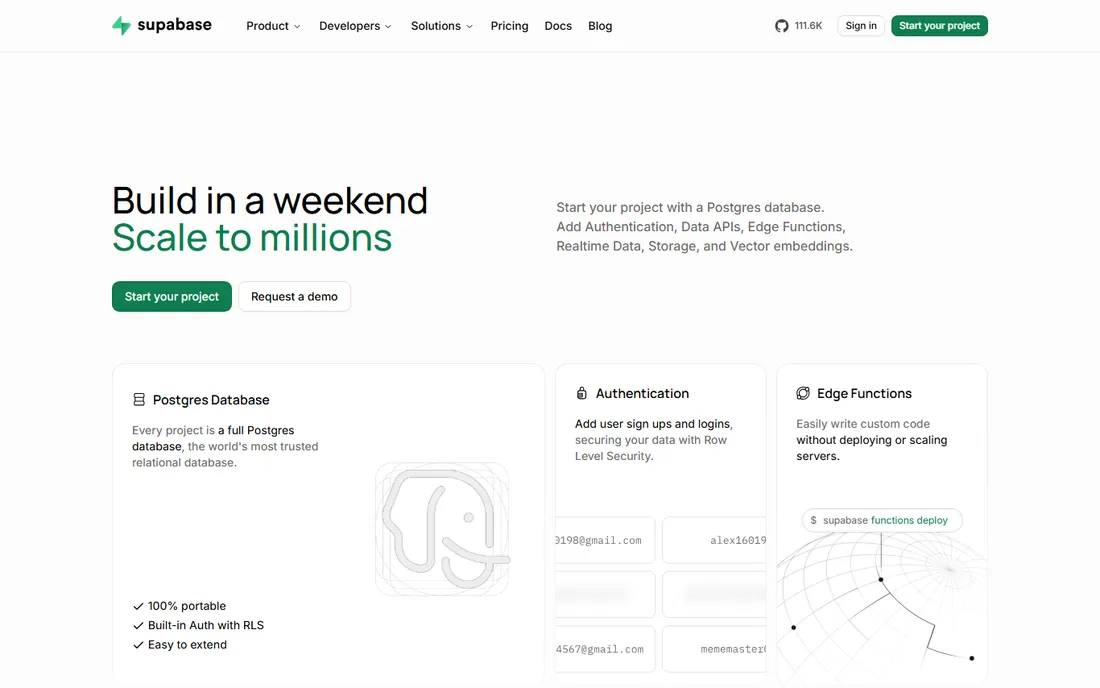
Supabase turned Postgres into a backend platform that a solo developer can set up in an afternoon. Create a project, get a real Postgres database, and the platform generates REST APIs, handles user authentication with row-level security, stores files and runs edge functions. The dashboard is genuinely pleasant, and the documentation answers questions before you ask them.
The free tier covers side projects comfortably, with 500 MB of database storage and 50,000 monthly active users. Projects pause after a week of inactivity, which is fine for experiments but worth knowing. The Pro plan at $25 per project per month is the natural upgrade, though compute add-ons can push costs higher as you scale. For most web and mobile apps, Supabase is the default recommendation for good reason.
What we like- Full Postgres with instant REST APIs
- Built-in auth, storage and edge functions
- Generous free tier for side projects
Watch out for- Free projects pause after a week of inactivity
- Compute add-ons complicate pricing as you scale
- Self-hosting needs real ops effort
Starting priceFree, paid tiers usage-based
Free planYes
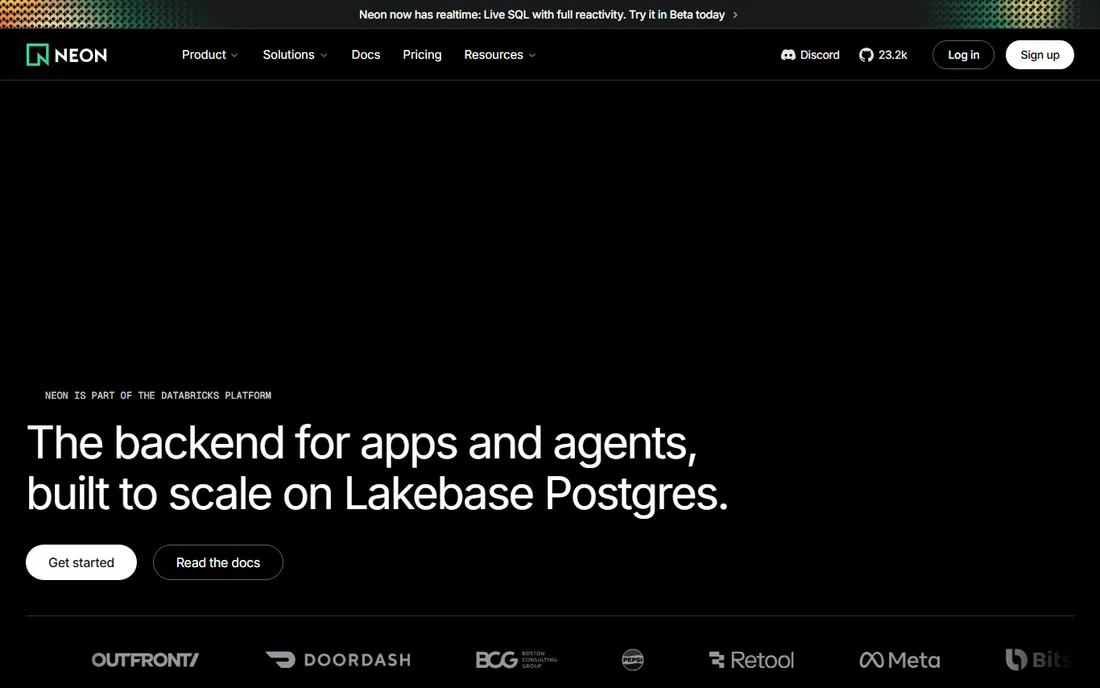
Neon rethought Postgres for the serverless era. Storage and compute scale separately, idle databases scale to zero, and every project can have branches, meaning each pull request gets its own copy of the database. That branching workflow alone changes how teams develop. Testing migrations against a real copy of production data takes seconds.
The free tier is generous, with 100 projects and no credit card required. Paid tiers are usage-based, with the Launch tier typically costing around $15 a month for small workloads. Neon is now part of Databricks, which suggests serious long-term backing. Developers who want Postgres without managing servers should start here.
What we like- Database branching for dev and preview environments
- Scale-to-zero keeps idle costs near zero
- Generous free tier with 100 projects
Watch out for- Usage-based pricing needs monitoring
- Cold starts on scaled-to-zero databases
- Advanced features sit on higher tiers
Starting priceFrom $5/month
Free planNo
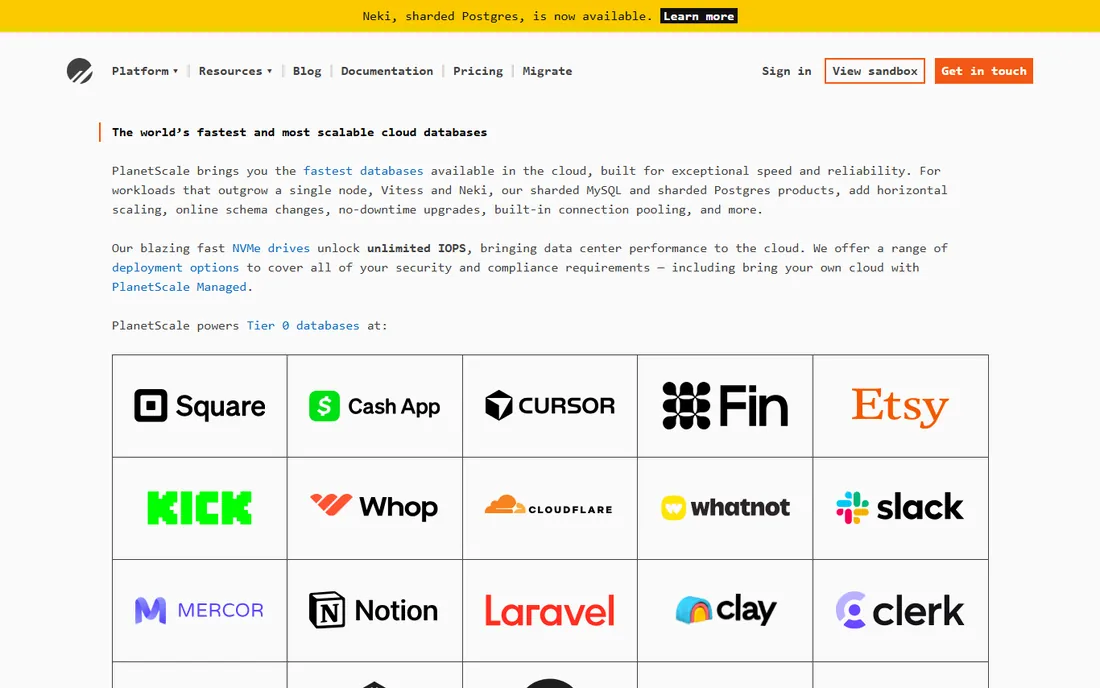
PlanetScale built its name on Vitess, the sharding system that lets MySQL scale horizontally across thousands of nodes. The same platform now offers Postgres, including $5 single-node databases for development and small projects. Schema changes deploy like code reviews, with the ability to revert bad migrations without downtime.
There is no free tier, which puts PlanetScale behind Supabase and Neon for experimentation. The platform earns its keep when your app outgrows a single database node, which most apps never do. If you are building on MySQL and expect real scale, the deploy-request workflow for schema changes is worth the price alone.
What we like- Vitess-powered sharding for MySQL at serious scale
- Online schema changes without downtime
- Single-node Postgres from $5 a month
Watch out for- No permanent free tier
- Sharding concepts take learning
- Overkill for simple CRUD apps
Starting priceSee website
Free planYes
MongoDB Atlas is the managed cloud version of the document database most developers already know. The document model maps naturally to objects in code, which is why teams reach for it when their data does not fit neat relational tables. The free M0 cluster is enough for learning and prototypes, and upgrading to dedicated clusters is a slider, not a migration.
Atlas now bundles vector search, stream processing and analytics alongside the core database, making it a platform rather than just storage. Pricing is pay-as-you-go by cluster size and can surprise teams that leave large clusters running. Developers comfortable with documents and JSON will feel at home immediately.
What we like- Flexible document model that matches app code
- Free M0 cluster for learning
- Vector search and full-text search built in
Watch out for- Pricing gets complex across cluster tiers
- Easy to over-provision
- Document modeling mistakes hurt at scale
Starting pricePay-as-you-go (Spark plan free)
Free planYes
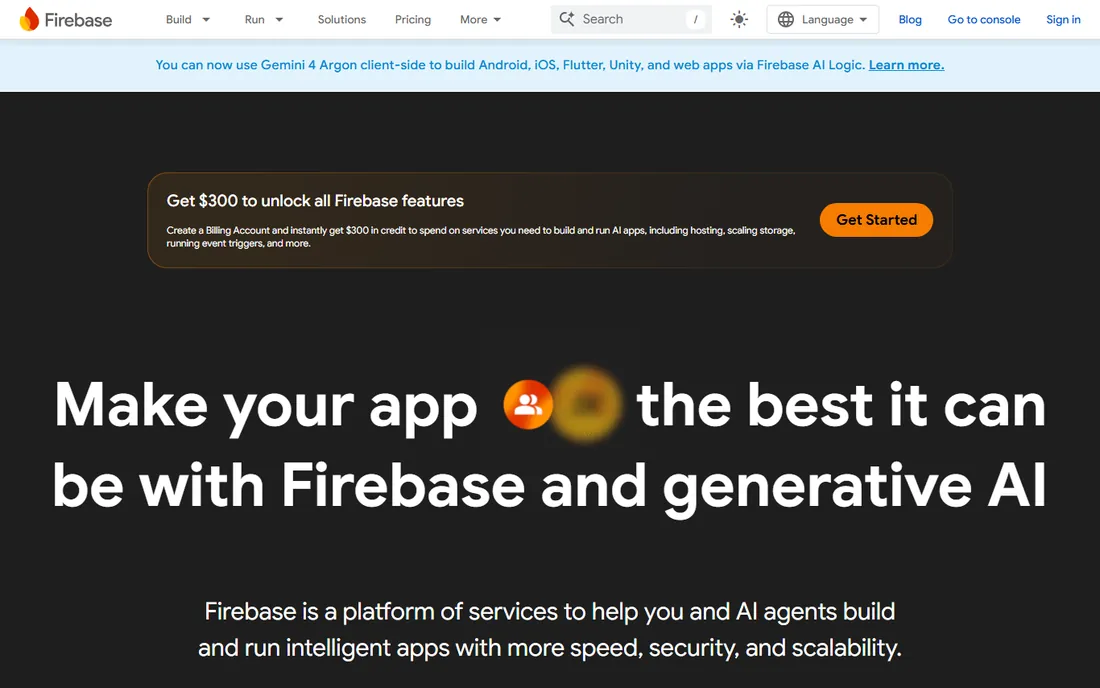
Firebase remains the fastest way to ship a mobile or web app with a live backend. Firestore syncs data to clients in real time, authentication covers every provider, and hosting, cloud functions and analytics come from the same console. The Spark plan is free with real quotas, and the Blaze plan charges pay-as-you-go beyond that.
The famous catch is Firestore billing. Read-heavy apps can generate surprising bills because every document read counts. Data modeling in Firestore rewards careful design and punishes casual queries. Teams that understand the pricing model and design accordingly get enormous velocity. Teams that treat it like Postgres get invoices.
What we like- Realtime database and Firestore sync instantly
- Auth, hosting and analytics included
- Massive documentation and community
Watch out for- Firestore pricing punishes read-heavy apps
- Vendor lock-in to Google Cloud
- Complex queries are harder than in SQL
Starting price$1/month + usage
Free planNo
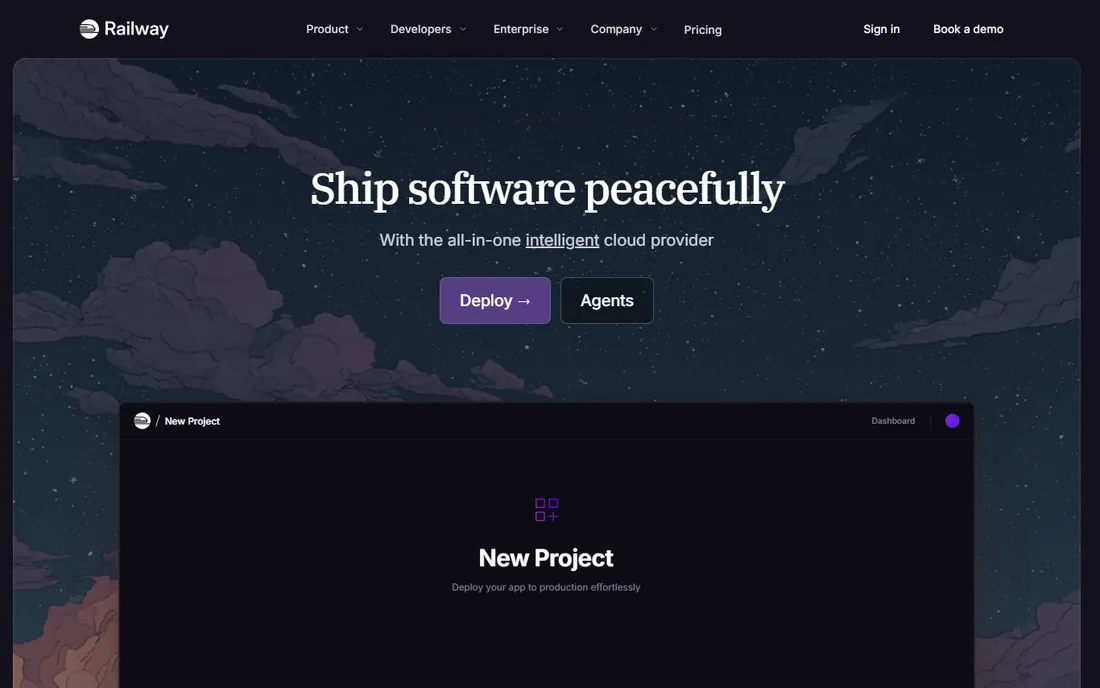
Railway is a deployment platform that happens to make databases easy. Add Postgres, MySQL, Redis or MongoDB to your project with one click, connect your GitHub repo, and the whole stack deploys together. For developers who want the database to live next to the app without touching infrastructure, this is the smoothest experience available.
Pricing is usage-based on top of a $1 monthly base for the Hobby plan, which includes $5 of monthly usage credits. A 30-day trial with $5 in credits lets you test before paying. Heavy workloads can get expensive compared with dedicated database platforms, so Railway fits best when the convenience of one platform for app and data outweighs pure database economics.
What we like- One-click Postgres, MySQL, Redis and MongoDB
- Deploys from GitHub with zero config
- Per-second usage billing
Watch out for- No permanent free tier, only a trial with $5 credits
- Costs scale with usage quickly
- Less database-specific tooling than dedicated platforms
Starting priceFree, Developer $4.99/month
Free planYes
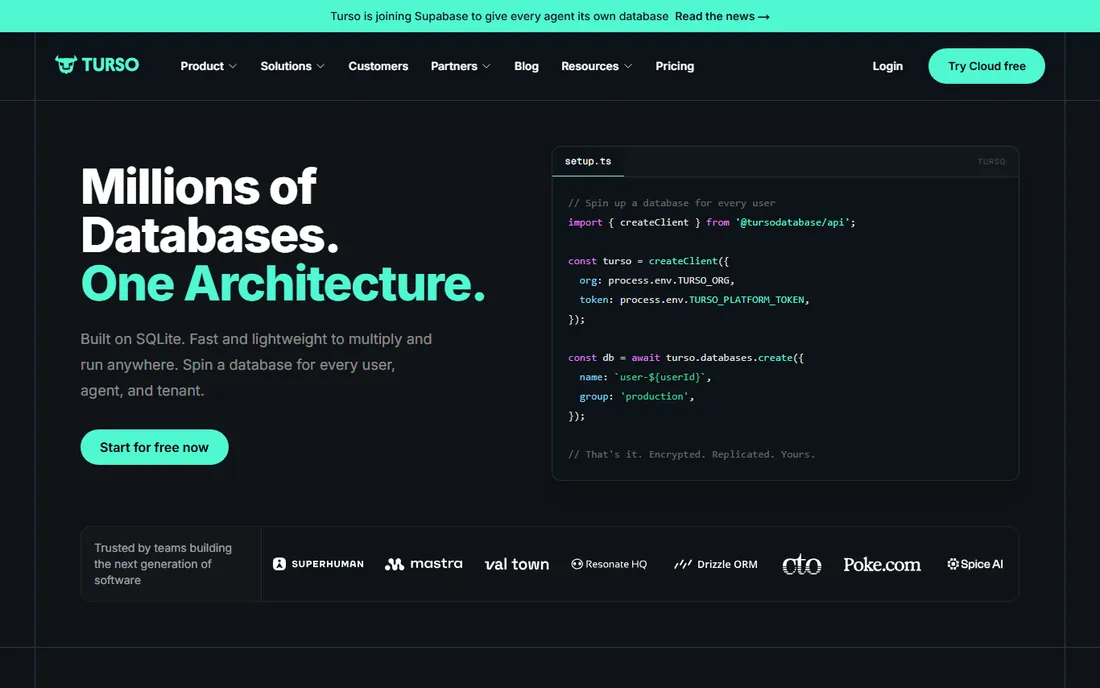
Turso bets that most apps do not need a big central database. Built on SQLite, it lets you spin up thousands of lightweight databases, replicate them to the edge near your users, and even embed replicas on devices that sync when online. The developer experience is SQLite, which most developers already understand.
Pricing starts free, with the Developer plan at $4.99 a month covering serious usage. Note that Turso announced it is joining Supabase, so watch how the products converge. For multi-tenant apps, per-user databases and local-first products, Turso's architecture is genuinely different from everything else on this list.
What we like- SQLite compatibility developers already know
- Embedded replicas run on devices with sync
- Generous free tier for experiments
Watch out for- SQLite semantics differ from Postgres
- Very large single databases fit Postgres better
- Pricing is usage-based on rows read and written
Starting priceFree (Lite from $0)
Free planYes
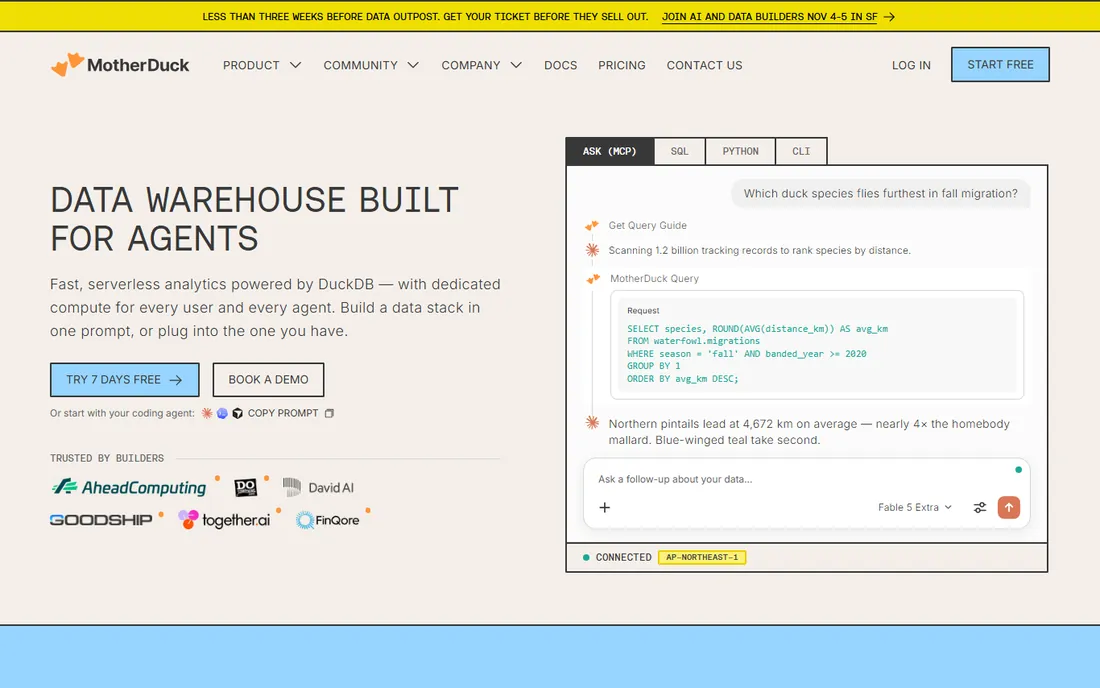
MotherDuck puts DuckDB, the beloved analytical database, in the cloud as a serverless service. Queries run fast, there is nothing to manage, and the Lite plan starts at $0 with 10 GB of free storage and included compute hours. For developers building dashboards, internal tools or data-heavy features, it removes the traditional data warehouse setup entirely.
This is an analytics database, not a transactional one. Do not run your app's primary workload on it. The Business plan at $250 per organization per month plus usage covers production analytics. Teams already using DuckDB locally will find the cloud version a natural step up.
What we like- DuckDB speed with zero infrastructure
- Lite plan starts at $0 with free storage and compute
- Great for dashboards and data apps
Watch out for- Analytics-focused, not for transactional apps
- Ecosystem younger than Snowflake or BigQuery
- Larger workloads need the $250 Business tier
Starting pricePay-as-you-go (trial + $300 credits)
Free planNo
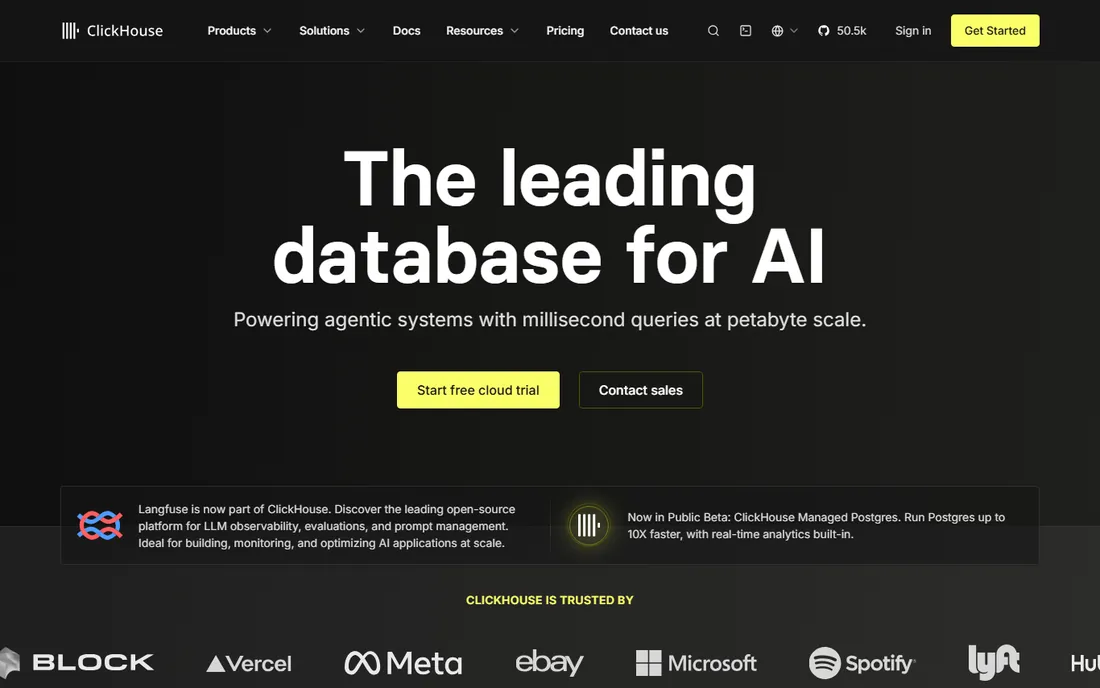
ClickHouse is the open-source analytical database behind real-time dashboards at companies like Cloudflare and Spotify. ClickHouse Cloud offers it as a managed service with pay-as-you-go pricing, a 30-day trial and $300 in credits to start. Queries over billions of rows return in milliseconds, which is the whole point.
The learning curve is real. Data modeling for columnar storage differs from both Postgres and document databases, and the platform assumes meaningful data volume. If your analytics fit in Postgres, stay there. When dashboards slow down and data grows past what Postgres handles comfortably, ClickHouse Cloud is the next step.
What we like- Blazing query speed on billions of rows
- Open source with a managed cloud option
- $300 in credits and a 30-day trial to start
Watch out for- No permanent free tier on Cloud
- Operational concepts take learning
- Overkill unless you have real data volume
#10
Convex
Best for: reactive TypeScript backend without glue code
Visit convex.dev
Starting priceFree, Starter pay-as-you-go
Free planYes
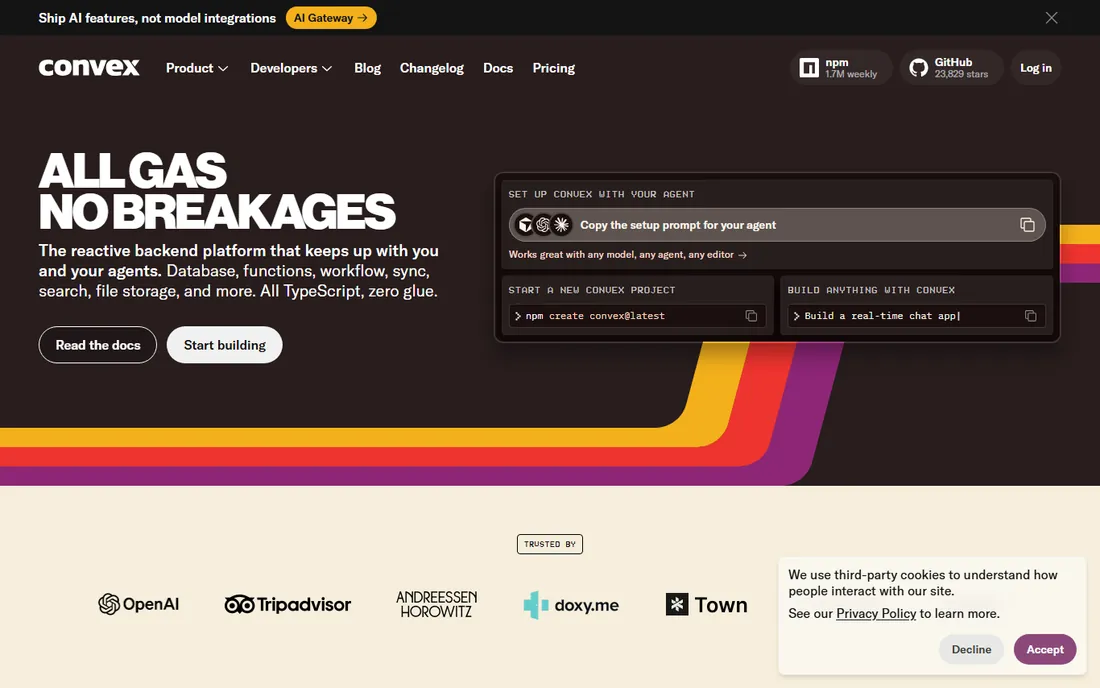
Convex is what you get when database engineers rebuild the backend for TypeScript developers. Write functions in TypeScript, query with type-safe code, and every query syncs reactively to clients without websockets to manage. The platform includes scheduling, file storage and search, so most apps need nothing else.
The free plan covers real projects, and the Starter plan charges pay-as-you-go beyond free limits. The obvious limitation is stack fit. If your team lives in TypeScript and React, Convex removes enormous glue code. If you need SQL, another language, or a mature ecosystem, Supabase or Firebase fit better.
What we like- End-to-end TypeScript with full type safety
- Real-time sync built into every query
- Functions, scheduling and file storage included
Watch out for- TypeScript-centric, less ideal for other stacks
- Younger ecosystem than Firebase
- Queries use Convex's own patterns, not SQL
How we chose
We judged tools on how quickly a developer can go from signup to a working database, the quality of documentation, pricing transparency, and the reality of the free tier. We read current pricing pages, product documentation, and public discussion on Reddit and Hacker News, and we checked that each product is actively maintained in 2026. We favored managed services over self-hosted projects since the topic is ease of use. No vendor paid for placement, and we did not claim hands-on testing.
How to pick the right database for your project
Start with your data shape, not the hype. Relational data with joins and transactions points to Postgres, which means Supabase, Neon or PlanetScale. Flexible nested data and rapid iteration point to MongoDB Atlas or Firebase. Analytics workloads belong on MotherDuck or ClickHouse Cloud, not on your transactional database.
Then check the free tier against your actual needs. Supabase pauses idle projects, Firebase charges per read, and Railway has no permanent free tier. Model your expected usage before committing, because the cheapest database is the one whose pricing model matches your access patterns.
Finally, consider lock-in honestly. Firebase and Convex tie you to their platforms deeply. Postgres-based tools let you export and self-host. That portability is worth real money if your app succeeds, so weigh it alongside day-one convenience.
Postgres vs document vs SQLite: which model fits
Postgres remains the safest default for most applications. Its data integrity, mature tooling and the ecosystem around Supabase and Neon cover the vast majority of web apps. Choose Postgres unless you have a specific reason not to.
Document databases like MongoDB Atlas and Firebase fit when your data is hierarchical and your schema evolves fast. Development speed is the reward, and the cost is query discipline. Teams that model documents carelessly pay for it in performance and billing later.
SQLite, through Turso, fits the edges. Per-user databases, local-first apps, embedded systems and multi-tenant products where isolation matters. It is the wrong choice for a single large shared database with heavy concurrent writes, and exactly right when your architecture wants many small databases instead of one big one.
Frequently asked questions
What is the easiest database for a beginner developer?
Supabase and Firebase are the easiest starting points. Both offer generous free tiers, visual dashboards, and tutorials that take you from signup to a working app in an afternoon. Supabase teaches real Postgres skills, while Firebase gets a mobile app live fastest.
Are free database tiers actually usable?
Yes, with limits. Supabase, Neon, Turso, MotherDuck and Convex all offer free tiers that handle side projects and prototypes. Watch for the specific limits that matter to you, like Supabase pausing idle projects or Firebase charging per document read, before building something you plan to grow.
Should I use a managed database or self-host?
Managed services win for almost every small team. They handle backups, updates, scaling and security patches. Self-hosting makes sense only when you have specific compliance needs or the ops expertise to do it well. Every tool on this list except Railway's model is managed first.
How much does a managed database cost as I grow?
Side projects run free on most of these platforms. Small production apps typically cost $5 to $30 a month on Supabase, Neon, PlanetScale, Turso or Railway. Costs scale with usage from there, so read the pricing page for your expected workload rather than trusting the entry price.
Can I switch databases later if I choose wrong?
Postgres-based tools make switching easiest since the underlying database is standard. Export your data, adjust the schema, and import elsewhere. Document and proprietary platforms like Firebase and Convex need more migration work. Starting with Postgres keeps your options open.
Sources we checked (16)
- https://supabase.com
- https://supabase.com/pricing
- https://neon.tech/
- https://neon.tech/pricing
- https://planetscale.com/
- https://www.mongodb.com/
- https://firebase.google.com/
- https://railway.app/
- https://railway.app/pricing
- https://turso.tech/
- https://turso.tech/pricing
- https://motherduck.com/
- https://motherduck.com/pricing/
- https://clickhouse.com/
- https://convex.dev/
- https://convex.dev/pricing
Is your product missing or out of date?
We review this list regularly. Vendors can request a listing, send updated pricing or ask about featured placement.

Shihab Mia · Founder, Rankite
Shihab has 5+ years in B2B and SaaS SEO. He writes Rankite's software buying guides from pricing pages, documentation and public user reviews. More about Shihab.