How we make this list: we compare pricing pages, product documentation and public user reviews. Ratings come from G2, Capterra or Trustpilot, with the date we checked them.
Key takeaways
- Prices vary a lot across this category. DbSchema Community and Oracle SQL Developer Data Modeler are free. A single ER/Studio Data Architect seat lists at $2,687 per year.
- Perpetual licenses are still common here. Luna Modeler starts at $99, DbSchema Pro at $294 and Navicat Data Modeler at $1,299. You pay once and keep using the version you bought.
- Browser tools like dbdiagram.io and DrawSQL are the fastest to start with. Their lower plans cap diagrams, tables or editors, so read the plan limits before a team commits.
- Teams that need business glossaries, conceptual models and governance integrations such as Collibra or Purview should look at ER/Studio Enterprise or Ellie.ai Enterprise. Both are sold by quote or with an annual commitment.
- For NoSQL, APIs and mixed database stacks, Hackolade is the specialist on this list.
Quick comparison
| Tool | Best for | Starting price | Free plan |
|---|
 ER/Studio ER/Studio | Governed enterprise modeling | $2,687 per user/year (Data Architect) | Free trial |
 Redgate Data Modeler Redgate Data Modeler | Browser-based team modeling | See website (per user, per year) | Free trial |
 Hackolade Hackolade | NoSQL and polyglot schemas | See website | Free trial |
 Ellie.ai Ellie.ai | Business-friendly conceptual modeling | €41.58 per month (Solo, billed annually) | Free trial |
 DbSchema DbSchema | Visual design connected to live databases | $294 one-time (Pro) | Yes |
 Navicat Data Modeler Navicat Data Modeler | Cross-platform desktop modeling | $1,299 perpetual license | Yes (Lite edition) |
 dbdiagram.io dbdiagram.io | Diagrams as code | $8 per month (Personal Pro, billed annually) | Yes |
 DrawSQL DrawSQL | Quick shared schema diagrams | $19 per month (Starter) | Yes (public diagrams) |
 Luna Modeler Luna Modeler | Budget relational modeling | $99 one-time (Basic Edition) | No |
 Oracle SQL Developer Data Modeler Oracle SQL Developer Data Modeler | Oracle shops on zero budget | Free | Yes |
Is your product missing or out of date?
We review this list regularly. Vendors can request a listing, send updated pricing or ask about featured placement.
The best data modeling software
Starting price$2,687 per user/year (Data Architect)
Free planFree trial
ER/Studio is the tool you buy when a data model is a controlled business asset, not just a picture for developers. The publisher lists Data Architect at $2,687 per user per year and Data Architect Pro at $3,693. The Pro tier adds the central repository that handles version control and shared mappings across a modeling team.
Its strength is depth. Reverse engineering and compare-and-merge are included at the entry level, and the platform covers SQL Server, Oracle, PostgreSQL, Snowflake, Databricks and JSON structures. An AI assistant called ERbert helps draft models.
The catch is how the editions are split. Collaboration needs Pro, and the business glossary plus the Collibra and Purview integrations need Enterprise, which is priced by quote. A 10-person company that only needs schema diagrams will pay for a lot it never uses.
What we like- Reverse engineering and compare-and-merge in the entry edition
- Pro tier adds a central repository for version control
- Enterprise connects to Collibra and Purview
Watch out for- Expensive per seat
- Glossary and governance features sit behind quote-only Enterprise pricing
#2Redgate Data Modeler
Best for: Browser-based team modeling4.5/5 on
G2 (12 reviews, checked Oct 2026)
Visit red-gate.com
Starting priceSee website (per user, per year)
Free planFree trial
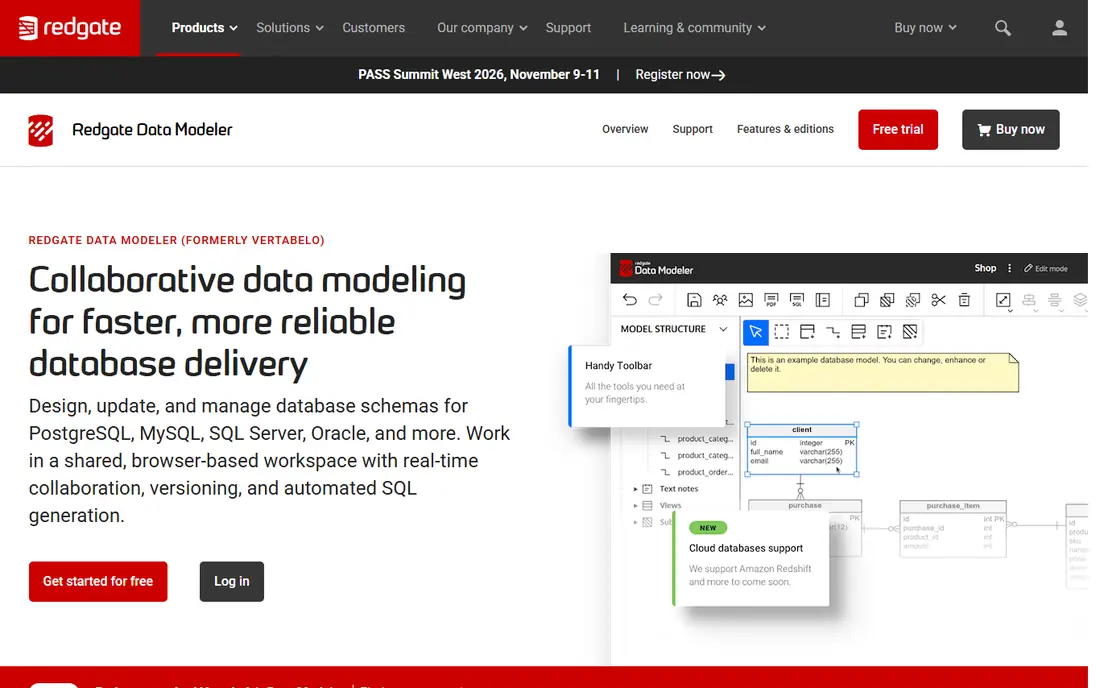
You may know this product by its old name, Vertabelo. Redgate bought it and renamed it Redgate Data Modeler. It runs in the browser and handles reverse engineering, SQL generation, versioning and real-time collaboration for PostgreSQL, MySQL, SQL Server and other engines.
Redgate sells two editions. The base edition covers core modeling, with limits aimed at solo users and small teams. Pro removes those limits and adds full collaboration, logical design, support for legacy databases and API automation. Licenses are priced per user per year, and the price per seat drops as you buy more seats.
The pricing page shows prices only after it loads your seat count, so you need to price your own setup before you compare. Teams that already pay for SQL Toolbelt Essentials should check first, because the modeler is included in that bundle.
What we like- Runs fully in the browser
- Real-time collaboration and versioning
- Bundled into SQL Toolbelt Essentials
Watch out for- Base edition has usage limits
- Logical design and API automation require Pro
Starting priceSee website
Free planFree trial
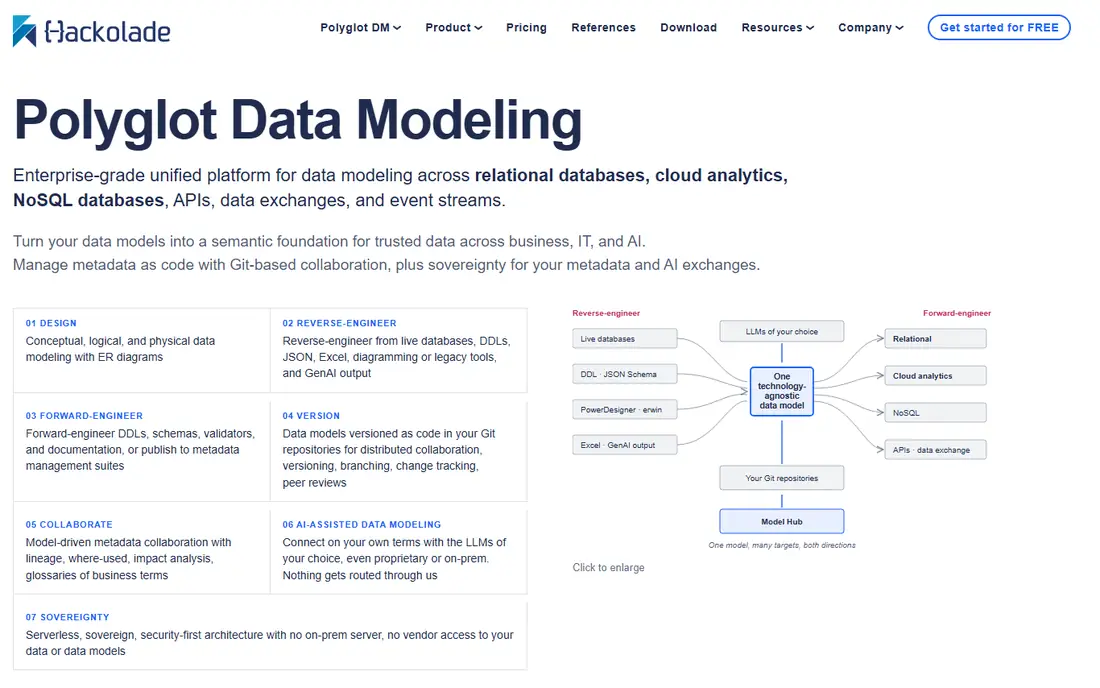
Most data modeling tools were built for relational databases and added JSON support later. Hackolade went the other way. Hackolade Studio was designed for document stores, key-value databases, APIs and streaming schemas, and it also handles relational SQL and cloud data warehouses.
That makes it a strong pick for teams running MongoDB, Cosmos DB, DynamoDB or Kafka schemas alongside Postgres. It can infer a model from real documents, which helps when nobody ever wrote the schema down.
Collaboration runs through Model Hub and Git-backed workflows instead of a shared browser canvas, so expect some setup. Licenses are sold through a self-service store on the vendor's site, but we could not confirm a current list price, so check the website for numbers.
What we like- Covers NoSQL, SQL, cloud warehouses, APIs and streaming formats
- Strong reverse engineering from semi-structured data
- Model Hub option for shared repositories
Watch out for- Desktop application rather than a SaaS editor
- Learning curve for teams used to plain ER diagrams
#4
Ellie.ai
Best for: Business-friendly conceptual modeling
Visit ellie.ai
Starting price€41.58 per month (Solo, billed annually)
Free planFree trial
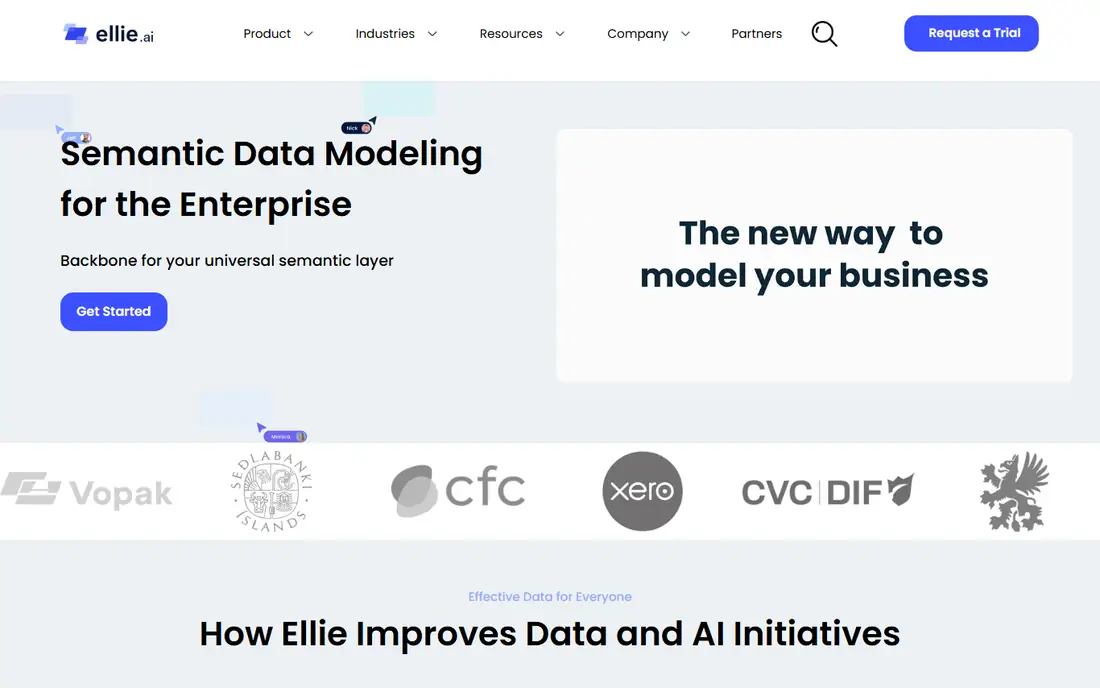
Ellie.ai is aimed at the meetings that happen before anyone writes DDL. Its canvas is designed so analysts and business owners can agree on entities and definitions, and then data engineers can turn that into physical designs.
The Solo plan is €49 per month, or €41.58 per month with an annual commitment. It includes AI-assisted modeling, a business glossary and export to PDF, image or DDL. Enterprise starts at €14,400 per year and adds role-based profiles, version history, SSO, API access, governance integrations and a dedicated customer success manager.
There is a big gap between those two tiers. A three-person data team that needs shared workspaces has no middle plan, and US buyers will see the price move with the exchange rate.
What we like- Conceptual, logical and physical models in one tool
- Business glossary on every plan
- Enterprise integrates with Collibra, Purview, dbt and Azure DevOps
Watch out for- Priced in euros
- Enterprise starts at €14,400 per year
#5DbSchema
Best for: Visual design connected to live databases4.5/5 on
G2 (2 reviews, checked Oct 2026)
Visit dbschema.com
Starting price$294 one-time (Pro)
Free planYes
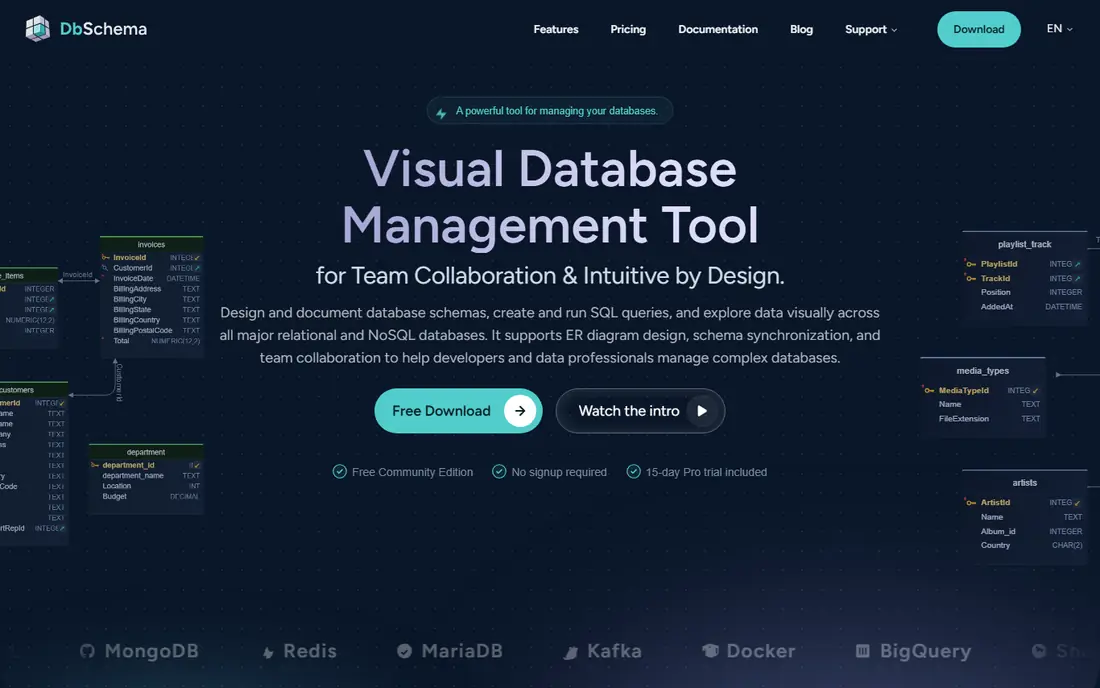
DbSchema is a good fit for developers who want the diagram and the database to stay in sync. It connects over JDBC, reads the real catalog and lets you edit tables visually. It then compares the offline model with the live database and writes the migration script for you.
Pricing is unusually clear. Community is free. Pro costs $294 one-time plus taxes and includes the first year of upgrades, with optional maintenance at $75 per year after that. Architect costs $470.40 and adds logical and conceptual design. A monthly subscription is also available.
The free edition will not save models to a file or produce documentation, so it works for exploring a database but not for maintaining a design. The AI assistant costs $9 per month on top of any edition.
What we like- Free Community edition
- Perpetual license with first year of upgrades included
- Generates migration DDL by comparing the model to a live database
Watch out for- Logical and conceptual design require the $470.40 Architect edition
- AI assistant is a separate monthly add-on
Starting price$1,299 perpetual license
Free planYes (Lite edition)

Navicat's modeling tool appeals to teams that already use Navicat for database administration and want the same look on every operating system. It supports conceptual, logical and physical models, with forward and reverse engineering for common relational databases such as MySQL, PostgreSQL, MariaDB, SQL Server and Oracle.
The vendor store lists the Enterprise perpetual license at $1,299. Monthly and yearly subscriptions are also available, and Navicat Data Modeler Lite is a free edition for lighter work.
The trade-off is cost and how the tool is built. It is a desktop application first. Shared work goes through Navicat's collaboration features instead of a live multi-user canvas, and the perpetual price is several times what DbSchema or Luna Modeler charge.
What we like- Conceptual, logical and physical models
- Runs on Windows, macOS and Linux
- Forward and reverse engineering
Watch out for- Perpetual price is high for a single seat
- Collaboration depends on Navicat's separate cloud services
Starting price$8 per month (Personal Pro, billed annually)
Free planYes
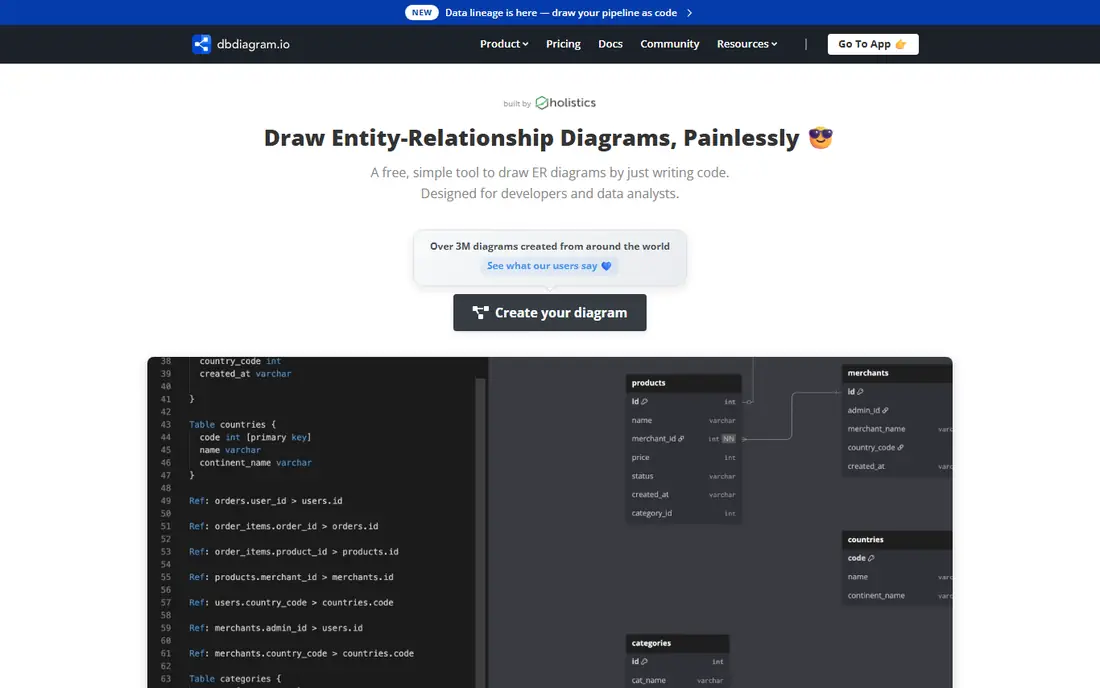
Engineers who would rather type than drag boxes tend to choose dbdiagram.io. You describe tables in DBML, an open schema language, and the ER diagram updates as you type. One plan also covers dbdocs, the company's database documentation tool.
The free plan allows up to 10 diagrams, unlimited viewers, SQL import and export, and PDF, PNG or SVG export. Personal Pro costs $8 per month on annual billing. The Team plan costs $75 per month for three editors, extra editors cost $5 each, and it comes with a 7-day trial. SAML SSO is only on the custom plan.
This is schema design, not formal modeling. You will not get conceptual layers or glossary management, so it suits product engineering teams better than enterprise data architects.
What we like- Type DBML and the diagram draws itself
- Free plan includes SQL import and export
- SOC 2 Type II compliant
Watch out for- Free and Personal Pro allow a single editor
- Team plan starts with only three editors
Starting price$19 per month (Starter)
Free planYes (public diagrams)
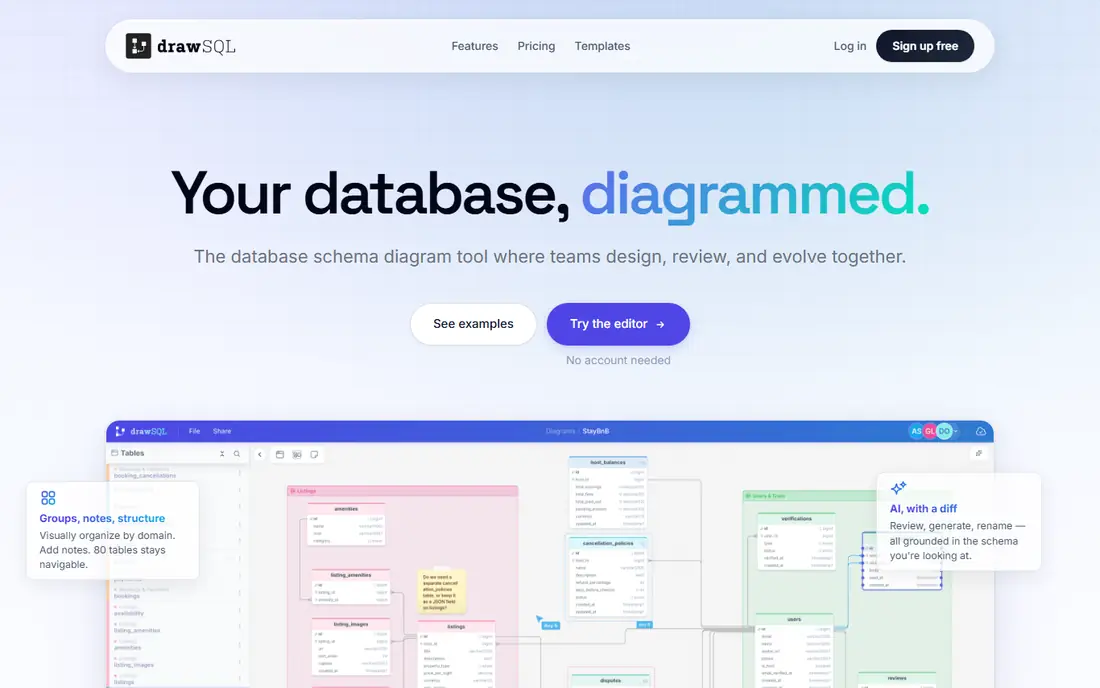
DrawSQL is a polished browser editor for app teams that want a shared picture of the schema without installing anything. Public diagrams are free. Starter costs $19 per month ($171 per year) for 10 private diagrams, 50 tables per diagram and one user. Growth costs $59 per month and covers up to five users, unlimited private diagrams and real-time editing.
The flat team pricing makes budgeting easy for small companies. The Large plan costs $179 per month for up to 25 users and removes the per-diagram table cap.
The limits matter, though. You cannot connect DrawSQL to a running database to keep a diagram in sync, and a 120-table schema will not fit on a Starter or Growth diagram.
What we like- Clean browser editor with templates
- Real-time multiplayer on Growth and above
- Clear flat team pricing
Watch out for- Table caps per diagram on lower plans
- No live database connection
Starting price$99 one-time (Basic Edition)
Free planNo
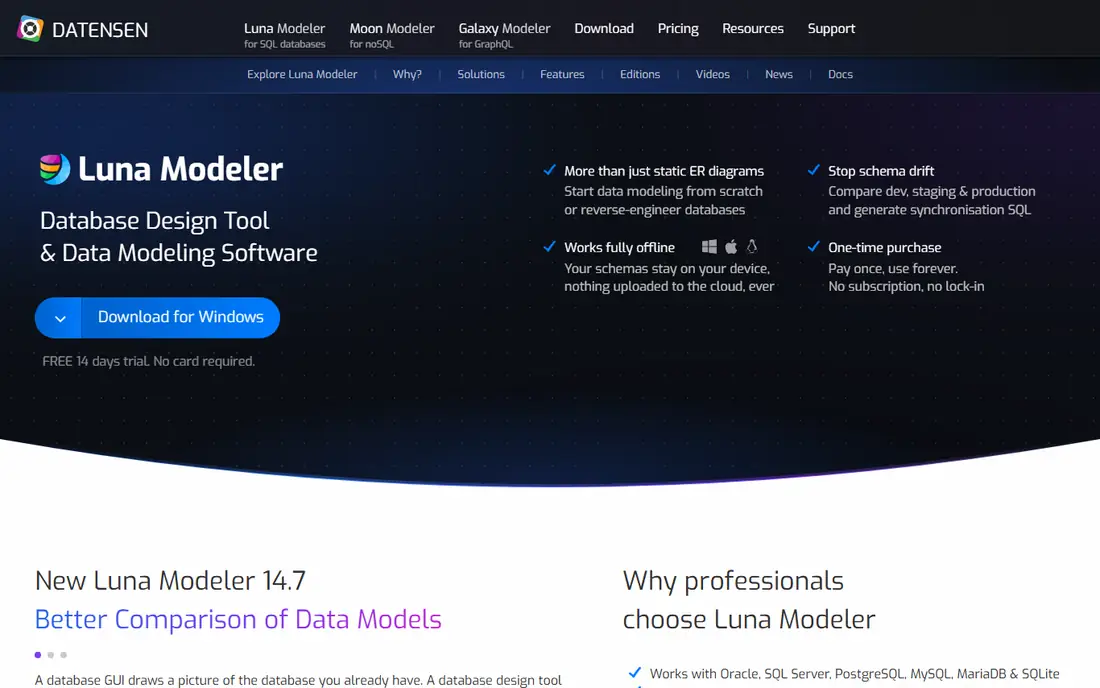
Luna Modeler comes from Datensen, a small company that sells it for a one-time fee. Basic costs $99, Professional $189 and Ultimate $349. Every edition includes unlimited projects and tables, reverse and forward engineering, and SQL script generation.
The Professional edition adds SSH/TLS connections, sub-diagrams, interactive reports and sync features. Ultimate adds a schema navigator, a command-line interface and a folder-based project format that works well with Git. Datensen also sells a separate product, Moon Modeler, for MongoDB and other document databases.
The weakness is scale. There is no shared web workspace, governance layer or enterprise support desk, so it fits freelancers and small dev teams better than a data office with audit duties.
What we like- Perpetual license with one year of free upgrades
- Supports Oracle, SQL Server, PostgreSQL, MySQL, MariaDB, SQLite, Supabase and Neon
- Ultimate edition adds a CLI and folder-based files for Git
Watch out for- Small vendor with a smaller user community
- Team collaboration is file-based, not live
#10
Oracle SQL Developer Data Modeler
Best for: Oracle shops on zero budget
Visit oracle.com
Starting priceFree
Free planYes
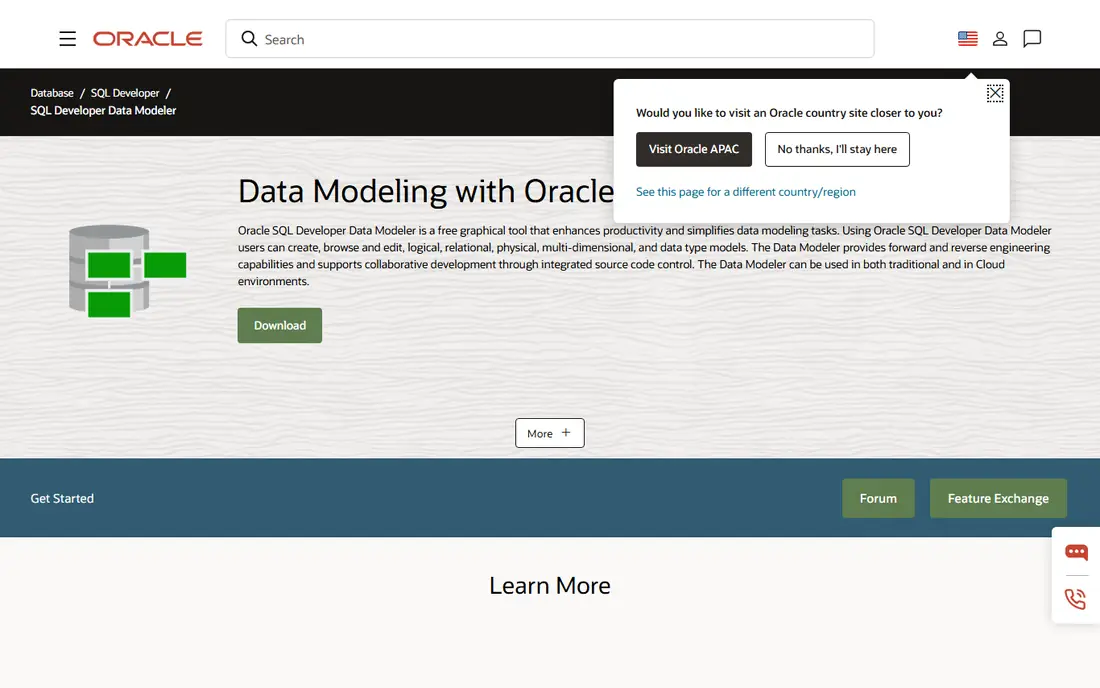
Oracle offers this tool for free, and it covers more ground than many paid products. You can build logical, relational, physical, multidimensional and data type models, and Oracle releases regular updates under its free use license.
For a company that runs Oracle Database, it is the obvious place to start. Many DBAs already have it installed alongside SQL Developer.
The interface feels like enterprise Java software from another era, and there is no cloud workspace for collaboration. Teams on Snowflake, Postgres or SQL Server will usually get a smoother experience from a tool built around their own platform.
What we like- No license cost
- Logical, relational, physical, multidimensional and data type models
- Mature tool backed by Oracle
Watch out for- Dated desktop interface
- Strongly centered on Oracle databases
How we chose
We started with a long list of tools that real buyers compare, then kept only products whose main job is designing or documenting database structures. For each one we read the vendor's pricing page and documentation. We checked edition limits, license types (perpetual vs subscription, per seat vs flat), supported databases and export options, then compared that with public reviews on G2, Capterra and Reddit to find recurring complaints.
We also wanted a mix of company sizes and budgets, from free desktop tools to enterprise suites. Some well-known names, including erwin Data Modeler and SqlDBM, are left off this edition because we could not confirm their current pricing and plan details from the vendors' own pages when we published. They are still worth asking for a demo if you work in an enterprise or on a cloud data warehouse.
Picking the right data modeler for your team
Start with who will use the model
If only engineers read the model, a diagram-as-code tool or a visual editor connected to the live database is enough. If business stakeholders need to approve definitions, you need conceptual modeling and a glossary. In practice, that means Ellie.ai, ER/Studio Enterprise or DbSchema Architect.
Match the tool to your databases
Relational-only shops have the widest choice. If you also run MongoDB, Cosmos DB or event streams, check native support carefully. Hackolade and Moon Modeler were built for that work, while most others treat JSON as an extra.
Compare license types, not just sticker prices
A $294 perpetual license with optional $75 yearly maintenance costs far less over three years than most subscriptions. On the other hand, subscriptions include updates and usually cloud collaboration. Before you sign, ask:
- Is the price per user, per editor or flat for the team?
- Is there an annual commitment, and what happens to my files if I stop paying?
- Which features are locked to the top tier (SSO, version history, API access)?
Test the hard parts during the trial
Most vendors offer a trial of 7 to 15 days. Reverse-engineer your largest real schema rather than a sample database, generate a migration script, and export the model to a format you control (SQL, DBML or PDF). Also check whether lower plans cap tables per diagram, because a 200-table warehouse can hit those limits on day one.
Plan for collaboration early
Browser tools such as Redgate Data Modeler, DrawSQL and dbdiagram.io let people edit together in real time. Desktop tools rely on shared repositories or Git. Both approaches work, but switching later means migrating models, so decide before the team grows.
Frequently asked questions
What is the difference between conceptual, logical and physical data models?
A conceptual model shows the main business entities and how they relate, without technical detail. A logical model adds attributes, keys and rules but stays independent of any database engine. A physical model maps everything to a specific database with data types, indexes and DDL. Lower-cost tools often handle only the physical layer.
Is there good free data modeling software?
Yes. Oracle SQL Developer Data Modeler is free and covers logical and physical modeling, and DbSchema Community is free for connecting to databases and drawing diagrams. dbdiagram.io and DrawSQL have free plans for small or public diagrams. The usual trade-offs are limits on saving, privacy or the number of editors.
Do small businesses need an enterprise tool like ER/Studio?
Usually not. If you have one or two databases and a small engineering team, a tool in the $100 to $300 one-time range or a $10 to $60 monthly browser plan will cover design, documentation and migrations. Enterprise suites make sense when compliance, glossaries and many modelers working on shared models are real requirements.
Can data modeling tools generate SQL automatically?
Most can. DbSchema, Luna Modeler, Navicat, ER/Studio and Redgate Data Modeler generate DDL from the model, and several can compare a model with a live database and write the ALTER scripts. Lightweight diagram tools vary, so confirm SQL export and reverse engineering during the trial.
What should I check before moving to a new modeling tool?
Make sure the new tool can import your existing models or reverse-engineer your databases cleanly. Check export formats so you are not locked in. Also confirm how version history and permissions work, because moving several teams to a new tool is the expensive part.
Sources we checked (13)
- https://erstudio.com/blog/drawsql-vs-er-studio/
- https://www.red-gate.com/products/redgate-data-modeler/
- https://www.red-gate.com/products/redgate-data-modeler/pricing/
- https://hackolade.com/help/LicensingFAQ.html
- https://www.ellie.ai/pricing
- https://www.ellie.ai/data-modeling-concepts
- https://dbschema.com/purchase.html
- https://www.navicat.com/en/store/navicat-data-modeler-plan
- https://dbdiagram.io/pricing
- https://drawsql.app/pricing
- https://www.datensen.com/pricing/
- https://www.oracle.com/database/sqldeveloper/technologies/sql-data-modeler/
- https://www.oracle.com/tools/downloads/data-modeler-downloads-24.3.html
Is your product missing or out of date?
We review this list regularly. Vendors can request a listing, send updated pricing or ask about featured placement.

Shihab Mia · Founder, Rankite
Shihab has 5+ years in B2B and SaaS SEO. He writes Rankite's software buying guides from pricing pages, documentation and public user reviews. More about Shihab.