How we make this list: we compare pricing pages, product documentation and public user reviews. Ratings come from G2, Capterra or Trustpilot, with the date we checked them.
Key takeaways
- airSlate WorkFlow, Nintex, and Formstack are the strongest no-code workflow automation picks for routing documents through approvals and steps.
- PandaDoc and DocuSign lead on the agreement side: proposals and contracts that need generation, negotiation, and legally binding eSignature.
- Laserfiche, M-Files, DocuWare, and Revver focus on document management: storing, governing, and finding documents after they are signed.
- PandaDoc publishes the clearest pricing at $19 per user per month; most others in this category are quote-based.
Quick comparison
| Tool | Best for | Starting price | Free plan |
|---|
 airSlate WorkFlow airSlate WorkFlow | No-code document workflow automation | See website | Free trial |
 Nintex Nintex | Enterprise process and document automation | See website | Free trial (30 days) |
 PandaDoc PandaDoc | Proposals and contracts with eSignature | $19/user/month (Starter) | Yes (free eSign plan) |
 DocuSign DocuSign | Agreements and eSignature at scale | See website | Free trial (30 days) |
 Formstack Formstack | Forms, documents, and eSignatures in one suite | See website | Free trial |
 Laserfiche Laserfiche | Content management with process automation | See website | No |
 M-Files M-Files | Metadata-driven document management | See website | Free trial |
 DocuWare DocuWare | Document management with AI-powered workflows | See website | No |
 Revver Revver | Document management for mid-size teams | See website | Free trial |
Is your product missing or out of date?
We review this list regularly. Vendors can request a listing, send updated pricing or ask about featured placement.
The best business automation software for documents
Every business runs on documents: contracts, invoices, HR forms, proposals, compliance records. Business automation software for documents takes the manual work out of that paper trail. It generates documents from templates, routes them through approvals, collects signatures, stores the finished files, and keeps an audit trail of everything that happened.
The category has three flavors. Workflow automation tools (airSlate WorkFlow, Nintex, Formstack) move documents through multi-step processes with conditional logic. Agreement tools (PandaDoc, DocuSign) focus on creating, negotiating, and signing contracts. Document management platforms (Laserfiche, M-Files, DocuWare, Revver) govern and store documents over their full lifecycle. For this list, we opened each vendor's homepage, verified current product names, and judged each tool on automation depth, ease of setup, eSignature capability, compliance features, and fit for teams of different sizes.
Starting priceSee website
Free planFree trial
airSlate WorkFlow is a document workflow automation platform built around no-code flow building. You define a document's lifecycle visually: who fills it in, who approves it, where the data goes, and what happens next. Hundreds of pre-built bots handle the repetitive steps, and integrations connect flows to Salesforce, NetSuite, and other systems of record.
It is a strong fit for operations teams that own their own processes and do not want to wait on IT. The trade-off is that pricing is not published, and genuinely complex flows with many branches still take real design work. Teams that want to automate documents end to end without developers should start here.
What we like- Visual no-code workflow builder
- Hundreds of automation bots
- Strong CRM and ERP integrations
Watch out for- Pricing not published
- Learning curve for complex multi-branch flows
Starting priceSee website
Free planFree trial (30 days)
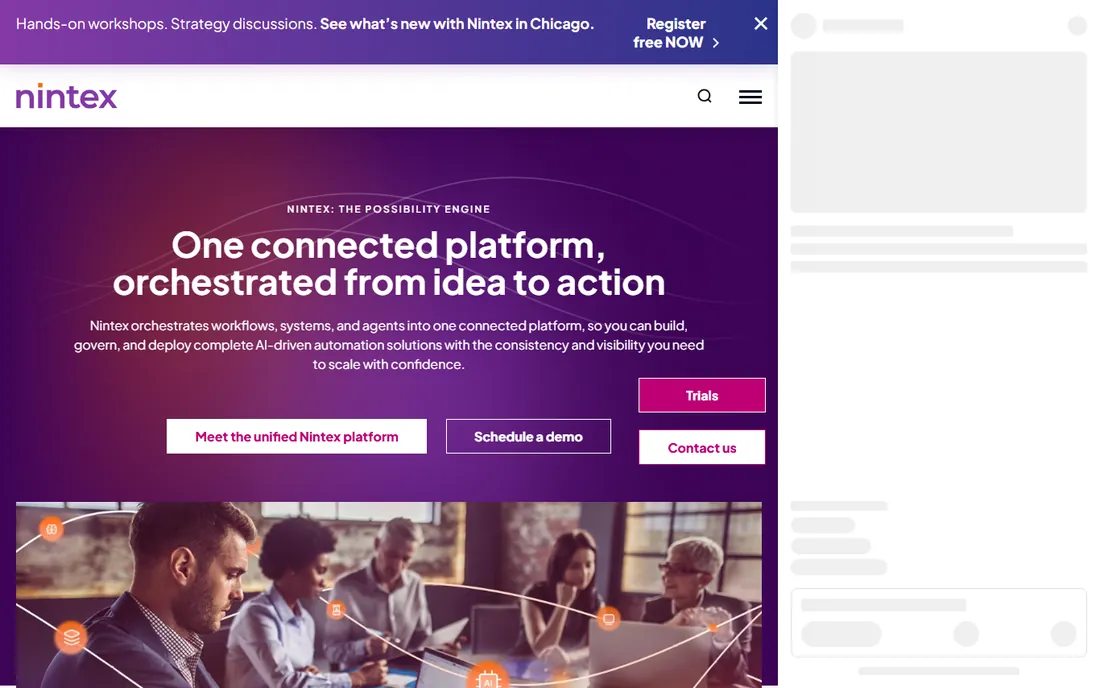
Nintex is a process automation platform that covers workflows, forms, apps, and documents in one governed system. Its document generation, including Nintex DocGen for Salesforce, handles complex templates and approvals that simpler tools cannot. AI-assisted building speeds up the creation of new automations.
This is enterprise software with enterprise pricing: quotes, demos, and implementation conversations. Small teams will find it more platform than they need. For larger organizations that want document automation under the same governance as the rest of their processes, Nintex is a natural fit.
What we like- Broad process automation platform
- Strong document generation for Salesforce
- Governance and audit trails
Watch out for- Quote-based enterprise pricing
- More platform than small teams need
Starting price$19/user/month (Starter)
Free planYes (free eSign plan)
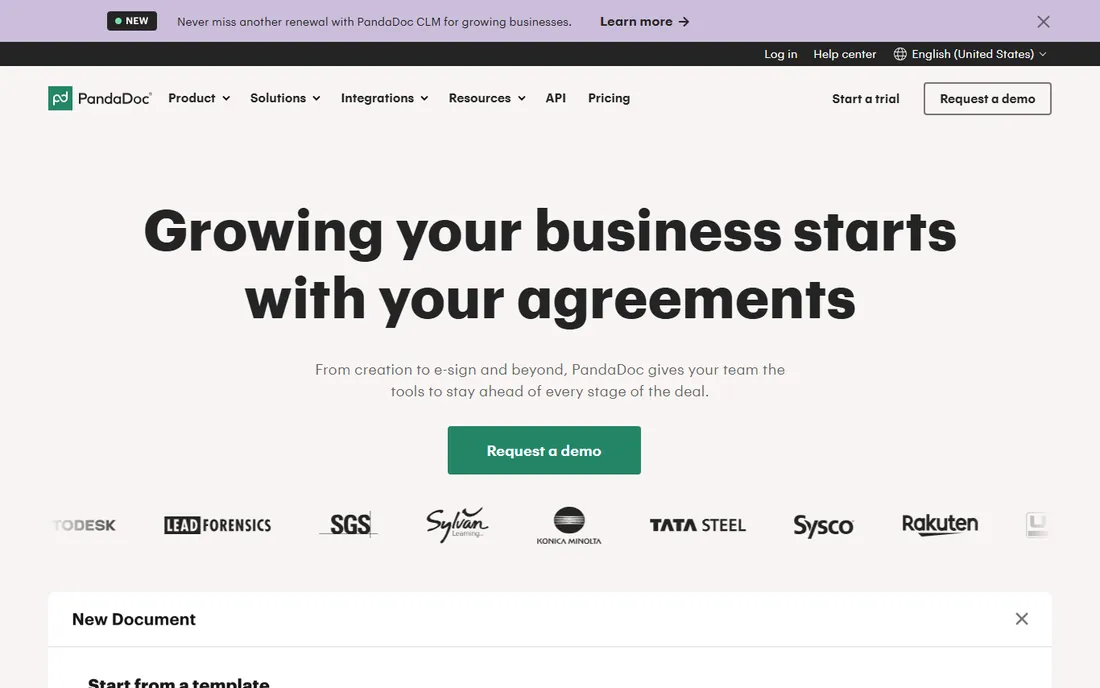
PandaDoc covers the full agreement lifecycle: create documents from templates, negotiate with commenting, collect legally binding eSignatures, and even take payments. The drag-and-drop builder is genuinely easy, and integrations with HubSpot and Salesforce pull deal data straight into proposals.
Pricing is refreshingly transparent: a free eSign plan, Starter at $19 per user per month, and Business at $49. The catch is that PandaDoc is an agreement tool first, not a document management system. If your need is long-term document governance and retention rather than getting contracts signed, pair it with or pick a DMS instead.
What we like- Clear published pricing
- Free eSign plan
- Drag-and-drop document builder with CRM integrations
Watch out for- Document management depth is thinner than pure DMS tools
- Advanced workflow features cost more
Starting priceSee website
Free planFree trial (30 days)
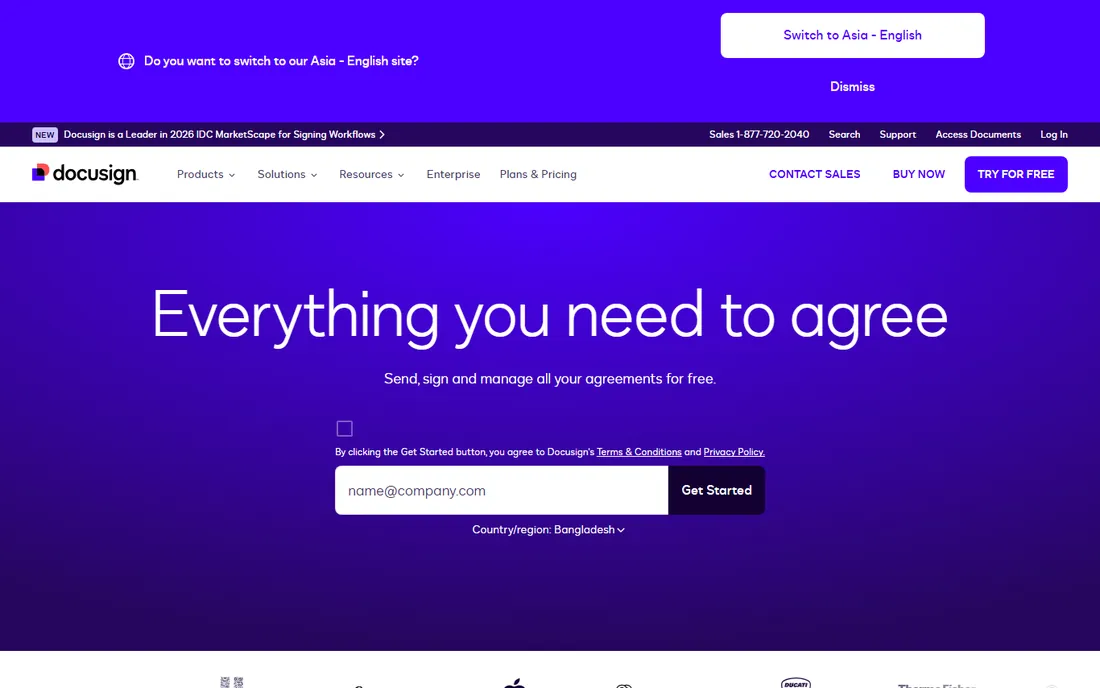
DocuSign is the name most people think of for eSignature, and it has grown into an Intelligent Agreement Management platform covering the whole agreement lifecycle: generation, negotiation, signing, and AI-powered analysis of signed agreements. With around 1.9 million customers, it is the safest choice when counterparties need to trust the signature.
The pricing deserves a careful read. eSignature plans carry envelope limits and overage fees, and the newer IAM platform is priced separately. DocuSign publishes plan details but the total cost depends on volume, so model your envelope usage before committing. For pure signing at scale, nothing beats its recognition and reliability.
What we like- The standard for eSignature
- Intelligent Agreement Management platform
- 1,000 plus integrations
Watch out for- Pricing is complex with envelope limits
- Full platform pricing is quote-based
Starting priceSee website
Free planFree trial
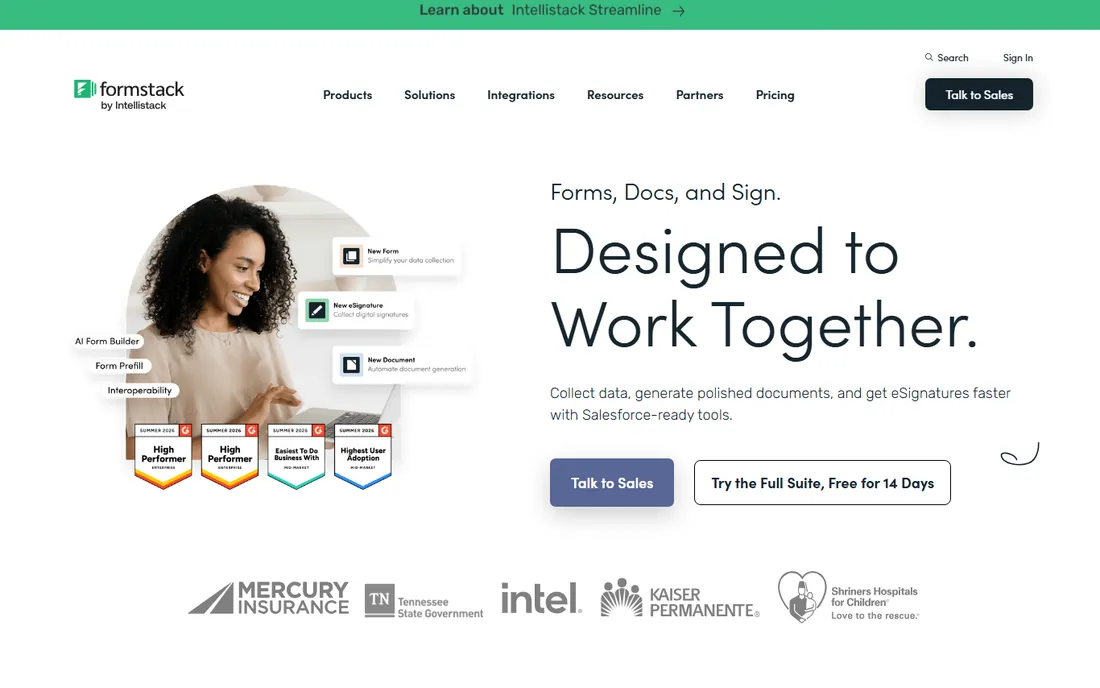
Formstack, now part of the Intellistack company, bundles online forms, document generation, and eSignatures into one no-code suite. The pitch is simple: collect data with forms, generate documents from that data, and get them signed, all without leaving the platform. Its Salesforce integration is a particular strength.
Because it covers three product areas, each one is less deep than a dedicated specialist. Teams that need best-in-class workflow automation or heavy document management may find the modules limiting. But for small and mid-size teams that want one vendor for forms-to-signature, Formstack is efficient and easy to adopt.
What we like- Forms, documents, and eSignatures under one roof
- Strong Salesforce integration
- No-code builders
Watch out for- Pricing not published
- Suite breadth means each module is less deep than specialists
Starting priceSee website
Free planNo
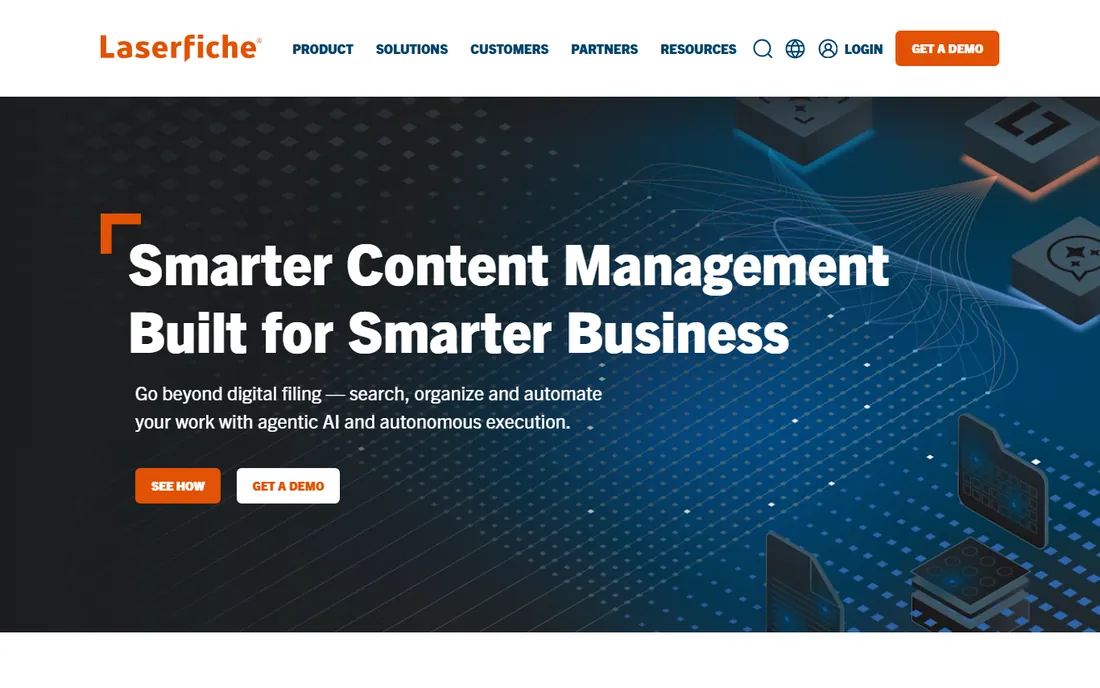
Laserfiche is an intelligent content platform that pairs document management with process automation. Documents are stored, classified, and governed with retention policies, while built-in workflow tools automate the processes around them. It is a Leader in the 2026 Gartner Magic Quadrant for Document Management, which reflects its enterprise credibility.
This is not self-serve software. Expect a sales process and an implementation project, especially for compliance-heavy industries like government, finance, and education. Organizations that need serious records management with automation on top will find Laserfiche worth the effort.
What we like- Mature document management with workflow automation
- Strong compliance and records features
- Analyst-recognized
Watch out for- Quote-only pricing
- Implementation is a project, not an afternoon
Starting priceSee website
Free planFree trial
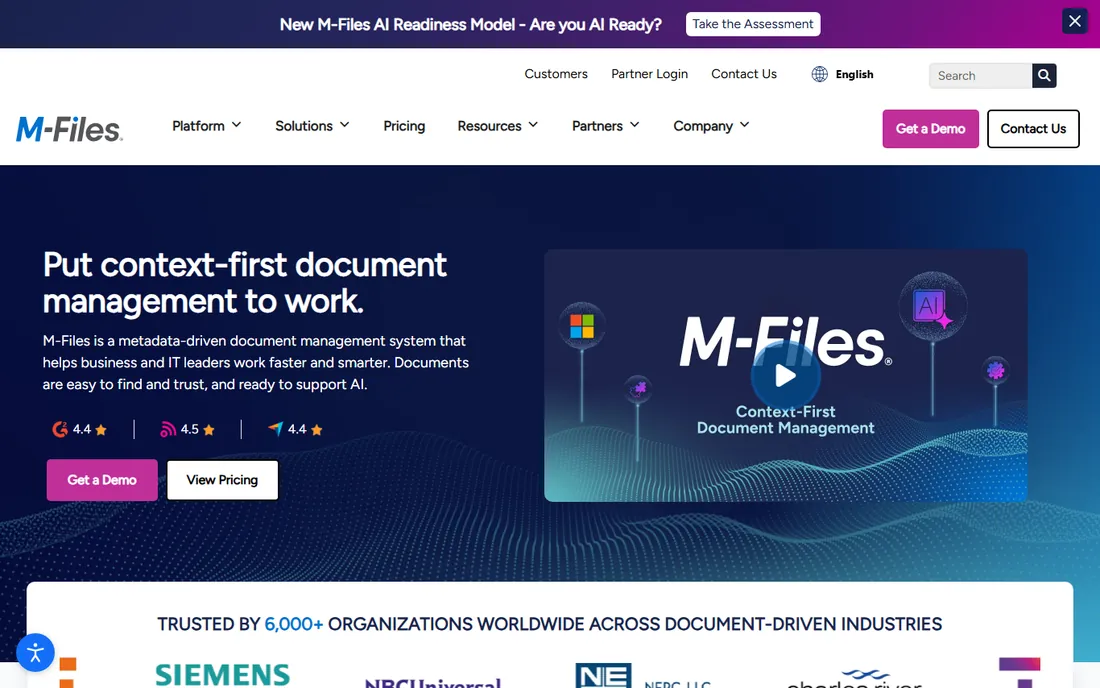
M-Files takes a different approach to document management: instead of folders, it organizes documents by metadata. You find a contract by its client, project, or status rather than by remembering which folder someone filed it in. That model gets more powerful as document volumes grow, and the Microsoft 365 integration keeps it inside the tools people already use.
The metadata approach takes some adjustment if your team thinks in folders, and pricing is quote-based. For organizations drowning in documents that nobody can find, M-Files solves the actual problem rather than digitizing the filing cabinet.
What we like- Finds documents by what they are, not where they are filed
- Strong Microsoft 365 integration
- AI-ready metadata
Watch out for- Quote-based pricing
- Metadata model takes adjustment for folder-thinkers
Starting priceSee website
Free planNo
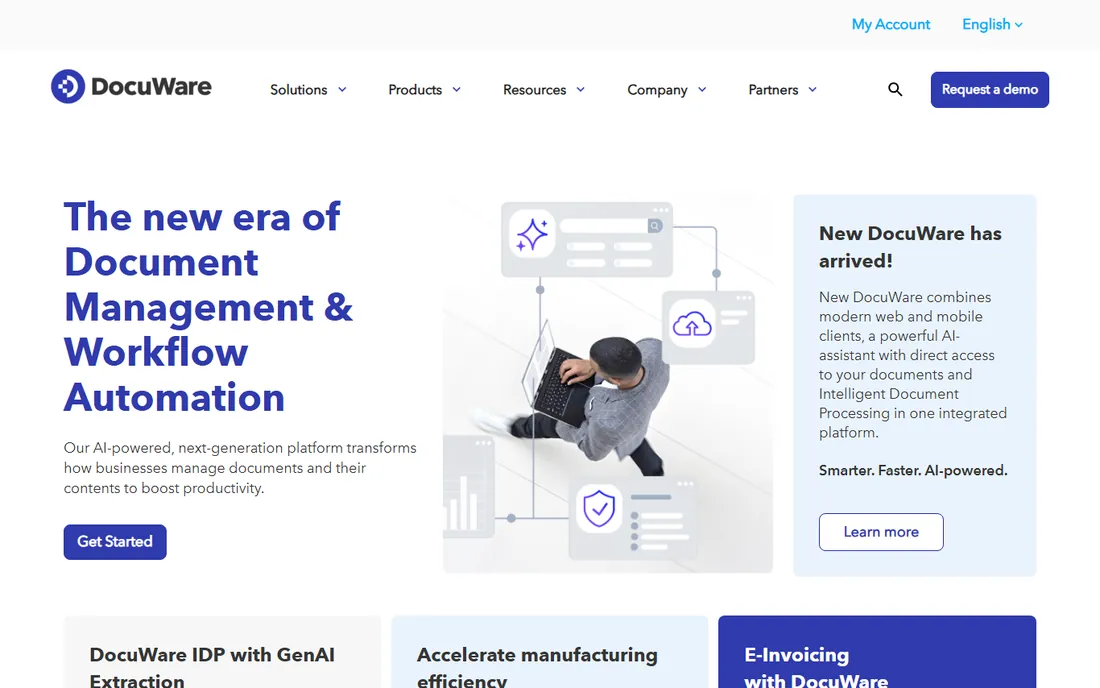
DocuWare is a document management and workflow platform with both cloud and on-premises deployment, which matters for organizations with data residency requirements. Its newer AI-powered platform adds intelligent document processing: extracting data from documents automatically instead of manual indexing.
With a long history in the space and recognition from Gartner and IDC, DocuWare is a safe enterprise pick, particularly in manufacturing, finance, and the public sector. Like its enterprise peers, it sells through quotes and demos rather than self-serve pricing. Mid-size teams that need AI-assisted document capture with deployment flexibility should shortlist it.
What we like- Cloud and on-premises options
- AI-powered intelligent document processing
- Strong in regulated industries
Watch out for- Quote-only pricing
- Enterprise sales process
Starting priceSee website
Free planFree trial
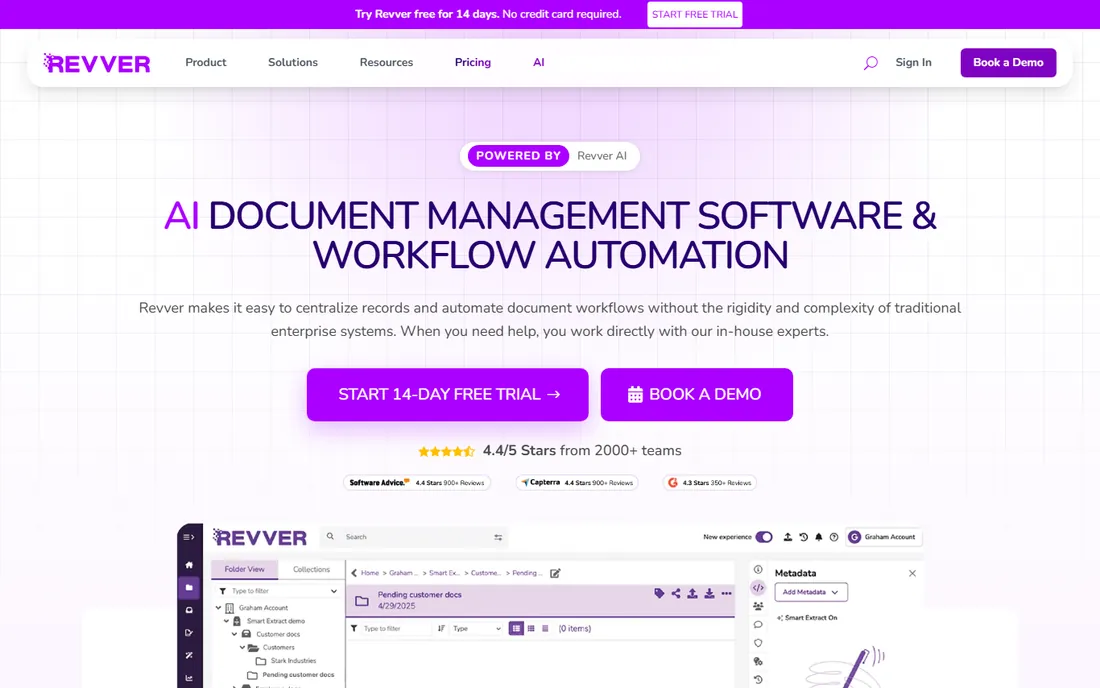
Revver, formerly known as eFileCabinet, is document management aimed at mid-size teams rather than enterprises. It centralizes records, automates document workflows with a no-code builder, and adds AI tools for summarizing and classifying documents. Onboarding is measured in weeks, not quarters.
It does not have the depth of Laserfiche or DocuWare for complex compliance regimes, and pricing requires a sales conversation. But for teams that find enterprise document management overbuilt and overpriced, Revver hits a practical middle ground.
What we like- Built for mid-size teams, not enterprises
- AI tools for summary and classification
- Quick onboarding
Watch out for- Pricing not published
- Smaller ecosystem than enterprise rivals
How we chose
We opened each vendor's homepage to verify current product and company names, and we used the current name throughout: airSlate WorkFlow for the document automation platform, Formstack under its Intellistack parent, and Revver for the former eFileCabinet. We judged tools on automation depth, no-code ease of use, eSignature capability, document governance and compliance features, and fit for teams of different sizes. Prices shown come from vendors' own published pages; where vendors keep pricing quote-only, we say so instead of repeating third-party estimates.
What to look for before you buy
Match the tool to the document problem
These tools cluster into three jobs. If your pain is routing documents through approvals with conditional logic, you want workflow automation: airSlate WorkFlow, Nintex, or Formstack. If your pain is getting contracts created, negotiated, and signed, you want an agreement tool: PandaDoc or DocuSign. If your pain is finding and governing documents after they exist, you want document management: Laserfiche, M-Files, DocuWare, or Revver. Buying the wrong flavor is the most common mistake in this category.
No-code for teams, governed platforms for enterprises
No-code builders let operations teams automate their own processes, which is fast. Governed enterprise platforms add audit trails, access controls, and IT oversight, which is necessary in regulated industries. Decide which you are before you demo: a bank and a 20-person agency should not buy the same tool.
eSignature legality and compliance
All the eSignature options here produce legally binding signatures under laws like the ESIGN Act and UETA, but compliance needs vary. HIPAA, SOC 2, and data residency requirements narrow the field quickly. If you handle regulated documents, confirm certifications with the vendor in writing rather than trusting a marketing badge.
Integration with your systems of record
Document automation fails when it sits apart from the CRM, ERP, or HR system where the data lives. Check for native integrations with your core systems before you fall in love with a workflow builder. Native beats API-plus-consultant every time.
Document automation pricing explained
Most of this category hides pricing behind sales conversations: airSlate WorkFlow, Nintex, Formstack, Laserfiche, M-Files, DocuWare, and Revver are all quote-based. Expect pricing to scale with users, document volume, and modules, and expect an annual contract.
PandaDoc is the exception with fully published pricing, from a free eSign plan to $19 and $49 per user per month tiers. DocuSign publishes eSignature plan details but the real cost depends on envelope volume and overage fees, so model your usage. When comparing quotes, ask every vendor the same three questions: what counts as a user, what are the usage limits, and what costs extra.
Frequently asked questions
What is business automation software for documents?
It is software that automates document-heavy work: generating documents from templates, routing them through approvals, collecting eSignatures, and storing finished files with audit trails. It covers workflow automation, agreement management, and document management, depending on the tool.
What is the difference between document automation and eSignature?
eSignature is one step: getting a legally binding signature on a document. Document automation covers the whole lifecycle around it: generating the document, routing it for review and approval, collecting the signature, and filing the result. DocuSign and PandaDoc do both; pure eSignature is a subset of what they offer.
How much does document automation software cost?
PandaDoc publishes pricing from a free eSign plan up to $49 per user per month. Most competitors are quote-based, with cost depending on users, volume, and modules. DocuSign's eSignature plans carry envelope limits with overage fees, so factor your sending volume into the total.
Do I need IT to set up document automation?
No-code tools like airSlate WorkFlow, Formstack, and PandaDoc are designed for operations teams to set up themselves. Enterprise platforms like Nintex, Laserfiche, and DocuWare usually involve IT for implementation, especially when integrating with core systems or meeting compliance requirements.
Which tool is best for contracts specifically?
PandaDoc and DocuSign lead for contracts. PandaDoc is stronger on proposal creation with transparent pricing, while DocuSign is the recognized standard for eSignature with deeper agreement analytics. Choose PandaDoc for sales-led document creation and DocuSign when counterparty trust and scale matter most.
How do I migrate existing documents into a new system?
Most document management platforms offer bulk import with metadata tagging, and some use AI to classify documents on the way in. Plan the migration as its own project: clean up duplicates first, decide your metadata scheme, and migrate in phases rather than all at once.
Sources we checked (9)
- https://www.airslate.com/workflow
- https://nintex.com/
- https://www.pandadoc.com/
- https://www.docusign.com
- https://formstack.com/
- https://www.laserfiche.com/
- https://m-files.com/
- https://www.docuware.com
- https://www.revverdocs.com/
Is your product missing or out of date?
We review this list regularly. Vendors can request a listing, send updated pricing or ask about featured placement.

Shihab Mia · Founder, Rankite
Shihab has 5+ years in B2B and SaaS SEO. He writes Rankite's software buying guides from pricing pages, documentation and public user reviews. More about Shihab.