How we make this list: we compare pricing pages, product documentation and public user reviews. Ratings come from G2, Capterra or Trustpilot, with the date we checked them.
Key takeaways
- AI drafting is now standard. The real differences are in what comes after the draft: pre-send checks, audience targeting, translation and plain-language reporting.
- Workshop is the only vendor here that publishes its AI allowance by plan (100 credits a month on Essential, 200 on Enhanced, unlimited on Premium), and it says it never bills overages for AI use.
- Personalization means two different things. Staffbase and Firstup let editors target sections by role or location, while Simpplr and Oak Engage use AI to reorder content for each employee automatically.
- None of the eight vendors lists a dollar price publicly. Workshop and Staffbase price by recipients or reach rather than per seat, so adding editors does not raise the bill.
- If a large share of your staff reads in another language, look closely at Poppulo (AI translation for 50+ languages) and the translation tiers in Workshop and ContactMonkey.
Quick comparison
| Tool | Best for | Starting price | Free plan |
|---|
 Workshop Workshop | Small comms teams that want an AI agent built in | See website (priced by recipient count, not per seat) | Free trial (14 days) |
 ContactMonkey ContactMonkey | Outlook-centric companies | See website (Launch, Grow and Enterprise plans, quote-based) | No |
 Axios HQ Axios HQ | Leaders who want shorter, sharper updates | See website | No (a free Smart Brevity AI tool is available on the website) |
 Staffbase Email Staffbase Email | Enterprises sending to many audience groups | See website (priced on reach and features, not per seat) | No |
 Poppulo Poppulo | Global workforces that need translation at scale | See website | No |
 Firstup Firstup | Frontline-heavy companies with complex segments | See website (Essential and Premier packages) | No |
 Simpplr Newsletter Simpplr Newsletter | Teams already running Simpplr's intranet | See website (paid add-on to the Simpplr intranet) | Free trial (14 days, limited availability) |
 Oak Engage Smart Newsletter Oak Engage Smart Newsletter | Auto-personalized digests from intranet content | See website | No (free personalized demo) |
Is your product missing or out of date?
We review this list regularly. Vendors can request a listing, send updated pricing or ask about featured placement.
The best employee newsletter software with AI features
Starting priceSee website (priced by recipient count, not per seat)
Free planFree trial (14 days)
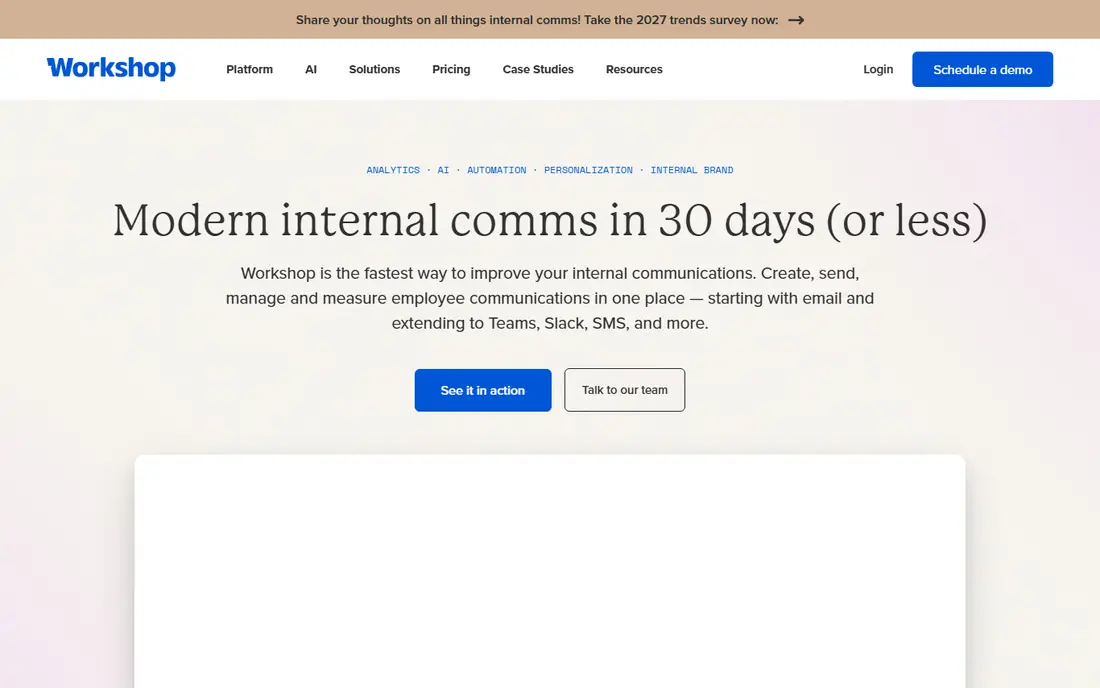
Workshop is the pick for a one- or two-person comms team that needs to ship a polished weekly email without a designer. Its AI agent, Cici, helps plan, write, design and send, and the editor can generate on-brand emails, images and performance summaries. Saved "skills" let a team package its best practices so a new editor gets the same result as a veteran.
The strongest detail for buyers is transparency. The pricing page spells out AI credits per month (100 on Essential, 200 on Enhanced, unlimited on Premium and Enterprise) and states that Workshop does not charge overages, though it may revisit your plan at renewal. Pricing is based on the largest list you send to on a given day, and every plan includes unlimited users, so HR, IT and leadership can all draft without extra seat fees.
The catch is that several features global companies want, such as language translation, time zone sending, HRIS integrations and brand kit locking, only arrive on Premium. Audience segmentation and merge tags start one tier up at Enhanced. Map your must-haves to the feature table before you take a quote.
What we like- Clear AI credit allowance on every plan
- Unlimited users and templates
- MCP server connects comms data to ChatGPT, Claude, Copilot and Gemini
Watch out for- AI translation, time zone sending and HRIS sync sit on the Premium tier
- No public dollar pricing
Starting priceSee website (Launch, Grow and Enterprise plans, quote-based)
Free planNo
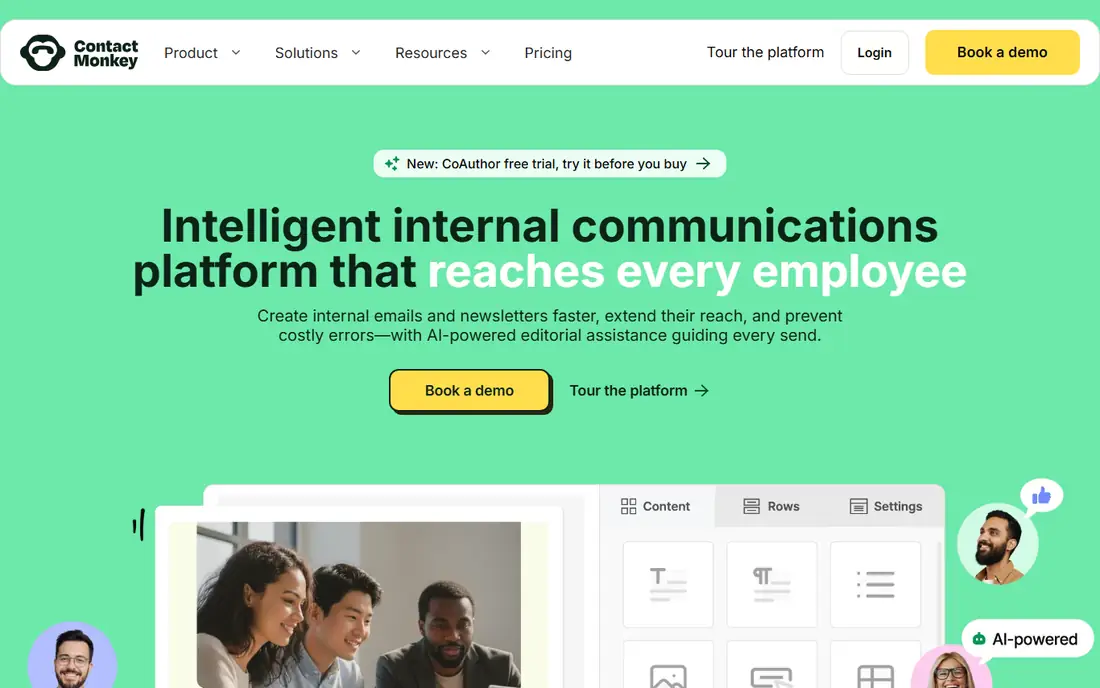
If your employees live in Outlook and your comms team does too, ContactMonkey fits that habit better than most. Its AI runs inside the ContactMonkey builder and inside Outlook, and it draws on context the platform already holds, such as HRIS-synced distribution lists and send history.
The AI set is broken into single-purpose tools rather than one chat box. CoAuthor turns a plain-language request into a mobile-ready draft. ConfidenceCheck reviews drafts for broken links, inconsistent dates, readability and your own custom rules. Audience Preview predicts how different employee groups are likely to react, and Insights Assistant answers questions about past sends. Translation produces language versions from one source email, and you can still paste your own translations if legal or HR needs control.
The honest weakness is that ContactMonkey is built around the inbox. Teams and SharePoint reach depends on the plan, and SMS is sold as an add-on. A useful compliance detail from its help center: the AI assistant is on by default, but administrators can switch it off if your policies require it.
What we like- AI works inside Outlook as well as the email builder
- ConfidenceCheck catches broken links, date errors and accessibility gaps before send
- Insights Assistant answers performance questions in plain language
Watch out for- Teams and SharePoint distribution start on higher plans
- Pricing is by quote only
Starting priceSee website
Free planNo (a free Smart Brevity AI tool is available on the website)
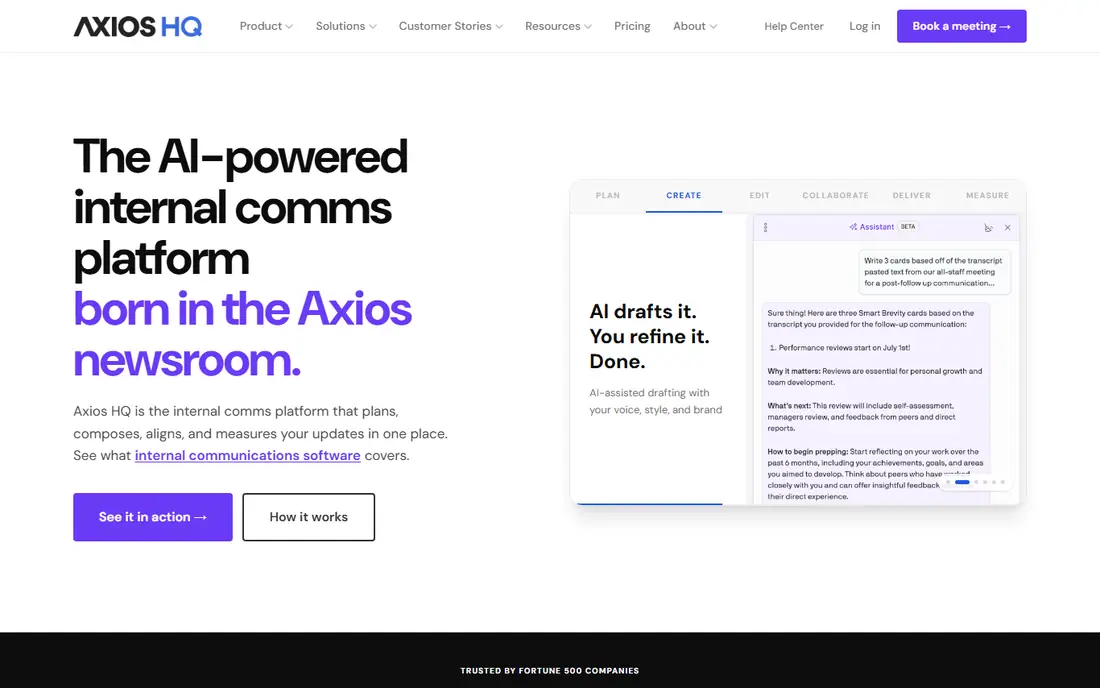
Axios HQ grew out of the Axios newsroom, and it shows. The product is less about design and more about getting executives and team leads to write updates people will actually finish. Its AI builds outlines from a topic or source material, drafts the first version, then rewrites for length, tone and style.
The standout feature is Smart Brevity Guidance, which grades a draft in real time and tells you what to cut. That makes it unusually good for CEO letters and recaps written by people who are not professional communicators. The Series Planner gives every recurring update an owner and a send date, and analytics break down opens, clicks and poll results by audience segment, with benchmarks against similar organizations.
The tradeoff is the format itself. Axios HQ pushes a specific house style with bolded lead-ins and short bullets. Teams that want long-form storytelling or heavily designed visual newsletters may feel boxed in, and you will need a sales call to see a price.
What we like- Smart Brevity Guidance scores drafts live as you type
- AI drafts from a topic, notes or a long document
- One send reaches email, Slack, Teams and SharePoint
Watch out for- Opinionated writing format will not suit every culture
- No public pricing
Starting priceSee website (priced on reach and features, not per seat)
Free planNo
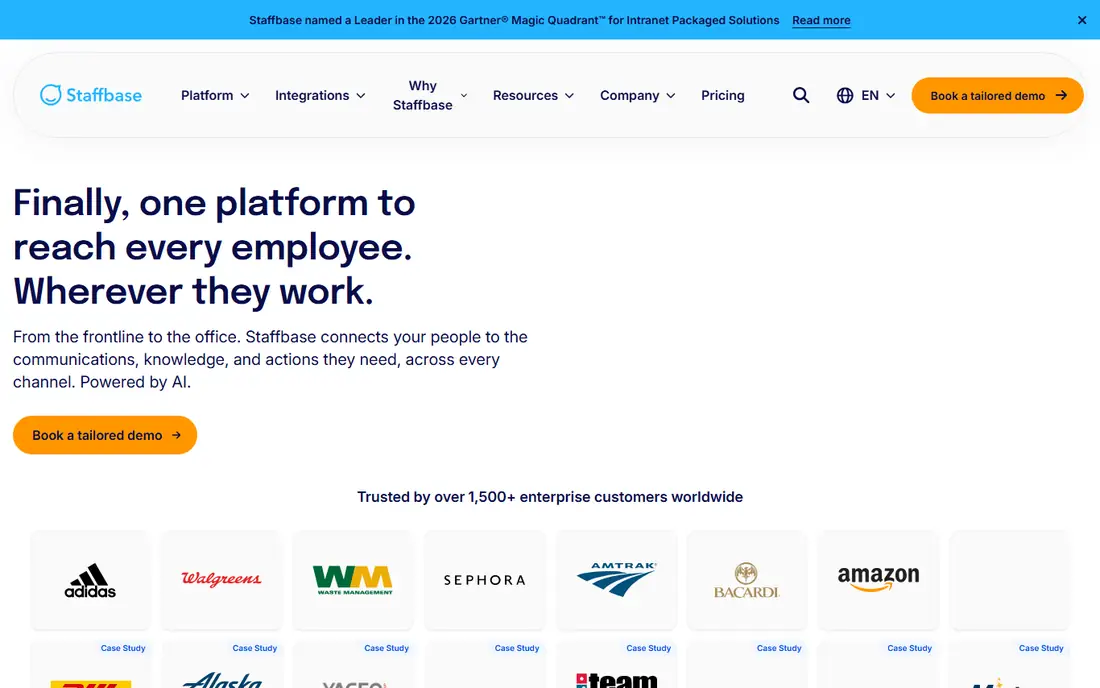
Staffbase Email suits a mid-size or large company with many divisions, regions and languages that would otherwise send six versions of the same newsletter. Dynamic Target Blocks let editors assign content sections to roles or locations inside a single draft, so each reader sees only what applies to them.
Two AI features stand out. The AI Email Generator turns a prompt into an on-brand draft, and the AI Email Summary Block shows a one-click summary before the reader starts scrolling. That second one is a practical answer to long newsletters that nobody finishes.
On cost, Staffbase charges by reach and features rather than seats, and it states that most proposals arrive within three to five business days. The weakness for smaller buyers is fit. The product is designed for enterprise comms teams, and much of the pitch assumes you will add the intranet, app or signage later.
What we like- AI Email Summary Block puts a short briefing at the top of each email
- Dynamic Target Blocks show different sections to different groups in one draft
- Unlimited sends, admins and editors on every plan
Watch out for- Built and priced for enterprise buyers
- Full value comes when paired with other Staffbase channels
#5
Poppulo
Best for: Global workforces that need translation at scale
Visit poppulo.com
Starting priceSee website
Free planNo
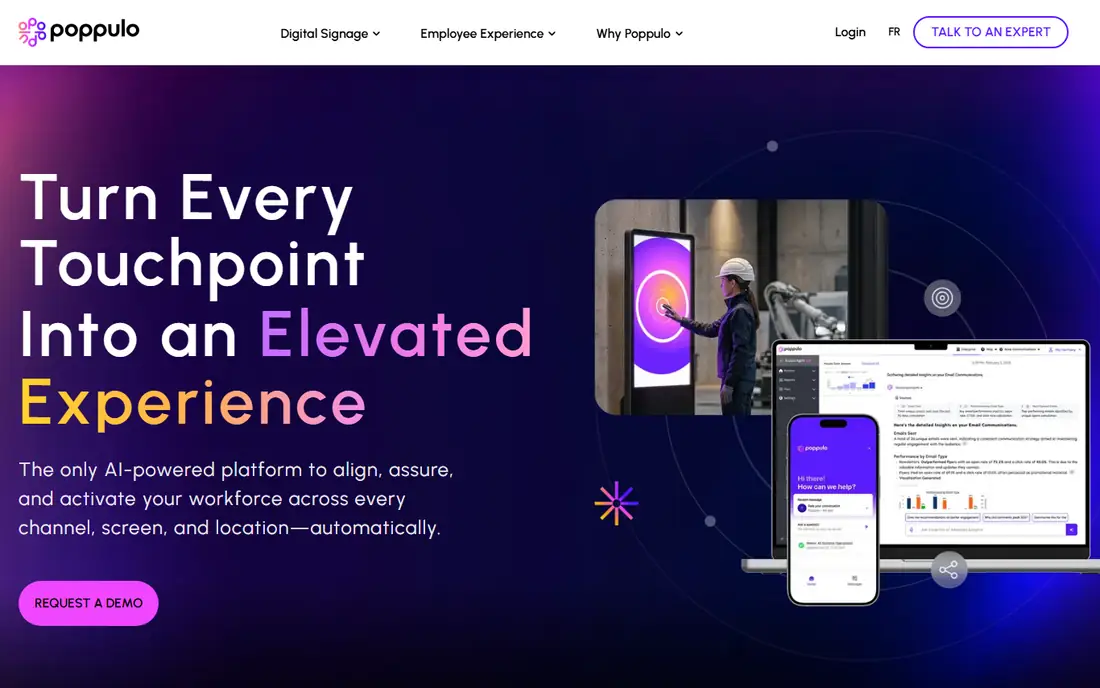
Poppulo is a long-standing internal email platform aimed at large, complex organizations, and its AI reflects that. Poppulo AI helps teams write and refine content, translate it, tune messaging and pull out performance insights, all inside a platform that already handles role-based permissions, approvals and audit trails.
Translation is the most useful piece for multinational employers. Poppulo supports more than 50 languages for internal email and newsletters, and editors can preview and edit the machine output before sending. That review step matters, because AI translation of policy or benefits language still needs a human check.
The catch is weight. Poppulo is sold as part of a broader employee experience and digital signage suite, pricing is quote-based and modular, and implementation reflects that scope. A 150-person company that just wants a nicer weekly email will likely find it more than it needs.
What we like- AI translation across 50+ languages with preview and edit
- AI content performance insights
- Approval workflows and audit trails for regulated teams
Watch out for- Quote-based, modular pricing
- Heavier setup than lightweight tools
#6Firstup
Best for: Frontline-heavy companies with complex segments4.4/5 on
G2 (206 reviews, checked Oct 2026)
Visit firstup.io
Starting priceSee website (Essential and Premier packages)
Free planNo
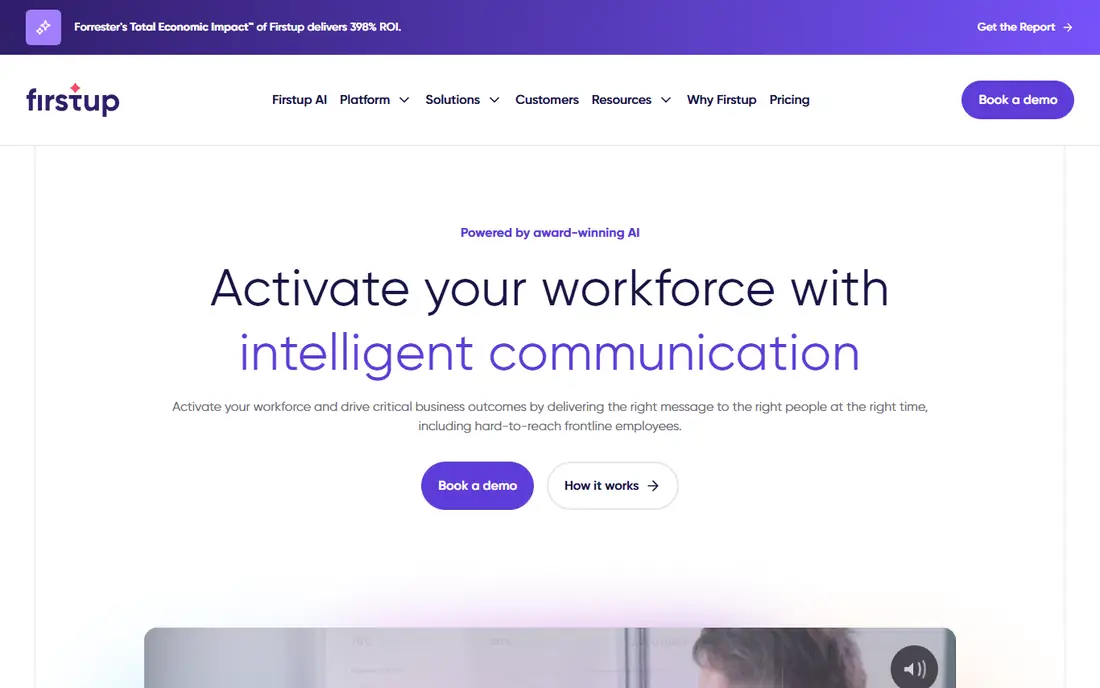
Firstup is aimed at employers with large hourly or deskless workforces where reaching people by role, shift and location is the hard part. Its employee email tools include drag-and-drop design, personalization by role, location and shift, acknowledgment tracking and automated follow-ups until an action is completed.
The AI feature that sets it apart is Audience Builder. Instead of stacking filters, you describe who should get a message and the system turns that into a segment. AI Content Creator handles copy, headlines, subject lines, tone and summaries, and AI Insights answers performance and sentiment questions in plain language. Translation across channels is listed in the package details.
The honest catch is scope. Firstup is a full communication platform with journeys, an employee assistant that can take actions in systems like ServiceNow and Workday, and optional intranet features. If you only want a newsletter tool, you will be paying for and implementing far more than that.
What we like- AI Audience Builder turns a plain-language description into a target segment
- AI Insights answers campaign and sentiment questions without building reports
- Automatic follow-ups to employees who have not engaged
Watch out for- Email is one channel in a larger platform, so it is priced like one
- No public pricing
#7
Simpplr Newsletter
Best for: Teams already running Simpplr's intranet
Visit simpplr.com
Starting priceSee website (paid add-on to the Simpplr intranet)
Free planFree trial (14 days, limited availability)
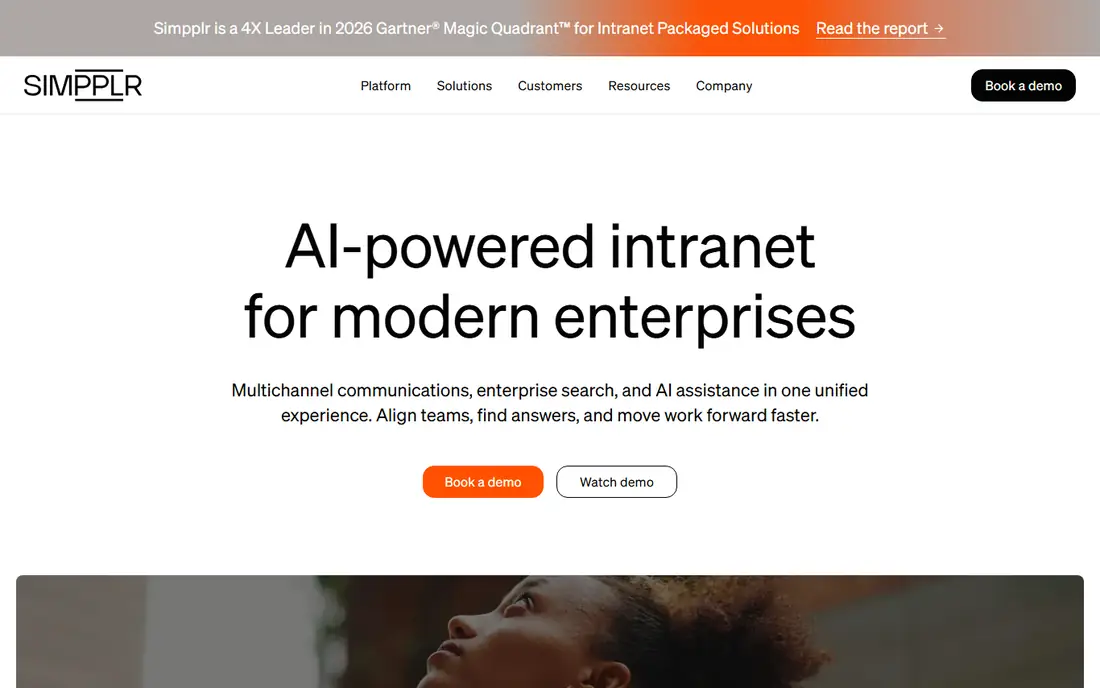
Simpplr Newsletter is built for companies whose intranet already holds most of their news. Instead of writing every story twice, AI-powered Smart Blocks pull fresh intranet updates into the email automatically, which cuts the weekly assembly job down considerably for teams that publish a lot.
Personalization goes further than list targeting. Simpplr describes AI that adapts content blocks to each employee's profile and interaction history, and newsletters can go out through mobile, desktop, Slack, Teams or SMS. Reporting includes heatmaps, click tracking by link and content type, and CSV export, which helps if you report to leadership from a BI tool.
The limit is clear in Simpplr's own documentation. The newsletter is a paid add-on that requires a separate license on top of the core intranet. If you are not buying Simpplr's intranet, look elsewhere on this list.
What we like- AI Smart Blocks pull the latest intranet content into each issue
- Content blocks adapt to each employee's profile and history
- Heatmaps and CSV export of newsletter data
Watch out for- Requires the core Simpplr intranet license
- Not a fit as a standalone email tool
#8
Oak Engage Smart Newsletter
Best for: Auto-personalized digests from intranet content
Visit oak.com
Starting priceSee website
Free planNo (free personalized demo)
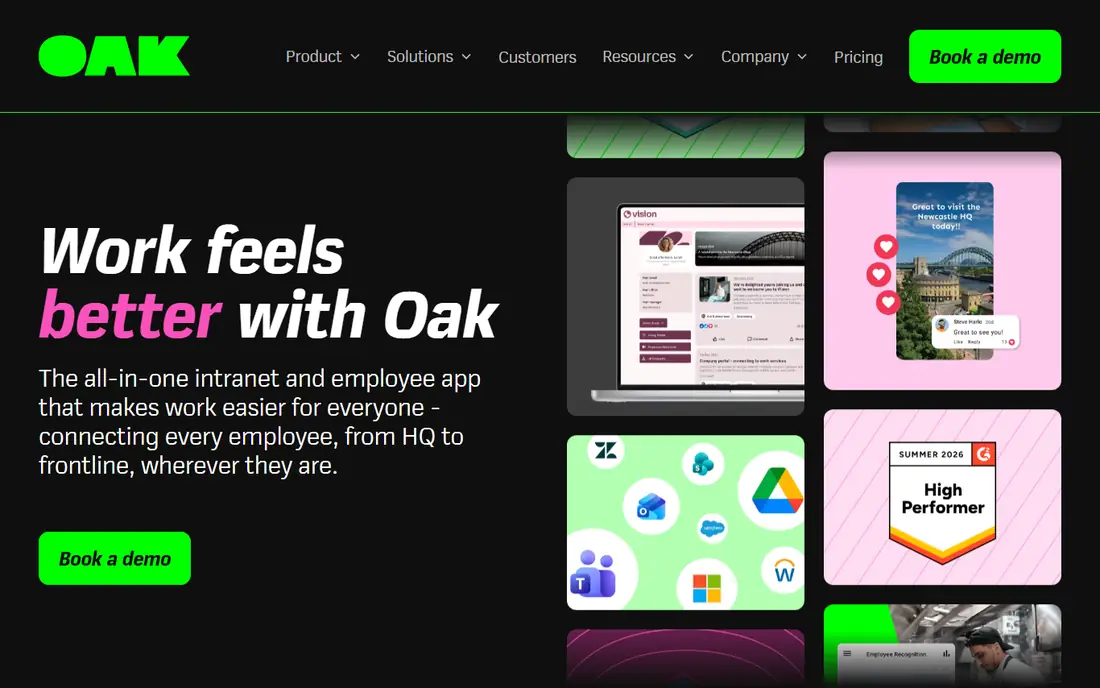
Oak Engage takes a different approach from the hand-built newsletter. Smart Newsletter assembles a personalized edition for each employee, with AI ranking content by engagement so the most relevant stories land at the top. Items an employee has already read, or that have gone stale, get deprioritized so each issue feels new.
That is a good match for organizations with lots of local news, such as hospitality, retail or healthcare groups with many sites, where a single all-staff email buries the updates that matter to one location. Targeting goes beyond org-chart hierarchy to interest groups and affinity communities, and analytics show which departments and job titles engage with which content.
The tradeoff is control. When an algorithm orders the content, comms teams lose some say over what appears first, which can be a problem for mandatory announcements. Oak is also an intranet-first vendor, so Smart Newsletter makes most sense if you run Oak's platform.
What we like- AI ranks stories by what each employee engages with
- Already-read or outdated content is pushed down automatically
- Targets by role, team, location or interest community
Watch out for- Works alongside the Oak intranet rather than as a standalone sender
- Less editorial control over each issue's order
How we chose
We started from vendor product pages, pricing pages and help documentation for each tool, focusing on what each AI feature actually does rather than how it is marketed. We then compared that against public reviews on G2 and Capterra, practitioner discussion on Reddit, and published integration lists for Outlook, Gmail, Teams, Slack, SharePoint and common HRIS systems.
Tools made the list only if they send employee newsletters or internal email as a core function and offer AI features that a comms team would use weekly. We weighed company-size fit, pricing model (per seat versus by reach), how plan tiers gate AI features, and whether admins can control or disable AI. We did not run hands-on trials, and no vendor paid for placement.
Which AI features are worth paying for
Every vendor on this list will show you an AI draft in the demo. That is the least differentiating feature now. These are the questions that separate the tools.
Does the AI check work, or only create it?
Drafting saves maybe twenty minutes a week. Pre-send review can prevent the email that goes to 4,000 people with last month's date in it. ContactMonkey's ConfidenceCheck and Axios HQ's live Smart Brevity scoring are examples of AI that improves quality rather than volume. Ask each vendor what the AI does after the first draft exists.
Targeting versus true personalization
Section-level targeting (Staffbase, Firstup, Workshop on higher tiers) lets an editor decide who sees which block. Algorithmic personalization (Simpplr, Oak Engage) lets software decide the order for each reader. The first gives you control and predictable compliance. The second scales better when you have dozens of locations and too much content. Pick based on how much of your newsletter is mandatory.
Translation you can review
Machine translation is good enough for a culture story and risky for a benefits deadline. Prefer tools that show a preview and let a native speaker edit before send, as Poppulo does. Also confirm which plan includes it, since Workshop reserves translation for Premium.
AI limits and governance
Ask how AI usage is metered. Workshop publishes monthly credits per plan, which helps budgeting. Also ask if IT can turn AI off for some users, which data the model can see, and if your content is used to train anything. ContactMonkey, for example, lets organizations disable its assistant for compliance reasons.
Contract basics that still matter
- Pricing model: per-recipient or reach-based pricing (Workshop, Staffbase) favors teams with many contributors. Seat-based models favor small editor groups.
- Bundling: Simpplr, Oak Engage, Firstup and Staffbase are strongest when you buy more of their platform. That is fine if you plan to, and expensive if you do not.
- Trials: only Workshop and Simpplr state a free trial on their own sites. For the rest, ask for a pilot on a real newsletter, not a sandbox.
- Exit: confirm you can export engagement data and templates. Simpplr explicitly supports CSV export of newsletter data.
Frequently asked questions
What are the top AI features in employee newsletter software?
The most useful are AI drafting from notes or long documents, pre-send quality checks, AI translation with human review, natural-language audience building, and plain-language performance reporting. Auto-personalization, where the software reorders content for each employee, is valuable for large multi-site companies.
Can I use a marketing email tool like Mailchimp for internal newsletters?
You can, but internal tools solve problems marketing tools do not. They sync lists from Active Directory or your HRIS, avoid public "view in browser" links, keep emails out of promotional folders, and report engagement by department or location. Marketing tools also let employees unsubscribe from company announcements, which most HR teams do not want.
Is AI-generated content safe to send to employees?
It is safe when a person reviews it and when the vendor's data handling meets your policies. Ask if prompts and content are used for model training, where data is processed, and if admins can disable AI features. For legal, benefits or safety messages, treat AI output as a first draft only.
How much does AI employee newsletter software cost?
None of the eight vendors here publishes dollar prices. Expect quote-based annual contracts, with price driven by the number of recipients, the channels you add (SMS, Teams, intranet) and the plan tier that includes features like translation. Ask for pricing at your current headcount and at 1.5 times that, so growth does not surprise you at renewal.
Which tool is best for a small company?
For a company with a few hundred employees and a small comms team, Workshop and ContactMonkey are the most practical starting points. Workshop offers a 14-day trial and unlimited users, while ContactMonkey suits teams that already build and send everything from Outlook. Axios HQ is worth a look if the main problem is that leaders write long updates nobody reads.
Do these tools work with Microsoft Teams and Slack?
Most do, but often on higher plans. Axios HQ sends to email, Slack, Teams and SharePoint from one workflow, Workshop cross-posts to Slack, Teams and SharePoint, and Simpplr delivers newsletters through Slack, Teams and SMS. ContactMonkey includes Teams and SharePoint from its Grow plan upward.
Sources we checked (21)
- https://useworkshop.com/pricing/
- https://useworkshop.com/landing/internal-newsletter-software/
- https://www.contactmonkey.com/features/ai
- https://www.contactmonkey.com/features/multi-language-emails
- https://help.contactmonkey.com/hc/en-us/articles/16324896045581-Automatically-Generating-Email-Content-With-OpenAI
- https://www.contactmonkey.com/blog/best-internal-newsletter-software
- https://axioshq.com/features
- https://axioshq.com/internal-communications-software
- https://www.axioshq.com/try-smart-brevity
- https://staffbase.com/employee-email
- https://staffbase.com/pricing
- https://www.poppulo.com/products/email
- https://firstup.io/platform/employee-email/
- https://firstup.io/firstup-ai/
- https://firstup.io/pricing/
- https://www.simpplr.com/newsletter/
- https://www.simpplr.com/pricing/
- https://support.simpplr.com/hc/en-us/articles/4562109737747-Employee-Newsletter
- https://www.oak.com/product/smart-newsletter
- https://www.oak.com/pricing
- https://www.changeengine.com/compare/changeengine-vs-contactmonkey
Is your product missing or out of date?
We review this list regularly. Vendors can request a listing, send updated pricing or ask about featured placement.

Shihab Mia · Founder, Rankite
Shihab has 5+ years in B2B and SaaS SEO. He writes Rankite's software buying guides from pricing pages, documentation and public user reviews. More about Shihab.