How we make this list: we compare pricing pages, product documentation and public user reviews. Ratings come from G2, Capterra or Trustpilot, with the date we checked them.
What Is the Best TeamGantt Alternative in 2026?
GanttPRO is the best TeamGantt alternative for most teams in 2026. It is built around the Gantt chart in the same way TeamGantt is, with dependencies, critical path, baselines, and auto-scheduling on its entry plan, and it costs $9 per user per month billed monthly, or $8 billed yearly. TeamGantt now charges a flat fee per account from $59 per month, so a small team can pay less with GanttPRO. If you want a broader work platform with boards and automations, monday.com is the stronger pick.
How Do TeamGantt Alternatives Compare on Price?
Price is the first thing most buyers check, and the range in this list runs from $7 to about $13 per user per month on the cheapest paid plans. ClickUp Unlimited is the cheapest per-seat option at $7 per user per month billed annually, or $10 billed monthly. Smartsheet Pro and monday.com Basic both cost $9 per user per month billed annually, while GanttPRO Core costs $9 per user per month billed monthly, or $8 billed yearly. Wrike Team costs $10 per user per month billed annually, and Asana Starter and Teamwork Deliver both cost $10.99 per user per month billed annually. Instagantt charges a flat $12 per month for one user, or $24 per month for a team of three. TeamGantt itself now charges by project count rather than by seat, with Base at $59 per month, Business from $120 per month, and Builder Edition from $199 per month. All prices below were checked against vendor pricing pages and pricing reports on 17 November 2026, and prices can vary by country, currency, and tax, so confirm the total at checkout before you pay.
| Tool |
Starting paid price |
Free plan |
| monday.com |
$12 per seat per month billed monthly, $9 billed annually |
Yes, up to 2 seats |
| Asana |
$13.49 per user per month billed monthly, $10.99 billed annually |
Yes, Personal up to 2 users |
| GanttPRO |
$9 per user per month billed monthly, $8 billed annually |
No, 14-day free trial |
| ClickUp |
$10 per user per month billed monthly, $7 billed annually |
Yes, Free Forever |
| Smartsheet |
$12 per member per month billed monthly, $9 billed annually |
No, 30-day free trial |
| Wrike |
$10 per user per month billed annually, no monthly rate published |
Yes |
| Instagantt |
$12 per month for 1 user, $24 per month for a team of 3 |
Yes, for Asana users on up to 3 projects |
| Teamwork |
$13.99 per user per month billed monthly, $10.99 billed annually |
Yes, up to 5 users |
Annual billing saves real money on most of these tools. ClickUp Unlimited drops from $10 to $7 per user per month, Asana Starter from $13.49 to $10.99, and Smartsheet Pro from $12 to $9. Wrike publishes annual rates only, so its Team plan is an annual commitment by design. Watch the seat minimums too. monday.com paid plans start at 3 seats, Wrike Team covers 2 to 15 users, and Smartsheet Pro stops at 10 members, so a growing team can be pushed onto a dearer tier sooner than the headline price suggests.
Which TeamGantt Alternative Has the Best Gantt Chart?
The best Gantt chart depends on how much scheduling depth you need, because a timeline view and a real Gantt chart are not the same thing. GanttPRO has the deepest Gantt chart in this list for the price, with dependencies, critical path, baselines, milestones, and auto-scheduling on its Core plan, which is exactly the feature set TeamGantt buyers are used to. Instagantt is close behind, with critical path and baselines on every plan, including its free Asana plan, plus workload management on its Teams plan. Smartsheet also has a strong Gantt view, and it suits teams that like to plan in a spreadsheet grid first and switch to the timeline when they need to see dates. monday.com and Asana both include Gantt or timeline views on their first paid tiers, but their charts are simpler, with fewer scheduling controls than a dedicated Gantt tool. Wrike puts interactive Gantt charts on its Team plan, and ClickUp includes Gantt charts on Unlimited.
What Should You Check Before You Switch from TeamGantt?
Before you switch, check four things. First, check the pricing model, because TeamGantt charges a flat fee per account based on project count, while most alternatives charge per user. A team of twenty people on TeamGantt Business pays the same flat $120 per month whether five or fifty people view the plan, while the same team on a per-seat tool pays per head, so work out the total at your real headcount before you compare headline rates. Second, check your project limits. TeamGantt Base covers 5 projects, Business covers 5 to 20, and Builder Edition covers 10, so count your live projects and confirm the new tool has no lower cap. Third, check dependencies and baselines. If your schedules rely on task links, critical path, and saved baselines, confirm the plan you are buying includes them. Fourth, check your exports. No rival imports a TeamGantt file directly, so plan to rebuild active schedules or import them from a CSV file, and export finished plans as PDFs before you cancel.
Quick comparison
| Tool | Best for | Starting price | Free plan |
|---|
 GanttPRO | Teams that want a dedicated Gantt chart tool with the same scheduling depth as TeamGantt at a lower per-user price | $9 per user per month billed monthly, or $8 per user per month billed annually for Core, checked 17 November 2026 | No permanent free plan, 14-day free trial with no card required |
 monday.com | Teams that want a broad work platform with boards, automations, docs, and Gantt views in one place | $12 per seat per month billed monthly, or $9 per seat per month billed annually for Basic, checked 17 November 2026 | Yes, free plan for up to 2 seats, 3 boards, and 3 docs |
 Asana | Teams that manage structured projects with timelines, forms, dashboards, and unlimited automations | $13.49 per user per month billed monthly, or $10.99 per user per month billed annually for Starter, checked 17 November 2026 | Yes, Personal plan for up to 2 users |
 ClickUp | Small teams that want Gantt charts, docs, chat, and dashboards in one low-cost subscription | $10 per user per month billed monthly, or $7 per user per month billed annually for Unlimited, checked 17 November 2026 | Yes, Free Forever plan with unlimited members and tasks |
 Smartsheet | Teams that plan in spreadsheets and want Gantt, board, and calendar views on top of a familiar grid | $12 per member per month billed monthly, or $9 per member per month billed annually for Pro, checked 17 November 2026 | No free plan for new signups, 30-day free trial |
 Wrike | Growing teams and departments that need Gantt charts, dashboards, workflows, and light automation | $10 per user per month billed annually for Team, no monthly rate published, checked 17 November 2026 | Yes, free plan with unlimited users |
 Instagantt | Solo planners and small teams that want a focused Gantt chart, especially teams that already use Asana | $12 per month for Individual, or $10 per month billed yearly, checked 17 November 2026 | Yes, free for Asana users on up to 3 projects for 1 user |
 Teamwork | Agencies and client-service teams that bill by the hour and manage many client projects at once | $13.99 per user per month billed monthly, or $10.99 per user per month billed annually for Deliver, checked 17 November 2026 | Yes, free plan for up to 5 users |
Is your product missing or out of date?
We review this list regularly. Vendors can request a listing, send updated pricing or ask about featured placement.
8 Best TeamGantt Alternatives
#1GanttPRO
Best for: Teams that want a dedicated Gantt chart tool with the same scheduling depth as TeamGantt at a lower per-user price4.8/5 on
G2 (588 reviews, checked Oct 2026)
Visit ganttpro.com
Starting price$9 per user per month billed monthly, or $8 per user per month billed annually for Core, checked 17 November 2026
Free planNo permanent free plan, 14-day free trial with no card required
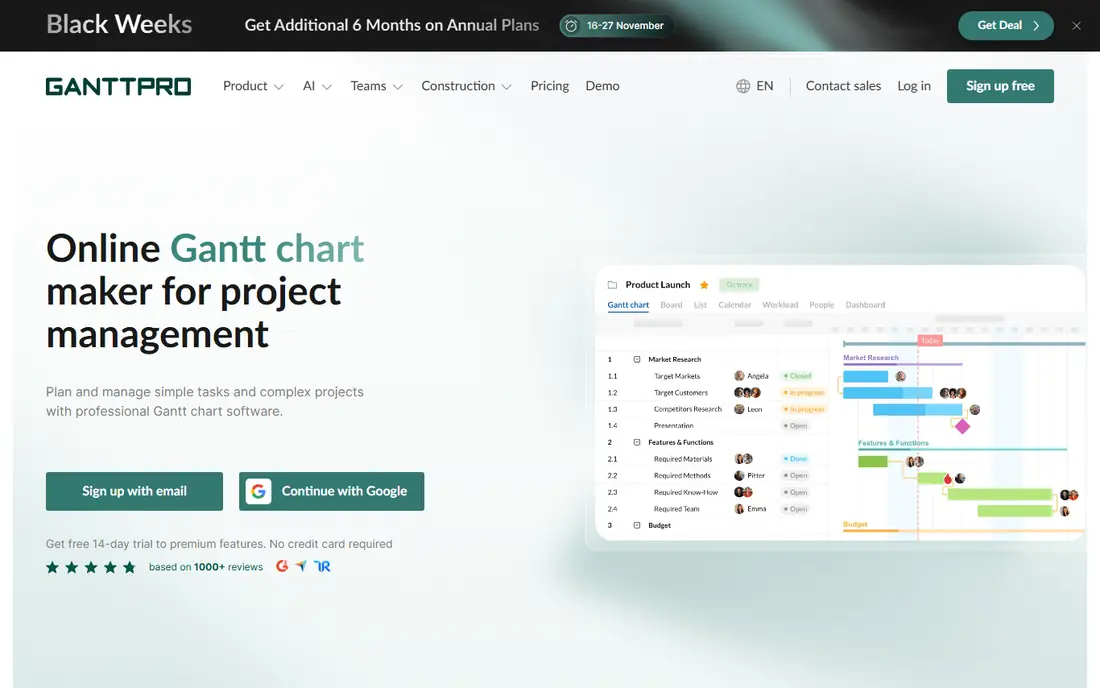
GanttPRO is the closest like-for-like replacement for TeamGantt in this list. Core costs $9 per user per month billed monthly, or $8 billed yearly, and it includes dependencies, milestones, critical path, baselines, auto-scheduling, project calendars, and a dashboard view, plus board and list views for a second way to see the same work. There is no free plan, only a 14-day trial, and workload management, portfolios, budget planning, and time tracking sit on Business at $17 per user per month billed annually.
What we like- Gantt-first design with dependencies, critical path, baselines, and auto-scheduling on the entry plan, plus board, list, and dashboard views
Watch out for- No permanent free plan, and workload management, portfolios, and time tracking need Business at $17 per user per month billed annually
#2monday.com
Best for: Teams that want a broad work platform with boards, automations, docs, and Gantt views in one place4.7/5 on
G2 (17,182 reviews, checked Oct 2026)
Visit monday.com
Starting price$12 per seat per month billed monthly, or $9 per seat per month billed annually for Basic, checked 17 November 2026
Free planYes, free plan for up to 2 seats, 3 boards, and 3 docs
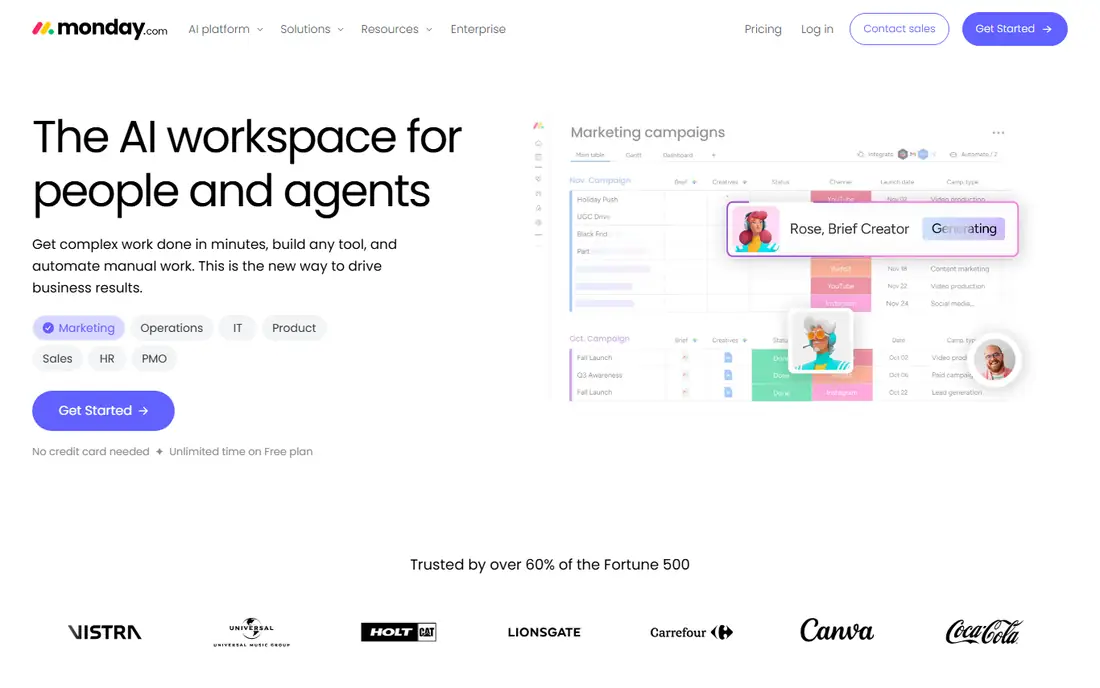
monday.com is the best all-round alternative to TeamGantt, and it suits teams that want more than a Gantt chart. You get boards, dashboards, docs, forms, and automations alongside the timeline, so one tool can cover planning, tracking, and reporting. The Gantt and timeline views arrive on Standard at $12 per seat per month billed annually, or $14 billed monthly, which adds 250 automation and 250 integration actions a month and guest access. Basic at $9 per seat per month billed annually is cheaper, but it has no Gantt view and no automations, so it is not a real replacement for TeamGantt.
What we like- Visual boards and dashboards, timeline and Gantt views from Standard, 250 automation and integration actions a month, and free viewers on paid plans
Watch out for- Basic has no Gantt view and no automations, so most switchers need Standard at $12 per seat per month billed annually, and paid plans start at 3 seats
#3Asana
Best for: Teams that manage structured projects with timelines, forms, dashboards, and unlimited automations4.4/5 on
G2 (13,930 reviews, checked Oct 2026)
Visit asana.com
Starting price$13.49 per user per month billed monthly, or $10.99 per user per month billed annually for Starter, checked 17 November 2026
Free planYes, Personal plan for up to 2 users
Asana is a strong TeamGantt alternative for teams that run structured projects with many stakeholders. Starter costs $10.99 per user per month billed annually, or $13.49 billed monthly, and it includes the timeline and Gantt views, dependencies, dashboards, forms, custom fields, and unlimited automations, plus unlimited free guests, which keeps client and stakeholder access cheap. The limits show up as you grow. Approvals and proofing, which many agencies need for client sign-off, sit on Advanced at $24.99 per user per month billed annually, along with portfolios, goals, and resource management.
What we like- Timeline and Gantt views on Starter, unlimited automations and free guests, forms, custom fields, and dashboards
Watch out for- Personal has no Gantt view and caps at 2 users, and approvals, proofing, and portfolios need Advanced at $24.99 per user per month billed annually
#4ClickUp
Best for: Small teams that want Gantt charts, docs, chat, and dashboards in one low-cost subscription4.6/5 on
G2 (14,878 reviews, checked Oct 2026)
Visit clickup.com
Starting price$10 per user per month billed monthly, or $7 per user per month billed annually for Unlimited, checked 17 November 2026
Free planYes, Free Forever plan with unlimited members and tasks
ClickUp is the cheapest paid option in this list, and it packs more features into one subscription than any other tool here. Unlimited costs $7 per user per month billed annually, or $10 billed monthly, and it includes Gantt charts, unlimited storage, unlimited integrations, forms, and calendar view, plus docs, chat, and dashboards, so a small team can run almost everything from one workspace. The Free Forever plan is unusually generous, with unlimited members and tasks. Goals, native time tracking, and workload management sit on Business at $12 per user per month billed annually, so a team that needs resource planning pays nearly double the entry price.
What we like- Cheapest paid plan in this list, Gantt charts on Unlimited, unlimited storage and integrations, and a free plan with no seat limit
Watch out for- Goals, time tracking, and workload management need Business at $12 per user per month billed annually, and ClickUp is rolling out new plans, so new signups should confirm the price offered
#5Smartsheet
Best for: Teams that plan in spreadsheets and want Gantt, board, and calendar views on top of a familiar grid4.4/5 on
G2 (22,767 reviews, checked Oct 2026)
Visit smartsheet.com
Starting price$12 per member per month billed monthly, or $9 per member per month billed annually for Pro, checked 17 November 2026
Free planNo free plan for new signups, 30-day free trial
Smartsheet suits teams that think in rows and columns first and want a Gantt chart as a second view of the same plan. Pro costs $9 per member per month billed annually, or $12 billed monthly, and it includes Gantt, table, board, and calendar views, unlimited sheets and reports, forms, dashboards, and 250 automation runs a month. The member model is a real advantage over per-seat rivals, because unlimited contributors can view shared sheets, comment, and attach files without a paid seat. Pro stops at 10 members, so an eleventh editor forces a move to Business at $19 per member per month billed annually.
What we like- Spreadsheet-style planning, Gantt, table, board, and calendar views, unlimited sheets and reports, and unlimited free contributors
Watch out for- No free plan for new signups, Pro caps at 10 members and 250 automations a month, and resource management is a paid add-on
#6Wrike
Best for: Growing teams and departments that need Gantt charts, dashboards, workflows, and light automation4.2/5 on
G2 (4,540 reviews, checked Oct 2026)
Visit wrike.com
Starting price$10 per user per month billed annually for Team, no monthly rate published, checked 17 November 2026
Free planYes, free plan with unlimited users
Wrike is a solid TeamGantt alternative for teams that are outgrowing a simple planner and need more structure. Team costs $10 per user per month billed annually, and it adds interactive Gantt charts, shareable dashboards, calendars, custom fields, workflows and statuses, and 50 automation actions per seat per month. The free plan allows unlimited users, though it lacks Gantt charts and dashboards, so it works as a trial rather than a full replacement. Wrike publishes no monthly rate, so Team is an annual commitment, and the plan caps at 15 users. Time tracking, forms, workload views, and proofing all sit on Business at $25 per user per month billed annually.
What we like- Interactive Gantt charts on Team, shareable dashboards, custom fields and workflows, and 50 automation actions per seat per month
Watch out for- No monthly billing is published, Team caps at 15 users, and time tracking, forms, and proofing need Business at $25 per user per month billed annually
#7Instagantt
Best for: Solo planners and small teams that want a focused Gantt chart, especially teams that already use Asana4.3/5 on
G2 (29 reviews, checked Oct 2026)
Visit instagantt.com
Starting price$12 per month for Individual, or $10 per month billed yearly, checked 17 November 2026
Free planYes, free for Asana users on up to 3 projects for 1 user
Instagantt is the simplest tool in this list, and that focus is its strength. It does one thing, the Gantt chart, and it does it well, with dependencies, auto-scheduling, critical path, and baselines on every plan, including the free Asana plan. Individual costs $12 per month, or $10 billed yearly, for one user, and Teams costs a flat $24 per month, or $20 billed yearly, for three collaborators, plus $8 per month for each extra collaborator. It is free for Asana users on up to three projects, and changes sync both ways with Asana. Instagantt has no boards, docs, chat, or reporting beyond the timeline, and there is no mobile app.
What we like- Critical path and baselines on every plan, workload management on Teams, flat pricing for very small teams, and two-way sync with Asana
Watch out for- No task management beyond the Gantt chart, no mobile app, and Teams rises by $8 per month for each collaborator beyond three
#8Teamwork
Best for: Agencies and client-service teams that bill by the hour and manage many client projects at once4.4/5 on
G2 (1,214 reviews, checked Oct 2026)
Visit teamwork.com
Starting price$13.99 per user per month billed monthly, or $10.99 per user per month billed annually for Deliver, checked 17 November 2026
Free planYes, free plan for up to 5 users
Teamwork is the best pick in this list for agencies and service firms, because it is built around client work rather than internal projects. Deliver costs $10.99 per user per month billed annually, or $13.99 billed monthly, and it includes time tracking, project budgets, forms, templates, automations, and basic reporting, plus Gantt charts for scheduling client work. That combination suits teams that need to track hours, watch budgets, and report to clients from the same tool. The drawback is the price curve. Grow costs $19.99 per user per month billed annually, and it holds workload and capacity management, advanced budgeting, and deeper reporting, so a growing agency can face a near-doubling of its bill.
What we like- Built for client work with time tracking, project budgets, Gantt charts, project templates, and a free plan for up to 5 users
Watch out for- The price climbs fast across tiers, with Grow at $19.99 per user per month billed annually, and workload and advanced budgeting sit on the higher plans
Frequently asked questions
Is there a free alternative to TeamGantt?
Yes, several tools in this list have free plans. monday.com is free for up to 2 seats, Asana Personal is free for up to 2 users, ClickUp Free Forever has no seat limit, Wrike has a free plan with unlimited users, and Teamwork is free for up to 5 users. Instagantt is free for Asana users on up to 3 projects.
Which TeamGantt alternative is cheapest?
ClickUp Unlimited is the cheapest per-seat plan in this list at $7 per user per month billed annually, or $10 billed monthly. Smartsheet Pro and monday.com Basic are next at $9 per user per month billed annually, and GanttPRO Core costs $8 per user per month billed annually. Instagantt Teams is the cheapest flat option for a team of three, at $24 per month billed monthly.
Which TeamGantt alternative is best for construction teams?
GanttPRO is the best pick for most construction teams, because it has dependencies, critical path, baselines, and auto-scheduling on its entry plan, which match the scheduling needs of a build programme. TeamGantt Builder Edition is built for construction too, but it starts at $199 per month. Smartsheet also works well for construction, since its grid layout suits cost tracking and its Gantt view shows the schedule.
Can I import my TeamGantt projects into these alternatives?
No tool in this list imports a TeamGantt file directly, so expect to rebuild active schedules or import them from a CSV file. Most of these tools support CSV import for tasks, dates, and assignees, and Instagantt syncs with Asana projects. Before you cancel TeamGantt, export your finished plans as PDFs, so you keep a record of completed work even after the account closes.
Is GanttPRO better than TeamGantt?
GanttPRO is better than TeamGantt for small teams that want deep Gantt features at a low per-user price, since its Core plan includes critical path, baselines, and auto-scheduling for $9 per user per month billed monthly, or $8 billed yearly. TeamGantt is better for large teams with few projects, because its flat pricing means a team of fifty people on Business pays the same $120 per month as a team of five.
Sources we checked (9)
- https://www.teamgantt.com/pricing
- https://monday.com/pricing
- https://asana.com/pricing
- https://ganttpro.com/pricing
- https://clickup.com/pricing
- https://www.smartsheet.com/pricing
- https://www.wrike.com/price
- https://www.instagantt.com/pricing
- https://www.teamwork.com/pricing
Is your product missing or out of date?
We review this list regularly. Vendors can request a listing, send updated pricing or ask about featured placement.

Shihab Mia · Founder, Rankite
Shihab has 5+ years in B2B and SaaS SEO. He writes Rankite's software buying guides from pricing pages, documentation and public user reviews. More about Shihab.