How we make this list: we compare pricing pages, product documentation and public user reviews. Ratings come from G2, Capterra or Trustpilot, with the date we checked them.
What Is Stormboard and Why Look for an Alternative
Stormboard is an online sticky note whiteboard built for brainstorming, retrospectives and agile planning. Teams post ideas on digital sticky notes, group them, vote on the strongest options and turn the result into a report. It also exports boards to Word, PowerPoint and Excel, and it syncs two ways with Jira and Azure DevOps, which suits engineering and product teams that run sprint planning on a shared canvas.
Stormboard is not the right fit for every team. Its free Personal plan caps each Storm at five members, so a seven person retro needs a paid plan. The Business plan starts at 10 dollars per user per month billed monthly, or about 8.33 dollars billed annually, according to pricing pages checked in September 2026. That puts a ten person team at roughly 83 to 100 dollars a month, close to Miro Business territory. StormAI is also trial gated on Business, with a 30 day trial, so teams that want AI help should confirm the renewal terms first.
Other teams leave Stormboard because they want a larger template library, a stronger free plan, a simpler interface, or a whiteboard inside a tool they already pay for, such as Figma or Microsoft 365. Some want a hand drawn sketching style, and others want facilitation features such as timers and voting. The eight tools below cover those needs, from full workshop platforms to free sketching boards.
How We Picked These Stormboard Alternatives
We picked tools that do the core Stormboard job: a shared canvas where a group can add sticky notes, cluster ideas, vote and leave with a clear decision. Every tool here supports real time collaboration, so several people can work on the same board at once. We also required a usable free plan or a low cost entry plan, because a whiteboard should be easy to trial with a real team before anyone pays.
We checked each vendor pricing page and pricing reads dated between September and November 2026, and we recorded the starting price with the date checked. Where two sources disagreed, as they did for Lucidspark, we state both figures and tell you to confirm at checkout. We did not invent any price, and where a plan is quote only we say so. Each entry lists one real con.
We also weighed the fit for different teams. A design team in Figma has different needs from a scrum team that needs Jira sync, and a small startup has a different budget from a large enterprise. The comparison table puts the starting price, free plan and best fit side by side so you can shortlist two or three tools.
Quick comparison
| Tool | Best for | Starting price | Free plan |
|---|
 Miro | Large workshops, retrospectives and planning sessions | $8 per member per month billed annually ($10 billed monthly), Starter plan, checked 16 Nov 2026 | Free plan with 3 editable boards, unlimited members and 10 AI credits per month |
 Mural | Facilitated workshops with structured methods and large groups | $9.99 per member per month billed annually ($12 billed monthly), Team+ plan, checked 16 Nov 2026 | Free plan with unlimited members and 3 editable murals at a time |
 Lucidspark | Teams that use Lucidchart and want brainstorming plus diagramming | $9 per user per month billed annually, Individual plan, checked 16 Nov 2026; some reads list $7.95, so confirm at checkout | Free plan with 3 editable boards, 60 objects per board and about 250 MB of storage |
 FigJam | Design and product teams that already work in Figma | $3 per editor per month billed annually on Professional ($5 billed monthly), Collab seat, checked 16 Nov 2026 | Free Starter plan with 3 FigJam files in a team folder plus unlimited drafts |
 Whimsical | Product teams that want fast flowcharts, wireframes and mind maps | $10 per editor per month billed annually ($12 billed monthly), Pro plan, checked 16 Nov 2026 | Free plan with unlimited boards and members, capped at 50 board objects and 50 doc blocks per month, with watermarked exports |
 Microsoft Whiteboard | Teams already running on Microsoft 365 and Teams | Free, included with Microsoft 365, no separate paid whiteboard tier, checked 16 Nov 2026 | Included with Microsoft 365 business and education plans at no extra fee; personal accounts lost create and edit access in August 2026 |
 Klaxoon | Structured workshops, training and interactive meetings with live polls | 24.90 euros per user per month, Starter plan, checked 16 Nov 2026 | Free plan at 0 euros with limited features |
 Excalidraw | Engineers and product teams that want fast, free sketches and diagrams | Free for the open source editor; Excalidraw+ $6 per user per month billed annually ($7 billed monthly), checked 16 Nov 2026 | Free forever, no account needed, full editor with one infinite scene, unlimited live collaborators and export to PNG, SVG or file |
Is your product missing or out of date?
We review this list regularly. Vendors can request a listing, send updated pricing or ask about featured placement.
The 8 Best Stormboard Alternatives
#1Miro
Best for: Large workshops, retrospectives and planning sessions4.6/5 on
G2 (13,631 reviews, checked Oct 2026)
Visit miro.com
Starting price$8 per member per month billed annually ($10 billed monthly), Starter plan, checked 16 Nov 2026
Free planFree plan with 3 editable boards, unlimited members and 10 AI credits per month

Miro is the most direct replacement for Stormboard. It offers an infinite canvas with sticky notes, voting, timers, mind maps and journey maps, plus a template library for retrospectives, sprint planning and PI planning. Paid plans add private boards, exports, version history and breakout boards. Miro integrates with Jira, Azure DevOps, Slack and Teams, so action items move into the tracker without retyping. The free plan suits a small team running one or two boards, but the three board cap pushes regular users to Starter.
What we like- Huge template library, unlimited boards on paid plans, Jira, Slack and Teams integrations, visitor editing on paid plans
Watch out for- Free plan caps editable boards at three, and AI credits are pooled and do not roll over
#2Mural
Best for: Facilitated workshops with structured methods and large groups4.6/5 on
G2 (1,496 reviews, checked Oct 2026)
Visit mural.co
Starting price$9.99 per member per month billed annually ($12 billed monthly), Team+ plan, checked 16 Nov 2026
Free planFree plan with unlimited members and 3 editable murals at a time
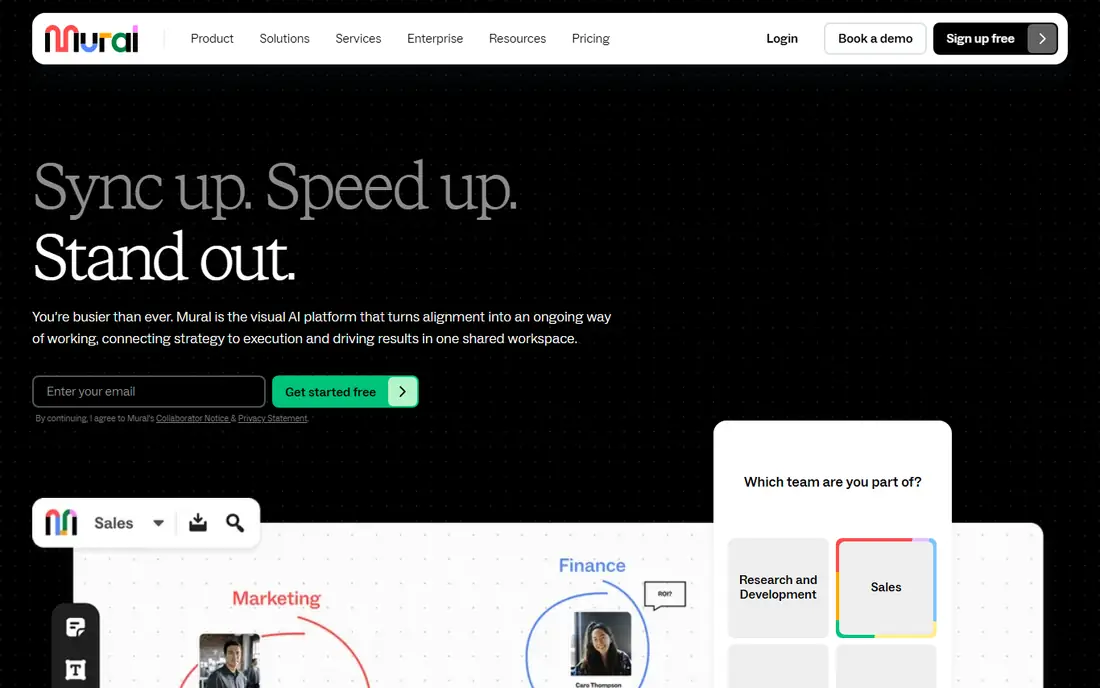
Mural is built for facilitators. Its canvas supports sticky notes, voting, timers and structured frameworks for design thinking and agile ceremonies, and its rooms feature runs several breakout groups in parallel. Team+ adds unlimited murals, unlimited visitors with editing rights and Mural AI, which can cluster notes and summarise a session. Guests can edit without a paid seat, which matters for workshops with external participants. The free plan allows unlimited members but only three editable murals at a time, which suits a team that runs occasional sessions.
What we like- Strong facilitation features, private and open rooms, unlimited visitors with editing rights on Team+, Mural AI from Team+
Watch out for- The interface can feel heavy for quick informal sessions, and Business at 17.99 dollars per member per month is a steep step up
#3
Lucidspark
Best for: Teams that use Lucidchart and want brainstorming plus diagramming
Visit lucidspark.com
Starting price$9 per user per month billed annually, Individual plan, checked 16 Nov 2026; some reads list $7.95, so confirm at checkout
Free planFree plan with 3 editable boards, 60 objects per board and about 250 MB of storage
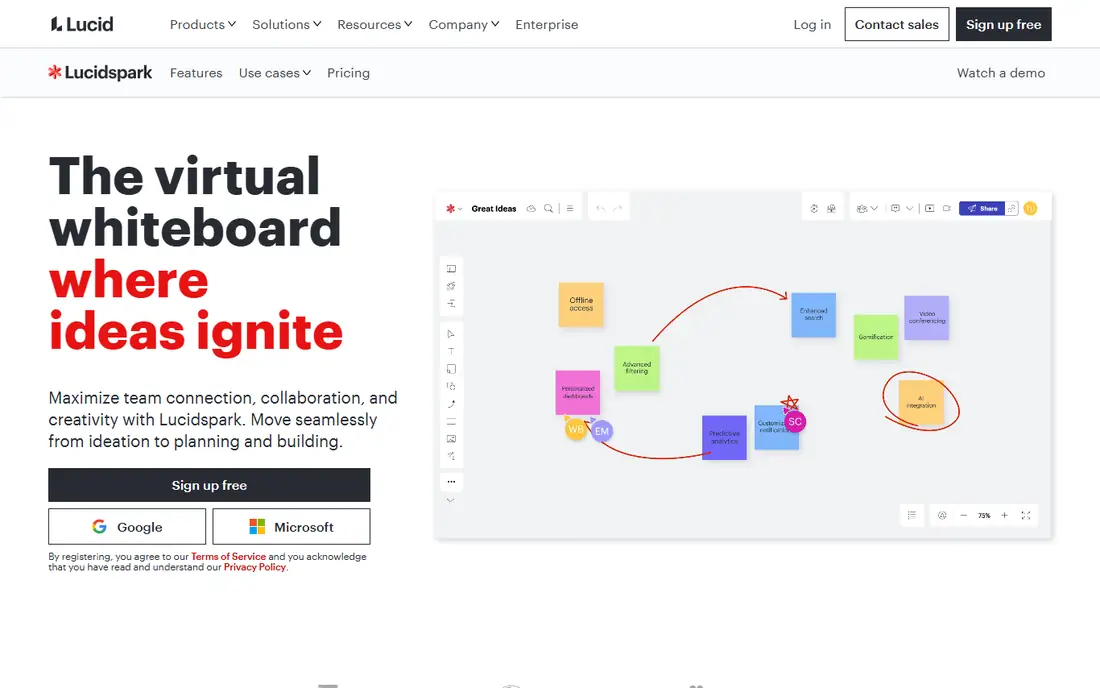
Lucidspark is the whiteboard half of the Lucid suite, and its main strength is the pairing with Lucidchart. A team can brainstorm on a board and turn the winning ideas into a diagram without switching vendors. The Individual plan gives unlimited editable boards, premium visual activities and timelines, though some pricing reads list 7.95 dollars instead of 9 dollars, so confirm the figure at checkout. Voting and the timer only appear on the Team plan at 10 dollars per user per month with a three seat minimum, so a team that runs facilitated retros pays at least 27 dollars a month.
What we like- Clean canvas, pairs with Lucidchart for diagrams, assisted grouping and timelines, guest collaborators on Team
Watch out for- Voting and the timer are locked behind the Team plan, so the Individual plan cannot run a proper retro
#4FigJam
Best for: Design and product teams that already work in Figma4.5/5 on
G2 (465 reviews, checked Oct 2026)
Visit figma.com
Starting price$3 per editor per month billed annually on Professional ($5 billed monthly), Collab seat, checked 16 Nov 2026
Free planFree Starter plan with 3 FigJam files in a team folder plus unlimited drafts
FigJam is Figma whiteboard, and it is the cheapest serious option on this list for teams that already pay for Figma. A Collab seat costs 3 dollars per editor per month billed annually on Professional, or 5 dollars billed monthly, and it includes FigJam access plus Figma Slides. Full and Dev seats on paid Figma plans also include FigJam. The board is simple and fast, with sticky notes, stamps, connectors and templates, and the short path from a rough sketch to a finished design file is its best feature. The free Starter plan gives three FigJam files in a team folder plus unlimited drafts.
What we like- Lives inside Figma, so ideas move straight into design files, very low entry price, simple interface
Watch out for- The free plan caps shared FigJam files at three, and it lacks the deep facilitation and reporting features of Miro or Mural
#5Whimsical
Best for: Product teams that want fast flowcharts, wireframes and mind maps4.6/5 on
G2 (189 reviews, checked Oct 2026)
Visit whimsical.com
Starting price$10 per editor per month billed annually ($12 billed monthly), Pro plan, checked 16 Nov 2026
Free planFree plan with unlimited boards and members, capped at 50 board objects and 50 doc blocks per month, with watermarked exports
Whimsical is a visual workspace that combines boards with docs, so a team can sketch a flow, map an idea and write the spec next to it. The fast editor suits product teams that turn brainstorming into wireframes and flowcharts. Pro costs 10 dollars per editor per month billed annually, or 12 dollars billed monthly, and it removes the object caps and export watermark, and adds 90 day version history and 100 GB of storage. Only editors pay, so viewers and guests cost nothing. The free plan caps creation at 50 board objects and 50 doc blocks a month.
What we like- Very fast editor, flowcharts, mind maps, wireframes and docs in one workspace, viewers and guests are always free
Watch out for- AI credits are limited and extra credits cost more, and private teams and single sign on need Business at 20 dollars per editor per month
#6Microsoft Whiteboard
Best for: Teams already running on Microsoft 365 and Teams4.0/5 on
G2 (51 reviews, checked Oct 2026)
Visit microsoft.com
Starting priceFree, included with Microsoft 365, no separate paid whiteboard tier, checked 16 Nov 2026
Free planIncluded with Microsoft 365 business and education plans at no extra fee; personal accounts lost create and edit access in August 2026
Microsoft Whiteboard is the zero cost option for organisations that already pay for Microsoft 365. It is an infinite canvas with sticky notes, templates, reactions and pen support that works inside Teams meetings and in a browser, with boards stored in OneDrive. There is no separate paid whiteboard tier, so a Microsoft 365 business or education tenant pays nothing extra per user. That suits internal brainstorming, meeting notes and quick planning sessions. The trade off is depth: Whiteboard has no voting, timer, breakout rooms or reporting exports, so it cannot run a structured retrospective the way Stormboard or Miro can.
What we like- No extra cost for Microsoft 365 tenants, native Teams integration, OneDrive storage, same security controls as the rest of Microsoft 365
Watch out for- No facilitation features such as voting, timers or breakout rooms, and it is not available as a standalone free app for personal accounts any more
#7
Klaxoon
Best for: Structured workshops, training and interactive meetings with live polls
Visit klaxoon.com
Starting price24.90 euros per user per month, Starter plan, checked 16 Nov 2026
Free planFree plan at 0 euros with limited features
Klaxoon is a workshop platform rather than a plain whiteboard, and it is built around engagement. Its Board, Session and Live tools let a facilitator run brainstorms, quizzes, polls and challenges in one flow, with more than 200 templates for meetings, training and retrospectives. Starter costs 24.90 euros per user per month and unlocks unlimited activities, up to 20 participants per activity, co-facilitation, data exports and Teams and Google Workspace integrations. A free plan exists at zero euros with limited features. The price is the main drawback: at nearly 25 euros per user per month, a 20 person workshop team pays about 500 euros a month, far more than Miro or Mural.
What we like- Strong workshop formats with live polls, quizzes and challenges, 200 plus templates, co-facilitation, Teams and Google Workspace integrations
Watch out for- The per user price is the highest on this list and adds up fast for large groups, and the interface can feel cluttered for new users
#8Excalidraw
Best for: Engineers and product teams that want fast, free sketches and diagrams4.5/5 on
G2 (32 reviews, checked Oct 2026)
Visit excalidraw.com
Starting priceFree for the open source editor; Excalidraw+ $6 per user per month billed annually ($7 billed monthly), checked 16 Nov 2026
Free planFree forever, no account needed, full editor with one infinite scene, unlimited live collaborators and export to PNG, SVG or file
Excalidraw is the simplest tool on this list and, for many teams, the most honest one. It is a free, open source whiteboard with a hand drawn style that opens in the browser with no account, no setup and no learning curve. You sketch a diagram, share a link and several people draw at once, then export to PNG, SVG or an editable file. That makes it ideal for quick architecture sketches, flow diagrams and rough ideas during a call. The free editor gives one infinite scene, unlimited collaborators in live sessions and 10 AI requests a day. Excalidraw+ at 6 dollars per user per month billed annually, or 7 dollars billed monthly, adds unlimited scenes and folders in the cloud, team management, comments and presentations.
What we like- Free and open source, no account needed, fast and minimal, hand drawn style, popular VS Code extension
Watch out for- No built in voting, timers or facilitation tools, and the free version saves only one scene in the browser, so teams need Excalidraw+ for cloud storage
Stormboard vs the Alternatives at a Glance
The table below puts the eight tools together so you can shortlist two or three to trial. Prices are starting prices from vendor pages checked on 16 Nov 2026. Confirm the price at checkout, because vendors change list prices.
| Tool | Starting price | Free plan | Best for |
| Miro | $8 per member per month billed annually | Yes, 3 editable boards | Large workshops and planning |
| Mural | $9.99 per member per month billed annually | Yes, 3 editable murals | Facilitated workshops |
| Lucidspark | $9 per user per month billed annually | Yes, 3 editable boards | Lucidchart users |
| FigJam | $3 per editor per month billed annually | Yes, 3 shared files | Figma design teams |
| Whimsical | $10 per editor per month billed annually | Yes, capped objects per month | Flowcharts and wireframes |
| Microsoft Whiteboard | Free with Microsoft 365 | Included with Microsoft 365 | Microsoft 365 teams |
| Klaxoon | 24.90 euros per user per month | Yes, limited features | Interactive workshops and training |
| Excalidraw | Free, Excalidraw+ $6 per user per month billed annually | Yes, free forever | Fast hand drawn sketches |
Stormboard itself starts with a free Personal plan capped at five members per Storm, and Business at 10 dollars per user per month billed monthly, or about 8.33 dollars billed annually. That puts it mid table on price, but its free plan is the most restrictive for team retros. If your team runs retros every week, Miro or Mural give more room to grow. If your team sketches more than it facilitates, Excalidraw or FigJam cost far less.
How to Choose the Right Whiteboard for Your Team
Start with the job, not the tool. If you run structured retrospectives and sprint planning every week, pick a tool with voting, timers and reporting, which means Miro, Mural or Lucidspark on a paid plan. If you run occasional brainstorms and your team already pays for Figma or Microsoft 365, FigJam or Microsoft Whiteboard cost little or nothing extra. If your team sketches architecture during calls, Excalidraw is the fastest option and the free plan may be all you need.
Next, count the real seats. Most whiteboards charge per editor or per member, so a team of 20 on Miro Starter pays about 160 dollars a month billed annually, while the same team on FigJam Collab seats pays about 60 dollars a month. Check who actually needs to edit and who only needs to view or comment, because viewers are free on several of these tools, including Whimsical and Mural Team+. A short trial will show whether the free plan caps bind you: Miro and Mural cap editable boards at three, and Stormboard caps free Storms at five members.
Finally, check the integrations your team already uses. Jira and Azure DevOps sync matters for engineering teams, and Stormboard, Miro and Mural all handle it, though Miro locks two way sync behind its Business plan. Figma integration matters for design teams, and Teams integration matters for Microsoft shops. Pick the two tools that fit best, run the same retro on both, and keep the one your team enjoys using.
Frequently asked questions
Is Stormboard free?
Stormboard has a free Personal plan, but it caps each Storm at five members, which is too small for most team retrospectives. The Business plan starts at 10 dollars per user per month billed monthly, or about 8.33 dollars billed annually, and it adds unlimited members, custom templates and full reporting. Enterprise pricing is quote based.
Which Stormboard alternative is best for retrospectives?
Miro is the best all round pick for retrospectives, with voting, timers, templates and reporting, plus templates for agile ceremonies. Mural is a close second when a facilitator runs the session, because its rooms and structured frameworks suit large groups. Lucidspark works well too, but only on the Team plan, since voting and the timer are not on the Individual plan. Trial Miro and Mural with the same retro and keep the one your team finds easier.
What is the cheapest Stormboard alternative?
Excalidraw is the cheapest, because the open source editor is free forever with no account, and Excalidraw+ costs 6 dollars per user per month billed annually. Microsoft Whiteboard costs nothing extra for Microsoft 365 tenants, and FigJam costs 3 dollars per editor per month billed annually on a Collab seat. The cheapest option depends on what you already pay for.
Can I use a Stormboard alternative for free?
Yes, every tool on this list has a free plan, but the limits differ. Miro and Mural both cap editable boards at three, FigJam caps shared files at three, and Lucidspark caps editable boards at three with 60 objects per board. Excalidraw is the most generous free plan, with a full editor and unlimited live collaborators, and Microsoft Whiteboard is free inside Microsoft 365.
Does any Stormboard alternative sync with Jira?
Yes, several do. Miro offers Jira integration on all plans, though two way sync needs the Business plan. Mural integrates with Jira as well, and Lucidspark connects through the Lucid suite. Stormboard itself includes two way Jira and Azure DevOps sync on its Business plan. If tracker sync is a hard requirement, confirm the sync direction on the vendor page.
Sources we checked (9)
- https://miro.com/pricing/
- https://www.mural.co/pricing
- https://lucidspark.com/pricing
- https://www.figma.com/pricing/
- https://whimsical.com/pricing
- https://www.microsoft.com/en-us/microsoft-365/microsoft-whiteboard/digital-whiteboard-app
- https://klaxoon.com
- https://plus.excalidraw.com/pricing
- https://stormboard.com/pricing
Is your product missing or out of date?
We review this list regularly. Vendors can request a listing, send updated pricing or ask about featured placement.

Shihab Mia · Founder, Rankite
Shihab has 5+ years in B2B and SaaS SEO. He writes Rankite's software buying guides from pricing pages, documentation and public user reviews. More about Shihab.