How we make this list: we compare pricing pages, product documentation and public user reviews. Ratings come from G2, Capterra or Trustpilot, with the date we checked them.
Key takeaways
- SolarWinds Patch Manager fits Windows shops built on WSUS, but teams with Macs, Linux, or remote workers usually need a cloud tool.
- Action1 is the lowest-risk pilot, with a free tier up to 200 endpoints and the full feature set included.
- ManageEngine Patch Manager Plus and Ivanti suit larger estates that want deep third-party catalogs and strict deployment control.
- Patch My PC is the narrow pick for teams that already run ConfigMgr or Intune and only need third-party patching fixed.
Quick comparison
Is your product missing or out of date?
We review this list regularly. Vendors can request a listing, send updated pricing or ask about featured placement.
The best SolarWinds Patch Manager alternatives

#1ManageEngine Patch Manager Plus
Best for: Full patch lifecycle on mixed estates4.5/5 on
G2 (198 reviews, checked Oct 2026)
Visit manageengine.com
Starting priceSee website
Free planFree trial

ManageEngine Patch Manager Plus covers the whole patching job, from finding missing patches to testing, scheduling, and proving compliance after the fact. It handles Windows, macOS, and Linux, plus a large third-party catalog, which makes it a natural step up for teams that outgrew a Windows-only setup. Deployment groups let you roll a patch to a pilot set first, then widen the ring, which is how careful teams avoid a bad patch taking down a whole floor.
The cost of that breadth is setup time. Third-party packages need testing against your own apps, and the console packs in many options that take a week or two to learn. Pricing is quote-based and shifts with edition and endpoint count, so get a written quote for your exact estate. For cost-conscious teams that want one tool for the full lifecycle, it is hard to beat on features per dollar.
What we like- Wide OS and third-party coverage
- Deployment groups and test rings
- Compliance reporting built in
Watch out for- Interface feels dated in places
- Third-party setup takes testing
- Pricing varies by edition and device count

#2Ivanti Neurons for Patch Management
Best for: Large Windows-heavy estates4.5/5 on
G2 (47 reviews, checked Oct 2026)
Visit ivanti.com
Starting priceSee website
Free planFree trial
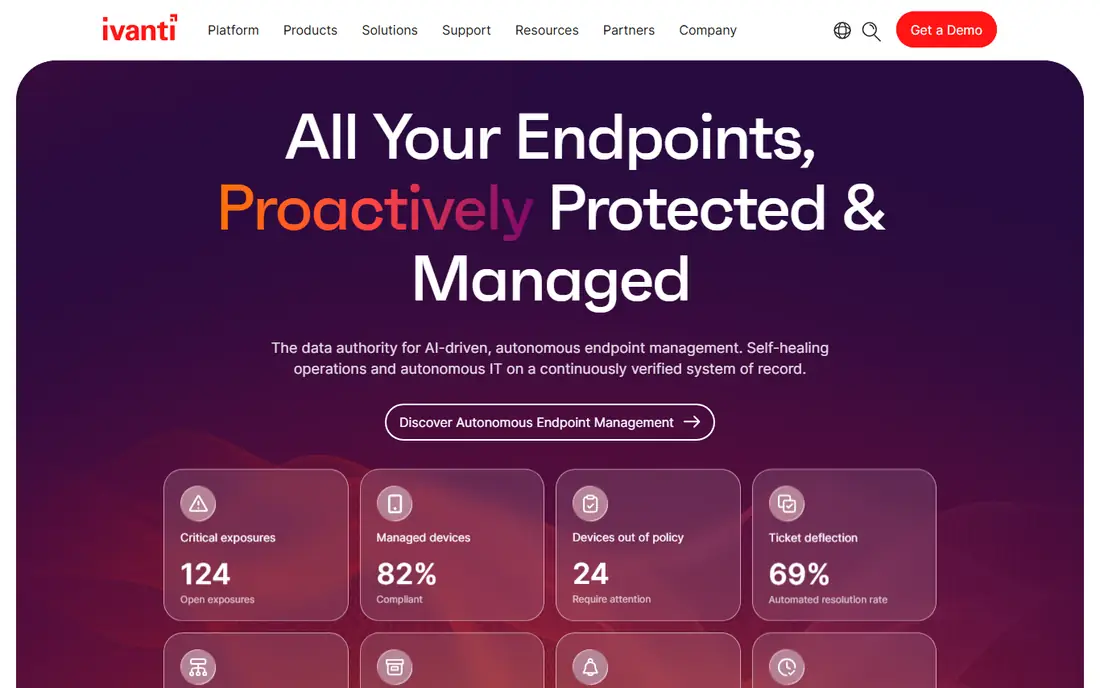
Ivanti is the enterprise answer in this list. Its patch content runs deep, especially for Windows and the third-party apps that large companies actually run, and it plugs into ConfigMgr for teams that already live in the Microsoft stack. Reporting is built for auditors and security teams, with compliance views that hold up in regulated settings.
That depth comes with weight. Ivanti expects trained staff, a planned rollout, and a budget to match. Small teams will find it heavy and slow to adopt. If you run thousands of Windows endpoints, need deep content, and have engineers to own the platform, Ivanti is the tool most likely to keep up with your estate.
What we like- Deep patch content for Windows and third-party apps
- Strong ConfigMgr integration
- Enterprise-grade reporting
Watch out for- Setup is complex
- Needs dedicated endpoint staff
- Enterprise pricing

#3NinjaOne
Best for: Mid-market IT with endpoint management4.7/5 on
G2 (5,037 reviews, checked Oct 2026)
Visit ninjaone.com
Starting priceSee website
Free planFree trial
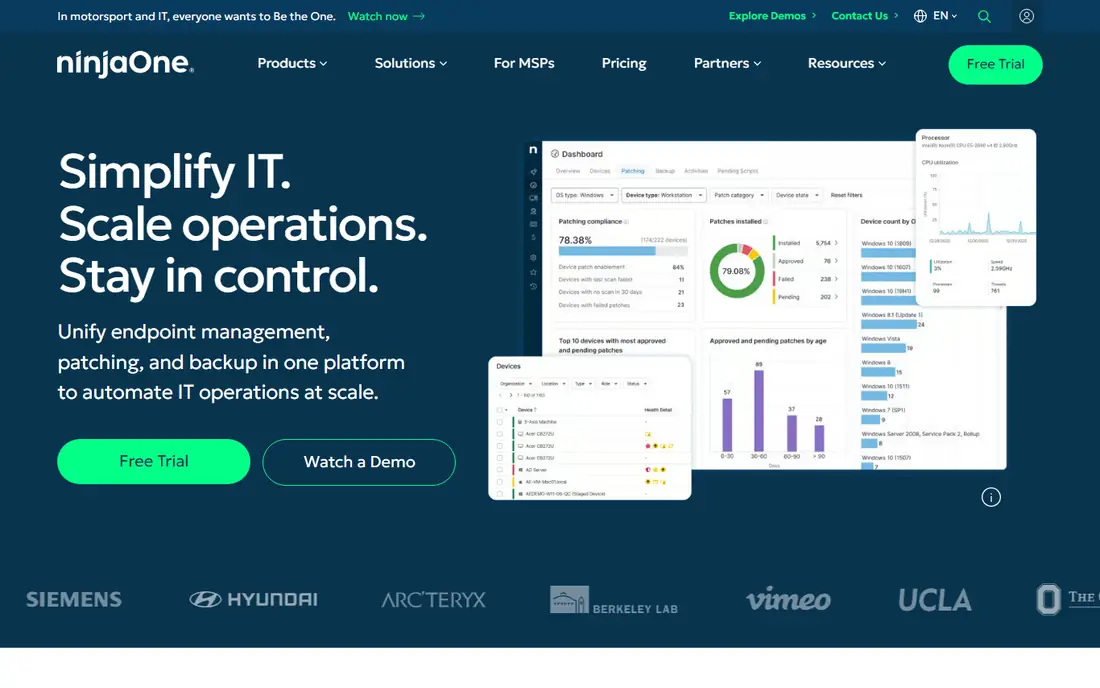
NinjaOne wraps patching into a broader endpoint management platform, so one agent covers monitoring, remote access, scripting, and software deployment alongside patches. Mid-market IT teams like it because daily work stays light: policies run on schedule, devices check in from anywhere, and the console stays readable at a few hundred endpoints.
The trade is focus. If you only want patching, you pay for a wider platform, and per-device pricing adds up as the estate grows. Reporting is solid but not as audit-heavy as Ivanti. For teams that want patching plus endpoint management in one contract, NinjaOne is the most pleasant tool to live with.
What we like- Patching inside a clean endpoint platform
- Automation and scripting included
- Low day-to-day overhead
Watch out for- Patching is one module of a bigger platform
- Pricing is per device and quote-based
- Advanced reporting costs rise with scale

#4Automox
Best for: Cloud-first mixed-OS patching4.5/5 on
G2 (326 reviews, checked Oct 2026)
Visit automox.com
Starting priceSee website
Free planFree trial
Automox was built for teams that gave up on-prem management servers. Everything runs from the cloud, agents check in from any network, and one policy can cover Windows, macOS, and Linux machines. That makes it a strong fit for remote-first companies and mixed estates where servers in a closet no longer make sense.
Cloud-first also means agent-dependent. A machine that never checks in never patches, so you need good visibility into agent health. The policy engine is flexible but takes a few days to learn well. For cloud-native teams that want patching without infrastructure, Automox is the cleanest architecture here.
What we like- Cloud-native, no on-prem servers
- Windows, macOS, and Linux from one policy
- Fast agent rollout
Watch out for- Needs reliable agent connectivity
- Policy logic takes learning
- Pricing is quote-based

#5Action1
Best for: Low-risk pilot for small teams4.9/5 on
G2 (1,206 reviews, checked Oct 2026)
Visit action1.com
Starting priceFree
Free planYes
Action1 is the easiest way to prove value before spending anything. The free tier covers up to 200 endpoints with the full feature set, not a cut-down demo, so a small team can run real patching for months and decide with evidence. Peer-to-peer distribution keeps patch traffic off the WAN, which helps branch offices with thin links.
The limit is scale and depth. Past 200 endpoints you move to paid per-device pricing, and the third-party catalog is smaller than the enterprise tools. For teams under that line, or for anyone who wants a pilot with zero budget approval, Action1 is the obvious first try.
What we like- Free for up to 200 endpoints with full features
- Cloud-native and quick to pilot
- Peer-to-peer distribution cuts bandwidth
Watch out for- Free tier caps at 200 endpoints
- Smaller third-party catalog than Ivanti
- Newer vendor with less enterprise history

#6Atera
Best for: MSPs and small IT teams4.6/5 on
G2 (1,123 reviews, checked Oct 2026)
Visit atera.com
Starting priceSee website
Free planFree trial
Atera bundles patching with remote monitoring, remote access, and ticketing, priced per technician rather than per device. That model suits managed service providers and small internal teams who manage many machines with few staff. Setup is fast, and the all-in-one console means one login for most daily work.
Patching is a module, not the whole product, so depth and reporting trail the dedicated tools. Teams with strict compliance reporting or complex third-party needs will feel the gap. If you are an MSP or a small team that wants one platform for everything, Atera keeps costs predictable and work simple.
What we like- Patching plus remote access and ticketing in one platform
- Per-technician pricing suits MSPs
- Quick setup
Watch out for- Patching depth is lighter than dedicated tools
- Reporting is basic
- Per-technician model fits MSPs better than large internal teams

#7Patch My PC
Best for: Third-party patching in ConfigMgr or Intune4.8/5 on
G2 (736 reviews, checked Oct 2026)
Visit patchmypc.com
Starting priceSee website
Free planFree trial
Patch My PC solves one problem very well. ConfigMgr and Intune patch Microsoft products, but third-party apps stay manual, and that manual work is where most teams fall behind. Patch My PC publishes and updates third-party packages inside the Microsoft tools you already run, so deployment, reporting, and compliance stay in one place.
It is a narrow tool by design. If you do not run ConfigMgr or Intune, it has nothing to attach to, and you should pick a standalone platform instead. For Microsoft shops, it is often cheaper and simpler than replacing a working system just to fix third-party patching.
What we like- Fixes the exact gap in ConfigMgr and Intune
- Large third-party catalog
- Automatic package updates
Watch out for- Only makes sense if you already run ConfigMgr or Intune
- Not a standalone patch platform
- Needs Microsoft licensing

#8PDQ Deploy
Best for: Fast Windows software deployment4.8/5 on
G2 (274 reviews, checked Oct 2026)
Visit pdq.com
Starting priceSee website
Free planFree trial
PDQ Deploy is the speed pick for Windows teams. You can install it, point it at Active Directory, and push software and patches across the network the same day. The package library covers the common third-party apps, and scheduling is simple enough that junior staff can run deployments safely.
It is not a compliance platform. Vulnerability tracking, cross-platform patching, and audit reporting are thinner than in ManageEngine or Ivanti, and Mac and Linux estates need another tool. For Windows-first teams that value speed and simplicity over audit depth, PDQ Deploy gets the job done with the least friction.
What we like- Very fast to set up for Windows
- Large package library
- Simple scheduling and targeting
Watch out for- Windows-focused
- Not a full vulnerability or compliance platform
- Cloud features trail cloud-native rivals
How we chose
We compared tools that do the same job as SolarWinds Patch Manager: finding missing patches, deploying them on schedule, and proving the result. We weighed OS coverage, third-party catalog depth, deployment model, and reporting, and we checked vendor pricing pages and public comparisons for current models. Tools that only scan for vulnerabilities without deploying, or that only manage one operating system, were left out. Prices that vendors do not publish are listed as See website rather than guessed.
How to choose a patching replacement
Start with your current stack. If you run ConfigMgr or Intune and only third-party patching hurts, Patch My PC is the smallest change with the biggest payoff. If you run WSUS and want to leave on-prem servers behind, Automox or Action1 moves you to the cloud with the least rework. If you run a mixed estate with compliance duties, ManageEngine or Ivanti gives you the depth to prove it.
Run a pilot on your worst machines
Pick a pilot group that includes your hardest cases: remote laptops, old desktops, and the third-party apps your users actually run. Measure three things over a month: patch compliance rate, failed deployments, and hours spent per cycle. A tool that looks clean in a demo can still struggle with your VPN users or your legacy apps, and the pilot is where that shows up.
Check the total cost, not the headline price
Per-device, per-technician, and quote-based models behave very differently as you grow. Count every endpoint, including servers and remote laptops, and ask what reporting, third-party catalogs, and support cost at your size. A free tier up to 200 endpoints is a gift for a small team and a trap for a team about to pass it, so plan for the estate you will have in two years.
Frequently asked questions
Can I replace SolarWinds Patch Manager without changing WSUS?
Yes, if you pick a tool that extends your current setup rather than replacing it. Patch My PC works inside ConfigMgr and Intune, and Ivanti integrates with ConfigMgr too. A cloud tool like Automox or Action1 replaces WSUS instead, which is a bigger change but removes the on-prem server entirely.
Do these tools patch macOS and Linux?
ManageEngine, Ivanti, NinjaOne, Automox, and Action1 all cover macOS and Linux alongside Windows, though third-party catalog depth varies by platform. PDQ Deploy is Windows-focused, and Patch My PC depends on your Microsoft tooling. Check the catalog for your exact apps before you commit.
What is the cheapest way to start?
Action1 is free for up to 200 endpoints with full features, which makes it the cheapest real pilot. PDQ Deploy and Atera offer trials, but their paid models start sooner. For a team under 200 endpoints, Action1 can be a permanent free solution, not just a trial.
How do I handle patches that break apps?
Use deployment rings: pilot group first, then a wider group, then everyone, with a pause between each ring. Every tool here supports scheduling and targeting, and ManageEngine and Ivanti add test groups and rollback-friendly workflows. Keep a list of apps that need manual testing, and never push a patch to the whole estate on day one.
Is cloud patching safe for regulated industries?
Cloud tools encrypt traffic and store policy in the vendor cloud, which some regulated teams must review before approval. On-prem options from ManageEngine and Ivanti keep more control in-house. Ask for the vendor security docs, data residency terms, and audit reports, and match them to your own compliance rules before signing.
Sources we checked (8)
- https://www.manageengine.com
- https://www.ivanti.com
- https://www.ninjaone.com
- https://www.automox.com
- https://www.action1.com
- https://www.atera.com
- https://patchmypc.com
- https://www.pdq.com
Is your product missing or out of date?
We review this list regularly. Vendors can request a listing, send updated pricing or ask about featured placement.

Shihab Mia · Founder, Rankite
Shihab has 5+ years in B2B and SaaS SEO. He writes Rankite's software buying guides from pricing pages, documentation and public user reviews. More about Shihab.