How we make this list: we compare pricing pages, product documentation and public user reviews. Ratings come from G2, Capterra or Trustpilot, with the date we checked them.
Key takeaways
- Jobber is the best small-crew alternative, with a clear price from $29 per month billed annually.
- Housecall Pro suits growing home-service businesses, with online booking and review tools from $59 per month billed annually.
- ServiceM8 is the only option with a real free plan, covering one user and 30 jobs a month.
- ServiceTitan is the right upgrade for large trades businesses, with per-technician pricing near $250 to $500 a month.
- Workiz and FieldPulse suit phone-driven and workflow-heavy shops, though both price by quote.
Quick comparison
| Tool | Best for | Starting price | Free plan |
|---|
 Jobber Jobber | Small crews | $29 per month | Free trial |
 Housecall Pro Housecall Pro | Growing home services | $59 per month | Free trial |
 ServiceM8 ServiceM8 | Solo operators | $0 | Yes, 1 user and 30 jobs |
 Workiz Workiz | Phone-driven shops | See website | Free trial |
 FieldPulse FieldPulse | Custom workflows | See website | Free trial |
 ServiceTitan ServiceTitan | Large trades businesses | See website | Free trial |
 FieldEdge FieldEdge | QuickBooks Desktop shops | See website | Free trial |
 BuildOps BuildOps | Commercial contractors | See website | Free trial |
Is your product missing or out of date?
We review this list regularly. Vendors can request a listing, send updated pricing or ask about featured placement.
The best Service Fusion alternatives
Starting price$29 per month
Free planFree trial
Jobber is the best small-crew alternative to Service Fusion, and the price gap at the entry level is large. Core starts near $29 per month billed annually for one user, with Connect near $99 and Grow near $149, while Service Fusion's Starter plan starts near $208 per month billed annually. For a solo operator or a crew of two or three, Jobber covers quoting, scheduling, invoicing and payments at a fraction of the cost.
The trade-off is billing basis: Jobber charges per user, with extra users near $29 per month each, while Service Fusion includes unlimited users at every tier. A crew of ten or more may find Service Fusion's flat price cheaper than Jobber's per-seat math. For small crews that want a simple, clear price, Jobber is the best starting point.
What we like- Very low entry price
- Easy to learn
- Strong quoting and invoicing
Watch out for- Per-user pricing adds up
- Add-ons raise the total
Starting price$59 per month
Free planFree trial
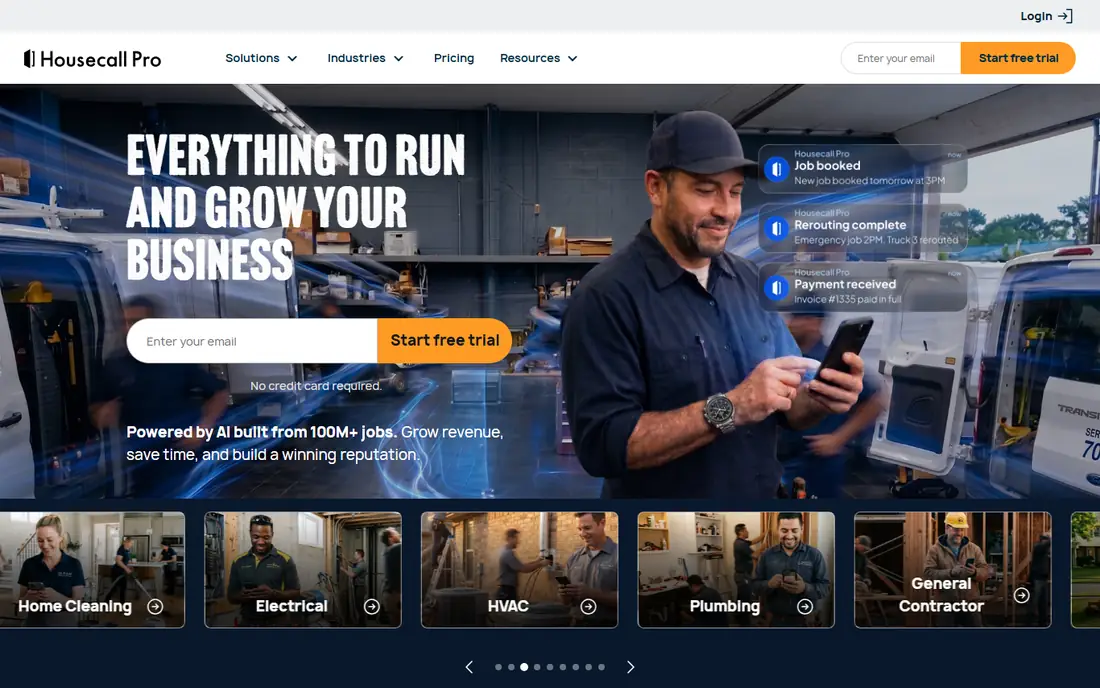
Housecall Pro is the best all-rounder for growing home-service businesses. Basic starts near $59 per month billed annually for one user, with higher tiers adding dispatch depth, flat-rate pricing and service agreement tools. Online booking, automated customer texts and review requests are built in, which helps small shops win work and collect reviews without extra tools.
Larger teams need higher tiers, and extra users beyond the cap cost near $35 per month each, so the bill grows with crew size. For a residential crew of one to ten technicians that wants strong customer communication alongside dispatch, Housecall Pro is the most complete mid-priced option.
What we like- Online booking and review tools built in
- Strong customer communication
- Easy to use
Watch out for- Higher tiers needed for larger teams
- Per-user costs beyond the cap
Starting price$0
Free planYes, 1 user and 30 jobs
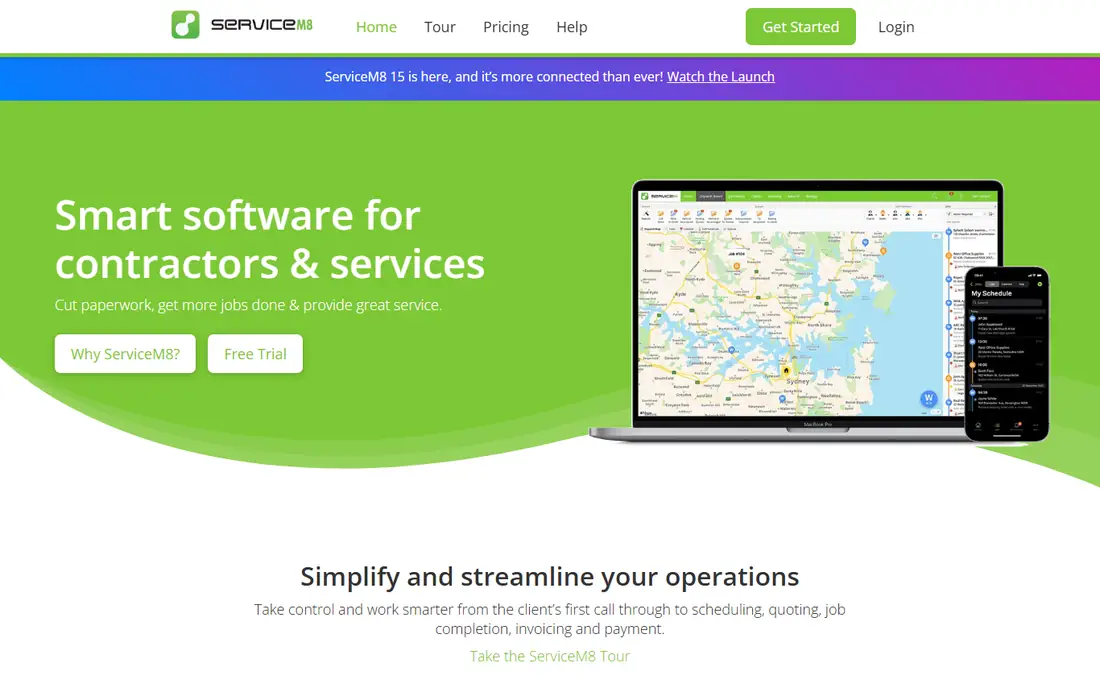
ServiceM8 is the only tool on this list with a real free plan: one user and 30 jobs a month at no cost. Paid plans start near $29 per month for 50 jobs, with Growing near $79 and Premium near $149, and all paid plans include unlimited users. That pricing model, by jobs rather than seats, suits small crews whose job count is modest but whose whole team needs access.
The job limits per tier mean a busy shop can outgrow a plan quickly, and the technician app is iOS-first, which matters for Android-heavy crews. For a solo operator or a small crew testing field service software for the first time, ServiceM8's free plan is the lowest-risk way to start.
What we like- Real free plan
- Priced by jobs not seats
- Unlimited users on paid plans
Watch out for- Job limits per tier
- Technician app is iOS-first
#4Workiz
Best for: Phone-driven shops4.5/5 on
G2 (247 reviews, checked Oct 2026)
Visit workiz.com
Starting priceSee website
Free planFree trial
Workiz suits home-service businesses where the phone still drives bookings. A built-in phone system with call tracking sits inside the scheduling workflow, and AI answering add-ons can capture calls after hours, which is where many small shops lose jobs. Plans are quote-based, with Standard, Pro and Ultimate tiers, and a 7-day trial.
Quote-only pricing makes comparison harder, and the AI answering features are sold as add-ons rather than included. For a shop that lives by the phone and wants calls answered and booked without a separate phone system, Workiz's integrated approach is worth a quote.
What we like- Built-in phone system
- AI answering add-ons
- Strong for call-driven booking
Watch out for- Quote-only pricing
- AI features sold as add-ons
Starting priceSee website
Free planFree trial
FieldPulse suits trades businesses that want workflows tailored to their jobs rather than a fixed template. Custom forms, checklists and approval flows adapt to commercial work, and an offline mode keeps technicians working in basements and plant rooms without signal. Pricing is seat-based and quote-only, so buyers should expect a sales conversation.
Add-ons raise the total, and the quote-only model makes budgeting less transparent than Jobber or Housecall Pro. For a mid-size team that needs custom workflows and offline reliability, FieldPulse's flexibility justifies the sales process.
What we like- Custom workflows and forms
- Offline mode
- Seat-based pricing
Watch out for- Quote-only pricing
- Add-ons raise the total
Starting priceSee website
Free planFree trial
ServiceTitan is the right upgrade for large trades businesses with dedicated admin staff. It covers dispatch, job costing, marketing, CRM, pricebook management and reporting in one platform, and its job costing depth is the best on this list. Pricing is quote-only and per technician, with independent guides placing typical rates near $250 to $500 per technician per month.
That price makes ServiceTitan overkill for a crew of five, but for a business with twenty or more technicians, the reporting and marketing tools can pay for themselves in booked jobs. For a large residential or commercial contractor ready to invest in a full platform, ServiceTitan is the category leader.
What we like- Most complete residential suite
- Strong job costing
- Marketing and CRM depth
Watch out for- Priciest option here
- Per-technician rates near $250 to $500 a month
#7FieldEdge
Best for: QuickBooks Desktop shops4.0/5 on
G2 (87 reviews, checked Oct 2026)
Visit fieldedge.com
Starting priceSee website
Free planFree trial
FieldEdge is the best alternative for shops that run QuickBooks Desktop, since its accounting sync is built around that workflow. Booking, dispatch, customer records, quoting and invoicing run from one system, with Select, Premier and Elite tiers. The QuickBooks integration is central to its accounting workflow, so invoices flow to the books without double entry.
Pricing is quote-based, and the desktop interface feels dated in places compared with newer web-first tools. For a shop whose books live in QuickBooks Desktop and whose team is used to that workflow, FieldEdge's sync depth makes it the safest migration choice.
What we like- Best QuickBooks Desktop sync
- Booking, dispatch and invoicing
- Tiered plans
Watch out for- Quote-only pricing
- Dated desktop interface in places
Starting priceSee website
Free planFree trial
BuildOps suits commercial contractors that mix service work with projects, since its project module handles multi-week jobs, change orders and subcontractors alongside dispatch. That combination is rare in field service software, which usually targets residential service calls. The interface is modern, and commercial features such as preventive maintenance contracts are well covered.
Pricing is quote-based, and for a service-only shop BuildOps is overkill. For a commercial contractor that runs both service agreements and projects, BuildOps is the best fit on this list, since it avoids running two separate systems for the two kinds of work.
What we like- Strong project module
- Commercial service and project mix
- Modern interface
Watch out for- Quote-only pricing
- Overkill for service-only shops
How we chose
We compared field service tools on dispatch, quoting, invoicing, customer communication, accounting integration and pricing transparency. We used vendor pricing pages and recent comparison guides for rates, and we favored tools with published entry prices where available. We did not claim hands-on testing. Instead we weighed what each tool covers from booking to invoice, and what it costs per month or per technician, so buyers can match a tool to their crew size and trade. Where a vendor publishes no price, we used "See website" rather than guessing, since an invented price would mislead a buyer planning a budget.
Comparing per-user versus flat pricing
The billing basis matters more than the headline price. Jobber and Housecall Pro charge per user, so a crew of one pays $29 or $59 a month while a crew of fifteen pays several hundred. Service Fusion charges a flat rate with unlimited users, starting near $208 per month, which is expensive for a solo operator but cheaper than per-seat math for a crew of ten or more.
Before comparing prices, count everyone who needs access: technicians, office staff, dispatchers and owners. Multiply per-user plans by that headcount, then compare against flat-rate plans. A tool that looks cheap at one user can be the most expensive option at fifteen, and a tool that looks pricey at one user can be the cheapest at twenty. Run the headcount math before you sign. Also check contract terms, since some platforms lock you into annual billing with early termination fees, while others allow month-to-month billing at a higher rate. A month-to-month start during the first quarter lets you confirm the tool fits your crew before committing to a year. Finally, test the technician mobile app during the trial with your least tech-comfortable team member, since a dispatch system only works if the people in the field actually use it every day.
Frequently asked questions
Why do businesses leave Service Fusion?
The most common reasons are price and the lack of a free trial. Starter starts near $208 per month billed annually, which is steep for a solo operator, and teams that want a lower entry price or a free plan usually move to Jobber or ServiceM8.
What is the cheapest Service Fusion alternative?
ServiceM8 is cheapest, with a free plan for one user and 30 jobs a month. For a paid plan, Jobber Core starts near $29 per month billed annually for one user.
Which alternative is best for a large HVAC or plumbing company?
ServiceTitan is best for large trades businesses, with the most complete residential suite and the deepest job costing. Expect per-technician pricing near $250 to $500 a month and a sales-led implementation.
Do these tools integrate with QuickBooks?
Yes, most of them do. FieldEdge has the deepest QuickBooks Desktop sync, while Jobber, Housecall Pro, ServiceM8 and ServiceTitan all offer QuickBooks Online integration. Confirm the exact QuickBooks version your shop uses before buying.
Can technicians use these apps without cell signal?
FieldPulse offers a solid offline mode, and most tools cache job details for areas with weak signal. If your technicians work in basements, plant rooms or rural areas, test offline behavior during the trial before committing. Ask specifically whether photos, signatures and invoices created offline sync cleanly once signal returns, since partial sync is a common source of lost paperwork. A short field test on a real job answers this faster than any sales call. Do it before signing anything at all.
Sources we checked (8)
- https://getjobber.com
- https://www.housecallpro.com
- https://www.servicem8.com
- https://workiz.com
- https://www.fieldpulse.com
- https://www.servicetitan.com
- https://www.fieldedge.com
- https://buildops.com
Is your product missing or out of date?
We review this list regularly. Vendors can request a listing, send updated pricing or ask about featured placement.

Shihab Mia · Founder, Rankite
Shihab has 5+ years in B2B and SaaS SEO. He writes Rankite's software buying guides from pricing pages, documentation and public user reviews. More about Shihab.