How we make this list: we compare pricing pages, product documentation and public user reviews. Ratings come from G2, Capterra or Trustpilot, with the date we checked them.
Key takeaways
- HubSpot and Zoho CRM offer the strongest free starting points for teams leaving Salesforce.
- Pipedrive suits sales teams that live in a visual pipeline all day.
- Freshsales gives small teams calling, email, and automation at a low entry price.
- monday sales CRM fits teams that already plan work on boards.
- Salesforce entry pricing looks low, but forecasting and automation sit on far pricier tiers.
Quick comparison
| Tool | Best for | Starting price | Free plan |
|---|
 HubSpot HubSpot | Free start with marketing and sales | Free; Sales Hub Starter from $20 per seat/month | Yes |
 Zoho CRM Zoho CRM | Value for small businesses | Free; Standard from $14 per user/month | Yes |
 Pipedrive Pipedrive | Visual sales pipelines | From $14 per seat/month | Free trial |
 Freshsales Freshsales | Fast setup on a budget | Free; Growth from $9 per user/month | Yes |
 monday sales CRM monday sales CRM | Custom workflows and boards | From $12 per seat/month | Free trial |
 Insightly Insightly | CRM with project tracking | See website | Free trial |
 Capsule Capsule | Simple CRM for small teams | See website | Free trial |
 Close Close | Calling-heavy outbound teams | From $9 per user/month | Free trial |
Is your product missing or out of date?
We review this list regularly. Vendors can request a listing, send updated pricing or ask about featured placement.
The best Salesforce alternatives
Starting priceFree; Sales Hub Starter from $20 per seat/month
Free planYes
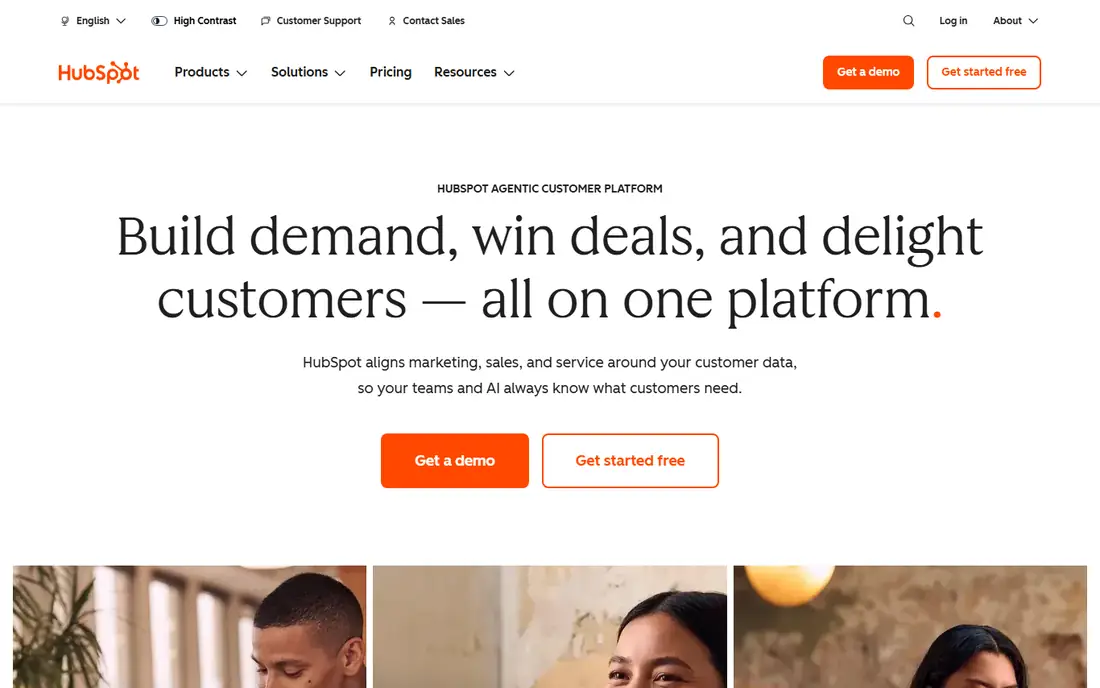
HubSpot is the lowest-risk Salesforce alternative for most small and midsize teams. The free CRM covers contacts, companies, deals, tasks, email tracking, and meeting scheduling with no time limit, which is enough to run a real sales process before paying anything. When the team grows, marketing and service tools join the same system, so data does not split across vendors.
The catch is the same price cliff that affects all HubSpot products. Starter plans are affordable, but serious automation and forecasting sit on Professional, which costs far more and adds an onboarding fee. Teams should map which features they actually need before assuming the free plan will carry them forever.
What we like- Genuinely usable free CRM
- Marketing, sales, and service in one system
- Large integration library
Watch out for- Paid tiers get expensive fast
- Advanced automation needs Professional
- Onboarding fees on higher plans
#2Zoho CRM
Best for: Value for small businesses4.1/5 on
G2 (2,952 reviews, checked Oct 2026)
Visit zoho.com
Starting priceFree; Standard from $14 per user/month
Free planYes
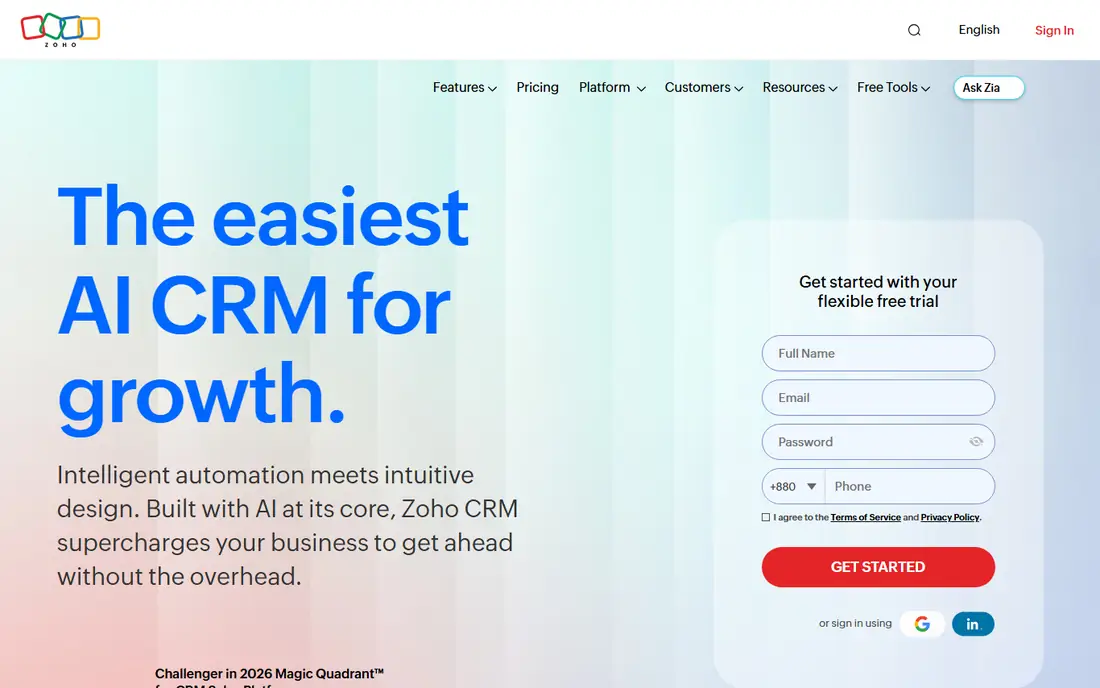
Zoho CRM wins on value per dollar. The free plan covers up to three users, and the Standard plan adds automation, scoring, and forecasting tools at a price well below Salesforce equivalents. For teams already using Zoho Books, Mail, or Desk, the shared ecosystem is a real advantage, since records and billing stay connected.
The interface packs a lot into every screen, and new admins should budget time for setup and training. Support response also varies by tier. Still, for budget-minded teams that want depth without enterprise pricing, Zoho CRM is hard to beat.
What we like- Free plan for up to 3 users
- Deep features at low prices
- Wide Zoho app ecosystem
Watch out for- Interface feels busy
- Setup takes effort
- Support quality varies by plan
#3Pipedrive
Best for: Visual sales pipelines4.3/5 on
G2 (5,034 reviews, checked Oct 2026)
Visit pipedrive.com
Starting priceFrom $14 per seat/month
Free planFree trial
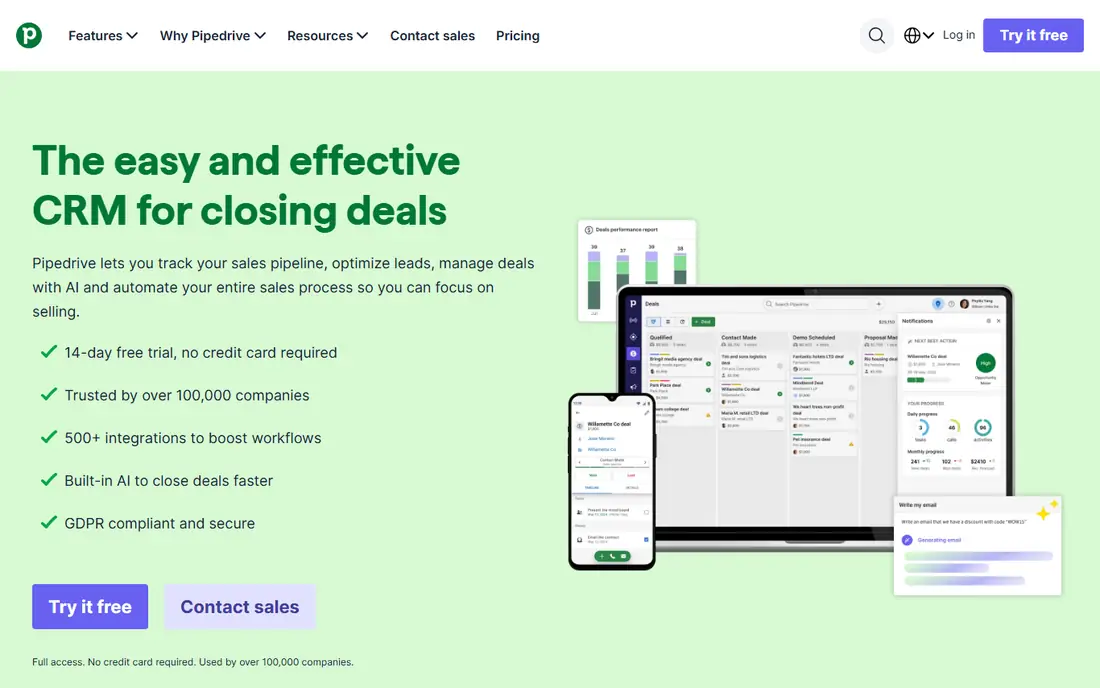
Pipedrive is built for salespeople who live in the pipeline. Deals move by drag and drop, overdue activities stand out, and reps can see the whole week at a glance. That clarity is why many teams adopt it quickly: reps open it daily because it matches how they already think about deals.
Marketing automation and deep reporting are thinner than in HubSpot or Zoho, so teams that need heavy campaign tools should look elsewhere. For a sales-led team that wants a pipeline tool first and a CRM second, Pipedrive stays a top pick.
What we like- Clearest visual pipeline in the category
- Fast for reps to learn
- Strong activity reminders
Watch out for- No free plan
- Marketing features are thinner
- Reporting depth needs higher tiers
#4Freshsales
Best for: Fast setup on a budget4.5/5 on
G2 (1,237 reviews, checked Oct 2026)
Visit freshworks.com
Starting priceFree; Growth from $9 per user/month
Free planYes
Freshsales, part of Freshworks, suits small teams that want to start selling this week rather than after a long implementation. The Growth plan adds workflows, scoring, and more automation at one of the lowest per-seat prices in the category, and built-in calling and email mean reps do not need separate tools for outreach.
The free plan covers only basics, and advanced workflow depth sits on the Pro tier. Integration options are also narrower than HubSpot or Salesforce. For a small team that values speed and price over depth, Freshsales is an easy recommendation.
What we like- Low entry price
- Built-in phone and email
- Quick setup for small teams
Watch out for- Free plan is basic
- Advanced workflows need Pro
- Fewer third-party integrations than larger rivals
#5monday sales CRM
Best for: Custom workflows and boards4.5/5 on
G2 (1,636 reviews, checked Oct 2026)
Visit monday.com
Starting priceFrom $12 per seat/month
Free planFree trial
monday sales CRM fits teams that already plan work on monday.com boards. Pipelines, lead lists, and deal tracking use the same board view, so adoption is fast for teams that know the product. Custom columns and automations let each team shape the CRM around its own process rather than adapting to a fixed model.
Sales-specific depth has limits on the Basic plan. Sequences and forecasting start on Pro, which also carries a seat minimum, so small teams should check the real plan cost before switching. For visual, board-loving teams, though, monday CRM feels natural from day one.
What we like- Flexible boards teams already know
- Easy custom pipelines
- Strong visual reporting
Watch out for- Sequences and forecasting need Pro
- 3-seat minimum on some plans
- Costs rise with team size
#6Insightly
Best for: CRM with project tracking4.2/5 on
G2 (945 reviews, checked Oct 2026)
Visit insightly.com
Starting priceSee website
Free planFree trial
Insightly stands out by linking projects to the deals that created them. For agencies, consultancies, and service firms, that link matters: the team that sold the work can hand it to delivery without losing context. Task tracking, milestones, and project timelines live next to the customer record.
Pricing is less transparent than rivals, so buyers should request a quote early. The interface also feels older than newer CRMs. Teams that sell projects rather than products will still find the deal-to-project flow worth the trade-offs.
What we like- Projects linked to deals
- Good for post-sale delivery
- Solid reporting
Watch out for- Pricing is not clearly published
- Interface feels older
- Smaller integration library
#7Capsule
Best for: Simple CRM for small teams4.7/5 on
G2 (525 reviews, checked Oct 2026)
Visit capsulecrm.com
Starting priceSee website
Free planFree trial
Capsule is the simple option for teams that found Salesforce overwhelming. Contacts, tasks, and sales opportunities sit in a clean timeline that anyone can read without training. Setup takes hours, not weeks, and the price stays friendly for tiny teams.
Automation and advanced forecasting are limited, so growing sales teams will eventually want more. For a team of two to ten people that mainly needs to remember who they spoke to and what happens next, Capsule covers the job without clutter.
What we like- Very easy to learn
- Clean contact timelines
- Affordable for tiny teams
Watch out for- Limited automation
- Fewer advanced sales features
- Small ecosystem
#8Close
Best for: Calling-heavy outbound teams4.7/5 on
G2 (2,069 reviews, checked Oct 2026)
Visit close.com
Starting priceFrom $9 per user/month
Free planFree trial
Close is built for inside sales teams whose day is calls and follow-ups. Calling, SMS, and email live inside the CRM, so reps never switch tools mid-conversation. The power dialer and lead lists suit outbound teams that work through large lists quickly.
Marketing features are thin, and workflow depth sits on the Growth plan, which costs far more than the Solo entry tier. Teams that sell by phone will find Close worth it. Teams that need marketing automation should pair it with another tool or choose a suite instead.
What we like- Built-in calling, SMS, and email
- Power dialer for outbound
- Fast lead follow-up
Watch out for- Less suited to marketing teams
- Higher tiers cost much more
- Reporting needs the Growth plan
How we chose
We compared tools on vendor pricing pages, public documentation, and widely cited reviews, plus published Rankite CRM comparisons from October 2026. We favored tools US buyers can use today, with clear pricing or a free trial, and a distinct strength. We did not claim hands-on testing, and where prices conflicted across sources we wrote See website rather than guessing.
How to move off Salesforce without breaking your pipeline
Start by auditing what you actually use. Most teams use a fraction of Salesforce: contacts, deals, tasks, and a few reports. List those workflows, then test each alternative against them during a trial. Import a sample of real records, not demo data, and run a full sales week inside the new tool before committing.
Data migration deserves its own plan. Export contacts, companies, deals, and activity history, and check how each field maps in the new system. Custom objects and complex automations rarely transfer cleanly, so budget time to rebuild the most important ones by hand. Tell the team what changes and what stays the same, and keep Salesforce read-only for a month after the switch so nothing is lost if a record is missed.
Cost is the last check, not the first. Multiply the per-seat price by your real headcount, add onboarding and any required add-ons, and compare that annual total with your Salesforce bill. A cheaper headline price that needs three add-ons is not cheaper. Also confirm contract terms: some vendors bill annually with no monthly option, which locks you in before you know the tool fits.
One more risk deserves attention: automation and approval chains. If your Salesforce setup routes discounts, approvals, or territory assignments automatically, test those flows in the new tool during the trial, not after migration. Simple pipelines transfer easily, but approval logic often does not. Rebuilding a broken approval flow under deadline pressure is how migrations fail, so prove the critical workflows first and treat the rest as nice to have.
Frequently asked questions
What is the cheapest Salesforce alternative?
Zoho CRM and Freshsales offer free plans for small teams, and Freshsales Growth starts at $9 per user per month. For a team of three or fewer, either free plan can run a real pipeline.
Can I migrate my Salesforce data?
Yes. All tools here support CSV import, and most offer guided migration or partner services. Complex custom objects and automations usually need manual rebuilding, so plan for that work.
Is HubSpot really free?
The core CRM is free with no time limit, covering contacts, deals, tasks, and basic email tools. Paid Sales Hub plans add automation, sequences, and forecasting.
Which alternative is best for outbound sales?
Close, thanks to built-in calling, SMS, and a power dialer. Pipedrive also works well for pipeline-driven outbound teams that do not need native calling.
Do I need an admin for these tools?
Small teams can run HubSpot, Pipedrive, Freshsales, or Capsule without a dedicated admin. Zoho CRM and monday CRM benefit from a part-time owner as the team grows, mainly to manage automations, permissions, and reporting. Even without a formal admin, name one person who owns the setup so settings do not drift.
Will I lose reports when switching?
Standard pipeline and activity reports exist in every tool here. Custom Salesforce dashboards need rebuilding, so screenshot your key reports before migration and rebuild the top five first. The rest can wait until the team has settled into the new system and knows which numbers they actually check each week in their Monday morning review.
Sources we checked (8)
- https://www.hubspot.com/pricing
- https://www.zoho.com/crm/pricing
- https://www.pipedrive.com/pricing
- https://www.freshworks.com/crm/pricing
- https://monday.com/crm/pricing
- https://www.insightly.com/pricing
- https://capsulecrm.com/pricing
- https://close.com/pricing
Is your product missing or out of date?
We review this list regularly. Vendors can request a listing, send updated pricing or ask about featured placement.

Shihab Mia · Founder, Rankite
Shihab has 5+ years in B2B and SaaS SEO. He writes Rankite's software buying guides from pricing pages, documentation and public user reviews. More about Shihab.