How we make this list: we compare pricing pages, product documentation and public user reviews. Ratings come from G2, Capterra or Trustpilot, with the date we checked them.
Which accounting software should you pick, QuickBooks or Xero
Pick QuickBooks Online if your business is based in the United States, you work with a US accountant, and you want the deepest set of small business features, including inventory, project profitability and payroll in one place. Pick Xero if you want unlimited users on every plan, no per-user fees, and a cleaner interface that your whole team can use without the monthly bill rising with each seat.
Key takeaways
- QuickBooks Online costs 38 dollars per month for Simple Start, 85 for Essentials, 140 for Plus and 340 for Advanced, after an August 2026 price rise.
- Xero costs 27 dollars per month for Early, 59 for Growing and 97 for Established, after an October 2026 price rise, with no per-user fees on any plan.
- QuickBooks charges per user and caps seats at one, three, five and 25 users across its plans. Xero includes unlimited users on every plan.
- QuickBooks has the stronger US payroll and inventory features. Xero has the stronger multi-currency and project tracking at the top tier.
How do QuickBooks and Xero compare on price
QuickBooks Online raised prices on 1 August 2026. The current US list prices are Solopreneur at 20 dollars per month, Simple Start at 38 dollars, Essentials at 85 dollars, Plus at 140 dollars and Advanced at 340 dollars. Intuit lists 70 percent off for three months until 29 November 2026, so Simple Start shows at 11.40 dollars, Essentials at 25.50 dollars, Plus at 42 dollars and Advanced at 102 dollars during that introductory period. Budget on the list price, because the discount ends after three months. Older reads of 75 dollars for Essentials, 115 dollars for Plus and 275 dollars for Advanced are from before the August rise and should not be used.
Xero raised US prices on 1 October 2026. Early now costs 27 dollars per month, Growing 59 dollars and Established 97 dollars, billed monthly with no published annual discount. New US customers are offered a deep introductory discount for the first three to six months, but the list price is what you pay after that. Older reads of 25, 55 and 90 dollars are from before the October rise and should not be used. Xero charges no per-user fees, so adding staff does not change the subscription price. On a straight monthly comparison, Xero is cheaper at every level, and the gap widens for teams, because QuickBooks charges for extra seats while Xero does not.
This is the biggest structural difference between the two products. QuickBooks Online limits users by plan: Simple Start allows one user, Essentials three, Plus five and Advanced 25, plus two or three accountant seats depending on the plan. If your team grows past the limit, you must upgrade to the next plan even if you do not need its other features.
Xero includes unlimited users on every plan. You can invite your bookkeeper, your accountant, your operations lead and your warehouse manager without the bill changing. Permissions are set per user, so you can limit who sees payroll or bank details. For a business where five or more people touch the books, Xero can be far cheaper over a year than QuickBooks, even before comparing the list prices.
Both tools handle invoicing well, but they differ in the details. QuickBooks Online lets you send unlimited invoices on every plan, with payment links, recurring invoices, late payment reminders and progress invoicing on Plus and Advanced. QuickBooks Payments charges a processing fee per transaction, and the rate depends on the card type and whether the payment is in person or online.
Xero caps invoices on its cheapest plan: Early allows 20 invoices and five bills per month. Growing and Established allow unlimited invoices and quotes. Xero accepts online payments with a processing fee, and it handles multi-currency invoicing on Established, which QuickBooks reserves for Essentials and above. If you send more than 20 invoices a month, budget for Growing at 59 dollars rather than Early at 27 dollars, because the cap is a real constraint for an active service business.
QuickBooks Plus is the stronger choice for inventory. It tracks stock levels, cost of goods sold, purchase orders and low-stock alerts, and it ties inventory to project profitability so you can see whether a job actually made money. Advanced adds batch invoicing, workflow automation, custom roles and revenue recognition. If you sell physical products, QuickBooks Plus at 140 dollars per month is the plan that makes sense, and the inventory tools are the reason to pay for it.
Xero handles projects at the top tier. Established includes project time and cost tracking, expense and mileage claims, multi-currency and KPI reporting, with a 180-day cash flow forecast. Growing adds budgets and a 60-day forecast, while Early gives a 30-day forecast. Xero does not have native inventory tracking as deep as QuickBooks, so product businesses usually pair Xero with an inventory add-on.
Check the payroll situation first. QuickBooks Payroll is built in and priced per plan, while Xero Payroll in the US is powered by Gusto and costs 36 dollars per month plus 6 dollars per employee or contractor. Check your accountant: many US accountants work in QuickBooks every day, and a few charge more to work in Xero because it is less familiar to them. Check the invoice cap on Xero Early if you invoice often. Finally, check the renewal price after any introductory discount, because both vendors run deep first-month offers that expire after three to six months.
Quick comparison
| Tool | Best for | Starting price | Free plan |
|---|
 QuickBooks Online | US small businesses that want the deepest feature set and a large accountant network | 38 dollars per month for Simple Start; Essentials 85 dollars, Plus 140 dollars, Advanced 340 dollars; Solopreneur 20 dollars | No free plan; 30-day trial on paid plans; 70 percent off for three months until 29 November 2026 |
 Xero | Growing teams that want unlimited users and clean multi-currency accounting | 27 dollars per month for Early; Growing 59 dollars, Established 97 dollars | No free plan; introductory discount for new US customers for the first three to six months |
 FreshBooks | Freelancers and service businesses that live on invoicing and time tracking | 23 dollars per month for Lite; Plus 43 dollars, Premium 70 dollars | No free plan; 30-day trial |
 Wave | Sole proprietors and freelancers who want a genuinely free ledger | 0 dollars for Starter; Pro is 19 dollars per month or 190 dollars per year | Starter is free with unlimited invoices, estimates, bills and bookkeeping records |
 Zoho Books | Small businesses that want a free plan with room to grow into a full suite | 0 dollars for Free; Standard 20 dollars per month, 15 dollars when billed annually | Free for businesses with under 50,000 dollars in annual revenue, up to 1,000 invoices per year |
 Sage Accounting | Small businesses that want flat pricing and unlimited users on the top tier | 20 dollars per month for Accounting Start, for one user | No free plan; 30-day trial |
 NetSuite | Mid-size businesses that need accounting, inventory, CRM and e-commerce in one system | Quote only; Oracle does not publish NetSuite list prices | No free plan; demo available on request |
 Kashoo | First-time owners who want the simplest possible bookkeeping | 30 dollars per month, flat, with unlimited users | No free plan; 14-day trial |
Is your product missing or out of date?
We review this list regularly. Vendors can request a listing, send updated pricing or ask about featured placement.
#1QuickBooks Online
Best for: US small businesses that want the deepest feature set and a large accountant network4.0/5 on
G2 (3,871 reviews, checked Oct 2026)
Visit quickbooks.intuit.com
Starting price38 dollars per month for Simple Start; Essentials 85 dollars, Plus 140 dollars, Advanced 340 dollars; Solopreneur 20 dollars
Free planNo free plan; 30-day trial on paid plans; 70 percent off for three months until 29 November 2026
QuickBooks Online is the default accounting choice for US small businesses, and that is its biggest strength: almost every US accountant knows it, most banks connect to it, and most industry tools integrate with it. The plans run from Simple Start at 38 dollars per month for one user through Essentials at 85 dollars for three users, Plus at 140 dollars for five users and Advanced at 340 dollars for 25 users, with Solopreneur at 20 dollars for one-person businesses. Plus adds inventory, project profitability and budgeting, while Advanced adds batch workflows, custom permissions and revenue recognition. The weaknesses are price and user limits: a five-person team pays for Plus even if it only needs invoicing, and the August 2026 rise pushed Plus from 115 to 140 dollars.
What we like- Largest US accountant network
- Strong inventory and project tools on Plus
- Built-in payroll
- Deep sales tax and 1099 handling
Watch out for- Most expensive option in this comparison at the top tiers
- Per-user limits force upgrades as the team grows
- Prices rose in August 2026
#2Xero
Best for: Growing teams that want unlimited users and clean multi-currency accounting4.4/5 on
G2 (1,832 reviews, checked Oct 2026)
Visit xero.com
Starting price27 dollars per month for Early; Growing 59 dollars, Established 97 dollars
Free planNo free plan; introductory discount for new US customers for the first three to six months
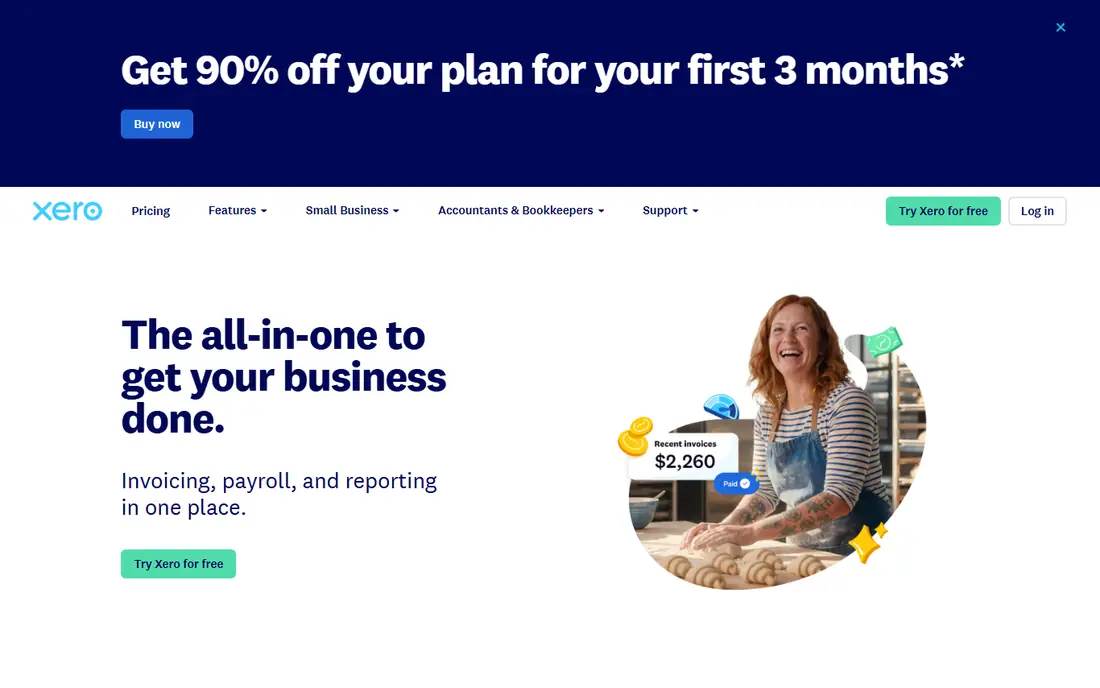
Xero is the best choice for a business where several people touch the books. Early costs 27 dollars per month and includes quotes, 20 invoices and five bills a month, bank reconciliation, document capture, reports, sales tax and a 30-day cash flow forecast. Growing at 59 dollars removes the invoice cap and adds automated bill entry, dashboards, budgets and a 60-day forecast. Established at 97 dollars adds multi-currency, project time and costs, expense and mileage claims, KPI analysis and a 180-day forecast. None of the plans charge per user, which is a real saving for a team of five or more. The trade-offs are the invoice cap on Early, the lack of native US payroll, and the October 2026 price rise from 25, 55 and 90 dollars.
What we like- Unlimited users on every plan
- No per-user fees
- Strong multi-currency and project tools on Established
- Clean interface
Watch out for- Early caps invoices at 20 per month and bills at five
- No native payroll in the US, it is powered by Gusto
- Prices rose in October 2026
#3FreshBooks
Best for: Freelancers and service businesses that live on invoicing and time tracking4.5/5 on
G2 (981 reviews, checked Oct 2026)
Visit freshbooks.com
Starting price23 dollars per month for Lite; Plus 43 dollars, Premium 70 dollars
Free planNo free plan; 30-day trial
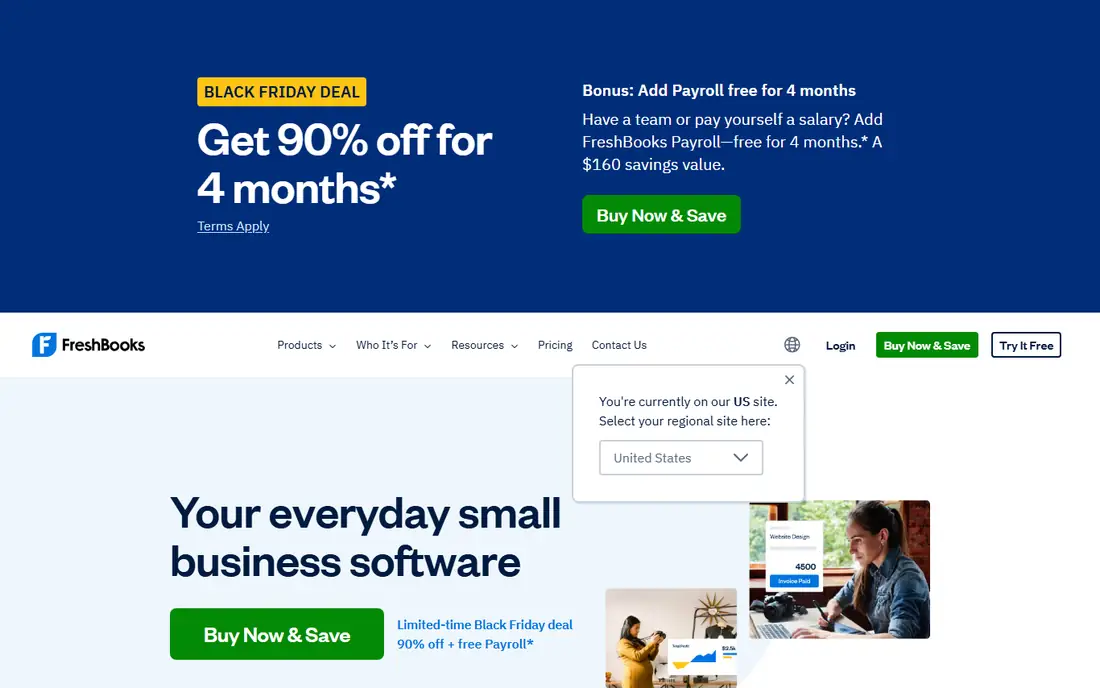
FreshBooks is built for people who send invoices for their time. Lite costs 23 dollars per month and includes unlimited invoices, estimates, time tracking, expenses, recurring invoices and automatic bank import. Plus at 43 dollars and Premium at 70 dollars add more clients, team members and automation, while Select is custom priced for larger teams. The vendor pricing FAQ confirms these figures from 5 March 2026, with annual billing at 248.40 dollars for Lite, 464.40 dollars for Plus and 756 dollars for Premium. Older reads of 21, 38 and 65 dollars are from before the March rise and should not be used.
What we like- Best invoicing experience in this list
- Strong time tracking and expense capture
- Simple interface that clients understand
Watch out for- Weaker double-entry accounting than QuickBooks or Xero
- No free plan
- Prices rose in March 2026
#4Wave
Best for: Sole proprietors and freelancers who want a genuinely free ledger4.3/5 on
G2 (328 reviews, checked Oct 2026)
Visit waveapps.com
Starting price0 dollars for Starter; Pro is 19 dollars per month or 190 dollars per year
Free planStarter is free with unlimited invoices, estimates, bills and bookkeeping records
Wave is the only tool in this list with a free plan that has no cap on invoices. Starter costs nothing and includes unlimited estimates, invoices, bills and bookkeeping records, with online payments at 2.9 percent plus 60 cents per transaction. Pro costs 19 dollars per month or 190 dollars per year and adds automatic bank import, auto-merge and categorisation, late payment reminders, branding removal, admin, editor and viewer roles, integrations and live human support. An introductory rate of 9.50 dollars per month for the first three months applies to new monthly Pro subscribers. Payroll costs 40 dollars per month plus 6 dollars per person, and bookkeeping help starts at 149 dollars per month.
What we like- Free plan with no invoice cap
- Simple to set up
- Payroll available in all 50 states
- Pro adds bank import and extra user roles
Watch out for- Automatic bank import and receipt scanning moved behind Pro
- No phone support on the free plan
- Limited reporting depth
#5Zoho Books
Best for: Small businesses that want a free plan with room to grow into a full suite4.4/5 on
G2 (329 reviews, checked Oct 2026)
Visit zoho.com
Starting price0 dollars for Free; Standard 20 dollars per month, 15 dollars when billed annually
Free planFree for businesses with under 50,000 dollars in annual revenue, up to 1,000 invoices per year
Zoho Books is the best value paid option in this comparison. The free plan costs nothing for businesses under 50,000 dollars in annual revenue and allows 1,000 invoices per year. Standard costs 20 dollars per month, or 15 dollars when billed annually, and adds three users, 5,000 invoices per year, automatic bank feeds and sales tax tracking. Professional costs 50 dollars per month, or 40 dollars annually, and adds five users, 10,000 invoices, multi-currency, inventory and project tracking. Premium costs 70 dollars per month, or 60 dollars annually, Elite 150 dollars, or 120 dollars annually, and Ultimate 275 dollars, or 240 dollars annually. A 14-day free trial of Premium is available.
What we like- Useful free plan
- Cheap paid tiers
- Strong fit with the rest of the Zoho suite
- 14-day free trial of Premium
Watch out for- Free plan is limited to one user plus an accountant
- Invoicing caps rise only with paid tiers
- Support is better on paid plans
#6Sage Accounting
Best for: Small businesses that want flat pricing and unlimited users on the top tier4.2/5 on
G2 (76 reviews, checked Oct 2026)
Visit sage.com
Starting price20 dollars per month for Accounting Start, for one user
Free planNo free plan; 30-day trial
Sage Accounting is the cloud accounting product from Sage, aimed at small businesses that want simple, flat pricing. Accounting Start costs 20 dollars per month for one user with unlimited sales invoices. Standard costs 40 dollars per month with two users included and extra users at 4 dollars per month. Plus costs 50 dollars per month with unlimited users. There is no free plan, but a 30-day trial is available. These figures come from a November 2026 read of the vendor pricing page; older reads of 10 dollars for Start and 25 dollars for the standard plan conflict with the current page and should not be used.
What we like- Flat monthly pricing
- Plus includes unlimited users
- Unlimited sales invoices on every plan
- Strong UK and Commonwealth support
Watch out for- No free plan
- Fewer US-specific payroll and tax features than QuickBooks
- Older 10 and 25 dollar reads conflict with the current vendor page
#7NetSuite
Best for: Mid-size businesses that need accounting, inventory, CRM and e-commerce in one system4.1/5 on
G2 (4,963 reviews, checked Oct 2026)
Visit netsuite.com
Starting priceQuote only; Oracle does not publish NetSuite list prices
Free planNo free plan; demo available on request
NetSuite is the enterprise option in this list. It combines accounting, inventory, order management, CRM and e-commerce in a single cloud ERP, with multi-subsidiary and multi-currency support built in. Oracle does not publish list prices, so every quote is custom and depends on modules, users and contract length. That alone rules it out for most small businesses: you cannot budget for it without a sales conversation, and implementation takes weeks or months rather than hours. NetSuite belongs in this comparison as the ceiling. If QuickBooks Advanced or Xero Established starts to feel small, and you need one system for finance, stock and sales across multiple entities, NetSuite is the next step.
What we like- Full ERP in one system
- Strong inventory, order management and multi-subsidiary accounting
- Scales well past small business size
Watch out for- Quote-only pricing means a sales process before you know the cost
- Implementation is slow and expensive
- Far more than a small business needs
#8Kashoo
Best for: First-time owners who want the simplest possible bookkeeping4.6/5 on
G2 (55 reviews, checked Oct 2026)
Visit kashoo.com
Starting price30 dollars per month, flat, with unlimited users
Free planNo free plan; 14-day trial
Kashoo is built for owners with no bookkeeping background. It has one paid plan at 30 dollars per month, flat, with unlimited users, and it covers invoicing, online payments, income and expense tracking, sales tax tracking, advanced reporting and multi-currency. A 14-day trial is available. The flat price is the appeal: there are no tiers to compare and no per-user fees to calculate. One roundup lists Kashoo at 27 dollars per month, which conflicts with the 30 dollar figure shown by the vendor and other November 2026 reads, so budget on 30 dollars.
What we like- One flat plan with unlimited users
- Very simple interface
- AI-powered auto-categorisation
- Multi-currency included
Watch out for- No free plan
- Fewer integrations than QuickBooks or Xero
- Limited reporting depth
- One roundup lists 27 dollars, which conflicts with the 30 dollar vendor figure
Frequently asked questions
Is QuickBooks or Xero cheaper for a team of five
Xero is cheaper. Xero charges 59 dollars per month for Growing or 97 dollars for Established, with unlimited users included. QuickBooks charges 140 dollars per month for Plus, which allows five users, or 340 dollars for Advanced. Over a year, the difference is hundreds of dollars, and it grows if your team keeps hiring.
Does Xero have payroll in the United States
Xero Payroll in the US is powered by Gusto and costs 36 dollars per month plus 6 dollars per employee or contractor. It is an add-on rather than a built-in feature. QuickBooks Payroll is built into QuickBooks Online, which is one reason US businesses with staff often pick QuickBooks despite the higher price.
Can I switch from QuickBooks to Xero later
Yes. Both tools export your chart of accounts, customers, vendors and transaction history, and migration services can move the data for you. The harder part is retraining your team and your accountant, and rebuilding any custom reports or integrations, so pick the tool you expect to keep for at least two years.
Which tool is better for a freelancer who sends few invoices
Wave or Zoho Books will cost you less than either QuickBooks or Xero. Wave Starter is free with unlimited invoices, and Zoho Books is free under 50,000 dollars in annual revenue. If you want a paid tool, FreshBooks Lite at 23 dollars per month is built for freelancers, and Xero Early at 27 dollars per month works if you send 20 invoices or fewer a month.
Do QuickBooks and Xero prices include tax
No. Both vendors list prices before tax, and sales tax depends on your state. Both also run introductory discounts: QuickBooks lists 70 percent off for three months until 29 November 2026, and Xero offers a deep discount for new US customers for the first three to six months. Budget on the list price, because the discount always ends.
Sources we checked (8)
- https://quickbooks.intuit.com/pricing/
- https://www.xero.com/us/pricing/
- https://www.freshbooks.com/2026-faq-price-change
- https://www.waveapps.com/pricing/
- https://www.zoho.com/us/books/pricing/
- https://www.sage.com/en-us/products/sage-accounting/
- https://www.netsuite.com/portal/products/netsuite-pricing.shtml
- https://www.kashoo.com/pricing/
Is your product missing or out of date?
We review this list regularly. Vendors can request a listing, send updated pricing or ask about featured placement.

Shihab Mia · Founder, Rankite
Shihab has 5+ years in B2B and SaaS SEO. He writes Rankite's software buying guides from pricing pages, documentation and public user reviews. More about Shihab.