How we make this list: we compare pricing pages, product documentation and public user reviews. Ratings come from G2, Capterra or Trustpilot, with the date we checked them.
Key takeaways
- ChatGPT is the most flexible Perplexity alternative, with web search, reasoning, and document help in one assistant.
- Google Gemini suits users already in Google services, with search, Gmail, and Drive connections that Perplexity does not offer in the same way.
- Microsoft Copilot fits workplaces using Microsoft 365, where answers can draw on emails, files, and meetings with proper permissions.
- Claude is the strongest pick for long, careful research and writing, with clear reasoning and document handling.
- You.com, Brave Search, and Kagi suit users who want search-first answers, with different approaches to privacy, ads, and source control.
Quick comparison
| Tool | Best for | Starting price | Free plan |
|---|
 ChatGPT ChatGPT | Flexible AI search and assistance | $20 per user/month (Plus) | Yes |
 Google Gemini Google Gemini | Search inside Google services | See website | Yes |
 Microsoft Copilot Microsoft Copilot | Work answers inside Microsoft 365 | See website | Yes |
 Claude Claude | Long research and careful writing | See website | Yes |
 You.com You.com | Search-first AI answers | See website | Yes |
 Brave Search Brave Search | Private search with AI answers | See website | Yes |
 Kagi Kagi | Ad-free search with user control | See website | Free trial |
 Meta AI Meta AI | Free AI answers inside Meta apps | $0 | Yes |
 Grok Grok | AI answers inside X with real-time topics | See website | Yes |
Is your product missing or out of date?
We review this list regularly. Vendors can request a listing, send updated pricing or ask about featured placement.
The best Perplexity alternatives
#1ChatGPT
Best for: Flexible AI search and assistance4.6/5 on
G2 (3,089 reviews, checked Oct 2026)
Visit chatgpt.com
Starting price$20 per user/month (Plus)
Free planYes
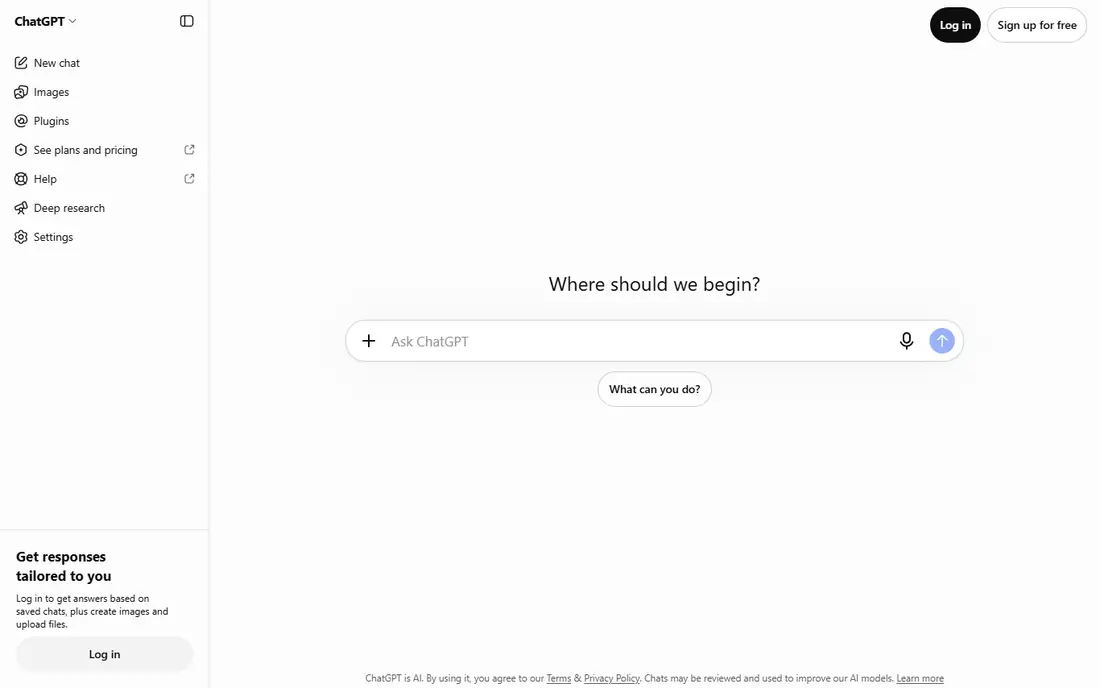
ChatGPT is the most general replacement for Perplexity, because search is only one part of what it does. Ask a question, get a sourced answer, then ask for a summary, a table, a draft, or a deeper follow-up, all in the same conversation. That continuity helps for research that moves from a first question to a full report.
The free tier covers casual search well, while Plus at $20 per user per month gives access to stronger models and higher limits. ChatGPT fits best for users who want one assistant for search, writing, and analysis, rather than a search-only tool.
What we like- Web search plus reasoning, writing, and coding help
- Can search, summarize, and compare sources in one conversation
- Large ecosystem of apps and integrations
Watch out for- Free tier limits advanced models and search features
- Answers still need source checking for important claims
Starting priceSee website
Free planYes
Gemini benefits from Google's search strength and its own services. A user can ask about a topic, then ask Gemini to summarize a document in Drive or find details in Gmail, where permissions allow. That integration is a real advantage over a standalone search tool for people who already live in Google apps.
Gemini is less specialized for academic citation control than some research tools, so researchers should still verify sources. Gemini fits best for Google users who want fast AI answers plus help with their own Google documents and email.
What we like- Strong web search backed by Google
- Connections to Gmail, Drive, Docs, and YouTube on supported plans
- Good for everyday questions and summaries
Watch out for- Workspace connections and advanced features vary by plan
- Answers can be general without careful prompting
Starting priceSee website
Free planYes
Microsoft Copilot is the work-focused alternative. In a Microsoft 365 workplace, it can answer questions using web sources and, with the right license and permissions, internal emails, files, and meeting notes. That makes it useful for questions such as what was decided in a meeting, or what a recent document says, not just general web facts.
For personal use, the free Copilot is a capable web assistant, but without the work integration. Copilot fits best for professionals and teams already using Microsoft 365, who want AI search that also understands their work content.
What we like- Web search plus work data in Microsoft 365, where licensed
- Summarizes emails, meetings, and documents
- Built into Windows, Edge, and Office apps
Watch out for- Full work features require a paid Microsoft 365 Copilot license
- Value depends heavily on your workplace setup
#4Claude
Best for: Long research and careful writing4.6/5 on
G2 (488 reviews, checked Oct 2026)
Visit claude.com
Starting priceSee website
Free planYes
Claude is best when a question needs careful thinking, not just a quick answer. Upload a long report, ask for a comparison, or work through a complex problem step by step, and Claude's structured style helps keep the reasoning clear. That makes it popular for research, legal-style analysis, and long-form writing support.
Claude is not a direct search engine replacement for quick, source-heavy queries in every case. Claude fits best for researchers, analysts, and writers who value depth, document handling, and careful answers over a simple search results page.
What we like- Strong reasoning and long document handling
- Clear, structured answers for complex topics
- Good for writing, analysis, and coding help
Watch out for- Web search features vary by plan and region
- Less of a traditional search engine than Perplexity
Starting priceSee website
Free planYes
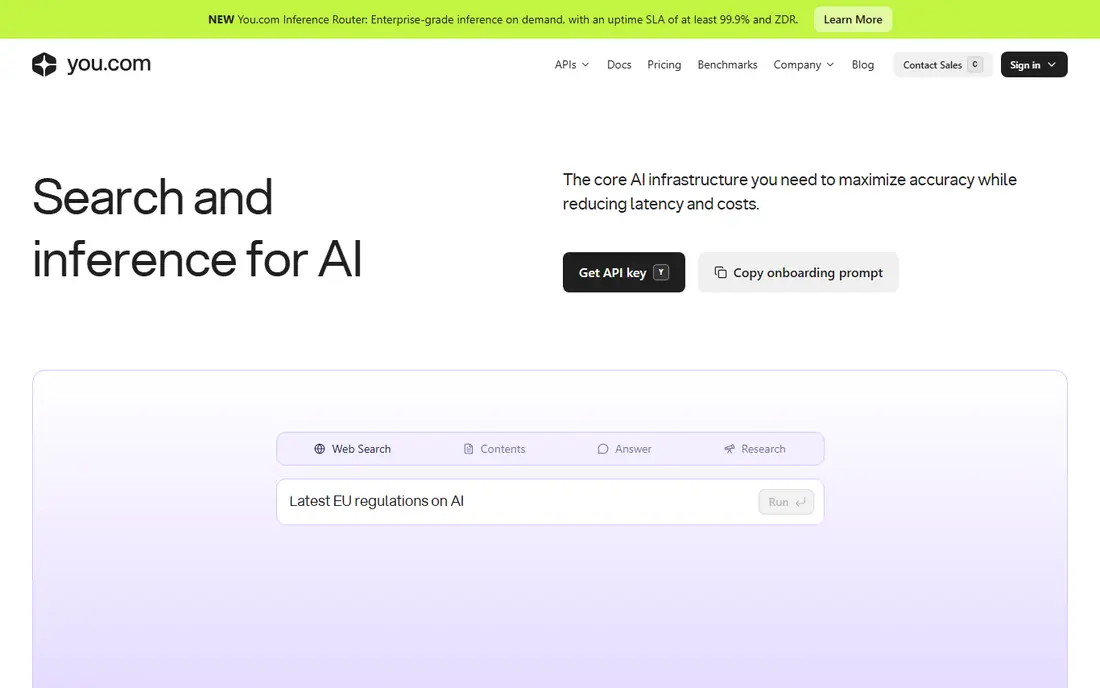
You.com is closer to Perplexity in spirit than a general assistant is. It is a search engine first, with AI answers, source citations, and modes for research, writing, and coding. Users who like Perplexity's answer-with-sources format, but want a different provider, will find You.com familiar.
The ecosystem is smaller than Google or OpenAI, so integrations are fewer. You.com fits best for search-first users who want AI answers with sources, without committing to a single large assistant platform.
What we like- Search engine with AI answers and source links
- Multiple AI modes for different tasks
- Less tied to a single assistant ecosystem
Watch out for- Smaller user base and ecosystem than Google or ChatGPT
- Advanced AI features require a paid plan
Starting priceSee website
Free planYes
Brave Search appeals to users who want AI answers without the tracking that comes with larger search platforms. It uses its own search index, offers AI summaries with sources for many queries, and keeps the interface clean. For everyday search, that privacy plus AI combination is a strong draw.
For deep research, Brave's AI answers may be shorter than Perplexity or Claude. Brave Search fits best for privacy-conscious users who want a search engine with AI help, rather than a full research assistant.
What we like- Privacy-focused search with no tracking profile
- AI answers with sources on supported queries
- Independent search index, not just a Google wrapper
Watch out for- AI answer depth varies by query type
- Smaller index coverage than Google for some niche topics
Starting priceSee website
Free planFree trial
Kagi takes a different business model: users pay for search, so there are no ads and no sponsored results. Power users can customize sources, create lenses for specific topics, and control ranking in ways that ad-supported engines do not allow. That control appeals to researchers and professionals who search all day.
Kagi is not free beyond a trial, so casual users may prefer a free AI assistant. Kagi fits best for heavy searchers who value ad-free, customizable results and are willing to pay for search itself.
What we like- Ad-free search results with no sponsored placement
- User control over sources, ranking, and lenses
- Fast, clean results for power searchers
Watch out for- Paid model, with no permanent free tier
- AI features are an addition to search, not the core product
#8
Meta AI
Best for: Free AI answers inside Meta apps
Visit meta.ai
Starting price$0
Free planYes
Meta AI is the convenience pick. It is already inside apps many people use daily, so asking a quick question does not require opening a new tool. For travel ideas, simple explanations, and everyday search, that convenience is enough.
For serious research, Meta AI's answers and citations are thinner than Perplexity, Claude, or ChatGPT. Meta AI fits best for casual users who want free, quick AI answers inside apps they already use, without a separate subscription.
What we like- Free to use, with web search on supported queries
- Built into WhatsApp, Instagram, Facebook, and Messenger
- Good for quick, everyday questions
Watch out for- Less research depth and citation control than Perplexity
- Privacy and data use need checking for work topics
#9
Grok
Best for: AI answers inside X with real-time topics
Visit grok.com
Starting priceSee website
Free planYes
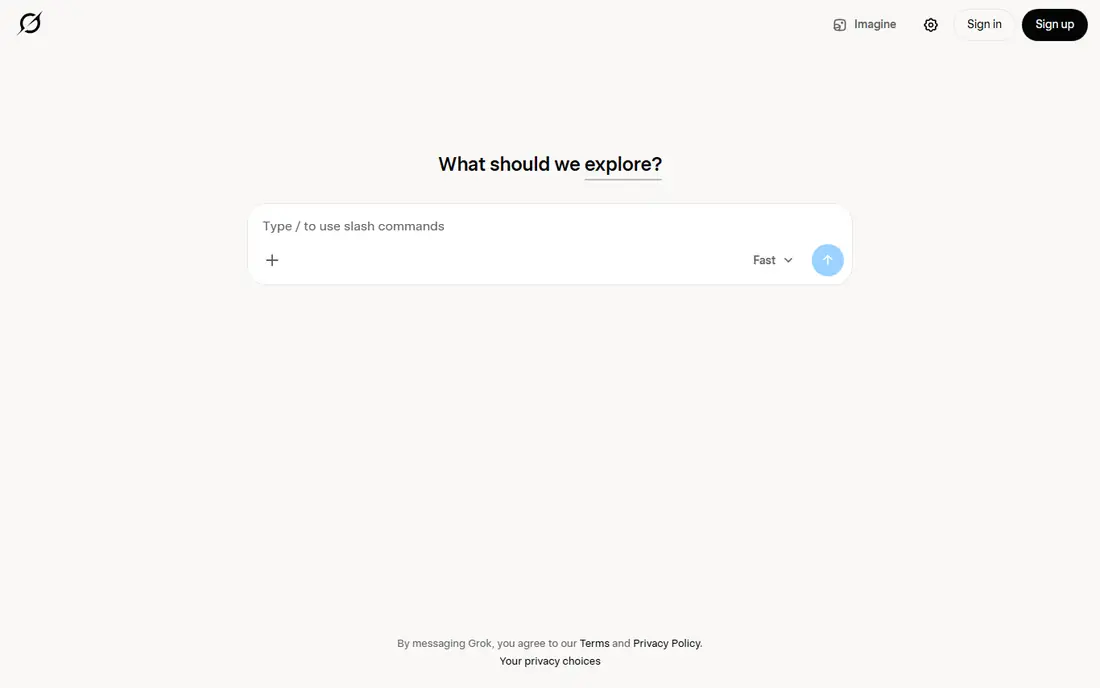
Grok, from xAI, is built around real-time information and conversation on X. It is useful for questions about current events, trends, and social discussion, where freshness matters more than a long research report. The conversational style also suits follow-up questions and debate-style exploration.
For academic or citation-heavy research, a dedicated research tool will usually serve better. Grok fits best for X users and news followers who want AI answers tied to real-time topics and social context.
What we like- Strong for real-time topics and X content
- Conversational answers with web search
- Useful for news, trends, and social discussion
Watch out for- Real-time focus can mean less depth for academic research
- Features and pricing vary by X subscription
How we chose
We checked vendor pricing pages, product documentation, and public reviews on G2, Capterra, and Reddit, and compared each tool on answer quality, source citations, web search freshness, document handling, privacy, and price model. Tools were kept only if they answer questions with AI today, are available to US users, and offer a clear alternative to Perplexity's sourced-answer format. Where pricing varied by plan, we marked it as See website instead of publishing a single figure.
We gave extra weight to source transparency, since an AI answer without a checkable source is hard to trust for work or research. A tool with clear citations and source links scored higher than a tool with confident but unsourced answers.
How to pick a Perplexity alternative for your research
The right tool depends on whether you need a quick answer, a deep report, or answers from your own files. Use the checks below to avoid switching tools mid-project.
Decide quick answer, deep research, or work data
For quick answers, Brave Search, Meta AI, or Gemini work well. For deep research, Claude, ChatGPT, or You.com offer more depth and follow-up. For work data, Copilot or Gemini with workspace connections will answer questions about your own files that a public search tool cannot.
Check citations on a real question
Ask each tool a question you already know the answer to, and check whether the citations actually support the claims. Look for primary sources, not just secondary summaries. A tool that cites well on a test question is more likely to cite well on a new topic.
Test follow-up, not just the first answer
Good research is a conversation. Ask a follow-up, ask for a comparison table, and ask the tool to correct a mistake. Tools that keep context and handle corrections well will save more time over a full project than tools that only answer the first question well.
Keep a human check for important claims
For health, legal, financial, or academic work, verify key claims against primary sources before acting on them. AI search tools can summarize and find sources quickly, but they can also misread a source or overstate a finding. Use AI to speed up research, not to replace source checking.
Frequently asked questions
What is the best free Perplexity alternative?
ChatGPT, Google Gemini, Brave Search, and Meta AI all offer free tiers that cover everyday AI search well. For search-first answers, Brave Search and You.com are strong free options. For deeper research, start with a free tier, then upgrade only when model limits or features block your work.
Is ChatGPT better than Perplexity for search?
It depends on the task. ChatGPT is more flexible, with writing, coding, and analysis in the same conversation, while Perplexity is more focused on sourced search answers. For a research project that moves from search to a report, ChatGPT often fits better. For a quick, source-heavy search, Perplexity's format remains strong.
Can I use Perplexity alternatives for academic research?
Yes, with care. Claude, ChatGPT, and You.com can help find and summarize sources, but always check primary sources, citations, and publication details before citing them in academic work. AI tools are research aids, not primary sources themselves.
Which alternative is best for privacy?
Brave Search is the strongest privacy pick here, with a privacy-focused search engine and its own index. Kagi also offers ad-free search with user control, for a paid price. Check each tool's data retention and training policies before using it for sensitive work topics.
Do AI search tools replace Google?
No, not fully. AI search tools answer questions directly, but Google remains useful for browsing, comparing many sources, and finding specific pages, images, and videos. Many users now use both: an AI tool for a direct answer, and Google for deeper browsing.
Which Perplexity alternative works best at work?
Microsoft Copilot works best in Microsoft 365 workplaces, while Google Gemini works best in Google Workspace workplaces. Both can answer questions using work documents, where licensed and permitted. For general work research without a workspace integration, ChatGPT and Claude are strong choices.
Sources we checked (9)
- https://chatgpt.com/pricing
- https://gemini.google.com/pricing
- https://copilot.microsoft.com/pricing
- https://claude.com/pricing
- https://you.com/pricing
- https://search.brave.com/pricing
- https://kagi.com/pricing
- https://www.meta.ai/pricing
- https://grok.com/pricing
Is your product missing or out of date?
We review this list regularly. Vendors can request a listing, send updated pricing or ask about featured placement.

Shihab Mia · Founder, Rankite
Shihab has 5+ years in B2B and SaaS SEO. He writes Rankite's software buying guides from pricing pages, documentation and public user reviews. More about Shihab.