How we make this list: we compare pricing pages, product documentation and public user reviews. Ratings come from G2, Capterra or Trustpilot, with the date we checked them.
Key takeaways
- Read this first: never paste passwords, API keys, private keys, tokens, or personal data into any public paste tool, including every entry in this list.
- GitHub Gist is the default for code: versioned, searchable, and tied to the account developers already have, with secret gists that are unlisted, not private.
- PrivateBin is the privacy answer: end to end encrypted pastes the server cannot read, self hostable, with burn after reading options.
- Hastebin and Paste.ee cover the fast, no account paste; dpaste and JustPaste.it cover short lived and document style sharing.
Quick comparison
| Tool | Best for | Starting price | Free plan |
|---|
 GitHub Gist GitHub Gist | Code snippets with version history | Free | Yes |
 PrivateBin PrivateBin | Encrypted, self hosted pastes | Free | Yes |
 GitLab Snippets GitLab Snippets | Teams living in GitLab | Free | Yes |
 Hastebin Hastebin | Instant no fuss code pastes | Free | Yes |
 Paste.ee Paste.ee | Simple pastes with accounts and API | Free | Yes |
 dpaste dpaste | Short lived expirable text | Free | Yes |
 JustPaste.it JustPaste.it | Formatted notes and documents | Free | Yes |
Is your product missing or out of date?
We review this list regularly. Vendors can request a listing, send updated pricing or ask about featured placement.
The best Pastebin alternatives
Starting priceFree
Free planYes
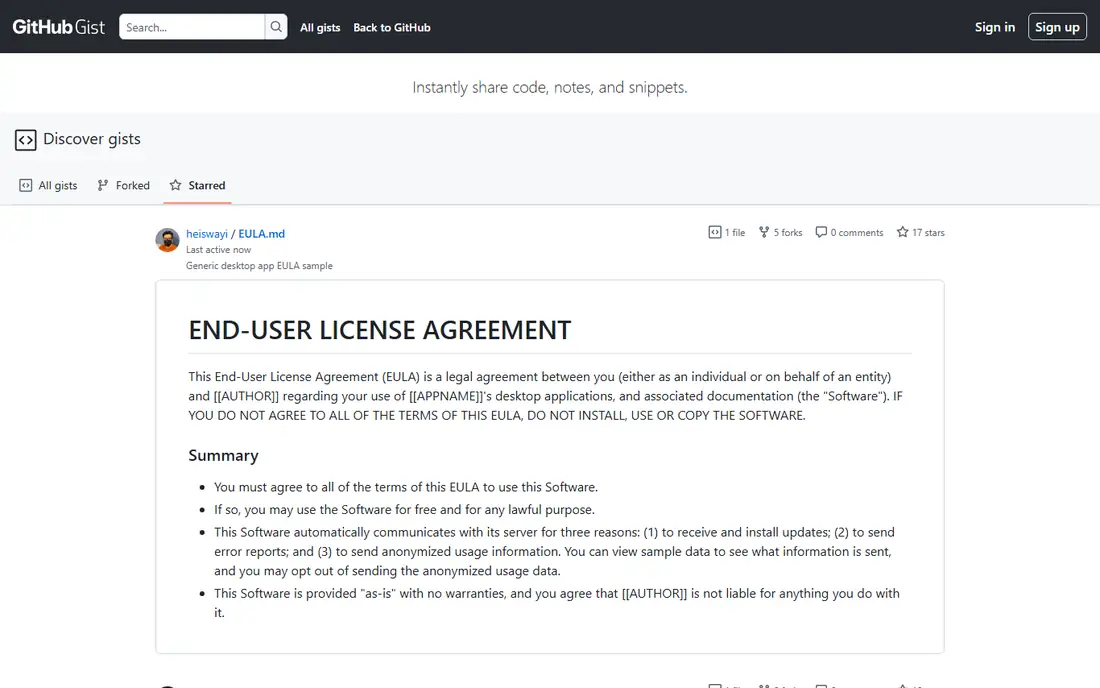
What we like- Gist is the developer default for sharing code: multiple files per gist, syntax highlighting across languages, comments, forking, full version history through git underneath, and embed codes that power half the technical blogs in existence. Public gists are discoverable and build your public body of work
- Everything lives under the GitHub account you already have. For code meant to persist and be cited, nothing in this list matches its permanence and reach.
Watch out for- Secret gists are unlisted, not private: anyone with the link sees them, they appear in no access log you control, and GitHub's own documentation warns against sensitive content. Gists are code shaped
- Prose and formatted documents are clumsy. Deleting a gist does not unshare copies, forks, or embeds made earlier, which is the general paste law stated again where it matters most.
Starting priceFree
Free planYes
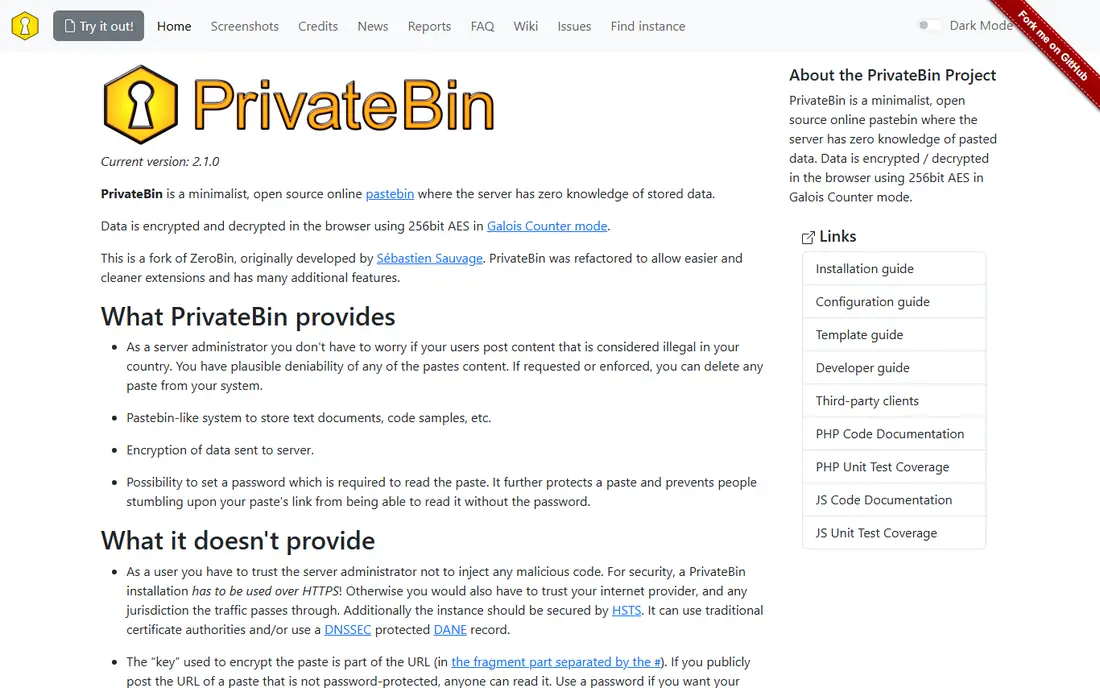
What we like- PrivateBin is engineered around the warning at the top of this article: pastes are encrypted in your browser with a key held in the link itself, so the server stores ciphertext it cannot read, and options include expiry and burn after reading. It is open source and self hostable on trivial hardware, and public instances exist for immediate use. For sharing sensitive but not secret material, configuration files, logs, internal notes, inside a team that controls its own instance, it is the only design here that treats confidentiality as the product.
Watch out for- Encryption protects content in transit and at rest on the server
- It does not stop a recipient from copying and republishing, and the link itself is the key, so sending it over an insecure channel defeats the design. Public instances vary in trustworthiness and retention, so serious use means your own instance. Features are deliberately minimal beside developer tools: no accounts, no organization, no search.
Starting priceFree
Free planYes

What we like- GitLab's snippets give GitLab teams the Gist pattern inside their own walls: project and personal snippets with visibility controls tied to real permissions, versioning, and comments, on gitlab.com or a self managed instance where snippets never leave company infrastructure. Visibility here means what it says: internal and private snippets are access controlled by the platform's roles, which is the correct way to share working material inside an organization. For teams standardized on GitLab, adopting it ends the habit of pasting code into public tools by convenience.
Watch out for- It is a feature of a large platform, so casual one off sharing with outsiders is clumsier than a paste link
- Recipients may need accounts and permissions. Public discoverability and embedding are not its purpose. Self managing GitLab for snippets alone is absurd overkill
- This entry is for teams already there.
Starting priceFree
Free planYes
What we like- Hastebin is the minimalists' paster: open the page, paste, save, share the short link, with automatic language detection, line numbers, and a raw view, and no account demanded. Now operated by Toptal, it has kept the original's speed and plainness that made developers adopt it for quick support and chat sharing. For the classic paste use case, show someone this error or this function, it is the fewest clicks here.
Watch out for- Pastes are public by link with no meaningful access control, and retention is at the service's discretion, so nothing durable or sensitive belongs here. Organization, search, and accounts are absent by design. Its simplicity is the product and the ceiling in the same breath, exactly like the sticky note it digitally resembles.
#5
Paste.ee
Best for: Simple pastes with accounts and API
Visit paste.ee
Starting priceFree
Free planYes
What we like- Paste.ee sits between the minimal pasters and the platforms: free pasting without an account, optional accounts to manage your pastes, sections for multi part content, syntax highlighting, expiry settings, and an API that scripts and tools integrate with. It has served the modding, gaming, and support communities for years as the calmer Pastebin shaped option. For users who liked Pastebin's model but not its current experience, this is the nearest like for like.
Watch out for- Public pastes carry the same exposure rules as everywhere: the site's sections and discovery make pasted content findable, which users consistently underestimate. It is a smaller operation than the platform entries here, with the continuity questions that implies for long lived links. Encryption and access control are not its model.
Starting priceFree
Free planYes
What we like- Dpaste builds everything around expiry: pastes live for days by default, one day to a week or so depending on settings, with syntax highlighting, a clean reading view, and an API long used by the Python and Django communities that created it. The enforced short life is a feature for support work and chat sharing, where the content is meaningless in a month and best gone. Its restraint, no accounts pushed, no clutter, keeps it fast.
Watch out for- Short retention is the wrong tool for anything you will cite later, and pastes can be set to expire before a slow recipient reads them. Content is public by link while it lives. Feature breadth is intentionally small: no files organization, no collaboration, no permanence, a paster with a self destruct habit and nothing more.
Starting priceFree
Free planYes
What we like- JustPaste.it is the prose entry: a simple rich text editor that publishes formatted notes, lists, and articles with images to a clean public page, no account needed, which suits sharing announcements, instructions, and event details where code tools look wrong. It has served that job for years with minimal fuss, and its pages read well on phones. For non technical users in this list, it is the only tool designed for them.
Watch out for- Formatted public pages are indexed and permanent in the way of the web
- The secrets warning applies with doubled force because its friendly editor invites personal content. Code handling is basic. Accounts and management features are light, and pages are a publishing act, not a private share, whatever the intent.
How we chose
We compared paste and snippet tools on privacy model, expiry and deletion behaviour, accounts and permissions, syntax and formatting support, and longevity, and we weighted the security framing above features because misuse of this category causes real breaches. Platform snippet systems, Gist and GitLab, are judged as developer infrastructure; public pasters are judged as the ephemeral tools they are, and the entries say which is which.
How to choose the right Pastebin alternative
Match the tool to the content's sensitivity and lifespan. Code you are proud of and happy to publish: Gist, where it builds your body of work. Code inside a company: GitLab snippets or your GitHub organization's gists under real access control, or a self hosted PrivateBin for working material. A quick look at this error for a helper in chat: Hastebin or dpaste, with dpaste's expiry as the safer default. Formatted public notes: JustPaste.it, written as if for publication, because they are.
And the rule that outranks every feature above: secrets never go in pastes. Credentials belong in a password manager's sharing feature, a secrets vault, or an encrypted message, where access can be revoked and audited. If your workflow regularly needs to show someone a config file, sanitize it first, replace keys with placeholders, because automated scrapers read paste sites continuously and a real key posted at noon is commonly tried by strangers before dinner. Treat every paste as a postcard that a scanner photographs: fine for the view, wrong for the combination to your safe.
Frequently asked questions
Are secret or unlisted pastes actually private?
No. Unlisted means not linked from public pages; the URL itself is the only lock, and URLs leak through browser histories, referrer headers, chat logs, and scraping. GitHub states plainly that secret gists are not private. The only entry here with real confidentiality engineering is PrivateBin, where the server cannot read content, and even it cannot control what a recipient does with a paste.
What should I do if I pasted a password or API key by mistake?
Act as if it is public, because it likely is. Immediately change the password or revoke and reissue the key, check the account for unfamiliar activity, and delete the paste while understanding deletion may not remove copies. Then find the workflow that caused it and fix that: templates with placeholders, a linter for configs, or a team rule that configs travel through the vault, not the clipboard.
Which alternative is best for sharing code in support chats?
dpaste for its automatic expiry or Hastebin for pure speed. Both give a clean highlighted link in seconds. For ongoing collaboration on the same snippet, use Gist instead, where comments and revisions accumulate in one place rather than scattering across expiring links.
Can I self host a paste tool?
Yes. PrivateBin is built for it and runs on minimal infrastructure; GitLab self managed includes snippets; and several open source pasters exist beyond this list. Self hosting gives your team retention and access policies of its own, which is why security conscious organizations run internal pasters instead of forbidding pasting and being ignored.
How long do pastes stay online?
It varies from dpaste's days by design to Gist's indefinite persistence, and every public paster's policy can change or end with the service. The safe assumption is both directions at once: anything sensitive should be treated as permanent, and anything you need permanently should be kept in a system you control. Neither assumption is cynical; both are simply how the web behaves.
Sources we checked (0)
Is your product missing or out of date?
We review this list regularly. Vendors can request a listing, send updated pricing or ask about featured placement.

Shihab Mia · Founder, Rankite
Shihab has 5+ years in B2B and SaaS SEO. He writes Rankite's software buying guides from pricing pages, documentation and public user reviews. More about Shihab.