How we make this list: we compare pricing pages, product documentation and public user reviews. Ratings come from G2, Capterra or Trustpilot, with the date we checked them.
Key takeaways
- Tally is the most generous free switch, with unlimited forms and responses on its free plan and paid tiers from 29 dollars a month.
- Typeform wins on respondent experience with its one question at a time design, but its free plan stops at 10 responses a month.
- Jotform offers the deepest template library and app building extras, while Fillout suits teams that live in Airtable or Notion.
- Formstack is the regulated industry option, with workflow and compliance features the design led tools do not attempt.
Quick comparison
| Tool | Best for | Starting price | Free plan |
|---|
 Tally Tally | Most generous free plan | Free | Yes |
 Typeform Typeform | Conversational form experience | See website | Yes |
 Jotform Jotform | Templates and form powered apps | Free | Yes |
 Fillout Fillout | Airtable and Notion workflows | Free | Yes |
 Google Forms Google Forms | Fast internal surveys | Free | Free |
 Cognito Forms Cognito Forms | Calculations and approvals | Free | Yes |
 Formstack Formstack | Regulated teams and Salesforce workflows | $83 per month | No |
 Wufoo Wufoo | Simple classic form building | See website | Yes |
Is your product missing or out of date?
We review this list regularly. Vendors can request a listing, send updated pricing or ask about featured placement.
#1Tally
Best for: Most generous free plan4.9/5 on
G2 (156 reviews, checked Oct 2026)
Visit tally.so
Starting priceFree
Free planYes
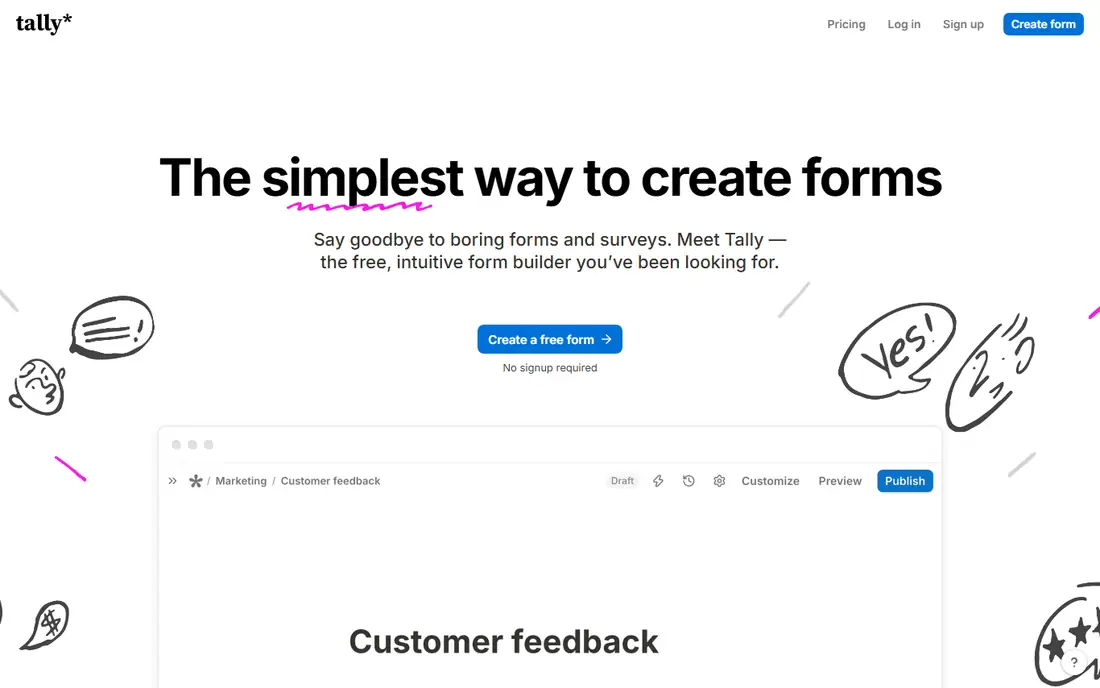
What we like- Tally's free plan allows unlimited forms and unlimited responses, with conditional logic, file uploads, and Stripe payments included at no cost, which no other major builder matches. The editor works like a text document, so forms are fast to build, and the paid Pro plan at 29 dollars a month mainly removes branding and adds custom domains and partial submissions. For most small teams, the free tier is the whole product.
Watch out for- Tally's template gallery and design controls are lighter than Paperform's document styling, so heavily branded landing page style forms take more effort. Advanced analytics and some integrations sit behind the paid tiers. It is a younger company than Jotform or Formstack, which matters to buyers who weight vendor age.
#2Typeform
Best for: Conversational form experience4.5/5 on
G2 (1,014 reviews, checked Oct 2026)
Visit typeform.com
Starting priceSee website
Free planYes
What we like- Typeform's one question at a time format remains the benchmark for respondent experience, and it reports strong completion rates on marketing and research forms. It includes logic, calculations, and a polished template range, and it connects to common CRM and analytics tools. For lead generation and customer research where completion rate is the metric, it is the natural Paperform rival.
Watch out for- The free plan stops at 10 responses a month, which is a trial in practice. Published starting prices conflict between monthly and annual billing views, roughly from the mid twenties to 39 dollars a month for the Basic plan, so this guide lists see website and you should check your billing cycle price. File uploads and payments need paid plans.
#3Jotform
Best for: Templates and form powered apps4.7/5 on
G2 (5,415 reviews, checked Oct 2026)
Visit jotform.com
Starting priceFree
Free planYes
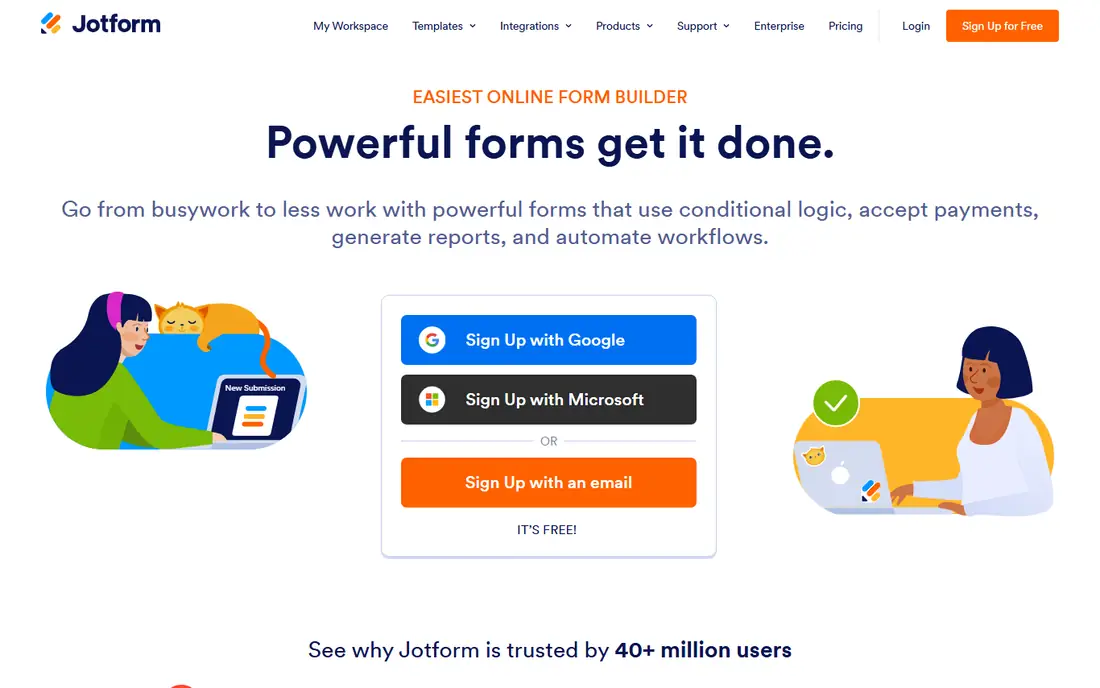
What we like- Jotform has the deepest template library in this category, with thousands of starting points, plus extras such as an app builder, approval workflows, an AI agent builder, and strong payment support. Its free plan covers 5 forms and 100 responses a month, and paid plans start at 39 dollars a month for Bronze. Enterprise and HIPAA capable tiers exist for health and education buyers.
Watch out for- The free plan's 100 response cap and 100MB total storage run out fast on busy forms. The interface offers so many options that simple forms can feel crowded. Branding removal and higher limits require paid tiers, and per plan response maths needs care when several forms run at once.
#4Fillout
Best for: Airtable and Notion workflows4.6/5 on
G2 (30 reviews, checked Oct 2026)
Visit fillout.com
Starting priceFree
Free planYes
What we like- Fillout connects forms directly to Airtable, Notion, and other databases, so responses land as records rather than exports, and it can prefill and update records too. Its free plan allows 1,000 responses a month with conditional logic and Stripe payments included, and paid plans start at 19 dollars a month. Multi page forms and scheduling fields round out a strong package for operations teams.
Watch out for- Fillout's best value appears when you already use its partner databases
- Standalone users get less of the magic. Design polish is good but a step behind Paperform and Typeform for brand led pages. Some advanced features, such as larger upload sizes, sit in higher tiers.
Starting priceFree
Free planFree
What we like- Google Forms is completely free with unlimited forms and responses, and answers flow straight into Google Sheets for analysis. Almost every respondent already knows how to use it, and it handles quizzes, event signups, and internal surveys in minutes. For organisations on Google Workspace, permissions and sharing follow the accounts people already have.
Watch out for- There is no payment collection, no custom domain, and styling is minimal, so customer facing forms look plain. Branching logic is basic section based routing rather than full conditional logic. File uploads require respondents to sign in to a Google account, which can block public respondents.
Starting priceFree
Free planYes
What we like- Cognito Forms is strong where forms behave like small business processes: calculations, repeating sections, payments, and entry approval workflows. Its free plan covers 100 entries a month, and paid plans are modestly priced, with Pro around 24 dollars a month billed monthly. It suits order forms, applications, and intake forms that need maths and review steps, not just answers.
Watch out for- The design output is functional rather than beautiful, so it will not match Paperform for brand led pages. The template range is smaller than Jotform's. Some higher tier pricing has been under test recently, so confirm your tier price on the vendor page before budgeting.
Starting price$83 per month
Free planNo
What we like- Formstack is the compliance and workflow pick, with forms that plug into Salesforce, document generation, and e signature products in the same suite. It offers the security posture and features regulated industries ask for, including HIPAA capable plans, and its forms plan starts at 83 dollars a month billed annually with a free trial. Organisations standardising on Salesforce get the most from it.
Watch out for- Formstack has no free plan, and its pricing starts where most rivals' mid tiers sit. The suite model means the best workflows assume you buy documents and sign products too. Small teams will find Tally or Fillout far cheaper for ordinary forms.
#8Wufoo
Best for: Simple classic form building4.2/5 on
G2 (296 reviews, checked Oct 2026)
Visit wufoo.com
Starting priceSee website
Free planYes
What we like- Wufoo, owned by Momentive, is one of the original form builders, with a simple drag and drop editor, a free plan covering a handful of forms and entries, and reliable payment integrations. It suits teams that want a known, plain tool for registrations, surveys, and contact forms without a learning curve. Its reporting is clear and its forms have worked the same way for years.
Watch out for- Wufoo's design and feature set have moved slowly, so it lacks the modern touches of Tally or Fillout, such as rich database sync. Current published entry pricing was not consistent across sources at the time of writing, so this guide lists see website. Template variety and logic depth trail Jotform.
How we chose
We compared the builders a Paperform user would realistically move to, checking each vendor's pricing page and late October 2026 comparison reporting for free allowances, response caps, logic, payments, and upgrade prices. We weighted free tier honesty heavily, since headline free plans range from Tally's unlimited responses to Typeform's 10 a month. We marked prices see website where monthly and annual figures conflicted across sources, rather than picking the prettier number. We excluded survey only research platforms and WordPress plugins, since neither replaces a hosted form builder for most teams.
Begin with your response volume. Count submissions across all forms in a busy month: under a few hundred, almost any free plan works, and Tally's unlimited free tier removes the question entirely. If design and completion rate drive revenue, as they do on lead generation pages, Typeform and Paperform style tools earn their price, and you should test the same form in both and measure completions rather than argue about taste.
Next, follow the data. If responses must land in Airtable or Notion as records, Fillout saves hours of export work. If forms feed Salesforce or sit inside a compliance boundary, Formstack is the grown up choice despite the price. If the form is really a small process, with calculations and approvals, Cognito Forms handles it quietly. Finally, price the upgrade you will actually take: vendors design free tiers so the feature you need next, often branding removal or file uploads, sits one tier up. Read that tier's price before you build twenty forms you then have to move. One more practical check: send a test submission with a file attached and a payment in test mode, and confirm the notification email, the stored record, and the refund path all behave the way your team expects.
Frequently asked questions
Does Paperform have a free plan?
Yes, Paperform now offers a free tier with around 30 submissions a month. It is enough to test the editor, but most live business forms will outgrow it quickly, which is why several alternatives above lead with larger free allowances.
Which alternative has the best free plan?
Tally. Its free plan allows unlimited forms and responses with logic, uploads, and payments included, and the paid plan mainly removes branding. Google Forms is also unlimited and free, but it cannot take payments and offers little styling.
Which tool is best for taking payments on forms?
Tally and Fillout include Stripe payments on free plans, and Jotform supports many payment processors on paid plans. Paperform itself also handles payments well on paid tiers. Compare the plan price plus the processor's standard transaction fees.
Which alternative works best with Airtable?
Fillout is built for database connected forms and syncs with Airtable and Notion natively, including updating existing records. Jotform also integrates with Airtable, though the connection is less central to the product.
Can these tools handle HIPAA or regulated data?
Formstack offers HIPAA capable plans, and Jotform has enterprise tiers with compliance options. Never collect health or similarly regulated data on a standard plan from any vendor: confirm the compliance tier and sign the required agreement first.
Sources we checked (0)
Is your product missing or out of date?
We review this list regularly. Vendors can request a listing, send updated pricing or ask about featured placement.

Shihab Mia · Founder, Rankite
Shihab has 5+ years in B2B and SaaS SEO. He writes Rankite's software buying guides from pricing pages, documentation and public user reviews. More about Shihab.