How we make this list: we compare pricing pages, product documentation and public user reviews. Ratings come from G2, Capterra or Trustpilot, with the date we checked them.
What Is the Best Luminar Alternative in 2026
The best Luminar alternative for most photographers is Adobe Lightroom, because it pairs strong RAW editing and AI masking with a catalog that handles large libraries and cloud sync across devices. It starts at $11.99 per month for the Lightroom 1TB plan, checked 17 November 2026 on Adobe pricing pages. Photographers who want a one-time purchase instead should look at DxO PhotoLab 9 or ON1 Photo RAW 2026, while Affinity and darktable cost nothing and cover the pixel editing and RAW development sides of the job. Luminar Neo built its name on one-click AI tools such as sky replacement, portrait relighting and automatic scene enhancement. The alternatives below cover that same ground in different ways, and each one suits a different kind of photographer. Pick the tool that matches how you actually work, not the one with the longest feature list.
Which Luminar Alternative Fits Your Editing Style
Luminar users tend to fall into two groups, and the right replacement depends on which group you are in. If you mainly want fast, automatic results on individual photos, look for tools with strong AI masking, automatic subject detection and one-click presets. Lightroom, ON1 Photo RAW and DxO PhotoLab 9 all offer that kind of help now, and Photoshop adds generative fill for heavier retouching. If you shoot in volume, such as weddings, events or client portraits, the catalog and batch workflow matter more than any single AI trick. Lightroom Classic, Capture One and darktable are built for that kind of volume, with rating, filtering and preset syncing across hundreds of files at once. Before you switch, list the three Luminar features you use most and check that your replacement covers them. A tool that is excellent at RAW quality but weak on batch editing will slow you down every week.
Should You Pay a Subscription or Buy Once
The biggest practical difference between these alternatives is how you pay for them. Lightroom, Capture One and Photoshop are subscription only, which means you keep paying every month to keep using them. Over three years, Lightroom at $11.99 a month costs about $431, while Photoshop alone at $22.99 a month costs about $827. One-time purchases such as DxO PhotoLab 9 at $149.99, ON1 Photo RAW 2026 at $99.99 and Exposure at $129 stop costing you money after the first payment, though major version upgrades are usually paid. Free tools such as Affinity and darktable cost nothing at all, which makes them the cheapest long-term option by a wide margin. The honest trade-off is that subscriptions fund steady updates, new camera support and cloud features, while one-time licenses can fall behind on new cameras until you pay for an upgrade. If your camera is a few years old and you edit on one computer, a one-time license usually wins on cost. If you shoot new cameras and need cloud sync, a subscription is harder to avoid.
What About Free Luminar Alternatives
Two tools on this list cost nothing, and they are not stripped-down demos. Affinity became a single free app in October 2025, when Canva merged Affinity Photo, Designer and Publisher into one workspace and removed the purchase price. It covers layered pixel editing, RAW development and layout, and it opens Photoshop files, which makes it a genuine Photoshop replacement for many photographers. Its AI tools sit behind a paid Canva plan, so if you want generative fill inside Affinity you will pay for Canva Pro. darktable is fully free and open source, with no account and no paid tier, and it offers deep RAW processing with more than 60 modules, masking and tethered shooting. Its learning curve is steep and its interface is dense, but for a photographer who wants full control without a monthly bill, it is the strongest free option available. Try a free tool first before committing to a subscription, because you may find it covers everything you need.
Quick comparison
| Tool | Best for | Starting price | Free plan |
|---|
 Adobe Lightroom | Photographers who want a catalog, cloud sync and AI masking in one app | $11.99 per month (Lightroom 1TB plan, annual plan billed monthly, checked 17 November 2026) | 7-day free trial; no permanent free plan |
 Capture One | Studio and tethered shooting with precise color control | $18 per month (Pro subscription, annual plan, checked 17 November 2026) | 7-day free trial; no permanent free plan |
 DxO PhotoLab | RAW image quality, optical corrections and noise reduction | $149.99 one-time (Essential edition, checked 17 November 2026) | 30-day free trial; no permanent free plan |
 ON1 Photo RAW | Photographers who want one app for catalog, RAW editing and layers | $99.99 one-time (Photo RAW 2026, checked 17 November 2026) | 30-day free trial; no permanent free plan |
 Affinity Photo | Layered pixel editing and retouching without a subscription | Free (unified Affinity app, free since 30 October 2025, checked 17 November 2026) | Free, full app with a free Canva account |
 Adobe Photoshop | Deep retouching, compositing and generative AI editing | $22.99 per month (single-app plan, annual plan billed monthly, checked 17 November 2026) | 7-day free trial; no permanent free plan |
 darktable | Free, open source RAW development with deep technical control | Free (open source, GPLv3, checked 17 November 2026) | Free, full app with no paid tier |
 Exposure | Film looks, grain and creative color grading without a catalog | $129 one-time (Exposure X7, checked 17 November 2026) | 30-day free trial; no permanent free plan |
Is your product missing or out of date?
We review this list regularly. Vendors can request a listing, send updated pricing or ask about featured placement.
The 8 Best Luminar Alternatives
#1Adobe Lightroom
Best for: Photographers who want a catalog, cloud sync and AI masking in one app4.6/5 on
G2 (3,299 reviews, checked Oct 2026)
Visit adobe.com
Starting price$11.99 per month (Lightroom 1TB plan, annual plan billed monthly, checked 17 November 2026)
Free plan7-day free trial; no permanent free plan
Adobe Lightroom is the most complete replacement for Luminar for photographers who manage large libraries. It combines a catalog, RAW development, AI masking, subject and sky selection, AI denoise, lens blur and generative remove in one workflow, and edits sync across desktop, mobile and web. The Lightroom 1TB plan costs $11.99 per month on an annual plan billed monthly, and the Photography plan at $19.99 per month adds Photoshop and Lightroom Classic. Lightroom handles batch editing well, with presets, copy and paste settings and smart collections that speed up wedding and event work. The main drawback is the subscription, which never ends, and the AI tools require more manual input than Luminar one-click edits. Still, for photographers who want one app that organizes and edits everything, Lightroom is the safest pick on this list.
What we like- Full catalog and cloud sync across devices, strong AI masking and denoise, wide camera support, large preset and plugin ecosystem
Watch out for- Subscription only with no one-time purchase option, and its AI sky and portrait tools are less automatic than Luminar Neo
#2Capture One
Best for: Studio and tethered shooting with precise color control4.5/5 on
G2 (78 reviews, checked Oct 2026)
Visit captureone.com
Starting price$18 per month (Pro subscription, annual plan, checked 17 November 2026)
Free plan7-day free trial; no permanent free plan
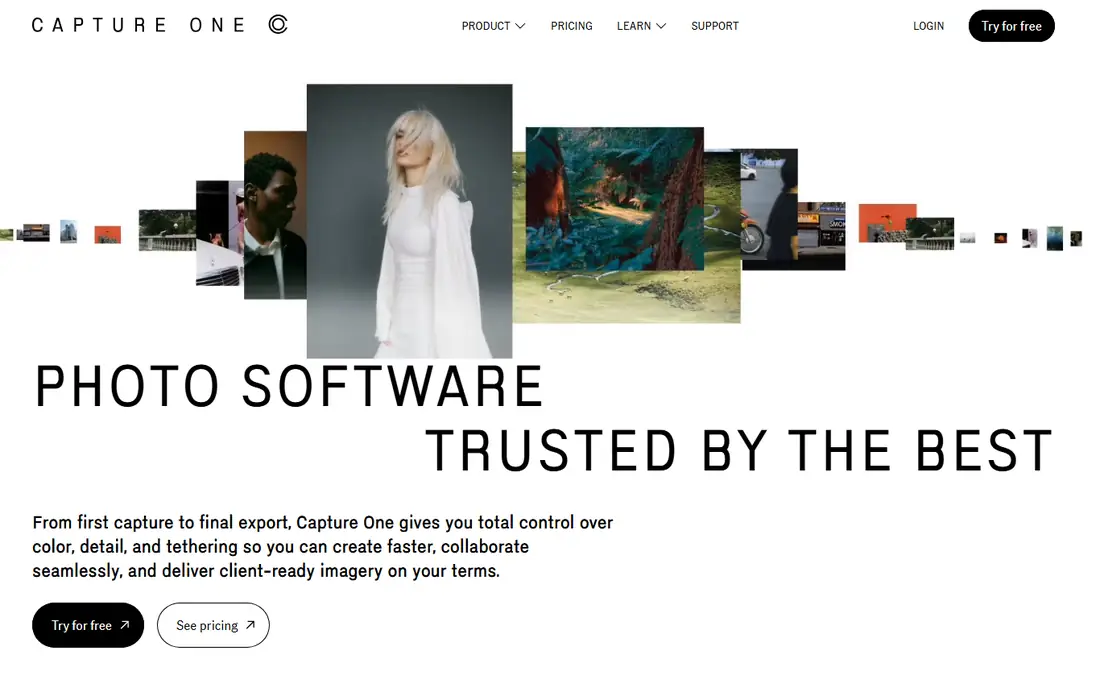
Capture One is the professional choice for studio photographers who shoot tethered and need exact color. Its live view and tethered capture are faster and more reliable than Lightroom, and its color editor, layers and skin tone tools give precise control over every part of an image. The Pro subscription costs $18 per month on an annual plan, and a perpetual license is still sold for photographers who prefer to buy once, though it does not include future feature updates. Capture One also runs a loyalty program where long-term subscribers can earn a perpetual license after five years. The trade-offs are real: it costs more than Lightroom, its catalog features are weaker, and its AI masking and automatic tools are less developed than Adobe or Skylum. For commercial and studio work where color accuracy and tethered speed matter most, Capture One earns its price.
What we like- Best-in-class tethered shooting, excellent color editing and skin tone tools, perpetual license still available for Pro
Watch out for- Costs more than Lightroom over time, and its catalog and AI tools are thinner than Adobe offers
#3DxO PhotoLab
Best for: RAW image quality, optical corrections and noise reduction4.4/5 on
Capterra (14 reviews, checked Oct 2026)
Visit dxo.com
Starting price$149.99 one-time (Essential edition, checked 17 November 2026)
Free plan30-day free trial; no permanent free plan
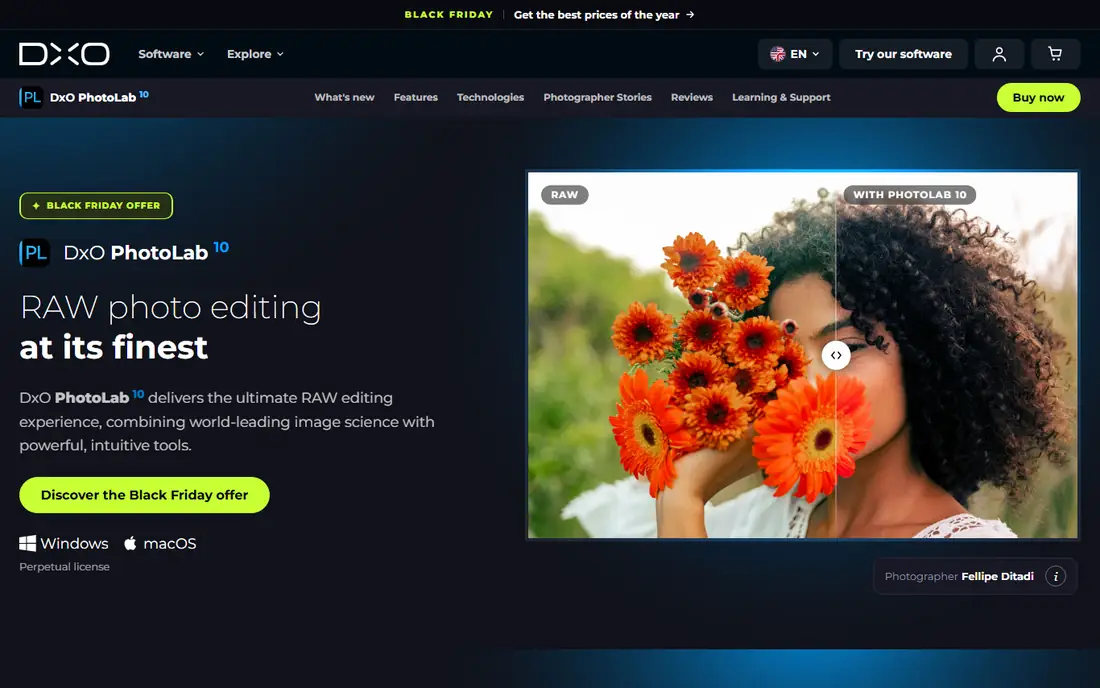
DxO PhotoLab 9 is the strongest choice for photographers who care most about image quality. Its DeepPRIME XD denoising recovers detail from high-ISO files better than most rivals, and its optical modules correct distortion, vignetting and softness using measurements for your exact camera and lens combination. Version 9 adds AI masks, which close much of the gap with Luminar automatic selections. The Essential edition costs $149.99 as a one-time purchase, and the Elite edition at $239.99 adds DeepPRIME XD, Fujifilm X-Trans support and activation on three computers. There is no subscription, so the software keeps working after you buy it, though new major versions are paid upgrades. The weakness is organization: PhotoLab has only basic browsing and no real catalog, so photographers with large archives often pair it with another tool. For pure RAW quality, few editors beat it.
What we like- DeepPRIME XD denoising is among the best available, automatic lens corrections calibrated per camera and lens, one-time purchase with no subscription
Watch out for- Weak asset management next to Lightroom, and the Elite edition at $239.99 is needed for the best denoising
#4
ON1 Photo RAW
Best for: Photographers who want one app for catalog, RAW editing and layers
Visit on1.com
Starting price$99.99 one-time (Photo RAW 2026, checked 17 November 2026)
Free plan30-day free trial; no permanent free plan
ON1 Photo RAW 2026 is the closest all-in-one replacement for Luminar on a one-time license. It combines browsing, cataloging, RAW development, layers, effects and resizing in a single app, so it can replace both Lightroom and much of Photoshop for many photographers. Its AI masking, sky replacement and portrait tools cover the same ground as Luminar automatic features, and NoNoise AI handles high-ISO files well. The standard edition costs $99.99 as a one-time purchase, and the MAX edition at $169.99 adds extra AI tools and plugins. A subscription option starts at $7.99 per month for photographers who want every update. The perpetual license includes updates within the same major version, while the next yearly version is a paid upgrade. The main limits are catalog speed on very large libraries and the hardware demands of its AI tools. For a single-payment editor that does almost everything, ON1 is hard to beat.
What we like- Catalog, RAW develop and layered editing in one app, one-time purchase, strong AI masking and NoNoise AI
Watch out for- Catalog performance can lag with very large libraries, and heavy AI work can strain older computers
#5Affinity Photo
Best for: Layered pixel editing and retouching without a subscription4.5/5 on
G2 (234 reviews, checked Oct 2026)
Visit affinity.studio
Starting priceFree (unified Affinity app, free since 30 October 2025, checked 17 November 2026)
Free planFree, full app with a free Canva account
Affinity is the best free Luminar alternative for photographers who need serious pixel editing. Since 30 October 2025, Canva has offered the unified Affinity app free, combining the old Affinity Photo, Designer and Publisher into one workspace with Pixel, Vector and Layout studios. The photo tools include RAW development, layers, masks, frequency separation, panorama stitching and HDR merging, and the app opens and saves Photoshop files. The old $69.99 one-time price no longer applies, because the app is now free with a Canva account. The catch is that the newer AI tools, including Generative Fill, background removal and expand, sit behind a paid Canva plan, with Canva Pro at $144 per year. Affinity also has no catalog, so it pairs best with a separate organizer or with darktable for RAW work. For retouching and compositing at zero cost, nothing else on this list matches it.
What we like- Full professional photo, vector and layout tools at no cost, opens Photoshop files, works offline after activation
Watch out for- AI tools such as Generative Fill require a paid Canva plan, and it has no real photo catalog
#6Adobe Photoshop
Best for: Deep retouching, compositing and generative AI editing4.6/5 on
G2 (13,426 reviews, checked Oct 2026)
Visit adobe.com
Starting price$22.99 per month (single-app plan, annual plan billed monthly, checked 17 November 2026)
Free plan7-day free trial; no permanent free plan
Adobe Photoshop is the right Luminar alternative when your editing goes beyond RAW adjustments into heavy retouching and compositing. Its layer system, masking, selection tools and healing brushes are the industry standard, and Generative Fill can extend backgrounds, remove objects and rebuild parts of a scene in seconds. The single-app plan costs $22.99 per month on an annual plan billed monthly, while the Photography plan at $19.99 per month adds Lightroom and Lightroom Classic and is cheaper than Photoshop alone. Photoshop works on desktop, web and mobile, and its plugin ecosystem covers almost every niche workflow. The downsides are the price and the lack of a catalog, since Photoshop is an editor, not a library manager. It also has a steeper learning curve than Luminar, and casual users may find it more tool than they need. For photographers who retouch portraits or build composites, it remains the benchmark.
What we like- Most powerful retouching and compositing tools available, Generative Fill and Firefly AI, huge plugin and tutorial ecosystem
Watch out for- Subscription only and the most expensive option here, and it has no photo catalog of its own
#7
darktable
Best for: Free, open source RAW development with deep technical control
Visit darktable.org
Starting priceFree (open source, GPLv3, checked 17 November 2026)
Free planFree, full app with no paid tier
darktable is a free, open source RAW developer and photo manager that suits photographers who want full control without paying anything. It offers a virtual lighttable for organizing images and a darkroom with more than 60 processing modules, a 32-bit floating point pipeline, masking, tone curves and tethered shooting. The current stable release is version 5.6.2, published in October 2026, and it runs on Windows, macOS and Linux. Because it is GPLv3 software, there is no subscription, no account and no feature locked behind payment, and community donations fund development. The trade-offs are a dense interface, a scene-referred workflow that takes time to learn, and no built-in AI tools for automatic sky or portrait edits. Performance also depends heavily on your graphics card. For photographers who enjoy technical editing and refuse monthly bills, darktable is the strongest free RAW editor available.
What we like- Completely free with no subscription or account, more than 60 processing modules, non-destructive editing and tethered shooting
Watch out for- Steep learning curve and dense interface, and it has no native AI features such as sky replacement
Starting price$129 one-time (Exposure X7, checked 17 November 2026)
Free plan30-day free trial; no permanent free plan
Exposure is the best Luminar alternative for photographers who love film looks and creative color. It ships with a large library of presets that mimic classic film stocks, grain, color and black and white styles, and its editing tools for vignette, bokeh, infrared and lens correction are clear and direct. Exposure X7 costs $129 as a one-time purchase, with a bundle including Blow Up and Snap Art at $149, and a 30-day free trial is available. It works as a standalone editor or as a plugin inside Lightroom and Photoshop, so it fits into an existing Adobe workflow without replacing it. Because it is catalog-free, you browse folders and edit without importing everything into a library, which many photographers prefer. The limits are the lack of HDR and panorama merging and weaker organization for very large archives. For a one-time purchase focused on creative looks, Exposure is a strong pick.
What we like- Large library of film presets and analog looks, one-time purchase, works standalone or as a plugin for Lightroom and Photoshop
Watch out for- No HDR or panorama merging, and its catalog-free browsing suits smaller libraries better than large archives
Frequently asked questions
What is the best free Luminar alternative
Affinity is the best free Luminar alternative for pixel editing and retouching, because the unified Affinity app has been free since 30 October 2025 and includes full photo, vector and layout tools. darktable is the best free option for RAW development and organizing, with deep technical control and no paid tier. Both cost nothing, so try them before paying for a subscription.
Is Lightroom better than Luminar
Lightroom is better than Luminar for managing large photo libraries, batch editing and cloud sync across devices, and its AI masking and denoise tools are strong. Luminar is better for fast one-click AI edits such as sky replacement and portrait relighting. Choose Lightroom if you shoot in volume, and keep Luminar if you mainly want quick automatic results on single photos.
Can I replace Luminar with a one-time purchase
Yes, DxO PhotoLab 9 at $149.99, ON1 Photo RAW 2026 at $99.99 and Exposure at $129 are all one-time purchases with no subscription. Capture One also sells a perpetual Pro license. These tools keep working after you buy them, though major version upgrades are usually paid. Check that each one supports your camera before buying.
Which Luminar alternative has the best AI tools
Adobe Photoshop has the strongest AI editing tools, with Generative Fill, generative expand and Firefly models built in. Lightroom follows with AI masking, denoise and generative remove inside a catalog workflow. ON1 Photo RAW and DxO PhotoLab 9 also offer AI masking and noise reduction. Luminar still leads on fully automatic one-click edits, so expect more manual input elsewhere.
Do any Luminar alternatives work on Linux
darktable runs natively on Linux, Windows and macOS and is the best Linux option on this list. Affinity runs on Windows and macOS, with an iPad version available. Lightroom, Capture One, DxO PhotoLab, ON1 Photo RAW, Photoshop and Exposure are Windows and macOS only. Linux users who need a catalog should pair darktable with a separate organizer.
Sources we checked (9)
- https://www.adobe.com/products/photoshop-lightroom.html
- https://www.captureone.com
- https://www.dxo.com/dxo-photolab/
- https://www.on1.com/products/photo-raw/
- https://www.affinity.studio
- https://www.adobe.com/products/photoshop.html
- https://www.darktable.org
- https://exposure.software
- https://skylum.com/luminar
Is your product missing or out of date?
We review this list regularly. Vendors can request a listing, send updated pricing or ask about featured placement.

Shihab Mia · Founder, Rankite
Shihab has 5+ years in B2B and SaaS SEO. He writes Rankite's software buying guides from pricing pages, documentation and public user reviews. More about Shihab.