How we make this list: we compare pricing pages, product documentation and public user reviews. Ratings come from G2, Capterra or Trustpilot, with the date we checked them.
What Krita does well, and where artists look elsewhere
Krita is free and open source, and for pure digital painting on Windows, macOS and Linux it is hard to fault on price alone. It offers a strong brush engine, layer management, PSD support, stabilisers for smooth line work, and a frame by frame animation workspace. Many illustrators, concept artists and comic creators use it as their daily tool and never pay a cent for software.
The reasons to look for a Krita alternative are specific rather than general. Krita has no native iPad app, so iPad artists need a different tool. Its photo editing tools are thinner than a dedicated photo editor, with weaker retouching, RAW handling and colour management for print work. Its animation tools cover short sequences well but lack the polished timeline and export options found in animation focused apps. Performance on very large canvases can also slow down, and commercial support is community led rather than backed by a vendor help desk.
This guide compares eight paid and free alternatives, with prices checked on 16 November 2026. Each one suits a different gap in Krita, from iPad painting to photo editing, comics and traditional media simulation.
How we picked these 8 Krita alternatives
We picked tools that cover a clear Krita gap rather than tools that simply repeat what Krita already does. Every tool below is actively maintained, runs on at least one major desktop or tablet platform, and is used by working illustrators, comic artists or photo editors. Prices come from vendor pricing pages or current reliable listings checked on 16 November 2026. Free plans and trials are stated plainly, so you can test a tool before you pay.
Key takeaways:
- Procreate is the best value for iPad artists, at 12.99 dollars once, with no subscription.
- Clip Studio Paint is the strongest pick for comics, manga and line art, with a 63 dollar one time PRO licence for desktop.
- Adobe Photoshop is the best pick when photo editing, retouching and client PSD handoff matter more than painting alone.
- Affinity is now free as a unified app from Canva, and it is the best no cost route to serious photo editing.
- Corel Painter and Rebelle suit artists who want paint that behaves like real oil, watercolour or acrylic.
Which Krita alternative is best for you
The right choice depends on your device and your main output. iPad owners should start with Procreate, since Krita does not run natively on iPad. Comic and manga artists should start with Clip Studio Paint or MediBang Paint, depending on budget. Photographers and designers who retouch images for clients should start with Photoshop or Affinity. Traditional media painters should test Rebelle or Corel Painter, since both simulate wet paint and paper texture more closely than Krita. Anime line artists on Windows who want a light, fast app should test PaintTool SAI.
If you only paint on a desktop and you are happy with Krita, none of these tools is a required upgrade. Switch when a specific limit bites, such as no iPad version, weak photo tools, or a need for commercial support and a larger brush or asset library.
What does each alternative cost compared with Krita
Krita costs nothing, so every paid tool here needs to earn its price with a feature Krita lacks. The comparison table below shows the starting price for each tool, checked on 16 November 2026. One time purchases keep costs low over three years, while subscriptions add up and should be weighed against how often you use the extra features.
| Tool | Starting price (checked 16 Nov 2026) | Free plan or trial | Best for |
| Adobe Photoshop | 22.99 dollars per month, single app plan | 7 day trial, no free plan | Photo editing and retouching |
| Clip Studio Paint | 63 dollars once for PRO on Windows and macOS | Free trial, up to 3 months | Comics, manga and line art |
| Procreate | 12.99 dollars once | No free plan or trial | iPad painting and sketching |
| Corel Painter | 429 dollars once, list price | Free trial | Traditional media simulation |
| MediBang Paint | Free, Premium from 2.99 dollars | Yes, free with ads | Free comics on any device |
| PaintTool SAI | 5,500 JPY once, about 50.81 dollars | 31 day trial | Lightweight anime line art |
| Rebelle | 89.99 dollars once | 30 day trial | Watercolour, oil and acrylic feel |
| Affinity Photo | Free, as the unified Affinity app | Yes, core app free | Photo editing at no cost |
Prices vary by country, tax and promotion, so confirm the figure before you buy.
Quick comparison
| Tool | Best for | Starting price | Free plan |
|---|
 Adobe Photoshop | Photo editing, retouching and client work where PSD files and print colour matter | 22.99 dollars per month for the single app plan on an annual plan billed monthly, checked 16 November 2026 | No free plan. A 7 day trial is available. |
 Clip Studio Paint | Comics, manga, webtoons and clean line art | 63 dollars once for PRO version 5.0 on Windows and macOS, checked 16 November 2026 | No free plan. A free trial of up to 3 months is available. |
 Procreate | iPad painting, sketching and illustration with Apple Pencil | 12.99 dollars once on the US App Store, checked 16 November 2026 | No free plan and no trial. The iPad app is a one time purchase. |
 Corel Painter | Traditional media simulation for oil, watercolour, acrylic, charcoal and pastel | 429 dollars once, list price, checked 16 November 2026 | No free plan. A free trial is available. |
 MediBang Paint | Free comic and manga creation across Windows, Mac, iPad, iPhone and Android | Free, with MediBang Premium from 2.99 dollars on the US App Store, checked 16 November 2026 | Yes, free with ads on mobile. The desktop app is free to download. |
 PaintTool SAI | Lightweight anime and manga line art on Windows | 5,500 JPY once for a Ver.1 licence, about 50.81 dollars at typical conversion, checked 16 November 2026 | No free plan. A 31 day trial is available. |
 Rebelle | Watercolour, oil and acrylic painting with realistic wet paint behaviour | 89.99 dollars once for Rebelle 8, checked 16 November 2026 | No free plan. A 30 day trial is available. |
 Affinity Photo | Photo editing, retouching and RAW development at no cost | Free, as the unified Affinity app from Canva, checked 16 November 2026 | Yes, the core app is free. A free Canva account is needed to sign in. |
Is your product missing or out of date?
We review this list regularly. Vendors can request a listing, send updated pricing or ask about featured placement.
8 Best Krita Alternatives Compared
#1Adobe Photoshop
Best for: Photo editing, retouching and client work where PSD files and print colour matter4.6/5 on
G2 (13,426 reviews, checked Oct 2026)
Visit adobe.com
Starting price22.99 dollars per month for the single app plan on an annual plan billed monthly, checked 16 November 2026
Free planNo free plan. A 7 day trial is available.
Photoshop is the pick when Krita feels thin for photo work. Its selection tools, masking, healing, content aware fill and adjustment layers handle retouching jobs that Krita was never built for, and its colour management and CMYK support suit print output. The brush engine is capable for painting, but Photoshop is at its best when painting sits next to photo manipulation, compositing and design work. The Photography plan at 19.99 dollars per month adds Lightroom and 1TB of cloud storage, which can be better value if you also edit photos. The trade off is cost and commitment, since stopping payment ends access to the desktop app, and artists who only paint will get less value here than from comic or iPad focused tools.
What we like- Deepest photo editing and retouching tools in this list, strong PSD compatibility, large plugin and brush library, regular updates, works on desktop, web and mobile
Watch out for- Subscription only, with no one time purchase, and the monthly cost adds up to about 276 dollars a year for the single app plan
#2Clip Studio Paint
Best for: Comics, manga, webtoons and clean line art4.4/5 on
G2 (55 reviews, checked Oct 2026)
Visit clipstudio.net
Starting price63 dollars once for PRO version 5.0 on Windows and macOS, checked 16 November 2026
Free planNo free plan. A free trial of up to 3 months is available.
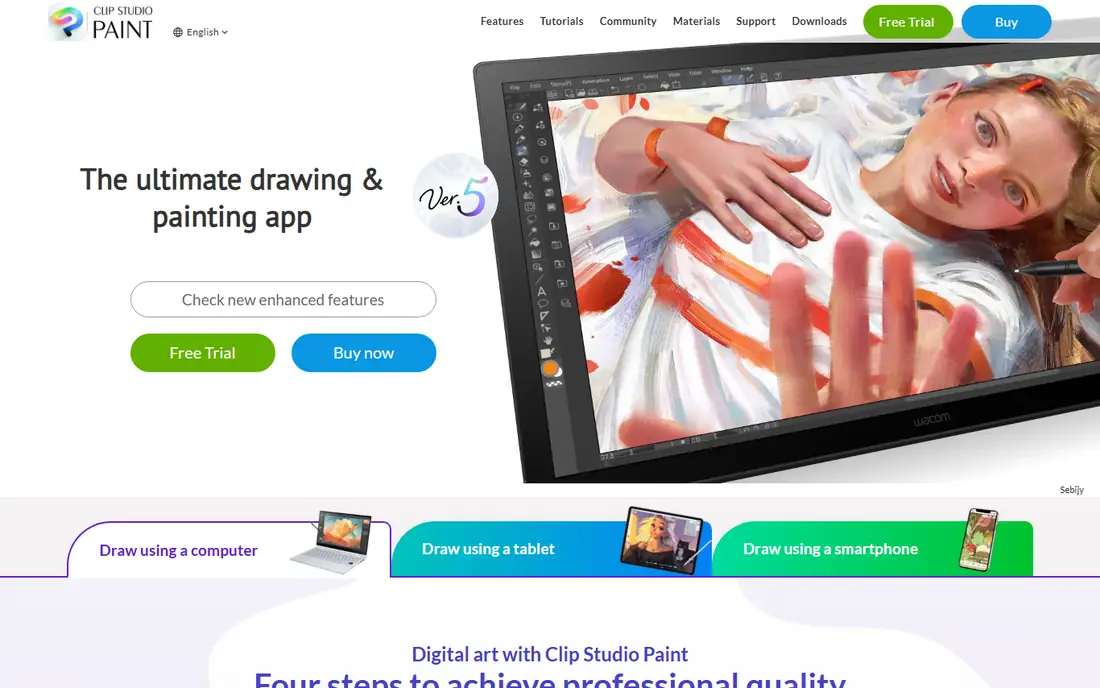
Clip Studio Paint is the closest direct upgrade for Krita users who draw comics or manga. Its line art tools feel more controlled than Krita, with vector layers that keep lines sharp and editable after they are drawn. Panel tools, perspective rulers, screentones and speech balloon tools remove setup work that Krita leaves to manual layers. The PRO edition at 63 dollars once covers illustration and single page comics, while EX at 277 dollars once adds multi page projects, full length animation and PDF export. A single device plan costs 26.99 dollars a year for PRO or 76.99 dollars a year for EX, which is the cheaper route if you need the iPad app. The optional Update Pass costs 10.99 dollars a year for PRO and 31.99 dollars a year for EX.
What we like- Excellent pen stabilisation and vector layers, dedicated comic panel and screentone tools, 3D reference models, frame by frame animation, large brush and asset library
Watch out for- The one time licence covers Windows and macOS only, so iPad, iPhone and Android need a subscription plan, and EX is needed for multi page comic projects
#3Procreate
Best for: iPad painting, sketching and illustration with Apple Pencil4.9/5 on
G2 (73 reviews, checked Oct 2026)
Visit procreate.com
Starting price12.99 dollars once on the US App Store, checked 16 November 2026
Free planNo free plan and no trial. The iPad app is a one time purchase.
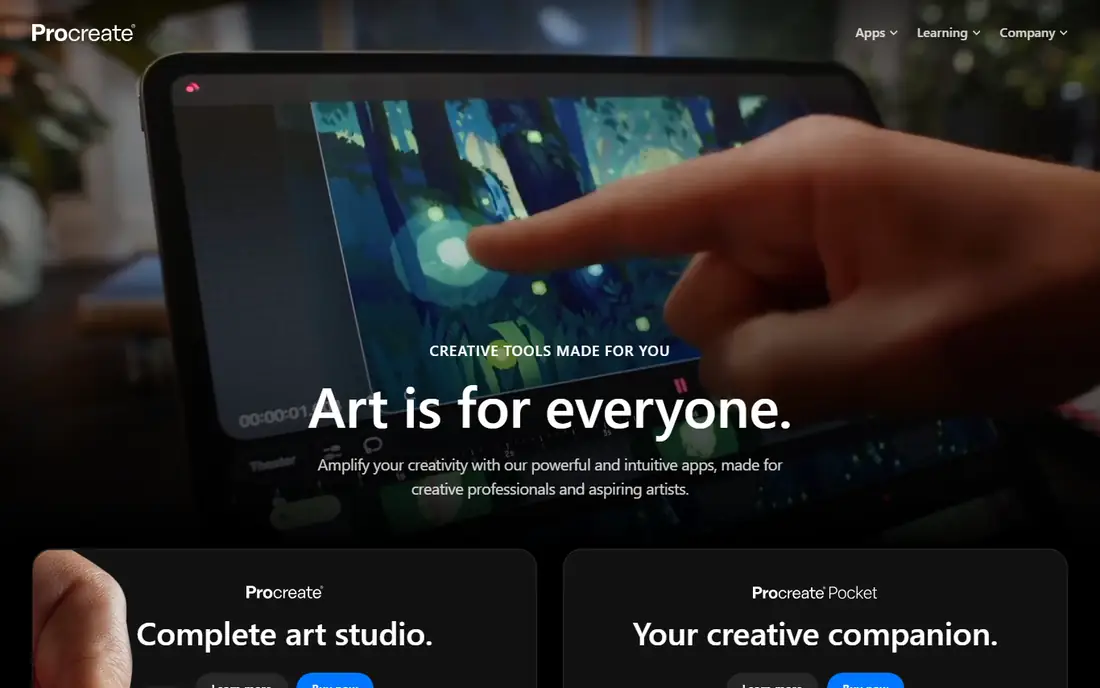
Procreate fills the largest single gap in Krita, which is iPad support. It is the reason many artists buy an iPad, and at 12.99 dollars once it is the cheapest paid tool in this list by a wide margin. The interface stays out of the way, brushes respond quickly to Apple Pencil pressure and tilt, and gesture controls make zoom, undo and layer work fast once learned. Animation Assist covers simple frame by frame loops, and 3D painting lets you paint directly onto models. Procreate Pocket for iPhone costs 5.99 dollars, and Procreate Dreams for animation costs 12.99 dollars. There is no Windows or Mac version, and very large print files are easier to manage on a desktop editor.
What we like- Fast and fluid on iPad, more than 300 brushes included, simple interface, Animation Assist for short sequences, 3D model painting, no subscription
Watch out for- IPad only, with no Windows, macOS or Android version, and no desktop companion app for large print workflows
#4Corel Painter
Best for: Traditional media simulation for oil, watercolour, acrylic, charcoal and pastel4.7/5 on
Capterra (11 reviews, checked Oct 2026)
Visit painterartist.com
Starting price429 dollars once, list price, checked 16 November 2026
Free planNo free plan. A free trial is available.
Corel Painter is for artists who come from traditional media and want digital paint to behave like the real thing. Oils build up texture, watercolours bleed and dry, and pastels smudge in ways that feel closer to a studio than a screen. The brush library is the largest here, with more than 900 brushes, and the colour mixing palette suits artists who mix paint rather than pick flat swatches. The price is the main barrier. At 429 dollars list, it costs more than every other tool here except Photoshop over two years, though seasonal offers have listed it near 229 dollars. It also needs a capable computer, since heavy brushes on large canvases can slow down weaker machines.
What we like- More than 900 brushes that simulate real paint, paper and blending, strong colour mixing, large canvas support, one time licence available
Watch out for- High list price at 429 dollars, heavy on system resources with large brushes, and no native tablet app
#5MediBang Paint
Best for: Free comic and manga creation across Windows, Mac, iPad, iPhone and Android4.7/5 on
Capterra (18 reviews, checked Oct 2026)
Visit medibangpaint.com
Starting priceFree, with MediBang Premium from 2.99 dollars on the US App Store, checked 16 November 2026
Free planYes, free with ads on mobile. The desktop app is free to download.
MediBang Paint is the best free alternative to Krita for comic creators who want to work across devices. It runs on Windows, Mac, iPad, iPhone and Android, and a free MediBang account syncs work through the cloud, so a page started on a desktop can be finished on a tablet. The iPad listing includes 180 brushes, 1,000 screentones and 60 fonts, which covers most manga page work without paying. Premium adds about 700 more brushes and materials, with web plans from 300 yen a month for 20GB of cloud storage, and a separate 7.99 dollar add on removes ads on iPad. Mobile apps show ads, and the brush engine is simpler than Krita or Clip Studio Paint.
What we like- Free on every major platform, cloud saving between devices, comic panel templates, screentones and fonts included, lightweight download
Watch out for- Ads on mobile, and the best brushes and larger cloud storage need a Premium subscription
#6
PaintTool SAI
Best for: Lightweight anime and manga line art on Windows
Visit systemax.jp
Starting price5,500 JPY once for a Ver.1 licence, about 50.81 dollars at typical conversion, checked 16 November 2026
Free planNo free plan. A 31 day trial is available.
PaintTool SAI is the lightest tool in this list, and that is its main appeal. It opens fast, runs well on modest Windows hardware, and its line stabiliser produces clean anime and manga line work with little effort. The interface is simple, with few menus to learn, which suits artists who want to draw and nothing else. The licence costs 5,500 JPY including sales tax, priced in yen, and covers Ver.1 with no time limit inside that major version. Ver.2 is listed as a technical preview and is described as a free upgrade for Ver.1 licence holders. It is Windows only, and it lacks the animation, text and photo tools that Krita includes for free.
What we like- Very light and fast, smooth line stabilisation, simple interface, low system requirements, one time licence with no subscription
Watch out for- Windows only, with no Mac, iPad or Android version, and a small feature set next to Krita, with no animation or photo tools of note
#7Rebelle
Best for: Watercolour, oil and acrylic painting with realistic wet paint behaviour4.8/5 on
G2 (81 reviews, checked Oct 2026)
Visit escapemotions.com
Starting price89.99 dollars once for Rebelle 8, checked 16 November 2026
Free planNo free plan. A 30 day trial is available.
Rebelle simulates wet media better than any other tool in this list at its price. Watercolour flows, pools and dries on paper, oils stay wet and blendable, and acrylics dry with visible texture. The effect is closer to traditional painting than Krita, Clip Studio Paint or Procreate, which makes it a strong pick for watercolour and oil painters who want digital convenience without losing the feel of real paint. Rebelle 8 costs 89.99 dollars once, and Rebelle 8 PRO costs 149.99 dollars. Licences include one year of free updates, and the licence stays perpetual after that period, with no automatic renewal. There are no comic panel tools and no serious photo editing, so keep Krita or Affinity for those jobs.
What we like- Realistic water flow, drying and blending, good paper texture simulation, perpetual licence, clean interface, works on Windows and macOS
Watch out for- Narrower tool set than Krita or Photoshop, with no comic panel tools and limited photo editing, and major updates need a paid update pass after the included year
#8Affinity Photo
Best for: Photo editing, retouching and RAW development at no cost4.5/5 on
G2 (234 reviews, checked Oct 2026)
Visit affinity.studio
Starting priceFree, as the unified Affinity app from Canva, checked 16 November 2026
Free planYes, the core app is free. A free Canva account is needed to sign in.
Affinity Photo no longer exists as a separate product you buy. Since 30 October 2025, Canva has folded Affinity Photo, Designer and Publisher into a single app called Affinity, and the core app is free. Photo editing lives in the Pixel Studio inside that app, alongside vector and layout studios. Every tool in those studios, plus customisation and export features, is available with no restriction or payment, and Canva states the app will keep receiving free updates. The conditions are a free Canva account to download and activate the app, and a paid Canva plan if you want the AI tools, such as Generative Fill and background removal. Canva Pro is listed at 144 dollars a year in recent checks. For Krita users, Affinity is the best free route to serious photo editing and RAW development, and it pairs well with Krita for painting.
What we like- Full photo editing with layers, masks and RAW support, non destructive editing, PSD support, no subscription for the core tools, free updates
Watch out for- The standalone Affinity Photo product no longer exists as a separate paid app, the unified app needs a Canva account, and AI tools need a paid Canva plan
Frequently asked questions
Is Krita really free, and why would anyone pay for an alternative
Yes, Krita is free and open source, with no paid tier and no subscription. Artists pay for an alternative when Krita lacks a specific feature they need, such as a native iPad app, deeper photo editing, polished animation tools, comic panel tools, or commercial support. Procreate at 12.99 dollars once and Affinity at no cost show that a useful alternative does not need to be expensive.
Which Krita alternative is best for iPad
Procreate is the best iPad pick, at 12.99 dollars once, with a fast brush engine and strong Apple Pencil support. Clip Studio Paint also runs on iPad, but it needs a subscription plan on tablets, at 4.49 dollars a month or 26.99 dollars a year for PRO. MediBang Paint is a free iPad option for comics.
Which Krita alternative is best for comics and manga
Clip Studio Paint is the best paid pick for comics and manga, with vector layers, panel tools, screentones and 3D reference models. PRO costs 63 dollars once on desktop, while EX at 277 dollars once adds multi page projects. MediBang Paint is the best free pick, with panel templates, screentones and cloud sync on every platform. Both cover comic work that Krita handles only with manual setup.
Which Krita alternative is best for photo editing
Adobe Photoshop is the best paid pick for photo editing, at 22.99 dollars a month for the single app plan, with the deepest retouching, masking and colour tools in this list. Affinity is the best free pick, since the unified Affinity app costs nothing and includes layers, masks, RAW support and non destructive editing.
Can I use Krita alongside an alternative instead of replacing it
Yes, and many artists do. Krita stays useful for desktop painting and animation, while Procreate covers iPad sketching, Clip Studio Paint covers comics, and Photoshop or Affinity covers photo editing. Export work as PSD files to move between apps, and test layer compatibility on a small file first.
Sources we checked (9)
- https://www.adobe.com/products/photoshop.html
- https://www.clipstudio.net/en/
- https://procreate.com/
- https://www.painterartist.com/
- https://medibangpaint.com/en/
- https://www.systemax.jp/en/sai/
- https://www.escapemotions.com/products/rebelle/
- https://affinity.studio/
- https://krita.org/en/
Is your product missing or out of date?
We review this list regularly. Vendors can request a listing, send updated pricing or ask about featured placement.

Shihab Mia · Founder, Rankite
Shihab has 5+ years in B2B and SaaS SEO. He writes Rankite's software buying guides from pricing pages, documentation and public user reviews. More about Shihab.