How we make this list: we compare pricing pages, product documentation and public user reviews. Ratings come from G2, Capterra or Trustpilot, with the date we checked them.
Key takeaways
- Google Data Studio is now Looker Studio, and its free tier still works well for Google-only reporting.
- Power BI is the natural switch for Microsoft 365 teams, while Tableau suits deep visual analysis at enterprise scale.
- Metabase gives SQL-friendly teams a free self-hosted route, and Zoho Analytics gives small businesses strong value.
- Agencies should compare per-client pricing closely, since AgencyAnalytics, Databox, and Whatagraph bill growth very differently.
- Klipfolio and Domo sit at opposite ends of the market: custom KPI dashboards versus a full enterprise data platform.
Quick comparison
| Tool | Best for | Starting price | Free plan |
|---|
 Microsoft Power BI Microsoft Power BI | Microsoft 365 teams | $14 per user/month (billed annually) | Yes |
 Tableau Tableau | Deep visual analysis | $15 per user/month (billed annually) | No |
 Metabase Metabase | Self-hosted SQL dashboards | $100 per month | Yes |
 Zoho Analytics Zoho Analytics | Small business BI value | $24 per user/month (billed annually) | Yes |
 Databox Databox | KPI tracking for teams | See website | Yes |
 Klipfolio Klipfolio | Custom KPI dashboards | $120 per user/month | No |
 AgencyAnalytics AgencyAnalytics | Agency client reporting | $20 per client/month | No |
 Whatagraph Whatagraph | Cross-channel marketing reports | See website | No |
 Domo Domo | Enterprise data platform | See website | No |
Is your product missing or out of date?
We review this list regularly. Vendors can request a listing, send updated pricing or ask about featured placement.
The best Google Data Studio alternatives for reporting and dashboards
Starting price$14 per user/month (billed annually)
Free planYes
Power BI is the obvious move for teams that already live in Microsoft 365. It connects to Excel, SharePoint, Azure, SQL Server, and hundreds of other sources, and it turns those sources into interactive reports with filters, drill-downs, and scheduled refreshes. Power Query handles cleaning and shaping data before it reaches a report, which reduces the spreadsheet work that often sits behind a dashboard. For finance, operations, and sales teams, that modeling depth is the main reason to switch from Looker Studio.
The catch is licensing. Power BI Desktop is free for building reports, but sharing them with colleagues generally needs a Pro license, and larger deployments use Premium capacity. Teams should map who builds reports and who only views them before buying, since viewer and creator costs differ. If your stack is Microsoft-based, Power BI gives the most complete reporting upgrade available at this price.
What we like- Deep Excel and Microsoft 365 integration
- Strong data modeling with DAX
- Free Desktop app
Watch out for- Sharing and collaboration require paid licenses
- Learning DAX takes time for new users
#2Tableau
Best for: Deep visual analysis4.4/5 on
G2 (3,787 reviews, checked Oct 2026)
Visit tableau.com
Starting price$15 per user/month (billed annually)
Free planNo
Tableau remains the standard for visual analysis. Analysts can drag fields onto a canvas, test ideas quickly, and build dashboards that invite exploration rather than static reading. It connects to databases, warehouses, spreadsheets, and cloud apps, and Tableau Prep helps clean data before analysis. For teams that ask open questions of large datasets, Tableau gives more analytical freedom than a reporting-only tool.
Pricing needs careful reading. The Viewer price is low, but at least one Creator license is required to build content, and Creator pricing is much higher. Small teams should therefore budget for creators plus viewers, not viewers alone. Tableau also offers a free trial and Tableau Public for public data, but private business reporting needs a paid plan.
What we like- Excellent visual exploration and chart control
- Handles large datasets well
- Large community and template library
Watch out for- Creator licenses cost far more than the Viewer price
- Setup and governance need real effort
#3Metabase
Best for: Self-hosted SQL dashboards4.4/5 on
G2 (147 reviews, checked Oct 2026)
Visit metabase.com
Starting price$100 per month
Free planYes
Metabase is a favorite for startups and data teams that want dashboards on top of their own database. You can ask questions with a visual builder, drop into SQL when needed, and save results as charts on shared dashboards. Alerts and subscriptions keep teams informed without opening the tool every day. Because the open source version can be self-hosted, a small team can start with no license cost beyond hosting.
The trade-off is responsibility. Self-hosting means you handle updates, backups, and security. Metabase Cloud removes that work for a flat monthly fee plus per-user charges, which is still reasonable for a small team. If your data already lives in Postgres, MySQL, or a warehouse, Metabase is often the fastest path from database to dashboard.
What we like- Free open source self-hosted version
- Visual query builder plus SQL
- Easy dashboard sharing and alerts
Watch out for- Cloud pricing starts at a flat monthly fee
- Advanced permissions need higher tiers
#4Zoho Analytics
Best for: Small business BI value4.2/5 on
G2 (289 reviews, checked Oct 2026)
Visit zoho.com
Starting price$24 per user/month (billed annually)
Free planYes
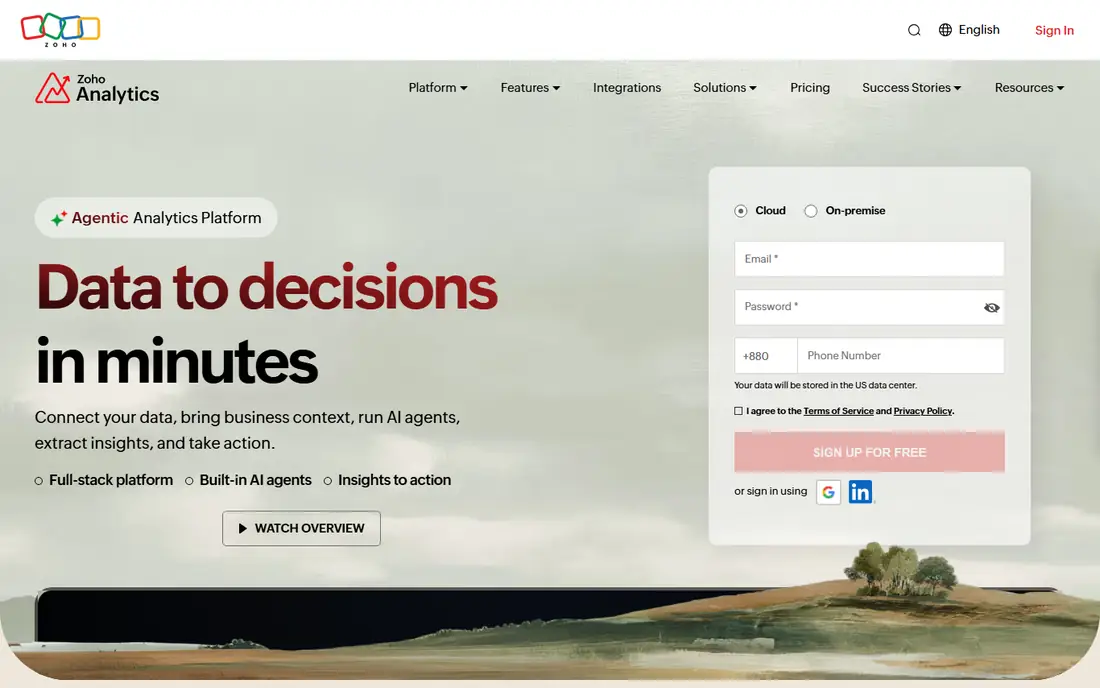
Zoho Analytics gives small businesses a full BI tool without enterprise pricing. It connects to more than 500 sources, blends data from files, apps, and databases, and offers drag-and-drop dashboards with many chart types. The Zia assistant answers plain-language questions and suggests visualizations, which helps non-analysts get answers without waiting for a data team. Scheduled reports, sharing controls, and white-label options add agency value too.
The free plan covers two users and a limited row count, which suits a very small team or a trial. Paid plans bundle users and rows, so costs stay predictable as you grow. Teams outside the Zoho ecosystem may find some connectors less polished than native Zoho ones, but for the price, Zoho Analytics is one of the strongest Looker Studio replacements for general business reporting.
What we like- Wide connector library included
- AI assistant for natural language questions
- Affordable bundled-user pricing
Watch out for- Visual polish trails Tableau
- Strongest when paired with other Zoho apps
#5Databox
Best for: KPI tracking for teams4.4/5 on
G2 (189 reviews, checked Oct 2026)
Visit databox.com
Starting priceSee website
Free planYes
Databox is built for teams that watch key numbers every day. It connects to marketing, sales, finance, and product tools, then turns them into scorecards, dashboards, and mobile views that update automatically. Templates for common metrics cut setup time, and scheduled snapshots send performance summaries to Slack or email. Agencies use it to send client reports on a schedule without rebuilding slides each month.
Databox is less suited to open-ended data exploration. If you need to model data, join complex tables, or run ad hoc analysis, Power BI, Tableau, or Metabase will serve you better. For KPI tracking, goal monitoring, and regular client reporting, Databox is fast to set up and easy for non-technical viewers to read.
What we like- Large template and metric library
- Mobile-friendly KPI scoreboards
- AI-assisted performance summaries
Watch out for- Entry pricing has changed often, so confirm the current plan
- Deep analysis is thinner than Power BI or Tableau
#6Klipfolio
Best for: Custom KPI dashboards4.5/5 on
G2 (254 reviews, checked Oct 2026)
Visit klipfolio.com
Starting price$120 per user/month
Free planNo
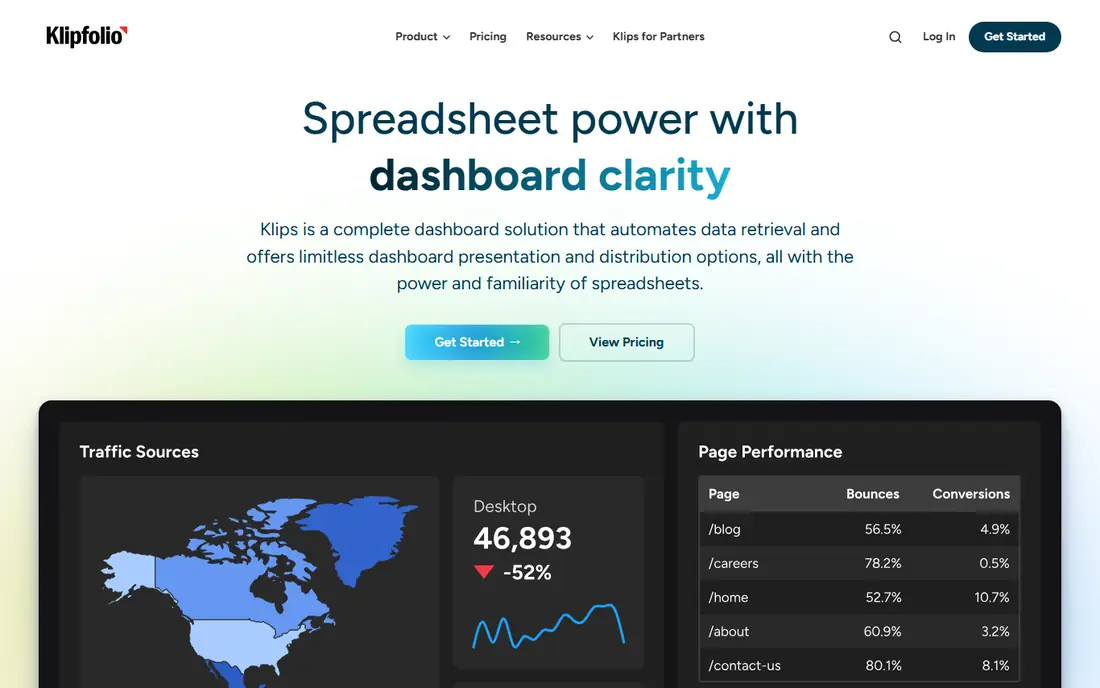
Klipfolio, now sold as Klips, targets teams that want dashboards built exactly to their metrics. Its formula editor lets analysts define custom calculations, combine sources, and design widgets with fine control over layout. That flexibility suits operations teams, support teams, and agencies that display live KPIs on office screens. Prebuilt connectors cover common marketing, sales, and finance sources, and data can also come from spreadsheets and databases.
The flexibility has a learning curve. Building a polished dashboard from scratch takes longer than picking a Databox template, and teams without someone comfortable with formulas may move slowly at first. Pricing starts at a flat monthly rate, which helps teams with many viewers, since you do not pay per viewer in the same way as per-seat BI tools.
What we like- Formula-based custom metrics
- Flexible dashboard design
- Strong for TV displays and operations walls
Watch out for- Building custom Klips takes time and formula skill
- No free plan, only a trial
Starting price$20 per client/month
Free planNo
AgencyAnalytics is designed for marketing agencies that report to many clients. Each client gets dashboards and scheduled reports with your branding, and connectors cover SEO, paid ads, social, email, and web analytics. Staff can manage all clients from one account, set report schedules, and add commentary before sending. That workflow saves hours compared with building separate Looker Studio reports for each client.
Pricing is per client, so costs rise as you win clients, which is fair but worth modeling. A ten-client agency and a fifty-client agency face very different bills, so compare total cost at your expected client count, not just the entry price. For internal company reporting rather than client work, a general BI tool will usually fit better.
What we like- Built for multi-client reporting
- White-label dashboards and reports
- Broad marketing connectors
Watch out for- Per-client pricing grows with your roster
- Less suited to internal BI or warehouse analysis
#8Whatagraph
Best for: Cross-channel marketing reports4.5/5 on
G2 (283 reviews, checked Oct 2026)
Visit whatagraph.com
Starting priceSee website
Free planNo
Whatagraph focuses on marketing data. It pulls paid, organic, social, and ecommerce sources into one governed layer, so metrics stay consistent across reports. Once a report template is set, data updates automatically, and commentary can be refreshed without rebuilding charts. Agencies value the white-label options and the ability to blend sources with currency and metric rules set once.
Whatagraph is priced for agencies and brands with serious reporting volume, and entry pricing varies by plan and source count. Solo marketers with one or two clients may find Databox or AgencyAnalytics cheaper. For teams that produce many cross-channel reports each month, Whatagraph reduces manual work and reporting errors more than a general dashboard tool.
What we like- Governed cross-channel data layer
- Automated report updates
- White-label client reporting
Watch out for- Pricing is quote-based for larger plans
- Overkill for a single internal dashboard
#9Domo
Best for: Enterprise data platform4.3/5 on
G2 (1,086 reviews, checked Oct 2026)
Visit domo.com
Starting priceSee website
Free planNo
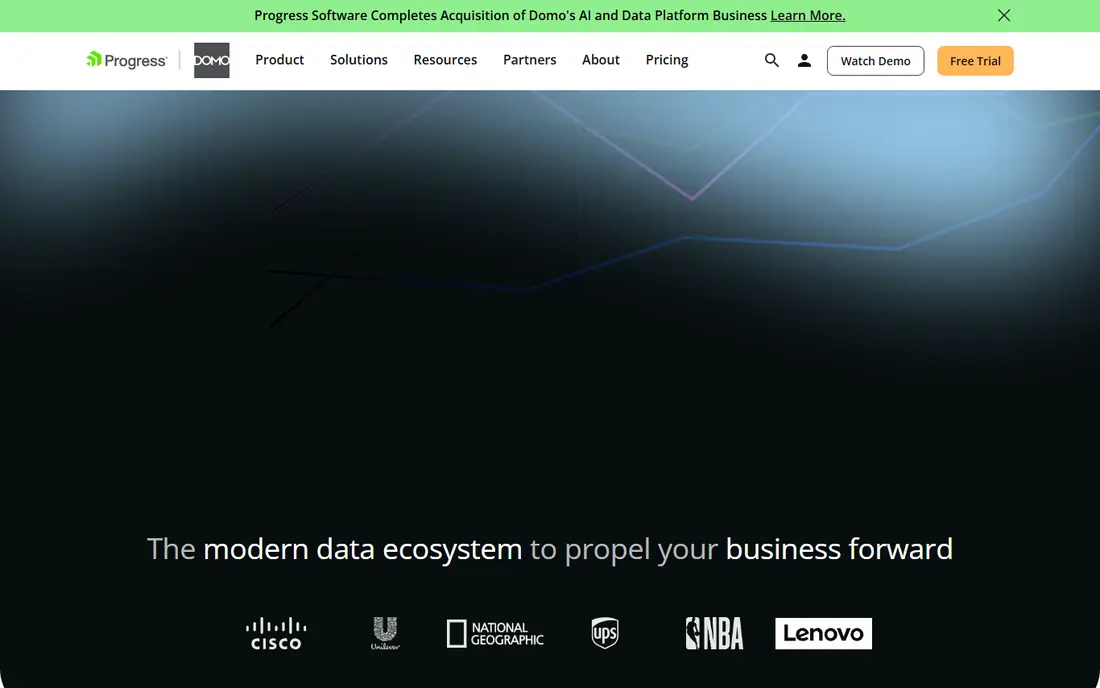
Domo is a full data platform, not just a dashboard builder. It connects to more than a thousand sources, prepares and blends data, and lets teams build dashboards, data apps, and embedded analytics for customers. AI features help users ask questions and surface insights, while governance controls manage who sees what. Large companies use Domo to give many departments one governed view of performance.
That scope comes with enterprise pricing and implementation effort. Domo does not publish a starter price, and small teams will likely find Power BI, Zoho Analytics, or Metabase more practical. If you need a single platform for data integration, governance, and company-wide analytics, Domo belongs on the shortlist alongside Tableau and Power BI.
What we like- Connectors, preparation, visualization, and apps in one platform
- Strong enterprise governance
- Embedded analytics
Watch out for- Custom pricing only
- Implementation and cost suit larger organizations, not small teams
How we chose
We compared vendor pricing pages, documentation, and public reviews on G2, Capterra, and Reddit, and we checked that each tool still supports dashboard building and sharing in 2026. We favored tools that replace the core Looker Studio job, meaning connecting sources and publishing readable reports, over narrow connectors or pure data pipeline tools. We also weighed connector coverage, pricing models, free plans, and fit for small teams, agencies, and enterprises, so the list covers more than one kind of buyer.
Choosing the right Data Studio alternative
Match the tool to your data home
If your data lives in Microsoft 365, Power BI will feel natural. If it lives in a SQL database or warehouse, Metabase or Tableau may fit better. If it lives across marketing platforms, Databox, AgencyAnalytics, or Whatagraph will connect faster. Starting from your sources avoids a tool that needs extra connectors or manual exports every month.
Model the total bill at your real scale
Per-user, per-client, and flat pricing punish different growth patterns. Count builders, viewers, clients, and sources, then price the tool at your size in six months, not just today. Connector fees, warehouse costs, and viewer licenses are the usual surprises, so ask vendors to quote the full setup before you commit.
Test with your messiest report
Rebuild one real report, with your actual sources and date ranges, during a trial. Check refresh speed, filter behavior, mobile display, and scheduled delivery. A tool that looks clean in a demo can still struggle with your data volume or your clients' branding needs, and a trial rebuild reveals that early.
Frequently asked questions
Is Google Data Studio still available?
Google Data Studio was renamed Looker Studio, and the free version is still available. Looker Studio Pro adds team controls and support for a per-user fee. If you only report on Google sources, Looker Studio may still be enough, and the tools here matter most when you need other sources, governance, or agency features.
What is the best free alternative to Looker Studio?
Metabase offers a free self-hosted version, and Databox and Zoho Analytics offer free plans with limits. Power BI Desktop is also free for building reports. The best free choice depends on your data: Metabase for databases, Databox for KPI tracking, and Zoho Analytics for small business reporting.
Which alternative is best for agencies?
AgencyAnalytics and Whatagraph are built for agency reporting, with white-label dashboards and scheduled client reports. Databox also serves agencies well for KPI scorecards. Compare per-client pricing at your actual client count, since that total matters more than the entry price.
Do I need SQL skills for these tools?
No for most of them. Power BI, Tableau, Zoho Analytics, Databox, and Klipfolio all offer visual builders. Metabase also offers a visual builder, but SQL helps for complex questions. Tableau and Power BI reward deeper skills, while Databox and AgencyAnalytics are designed for users without SQL.
Can these tools connect to Google Analytics and Google Ads?
Yes, all nine tools in this list connect to Google sources, either natively or through standard connectors. Looker Studio still has the simplest Google integration, since it is a Google product. If Google sources dominate your reporting, keep that convenience in mind when comparing prices.
How hard is it to migrate dashboards from Looker Studio?
Simple charts and tables migrate quickly, but calculated fields, blends, and custom connectors need rebuilding in the new tool. Budget time for data modeling and testing, especially in Power BI and Tableau. Agencies should migrate one client first, confirm the output matches, then roll out to the rest.
Sources we checked (9)
- https://powerbi.microsoft.com/pricing
- https://www.tableau.com/pricing
- https://www.metabase.com/pricing
- https://www.zoho.com/analytics/pricing
- https://databox.com/pricing
- https://www.klipfolio.com/pricing
- https://agencyanalytics.com/pricing
- https://whatagraph.com/pricing
- https://www.domo.com/pricing
Is your product missing or out of date?
We review this list regularly. Vendors can request a listing, send updated pricing or ask about featured placement.

Shihab Mia · Founder, Rankite
Shihab has 5+ years in B2B and SaaS SEO. He writes Rankite's software buying guides from pricing pages, documentation and public user reviews. More about Shihab.