How we make this list: we compare pricing pages, product documentation and public user reviews. Ratings come from G2, Capterra or Trustpilot, with the date we checked them.

Elementor vs Gutenberg: the short answer
Elementor suits buyers who want fast visual design, a large template library and fine control over layout. Gutenberg suits buyers who want a free editor that is already inside WordPress, stores content as blocks and will not lock them into a vendor. Both build WordPress sites, and the choice is really about how much design control you want to pay for. Elementor Pro starts at $60 a year for one site, while Gutenberg costs nothing at all.
For a blog or a simple business site, start with Gutenberg and a good block theme. You may never need to pay for a builder. For a landing page, a sales page or a site where the design is the selling point, Elementor is faster and more flexible. If you want unlimited sites for one low price, Divi at $89 a year is the value pick. If you want to skip WordPress entirely, Wix, Squarespace and Webflow are the hosted alternatives in this list.
Which builder fits which kind of WordPress site
A blogger cares about a clean writing experience, fast pages and zero cost. A freelancer building client sites cares about setup speed, template choice and the cost of one licence. An agency cares about per-site cost and about whether a builder breaks a live page on update day. A shop owner cares about WooCommerce controls and checkout speed. A designer cares about control over spacing, typography and responsive behaviour.
Gutenberg wins on price and durability. Elementor wins on design speed and template volume. Divi wins on unlimited-site value. Beaver Builder wins on code cleanliness and stability. Brizy wins on simplicity. Wix, Squarespace and Webflow win for buyers who would rather not manage WordPress hosting at all.
How we compared these 8 builders
We compared list prices from each vendor pricing page, checked 20 November 2026, and noted where older prices still appear in reviews. We compared whether a free version exists, how many sites each licence covers, whether the builder includes its own theme, WooCommerce support and a form builder. We also noted refund windows and renewal behaviour, because a builder that renews at a higher price costs more in year two than the first-year price suggests. Prices are in US dollars unless stated. Where sources disagreed, we flagged the conflict in the notes below rather than picking one figure silently.
Quick comparison
| Tool | Best for | Starting price | Free plan |
|---|
 Elementor | Buyers who want the biggest template library and the widest add-on ecosystem | Free $0; Pro Essential $60 per year for 1 site | Yes, a free version with a drag-and-drop editor, 40 plus widgets and responsive controls |
 Gutenberg | Buyers who want a free editor that is already inside WordPress | Free $0, built into WordPress core | Yes, fully free with no paid tier |
 Divi | Buyers who want unlimited sites for one low yearly price | $89 per year for unlimited sites | No free version; 30-day money-back guarantee |
 Beaver Builder | Agencies and developers who want a stable builder with clean code output | Starter $89 per year for 1 site | No free version; a limited lite version exists in the WordPress plugin directory |
 Brizy | Buyers who want a simple editor and a low entry price | Free $0; Personal $69 per year for 1 site | Yes, a free version with the core editor and basic blocks |
 Wix | Buyers who want to skip WordPress hosting and maintenance entirely | Light $17 per month, billed annually | Yes, a free plan with Wix branding and a Wix subdomain |
 Squarespace | Buyers who want a hosted site with polished templates and no maintenance | Basic $19 per month, billed annually | No free plan; 14-day free trial |
 Webflow | Designers who want precise visual control without WordPress | Basic $15 per month, billed annually | Yes, a free Starter plan with a Webflow subdomain |
Is your product missing or out of date?
We review this list regularly. Vendors can request a listing, send updated pricing or ask about featured placement.
The 8 best WordPress builders for Elementor vs Gutenberg buyers
These eight tools cover the main ways to build a WordPress site, from free editors to paid builders and hosted alternatives.
#1Elementor
Best for: Buyers who want the biggest template library and the widest add-on ecosystem4.4/5 on
G2 (421 reviews, checked Oct 2026)
Visit elementor.com
Starting priceFree $0; Pro Essential $60 per year for 1 site
Free planYes, a free version with a drag-and-drop editor, 40 plus widgets and responsive controls
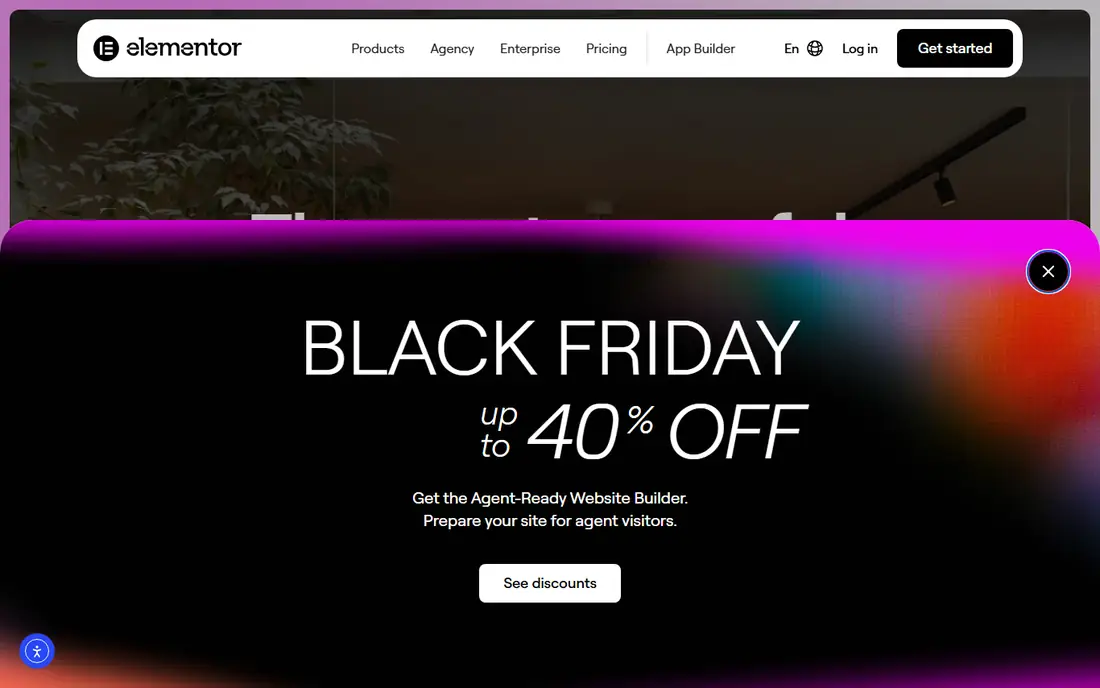
Elementor is the most widely used WordPress page builder, and that scale is its main advantage. The free version covers the basics for a brochure site, a landing page or a simple blog layout, and the Pro upgrade adds the theme builder for headers, footers and archive pages, plus a form builder, popup builder and WooCommerce builder. The template library is the largest in this comparison, with full site kits for many niches, and the add-on market includes hundreds of extra widgets from third-party developers.
What we like- Largest template and widget library of any WordPress builder
- Huge third-party add-on market
- Free version is usable for a real site
- Theme builder, popup builder and form builder in Pro
- Frequent updates
Watch out for- Pro renews annually and the cost grows with each site
- The editor can feel heavy on shared hosting
- Some older price lists still show $59, $99, $199 and $399, which are stale
#2
Gutenberg
Best for: Buyers who want a free editor that is already inside WordPress
Visit wordpress.org
Starting priceFree $0, built into WordPress core
Free planYes, fully free with no paid tier
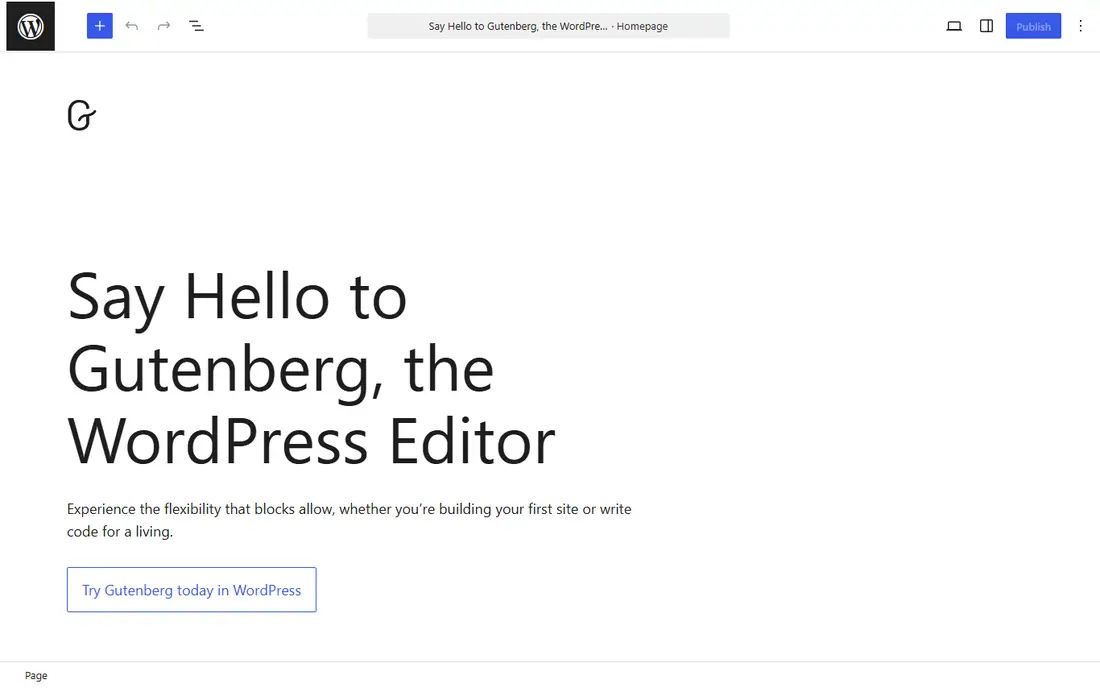
Gutenberg is the block editor that ships with WordPress, and it is the only option here with no price at all. It now covers full-site editing, including headers, footers, templates and block patterns, so a careful buyer can build a complete site without paying for a builder. The trade-off is speed. A layout that takes minutes in Elementor can take longer in Gutenberg, and fine control over spacing, responsive behaviour and animations often needs an extra block plugin. The advantage is durability. Gutenberg content is stored as blocks in the database, so it is less likely to break when a theme changes, and there is no licence to renew and no vendor lock-in to a builder.
What we like- Free forever with no licence to renew
- Native to WordPress, so it survives theme and plugin changes better than third-party builders
- Block patterns and the site editor cover full-site design
- Huge free block library
Watch out for- Fewer design controls than Elementor
- Building a complex layout takes longer
- Some advanced features need a block plugin
- No dedicated support channel
Starting price$89 per year for unlimited sites
Free planNo free version; 30-day money-back guarantee
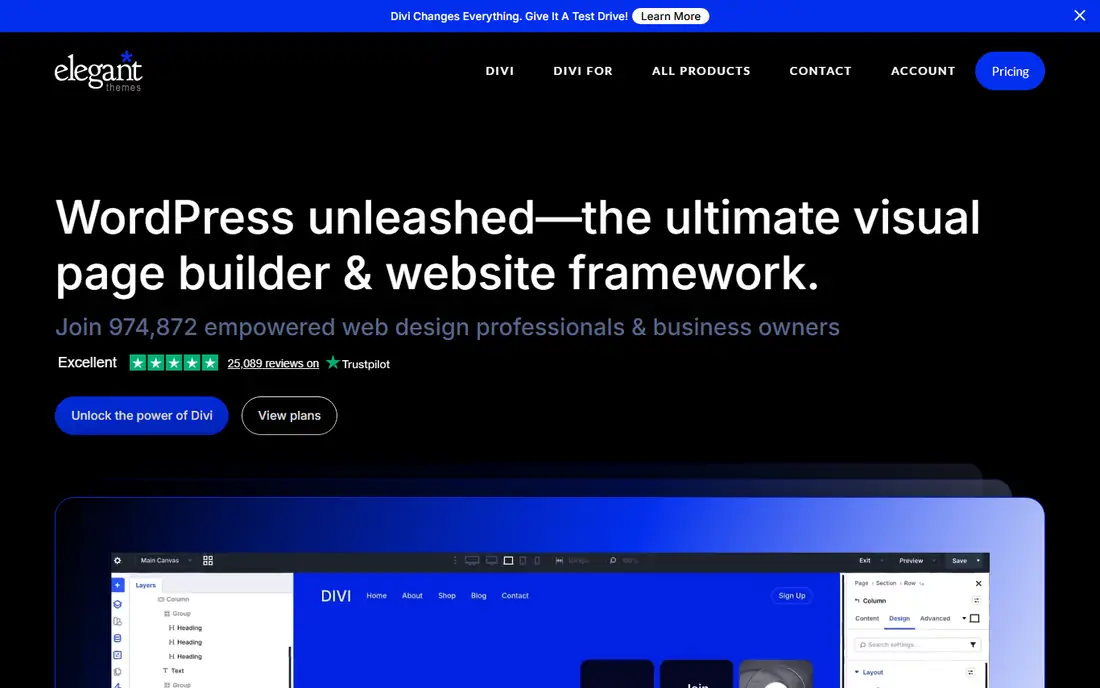
Divi is the value pick in this list for anyone building more than two or three sites. The yearly plan costs $89 and covers unlimited sites, which undercuts Elementor Expert at $204 a year for 25 sites. A lifetime licence costs $249 once, and the Pro plan costs $277 a year with AI tools, cloud storage, VIP support, a four-seat team and a $50 credit. The Lifetime plus Pro combination costs $297 upfront and then $212 a year. Divi 5 became stable on 26 February 2026 and is the current version.
What we like- One price covers unlimited sites
- Lifetime licence available at $249 once
- Pro plan adds AI, cloud storage, VIP support and a $50 credit
- Divi 5 is the current stable release
- Large template library
Watch out for- No free version to try before paying
- The builder can feel heavy on large pages
- One review lists a $3,490 lifetime figure, which is an outlier and was not used here
#4
Beaver Builder
Best for: Agencies and developers who want a stable builder with clean code output
Visit beaverbuilder.com
Starting priceStarter $89 per year for 1 site
Free planNo free version; a limited lite version exists in the WordPress plugin directory
Beaver Builder has built its reputation on reliability rather than feature volume. The editor is calm and predictable, the markup it produces is leaner than most competitors, and the product has changed slowly, which matters when you maintain client sites for years. The Starter plan costs $89 a year for one site, Plus costs $179 a year for three sites, Professional costs $299 a year for 50 sites and Unlimited costs $546 a year for unlimited sites. Every plan includes the Beaver Builder theme, Beaver Themer, the Loop Builder and WooCommerce support.
What we like- Clean, lean markup that performs well
- Stable product with few breaking changes
- White labelling and multisite support on higher plans
- Beaver Themer for headers, footers and archive layouts
- Works well with most themes
Watch out for- Smaller template library than Elementor
- Fewer built-in widgets, so some features need add-ons
- No free version with the full editor
- Older Standard $99, Pro $199, Agency $399 and Ultimate $546 prices in reviews are the pre-rename set
#5
Brizy
Best for: Buyers who want a simple editor and a low entry price
Visit brizy.io
Starting priceFree $0; Personal $69 per year for 1 site
Free planYes, a free version with the core editor and basic blocks
Brizy is the easiest builder in this list to learn, and that is its main selling point. The editor hides complexity, the blocks are simple to arrange, and the free version is enough for a basic site. The Personal plan costs $69 a year for one site, Freelancer costs $119 a year for 25 sites, Agency costs $239 a year for 50 sites and White Label costs $359 a year for 100 sites. Brizy Cloud is a hosted option, with Personal at $19 a month for one site, Agency at $69 a month for ten sites and White Label at $159 a month for ten sites.
What we like- Simple, clean editor that beginners learn fast
- Low entry price
- Cloud plans for hosted sites
- 30-day money-back guarantee
Watch out for- Smaller ecosystem than Elementor or Divi
- Fewer advanced WooCommerce controls
- Older $59, $99, $199 and $299 prices still appear in reviews and are stale
- A 24 September 2026 read showed $60, $108, $192 and $300, which conflicts with the current list
#6Wix
Best for: Buyers who want to skip WordPress hosting and maintenance entirely4.2/5 on
G2 (1,888 reviews, checked Oct 2026)
Visit wix.com
Starting priceLight $17 per month, billed annually
Free planYes, a free plan with Wix branding and a Wix subdomain
Wix is the outlier here because it is not a WordPress plugin. It is a hosted website builder, and it suits buyers who do not want to manage hosting, updates or security at all. The Light plan costs $17 a month billed annually, Core costs $29, Business costs $39 and Business Elite costs $159. The free plan carries Wix branding and a Wix subdomain, so it is a trial rather than a home for a business site. Wix includes hosting, templates, e-commerce, bookings and marketing tools in one place, and a first site can be live in an afternoon.
What we like- No hosting, updates or security patching to manage
- Large template library
- Built-in e-commerce, bookings and marketing tools
- Fast setup for a first site
Watch out for- You cannot move a Wix site to WordPress later
- Less control over code and SEO than a self-hosted WordPress site
- Costs rise with the plan
- Not a WordPress builder, so it does not fit an existing WordPress workflow
#7Squarespace
Best for: Buyers who want a hosted site with polished templates and no maintenance4.4/5 on
G2 (1,133 reviews, checked Oct 2026)
Visit squarespace.com
Starting priceBasic $19 per month, billed annually
Free planNo free plan; 14-day free trial
Squarespace is the hosted alternative for buyers who do not want to manage WordPress at all. The July 2026 rename set the current plans at Basic $19 a month billed annually, Core $29, Plus $49 and Advanced $99. There is no free plan, only a 14-day trial. Squarespace includes hosting, templates, e-commerce, scheduling and email tools in one place, and its templates are consistently polished, which suits a portfolio, a restaurant or a small shop that needs to look good quickly. The trade-off is control.
What we like- Polished templates that look good with little effort
- Hosting, security and updates included
- Built-in e-commerce, scheduling and email tools
- Easy to use for a first site
Watch out for- Less control over code and SEO than a self-hosted WordPress site
- You cannot move a Squarespace site to WordPress later
- No free plan, only a trial
- The old $16, $23, $28 and $52 prices still appear in reviews and are stale
#8Webflow
Best for: Designers who want precise visual control without WordPress4.4/5 on
G2 (995 reviews, checked Oct 2026)
Visit webflow.com
Starting priceBasic $15 per month, billed annually
Free planYes, a free Starter plan with a Webflow subdomain
Webflow is a hosted design tool for buyers who want precise control without WordPress. The Basic site plan costs $15 a month billed annually, and the Premium plan costs $25 a month billed annually or $39 a month billed monthly. The free Starter plan carries a Webflow subdomain and is a trial rather than a home for a business site. Webflow gives designers control over layout, animation, interactions and the CMS, and it outputs cleaner code than most hosted builders. The learning curve is steeper than Wix or Squarespace, so it suits a designer or a team with design skills rather than a first-time site owner.
What we like- Precise visual control over layout, animation and interactions
- Clean code output
- Built-in CMS and hosting
- Strong template marketplace
Watch out for- Steeper learning curve than Wix or Squarespace
- Bandwidth figures conflict across sources, with 50 GB and 200 GB both reported, so no figure is stated here
- Premium costs $25 a month billed annually and $39 a month billed monthly
- Not a WordPress builder
Elementor vs Gutenberg head to head
| Builder |
Starting price |
Free version |
Sites on entry plan |
Lifetime option |
| Elementor |
$60 per year |
Yes |
1 |
No |
| Gutenberg |
$0 |
Yes, fully free |
Unlimited |
Not applicable |
| Divi |
$89 per year |
No |
Unlimited |
$249 once |
| Beaver Builder |
$89 per year |
Limited lite version |
1 |
No |
| Brizy |
$69 per year |
Yes |
1 |
No |
| Wix |
$17 per month |
Yes, with branding |
1 site |
No |
| Squarespace |
$19 per month |
Trial only |
1 site |
No |
| Webflow |
$15 per month |
Yes, with subdomain |
1 site |
No |
The table shows the real trade-off. Gutenberg costs nothing and Elementor Pro starts at $60 a year, so the question is whether the template library, the theme builder and the design speed are worth $60 a year to you. Divi covers unlimited sites for $89 a year, which wins for anyone building more than one site. The hosted options charge monthly and never stop, so they cost more over three years than a WordPress builder with a yearly licence.
What to check before you buy
Check whether you actually need a paid builder. Gutenberg is free and now covers full-site editing, so a blog or a brochure site may not need Elementor at all. Check the renewal price, not just the first-year price. Elementor One renews at $228 after a $180 first year, and One Agency renews at $540 after $432, so the second year costs more. Check how many sites you will actually build in the next year, since a per-site licence that looks cheap for one site becomes expensive for ten. Check whether the builder includes a theme, since Divi and Beaver Builder include one and Gutenberg needs a block theme. Check the refund window. Most builders here offer 30 days, and Gutenberg needs none because it is free. Check performance on your own hosting, because a builder that feels fast in a demo can feel slow on shared hosting with many add-ons. Finally, check that the price you are reading is current. Older Elementor, Beaver Builder, Brizy and Squarespace prices still appear in reviews, and the stale figures are listed in the notes above.
Frequently asked questions
Is Elementor or Gutenberg better for beginners?
Gutenberg is better for a beginner who wants a simple blog or brochure site, because it is free, already installed and hard to break. Elementor is better for a beginner who wants a designed landing page or a site with a specific look, because the templates and the visual editor are faster than building the same layout in blocks. A beginner should try Gutenberg first and add Elementor only if the design needs it.
Can I use Gutenberg and Elementor together?
Yes, many sites use both. Gutenberg handles posts and simple pages, while Elementor handles landing pages, sales pages and custom layouts. The risk is a mixed workflow, since two editors on one site can confuse other editors. Most buyers settle on one editor for the whole site once they know which one they prefer.
Does Elementor have a lifetime licence?
No, Elementor has no lifetime licence. Every paid plan renews annually, and the One and One Agency plans renew at a higher price than the first year. Buyers who want to pay once should look at Divi at $249 once, Oxygen at $199.50 once or Bricks Ultimate at $599 once.
Is Gutenberg enough for a business website?
Yes, for many business sites. Gutenberg is free, built into WordPress and now covers full-site editing with block patterns, templates and headers and footers. It takes longer to build a complex layout than Elementor or Divi, and some features need a block plugin, but it is the most durable option here, since there is no licence to renew and no vendor lock-in.
Which builder is best for SEO?
The builder matters less than the hosting, the theme and the content. Gutenberg and Beaver Builder produce leaner markup, which helps page speed, while Elementor and Divi add more markup and need good caching. A fast host, a lean theme and compressed images will move SEO more than the choice between these eight builders.
Sources we checked (10)
- https://elementor.com/pricing/
- https://wordpress.org/gutenberg/
- https://www.elegantthemes.com/pricing/
- https://www.beaverbuilder.com/pricing/
- https://www.brizy.io/pricing/
- https://www.wix.com/pricing
- https://www.squarespace.com/pricing
- https://webflow.com/pricing
- https://wbcomdesigns.com/oxygen-builder-review/
- https://plugintheme.net/blog/bricks-builder-review-2026-features-pricing-lifetime-deal
Is your product missing or out of date?
We review this list regularly. Vendors can request a listing, send updated pricing or ask about featured placement.

Shihab Mia · Founder, Rankite
Shihab has 5+ years in B2B and SaaS SEO. He writes Rankite's software buying guides from pricing pages, documentation and public user reviews. More about Shihab.