How we make this list: we compare pricing pages, product documentation and public user reviews. Ratings come from G2, Capterra or Trustpilot, with the date we checked them.
Which is better, CloudTalk or Aircall?
The better tool depends on how your team makes calls. CloudTalk is built as a voice first contact center, so its strength is call handling at scale: smart routing, call queues, IVR, and dialers that keep outbound reps moving. It covers numbers in more than 160 countries. Aircall is built around the CRM workflow, so its strength is what happens around the call: automatic logging, shared inboxes, call tagging, and live monitoring that helps managers coach in real time. Both tools record calls and connect to the major CRMs. CloudTalk gives you more calling power for the money, especially on Expert, where the power dialer is included. A team that sells outbound should lean CloudTalk. A team that supports customers inbound should lean Aircall.
How do CloudTalk and Aircall compare on price?
CloudTalk starts lower and stays lower at the entry level. Starter costs $25 per user per month on annual billing, or $34 billed monthly, and includes call queues, the visual Call Flow Designer, and click to call. Essential costs $29 per user per month on annual billing, or $39 monthly, and adds IVR, smart routing, more than 100 integrations, and unlimited recording storage. Expert costs $49 per user per month on annual billing, or $69 monthly, and adds the power dialer, Salesforce integration, and real time monitoring, with a three user minimum. Aircall Essentials costs $30 per license per month on annual billing, or $40 monthly, and Professional costs $50 per license per month on annual billing, or $70 monthly, with a three license minimum on both. Worked example: a team of 10 seats on annual billing pays $250 a month for CloudTalk Starter against $300 a month for Aircall Essentials, a $600 difference over a year. At the mid tier, CloudTalk Essential at $290 a month undercuts Aircall Professional at $500 a month by $2,520 a year. Both vendors charge extra for AI features, so budget separately for transcription or an AI voice agent.
What should a small team look for in a cloud phone system?
A small team should check five things before signing a contract. First, the minimum seat count, because several vendors in this list require two or three licenses. Second, what is included in the entry plan, because IVR, call recording, and CRM sync are sometimes held back for higher tiers. Third, number coverage, because a team that calls customers in more than one country needs local numbers in each region. Fourth, the CRM integration, because automatic call logging saves hours of manual note taking every week. Fifth, the true cost after add-ons, because AI transcription, dialers, and extra numbers are usually billed separately.
Yes, all eight tools in this guide connect to at least one major CRM, and most connect to several. CloudTalk lists more than 100 native integrations, including Salesforce, HubSpot, Pipedrive, and Zendesk. Aircall connects to Salesforce, HubSpot, and Zendesk, with automatic call logging and click to dial inside the CRM. Dialpad connects to Salesforce, HubSpot, and Zendesk, and its AI features write call summaries back to the CRM. RingCentral connects to Salesforce, HubSpot, and Microsoft Dynamics. JustCall connects to HubSpot, Salesforce, and Zoho. 8x8, Vonage, and Nextiva all connect to Salesforce and HubSpot. If your team uses a niche CRM, check the integration list on the vendor pricing page before the trial.
Quick comparison
| Tool | Best for | Starting price | Free plan |
|---|
 CloudTalk | Global sales and support teams that need strong routing, dialers and international numbers | $25 per user per month on annual billing ($34 billed monthly) for Starter; Essential $29, Expert $49 | No free plan; 14 day free trial |
 Aircall | Support and sales teams that live inside a CRM and want every call logged automatically | $30 per license per month on annual billing ($40 billed monthly) for Essentials; Professional $50, Custom by quote | No free plan; 7 day free trial |
 Dialpad | Small teams that want AI transcription, summaries and coaching included rather than added on | $15 per user per month on annual billing ($27 billed monthly) for Standard; Pro $25, Enterprise by quote | No free plan; 14 day free trial |
 RingCentral | Businesses that want calls, video meetings, team messaging and SMS in one platform | $20 per user per month on annual billing ($30 billed monthly) for RingEX Core; Advanced $25, Ultra $35 | No free plan; 14 day free trial |
 JustCall | Sales teams that need calling, SMS, and a power dialer on one bill | $29 per user per month on annual billing ($39 billed monthly) for Team; Pro $49, Pro Plus $89 | No free plan; 14 day free trial |
 8x8 | Contact centers that need voice, video, chat and SMS in one omnichannel platform | Quote based; reported X2 from $24 per user per month on annual billing, X4 $44, X6 $85 | No free plan; 30 day free trial |
 Vonage | Small businesses that want a simple cloud phone system with flexible per line pricing | $19.99 per line per month for Mobile; Premium $29.99, Advanced $39.99; a 30 percent promotion runs through 31 December 2026, taking Mobile to $13.99, Premium to $20.99 and Advanced to $27.99 | No free plan; 14 day free trial |
 Nextiva | Growing teams that want a phone system with built-in CRM and customer journey tools | $15 per user per month on annual billing for NEXT Core; Engage $25, Scale $75 | No free plan; 7 day free trial |
Is your product missing or out of date?
We review this list regularly. Vendors can request a listing, send updated pricing or ask about featured placement.
8 best cloud phone systems compared
The table compares the eight systems on entry price, free trial, and best use case. All prices are per user or per license per month on annual billing, in US dollars.
| Tool | Starting price | Free trial | Best for |
| CloudTalk | $25 per user per month | 14 days | Global sales and support teams |
| Aircall | $30 per license per month | 7 days | CRM heavy support teams |
| Dialpad | $15 per user per month | 14 days | Small teams that want AI built in |
| RingCentral | $20 per user per month | 14 days | Unified calls, video and messaging |
| JustCall | $29 per user per month | 14 days | Sales teams that need calling and SMS |
| 8x8 | Quote, reported from $24 per user per month | 30 days | Contact centers with omnichannel needs |
| Vonage | $19.99 per line per month | 14 days | Small businesses that want simple setup |
| Nextiva | $15 per user per month | 7 days | Growing teams that want calls and CRM |
How we picked: we compared each vendor on published entry price, included calling minutes, CRM integrations, dialer and routing features, free trial length, and minimum seat count. We checked every price on the vendor own pricing page, and we listed a real limitation for each tool. Last verified 18 November 2026.
#1CloudTalk
Best for: Global sales and support teams that need strong routing, dialers and international numbers4.4/5 on
G2 (1,938 reviews, checked Oct 2026)
Visit cloudtalk.io
Starting price$25 per user per month on annual billing ($34 billed monthly) for Starter; Essential $29, Expert $49
Free planNo free plan; 14 day free trial
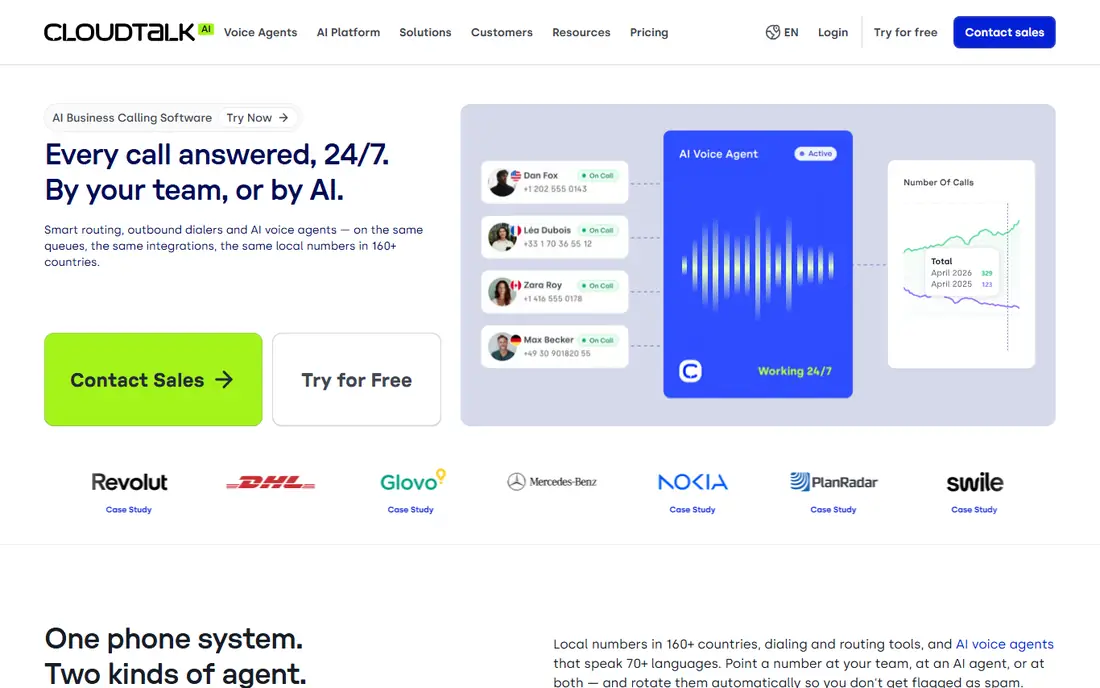
CloudTalk is a voice first contact center that suits teams who make a lot of calls across borders. Starter includes call queues, ring groups, click to call, call recording with one month retention, and unlimited calls in the United States and Canada or 500 minutes per user in one EU or UK country. Essential adds IVR, smart routing, workflow automation, the Smart Dialer, and unlimited recording storage. Expert adds the power dialer, Salesforce integration, real time analytics, and live monitoring, with a three user minimum. The main weakness is that AI features are always extra, so a team that wants transcription on every call should budget the $9 per user per month AI add-on from the start.
What we like- Numbers in more than 160 countries
- Visual Call Flow Designer included on Starter
- Power dialer included on Expert
- 99.999 percent uptime SLA
- More than 100 native integrations
Watch out for- AI Conversation Intelligence is a paid add-on on every plan, so the headline price does not include call transcription or AI summaries
#2Aircall
Best for: Support and sales teams that live inside a CRM and want every call logged automatically4.2/5 on
Capterra (466 reviews, checked Oct 2026)
Visit aircall.io
Starting price$30 per license per month on annual billing ($40 billed monthly) for Essentials; Professional $50, Custom by quote
Free planNo free plan; 7 day free trial
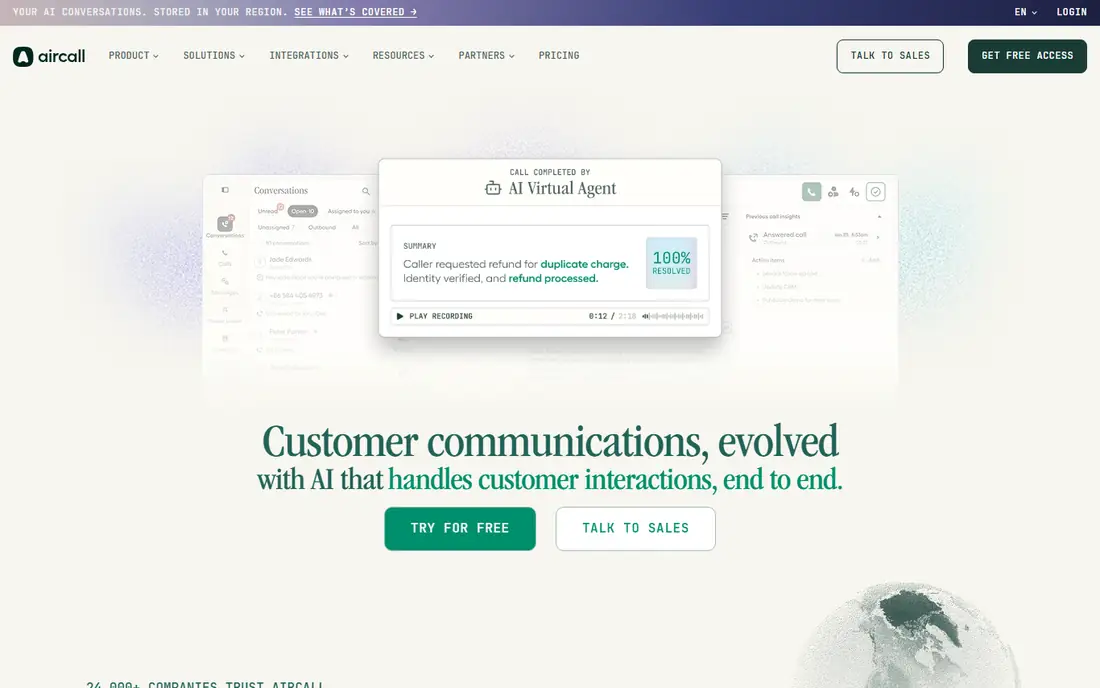
Aircall is the most CRM centred phone system on this list. Every call is logged against the right contact, agents can see the caller history before they pick up, and managers can listen in, whisper advice, or take over a live call. Shared inboxes let a support team assign calls and messages to the right person. Essentials covers the core phone features, click to dial, IVR, call recording, and the main CRM integrations. Professional adds the power dialer, call monitoring, and deeper Salesforce integration. The trade off is price: at $50 per license per month on Professional, it is one of the more expensive options here, and small teams hit the three license minimum immediately.
What we like- Deep Salesforce and HubSpot integrations with automatic logging
- Shared inboxes and call tagging
- Live call monitoring and whisper coaching
- Numbers in more than 100 countries
Watch out for- The three license minimum rules out solo users and two person teams, and the entry plan lacks the power dialer and advanced analytics
#3Dialpad
Best for: Small teams that want AI transcription, summaries and coaching included rather than added on4.4/5 on
G2 (4,201 reviews, checked Oct 2026)
Visit dialpad.com
Starting price$15 per user per month on annual billing ($27 billed monthly) for Standard; Pro $25, Enterprise by quote
Free planNo free plan; 14 day free trial

Dialpad stands out because its AI is part of the product rather than a separate purchase. Every call on a paid plan is transcribed in real time, with a summary and action items generated automatically, and managers get live coaching prompts while a call is still running. Standard includes unlimited calling in the United States and Canada, voicemail transcription, and the main integrations. Pro adds advanced analytics and CRM integrations. The main limitation is that the cheapest plan feels thin on integrations, so a team that needs deep Salesforce or HubSpot syncing should expect to pay for Pro.
What we like- AI transcriptions, summaries and live coaching included on paid plans
- Clean interface across desktop and mobile
- Good call quality
- Unlimited calling in the United States and Canada on Standard
Watch out for- The entry Standard plan has limited integrations, and the analytics and advanced AI coaching features need the Pro plan or higher
#4RingCentral
Best for: Businesses that want calls, video meetings, team messaging and SMS in one platform4.1/5 on
G2 (1,076 reviews, checked Oct 2026)
Visit ringcentral.com
Starting price$20 per user per month on annual billing ($30 billed monthly) for RingEX Core; Advanced $25, Ultra $35
Free planNo free plan; 14 day free trial
RingCentral RingEX is the broadest platform in this guide. One subscription covers cloud phone, video meetings, team messaging, SMS, and fax, so a business can replace several tools at once. Core includes unlimited calling in the United States and Canada, voicemail to text, and call handling. Advanced adds automatic call recording, single sign on, and deeper analytics. Ultra adds advanced call handling and video meeting extras. The platform integrates with Salesforce, HubSpot, Microsoft Teams, Google Workspace, and hundreds of other apps. The downside is complexity: a small team that only needs calling may find the setup heavier than a focused phone system like CloudTalk or Aircall.
What we like- Full unified communications with video and messaging
- More than 300 integrations
- Strong mobile apps
- Reliable uptime and call quality
Watch out for- The interface can feel crowded for teams that only need a phone system, and the best analytics and AI features sit on the higher priced tiers
#5JustCall
Best for: Sales teams that need calling, SMS, and a power dialer on one bill4.3/5 on
G2 (2,395 reviews, checked Oct 2026)
Visit justcall.io
Starting price$29 per user per month on annual billing ($39 billed monthly) for Team; Pro $49, Pro Plus $89
Free planNo free plan; 14 day free trial
JustCall is a sales first phone and SMS platform for teams who contact prospects by both call and text. Team includes unlimited calling in the United States and Canada, SMS, IVR, call recording, and the main CRM integrations, with 500 SMS segments included. Pro adds the power dialer, Salesforce integration, voicemail drop, and more automation. Pro Plus adds AI call scoring and real time agent assist. The AI Voice Agent is available as an add-on, priced from $0.15 per minute with the first 100 minutes included. The main weakness is the tiering: the dialer that most sales teams want is locked behind Pro, so the real starting price for an outbound team is $49 per user per month rather than $29.
What we like- Strong SMS and bulk messaging alongside calling
- Power dialer on Pro
- AI Voice Agent add-on
- Integrations with HubSpot, Salesforce and Zoho
Watch out for- The two license minimum makes it a poor fit for solo users, and the power dialer is not on the entry Team plan
#68x8
Best for: Contact centers that need voice, video, chat and SMS in one omnichannel platform4.2/5 on
G2 (939 reviews, checked Oct 2026)
Visit 8x8.com
Starting priceQuote based; reported X2 from $24 per user per month on annual billing, X4 $44, X6 $85
Free planNo free plan; 30 day free trial
8x8 is the enterprise leaning option in this guide, built for contact centers rather than small phone systems. The X Series plans combine cloud phone with contact center features: omnichannel routing, workforce management, and analytics that track the whole customer journey. X2 covers core voice and contact center basics. X4 adds omnichannel routing and more analytics. X6 adds workforce engagement and advanced quality tools. The biggest drawback is the lack of published pricing: every buyer has to go through sales, which makes it hard to compare 8x8 against the transparent prices of CloudTalk, Dialpad, or RingCentral.
What we like- True omnichannel contact center with voice, chat, email and SMS
- Strong global coverage
- Microsoft Teams integration
- Long free trial
Watch out for- Pricing is not published on the website, so buyers must request a quote to compare costs, which slows down the buying process
#7Vonage
Best for: Small businesses that want a simple cloud phone system with flexible per line pricing4.3/5 on
G2 (503 reviews, checked Oct 2026)
Visit vonage.com
Starting price$19.99 per line per month for Mobile; Premium $29.99, Advanced $39.99; a 30 percent promotion runs through 31 December 2026, taking Mobile to $13.99, Premium to $20.99 and Advanced to $27.99
Free planNo free plan; 14 day free trial
Vonage is the straightforward pick for a small business that wants a reliable cloud phone system without a long setup project. Mobile includes a virtual receptionist, call forwarding, and the mobile app. Premium adds unlimited calling, CRM integration, and more call handling features. Advanced adds call recording, visual voicemail, and call groups. The 30 percent promotion through 31 December 2026 makes Vonage the cheapest entry point in this guide at $13.99 per line per month. The limitation is that the entry plan is basic, and buyers should plan for the price rise when the promotion ends.
What we like- Low entry price with the promotion
- Simple setup and admin
- Good mobile app
- Integrates with Salesforce, HubSpot and Microsoft Teams
Watch out for- The higher tiers are needed for unlimited calling and advanced call handling, and the promoted price rises when the offer ends on 31 December 2026
#8Nextiva
Best for: Growing teams that want a phone system with built-in CRM and customer journey tools4.5/5 on
G2 (3,659 reviews, checked Oct 2026)
Visit nextiva.com
Starting price$15 per user per month on annual billing for NEXT Core; Engage $25, Scale $75
Free planNo free plan; 7 day free trial
Nextiva rebuilt its plans in 2026 around three tiers: NEXT Core, Engage, and Scale. Core includes unlimited calling in the United States and Canada, voicemail to email, and the basic phone features a small team needs. Engage adds the built-in CRM and customer journey tracking. Scale adds advanced analytics and AI features. The main drawback is the tiering: the CRM features that make Nextiva different from a plain phone system sit on Engage and Scale, so the $15 Core price does not tell the whole story.
What we like- Built-in CRM on the higher tiers
- Good call quality
- Strong customer support
- Unified calls, video and messaging
Watch out for- The 2026 repackage retired the older tiers, so existing buyers should check their plan carefully, and the most useful CRM features need the Engage or Scale plan
Frequently asked questions
Is CloudTalk cheaper than Aircall?
Yes. CloudTalk Starter costs $25 per user per month on annual billing, while Aircall Essentials costs $30 per license per month on the same billing, and Aircall also requires at least three licenses. A team of 10 seats pays $250 a month on CloudTalk Starter against $300 a month on Aircall Essentials, a $600 saving over a year. The gap widens at the mid tier, where CloudTalk Essential at $29 undercuts Aircall Professional at $50.
Which is better for outbound sales, CloudTalk or Aircall?
CloudTalk is the stronger outbound pick for most sales teams. Its Expert plan includes the power dialer and preview dialer, plus wide international number coverage in more than 160 countries. Aircall adds its power dialer on the Professional plan, which costs $50 per license per month, and its strength is CRM logging rather than dialing speed.
Do CloudTalk and Aircall offer free trials?
Yes, both offer a free trial, but the lengths differ. CloudTalk offers a 14 day free trial, while Aircall offers a 7 day free trial. Neither vendor offers a free plan, so a trial is the only way to test call quality, routing, and CRM sync before paying. Use the trial to check call quality and confirm the CRM integration logs calls the way your team expects.
Can I keep my existing business number when switching?
Yes, all eight tools in this guide support number porting, which moves your existing business number to the new provider. Porting usually takes a few business days, and the vendor handles most of the paperwork with your current carrier. Keep the old account active until the port completes so you do not miss calls.
What is the cheapest cloud phone system on this list?
Dialpad and Nextiva tie for the lowest published entry price at $15 per user per month on annual billing, followed by Vonage at $19.99 per line per month, or $13.99 with the promotion running through 31 December 2026. The cheapest headline price is not always the cheapest total cost, because minimum seat counts and add-ons can push the real bill higher.
Sources we checked (10)
- https://www.cloudtalk.io/voip-pricing/
- https://www.aircall.io/pricing/
- https://www.dialpad.com/pricing/
- https://www.ringcentral.com/office/plansandpricing.html
- https://www.justcall.io/pricing/
- https://www.8x8.com/products/x-series
- https://www.vonage.com/business-phone-systems/pricing/
- https://www.nextiva.com/pricing.html
- https://www.cloudtalk.io/blog/amazon-connect-alternative/
- https://justcall.io/blog/best-ai-sdr-tools.html
Is your product missing or out of date?
We review this list regularly. Vendors can request a listing, send updated pricing or ask about featured placement.

Shihab Mia · Founder, Rankite
Shihab has 5+ years in B2B and SaaS SEO. He writes Rankite's software buying guides from pricing pages, documentation and public user reviews. More about Shihab.