How we make this list: we compare pricing pages, product documentation and public user reviews. Ratings come from G2, Capterra or Trustpilot, with the date we checked them.
What does Clean Email cost in 2026
Clean Email costs $9.99 per month, or $29.99 per year for 1 account, checked November 2026. The yearly plan works out to about $2.50 per month, which makes it one of the cheaper paid cleaners on a yearly basis. A free account cleans up to 1,000 emails, which is enough to test Smart Folders and Auto Clean rules, but not to clear a large backlog. A 14-day Premium trial is available with no card needed. Clean Email has no Windows app, and there is no desktop app at all. You use it in a browser, or through its mobile apps on iPhone and Android.
Which Clean Email alternative is best for bulk unsubscribe
If bulk unsubscribe is the main job, the single-purpose tools beat the full inbox cleaners on speed and price. Leave Me Alone and Unroll.Me both focus on unsubscribing, and they do it in bulk with a few clicks. Leave Me Alone scans your inbox for senders and lets you unsubscribe from many at once. Unroll.Me is free, and its Rollup feature groups newsletters into one daily digest. Mailstrom also handles unsubscribe well, and it adds bulk delete and blocking, so it suits people who want one tool for both jobs. SaneBox instead moves low-priority mail out of the inbox automatically.
Which Clean Email alternative is best for a free cleanup
A free cleanup is possible, but free tools have real limits, so set your hopes to match what they can do. Unroll.Me is the only tool in this list with a fully free, unlimited plan, and it covers unsubscribe and the Rollup digest at no cost. The trade-off is privacy: it is funded by selling inbox-derived data to its owner NielsenIQ, and it has been blocked in the EU and EEA since May 2018. Triage is free on iPhone and iPad, and it helps you work through mail one message at a time with keep-or-archive swipes. It does not bulk delete or unsubscribe. Spark and Edison Mail both have free core apps with unlimited accounts, smart sorting, snooze, and send later, but they do not offer the bulk delete and Smart Folder rules that Clean Email sells.
Switching inbox tools is low risk, because your mail stays with your provider, and the tool only changes how you view it or what it deletes. Still, check six things before you move. First, confirm your provider works: most tools cover Gmail, Outlook, Yahoo, iCloud, and IMAP, but some handle Exchange poorly. Second, check whether the tool deletes mail permanently or only archives it, and whether it asks before each bulk action. Third, check the account limit: several paid plans cover only one account, so a second address can double the cost. Fourth, check the email cap, which matters with a large backlog. Fifth, check privacy and data handling, and sixth, check the platform: Clean Email has no Windows app, Triage is iPhone and iPad only, and Edison Mail has no desktop app.
Quick comparison
| Tool | Best for | Starting price | Free plan |
|---|
 SaneBox | Busy professionals who want low-priority mail moved out of the inbox automatically | $9.49 per month billed monthly, or $65 per year, which is $5.42 per month, for the Snack plan, checked November 2026 | No free plan; 7-day free trial |
 Unroll.Me | People who want a free bulk unsubscriber and a daily newsletter digest | $0, free with no paid tier | Yes, free, unlimited |
 Mailstrom | People who want bulk delete, unsubscribe, and blocking in one web tool | $9 per month, or $59.95 per year, for Basic with 1 account and up to 10,000 emails, checked November 2026 | No free plan; limited free trial |
 Leave Me Alone | People who want fast bulk unsubscribe and nothing else | $12.50 per month billed monthly, or $48 per year, which is $4 per month, for 1 address, checked November 2026 | 10 unsubscribes free, no card; no free plan |
 Triage | iPhone and iPad users who want a calm daily inbox routine | $9.99 per year for the annual subscription, checked 12 October 2026 | Yes, free plan |
 Spark | Cross-device users who want a smart inbox, snooze, and send later in a free app | $10 per month for Plus, or $99 per year, which is $8.25 per month billed annually; the core app is free, checked November 2026 | Yes, free plan; 7-day trial on paid plans |
 Edison Mail | Mobile users who want a free smart inbox with unlimited accounts | $14.99 per month for Mail+, or $99.99 per year; the core app is free, checked November 2026 | Yes, free plan with the full core inbox and unlimited accounts |
 Spike | Small teams and solo users who want email that reads like chat, with AI help | $6 per month billed annually, or $8 per month billed monthly, for Email App Pro, checked November 2026 | Yes, free plan with 1 address |
Is your product missing or out of date?
We review this list regularly. Vendors can request a listing, send updated pricing or ask about featured placement.
The 8 best Clean Email alternatives
#1SaneBox
Best for: Busy professionals who want low-priority mail moved out of the inbox automatically4.8/5 on
G2 (243 reviews, checked Oct 2026)
Visit sanebox.com
Starting price$9.49 per month billed monthly, or $65 per year, which is $5.42 per month, for the Snack plan, checked November 2026
Free planNo free plan; 7-day free trial
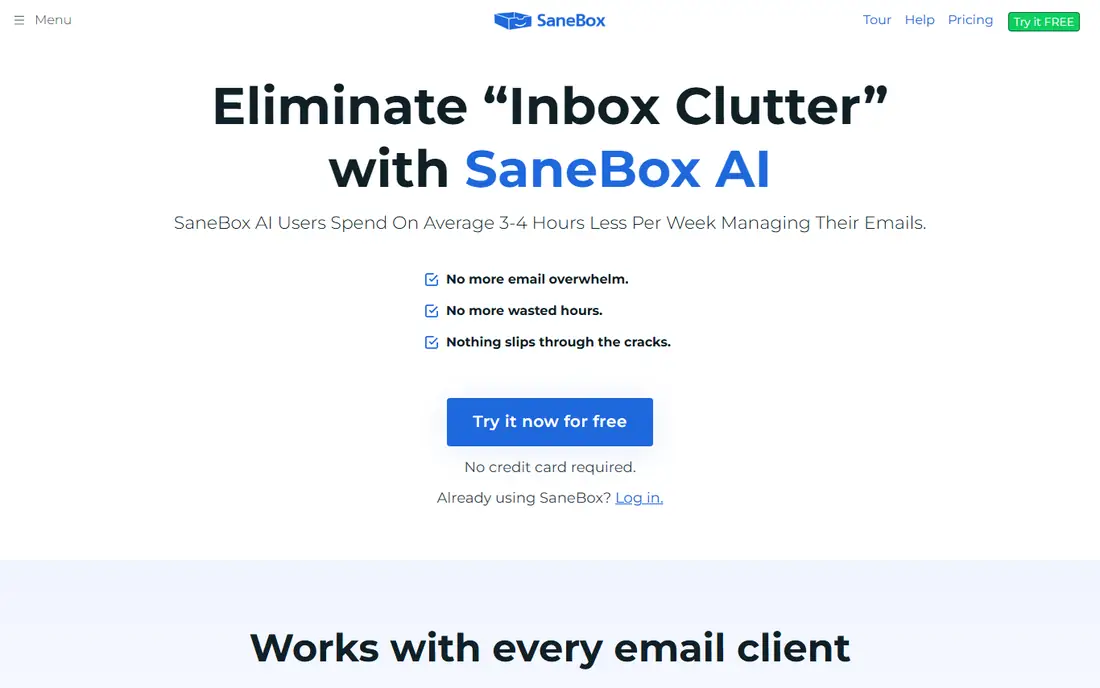
SaneBox is the best pick if you like your current email app and only want the inbox to feel lighter. It moves newsletters, notifications, and other low-priority mail into a SaneLater folder, so the inbox holds only the mail that needs a reply. The Snack plan is cheap on paper, yet it covers only one account and two features, so most buyers end up on Lunch at $15.99 per month.
What we like- Works with any email client, since it filters at the server level. SaneBlackHole trains the filter with one move. SaneReminders and SaneSnooze help with follow-ups. No need to change apps.
Watch out for- The entry tier covers only 1 account and 2 features, so most people are pushed to the $15.99 per month Lunch plan. Note older figures of $7, $12 and $36 per month are outdated.
#2
Unroll.Me
Best for: People who want a free bulk unsubscriber and a daily newsletter digest
Visit unroll.me
Starting price$0, free with no paid tier
Free planYes, free, unlimited
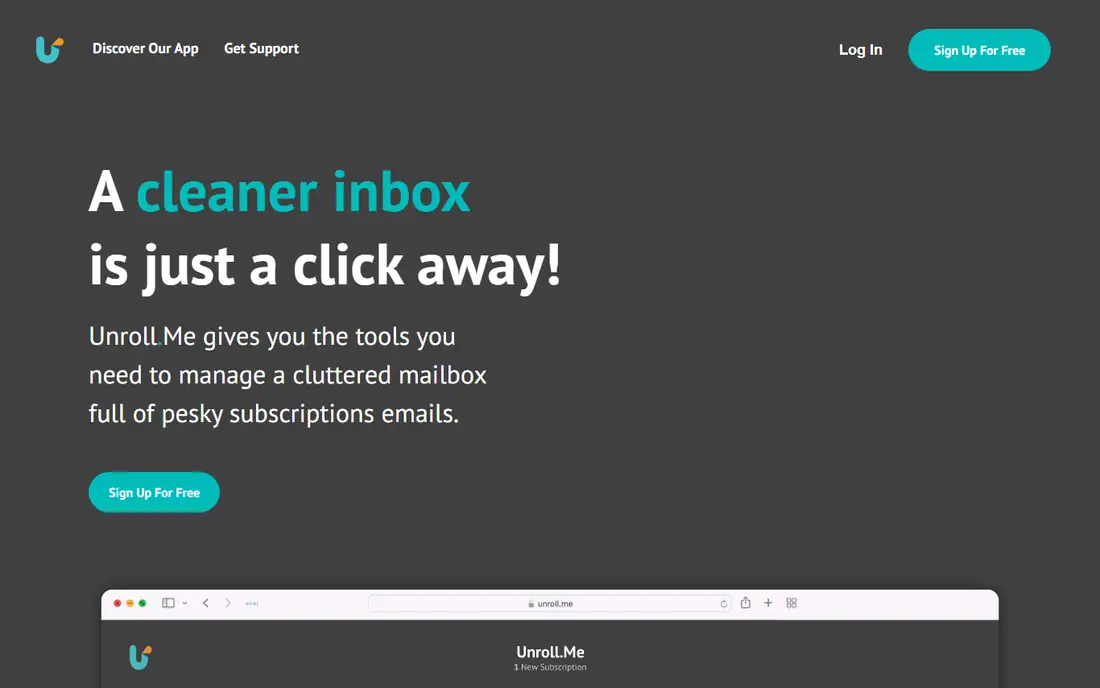
Unroll.Me is the simplest free answer to newsletter overload. You sign in, it shows the senders in your inbox, and you unsubscribe, keep, or roll up each one. The Rollup groups newsletters into one daily digest email, which cuts inbox noise without deleting anything you might want later. The cost is privacy: it is owned by NielsenIQ, and it sells data derived from inboxes, which is why it has been blocked in the EU and EEA since May 2018.
What we like- Free with no paid tier and no account limit stated. Bulk unsubscribe in a few clicks. Rollup groups newsletters into one daily email. Simple to set up.
Watch out for- It is funded by selling inbox-derived data to its owner NielsenIQ, and it has been blocked in the EU and EEA since May 2018.
#3
Mailstrom
Best for: People who want bulk delete, unsubscribe, and blocking in one web tool
Visit mailstrom.co
Starting price$9 per month, or $59.95 per year, for Basic with 1 account and up to 10,000 emails, checked November 2026
Free planNo free plan; limited free trial
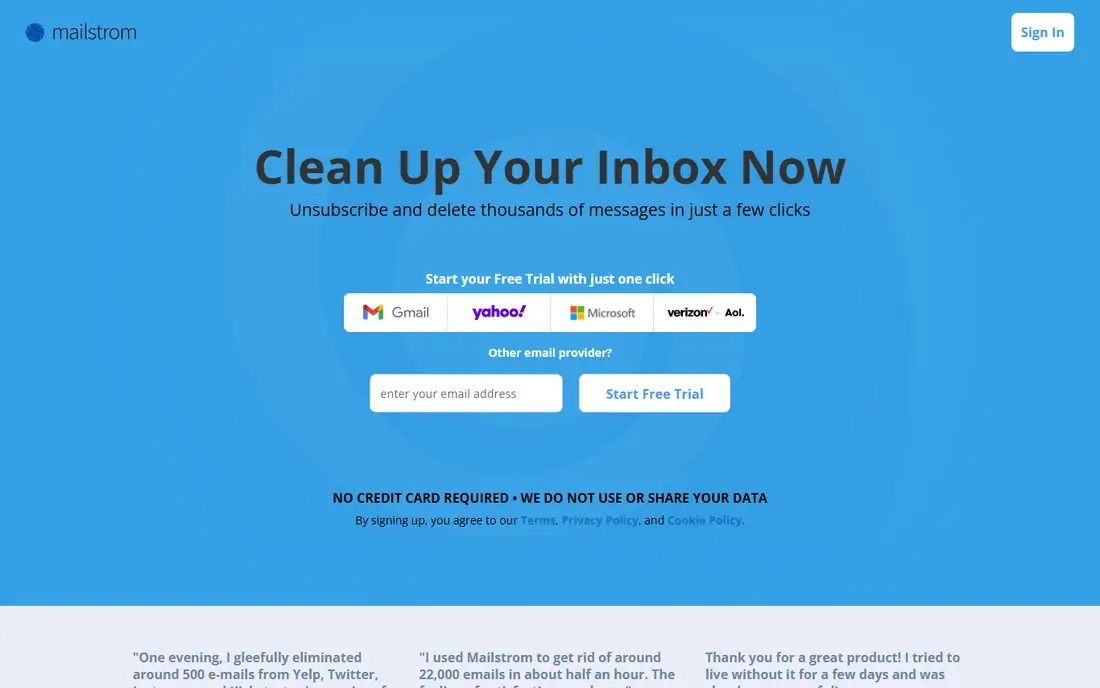
Mailstrom is the closest direct rival to Clean Email in this list. It opens your inbox in a browser, groups messages by sender, subject, size, and age, and lets you delete, archive, unsubscribe, or block whole groups at once. That grouped view makes a backlog of 5,000 old messages feel manageable: you deal with senders, not single emails. Basic costs $9 per month, or $59.95 per year, for one account and up to 10,000 emails, so a larger inbox needs Plus or Pro.
What we like- Groups mail by sender, subject, size, and age for fast bulk action. Unsubscribe and block in the same screen. Works in the browser with Gmail, Outlook, and Yahoo. Clear view of who sends the most mail.
Watch out for- Basic caps at 10,000 emails, so large backlogs force the $14 per month Plus or $29.95 per month Pro tier. Note some vendor blog pages quote $59.99 per year and $9.95 per month
- The pricing page figures are used here.
Starting price$12.50 per month billed monthly, or $48 per year, which is $4 per month, for 1 address, checked November 2026
Free plan10 unsubscribes free, no card; no free plan
Leave Me Alone does one job and does it well. You connect an address, it lists the senders in your inbox, and you unsubscribe from as many as you like in one session. The free allowance of 10 unsubscribes is enough to test it on your worst senders. The paid plan costs $12.50 per month billed monthly, or $48 per year for one address. The limit is scope: it does not delete old mail, so pair it with a cleaner.
What we like- Very fast bulk unsubscribe list. 10 free unsubscribes with no card. Yearly price is low for one address. Simple interface with no learning curve.
Watch out for- It only unsubscribes, so it does not delete old mail or organise the inbox
- It is a companion tool, not a cleaner. Note the live site is leavemealone.com, not leavemealone.app, and a $19 one-off Seven Day Pass is also sold.
#5
Triage
Best for: iPhone and iPad users who want a calm daily inbox routine
Visit triage.cc
Starting price$9.99 per year for the annual subscription, checked 12 October 2026
Free planYes, free plan
Triage, full name Triage: Email First Aid, is a small, focused app for iPhone and iPad. It shows your mail one message at a time, and you swipe to keep or archive. The annual subscription costs $9.99 per year, checked 12 October 2026, which makes it the cheapest paid option in this list. The limits are clear: it is iPhone and iPad only, it is not a full email client, and it cannot bulk delete or unsubscribe, so it will not clear a large backlog in one session.
What we like- Very cheap yearly subscription. Simple keep-or-archive swipes. Clean interface that suits a daily triage habit. Works with Gmail and other accounts.
Watch out for- IPhone and iPad only, and keep-or-archive only
- It is not a full email client and cannot bulk-delete or unsubscribe. Note the triage.email domain does not resolve
- The product is Triage: Email First Aid at triage.cc.
#6
Spark
Best for: Cross-device users who want a smart inbox, snooze, and send later in a free app
Visit sparkmailapp.com
Starting price$10 per month for Plus, or $99 per year, which is $8.25 per month billed annually; the core app is free, checked November 2026
Free planYes, free plan; 7-day trial on paid plans
Spark is a full email client, not a cleaner, but its Smart Inbox does much of the work Clean Email users want. It groups newsletters, notifications, and personal mail, so the inbox looks tidy without a separate cleaning session. It runs on Mac, Windows, iPhone, and Android, and the core app is free with unlimited accounts. Plus costs $10 per month, or $99 per year. The catch is that read statuses and shared inboxes sit behind the $20 per month Pro tier.
What we like- Runs on Mac, Windows, iOS, and Android with one account. Smart Inbox sorts mail automatically. Snooze, send later, and reminders on the free plan. Shared inboxes and delegation on Pro.
Watch out for- Read statuses and shared inboxes are locked behind the $20 per month Pro tier. Note the older Premium plan at $7.99 per month was retired for new sign-ups in November 2025.
#7
Edison Mail
Best for: Mobile users who want a free smart inbox with unlimited accounts
Visit edisonmail.com
Starting price$14.99 per month for Mail+, or $99.99 per year; the core app is free, checked November 2026
Free planYes, free plan with the full core inbox and unlimited accounts
Edison Mail is a mobile-first email client with a free core app that covers unlimited accounts. Its Smart Assistant sorts mail, blocks read receipts, and helps with one-tap unsubscribe. Mail+ costs $14.99 per month, or $99.99 per year, for extra features. The desktop app was retired, so Edison Mail is mobile only, and several Mail+ features are iPhone-only, so Android users get less for the same price.
What we like- Free core app with unlimited accounts and no ads stated. Smart Assistant sorts mail and blocks read receipts. Works with Gmail, Outlook, Yahoo, iCloud, and IMAP. Fast search and one-tap unsubscribe.
Watch out for- The desktop app was retired, so it is mobile only, and several Mail+ features are iPhone-only.
#8Spike
Best for: Small teams and solo users who want email that reads like chat, with AI help4.6/5 on
G2 (261 reviews, checked Oct 2026)
Visit spikenow.com
Starting price$6 per month billed annually, or $8 per month billed monthly, for Email App Pro, checked November 2026
Free planYes, free plan with 1 address
Spike turns email into a chat-style view, with threads grouped like conversations, which suits people who find a normal inbox slow to read. Notes, tasks, and calls sit in the same app. Email App Pro costs $6 per month billed annually, or $8 per month billed monthly, checked November 2026. The free plan covers only one address, with 60-day search history and 10 AI queries. Spike does not offer the bulk delete and Smart Folder rules that Clean Email sells, so it is a daily inbox pick rather than a cleaner.
What we like- Conversational inbox groups threads like chat. AI summaries and drafting on paid plans. Runs on Mac, Windows, iOS, Android, and the web. Notes, tasks, and calls in the same app.
Watch out for- The free plan allows only 1 address, 60-day search history and 10 AI queries
- Unlimited AI and search are paywalled. Note some directories list $5 per month for Pro, which looks stale
- The $6 figure comes from vendor-page reads in September and October 2026.
How the 8 Clean Email alternatives compare on price
| Tool |
Starting price |
Free plan |
| SaneBox |
$9.49 per month billed monthly, or $65 per year |
No free plan; 7-day free trial |
| Unroll.Me |
$0, free with no paid tier |
Yes, free, unlimited |
| Mailstrom |
$9 per month, or $59.95 per year, for Basic |
No free plan; limited free trial |
| Leave Me Alone |
$12.50 per month billed monthly, or $48 per year |
10 unsubscribes free, no card; no free plan |
| Triage |
$9.99 per year for the annual subscription |
Yes, free plan |
| Spark |
$10 per month for Plus, or $99 per year; core app free |
Yes, free plan; 7-day trial on paid plans |
| Edison Mail |
$14.99 per month for Mail+, or $99.99 per year; core app free |
Yes, free plan with full core inbox |
| Spike |
$6 per month billed annually, or $8 per month billed monthly |
Yes, free plan with 1 address |
Clean Email itself costs $9.99 per month, or $29.99 per year for 1 account, with a free account that cleans up to 1,000 emails.
Which Clean Email alternative should you pick
Pick Mailstrom if you want the closest direct replacement for Clean Email, with bulk delete, unsubscribe, and blocking in one web tool. Pick Leave Me Alone if newsletters are the only problem and you want them gone in one fast session. Pick Unroll.Me if you want a free unsubscriber and a daily digest, and you accept its data model and you do not live in the EU or EEA. Pick SaneBox if you like your current email app and you want low-priority mail moved away automatically. Pick Triage if you use an iPhone or iPad and you want a cheap daily routine to keep the inbox clear. Pick Spark if you want a free cross-device email client with a smart inbox, snooze, and send later. Pick Edison Mail if you read most mail on a phone. Pick Spike for a chat-style inbox with AI help.
Frequently asked questions
What is the best Clean Email alternative for bulk delete
Mailstrom is the best Clean Email alternative for bulk delete, because it groups mail by sender, subject, size, and age, and lets you delete whole groups at once in a browser. Clean Email does the same job with Smart Folders and Auto Clean rules. Mailstrom Basic covers up to 10,000 emails.
Is there a free Clean Email alternative
Yes, several. Unroll.Me is free with no paid tier, and it covers bulk unsubscribe and a daily newsletter digest. Spark and Edison Mail have free core apps with unlimited accounts, smart sorting, snooze, and send later. Triage has a free plan on iPhone and iPad for keep-or-archive triage. None of these free options matches the full bulk delete and Smart Folder rules of Clean Email, so a paid cleaner is still needed for a deep clean.
Can I use a Clean Email alternative without changing email apps
Yes. Clean Email, Mailstrom, Leave Me Alone, Unroll.Me, and SaneBox all work with your existing accounts and apps. Clean Email, Mailstrom, Leave Me Alone, and Unroll.Me run in a browser, and SaneBox filters at the server level, so your mail app stays the same. Spark, Edison Mail, Spike, and Triage are email apps, so they replace your current client.
Does Unroll.Me work in Europe
No, Unroll.Me has been blocked in the EU and EEA since May 2018. It is funded by selling inbox-derived data to its owner NielsenIQ, which is the reason for the block. If you live in the EU or EEA, use Leave Me Alone for bulk unsubscribe, or Mailstrom for unsubscribe plus bulk delete. Both work in a browser and do not rely on the same data model.
Is Clean Email safe to use with Gmail and Outlook
Clean Email works with Gmail, Outlook, Yahoo, iCloud, and other IMAP accounts, and it connects through standard account access. It offers a 14-day Premium trial with no card needed, and a free account that cleans up to 1,000 emails, so you can test it before you pay. As with any inbox tool, read its privacy policy, check what data it stores, and start with a small batch of mail before you run a large bulk delete.
Sources we checked (10)
- https://clean.email/plans
- https://www.sanebox.com/pricing
- https://unroll.me
- https://mailstrom.co/pricing
- https://leavemealone.com/pricing/
- https://triage.cc
- https://sparkmailapp.com/pricing
- https://www.edisonmail.com/features/edison-mail-plus
- https://www.spikenow.com/pricing/
- https://clean.email
Is your product missing or out of date?
We review this list regularly. Vendors can request a listing, send updated pricing or ask about featured placement.

Shihab Mia · Founder, Rankite
Shihab has 5+ years in B2B and SaaS SEO. He writes Rankite's software buying guides from pricing pages, documentation and public user reviews. More about Shihab.