How we make this list: we compare pricing pages, product documentation and public user reviews. Ratings come from G2, Capterra or Trustpilot, with the date we checked them.
Key takeaways
- Claude is the strongest alternative for long writing and careful document work, while Gemini leads for Google Workspace users.
- Perplexity is the best alternative when every answer needs sources you can check.
- DeepSeek and Meta AI give the best free starting points, although their limits and data policies differ.
- Poe and Mistral suit users who want many models or a European provider behind one subscription.
Quick comparison
| Tool | Best for | Starting price | Free plan |
|---|
 Claude Claude | Long writing and careful document work | $20 per month (Pro) | Yes |
 Google Gemini Google Gemini | Google Workspace and Android users | $19.99 per month (Google AI Pro) | Yes |
 Perplexity Perplexity | Research with sources you can verify | $20 per month (Pro) | Yes |
 Microsoft Copilot Microsoft Copilot | Microsoft 365 and Windows users | $19.99 per month (Microsoft 365 Premium) | Yes |
 DeepSeek DeepSeek | Free reasoning and coding help | $0 per month | Yes |
 Mistral Le Chat Mistral Le Chat | European users and fast chat | $14.99 per month (Pro) | Yes |
 Grok Grok | Real-time news and social context | $30 per month (SuperGrok) | Yes |
 Meta AI Meta AI | Free chat inside WhatsApp, Instagram, and Facebook | $0 per month | Yes |
 Poe Poe | Many models behind one subscription | $19.99 per month (Premium) | Yes |
Is your product missing or out of date?
We review this list regularly. Vendors can request a listing, send updated pricing or ask about featured placement.
The best ChatGPT alternatives for writing, research, and everyday chat
#1Claude
Best for: Long writing and careful document work4.6/5 on
G2 (488 reviews, checked Oct 2026)
Visit claude.com
Starting price$20 per month (Pro)
Free planYes
Claude, from Anthropic, is the alternative most writers reach for when ChatGPT feels too generic. Pro costs $20 per month, or $17 per month billed annually, and it includes higher usage, Projects for organizing documents, and Claude Code for programming work. Max plans at $100 and $200 per month raise usage further for heavy daily users. The writing style tends to be structured and careful, which helps with reports, proposals, and editing.
The gaps are clear. Claude does not generate images or video, so creators who need visuals must pair it with another tool. Paid plans also carry usage limits, so a very heavy user can hit caps and need Max. For a professional who spends the day in documents, drafts, and code, Claude is the most direct ChatGPT replacement in this guide.
What we like- Strong long-form writing
- Large context for documents
- Projects and coding tools
Watch out for- No image generation
- Usage limits apply even on paid plans
#2Google Gemini
Best for: Google Workspace and Android users4.4/5 on
G2 (635 reviews, checked Oct 2026)
Visit gemini.google.com
Starting price$19.99 per month (Google AI Pro)
Free planYes
Gemini fits a user who already lives in Google products. The free tier covers everyday chat, while Google AI Pro at $19.99 per month adds higher limits, Deep Research, and bundled benefits that can include extra storage and other Google services depending on the current offer. Gemini handles text, images, audio, and video input, and it connects to Gmail, Docs, Drive, and YouTube for research and drafting inside those apps.
The weakness is bundle dependence. A user outside Google Workspace may not value the extras that justify the Pro price, and some advanced features roll out by region. Gemini also changes model names and plan labels more often than rivals, so check the current plan page before subscribing. For a Gmail and Docs user who wants an assistant inside those tools, Gemini is the natural alternative.
What we like- Deep Gmail, Docs, and Drive integration
- Strong multimodal features
- Generous free tier
Watch out for- Paid value depends on Google storage and app use
- Some features vary by region
#3Perplexity
Best for: Research with sources you can verify4.4/5 on
G2 (361 reviews, checked Oct 2026)
Visit perplexity.ai
Starting price$20 per month (Pro)
Free planYes
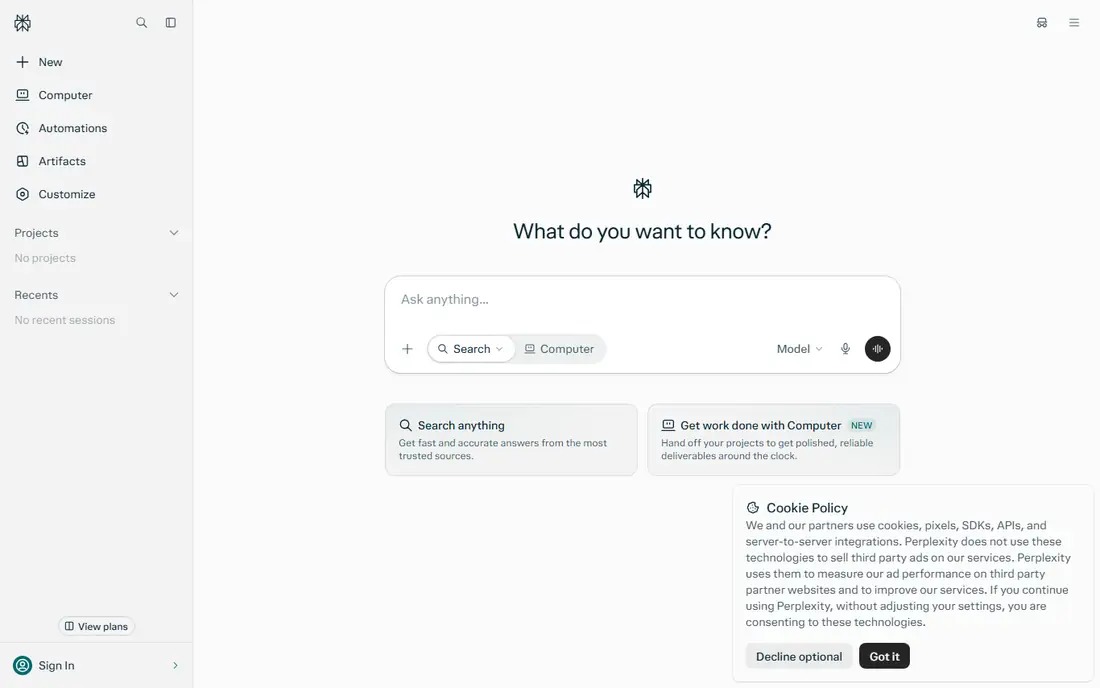
Perplexity is an answer engine first and a chatbot second. Ask a question, and it searches the web, summarizes sources, and links to them, so you can check a claim without a second search. Pro costs $20 per month and raises the daily Pro search limit sharply, adds Deep Research, and lets you choose among models from different providers for some queries. That citation habit makes Perplexity useful for journalists, students, and analysts.
Creative writing and long document editing are not its strengths. Perplexity answers well, but it does not replace a writing workspace with projects, canvases, and long-form drafting tools. Use Perplexity for research and fact-checking, then move the verified findings into Claude, Gemini, or a document editor for the final draft. For research alone, it is the best alternative here.
What we like- Citations on nearly every answer
- Fast web search
- Choice of underlying models on Pro
Watch out for- Weaker for long creative writing
- Not a full document or coding workspace
Starting price$19.99 per month (Microsoft 365 Premium)
Free planYes
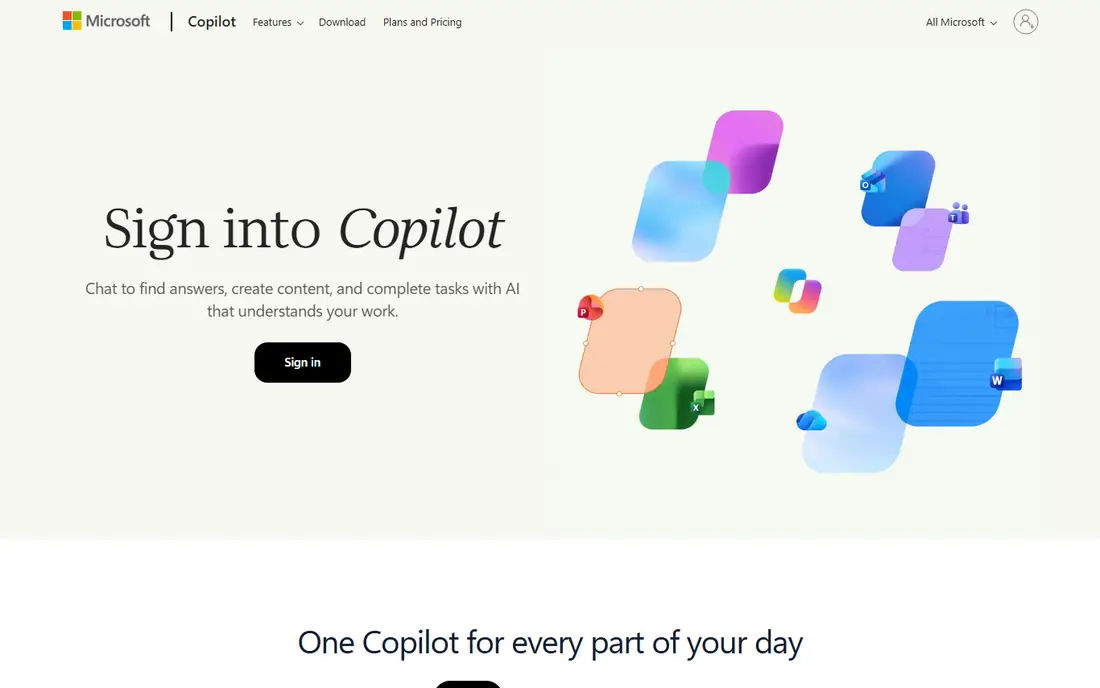
Microsoft Copilot suits a worker who already pays for Microsoft 365. The free Copilot app covers chat, while Microsoft 365 Premium at $19.99 per month adds Copilot AI inside Word, Excel, PowerPoint, and Outlook, plus Office apps and OneDrive storage. That integration helps with drafting documents, summarizing email, analyzing spreadsheets, and preparing slides without copying text between apps.
The confusion is the plan structure. The old standalone Copilot Pro was retired in 2026, and the successor sits inside Microsoft 365 Premium, so the price buys more than AI alone. Business users face a different Copilot structure through Microsoft 365 business plans, which should be quoted separately. For a Windows and Office household or office, Copilot is the most practical ChatGPT alternative, because it meets users inside the tools they already open daily.
What we like- Copilot inside Word, Excel, PowerPoint, and Outlook on Premium
- Windows integration
- Free chat tier
Watch out for- Full AI features sit inside a broader subscription
- Only the account owner gets Copilot AI on family plans
Starting price$0 per month
Free planYes
DeepSeek stands out because its chat is free and its reasoning models compete with paid rivals on math, coding, and logic problems. Developers can also use its API at low per-token prices, which makes it popular for experiments and small products. The web and app interfaces cover chat, file uploads, and web search, although they lack the broad app ecosystems of Google, Microsoft, and OpenAI.
The caution is data handling. DeepSeek is a Chinese company, and users should avoid pasting sensitive work, personal data, or confidential business material into it. Support and integrations are also thinner than those of larger rivals. For a student, hobbyist, or developer who wants strong free reasoning and understands the privacy trade-off, DeepSeek is the best no-cost alternative in this guide.
What we like- Free chat with strong reasoning
- Low-cost API for developers
- Open-weight models
Watch out for- Data is handled under Chinese law
- Fewer built-in apps and integrations than rivals
Starting price$14.99 per month (Pro)
Free planYes
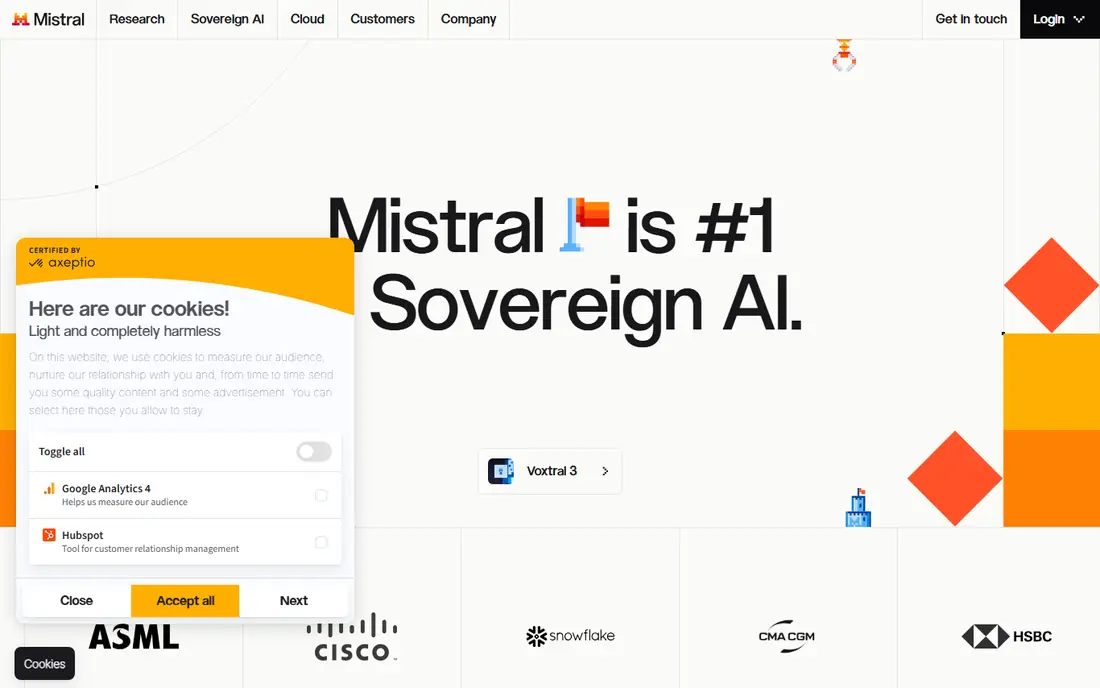
Mistral Le Chat, now presented under the Vibe branding in some markets, offers a European alternative to US chatbot providers. Pro costs $14.99 per month, making it the cheapest paid plan among the major alternatives here, and paid tiers offer a training opt-out. The chat app is fast, handles code well, and supports multiple languages, which helps European teams and multilingual users.
The ecosystem is the limit. Mistral lacks the deep Office, Google, or social integrations of its larger rivals, and its agent and workspace features are still growing. A user who wants one chat app for writing, coding, and research will be happy, while a user who wants AI inside every office app may miss those connections. For a privacy-conscious European buyer, Mistral is the clearest alternative to a US provider.
What we like- Fast responses
- European company with GDPR focus
- Strong coding and multilingual support
Watch out for- Smaller app ecosystem
- Fewer third-party integrations than Google or Microsoft
Starting price$30 per month (SuperGrok)
Free planYes
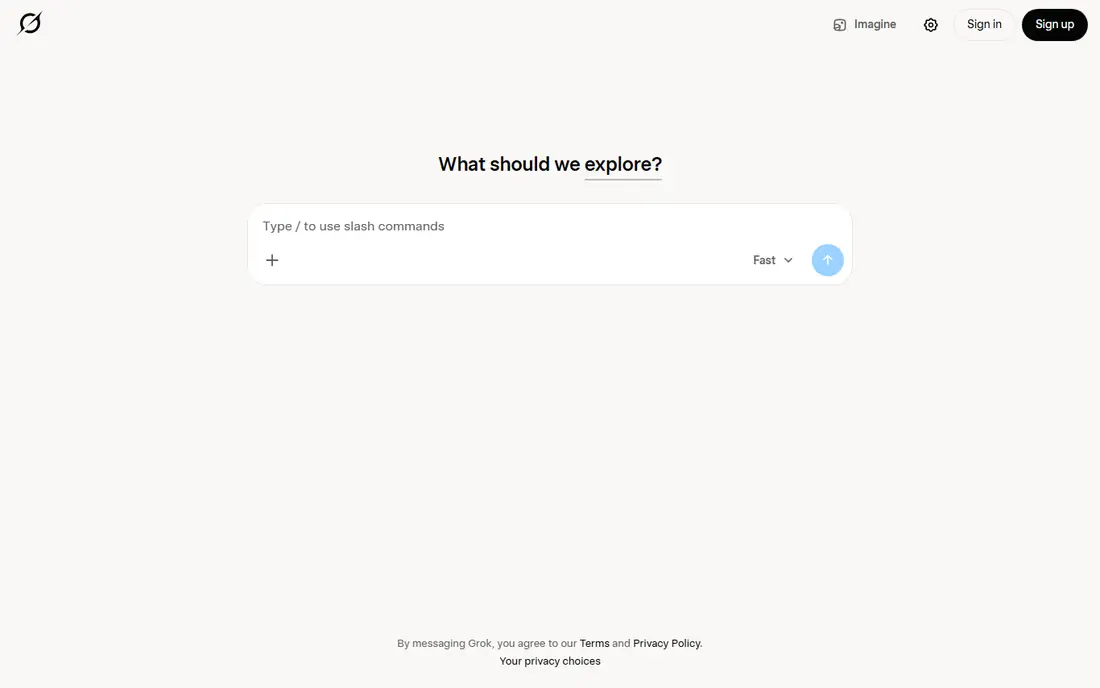
Grok, from xAI, is the alternative for users who follow breaking news, sports, and social trends. Its connection to X gives it fast access to posts and discussions that other chatbots may not see for hours. SuperGrok costs $30 per month in recent pricing summaries, with higher tiers for heavier use, and a free tier covers basic chat. Image generation and voice features add to its appeal for social content creators.
The weakness is sourcing. Outside social topics, Grok citations can be looser than Perplexity, so important claims still need checking elsewhere. Pricing and tier names have also changed more than once, so confirm the current plan before paying. For a user who values live social context above careful citations, Grok offers something no other alternative here can match.
What we like- Live access to X content
- Large context window
- Image generation features
Watch out for- Citations are looser outside social topics
- Paid tiers have changed often
#8
Meta AI
Best for: Free chat inside WhatsApp, Instagram, and Facebook
Visit meta.ai
Starting price$0 per month
Free planYes
Meta AI suits a casual user who does not want another app or subscription. It lives inside WhatsApp, Instagram, Facebook, and Messenger, plus a standalone app and website, and it costs nothing for everyday chat and image generation. That convenience matters for quick questions, brainstorming, trip ideas, and social planning, where opening a separate paid chatbot feels like overkill.
Power users will hit limits quickly. Meta AI has no paid tier that matches Claude Pro or Gemini Pro for heavy document and coding work, and its tools for long files and projects are thinner. Privacy also deserves care, because Meta AI sits inside social apps with their own data policies. For free, everyday chat, Meta AI is the easiest alternative to try, and it costs nothing to keep beside a paid tool for serious work.
What we like- Free and widely available
- Built into Meta apps
- Image generation in chat
Watch out for- No paid pro tier for power users
- Privacy concerns for sensitive work
- Limited document tools
#9
Poe
Best for: Many models behind one subscription
Visit poe.com
Starting price$19.99 per month (Premium)
Free planYes
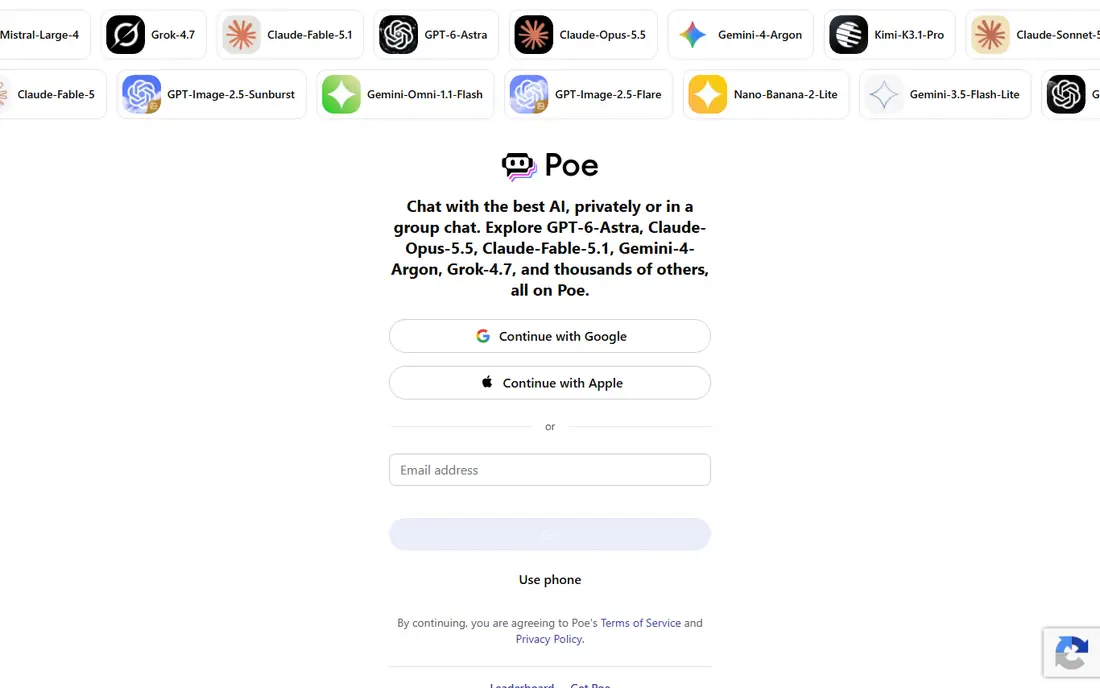
Poe, from Quora, solves a different problem: model choice. One Premium subscription at $19.99 per month gives access to models from OpenAI, Anthropic, Google, and other providers, plus community bots for writing, coding, and image work. That makes Poe ideal for a user who wants to compare answers, switch models mid-project, or avoid paying for three separate subscriptions.
The meter matters. Poe usage runs on points, and heavy use of the most capable models consumes points faster, so a power user can hit limits sooner than in a native app. New model releases may also arrive on Poe after their home apps. For a curious user, a student, or a small team that wants to test many models without many bills, Poe offers the best breadth per dollar.
What we like- Access to models from several providers
- Easy model comparison
- Bots for specific tasks
Watch out for- Usage is metered by points
- Newest models may arrive later than native apps
How we chose
We compared pricing pages, free tiers, model access, integrations, and public documentation for chatbots that a US buyer can use as a direct ChatGPT replacement. We favored tools with a real free tier or trial, a clear paid price, and a distinct strength, rather than listing every small wrapper around the same models. We also weighed data policies, because an alternative that handles sensitive work differently is not interchangeable with ChatGPT for every user. We did not claim hands-on testing; this guide rests on vendor pages, documentation, and public reviews.
Choosing by job, not by brand
Start with the job you do most. Writers and analysts should shortlist Claude and Gemini. Researchers should shortlist Perplexity, with Claude for the final draft. Office workers should shortlist Microsoft Copilot. Casual users should try Meta AI and DeepSeek free before paying anything. That job-first shortlist avoids paying for a bundle of features you will never open.
Check limits before you pay
Every paid plan here carries limits, whether they are message caps, point balances, or rolling usage windows. Heavy users should check the current limit for their main model, not just the monthly price. A $20 plan that caps out mid-afternoon is worse than a free plan used lightly, and a $100 plan may be cheaper than three $20 plans bought to cover the same work.
Privacy and sensitive work
Read the data policy before pasting client work, medical details, financial records, or unpublished research into any chatbot. Paid plans often offer stronger controls than free plans, including opt-outs from training. When in doubt, keep sensitive material out of free chatbots, use a business or team plan with clearer terms, or redact names and numbers before asking a question.
Frequently asked questions
What is the best ChatGPT alternative overall?
Claude is the best overall alternative for writing, documents, and coding, while Gemini is best for Google users and Perplexity is best for research. There is no single winner, because ChatGPT covers writing, images, voice, and coding in one app. Pick the alternative that matches your main job, and keep a free second tool for the jobs it does not cover.
Is there a good free alternative to ChatGPT?
Yes. DeepSeek offers strong free reasoning and coding help, Meta AI offers free chat inside social apps, and Claude, Gemini, and Perplexity all offer free tiers. Free tiers carry usage limits and fewer features, but they are enough to learn whether an alternative fits before paying for a Pro plan.
Which ChatGPT alternative is best for research?
Perplexity is best for research, because it searches the web and cites sources on nearly every answer. Claude and Gemini also handle research well, especially with long documents, but Perplexity makes verification faster. Always open the cited sources for important claims, because any chatbot can misread or oversimplify a source.
Can I use multiple ChatGPT alternatives together?
Yes, and many users do. A common setup is Perplexity for research, Claude for writing, and Meta AI or DeepSeek for quick free questions. Poe can replace that stack for model comparison, although its point system needs monitoring. Avoid paying for three full Pro plans unless each one earns its price every week.
Is DeepSeek safe to use?
DeepSeek is a real, widely used chatbot, but it is a Chinese company subject to Chinese data law, so users should avoid sensitive personal or business material. For general questions, coding practice, and learning, it is a strong free option. For confidential work, choose a provider whose data policy and jurisdiction you have reviewed and accepted.
Sources we checked (9)
- https://claude.com/pricing
- https://gemini.google.com/app
- https://www.perplexity.ai/pro
- https://copilot.microsoft.com
- https://www.deepseek.com
- https://mistral.ai
- https://grok.com
- https://www.meta.ai
- https://poe.com
Is your product missing or out of date?
We review this list regularly. Vendors can request a listing, send updated pricing or ask about featured placement.

Shihab Mia · Founder, Rankite
Shihab has 5+ years in B2B and SaaS SEO. He writes Rankite's software buying guides from pricing pages, documentation and public user reviews. More about Shihab.