How we make this list: we compare pricing pages, product documentation and public user reviews. Ratings come from G2, Capterra or Trustpilot, with the date we checked them.
Which CRM wins, Bitrix24 or Zoho CRM
Bitrix24 is the better pick for teams that want one flat monthly fee and a free plan with unlimited users. Zoho CRM suits sales teams that want a clean per-user price and deep automation. If you need strong sales automation and are happy paying per user, Zoho CRM Professional at 23 dollars per user per month is the stronger alternative.
Key takeaways:
- Bitrix24 charges a flat fee per organisation, not per user, which suits large teams inside a tier cap.
- Zoho CRM charges per user from 14 dollars per user per month, with a free plan for up to three users.
- HubSpot Sales Hub gives the most generous free starting point, with free tools for up to two users.
- Salesforce is the most expensive option here, but it offers the deepest enterprise customisation and reporting.
- Pipedrive, Freshsales, monday CRM and Close all compete on simple pipelines, each with a distinct pricing trade-off.
How do Bitrix24 and Zoho CRM price their plans
The pricing models are the biggest difference between these two tools. Bitrix24 charges one flat fee for the whole organisation, so adding users inside a tier costs nothing extra. Basic costs 49 dollars per month billed annually, or 69 dollars monthly, and covers five users. Standard costs 99 dollars per month billed annually, or 144 dollars monthly, and covers 50 users. Professional costs 199 dollars per month billed annually, or 289 dollars monthly, and covers 100 users. Enterprise starts at 399 dollars per month billed annually, or 579 dollars monthly, for 250 users. Some older sources list Standard at 87 dollars and Professional at 175 dollars, which conflicts with the current pricing page. Since September 2026 a second Vibe+ plan line adds AI features at higher prices.
Zoho CRM takes the opposite approach. It charges per user per month, billed annually. Standard costs 14 dollars, Professional costs 23 dollars, Enterprise costs 40 dollars and Ultimate costs 52 dollars per user per month. The free plan covers up to three users. Per-user pricing is simple for small teams, but the bill grows with every new hire. If your team grows past 50 people, Bitrix24 flat pricing can work out far cheaper than Zoho CRM per-user pricing.
What should you check before switching CRMs
Switching CRMs is a project, not a purchase, so the features that matter most are the ones that decide whether your team actually uses the tool every day. Check whether the tool supports the pipeline stages your team already uses, whether custom fields are included on the plan you would buy, and whether the mobile app works for field staff. Then look at automation. Zoho CRM is known for workflow rules and its Blueprint process builder, while Bitrix24 bundles automation with project management, chat and telephony in one workspace.
Data migration is the next checkpoint. Both Bitrix24 and Zoho CRM offer import tools for contacts, companies and deals, but field mapping still takes time, and some data such as email history may not transfer cleanly. Annual billing saves money on most plans here, but it locks you in for a year, so try monthly billing first when you are unsure. Finally, confirm the limits on your chosen plan, since Bitrix24 tier caps, Close metered calling and monday CRM seat rules all affect the real monthly cost.
Bitrix24 vs Zoho CRM: quick comparison
The table below puts the eight tools side by side on starting price, free plan and best fit, so you can shortlist two or three before reading the detail.
| Tool |
Starting price |
Free plan |
Best for |
| Bitrix24 |
49 dollars per month, flat fee |
Yes, unlimited users, 5 GB storage |
Large teams wanting one flat fee |
| Zoho CRM |
14 dollars per user per month |
Yes, up to 3 users |
Sales teams wanting low per-user pricing |
| HubSpot Sales Hub |
Free, then 7 dollars per seat per month |
Yes, free tools for up to 2 users |
Small teams starting free |
| Salesforce Sales Cloud |
25 dollars per user per month |
No, 30-day trial |
Enterprises needing deep customisation |
| Pipedrive |
14 dollars per user per month |
No, 14-day trial |
Teams wanting a simple visual pipeline |
| Freshsales |
9 dollars per user per month |
Status conflicts, see entry |
Small teams wanting built-in calling |
| monday CRM |
12 dollars per user per month |
Free tier disputed, see entry |
Teams already using monday |
| Close |
9 dollars per user per month |
No, free trial only |
Inside sales teams that call a lot |
Quick comparison
| Tool | Best for | Starting price | Free plan |
|---|
 Bitrix24 | Large teams that want one flat monthly fee, plus built-in chat, project management and telephony | 49 dollars per month billed annually, flat fee per organisation, Basic plan, 5 users | Yes, unlimited users with 5 GB storage and basic CRM |
 Zoho CRM | Sales teams that want affordable per-user pricing and strong workflow automation | 14 dollars per user per month billed annually, Standard plan | Yes, up to 3 users |
 HubSpot Sales Hub | Small teams that want to start free and grow without changing platforms | Free tools for up to 2 users, then Starter from 7 dollars per seat per month billed annually for new customers | Yes, free tools for up to 2 users |
 Salesforce Sales Cloud | Enterprises that need deep customisation, advanced reporting and a huge app ecosystem | 25 dollars per user per month, Starter plan | No free plan, 30-day trial |
 Pipedrive | Sales teams that want a simple, visual pipeline and clear deal tracking | 14 dollars per user per month billed annually, Lite plan | No free plan, 14-day trial |
 Freshsales | Small teams that want built-in phone, email and chat inside the CRM | 9 dollars per user per month billed annually, Growth plan | Status conflicts across sources, see write-up |
 monday CRM | Teams already using monday work management | 12 dollars per user per month billed annually, Basic plan | Free tier for 2 seats is listed by some sources and disputed by others, see write-up |
 Close | Inside sales teams that make a high volume of calls | 9 dollars per user per month billed annually, Solo plan | No free plan, free trial only |
Is your product missing or out of date?
We review this list regularly. Vendors can request a listing, send updated pricing or ask about featured placement.
The 8 best Bitrix24 and Zoho CRM alternatives
#1Bitrix24
Best for: Large teams that want one flat monthly fee, plus built-in chat, project management and telephony4.1/5 on
G2 (612 reviews, checked Oct 2026)
Visit bitrix24.com
Starting price49 dollars per month billed annually, flat fee per organisation, Basic plan, 5 users
Free planYes, unlimited users with 5 GB storage and basic CRM
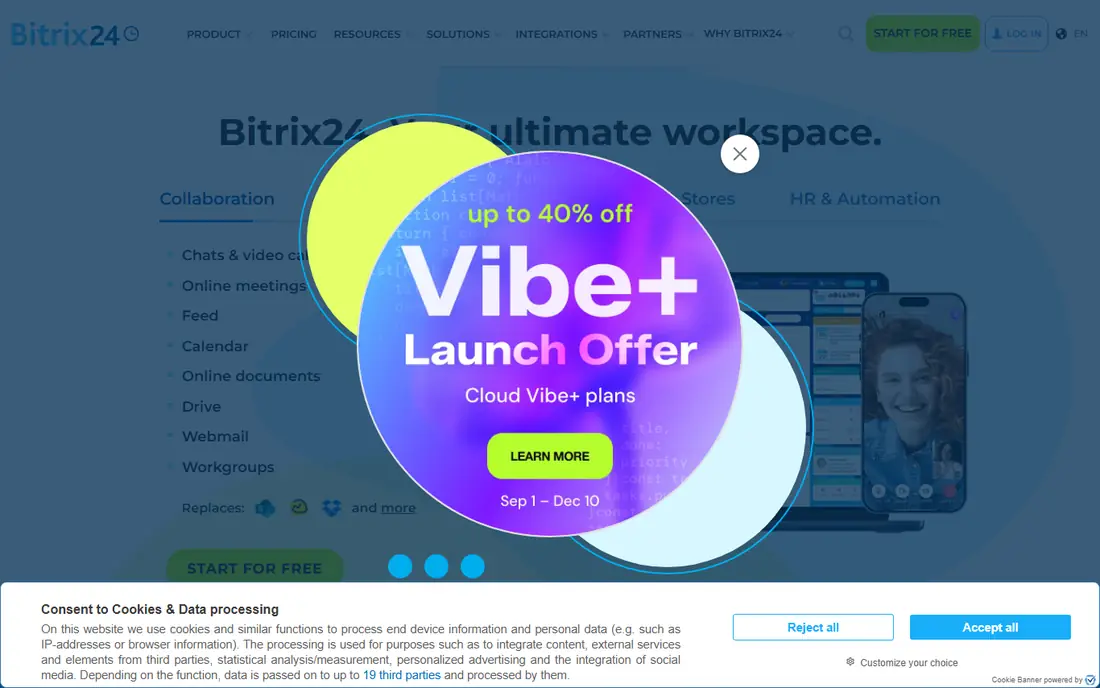
Bitrix24 is an all-in-one workspace that includes a CRM, and that is its main selling point. The free plan allows unlimited users, so a growing team can adopt it without paying at the start, although storage is limited to 5 GB and the CRM is fairly basic. The paid tiers charge one flat fee per organisation, so a 40-person team on Standard pays the same 99 dollars per month as a 10-person team. Moving from Standard at 50 users to Professional doubles the price even if you only need 51 seats, the sharpest pricing cliff in this comparison. Telephony runs on pay-as-you-go credits rather than being included, and the Vibe+ line adds AI features at higher prices.
What we like- Flat fee pricing is cheap for large teams, free plan allows unlimited users, and the bundle covers CRM, chat, projects and telephony in one place
Watch out for- The flat-fee user caps force a big jump when you outgrow a tier, and telephony runs on pay-as-you-go credits
#2Zoho CRM
Best for: Sales teams that want affordable per-user pricing and strong workflow automation4.1/5 on
G2 (2,952 reviews, checked Oct 2026)
Visit zoho.com
Starting price14 dollars per user per month billed annually, Standard plan
Free planYes, up to 3 users
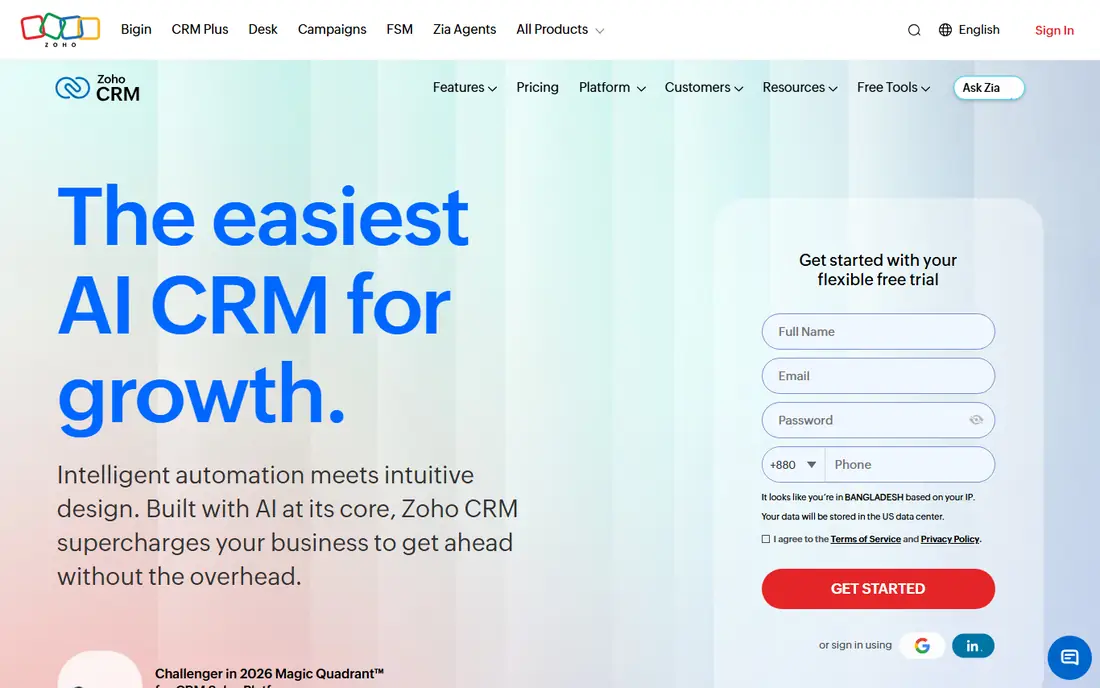
Zoho CRM is a focused sales CRM with a long track record, and its pricing is straightforward. Standard at 14 dollars per user per month covers contact and deal management, while Professional at 23 dollars adds workflow automation, Blueprint and more reporting. Enterprise at 40 dollars adds advanced customisation and territory management, and Ultimate costs 52 dollars. The free plan for up to three users lets a small team run real deals before paying. Zoho CRM works best inside the wider Zoho ecosystem. The per-user model is easy to budget for small teams, yet a 50-person team on Professional pays 1,150 dollars per month, so it becomes expensive at scale.
What we like- Low entry price, strong automation and Blueprint process builder, and a large marketplace of integrations with other Zoho apps
Watch out for- Costs climb steadily as the team grows, and the interface can feel dated
#3HubSpot Sales Hub
Best for: Small teams that want to start free and grow without changing platforms4.4/5 on
G2 (14,364 reviews, checked Oct 2026)
Visit hubspot.com
Starting priceFree tools for up to 2 users, then Starter from 7 dollars per seat per month billed annually for new customers
Free planYes, free tools for up to 2 users
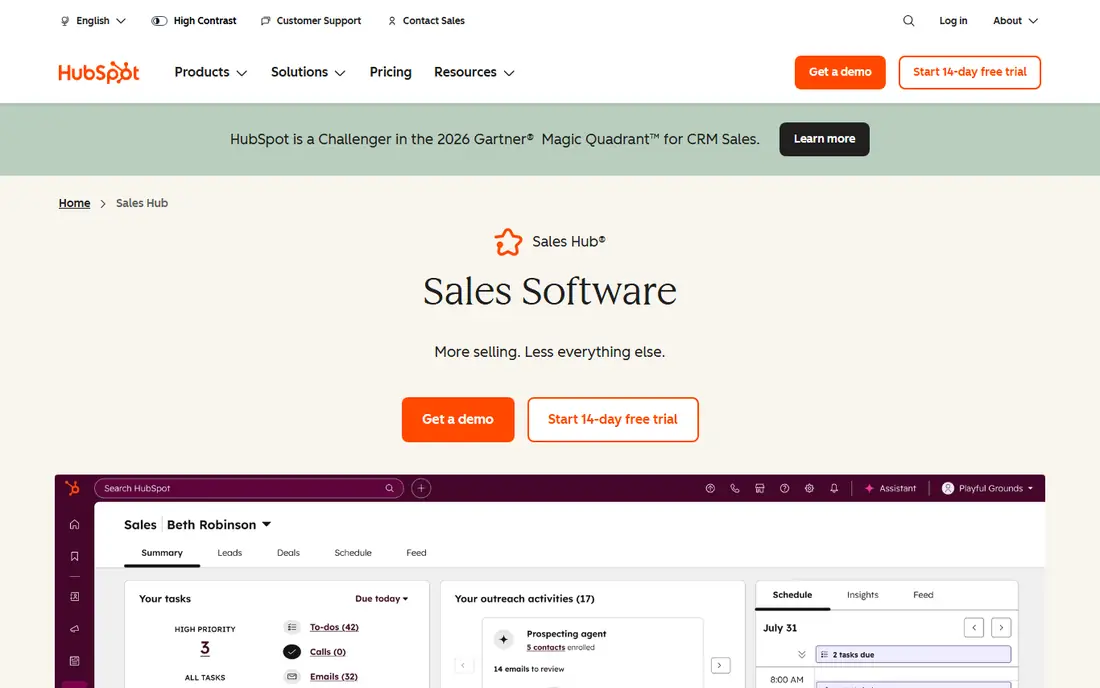
HubSpot Sales Hub is the easiest CRM on this list to start using, because the free tools cover contact management, deal pipelines, email tracking and meeting scheduling for up to two users. The Starter plan is listed from 7 dollars per seat per month for new customers, but sources conflict here, with 7, 9 and 20 dollars all appearing on different pages, so confirm the price on the vendor pricing page before you budget. The list price is 20 dollars per seat per month, which suggests the lower figure is a new-customer offer. Professional costs 90 dollars per seat per month plus a 1,500 dollar onboarding fee. HubSpot is strongest for teams that expect to use the marketing and service hubs alongside sales, because the shared contact record removes duplicate data entry. The trade-off is cost at scale.
What we like- The free tier is genuinely usable, the interface is clean and easy to learn, and the wider HubSpot platform covers marketing and service as you grow
Watch out for- Prices rise steeply as you add seats, and Professional adds a 1,500 dollar onboarding fee
#4Salesforce Sales Cloud
Best for: Enterprises that need deep customisation, advanced reporting and a huge app ecosystem4.4/5 on
G2 (27,571 reviews, checked Oct 2026)
Visit salesforce.com
Starting price25 dollars per user per month, Starter plan
Free planNo free plan, 30-day trial
Salesforce Sales Cloud is the enterprise standard for sales teams, and its pricing reflects that position. Starter costs 25 dollars per user per month, Professional costs 80 dollars, Enterprise costs 175 dollars and Unlimited costs 350 dollars per user per month. Some pages list Enterprise at 165 dollars and Unlimited at 330 dollars, which conflicts with the current pricing page figures, so verify the price before signing. There is no free plan, although a 30-day trial is available. Salesforce supports complex sales processes, territory management, forecasting and CPQ, and the AppExchange marketplace offers thousands of add-ons. A small team will find the setup heavier than HubSpot or Pipedrive, and many companies hire an administrator to keep it healthy. For a team of fifty with multiple regions and approval chains, it is often the only tool here that fits without heavy workarounds.
What we like- The deepest customisation and reporting in this list, a huge AppExchange marketplace, and strong enterprise security and administration
Watch out for- The most expensive option here, and setup usually needs dedicated time or a consultant
#5Pipedrive
Best for: Sales teams that want a simple, visual pipeline and clear deal tracking4.3/5 on
G2 (5,034 reviews, checked Oct 2026)
Visit pipedrive.com
Starting price14 dollars per user per month billed annually, Lite plan
Free planNo free plan, 14-day trial
Pipedrive is built around one idea, that a sales pipeline should be visual and easy to move deals through. The Lite plan costs 14 dollars per user per month billed annually, or 24 dollars monthly. Growth costs 39 dollars billed annually, or 49 dollars monthly. Premium costs 59 dollars billed annually, or 79 dollars monthly. Ultimate costs 79 dollars billed annually, or 99 dollars monthly. Note that Pipedrive rebranded its tiers in late 2025, retiring the old Essential, Advanced and Professional names. There is no free plan, but a 14-day trial is available. The drag-and-drop board, activity reminders and email sync are all straightforward. The limits appear on the cheaper plans, where advanced reporting, workflow automation and extra integrations sit on higher tiers.
What we like- Clean and visual pipeline view, quick to set up, and strong email and calendar integrations
Watch out for- No free plan, and reporting and automation are limited on the cheaper tiers
#6Freshsales
Best for: Small teams that want built-in phone, email and chat inside the CRM4.5/5 on
G2 (1,237 reviews, checked Oct 2026)
Visit freshworks.com
Starting price9 dollars per user per month billed annually, Growth plan
Free planStatus conflicts across sources, see write-up
Freshsales is part of the Freshworks family, and its main appeal is that calling, email and chat sit inside the CRM rather than in separate apps. Growth costs 9 dollars per user per month billed annually, Pro costs 39 dollars and Enterprise costs 59 dollars per user per month. The confusion is the free plan. Freshworks removed the free plan from the Freshsales pricing page in July 2026, yet the product compare table still lists a free plan, so sources disagree and buyers should confirm the current position with the vendor before planning around a free tier. Pro adds workflow automation, custom roles and more reporting, while Enterprise adds territory management and audit logs. The Freshworks ecosystem also connects with Freshdesk for support.
What we like- Built-in telephony and email are included, the interface is friendly, and the Growth plan is cheap for what it covers
Watch out for- The free plan status is unclear, with the pricing page showing no free plan since July 2026 while the compare table still lists one, so confirm before you rely on it
#7monday CRM
Best for: Teams already using monday work management4.5/5 on
G2 (1,810 reviews, checked Oct 2026)
Visit monday.com
Starting price12 dollars per user per month billed annually, Basic plan
Free planFree tier for 2 seats is listed by some sources and disputed by others, see write-up
monday CRM builds on the monday.com work operating system, so its strongest feature is the board-based view of deals, contacts and activities. Basic costs 12 dollars per user per month billed annually, Standard costs 17 dollars and Pro costs 28 dollars per user per month, while Enterprise is quote only. The free tier is a point of confusion. Some sources list a free plan for two seats, while others show no free tier on the current pricing page, so check with the vendor before assuming free access. monday CRM suits teams that already run projects or operations on monday.com, because contacts, deals and tasks share one place and the same automations. Standard adds automations and integrations, while Pro adds dashboards and formula columns. Teams that need traditional CRM depth, such as complex forecasting, may find Salesforce or Zoho CRM a better fit.
What we like- Visual boards are easy to customise, it shares data with monday work management, and the interface is approachable for non-technical users
Watch out for- The free tier is disputed, with some sources listing a free plan for two seats while others show no free tier, so confirm the current offer before you rely on it
#8Close
Best for: Inside sales teams that make a high volume of calls4.7/5 on
G2 (2,069 reviews, checked Oct 2026)
Visit close.com
Starting price9 dollars per user per month billed annually, Solo plan
Free planNo free plan, free trial only
Close is a CRM built for inside sales teams, and everything about it is organised around the call. Solo costs 9 dollars per user per month billed annually, Essentials costs 35 dollars, Growth costs 99 dollars and Scale costs 139 dollars per user per month. There is no free plan, but a free trial is available. The headline price is only part of the cost, because calling minutes are metered. A team that makes hundreds of calls a day will pay for minutes on top of the subscription, so check the included minutes and the overage rate before you commit. Reps can call, text and email from the same screen and log calls automatically. Growth and Scale add predictive dialling and more automation.
What we like- Built-in calling, SMS and email keep reps in one window, the interface is fast, and the Solo plan is cheap for a single rep
Watch out for- Calling minutes are metered, so heavy callers pay extra, and there is no free plan
Frequently asked questions
Is Bitrix24 really cheaper than Zoho CRM for a large team
Yes, in most cases, because Bitrix24 charges one flat fee per organisation while Zoho CRM charges per user. A 50-person team pays 99 dollars per month on Bitrix24 Standard, while the same team on Zoho CRM Professional pays 1,150 dollars per month. The catch is the tier cap, since passing 50 users means jumping to Professional at 199 dollars per month.
Does Zoho CRM have a free plan
Yes, Zoho CRM offers a free plan for up to three users. It includes basic contact and deal management, which is enough for a founder and two colleagues to run real deals. Larger teams will need a paid plan, starting at 14 dollars per user per month for Standard, with Professional at 23 dollars adding automation and Blueprint.
Which CRM is best for a small sales team on a budget
Zoho CRM Professional and Freshsales Growth are strong budget picks, at 23 dollars and 9 dollars per user per month respectively. HubSpot free tools also work well for a team of two. The best choice depends on whether you need automation, built-in calling or a free starting point, so test the free tier or trial before you commit.
Why do prices differ between sources for the same CRM
Prices change when vendors update plans, run new-customer offers or rebrand tiers, and older pages are not always updated. HubSpot Starter appears as 7, 9 and 20 dollars on different pages, while Salesforce Enterprise shows as 175 and 165 dollars. Always check the vendor pricing page on the day you buy.
Should I pick Bitrix24 or Zoho CRM if I only need a sales pipeline
Pick Zoho CRM if you only need a sales pipeline, because it is a focused sales tool with strong automation and a clean per-user price. Pick Bitrix24 if you also want chat, project management and telephony in one workspace. A team that only wants pipeline tracking will find Zoho CRM simpler.
Sources we checked (8)
- https://www.bitrix24.com/prices/
- https://www.zoho.com/crm/zohocrm-pricing.html
- https://www.hubspot.com/pricing/sales
- https://www.salesforce.com/sales/pricing/
- https://www.pipedrive.com/en/pricing
- https://www.freshworks.com/crm/sales/pricing/
- https://monday.com/crm/pricing/
- https://www.close.com/pricing
Is your product missing or out of date?
We review this list regularly. Vendors can request a listing, send updated pricing or ask about featured placement.

Shihab Mia · Founder, Rankite
Shihab has 5+ years in B2B and SaaS SEO. He writes Rankite's software buying guides from pricing pages, documentation and public user reviews. More about Shihab.