How we make this list: we compare pricing pages, product documentation and public user reviews. Ratings come from G2, Capterra or Trustpilot, with the date we checked them.
Key takeaways
- The best web developer tools in 2026 cover the full workflow: editing, version control, API testing, design handoff, styling, and debugging.
- VS Code leads as the free editor almost everyone uses, while Cursor leads for AI-native coding with multi-file refactoring.
- GitHub leads for hosting code and reviewing it, while Chrome DevTools leads for free browser debugging.
- Postman leads for API development and testing, Figma leads for design handoff, and Tailwind CSS leads for fast utility-first styling.
- AI coding help needs review: verify AI-generated code, tests, and security yourself before shipping it.
Quick comparison
Is your product missing or out of date?
We review this list regularly. Vendors can request a listing, send updated pricing or ask about featured placement.
Starting priceFree
Free planYes
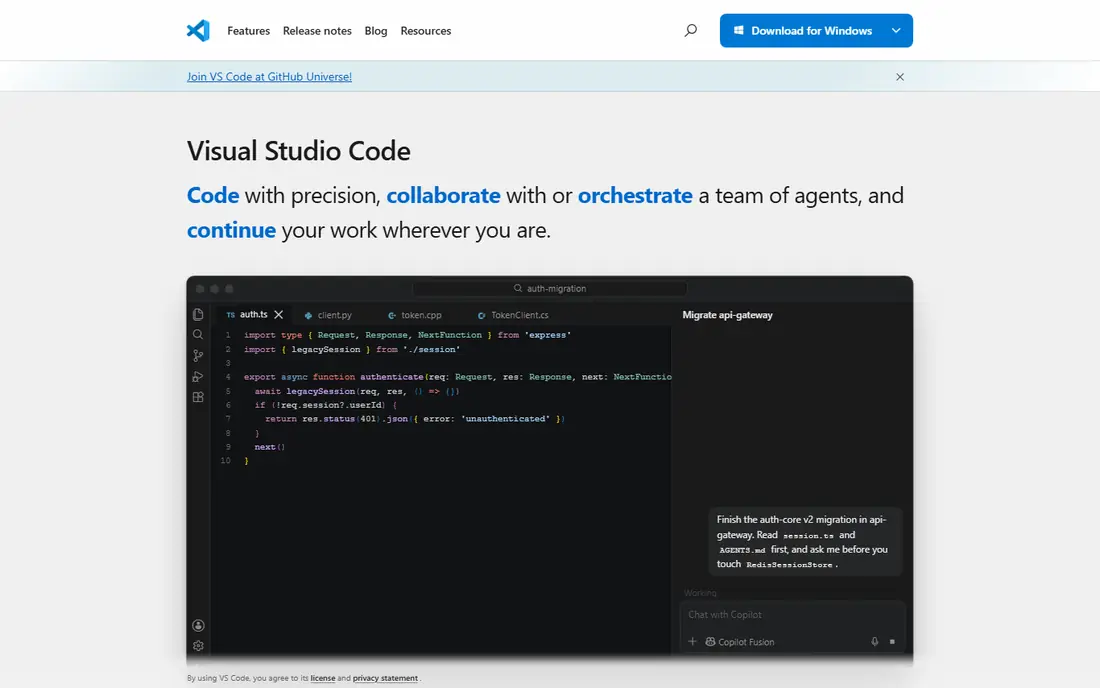
Visual Studio Code is the editor almost everyone uses, and its strength starts with breadth. It is free and open source, runs on Windows, Mac, and Linux, and covers HTML, CSS, JavaScript, Python, and dozens more languages through extensions. The extension marketplace adds debuggers, linters, formatters, and framework support, so one editor serves a whole stack.
The trade is assembly. Out of the box, VS Code is lighter than a full IDE, so reaching JetBrains-level refactoring or database tooling needs extensions and tuning. Telemetry defaults also bother privacy-minded users, though settings can limit it. For a developer who wants one free editor for everything, VS Code remains the default pick.
What we like- Free and open source
- Thousands of extensions
- Works in every language
Watch out for- Needs extensions for full IDE features
- Settings take tuning
- Microsoft telemetry concerns some users

#2Cursor
Best for: AI-native development4.6/5 on
G2 (326 reviews, checked Oct 2026)
Visit cursor.com
Starting price$20 per month
Free planYes
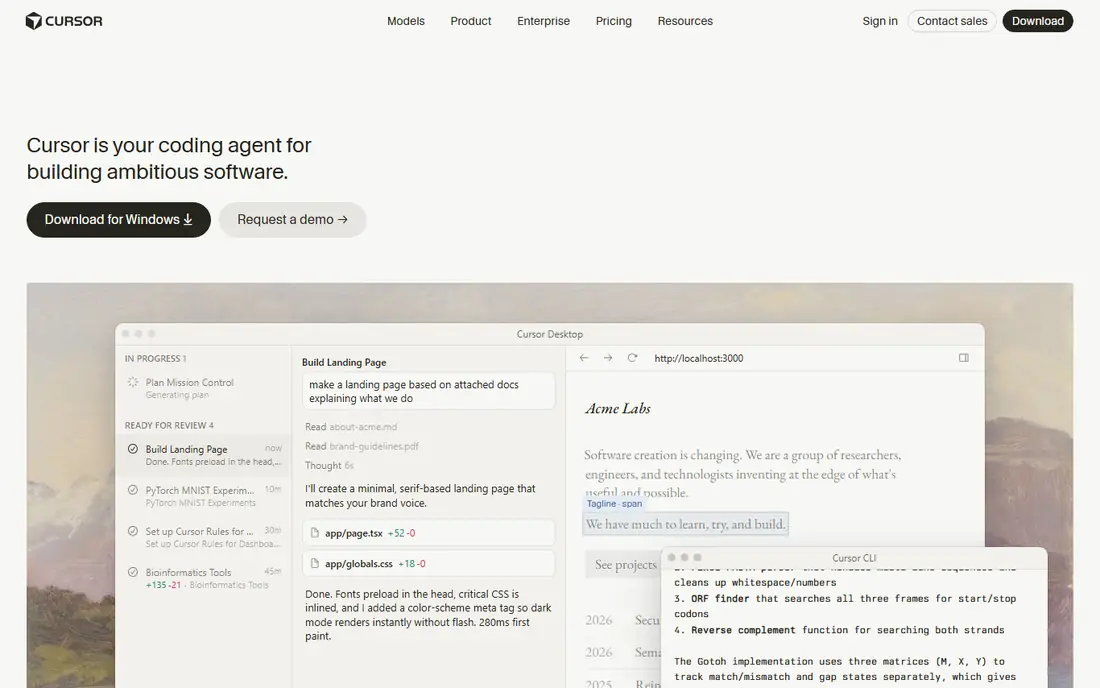
Cursor is a VS Code fork built around AI-first coding, and its strength is multi-file work. Its Composer agent mode plans changes across files, refactors large codebases, and explains errors in context, which suits developers who treat AI as a pair programmer rather than an autocomplete. A free Hobby tier covers evaluation, while Pro starts at 20 dollars per month.
The trade is review burden and cost. AI output still needs checking for bugs, security holes, and style drift, and paid tiers carry usage limits that heavy users can hit. For a developer who wants AI in the loop daily and already knows VS Code, Cursor is the strongest AI-native pick.
What we like- AI-native multi-file refactoring
- Composer agent mode
- VS Code familiarity
Watch out for- Pro costs 20 dollars per month
- AI output needs review
- Usage limits apply on paid tiers
Starting priceSee website
Free planNo
WebStorm suits large JavaScript and TypeScript projects where deep tooling pays off. Its refactoring, code analysis, and navigation understand frameworks such as React, Vue, and Angular out of the box, and built-in testing and debugging reduce extension juggling. Teams on big codebases feel the difference most.
The limits are price clarity and weight. Published prices differ across sources, from about 7.90 dollars per month in some listings to higher per-user figures elsewhere, so the starting price here is written as See website. WebStorm is also heavier than VS Code and paid only. For a professional JavaScript team on a large project, its depth justifies the cost.
What we like- Deep JavaScript and TypeScript tooling
- Smart refactoring
- Built-in testing and debugging
Watch out for- Published prices differ across sources, so check the pricing page
- Heavier than VS Code
- Paid only

#4GitHub
Best for: Code hosting and review4.7/5 on
G2 (2,412 reviews, checked Oct 2026)
Visit github.com
Starting priceFree
Free planYes
GitHub is where most web code lives, and its strength is the workflow around code. Free accounts cover public and private repositories, pull requests structure code review, and Actions run tests and deployments on push. Team plans start near 4 dollars per user per month for organizations that need more seats and controls.
The trade is cost at scale and lock-in. Per-user pricing adds up for large teams, advanced security features need higher tiers, and some open source users dislike the concentration under one vendor. For a developer or team that needs hosting, review, and CI in one place, GitHub is the standard.
What we like- Free tier for public and private repos
- Pull request reviews
- Actions for CI/CD
Watch out for- Team plans cost per user
- Advanced security needs higher tiers
- Microsoft ownership concerns some users
Starting priceFree
Free planYes
Chrome DevTools is the free debugger every web developer already has. Built into Chrome, it inspects layouts, edits CSS live, tests screen sizes, and profiles performance, network, and Core Web Vitals without any install. For front-end debugging, it is the first tool to open and often the last one needed.
The limits are scope. DevTools covers the browser only, so server code needs separate tooling, and Chrome-only quirks still need cross-browser checks in Firefox or Safari. Performance panels also take learning. For any web developer, DevTools is essential and free, so there is no reason not to master it.
What we like- Free in every Chrome install
- Live CSS editing
- Performance and network panels
Watch out for- Chrome-only quirks need cross-browser checks
- Learning curve for performance panels
- No server-side debugging

#6Postman
Best for: API development and testing4.6/5 on
G2 (1,795 reviews, checked Oct 2026)
Visit postman.com
Starting price$14 per month
Free planYes
Postman suits developers who build and test APIs daily. Collections organize requests, environments manage variables across staging and production, automated tests run on every change, and documentation generates from the same definitions. A free tier covers solo use, while paid Basic plans start near 14 dollars per month per user.
The trade is weight and cost. Postman is heavy for a quick single request, where a lighter client suffices, and team collaboration features need higher tiers. For a team whose product is an API, Postman keeps requests, tests, and docs in one place better than any rival.
What we like- Collections for requests
- Automated testing
- API documentation generation
Watch out for- Paid plans start near 14 dollars per month
- Team features need higher tiers
- Heavy for simple calls

#7Figma
Best for: Design handoff4.7/5 on
G2 (1,593 reviews, checked Oct 2026)
Visit figma.com
Starting priceFree
Free planYes
Figma is the design tool developers meet most, and its strength is handoff. Designers and developers work on the same file in real time, dev mode exposes measurements, colors, and code snippets, and the community library offers UI kits that speed up implementation. A free tier covers personal projects and small teams.
The limits are scope and connection. Figma is a design tool, not a code editor, so it complements rather than replaces VS Code, and full work needs a connection. Paid plans apply to larger teams. For a developer who implements designs from a team, Figma is the handoff standard.
What we like- Real time design collaboration
- Dev handoff with code specs
- Huge community library
Watch out for- Needs a connection for full work
- Paid plans for larger teams
- Not a code editor
Starting priceFree
Free planYes
Tailwind CSS suits developers who want custom designs fast without writing long stylesheets. Its utility-first classes style elements directly in markup, so a layout comes together without naming dozens of custom classes or fighting cascade conflicts. The framework is free and open source, with a huge ecosystem of components, plugins, and templates.
The trade is markup noise and setup. Class lists grow long on complex elements, utility thinking takes adjustment for developers used to semantic CSS, and production use needs a build step for purging unused styles. For a developer building custom interfaces quickly, Tailwind CSS is the fastest styling path here.
What we like- Free and open source
- Fast custom styling without long CSS files
- Huge ecosystem
Watch out for- Class-heavy markup looks noisy
- Learning curve for utility thinking
- Setup needs a build step
How we chose
We ranked tools by editor quality, AI help, version control, debugging, API tooling, design collaboration, and value at entry level pricing. We favored tools that cover a daily workflow step well on a free tier, since most web developers start free and pay only when team features bite. We gave extra weight to tools with large ecosystems, such as VS Code extensions and Figma community files, because ecosystem depth decides long-term usefulness.
We also weighed entry cost honestly. Where published prices conflicted across sources, such as WebStorm and Postman, we used the most commonly listed figure or wrote See website, so readers check the vendor pricing page. AI coding help is flagged throughout with a review warning, since AI-generated code, tests, and security assumptions need human verification before shipping.
Buying guide
Start by naming your stack and team shape. Solo developers should start with VS Code, GitHub, Chrome DevTools, and Tailwind CSS, all free. Teams should add Postman for APIs and Figma for design handoff. Large JavaScript teams should weigh WebStorm, and AI-heavy developers should weigh Cursor.
Next, test AI help on real code before paying. Run Cursor or Copilot on your own codebase for two weeks, measure whether review time plus fix time beats the time saved, and check that generated code passes your tests and security review. AI help that looks fast but introduces subtle bugs costs more than it saves.
Finally, keep the toolchain lean. Every tool adds updates, logins, and learning, so drop tools that duplicate a job you already cover. Review the stack quarterly, cancel seats nobody uses, and keep one editor, one version host, one API client, and one design handoff tool as the core. A small toolchain used daily beats a large one that nobody masters.
Frequently asked questions
What is the best web developer tool overall?
VS Code suits all-round free coding, Cursor suits AI-native development, and GitHub suits hosting and review. The best pick follows your stack and team size.
Do I need to pay for web developer tools?
Not to start. VS Code, GitHub, Chrome DevTools, Figma, and Tailwind CSS all offer free tiers that cover solo work. Paid plans mainly add team features, AI limits, and advanced tooling.
Is AI coding help safe to use?
AI help speeds up routine code but needs review. Verify AI-generated code, tests, and security yourself, since models can invent APIs, miss edge cases, and introduce vulnerabilities.
Should I use WebStorm or VS Code?
VS Code suits most developers free, while WebStorm suits large JavaScript teams that benefit from deep built-in refactoring and analysis. Try both on your own codebase before paying.
What is the best tool for API testing?
Postman leads for full API workflows with collections, tests, and docs. For a single quick request, a lighter client or command-line tool may be faster.
Sources we checked (0)
Is your product missing or out of date?
We review this list regularly. Vendors can request a listing, send updated pricing or ask about featured placement.

Shihab Mia · Founder, Rankite
Shihab has 5+ years in B2B and SaaS SEO. He writes Rankite's software buying guides from pricing pages, documentation and public user reviews. More about Shihab.
 Visual Studio Code
 WebStorm
 Chrome DevTools
 Tailwind CSS