How we make this list: we compare pricing pages, product documentation and public user reviews. Ratings come from G2, Capterra or Trustpilot, with the date we checked them.
Key takeaways
- This article reads "best tracking app" as the best package tracking apps, for readers who follow online orders from many stores and carriers.
- Shop and 17track suit readers who track many parcels from different carriers in one place, while AfterShip and Route suit sellers and frequent shoppers.
- Deliveries suits Apple users who want a clean, focused tracker, while USPS, UPS and FedEx apps suit readers who mainly ship with one carrier.
- Tracking accuracy depends on the carrier scan, not the app, so an app cannot show a scan that the carrier has not yet recorded.
Quick comparison
| Tool | Best for | Starting price | Free plan |
|---|
 Shop Shop | All carriers in one app | Free | Yes |
 17track 17track | Global parcel tracking | Free | Yes |
 AfterShip AfterShip | Shipment tracking plus returns | Free | Yes |
 Route Route | Order protection and tracking | Free | Yes |
 Deliveries Deliveries | Clean Apple tracking | See website | Free trial |
 USPS USPS | US Postal Service parcels | Free | Yes |
 UPS UPS | UPS parcels | Free | Yes |
 FedEx FedEx | FedEx parcels | Free | Yes |
Is your product missing or out of date?
We review this list regularly. Vendors can request a listing, send updated pricing or ask about featured placement.
The best tracking apps
Starting priceFree
Free planYes
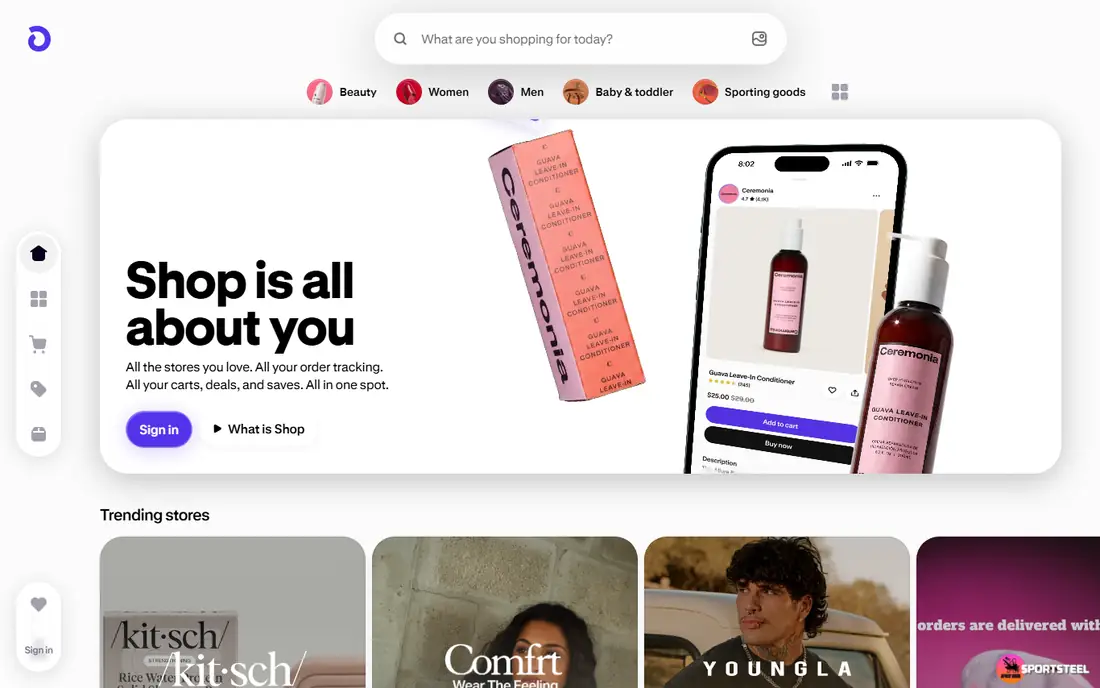
Shop, from Shopify, is the easiest package tracker for a frequent online shopper. Orders from many stores appear automatically when a store shares order data, and the app groups tracking, delivery dates and order history in one feed. Alerts warn about delays and delivery, so a reader does not need to check each carrier site separately. For a shopper who orders from many independent stores, Shop saves the most time.
The limit is coverage. Orders from stores that do not share data may need a manual tracking number, and some carriers update more slowly in Shop than on their own sites. A reader who mainly orders from one carrier may prefer that carrier app. For multi-store shopping, Shop is the best all-in-one tracker.
What we like- Tracks orders from many stores and carriers automatically
- Order history in one place
- Delivery alerts
Watch out for- Works best when stores use Shop Pay or share order data
- Some orders need manual tracking numbers
Starting priceFree
Free planYes
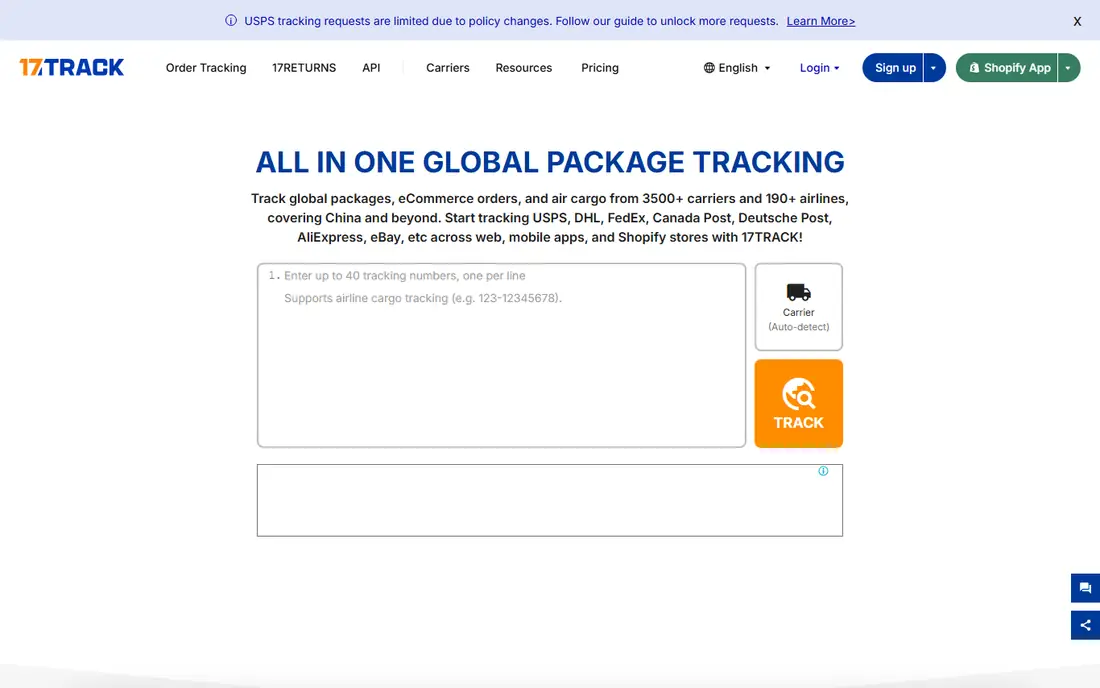
17track suits a reader who orders from overseas stores and marketplaces. It supports a very large number of carriers worldwide, and it can often detect the carrier from the tracking number alone, which helps when a seller gives a number without naming the carrier. The app and website show full scan histories, including handoffs between postal services in different countries. For international orders, 17track is the most capable free tracker.
The interface is busier than Shop, with more detail than a casual shopper needs, and some carrier messages translate unevenly. A reader who only tracks domestic US parcels may prefer a simpler app. For global parcels, 17track is the strongest choice.
What we like- Supports a huge number of global carriers
- Auto-detects carrier from tracking number
- Web and app versions
Watch out for- Interface is busier than Shop
- Translation quality varies for some carriers
#3AfterShip
Best for: Shipment tracking plus returns4.7/5 on
G2 (311 reviews, checked Oct 2026)
Visit aftership.com
Starting priceFree
Free planYes
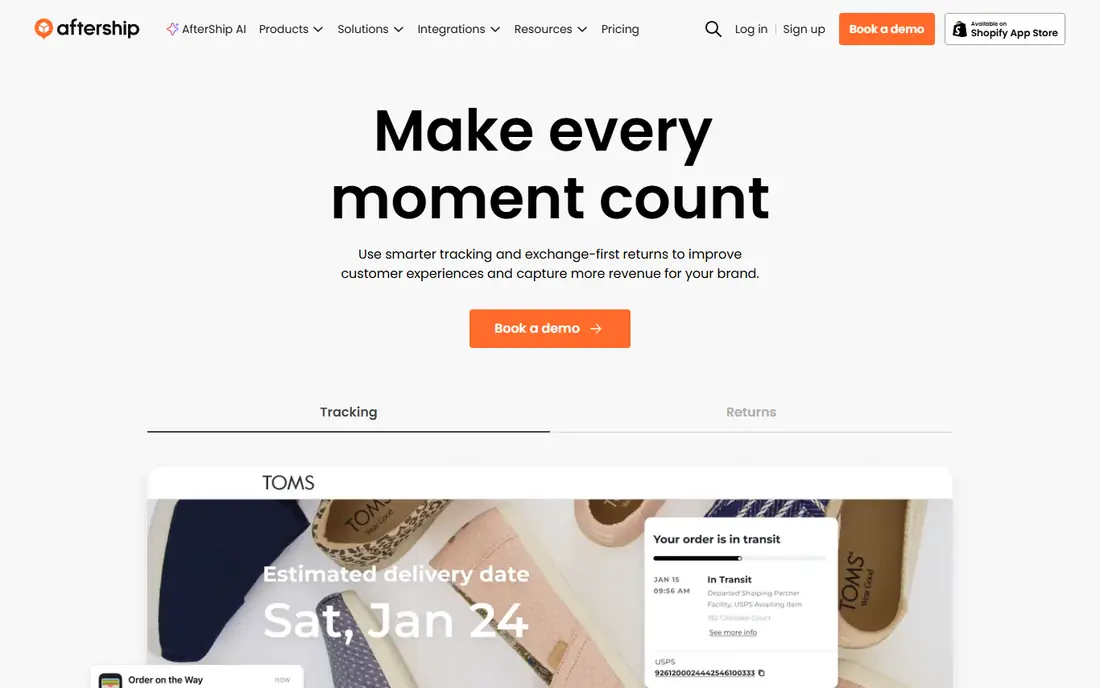
AfterShip serves both shoppers and sellers, with a consumer app and a business platform. Shoppers can track parcels across many carriers with alerts, while sellers get branded tracking pages, delivery notifications and returns handling. That dual focus makes AfterShip useful for a small business owner who also shops online. The tracking engine is reliable, with clear status stages from label creation to delivery.
Free tracking has limits on shipment counts, and the most useful features sit on paid business plans. A casual shopper with a few parcels a month may not need AfterShip depth. For a seller or a heavy shopper who wants tracking plus returns tools, AfterShip is a strong pick.
What we like- Tracks across many carriers
- Branded tracking pages for sellers
- Returns and delivery notifications
Watch out for- Free tier limits tracked shipments
- Best features target sellers rather than casual shoppers
#4Route
Best for: Order protection and tracking4.5/5 on
G2 (114 reviews, checked Oct 2026)
Visit route.com
Starting priceFree
Free planYes
Route combines tracking with package protection, which sets it apart. When a participating store offers Route at checkout, the app tracks the order and lets a reader file a claim if a parcel is lost, stolen or damaged. A visual tracking map shows the parcel journey, and alerts cover delays and delivery. For a shopper worried about porch theft, that protection adds real value beyond a tracking number.
Protection only applies when the store offers Route, so not every order qualifies. Tracking depth also depends on carrier scans, as with every app here. For shoppers who buy from Route-participating stores, the combination of tracking and protection is compelling.
What we like- Package protection for lost, stolen or damaged orders
- Visual tracking map
- Works with many stores
Watch out for- Protection features depend on the store offering Route
- Tracking depth varies by carrier
Starting priceSee website
Free planFree trial
Deliveries, from Junecloud, is the cleanest tracker for Apple users. The interface focuses on one job: show parcels, their status and their expected delivery, without store features or ads. It supports many carriers, syncs across iPhone, iPad and Mac, and sends alerts for status changes. For a reader who values a calm, focused app, Deliveries feels better than a busy all-in-one tracker.
It is Apple-only, so Android households cannot use it, and full use requires payment after a trial period. A reader who wants free tracking should pick Shop or 17track instead. For Apple users who want a beautiful, focused tracker, Deliveries is worth the price.
What we like- Clean, focused interface
- Supports many carriers
- Syncs across Apple devices
Watch out for- Apple-only, so Android users cannot use it
- Paid app after trial for full use
Starting priceFree
Free planYes
The USPS app is the official tracker for Postal Service parcels, and it should be the first check for a USPS shipment. Scans appear directly from USPS systems, and Informed Delivery adds daily images of incoming mail and packages for eligible addresses. Package tracking is free, and the app also covers hold mail, redelivery scheduling and address changes. For a reader who mainly receives USPS parcels, the official app is the most accurate source.
It covers only USPS, so a parcel that starts with another carrier will not appear until USPS takes over. International handoffs can also update slowly. For USPS-heavy households, the official app beats any aggregator on scan speed.
What we like- Official source for USPS scans
- Informed Delivery shows mail images
- Free package tracking
Watch out for- Only covers USPS parcels
- International handoffs can be slow to update
Starting priceFree
Free planYes
The UPS app is the official tracker for UPS parcels, with My Choice controls that let a reader reschedule, redirect or set delivery preferences. Scans come directly from UPS systems, so status updates arrive as fast as the carrier records them. The app also stores tracking history and delivery photos where available. For a reader who receives many UPS parcels, the official app offers control that aggregators cannot match.
It covers only UPS, so multi-carrier shoppers still need Shop or 17track. Some My Choice features also need account setup before they work. For UPS parcels, the official app is the most complete tracker available.
What we like- Official source for UPS scans
- My Choice delivery controls
- Detailed tracking history
Watch out for- Only covers UPS parcels
- Some delivery controls need a free My Choice account setup
Starting priceFree
Free planYes
The FedEx app is the official tracker for FedEx parcels, with FedEx Delivery Manager controls for scheduling, holding and redirecting deliveries. Scans come directly from FedEx systems, and proof of delivery, including signatures and photos where available, sits in the app. For a business or household that ships and receives through FedEx, the official app gives the fullest picture.
It covers only FedEx, so a multi-carrier shopper needs an aggregator as well. The interface packs many shipping tools alongside tracking, which can feel busy for a casual user. For FedEx parcels, the official app is the most reliable tracker.
What we like- Official source for FedEx scans
- Delivery manager controls
- Detailed status and proof of delivery
Watch out for- Only covers FedEx parcels
- Interface can feel busy for a casual tracker
How we chose
We compared pricing pages, carrier coverage, alert features and public reviews for package tracking apps serving US readers. We looked for multi-carrier support, scan speed, alert quality, delivery controls and honest pricing, including where free tiers end. We did not claim hands-on testing, and we noted that tracking accuracy depends on carrier scans, so no app can invent an update the carrier has not recorded.
How to track parcels without missing a delivery
Start with one aggregator plus the carrier app for your most-used carrier. Shop or 17track covers most parcels in one feed, while the USPS, UPS or FedEx app gives the fastest scans and delivery controls for that carrier. Turn on push alerts for out-for-delivery and delivered events, since email alerts often arrive late.
Next, protect high-value parcels. Use delivery instructions, a locker or a hold-for-pickup option when you will be away, and photograph the delivery area if a parcel goes missing. Finally, keep tracking numbers for a month after delivery, since return and claim windows often need the original number. A simple note or a saved email folder works well.
International orders need extra patience. A parcel may change carriers at a border, and the new tracking number can differ from the original, so save both numbers and check 17track for the handoff. Customs delays also pause tracking for days without a scan, which is normal for overseas parcels. If a parcel sits in customs for more than two weeks, contact the seller or the carrier with both tracking numbers ready. For gifts, share the tracking link with the recipient so they can watch for delivery without asking you for updates.
Frequently asked questions
Which tracking app covers the most carriers?
17track supports the largest number of global carriers in this list, while Shop covers most US stores and carriers well. For a single carrier, the official USPS, UPS or FedEx app gives the fastest scans.
Why does my parcel show no update for days?
A parcel often shows no update while it travels between scans, especially on international routes or over weekends. The app can only show scans the carrier records, so a gap usually means no new scan, not a lost parcel.
Can a tracking app speed up delivery?
No. An app shows status and lets you manage delivery options, but it cannot move a parcel faster. Delivery speed depends on the service level paid for and on carrier operations.
Is package tracking free?
Most tracking apps offer free basic tracking, including Shop, 17track, USPS, UPS and FedEx apps. Paid tiers add higher shipment limits, business features or protection, as with AfterShip and Route.
What should I do if a parcel shows delivered but it is not there?
Check around the property, with neighbors and in parcel lockers first, then contact the carrier with the tracking number. If the parcel does not appear, file a claim with the carrier or the seller, and use Route protection if the order included it.
Sources we checked (8)
- https://shop.app
- https://www.17track.net
- https://www.aftership.com
- https://route.com
- https://junecloud.com
- https://www.usps.com
- https://www.ups.com
- https://www.fedex.com
Is your product missing or out of date?
We review this list regularly. Vendors can request a listing, send updated pricing or ask about featured placement.

Shihab Mia · Founder, Rankite
Shihab has 5+ years in B2B and SaaS SEO. He writes Rankite's software buying guides from pricing pages, documentation and public user reviews. More about Shihab.