How we make this list: we compare pricing pages, product documentation and public user reviews. Ratings come from G2, Capterra or Trustpilot, with the date we checked them.
Key takeaways
- Slack is the best starting point for day-to-day remote chat, because channels, threads and integrations keep discussion searchable instead of buried in email.
- Zoom remains the default for live video, but its free plan limits group meetings to 40 minutes, so regular team meetings need a paid plan.
- Notion and Asana cover the written side of remote work: Notion for docs and knowledge, Asana for who is doing what by when.
- Miro and Loom solve the two hardest remote problems, which are brainstorming together and explaining work without another meeting.
- Google Workspace can replace several separate subscriptions for small teams, since email, docs, drive, chat and video sit in one account.
Quick comparison
| Tool | Best for | Starting price | Free plan |
|---|
 Slack Slack | Day-to-day team chat in channels | $8.75 per user/month (billed annually) | Yes |
 Zoom Zoom | Reliable video meetings for distributed teams | $15.99 per user/month (billed annually) | Yes |
 Google Workspace Google Workspace | Small teams that want email, docs and video in one place | See website | Free trial |
 Notion Notion | Team wikis, docs and shared knowledge | $10 per member/month (billed annually) | Yes |
 Asana Asana | Clear task ownership across time zones | $10.99 per user/month (billed annually) | Yes |
 Miro Miro | Brainstorming, planning and workshops on a shared board | $10 per user/month (billed annually) | Yes |
 Loom Loom | Async video explanations that replace meetings | $12.50 per creator/month (billed annually) | Yes |
Is your product missing or out of date?
We review this list regularly. Vendors can request a listing, send updated pricing or ask about featured placement.
#1Slack
Best for: Day-to-day team chat in channels4.5/5 on
G2 (39,944 reviews, checked Oct 2026)
Visit slack.com
Starting price$8.75 per user/month (billed annually)
Free planYes
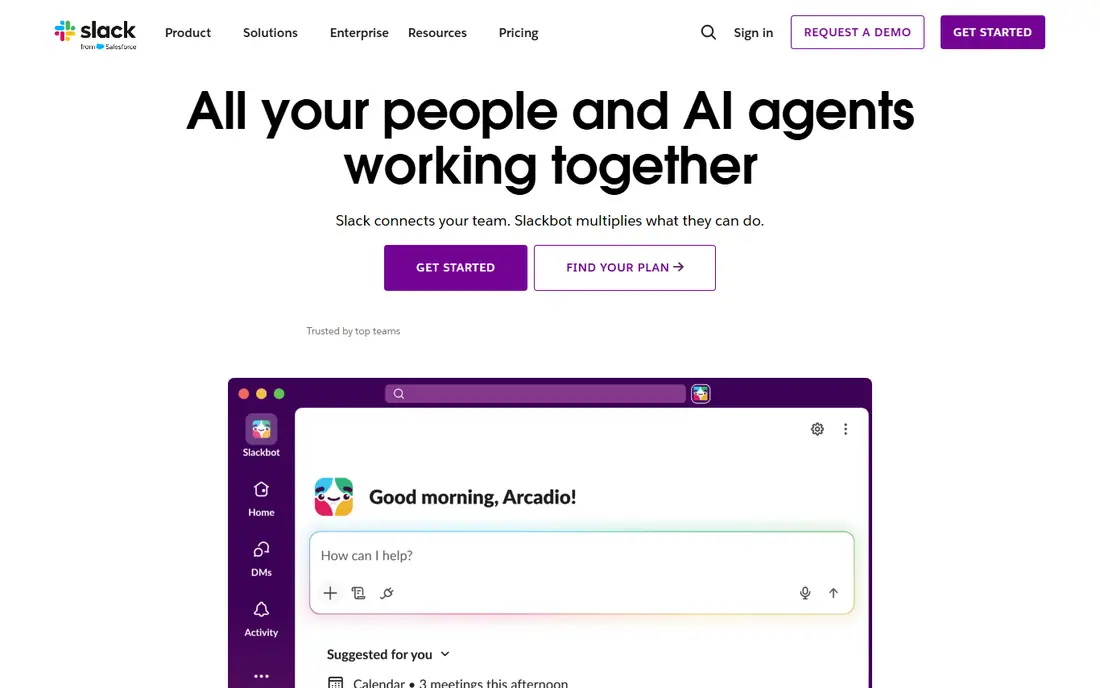
Slack works because it replaces scattered email threads with rooms that have a purpose. A project channel holds its decisions, a social channel holds informal chat, and a shared channel can bring a client or contractor into the same space without giving them access to everything. Threads keep side discussion from derailing the main topic, and search makes it possible to find a decision from three months ago without asking the person who made it.
The risk is noise. Without rules on which channels are required, which are optional and when threads are expected, Slack can feel like a feed that never stops. Teams should agree on response expectations, use status messages for focus time, and move decisions into a doc once they are made. Used that way, Slack is the remote office corridor, not just another inbox.
What we like- Channels keep discussion by topic and searchable
- Huddles allow quick voice chats without scheduling
- Wide integration range with docs, tasks and calendars
Watch out for- Message history is limited on the free plan
- Busy workspaces can become noisy without channel rules
- Costs grow with every full member
#2
Zoom
Best for: Reliable video meetings for distributed teams
Visit zoom.us
Starting price$15.99 per user/month (billed annually)
Free planYes
Zoom became the default remote meeting tool because it rarely fails at the basic job: people join, video works, screen sharing works, and recordings are easy to find later. Breakout rooms help larger teams split into working groups, and the whiteboard gives a shared surface for live discussion. Paid plans also add meeting summaries, which help team members in other time zones catch up without watching a full recording.
The discipline matters more than the feature list. Remote teams that default to video for every question end up with calendars full of calls and little time for deep work. Zoom works best when live meetings are reserved for discussion, decisions and relationship building, while status updates move to Slack or Loom. Price the Pro plan for anyone who hosts regular team meetings, since the free 40-minute limit will interrupt them.
What we like- Stable video and screen sharing at scale
- Breakout rooms, whiteboard and recording built in
- AI summaries and action items on paid plans
Watch out for- Free group meetings end after 40 minutes
- Meeting fatigue grows when video becomes the default
- Phone and webinar features cost extra
#3Google Workspace
Best for: Small teams that want email, docs and video in one place4.6/5 on
G2 (48,175 reviews, checked Oct 2026)
Visit workspace.google.com
Starting priceSee website
Free planFree trial
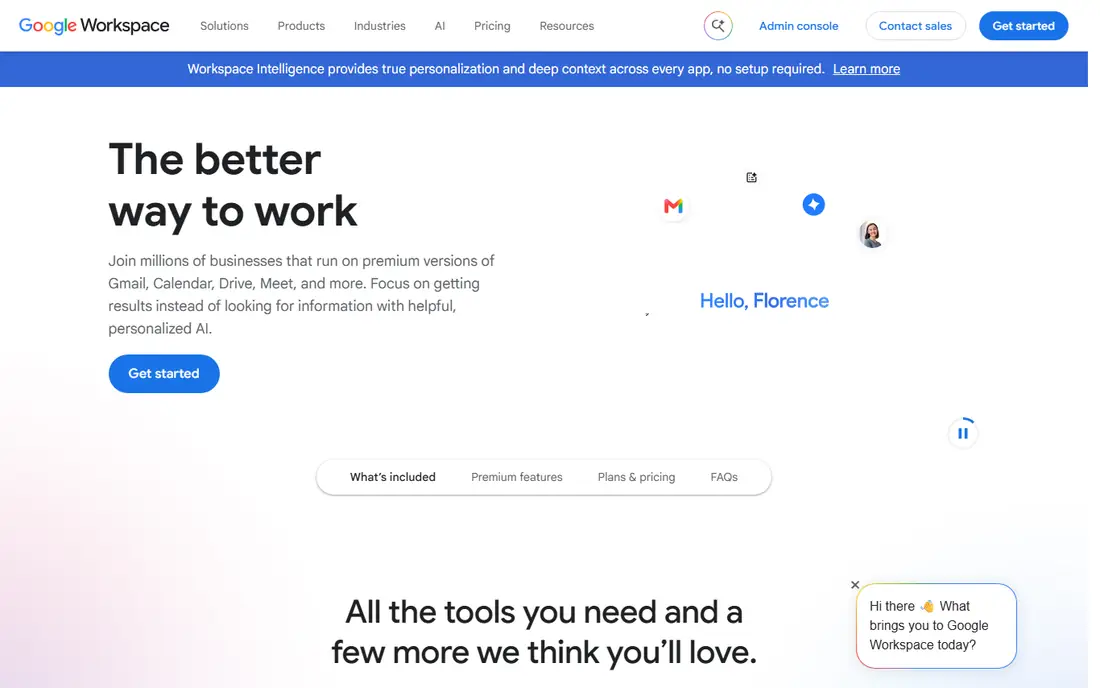
Google Workspace suits a remote team that does not want to stitch together five vendors. A new hire gets an email address, a drive folder, a chat account and a video account in one setup, and documents can be edited by several people at once with comments and version history. Meet handles video without a separate subscription, and shared drives keep team files from disappearing when someone leaves.
The main caution is storage and plan fit. Lower plans include less pooled storage, and a team with large video or design files can hit limits faster than expected. Workspace also works best when the team commits to Google formats for day-to-day docs, even if final files are exported elsewhere. For a small remote team starting from scratch, that single-account simplicity is worth a lot.
What we like- Gmail, Drive, Docs, Meet and Chat under one account
- Real-time co-editing in docs and sheets
- Admin controls for accounts, devices and data
Watch out for- Pricing varies by plan and region, so the pricing page must be checked
- Storage limits differ sharply between plans
- Teams tied to Microsoft files may need extra setup
#4Notion
Best for: Team wikis, docs and shared knowledge4.6/5 on
G2 (13,834 reviews, checked Oct 2026)
Visit notion.so
Starting price$10 per member/month (billed annually)
Free planYes
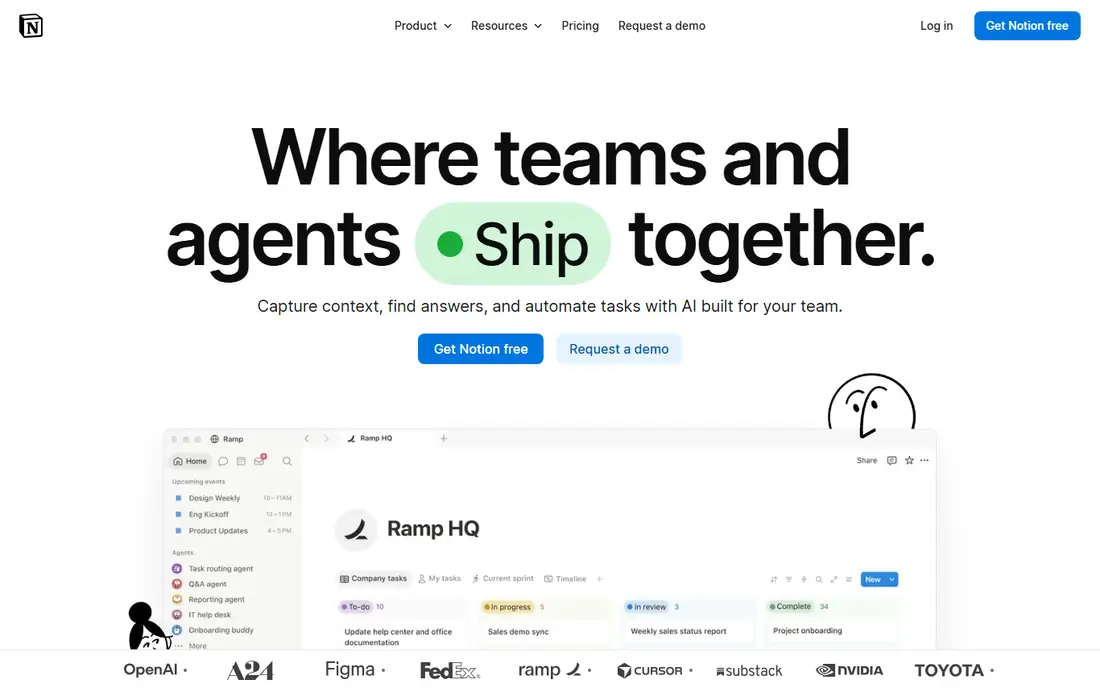
Remote teams fail when knowledge lives only in people's heads, and Notion is built to fix that. A handbook can hold how the team works, a project hub can link briefs, decisions and files, and meeting notes can live beside the tasks they create. New hires can answer many of their own questions by searching the workspace, instead of interrupting three colleagues.
Notion asks for an owner. Without a clear structure, pages multiply, duplicates appear, and search becomes less useful. Teams should keep the top level small, assign an owner to each major section, and archive outdated pages regularly. As a knowledge base paired with Slack and Asana, Notion is excellent. As the only tool for tracking deadlines, it will feel thin.
What we like- Flexible pages, databases and templates for handbooks, roadmaps and meeting notes
- Guests can be added to shared pages
- Search across the workspace
Watch out for- Offline use is limited
- Large databases need careful design
- Project tracking is lighter than a dedicated task tool
#5Asana
Best for: Clear task ownership across time zones4.4/5 on
G2 (13,930 reviews, checked Oct 2026)
Visit asana.com
Starting price$10.99 per user/month (billed annually)
Free planYes
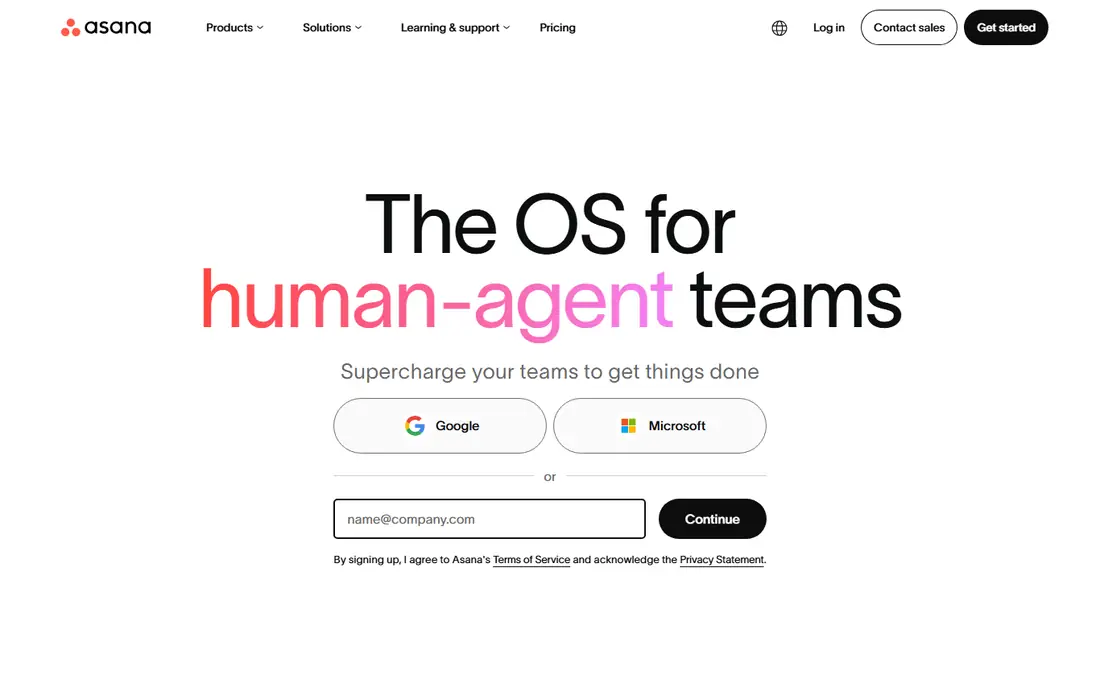
Asana answers the remote question that chat cannot: who is doing what, by when, and what is blocked. A task carries its owner, due date, description, files and comments, so a colleague in another time zone can pick up work without a handover call. Timelines show dependencies, portfolios group work by team or client, and dashboards give managers a view without asking for status reports.
The free plan will not hold a real team, since it caps at two users, so budget for Starter at $10.99 per user per month billed annually. Teams should also keep task descriptions complete, because a vague task in a remote team creates a round of clarification messages that a colocated team would solve in seconds. With clear tasks and consistent use, Asana becomes the remote team's shared to-do list and status board in one.
What we like- Tasks, timelines, portfolios and dashboards in one place
- Forms for requests and intake
- Free guests on paid plans for contractors and clients
Watch out for- Free plan is limited to two users
- Native time tracking needs a higher plan
- Per-seat pricing adds up for large remote teams
#6Miro
Best for: Brainstorming, planning and workshops on a shared board4.6/5 on
G2 (13,631 reviews, checked Oct 2026)
Visit miro.com
Starting price$10 per user/month (billed annually)
Free planYes

Miro replaces the office whiteboard, and it does more than a video call with screen sharing can. A team can brainstorm with sticky notes, vote on ideas, map a customer journey, plan a sprint and leave comments, all on one board that stays available after the session. Templates for retrospectives, roadmaps and org charts give a starting point, so a workshop does not begin with a blank page.
A board still needs a facilitator. Without someone to guide the session, set time limits and tidy the board afterwards, the result can be a colourful mess that nobody revisits. Teams should name the board clearly, lock the finished sections, and link the board from the relevant Notion page or Asana task so it can be found later. Used with that discipline, Miro is the best tool here for creative remote sessions.
What we like- Infinite canvas with sticky notes, diagrams, timelines and templates
- Real-time collaboration with cursors and comments
- Presentation mode for walking through a board
Watch out for- Boards can become messy without a facilitator
- Some advanced features need higher plans
- Guests and viewers need clear permission settings
#7Loom
Best for: Async video explanations that replace meetings4.7/5 on
G2 (2,415 reviews, checked Oct 2026)
Visit loom.com
Starting price$12.50 per creator/month (billed annually)
Free planYes
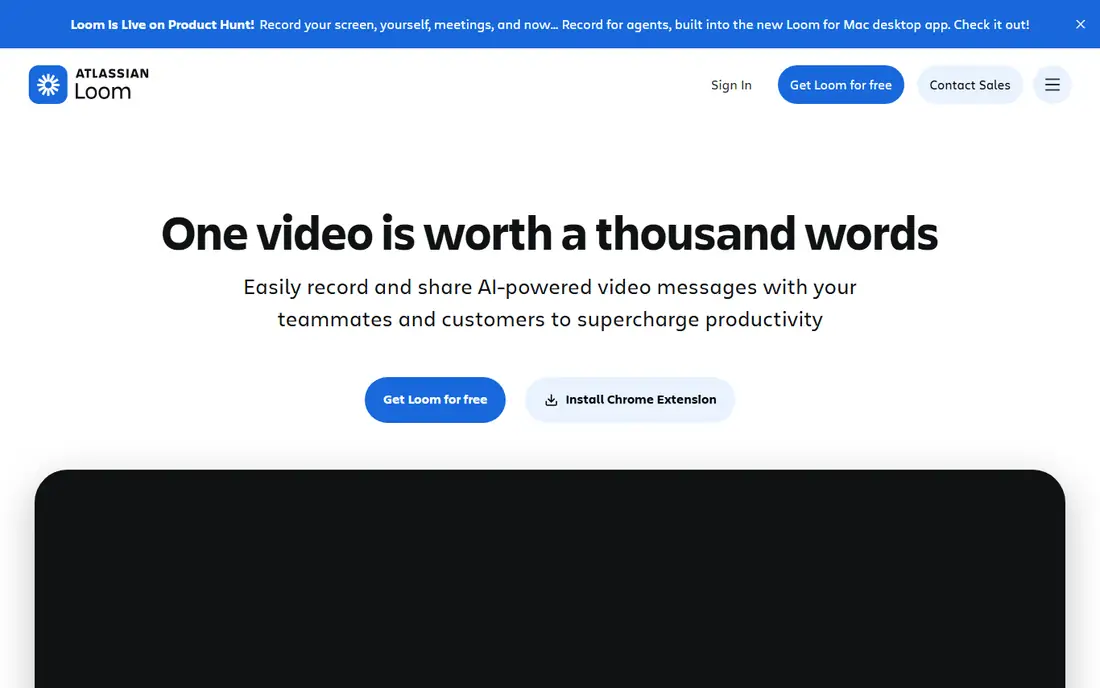
Loom is the tool that most directly cuts meeting load. Instead of booking a call to walk through a design, explain a bug or give a weekly update, a person records a short video with their screen, adds a transcript, and shares a link. Colleagues watch when their workday starts, reply with comments or their own video, and the explanation stays available for anyone who joins later.
The habit needs setting. Videos without a clear title, a short description and a decision or next step at the end can waste as much time as a meeting. Teams should keep most Looms under five minutes, use them for explanations and updates rather than for decisions that need live discussion, and store important videos in Notion or a shared drive. Done well, Loom gives remote teams back hours each week.
What we like- Record screen, camera or both in a few clicks
- Transcripts, comments and tasks on each video
- Embeds in Slack, Notion and email
Watch out for- Viewers are free but creators are paid seats, so pricing depends on who records
- Free plan limits video length and features
- Videos need good titles and chapters to stay searchable
How we chose
We compared vendor pricing pages, feature documentation and public review sources, and we weighed each tool by the remote job it does: chat, video, docs, task tracking, whiteboarding or async video. Tools that only duplicated another tool on the list, or that required a desktop install with no web option, were left out. Prices are starting list prices for October 2026, with promotional rates ignored, and where a price varies by region or plan we note that the vendor pricing page should be checked.
Building a remote stack that does not exhaust the team
Start with the smallest stack that covers the four jobs: Slack for chat, Zoom for live discussion, Notion for knowledge and Asana for tasks. Add Miro when workshops and planning become regular, and add Loom when meeting load starts to crowd out focused work. Google Workspace can sit underneath all of this for email, files and calendar, or it can replace several pieces for a small team.
Set rules before adding tools
Every new tool needs a rule about where its output lives. Decisions made in Slack should be copied to Notion, tasks discussed on Zoom should be created in Asana, and boards built in Miro should be linked from the project hub. Without those rules, a remote team ends up searching five places for one answer, which defeats the purpose of the stack. Agree on response times too: not every message needs an instant reply, and status settings should be respected during focus time and outside work hours.
Frequently asked questions
What are the best tools for remote teams in 2026?
A solid core is Slack for chat, Zoom for video, Notion for docs and knowledge, and Asana for task tracking. Miro adds whiteboarding and workshops, Loom adds async video, and Google Workspace covers email, files and calendar in one suite. The best mix depends on team size, time zones and how much live discussion the work needs.
How many tools does a remote team actually need?
Most small remote teams need four to six tools: chat, video, docs, task tracking, file storage and calendar. Adding more tools without clear rules creates search problems and duplicate work. Start small, and add a tool only when a repeated pain has no home in the current stack.
Is free software enough for a remote team?
Free plans work for trying tools and for very small teams, but they usually limit message history, meeting length, storage or board count. A team that works remotely full time should budget for at least the entry paid plan of its chat and video tools, since those limits interrupt daily work.
How do remote teams avoid too many meetings?
Use async tools for updates and explanations, reserve live video for discussion and decisions, and write decisions down in a shared doc. Loom videos, Slack updates and Notion notes can replace many status meetings, while a clear agenda and a named decision-maker keep the remaining meetings short.
Should a remote team use Slack or email for most communication?
Slack suits fast, searchable team discussion, while email suits formal messages, external contacts and records that need a paper trail. Many remote teams use Slack for internal work, keep email for clients and formal notices, and store final decisions in Notion so they are easy to find later.
What about security for remote tools?
Check single sign-on, two-factor authentication, guest permissions and data export options before choosing. Paid plans usually add admin controls, audit logs and longer retention, which matter when contractors and clients join the workspace. Confirm where data is stored if the team handles regulated information.
Sources we checked (7)
- https://slack.com/pricing
- https://zoom.us/pricing
- https://workspace.google.com/pricing
- https://www.notion.so/pricing
- https://asana.com/pricing
- https://miro.com/pricing
- https://www.loom.com/pricing
Is your product missing or out of date?
We review this list regularly. Vendors can request a listing, send updated pricing or ask about featured placement.

Shihab Mia · Founder, Rankite
Shihab has 5+ years in B2B and SaaS SEO. He writes Rankite's software buying guides from pricing pages, documentation and public user reviews. More about Shihab.