How we make this list: we compare pricing pages, product documentation and public user reviews. Ratings come from G2, Capterra or Trustpilot, with the date we checked them.
Key takeaways
- Data-driven decision making means turning sales, marketing, support, and financial data into dashboards and answers that managers actually use before deciding.
- Looker Studio is the lowest-cost starting point for Google-based reporting, while Power BI fits teams already using Microsoft 365.
- Tableau gives the strongest visual control, but most small teams need only a few Creator licenses and more Viewer licenses.
- Metabase and Zoho Analytics suit small teams that want dashboards without hiring a data specialist.
- The real cost includes data preparation, training, and the time to keep dashboards current, not just the monthly license, so start with one question, one data source, and one dashboard.
Quick comparison
| Tool | Best for | Starting price | Free plan |
|---|
 Looker Studio Looker Studio | Free Google-based reporting | $0 per month | Yes |
 Microsoft Power BI Microsoft Power BI | Microsoft 365 teams | $14 per user per month | Yes |
 Tableau Tableau | Visual dashboards | $15 per user per month | Trial only |
 Zoho Analytics Zoho Analytics | Small teams on Zoho | $24 per month | Trial only |
 Metabase Metabase | Open-source dashboards | Free | Yes |
 ThoughtSpot ThoughtSpot | Search-based analysis | $25 per user per month | Trial only |
 Qlik Sense Qlik Sense | Exploring data relationships | $30 per user per month | Trial only |
 Domo Domo | Company-wide metric monitoring | See website | Trial only |
Is your product missing or out of date?
We review this list regularly. Vendors can request a listing, send updated pricing or ask about featured placement.
Starting price$0 per month
Free planYes
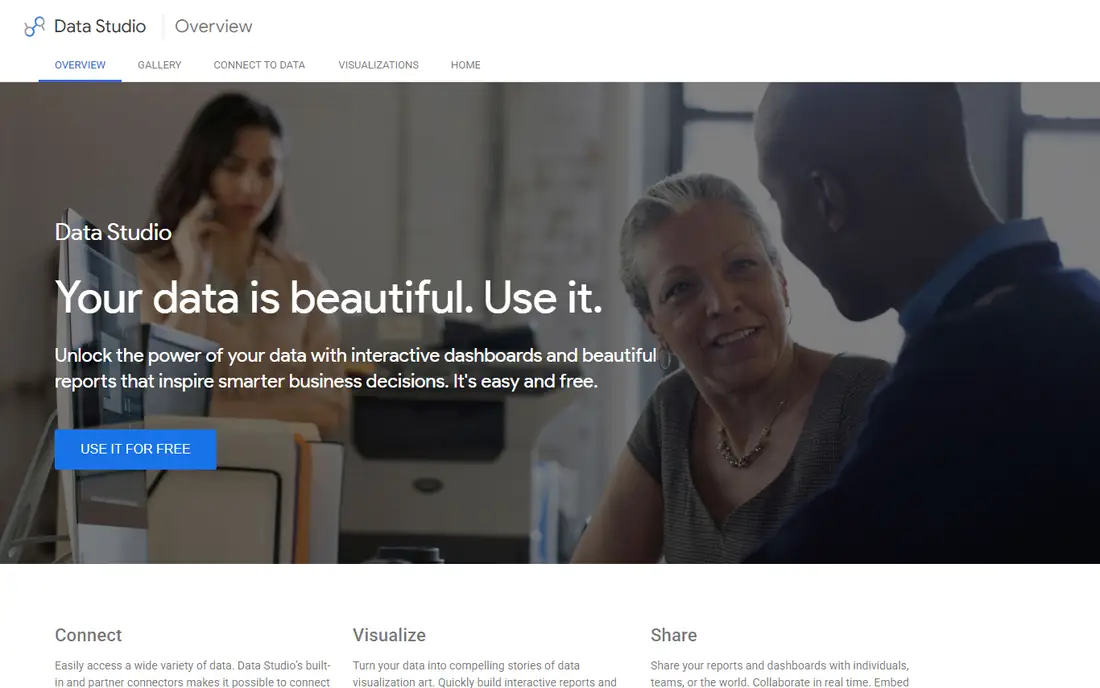
Looker Studio, formerly Google Data Studio, is the best free business intelligence tool for most small businesses, connecting to Google Analytics, Sheets, Ads, BigQuery, and many other sources through connectors. Dashboards are easy to build with drag-and-drop charts, sharing works through Google accounts, and there is no license cost for viewers or creators, making it the lowest-cost starting point for Google-based reporting. Small teams can build a first dashboard in a day and share it with the whole company without a procurement process.
Looker Studio governance and data modeling are limited compared with Looker proper or Tableau, so large organizations needing governed metrics, row-level security, and complex modeling will outgrow it. Performance also depends on the underlying source, with slow sources producing slow dashboards. For small teams and Google-centric companies that want free, fast reporting, Looker Studio is the best starting point, and it pairs well with a warehouse such as BigQuery as data volume grows.
What we like- Free to use
- Connects to Google and many other sources
- Easy sharing
- Good for small teams
Watch out for- Limited governance and modeling
- Performance depends on source
- Fewer enterprise controls
Starting price$14 per user per month
Free planYes
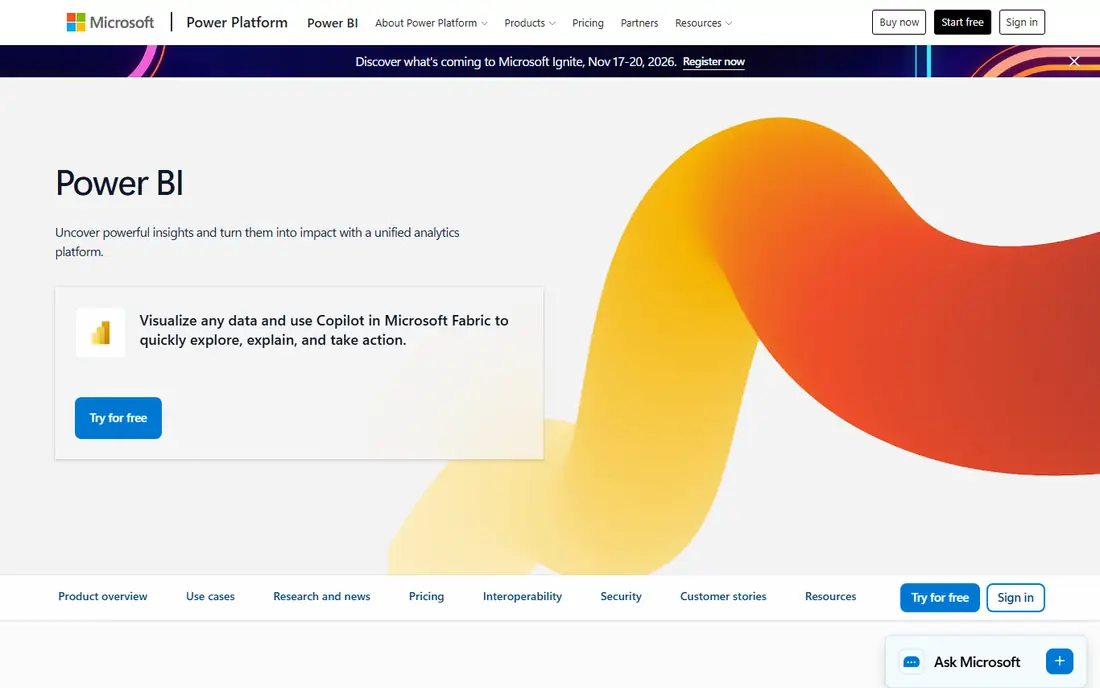
Microsoft Power BI is the price leader for teams already inside Microsoft 365, with Power BI Desktop free for building reports and Pro at $14 per user per month billed annually for sharing and collaboration. Copilot assist helps generate summaries and visuals from natural language, and integration with Excel, Teams, and SharePoint keeps reports inside tools staff already use. Premium Per User at $24 per month adds larger models and AI features, while Premium capacity starts around $4,995 per month for large deployments.
Sharing reports requires Pro or Premium licenses for viewers in most cases, which raises total cost beyond the Desktop free tier, and DAX, the formula language for custom measures, has a learning curve for non-technical users. Full cost also grows with capacity needs as usage scales. For Microsoft 365 teams that want the best value business intelligence platform, Power BI is the default choice, and starting with Desktop plus a few Pro licenses covers most small team needs.
What we like- Price leader for Microsoft 365 teams
- Desktop free
- Copilot assist
- Deep Excel and Teams integration
Watch out for- Sharing needs Pro or Premium licenses
- DAX learning curve
- Full cost grows with capacity needs
#3Tableau
Best for: Visual dashboards4.4/5 on
G2 (3,787 reviews, checked Oct 2026)
Visit tableau.com
Starting price$15 per user per month
Free planTrial only
Tableau is the best overall tool for self-serve visualization, giving analysts strong control over charts, interactions, and exploration, with a large community and learning resources behind it. Viewer licenses start at $15 per user per month, Explorer at $42, and Creator at $75, so most small teams need only a few Creator licenses for analysts and more Viewer licenses for managers who read dashboards. Visual analysis quality is unmatched for teams that spend most of their time exploring data rather than reading fixed reports.
Creator pricing at $75 per user per month makes Tableau expensive if every user needs full authoring, and implementation takes weeks for governed deployments with modeled data sources. Tableau is also overkill for most small businesses that need simple dashboards, though it excels for complex visualizations. For visualization-first analysis teams that want the deepest visual control and are willing to pay for Creator licenses, Tableau leads the category.
What we like- Strongest visual control
- Self-serve exploration
- Large community and learning resources
Watch out for- Creator licenses at $75 per user per month
- Most small teams need few Creators
- Implementation takes weeks
#4Zoho Analytics
Best for: Small teams on Zoho4.2/5 on
G2 (289 reviews, checked Oct 2026)
Visit zoho.com
Starting price$24 per month
Free planTrial only
Zoho Analytics is the best budget option for non-technical users, with an entry plan at $24 per month for 2 users and a drag-and-drop interface that lets business users build dashboards without SQL or modeling knowledge. AI-assisted insights suggest charts and highlight trends, and integration with Zoho CRM, Books, and other Zoho apps keeps sales and finance data connected without manual exports. Small teams can start quickly and expand users as adoption grows.
Zoho Analytics depth trails Tableau and Power BI for complex modeling, custom calculations, and enterprise governance, and pricing varies by users and plan, so larger teams should verify total cost. For small teams already using Zoho apps, or non-technical teams that want dashboards without hiring a data specialist, Zoho Analytics is the best budget pick, and its ease of use drives adoption better than more powerful tools that staff avoid.
What we like- Easiest for non-technical users
- Affordable entry at $24 per month for 2 users
- Zoho ecosystem integration
Watch out for- Less depth than Tableau or Power BI
- Pricing varies by users and plan
- Fewer enterprise features
#5Metabase
Best for: Open-source dashboards4.4/5 on
G2 (147 reviews, checked Oct 2026)
Visit metabase.com
Starting priceFree
Free planYes
Metabase is the best open-source self-serve tool for budget teams, with a free self-hosted version and a cloud plan from $100 per month for 5 users in some guides, or $85 per month in others, so verify current cloud pricing. Its question builder lets non-technical users ask questions in plain language and turn answers into charts and dashboards without SQL, while technical users can write SQL for deeper analysis. Time to value is fast, with teams building first dashboards in days rather than months.
Self-hosting needs technical setup and maintenance, including updates, backups, and security, which suits technical teams but not non-technical ones. Governance is lighter than enterprise tools, with fewer controls for large, regulated deployments. For technical teams that want dashboards without license cost, or small teams willing to pay for cloud hosting, Metabase is the best budget route, and its open-source code gives full control over data and deployment.
What we like- Free self-hosted open-source version
- Easy question builder
- Cloud from $100 per month
- Fast time to value
Watch out for- Needs technical setup for self-hosting
- Lighter governance than enterprise tools
- Paid cloud pricing varies
Starting price$25 per user per month
Free planTrial only
ThoughtSpot leads for natural-language, search-driven analysis, letting business users type questions such as revenue by region last quarter and get charts and answers without building a dashboard first. That search model suits managers who ask ad hoc questions and do not want to wait for an analyst to build a report, and it works well once a governed data model exists. Entry pricing starts at $25 per user per month in current guides, with enterprise pricing custom and often six figures annually for large deployments.
ThoughtSpot needs a modeled data source built by a data team before search works well, so it is not a zero-setup tool, and visual control trails Tableau for teams that want deeply customized dashboards. For organizations with a data team that can model sources and business users who ask questions constantly, ThoughtSpot is the best search-driven pick, and it changes how managers interact with data from reading reports to asking questions.
What we like- Natural-language search analysis
- Fast answers without building dashboards
- Strong for business users
Watch out for- Needs a modeled data source first
- Pricing custom at enterprise scale
- Less visual control than Tableau
#7Qlik Sense
Best for: Exploring data relationships4.4/5 on
G2 (929 reviews, checked Oct 2026)
Visit qlik.com
Starting price$30 per user per month
Free planTrial only
Qlik Sense offers associative exploration, letting users click any data point and see all related data update instantly, revealing relationships that fixed dashboards hide. That model suits governed self-service for 200 plus business users, where managers explore freely within a controlled data model, and Qlik handles large datasets well. Pricing runs $30 to $70 per user per month depending on plan, with entry around $30 in current guides.
Implementation takes weeks for governed deployments, and the associative model has a learning curve for analysts used to traditional query tools. Pricing at the higher end also exceeds Power BI and Zoho for comparable user counts. For mid-sized and large organizations that want governed self-service exploration at scale, Qlik Sense is a strong pick, and its associative engine suits teams that explore data rather than reading fixed reports.
What we like- Associative exploration across data
- Strong for governed self-service at scale
- Good for 200 plus users
Watch out for- Pricing $30 to $70 per user per month
- Implementation takes weeks
- Learning curve for associative model
#8Domo
Best for: Company-wide metric monitoring4.3/5 on
G2 (1,086 reviews, checked Oct 2026)
Visit domo.com
Starting priceSee website
Free planTrial only
Domo is built for non-technical executive dashboards and company-wide metric monitoring, combining ETL, data preparation, dashboards, and apps in one platform so leadership sees the same numbers across departments. Its interface suits executives and managers who want current metrics without analyst help, and built-in connectors cover common business systems. Pricing is custom, with guides citing around $30,000 per year for typical deployments, so this article lists the price as See website.
Enterprise cost makes Domo unsuitable for small teams, and full rollout implementation takes months for large organizations with many sources. For mid-sized and large companies that want one platform for executive visibility across the business, Domo is a strong pick, and its all-in-one design reduces the need for separate ETL and dashboard tools.
What we like- Executive dashboards
- Built-in ETL and apps
- Company-wide metric monitoring
- Non-technical friendly
Watch out for- Pricing custom, around $30,000 per year in guides
- Enterprise cost
- Implementation takes months for full rollout
How we chose
We compared tools on pricing, ease of use, governance and semantic layer depth, warehouse integration, and real user review themes, weighting price transparency alongside features. We favored tools with published pricing where available, and we marked Domo as See website where pricing is custom rather than guessing a figure. Prices come from vendor pages and current guides, and they vary by license type, user mix, and billing period, so verify pricing for your real team before committing. We did not test any tool hands-on, and we did not list tools that only prepare data without dashboard or analysis features.
Buying guide
Start with one question, one data source, and one dashboard, then expand only when people actually use it. Choose Looker Studio if you are Google-centric and want free reporting, Power BI if you are in Microsoft 365, Zoho Analytics if you want the easiest non-technical experience, and Metabase if you want open-source control on a budget. Choose Tableau if visual exploration is your main job, ThoughtSpot if managers ask ad hoc questions constantly, Qlik Sense for governed exploration at scale, and Domo for executive visibility across the company.
Before committing, check four things: whether your data sources connect without heavy preparation, whether viewers need paid licenses or can read dashboards free, whether governance and security meet your needs for sensitive data, and what total cost looks like at your real user count, not just the entry price. Budget for training and dashboard maintenance, since the real cost includes data preparation, training, and the time to keep dashboards current, and a dashboard nobody uses costs more than a dashboard nobody built.
Frequently asked questions
What is the best free tool for data driven decision making?
Looker Studio is the best free tool for most small businesses, connecting to Google and many other sources at no license cost. Metabase self-hosted is also free for technical teams that can manage their own deployment, and Power BI Desktop is free for building reports.
Do I need a data team to use these tools?
No, for small teams. Looker Studio, Zoho Analytics, and Metabase question builder let non-technical users build dashboards without SQL, while Tableau, ThoughtSpot, and Qlik Sense benefit from a data team for modeling and governance at larger scale.
What is the difference between a dashboard and search-driven analysis?
Dashboards present fixed charts and metrics that managers read regularly, while search-driven tools such as ThoughtSpot let users type questions and get answers on demand. Dashboards suit routine monitoring, while search suits ad hoc questions.
How much does business intelligence software cost?
Entry pricing ranges from free for Looker Studio and Metabase self-hosted to $14 per user per month for Power BI Pro, $15 for Tableau Viewer, $24 per month for Zoho Analytics, and $25 to $30 per user per month for ThoughtSpot and Qlik Sense, with enterprise platforms such as Domo using custom pricing around $30,000 per year.
Should small businesses use Tableau?
Usually not as a first tool, since Tableau is overkill for most small businesses that need simple dashboards, and Creator licenses at $75 per user per month add cost. Start with Looker Studio, Power BI, or Zoho Analytics, and move to Tableau when visual exploration becomes your main job.
How do I start making data driven decisions?
Start with one question that matters, such as which products drive profit or which channels bring the best customers, connect one data source, build one dashboard, and review it weekly with your team. Expand to more questions and sources only when the first dashboard actually changes decisions.
Sources we checked (0)
Is your product missing or out of date?
We review this list regularly. Vendors can request a listing, send updated pricing or ask about featured placement.

Shihab Mia · Founder, Rankite
Shihab has 5+ years in B2B and SaaS SEO. He writes Rankite's software buying guides from pricing pages, documentation and public user reviews. More about Shihab.