How we make this list: we compare pricing pages, product documentation and public user reviews. Ratings come from G2, Capterra or Trustpilot, with the date we checked them.
Key takeaways
- SLA enforcement is more than a timer, since the useful tools add escalation rules, breach alerts, business hour calendars, and reports that show where targets actually break.
- Entry plans often lack real SLA features, so check which tier adds multi level policies before you buy, not only the headline seat price.
- Business hour and holiday calendars matter as much as the timer, because a 4 hour target means little if nights and weekends count the same as work hours.
- Escalation should be automatic, not a manager watching a dashboard, since breached tickets need a new owner or priority without human delay.
- Start with two or three policies by priority and channel, measure breach rates for a month, then add complexity only where breaches cluster.
Quick comparison
Is your product missing or out of date?
We review this list regularly. Vendors can request a listing, send updated pricing or ask about featured placement.

#1Freshservice
Best for: IT desks that need full SLA management4.6/5 on
G2 (1,351 reviews, checked Oct 2026)
Visit freshworks.com
Starting price$19 per agent per month
Free planNo
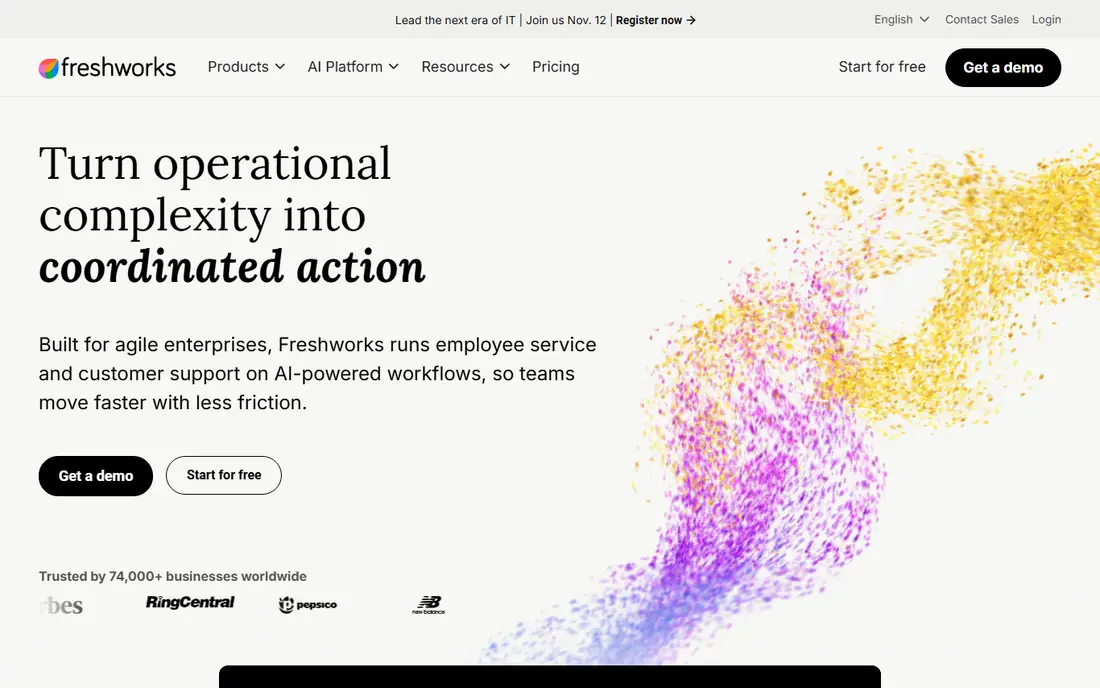
Freshservice is a full IT service desk with incident, problem, change, and asset management alongside ticketing, and its SLA management sits on the Growth tier at 49 dollars per agent per month, above the 19 dollar Starter plan. Growth adds multi level SLA policies, escalation rules, and on call management, which matter once a desk handles hundreds of tickets a week. The Workflow Automator can reassign, reprioritize, and notify on breach without manual watching, and reporting shows breach rates by group and category.
The trade off is tier math. A three agent team that needs SLA management lands at 147 dollars a month before add ons, and the Freddy AI Copilot costs 29 dollars per agent extra. Freshservice also carries a learning curve that reviewers note. Freshservice fits IT teams that need structured ITSM plus real SLA enforcement and can justify the Growth tier.
What we like- SLA management on Growth tier
- Service catalog and on call tools
- Strong workflow automator
Watch out for- SLA features need the 49 dollar Growth tier
- No free plan
- Freddy AI copilot is a separate add on

#2Jira Service Management
Best for: Teams already on Jira4.3/5 on
G2 (986 reviews, checked Oct 2026)
Visit atlassian.com
Starting priceFree
Free planYes
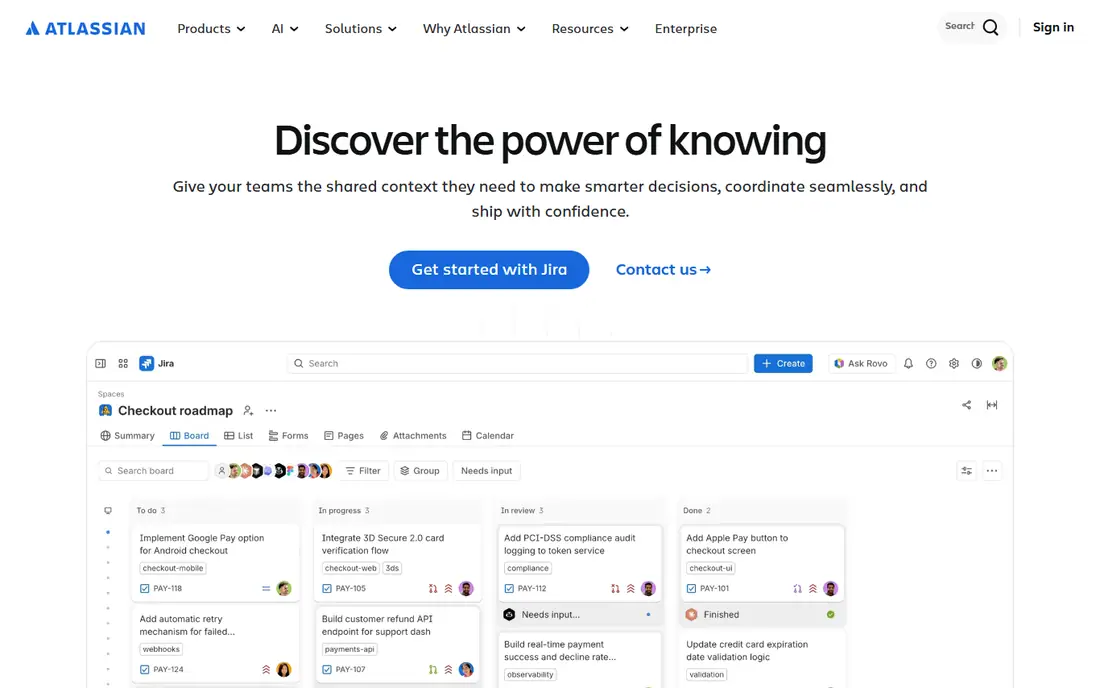
Jira Service Management connects service requests with development work, which is its main advantage for IT and engineering desks. SLA goals, business hour calendars, and breach reporting are core features, and tickets can link directly to Jira issues so a support request and the fix share one trail. The free plan covers up to three agents, and Standard starts around 20 dollars per agent per month, which keeps entry costs low for small desks.
The limits sit on higher tiers. Deeper change, incident, and virtual agent features need Premium, and configuration takes more care than simpler help desks. Jira Service Management fits teams whose developers already work in Jira and who want SLA tracking tied to engineering work rather than a standalone support tool.
What we like- Free for up to three agents
- SLA goals and calendars built in
- Deep link to Jira development work
Watch out for- Change and incident depth need Premium
- Virtual agent needs higher tiers
- Setup takes care
Starting price$19 per agent per month
Free planNo
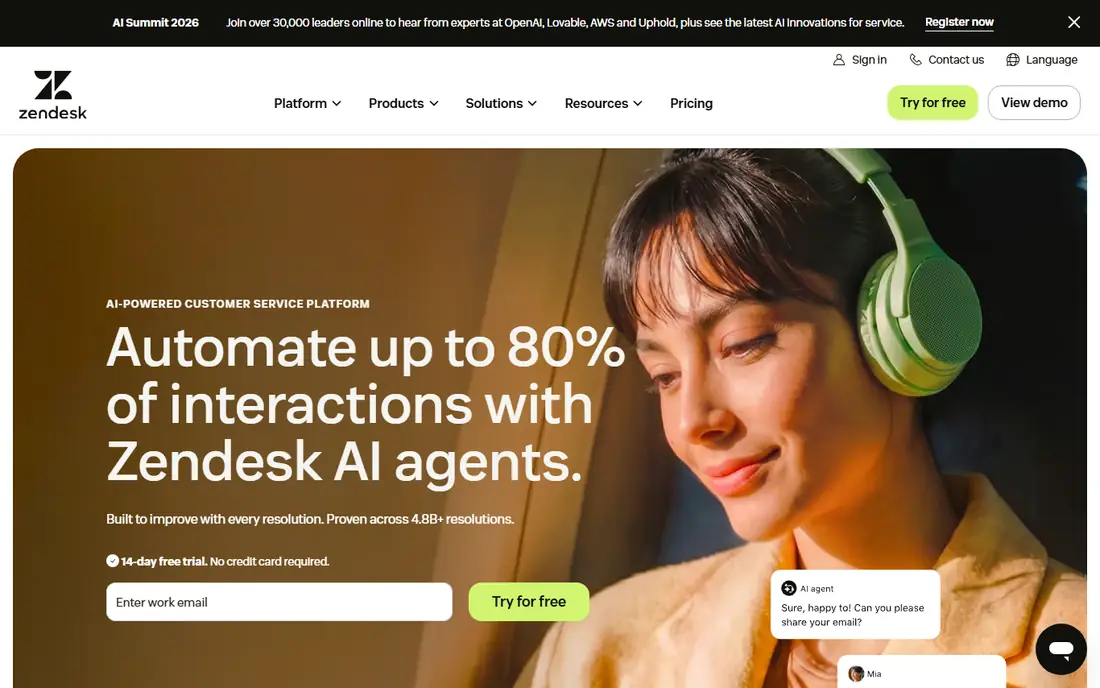
Zendesk is the most widely used customer support platform on this list, and its SLA policies, triggers, and automations are mature. Teams can set response and resolution targets by priority, ticket type, and channel, trigger escalations and notifications as deadlines approach, and report breach rates across the whole operation. Omnichannel tickets from email, chat, messaging, and voice land in one queue, so SLA clocks run consistently across channels.
The trade off is tiering. The 19 dollar Support Team tier covers email and ticketing only, while the full Suite Team plan starts at 55 dollars per agent per month, and deeper SLA and automation features sit higher still. Zendesk fits customer support teams that need proven SLA enforcement across channels and can budget for Suite pricing.
What we like- Mature SLA policies and triggers
- Omnichannel tickets in one queue
- Strong reporting
Watch out for- Entry tier is email and ticketing only
- Full Suite starts at 55 dollars
- SLA depth needs higher tiers

#4Freshdesk
Best for: Fast deploying support teams4.4/5 on
G2 (3,809 reviews, checked Oct 2026)
Visit freshworks.com
Starting price$19 per agent per month
Free planNo
Freshdesk is the fastest deploying tool on this list for customer support teams, with ticket management, SLA policies, and automation that most teams can configure in days rather than weeks. SLA timers, escalation rules, and breach alerts cover the core enforcement needs, and the Growth plan at 19 dollars per agent per month gets a team started. Multi channel tickets, a knowledge base, and team collaboration round out a practical support platform.
The limits appear as teams grow. Intelligent routing and custom reporting sit on the Pro tier at 55 dollars per agent per month, and AI copilot features cost extra. Freshdesk also offers less ITSM depth than Freshservice or Jira Service Management. Freshdesk fits support teams that want SLA enforcement live quickly at a modest entry price.
What we like- Quick setup
- SLA policies with escalation
- Good automation at Pro tier
Watch out for- Intelligent routing and custom reporting need Pro at 55 dollars
- AI features cost extra
- Simpler ITSM depth

#5Zoho Desk
Best for: Small teams and Zoho users4.4/5 on
G2 (8,002 reviews, checked Oct 2026)
Visit zoho.com
Starting price$7 per user per month
Free planYes
Zoho Desk stands out on price, with a free plan for up to three users and Express at 7 dollars per user per month, plus service performance monitoring that larger rivals charge more for. SLA policies, escalation rules, and multi channel ticketing cover the enforcement basics, and teams inside the Zoho ecosystem gain CRM and app integrations without extra middleware. For very small teams, Zoho Desk delivers real SLA tracking at a price no rival matches.
The limits are scale and depth. Express stops at five users, so growing teams move to higher tiers, and the most advanced SLA and automation features sit above entry plans. The third party ecosystem is also smaller than Zendesk or Salesforce. Zoho Desk fits small teams and Zoho users who need SLA enforcement without enterprise pricing.
What we like- Lowest entry price on this list
- Free plan for up to three users
- SLA and escalation features
Watch out for- Express plan stops at five users
- Advanced SLA needs higher tiers
- Smaller third party ecosystem

#6Help Scout
Best for: Email first support teams4.4/5 on
G2 (431 reviews, checked Oct 2026)
Visit helpscout.com
Starting price$25 per user per month
Free planNo
Help Scout is built for email first support teams that want a shared inbox with real structure, not a heavy ITSM suite. Standard starts at 25 dollars per user per month, with SLA workflows, saved replies, collision detection, and reporting that suit small and mid size teams. The interface is calm and fast to learn, which helps teams adopt SLA habits without a long rollout.
The trade off is SLA depth on the entry tier. Standard caps at 25 users and includes only one basic SLA policy, so teams that need multi level policies by priority or channel must move to Plus. Help Scout also offers less ITSM depth than Freshservice or Jira. Help Scout fits email first teams that want clean SLA enforcement and are happy to pay for Plus when their policy needs grow.
What we like- Clean email focused inbox
- SLA workflows and reporting
- Simple setup
Watch out for- Standard caps at 25 users and one basic SLA policy
- Advanced SLA needs Plus
- Less ITSM depth

#7HubSpot Service Hub
Best for: CRM connected service teams4.4/5 on
G2 (2,922 reviews, checked Oct 2026)
Visit hubspot.com
Starting price$7 per seat per month
Free planYes
HubSpot Service Hub ties tickets to CRM records, so agents see purchase history, past tickets, and company data without switching tools. Starter starts at 7 dollars per seat per month, and free CRM tools cover basic ticketing, but real SLA goals, automation, and reporting sit on Professional at 90 dollars per seat per month, which also carries a 1,500 dollar onboarding fee. That structure suits teams already invested in HubSpot that want service data inside the CRM.
The limits are cost at the tier that matters. Teams that buy Starter for SLA enforcement will be disappointed, since the serious SLA features need Professional. Seat costs also rise fast as teams grow. HubSpot Service Hub fits CRM centered teams that already run HubSpot and can justify Professional for SLA management.
What we like- Free CRM connected tools
- Ticketing tied to customer records
- SLA goals on higher tiers
Watch out for- Professional adds a 1,500 dollar onboarding fee
- SLA depth needs Professional
- Seat costs rise fast
Starting price$25 per user per month
Free planNo
Salesforce Service Cloud offers the deepest SLA model on this list, with entitlements and milestones that track response and resolution targets across complex service contracts. Large enterprises can model multi tier contracts, business hours, and escalation paths that simpler tools cannot express, and reporting ties SLA performance to accounts, cases, and revenue. Starter Suite starts at 25 dollars per user per month, but real enterprise capability sits at Enterprise pricing near 175 dollars per user per month.
The trade off is weight. Implementation is heavy, contracts are enterprise grade, and the platform only makes sense inside Salesforce. Small and mid size teams will find faster value elsewhere. Service Cloud fits global enterprises with complex service contracts that need milestone based SLA enforcement at scale.
What we like- Deepest case and entitlement management
- Milestone based SLA tracking
- Enterprise reporting
Watch out for- Enterprise capability sits far above the entry suite
- Implementation is heavy
- Salesforce only
How we chose
We compared published pricing, SLA feature lists, and third party pricing guides from October 2026 for ticket tools with explicit SLA enforcement. We favored tools that offer multi level policies, business hour calendars, automatic escalation, and breach reporting, and we flagged where those features sit above the entry tier, since headline seat prices often hide that gap. We weighed channel coverage and ecosystem fit alongside SLA depth, and we treated vendor case studies as best case results rather than typical outcomes.
Start by writing your targets before you shop: first response and resolution times by priority, which hours count, and what happens on breach. Next, test the tool with a breach scenario during trial, confirming that escalation fires automatically and the new owner gets notified without a manager watching a dashboard. Then check the tier that includes multi level policies, since entry plans at several vendors cover only basic SLA features. Finally, confirm calendar support for business hours and holidays, and ask for breach reporting by team and channel. A tool that passes those four tests will enforce the targets you actually set.
Frequently asked questions
What is SLA enforcement in ticket tracking?
SLA enforcement means the tool tracks each ticket against response and resolution targets, warns agents before deadlines, escalates automatically on breach, and reports breach rates so managers can fix the cause.
Do entry plans include SLA features?
Sometimes, but often only basic policies. Freshservice needs Growth for full SLA management, Help Scout Standard allows one basic policy, and HubSpot needs Professional for serious SLA goals, so check the tier, not only the seat price.
Should business hours count toward SLA timers?
In most cases, yes. A 4 hour target should pause overnight and on holidays, or night shift tickets will breach through no fault of the team, so confirm calendar support before buying.
What happens when a ticket breaches its SLA?
Good tools escalate automatically by reassigning the ticket, raising its priority, and notifying a manager or second team, rather than leaving the breach visible only on a dashboard.
How many SLA policies should a team start with?
Start with two or three policies by priority and channel, measure breach rates for a month, then add complexity where breaches cluster, since too many policies at launch confuse agents and reviewers.
Can a small team afford SLA enforcement?
Yes. Zoho Desk offers a free plan for up to three users, Jira Service Management is free for up to three agents, and Freshdesk and Zendesk start at 19 dollars per agent per month, though advanced policies may need higher tiers.
Sources we checked (0)
Is your product missing or out of date?
We review this list regularly. Vendors can request a listing, send updated pricing or ask about featured placement.

Shihab Mia · Founder, Rankite
Shihab has 5+ years in B2B and SaaS SEO. He writes Rankite's software buying guides from pricing pages, documentation and public user reviews. More about Shihab.
 Zendesk
 Salesforce Service Cloud