How we make this list: we compare pricing pages, product documentation and public user reviews. Ratings come from G2, Capterra or Trustpilot, with the date we checked them.
Key takeaways
- Procreate is the industry standard for custom tattoo design on iPad, with a one time purchase and hundreds of brushes.
- Adobe Fresco is now free for all, making it the best no cost drawing app with vector and raster brushes in one canvas.
- Sketchbook and ibisPaint cover Android and desktop users who cannot use Procreate, both with free tiers.
- Tattoodo is for finding and booking verified artists, not drawing, while InkHunter previews a design on your skin in augmented reality.
- Two flags are stated openly below: InkHunter's homepage fetch timed out during our check, and MediBang's homepage now promotes its new Paletta app rather than classic MediBang Paint.
Quick comparison
Is your product missing or out of date?
We review this list regularly. Vendors can request a listing, send updated pricing or ask about featured placement.
The best tattoo design app
#1Procreate
Best for: Custom design on iPad4.9/5 on
G2 (73 reviews, checked Oct 2026)
Visit procreate.com
Starting price$12.99 one time
Free planNo
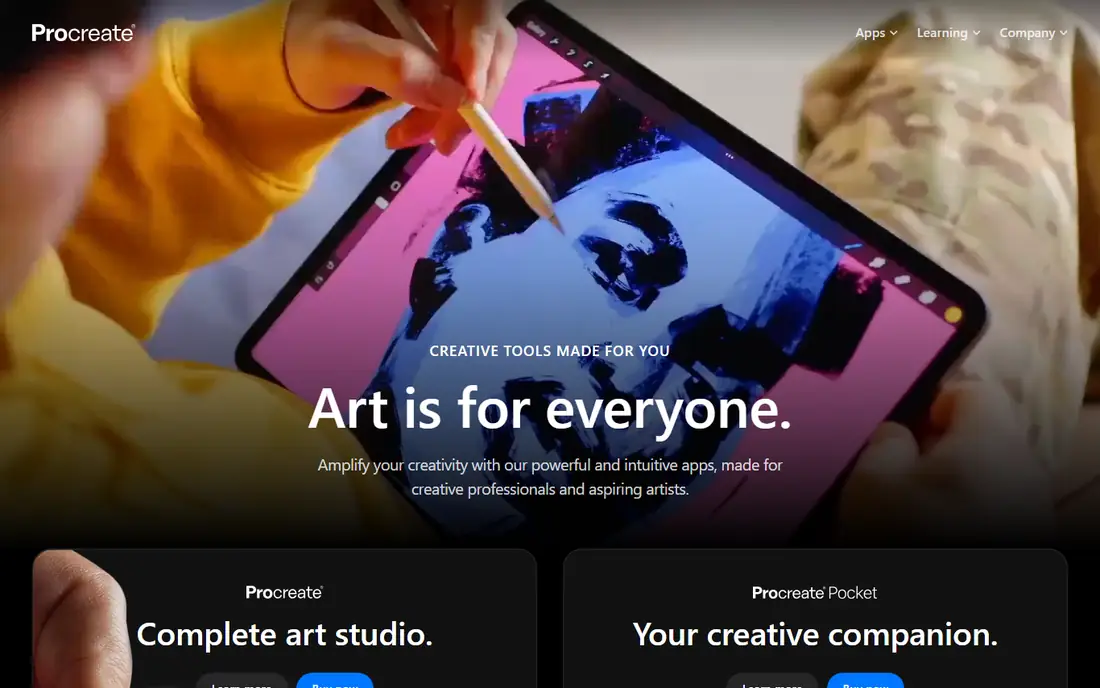
Procreate has become the essential tool for digital illustration on iPad, and tattoo artists are among its heaviest users. The pressure sensitive brush engine mimics working on paper, which suits artists who spent years sketching by hand, and the layered canvas system makes revisions reversible so clients can approve changes without losing earlier versions.
For consultations, Procreate changes the dynamic: instead of handwritten sketches that are hard to adjust on the spot, artists show polished digital mockups, tweak sizing and placement live, and send finalized reference files before the session. Time lapse recording tracks the drawing process, and a large library of tattoo specific brushes covers linework, shading, and dotwork styles.
Procreate fits independent artists working primarily on iPad. Android users should look at Sketchbook, ibisPaint, or Clip Studio Paint, and artists who need stencil specific workflows should pair Procreate with a stencil preparation step.
What we like- Industry standard for tattoo artists
- Pressure sensitive brush engine
- Layered canvas
- Hundreds of customizable brushes
- Time lapse recording
- Symmetry guide
- One time purchase, no subscription
Watch out for- IPad only
- Not built specifically for stencil export
- No free tier

#2Adobe Fresco
Best for: Free vector and raster drawing4.5/5 on
G2 (34 reviews, checked Oct 2026)
Visit adobe.com
Starting priceFree
Free planYes
Adobe Fresco is the pro painting and drawing app made for everyone, and it is now completely free. Paint, sketch, and animate in one go everywhere drawing app with thousands of brushes and pro features, without paying for a subscription to start.
The advantage for tattoo design is the combination of vector and raster in one canvas: clean scalable linework for stencils alongside painterly shading for realism work. That makes Fresco a strong choice for artists who move between crisp traditional designs and soft realistic shading, and Creative Cloud integration moves files between Fresco, Photoshop, and Illustrator easily.
Fresco fits artists who want a free professional drawing app on iPad, Windows, or mobile. Procreate still wins for tattoo specific brushes and community, but Fresco wins on price and cross platform reach.
What we like- Now free for all
- Vector and raster brushes in one app
- Thousands of brushes
- Animation tools
- Creative Cloud integration
Watch out for- Full Adobe ecosystem features sit behind paid plans
- Less tattoo specific than Procreate
- Subscription for some advanced features
Starting priceFree
Free planYes
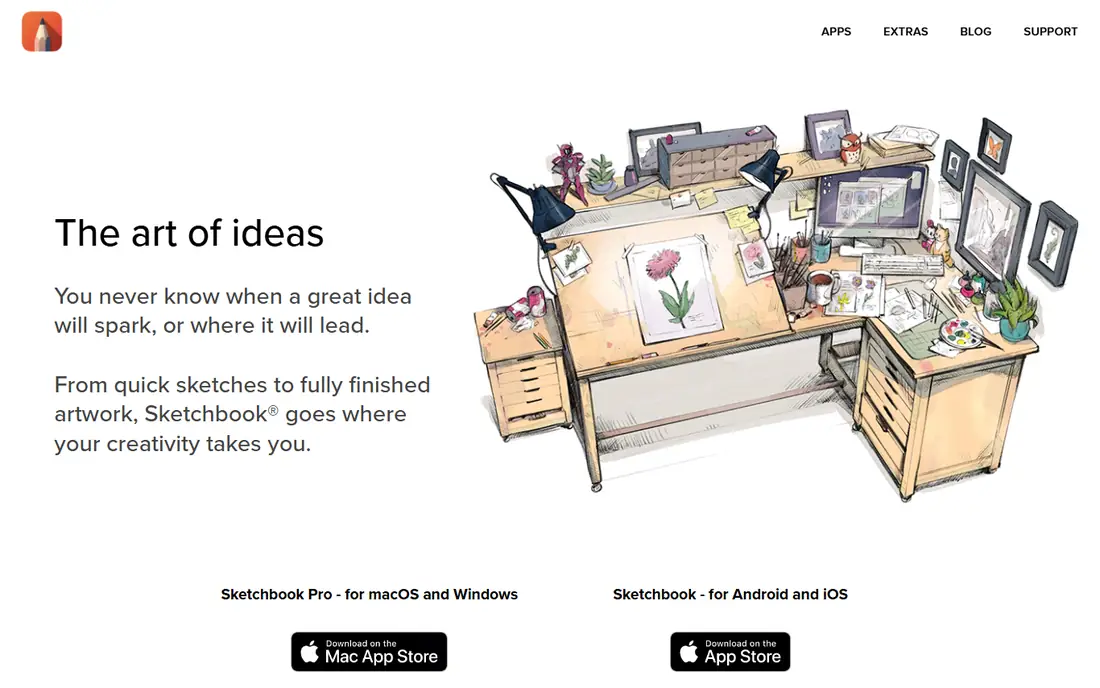
Sketchbook is for everyone who loves to draw, and its core promise is that drawing feels like drawing on paper. Brushes and pens behave like their physical counterparts without cluttering a desk or going dry, and the interface tucks tools and palettes out of sight until needed so the focus stays on the drawing.
Professional features include a wide variety of highly customizable brushes, guides, rulers, and stroke tools for precision, and layers with a full complement of blend modes for building up color and shading. Sketchbook Pro covers macOS and Windows through the Mac App Store and Microsoft Store, while the mobile app covers Android and iOS.
Sketchbook fits artists who want a natural drawing feel on any device. It is less tattoo specific than Procreate, but it is free to start and strong for sketching and refining custom designs.
What we like- Free mobile app
- Pro version for macOS and Windows
- Brushes behave like physical media
- Clean unobtrusive interface
- Guides, rulers, and stroke tools
- Layers with full blend modes
Watch out for- Pro desktop version is paid
- Fewer tattoo specific resources than Procreate
- Smaller community for tattoo brushes
#4Clip Studio Paint
Best for: Manga and illustration detail4.4/5 on
G2 (55 reviews, checked Oct 2026)
Visit clipstudio.net
Starting priceSee website
Free planNo
Clip Studio Paint is the drawing app professional artists use for digital illustration, manga, and animation, with brush quality that rivals real art materials. More than 40,000 free brushes and 100,000 plus free materials cover linework, shading, textures, and backgrounds, and vector data stays clean at 4K resolution or any size.
For tattoo design, the strengths are precise line control, symmetry and perspective rulers, and 3D models for posing figures and backgrounds before committing to a composition. Simple and studio modes let beginners start with a full screen canvas while professionals use the full feature set, and multi page management suits flash sheets and book projects.
Clip Studio Paint fits detail obsessed illustrators and artists who work across manga, illustration, and tattoo design. Casual sketchers should start with Sketchbook or Fresco, and iPad only artists should compare Procreate first.
What we like- Professional grade brushes and materials
- 40,000 plus free brushes
- Vector lines that stay clean at any size
- 3D models for posing and backgrounds
- Manga and animation production tools
Watch out for- Pricing not shown on the homepage
- Learning curve steeper than Sketchbook
- Subscription model on many plans
Starting priceFree
Free planYes
ibisPaint is a free draw and paint app with a large brush library, manga tools, and a social gallery where artists share illustrations, fan art, manga books, and animations. It is popular with younger artists and mobile first creators who draw on phones and tablets rather than desktop workstations.
The app covers the tattoo design basics well: layers, brushes, selection tools, and export for sharing designs with clients or printing references. The social side adds discovery, with categories for original illustrations, fan art, manga, animation, and coloring pages, plus brush QR codes for sharing custom brushes.
ibisPaint fits mobile first artists on a zero budget. Professional studio artists should still compare Procreate or Clip Studio Paint for finer brush control, but ibisPaint is a strong free starting point.
What we like- Free
- Huge brush and material library
- Social gallery for sharing work
- Manga tools
- Available on mobile and desktop
Watch out for- Homepage gallery content was thin during our check
- Ads on the free tier
- Interface busier than Sketchbook
Starting priceFree
Free planYes
Tattoodo is the place to discover tattoo artists, get inspired, and book your tattoo, all in one place. Search by style, motif, or artist name, or upload a photo of something you like and the platform finds artists who work that way, narrowed to your city with portfolios, reviews, and availability visible.
Every artist is hand picked and verified, with portfolios, licences, reviews, and professional history reviewed by the team. Sending a request starts a conversation, not a booking, so you can ask questions, share references, and change your mind before confirming. Customers pay nothing to use Tattoodo and only pay for the tattoo itself once booked.
Tattoodo fits anyone choosing an artist rather than drawing a design. Artists should pair it with Procreate or Fresco for design work, and clients should use InkHunter to preview a design on skin before booking.
What we like- Free for customers
- Hand picked and verified artists
- Search by style, motif, or artist
- Portfolios, reviews, and availability
- Direct booking requests
- No commitment until you confirm
Watch out for- Not a drawing app
- Artist Pro subscriptions cost 29.99 dollars a month and Studio Pro 79.99 dollars a month
- Booking commissions apply on some discovery bookings
Starting priceFree
Free planYes
InkHunter is the augmented reality preview app that answers the question every client asks: what will this actually look like on my body. Point your phone camera at the placement area, and the design appears on your skin in real time, viewable from different angles with a photo editor that makes it look realistic.
Users can try their own design, choose from the gallery, or search the web, with an improved text tattoo section and extra fonts. The app is rated 4.8 out of 5 from more than 23,000 ratings, with a free core and premium around 1.99 dollars for extra features.
We flag one caveat openly: our homepage fetch for inkhunter.com timed out during this check and was not retried, so this entry rests on established app store evidence rather than a fresh homepage read. InkHunter fits clients previewing a design and artists running consultations. It does not create stencils, so pair it with Procreate or Fresco for design work.
What we like- Real time augmented reality preview
- Try your own design or gallery designs
- View from different angles
- Photo editor for realistic placement
- 4.8 out of 5 from 23,000 plus ratings
Watch out for- Homepage fetch timed out during our check, so this entry rests on established app store evidence rather than a homepage read
- Not for stencil creation
- Premium features cost extra
Starting priceFree
Free planYes
MediBang Paint is a lightweight free drawing app long popular with manga and illustration artists, offering customizable brushes, cloud features, and manga tools across devices without heavy system requirements. Its minimal footprint suits older tablets and phones that struggle with larger apps.
We flag one change openly: medibangpaint.com now leads with MediBang Paletta, a new illustration app designed for iPad and Apple Pencil with a simple interface, diverse brushes, filters, and gesture controls. Classic MediBang Paint remains available through app stores, but readers should confirm which app they are downloading before installing.
MediBang fits budget artists who want a light, fast, free drawing app. iPad artists should compare Paletta and Procreate, and studio artists should compare Clip Studio Paint for deeper production features.
What we like- Free
- Lightweight and fast
- Customizable brushes
- Cloud features
- Manga tools
- Available across devices
Watch out for- Homepage now promotes the new MediBang Paletta iPad app rather than classic MediBang Paint
- Interface less polished than Procreate
- Smaller tattoo specific community
How we chose
We compared tattoo design apps by drawing quality, brush libraries, platform support, stencil readiness, client preview features, artist discovery, and price. We opened every vendor homepage to confirm it loads and belongs to the product described, with two flags stated openly: InkHunter's homepage fetch timed out and was not retried, and MediBang's homepage now promotes Paletta rather than classic MediBang Paint. We favored apps with a free tier or one time purchase, and we excluded apps that only generate AI tattoos without drawing or preview tools.
What to check before you choose a tattoo design app
First, match the app to your device. Procreate is iPad only, Sketchbook and ibisPaint cover Android and desktop, and Fresco and Clip Studio Paint cover the widest range. Buying an iPad only app when you draw on Android wastes money.
Next, test the full workflow, not just drawing. Draw a design, export it at print resolution, and check whether it converts cleanly to a stencil. Procreate and Clip Studio Paint handle this well with the right export settings, while preview apps like InkHunter need a design from elsewhere.
Finally, separate design from discovery. The best design app rarely finds clients, and the best discovery app never draws. Pair a drawing app with Tattoodo for bookings and InkHunter for previews to cover the whole client journey.
Frequently asked questions
What is the best tattoo design app?
Procreate is the best custom design app on iPad, Adobe Fresco is the best free professional drawing app, Sketchbook is the best natural feel app across devices, and Tattoodo is the best app for finding artists. The best choice depends on your device and whether you draw or book.
Is there a free tattoo design app?
Yes. Adobe Fresco is now free for all, Sketchbook and ibisPaint offer free tiers, MediBang Paint is free, and Tattoodo and InkHunter are free for customers and preview use. Procreate costs 12.99 dollars as a one time purchase with no free tier.
Can I preview a tattoo on my skin before getting it?
Yes. InkHunter uses augmented reality to show a design on your skin in real time from different angles, using your own design or gallery designs. It previews placement and size but does not create stencils.
What app do tattoo artists use most?
Procreate is the industry standard among tattoo artists on iPad, with tattoo specific brushes, layered canvases, and time lapse recording. Artists on Android or Windows commonly use Clip Studio Paint, Sketchbook, or Fresco instead.
Do I need a separate app to find a tattoo artist?
Yes, if discovery matters. Tattoodo connects customers to hand picked and verified artists with portfolios, reviews, and booking requests, while drawing apps like Procreate and Fresco only create the design itself.
Sources we checked (11)
- https://procreate.com
- https://www.adobe.com/products/fresco.html
- https://www.sketchbook.com
- https://www.clipstudio.net
- https://ibispaint.com
- https://www.tattoodo.com
- https://inkhunter.com
- https://medibangpaint.com
- https://glossgenius.com/blog/apps-for-tattoo-artists
- https://www.jotform.com/blog/best-apps-for-tattoo-artists/
- https://creati.ai/ai-tools/tattooai-ai-tattoo-generator/alternatives/tattooai-vs-inkhunter-comprehensive-ai-tattoo-design-tools-comparison/
Is your product missing or out of date?
We review this list regularly. Vendors can request a listing, send updated pricing or ask about featured placement.

Shihab Mia · Founder, Rankite
Shihab has 5+ years in B2B and SaaS SEO. He writes Rankite's software buying guides from pricing pages, documentation and public user reviews. More about Shihab.
 Sketchbook
 ibisPaint
 Tattoodo
 InkHunter
 MediBang Paint