How we make this list: we compare pricing pages, product documentation and public user reviews. Ratings come from G2, Capterra or Trustpilot, with the date we checked them.
Key takeaways
- Start with the honesty this category needs: most subscriptions can be cancelled free, by you, in the app or website where you bought them. These services sell convenience and discovery, not magic access.
- Rocket Money is the full service option: free tracking, Premium at $7 to $14 a month that you choose yourself, which adds cancelling subscriptions for you, and bill negotiation charged at 35 to 60 percent of the first year's savings if it works.
- OneMain MyMoney, the service that used to be Trim, finds subscriptions free for everyone, and cancels them and negotiates bills free only for OneMain loan and Brightway card customers.
- Bobby, RecurStop, and TrackMySubs take the privacy route: no bank login required, manual tracking, renewal alerts, and small or no fees.
- The fee maths decides everything. A $12 a month app that cancels a $15 subscription saves you $3. Audit first, subscribe to an app only for what the audit cannot do, and cancel the app when the job is done.
Quick comparison
| Tool | Best for | Starting price | Free plan |
|---|
 Rocket Money Rocket Money | Finding, cancelling, and negotiating | Free | Yes |
 OneMain MyMoney OneMain MyMoney | Free cancelling for OneMain customers | Free | Yes |
 PocketGuard PocketGuard | Budgeting with subscriptions in view | See website | Yes |
 Monarch Monarch | Household budgets with renewal tracking | $99.99 per year | No |
 Copilot Copilot | Polished tracking for Apple users | See website | No |
 Bobby Bobby | Manual tracking with no bank login | Free | Yes |
 RecurStop RecurStop | Privacy first tracking and trial alerts | Free | Yes |
 TrackMySubs TrackMySubs | A simple web register of renewals | Free | Yes |
Is your product missing or out of date?
We review this list regularly. Vendors can request a listing, send updated pricing or ask about featured placement.
The best subscription cancelling apps
Starting priceFree
Free planYes
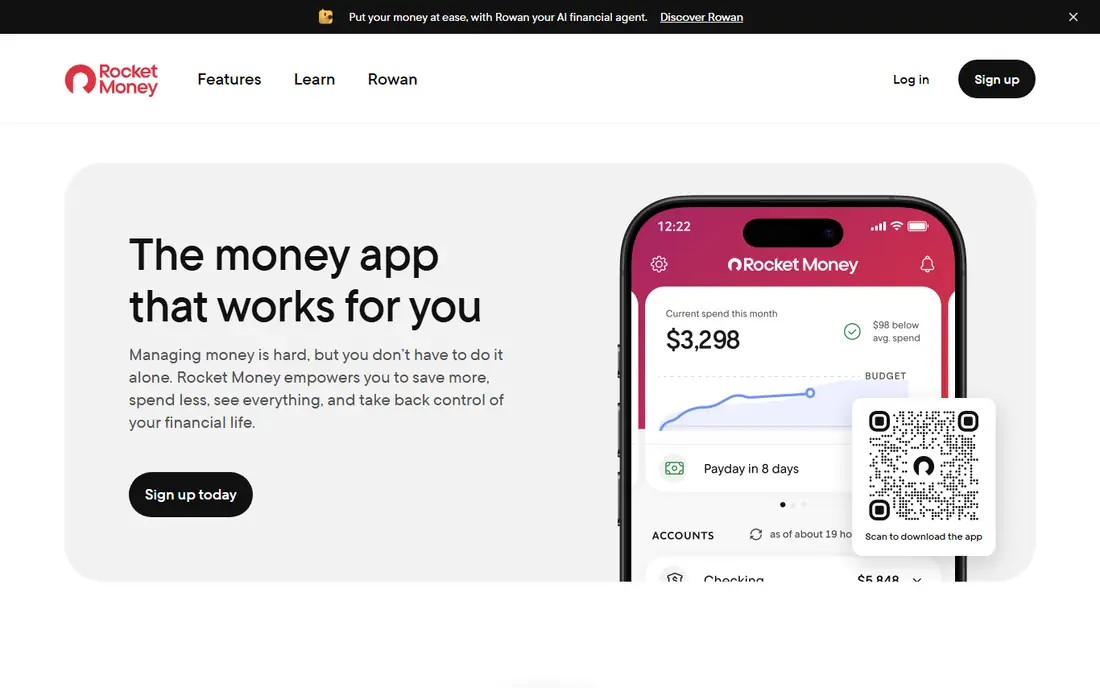
Rocket Money is the category's default. Connect your accounts and it builds the list of everything recurring in your financial life, including the trials that quietly converted. Free members see the list and can cancel things themselves with guidance; Premium hands the cancellation itself to Rocket Money's team for the services it covers.
The trade off is paying for the cure in the currency of the disease. Premium pays for itself only while it is finding and killing more than $7 to $14 a month of waste, and the negotiation fee means a $240 yearly saving can cost you $84 to $144 once. Rocket Money fits people with scattered accounts and no appetite for an audit afternoon, who will cancel Premium itself once the cleanup is done.
What we like- Links accounts through Plaid and surfaces recurring charges automatically, with testers reporting several forgotten subscriptions found in the first days
- Premium adds done for you cancellation, and you pick the price between $7 and $14 a month
- Bill negotiation for cable, internet, phone, and similar bills, charged only on success
- The former Truebill, owned by Rocket Companies, with more than 10 million users
Watch out for- Cancelling for you sits behind Premium, itself a subscription to remember
- Negotiation takes 35 to 60 percent of the first year's savings, and from November 2026 it moves to a Premium Plus plan at $15 a month plus tax with no success fee
- Full value requires linking your bank accounts, a real privacy decision
Starting priceFree
Free planYes
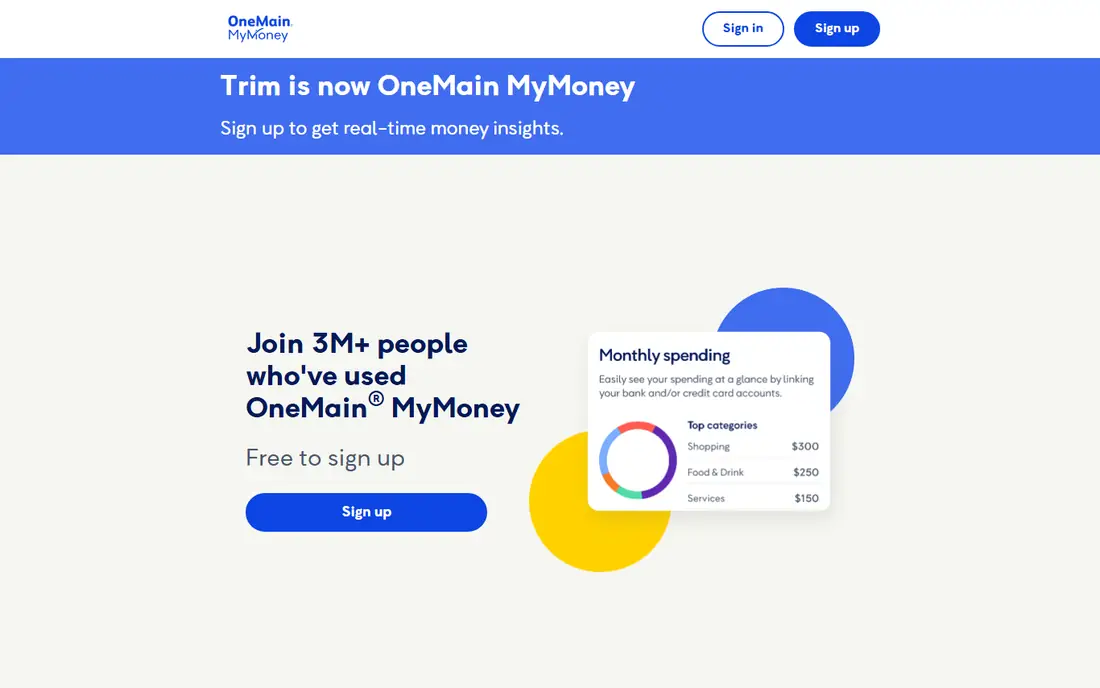
MyMoney is what Trim became after OneMain Financial acquired it, and its pricing only makes sense through that lens: the tools are a loyalty benefit for the lender's customers. If you hold a OneMain loan or a Brightway card, you get the full Trim inheritance, cancellation and negotiation included, at no charge and no savings cut, which is the best deal in this guide.
The trade off is the door. Non customers receive a competent free tracker and a list of phone numbers. OneMain MyMoney fits existing OneMain and Brightway customers first, and everyone else only as a free tracking app among several.
What we like- Subscription tracking, alerts, and budgeting are free for everyone
- Done for you cancellation and bill negotiation are included free for OneMain loan customers and Brightway card holders
- This is the service that began as Trim, an early pioneer of bill negotiation
- No percentage of savings is taken from those eligible customers
Watch out for- The best features are gated by being an OneMain or Brightway customer
- Everyone else gets tracking and instructions, and cancels by hand
- Tied to a lender's ecosystem, which is the business model to understand before joining for the perks
Starting priceSee website
Free planYes
PocketGuard's angle is prevention. Its In My Pocket figure shows what remains after bills and subscriptions, so the cost of every recurring charge is visible in the one number you check daily. Finding and cancelling happens inside that flow: spot the charge, get the cancellation route, remove it, watch the number recover.
The trade off is that PocketGuard watches and warns rather than acts. Nobody phones the cable company for you here. PocketGuard fits people whose subscription problem is really a budgeting problem, who want the recurring layer visible every day rather than cleaned once a year.
What we like- Built around what is safe to spend, with subscriptions listed and flagged inside the budget
- Linked accounts surface recurring charges automatically
- A free tier covers the basics, with premium adding detail
- Renewal dates sit beside your balance, where they change behaviour
Watch out for- A budgeting app first, so cancellation help is guidance rather than a done for you service
- Current premium pricing was not stated in our sources, so check the site
- Deep features need the paid tier
#4Monarch
Best for: Household budgets with renewal tracking4.7/5 on
G2 (3 reviews, checked Oct 2026)
Visit monarchmoney.com
Starting price$99.99 per year
Free planNo
Monarch is the grown up budgeting platform many households moved to, and its subscription value is organisational: every recurring charge visible across every account, in a budget both partners actually look at. A charge both people see rarely survives by being forgotten, which is how most zombie subscriptions live.
The trade off is scope and price. At about $100 a year with no cancellation service, Monarch earns its money as your household finance home, not as a subscription killer. Monarch fits couples and families consolidating their whole money view, where subscription control arrives as a side effect of seeing everything.
What we like- A complete household finance dashboard where subscriptions and renewals sit in full context
- Shared access for partners with a single financial picture
- Strong account aggregation and transaction review for spotting recurring charges
- From $99.99 a year for the Core plan
Watch out for- No free plan
- It does not cancel subscriptions for you
- Priced as a budgeting platform, so it is poor value if subscriptions are your only problem
Starting priceSee website
Free planNo
Copilot wins design awards in its head, and its users' heads too: it is the money app people describe as pleasant. For subscription control, the benefit is review speed: recurring charges are grouped, dated, and priced, so a monthly five minute check in Copilot replaces the annual statement archaeology.
The trade off is platform and passivity. It will not cancel anything for you, and it will not run on Android at all. Copilot fits Apple households who want one elegant place to watch their money, subscriptions included, and who are happy to do their own cancelling armed with a clear list.
What we like- A beautifully made money tracker for iPhone and Mac, with recurring charges surfaced clearly
- Transaction review is fast, which makes finding forgotten subscriptions easy
- Budgeting, investments, and spending in one calm interface
- A loyal user base that rates the experience highly
Watch out for- Apple platforms only, so Android users are excluded
- No free plan, and current pricing was not stated in our sources
- Like Monarch, it shows you the subscriptions rather than cancelling them
Starting priceFree
Free planYes
Bobby is the notebook answer. You type in your subscriptions once, and Bobby watches the calendar for you, reminding you before each renewal so you can cancel in time, on the service's own site, for free. No Plaid, no credentials, no data sharing; the privacy cost of the automated apps is simply absent.
The trade off is discovery. Bobby cannot find the charge you forgot, because forgetting is exactly what manual entry cannot fix. Bobby fits privacy minded people with a known, countable set of subscriptions who want renewal warnings without handing over bank access.
What we like- Track subscriptions manually, with no bank connection and nothing sensitive shared
- Clear renewal reminders before charges land
- A clean, simple interface that does one job
- A free tier covers a starter list, with a modest premium for more
Watch out for- Manual means manual: a subscription you never enter is never tracked
- No discovery across accounts and no cancellation service
- Best for a short list, not a household's whole recurring life
Starting priceFree
Free planYes
RecurStop sells the contrast with Rocket Money directly: same problem, opposite method. Your subscriptions live in a private register you control, trial end dates get countdowns, and the paid tier can be bought once for life, a pointed offer in a category about escaping recurring charges. Its free tier never expires on the first five subscriptions.
The trade off is effort and trust in a small company. You build the list yourself, and you rely on a young product to keep reminding you. RecurStop fits people who refuse bank linking on principle and want trial alerts badly enough to keep a tidy register.
What we like- No bank login required
- Subscriptions are tracked without account aggregation
- A free tier covers 5 subscriptions forever, with a lifetime purchase option around $79 instead of another subscription
- Free trial countdown alerts target the trial that converts, the classic zombie charge
- States plainly that it does not sell data
Watch out for- Manual tracking carries the same discovery limit as Bobby
- No cancellation or negotiation service
- A smaller, newer product than the giants
Starting priceFree
Free planYes
TrackMySubs is the spreadsheet, perfected. List what you pay for, what it costs, and when it renews, and it emails you before the money leaves. Small businesses use it for software renewals; households can borrow the same discipline for streaming, apps, and memberships, free at the entry level.
The trade off is that a register is only as good as its keeper. TrackMySubs fits organised people, freelancers, and small teams who want renewal dates in one searchable place and trust themselves to maintain it.
What we like- A web based subscription register with renewal alerts by email
- A free tier for a starter set of subscriptions, with paid tiers for more
- Originally built for businesses tracking software renewals, which makes it strong on dates and costs
- No bank connection involved
Watch out for- Business roots show in the design, which is functional rather than friendly
- No discovery and no cancellation help
- Alert quality depends on you entering data accurately
How we chose
We split the category by charging model, because that is the honest difference: services that charge a subscription, services that take a cut of savings, free services tied to another business, and free or one time manual trackers. Prices and fee percentages come from October 2026 reviews and the services' own pages; where current pricing was not stated in sources, we wrote See website. We favoured tools that state their fees in public, and we have applied the same standard to this guide's advice: the free manual audit below beats every app here for a simple subscription life.
How to cancel subscriptions yourself, free, in 30 minutes
Before paying anyone, run the audit these apps automate. Open your banking and card apps and search the last three months for recurring names; check the subscription pages in your Apple and Google accounts, where app subscriptions hide; and scan your email for renewal receipts. List everything with its price and renewal date in your phone's notes. Most households find two or three charges they no longer use in the first pass.
Then cancel at the source. Subscriptions bought through an app store cancel in that store's subscription list; subscriptions bought on a website cancel in your account there; and the stubborn remainder, gyms and telecoms, cancel by the phone call the services would have made for you. Note the pattern for the future: a manual tracker like Bobby or RecurStop, fed by this one audit, plus a calendar reminder before each annual renewal, reproduces most of what the paid apps do, at no monthly cost. Pay for Rocket Money Premium, or accept a negotiation cut, only for the specific jobs you cannot face: dozens of scattered accounts, or a cable bill negotiation you would never attempt yourself.
Frequently asked questions
Is Rocket Money worth paying for?
It depends on what it finds. Premium at $7 to $14 a month, a price you set, pays for itself only if the subscriptions it cancels and the habits it builds save more than that, which is true in the first month for most messy accounts and false by the fourth for a cleaned one. The sensible pattern is to use the free tier to find everything, pay for one month of Premium if you want the cancelling done for you, then cancel Premium too.
How does bill negotiation pricing work?
At Rocket Money, until its model changes in November 2026, you pay a one time fee of 35 to 60 percent of the first year's savings, and you pick the percentage; no saving, no fee. A $20 a month reduction is $240 over a year, so the fee is $84 to $144. From November 2026, negotiation sits in a Premium Plus plan at $15 a month plus tax with no success fee, which only pays off if it lowers your bills by more than about $180 a year.
Can these apps cancel any subscription?
No. Done for you cancellation covers the services each company supports, typically the big streamers, telecoms, and memberships, and even Rocket Money hands some cancellations back to you with instructions. Gym contracts, local services, and anything with a term contract and early exit clause need your own call. Any service claiming it can cancel everything is overstating, and your app store subscriptions are always faster to cancel yourself in the store's list.
Is it safe to link my bank account to these apps?
The major services connect through Plaid with read only access and bank level encryption, and Rocket Money is owned by a public company, Rocket Companies. Read only means the connection can view transactions but cannot move money. The residual risk is data concentration: your full transaction history sits with one more company, under its privacy policy. If that trade bothers you, the manual trackers in this guide, Bobby, RecurStop, and TrackMySubs, need no connection at all.
Why pay for an app to cancel what I can cancel free?
Convenience and discovery are the only honest reasons, and sometimes they are enough. Discovery matters when charges hide across five accounts and two app stores; convenience matters when a cancellation means a retention phone call you will postpone for a year. What you should never pay for is the belief that these companies have special cancellation powers. They have lists, reminders, and patience, all of which this guide has just handed you for free.
Sources we checked (0)
Is your product missing or out of date?
We review this list regularly. Vendors can request a listing, send updated pricing or ask about featured placement.

Shihab Mia · Founder, Rankite
Shihab has 5+ years in B2B and SaaS SEO. He writes Rankite's software buying guides from pricing pages, documentation and public user reviews. More about Shihab.