How we make this list: we compare pricing pages, product documentation and public user reviews. Ratings come from G2, Capterra or Trustpilot, with the date we checked them.
Key takeaways
- Stellarium is the best free starting point for most stargazers, with a large star catalog, realistic sky views, and offline use once data is downloaded.
- Sky Tonight suits beginners who want to know what is visible tonight, while SkySafari suits telescope owners who need a deeper catalog and telescope control.
- Star Walk 2 and Night Sky offer the most polished visual introductions, especially for families and first-time observers.
- No single app covers everything well, so pair a sky map with a satellite tracker or a clear-sky forecast app for a complete night out.
Quick comparison
| Tool | Best for | Starting price | Free plan |
|---|
 Stellarium Stellarium | Free all-round sky map | Free | Yes |
 Sky Tonight Sky Tonight | Planning what to see tonight | Free | Yes |
 Star Walk 2 Star Walk 2 | Visual beginner stargazing | Free | Yes |
 SkySafari SkySafari | Telescope owners and deep catalogs | See website | Yes |
 Night Sky Night Sky | Polished Apple ecosystem views | See website | Yes |
 Sky Guide Sky Guide | Clean iPhone stargazing | See website | Yes |
 Star Chart Star Chart | Simple free cross-platform map | Free | Yes |
 ISS Detector ISS Detector | Satellite and ISS passes | Free | Yes |
Is your product missing or out of date?
We review this list regularly. Vendors can request a listing, send updated pricing or ask about featured placement.
The best star apps for stargazing and astronomy
Starting priceFree
Free planYes
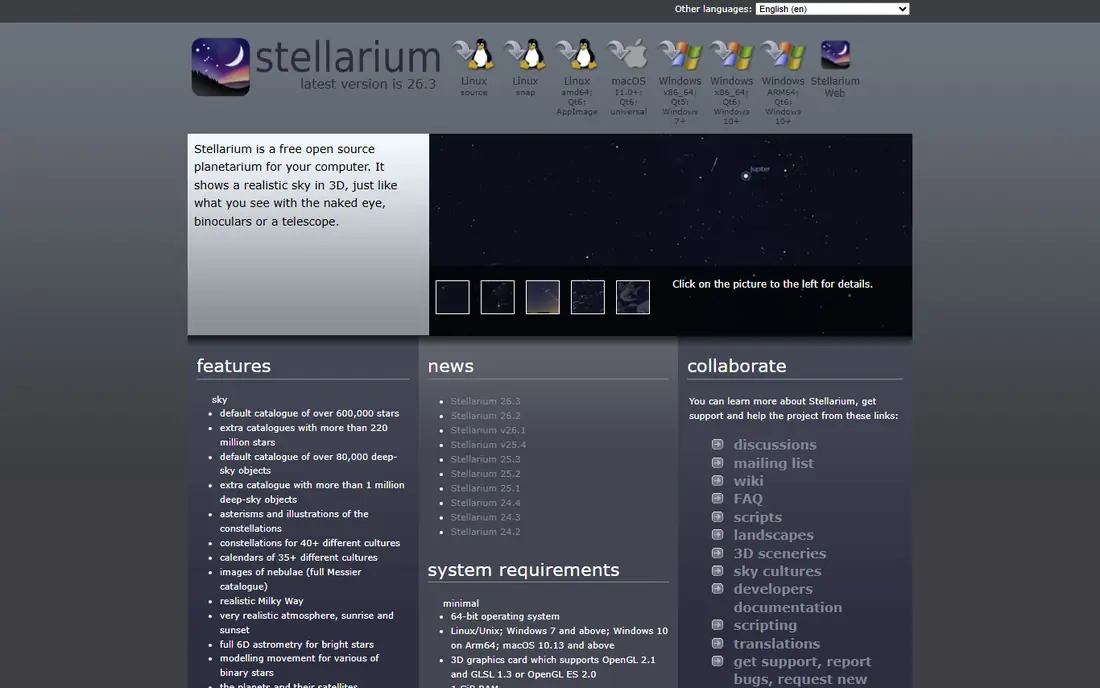
Stellarium turns a phone or computer into a planetarium, showing stars, planets, constellations, and deep-sky objects for your location and time. The desktop version is free and highly detailed, with catalogs covering hundreds of thousands of stars by default and far more with added catalogs. Mobile versions keep the same core idea in a pocket-sized form.
The depth that makes Stellarium powerful can also make it busy at first, especially when labels, grids, and atmosphere controls are all turned on. Start with the basic sky view and night mode, then add catalogs as your interest grows. For a free, accurate, all-round app, Stellarium is the first install for most stargazers.
What we like- Large star and deep-sky catalogs
- Realistic atmosphere and Milky Way
- Works offline after download
Watch out for- Interface can feel dense for first-time users
- Advanced catalogs are paid on mobile
Starting priceFree
Free planYes
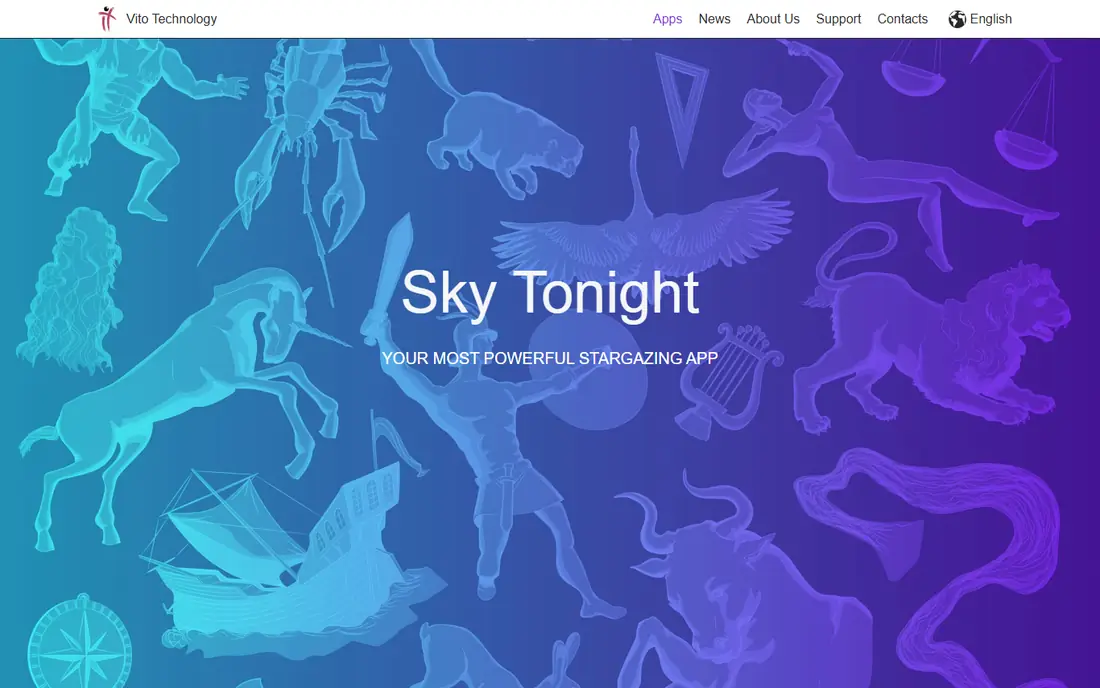
Sky Tonight answers the question every beginner asks: what should I look at tonight. Its main view highlights visible planets, bright stars, and events, with a calendar for meteor showers, conjunctions, and Moon phases. That planning focus makes it easier to choose a target before you step outside.
Sky Tonight is less suited to advanced telescope control or very deep catalog work, where SkySafari has more tools. Paid upgrades add features, but the free version already covers the core job of finding and identifying objects. Choose Sky Tonight if you want a simple plan for the evening rather than a full observatory database.
What we like- Clear tonight view
- Event calendar
- Friendly for beginners
Watch out for- Smaller telescope toolset than SkySafari
- Some features need a paid upgrade
Starting priceFree
Free planYes
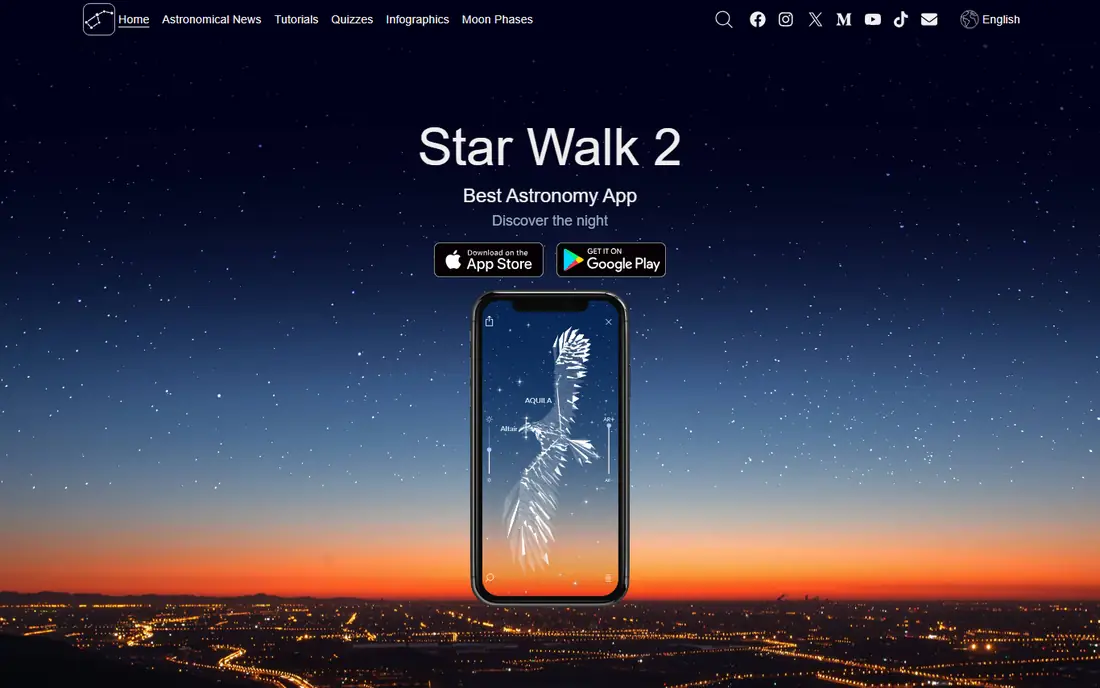
Star Walk 2 is built for wonder first. Point your phone at the sky and it labels stars, planets, and constellations in augmented reality, with artwork that helps you see constellation shapes. It is easy to hand to a child or a first-time observer, and it explains what you are seeing without jargon.
The free version includes ads, and removing them plus opening extra features costs extra, with a small one-time or subscription option depending on platform. Star Walk 2 will not replace a telescope planning tool, but as a first app for a family night or a casual sky watch, it is one of the most enjoyable options here.
What we like- Beautiful AR sky view
- Constellation art
- Easy point-and-identify mode
Watch out for- Free version includes ads
- Some content and features need a paid upgrade
Starting priceSee website
Free planYes
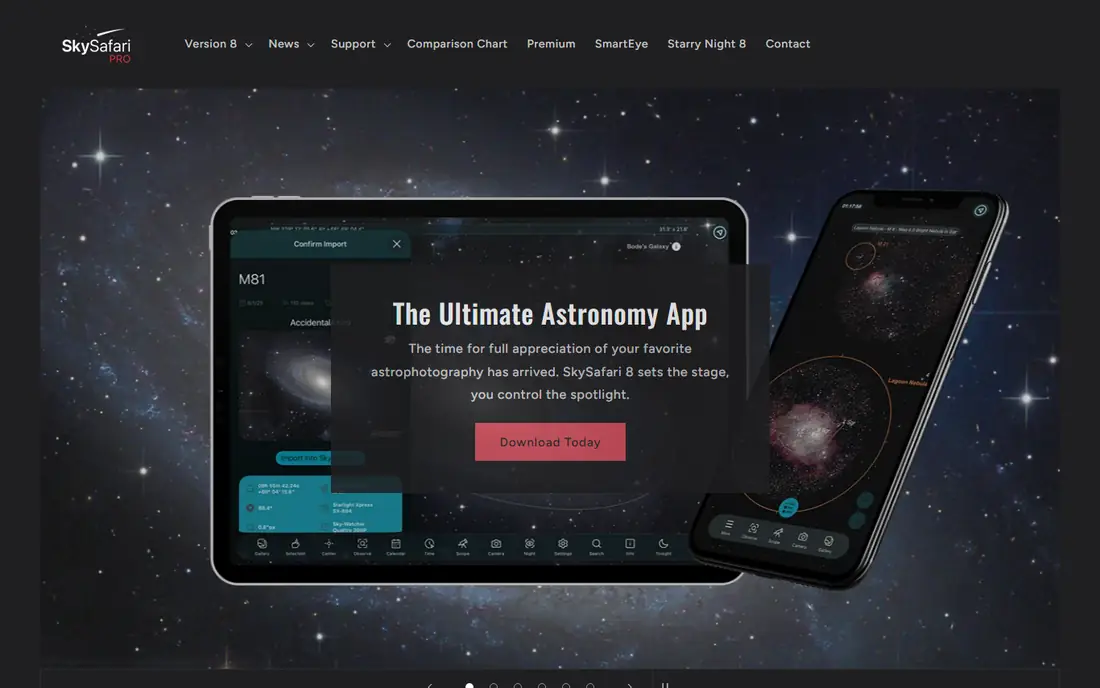
SkySafari is the serious observer choice in this list. Its database covers millions of stars and a vast range of deep-sky objects, with detailed information on planets, moons, and events. Telescope owners can use it to control compatible GoTo mounts, plan observing lists, and simulate eyepiece views before a session.
That power comes with complexity and cost. The basic version is a good start, but the most complete catalogs and telescope features sit in paid tiers. Beginners may find the interface busy compared with Star Walk 2 or Sky Tonight. If you own a telescope or plan to buy one, SkySafari is worth learning.
What we like- Very large object database
- Telescope control
- Detailed event and moon data
Watch out for- Full Pro features cost more
- Interface has a learning curve
Starting priceSee website
Free planYes
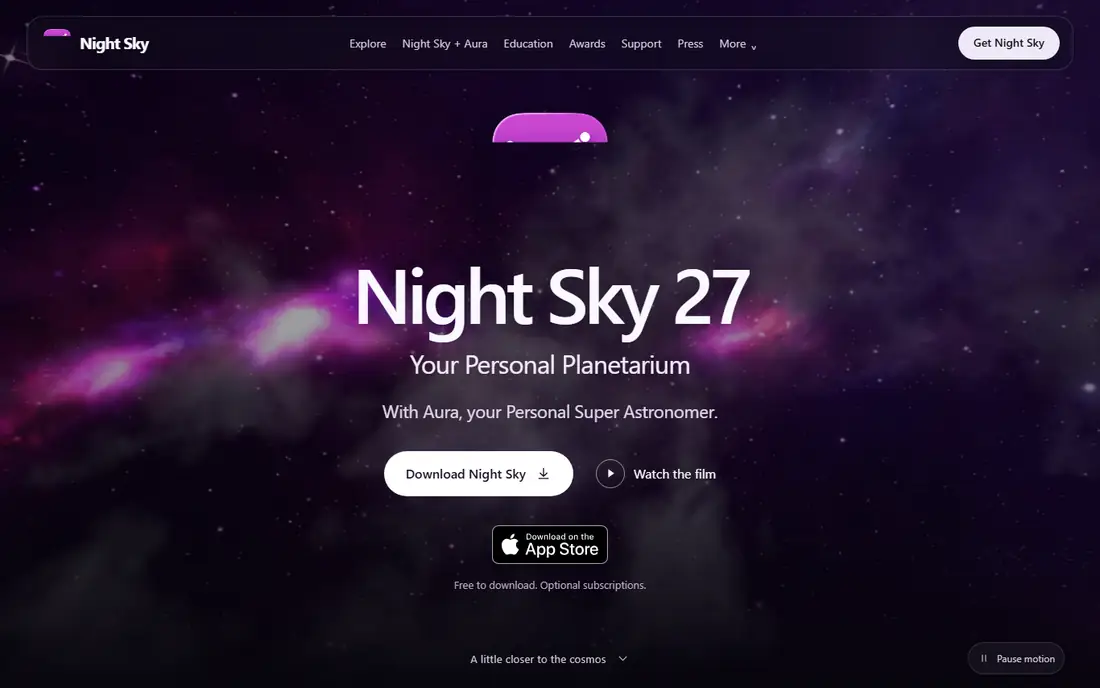
Night Sky offers a polished, Apple-first experience for identifying stars, planets, and satellites. It works across iPhone, iPad, and Apple Watch, with AR views that label the sky as you move your phone. The design is calm and readable, which helps in dark conditions when bright screens can hurt night vision.
Android users should look elsewhere, since Night Sky is built for Apple devices. Some advanced features also need a paid plan, though basic identification is available without paying. For Apple owners who want a clean, family-friendly sky app, Night Sky is a strong pick.
What we like- Clean design on iPhone, iPad, and Apple Watch
- AR identification
- Good for families
Watch out for- Apple-focused
- Some features need a subscription
Starting priceSee website
Free planYes
Sky Guide focuses on doing one thing well: showing you the sky above you with clear labels and smooth tracking. Its interface is less crowded than larger planetarium apps, which makes it easy to use outdoors in the dark. Night mode helps preserve your dark adaptation, a detail that matters on a real observing night.
Sky Guide is Apple-only, and it does not offer the deep catalog or telescope control of SkySafari. That is a fair trade for many casual observers, who want identification without menus to learn. If you use an iPhone and want a calm, reliable sky map, Sky Guide fits well.
What we like- Simple, elegant interface
- Accurate sky tracking
- Good night mode
Watch out for- IPhone and iPad only
- Smaller feature set than SkySafari
Starting priceFree
Free planYes
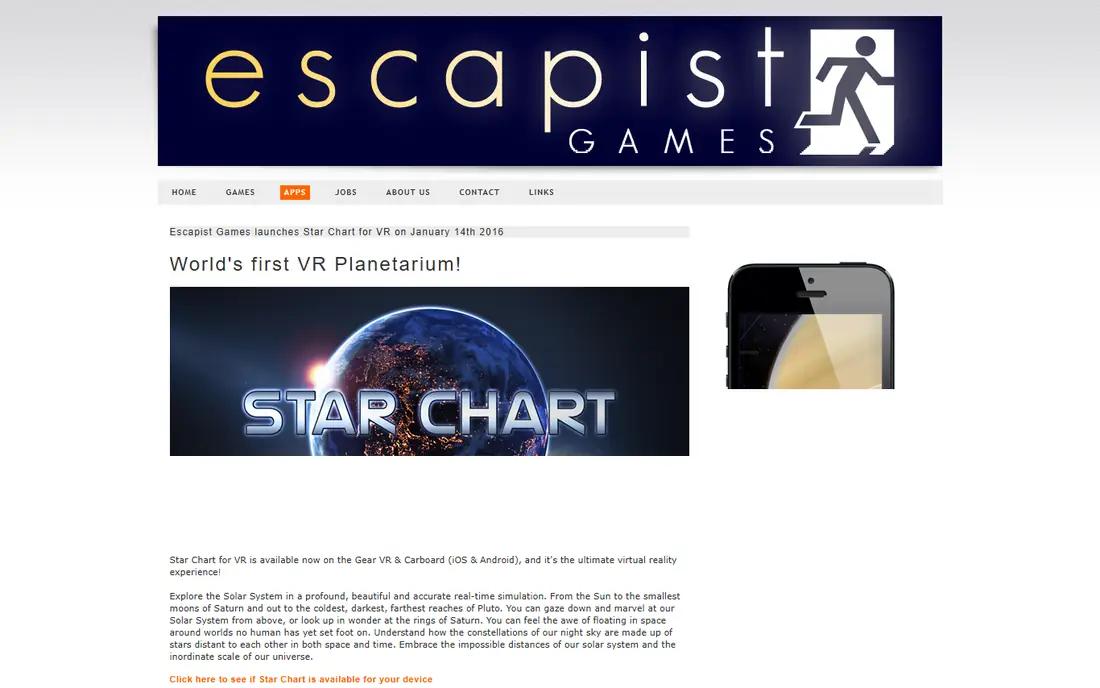
Star Chart is a straightforward sky map that uses your location to show stars, planets, and constellations overhead. You can point your phone at the sky, search for an object, or explore the sky at a different time. Its simplicity is an advantage for schools, families, and anyone who wants a quick answer without extra features.
The catalog and graphics are more basic than Stellarium or SkySafari, and it lacks advanced planning tools. Star Chart is best as a free second app or as a first app for a child, rather than as a sole tool for serious observing. Its cross-platform availability makes it easy to recommend to any phone owner.
What we like- Free and simple
- Works on Android and iPhone
- GPS-based sky view
Watch out for- Less detailed than Stellarium or SkySafari
- Visual style is more basic
Starting priceFree
Free planYes
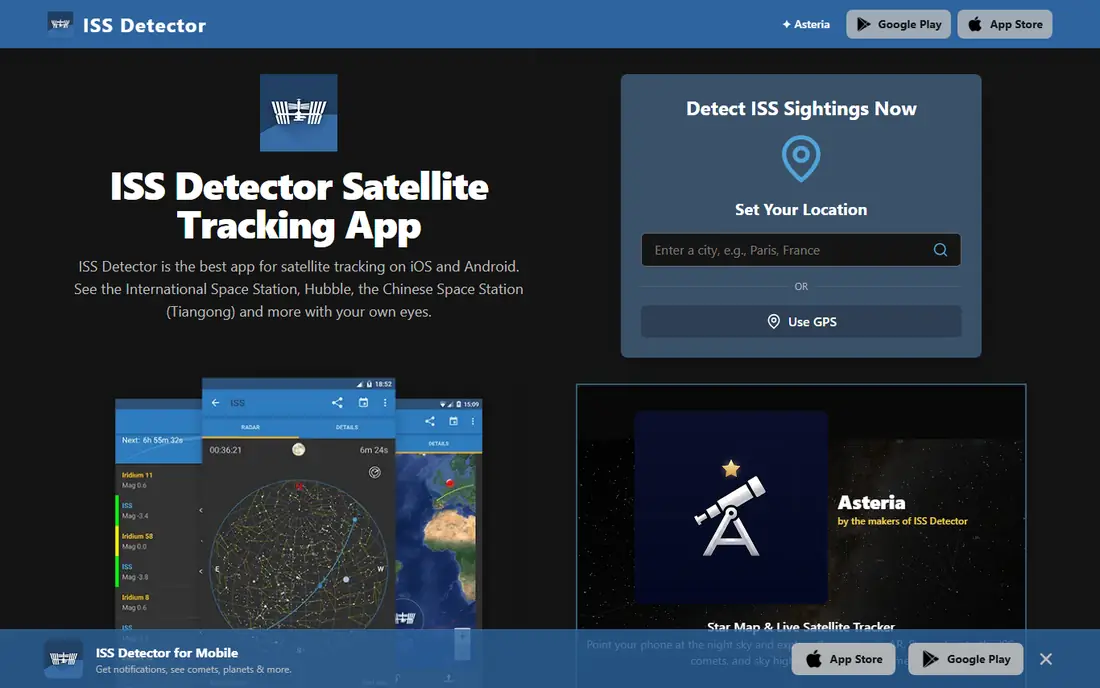
ISS Detector does not try to map the whole sky. It tells you when the International Space Station and other satellites will pass overhead, with alerts, pass times, and viewing directions. That makes it a perfect companion to a sky map app, since a bright satellite pass is often the most exciting thing to see on a given night.
Some satellite groups and extra features require a paid add-on, but core ISS alerts are free. ISS Detector will not help you identify constellations on its own, so pair it with Stellarium or Sky Tonight. For anyone who wants to catch the station gliding across the sky, it is the simplest tool here.
What we like- Alerts for ISS and satellite passes
- Simple pass predictions
- Useful beside a sky map
Watch out for- Specialist app, not a full sky map
- Some satellite features need a paid add-on
How we chose
We reviewed vendor pages, app store listings, and current astronomy guides, and we favored apps that are still maintained and available on Android, iPhone, or both in 2026. We included free planetarium apps, beginner visual apps, telescope tools, and a satellite specialist, because stargazing covers all of those jobs. We also weighed night mode, offline use, catalog depth, and platform limits, since a great Android app does not help an iPhone owner.
Getting the most from a night out
A sky app works best when you give your eyes time to adapt. Use night mode, turn screen brightness down, and avoid white light for at least 15 minutes before you look for faint objects. A red filter or night mode setting helps, but even a dim screen is better than a bright one in a dark field.
Pair a map with a forecast
Clear skies matter more than app choice. Check a clear-sky forecast before you drive to a dark site, and pair your sky map with ISS Detector for satellite passes. That combination covers identification, planning, and timing, which are the three questions most observers ask on a night out.
Start with bright targets
Begin with the Moon, bright planets such as Jupiter and Venus, and easy constellations such as Orion or the Big Dipper. These targets are forgiving, they look good even in light-polluted skies, and they build confidence before you hunt for faint galaxies or nebulae. Use the app search to find rise and set times, then plan your session around them.
Phone sensors and accuracy
Phone compass sensors can drift, especially near metal or magnets, so calibrate your phone if labels seem offset. If an object does not match the screen, move a few steps away from cars and fences, then try again. A small error is normal, and bright targets will still be easy to confirm by eye.
Frequently asked questions
What is the best free stargazing app?
Stellarium is the best free all-round choice, with a large catalog, realistic sky views, and offline use after download. Sky Tonight is a strong free alternative if you want a simpler tonight-focused plan, and Star Chart is a good free option for basic identification.
Do stargazing apps work without internet?
Many do, once sky data is downloaded. Stellarium works offline after setup, which helps at dark sites with no signal. Apps that rely on live satellite data or weather forecasts will need a connection for those specific features.
Can I use a stargazing app with a telescope?
Yes, especially with SkySafari, which offers telescope control for compatible mounts and detailed observing lists. Other apps help you find targets by eye, then you can point the telescope manually or use a separate mount app for GoTo control.
Why do labels sometimes point to the wrong star?
Phone compass and motion sensors can be inaccurate near metal, magnets, or inside a car. Move away from interference, calibrate the compass if your phone offers that option, and use bright stars or planets to confirm your position.
Is night mode really important?
Yes. Bright white screens reduce your dark adaptation, which makes faint stars and the Milky Way harder to see. Use night mode, lower brightness, and avoid checking other apps during a session if you want the best view.
Which app is best for children?
Star Walk 2 and Night Sky are the most visual and friendly for children, with artwork and simple AR views. Star Chart is also a good free choice for schools, since it is simple, cross-platform, and easy to explain.
Sources we checked (8)
- https://www.stellarium.org
- https://vitotechnology.com/apps/sky-tonight
- https://www.starwalk.space
- https://www.skysafariastronomy.com
- https://www.nightsky.com
- https://www.fifthstarlabs.com
- https://www.escapistgames.com/apps.html
- https://www.issdetector.com
Is your product missing or out of date?
We review this list regularly. Vendors can request a listing, send updated pricing or ask about featured placement.

Shihab Mia · Founder, Rankite
Shihab has 5+ years in B2B and SaaS SEO. He writes Rankite's software buying guides from pricing pages, documentation and public user reviews. More about Shihab.